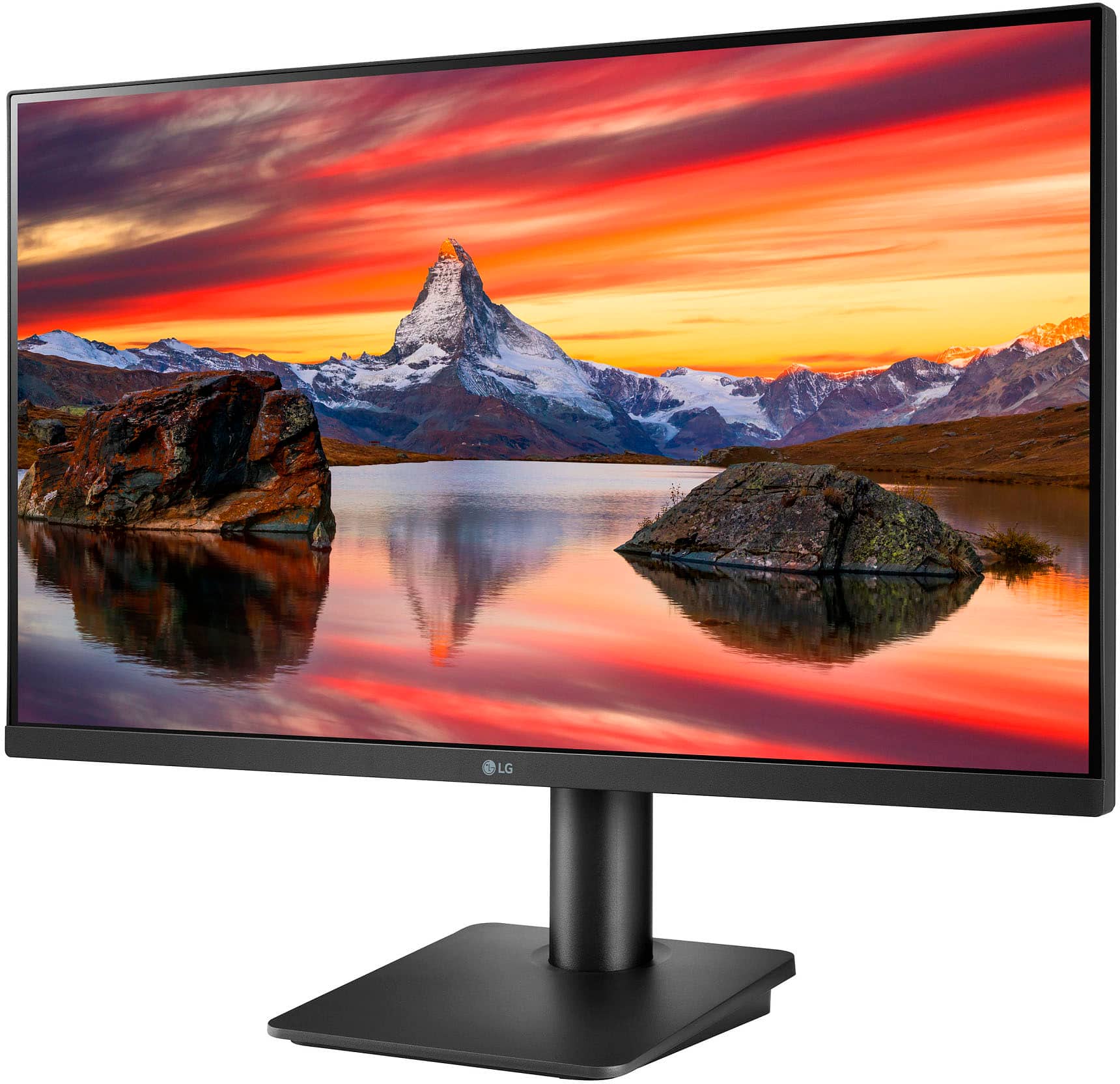
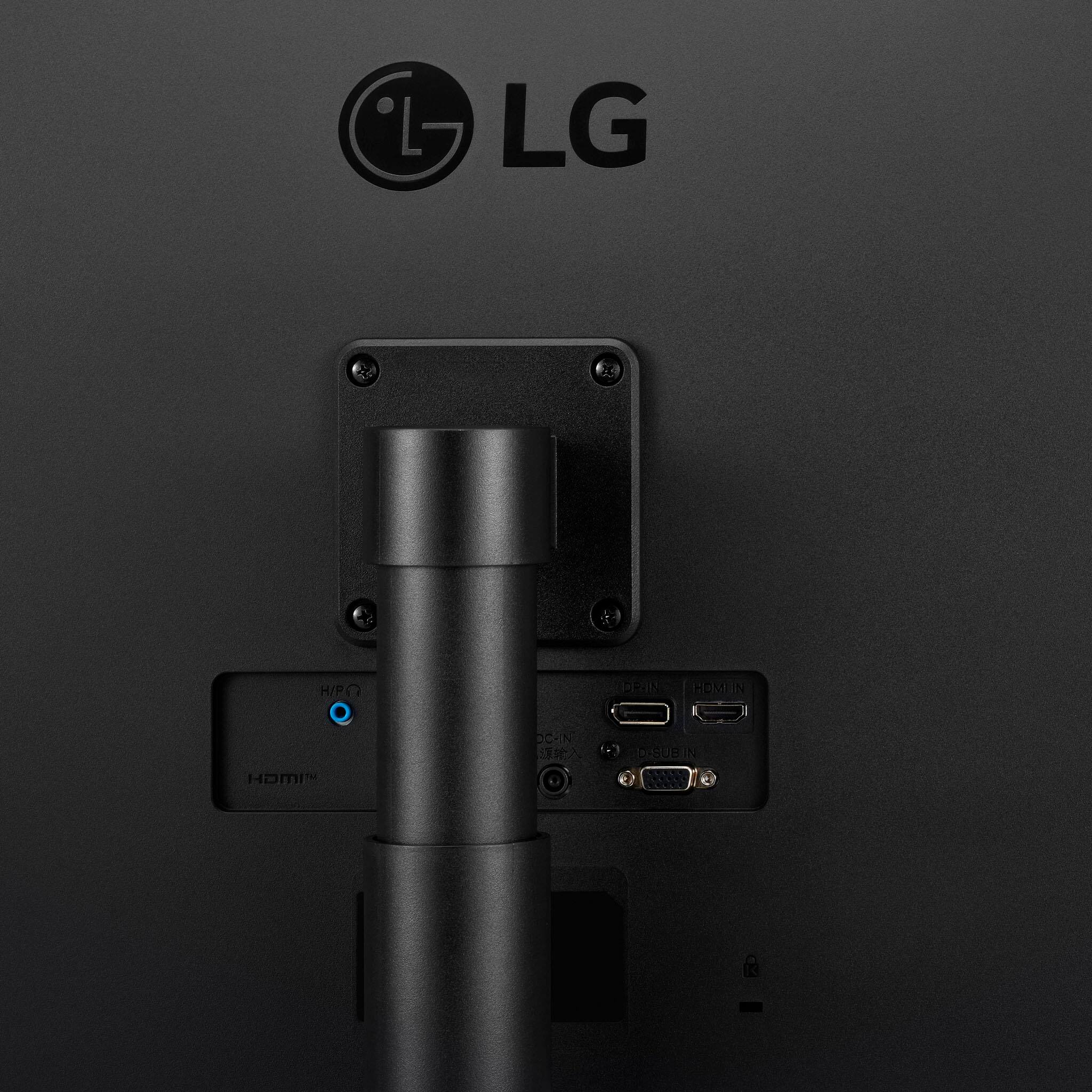
A:AnswerThank you for your interest in the LG Monitor. The HP Envy All-in-One computer does not have an HDMI input port. Instead, its HDMI port is only for output, allowing you to use it as a display for another device. Unfortunately, this means you cannot connect your LG 27MQ44B-B monitor to the HP Envy via HDMI. You can download its owner's manual through this link for more information: https://www.lg.com/us/support/product/lg-27MQ44B-B.AUS. If problem persist, please reach out to us on social media @LGUSSupport so we can help you further. ^Cris
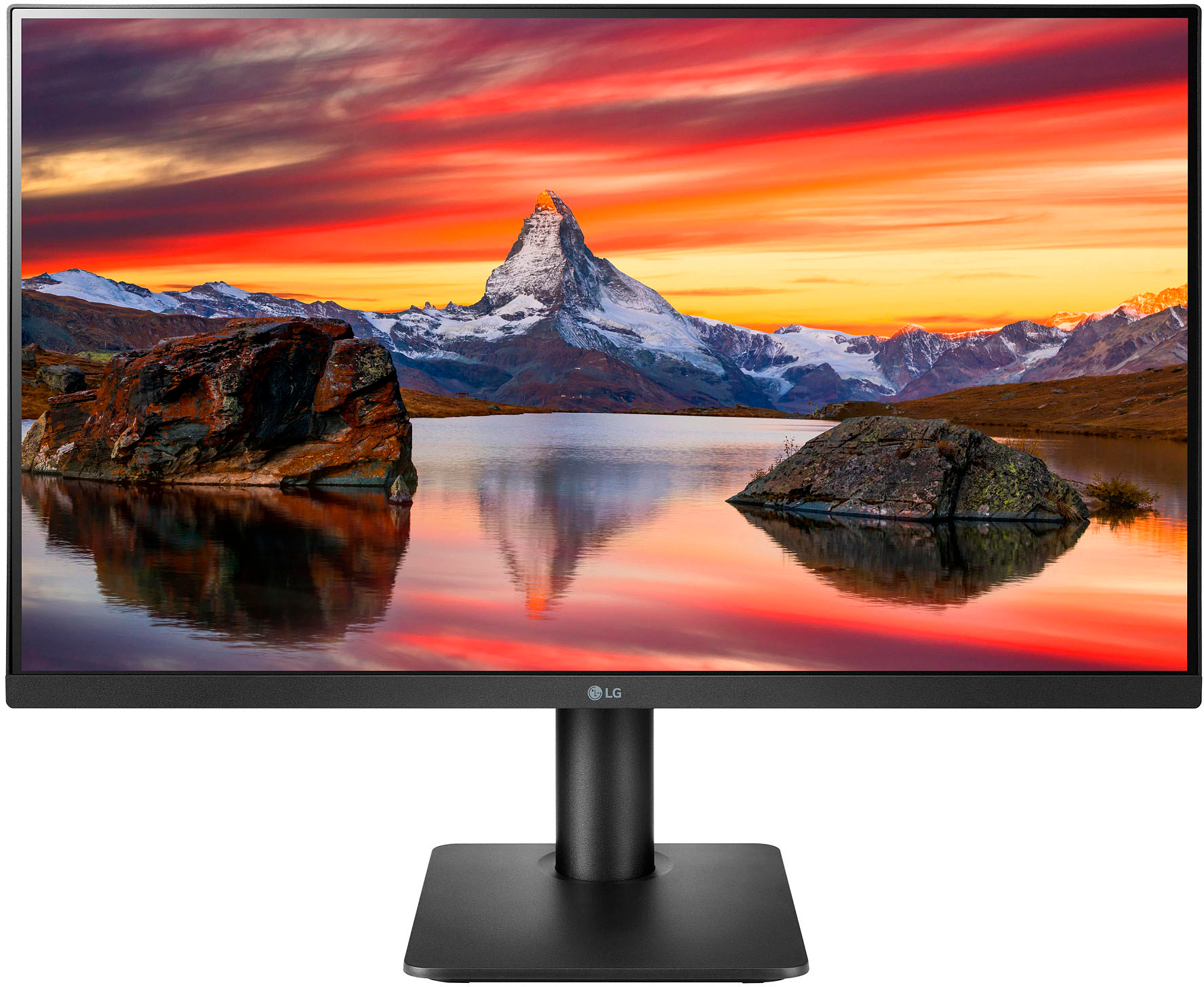
A:AnswerHi, there. To be able to turn on the monitor with the connected Mac Mini, make sure that your external display's power cable and video cable are connected securely and correctly at both ends. To learn more about the proper connectivity of an LG monitor to an Apple Mac, kindly visit this link: https://www.lg.com/us/support/help-library/monitor-connecting-to-a-mac-CT10000030-20150911473158. `Al
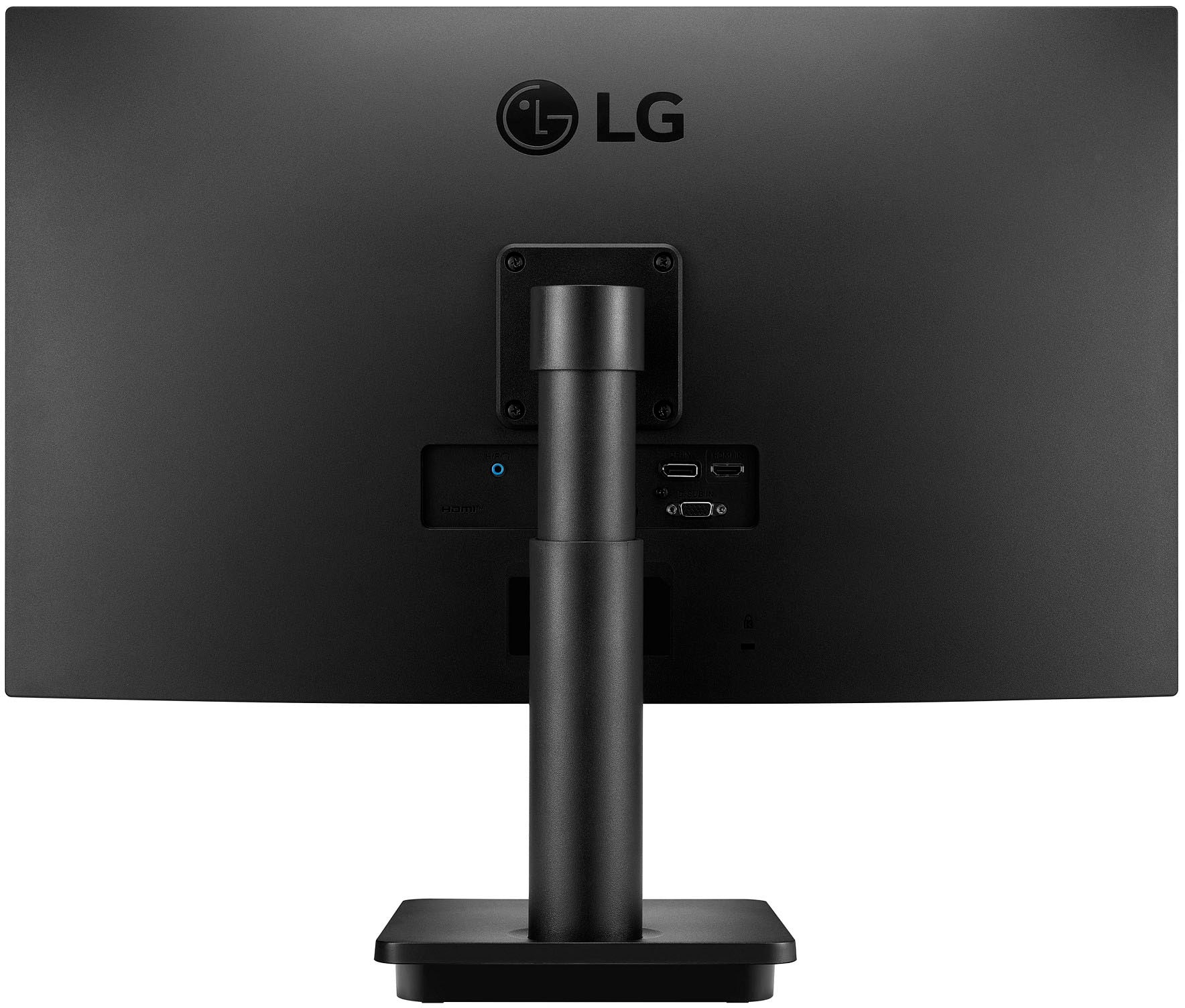
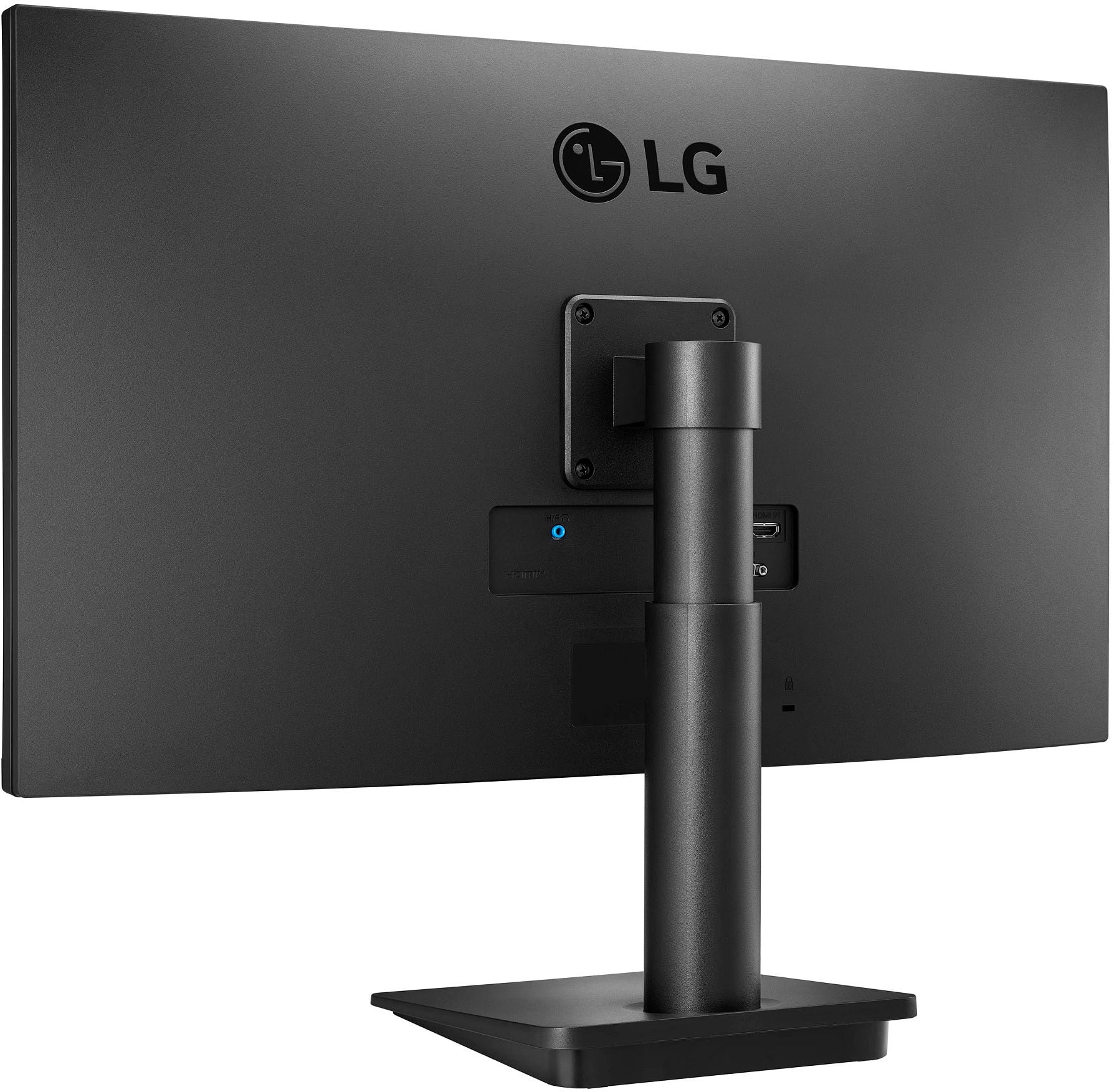
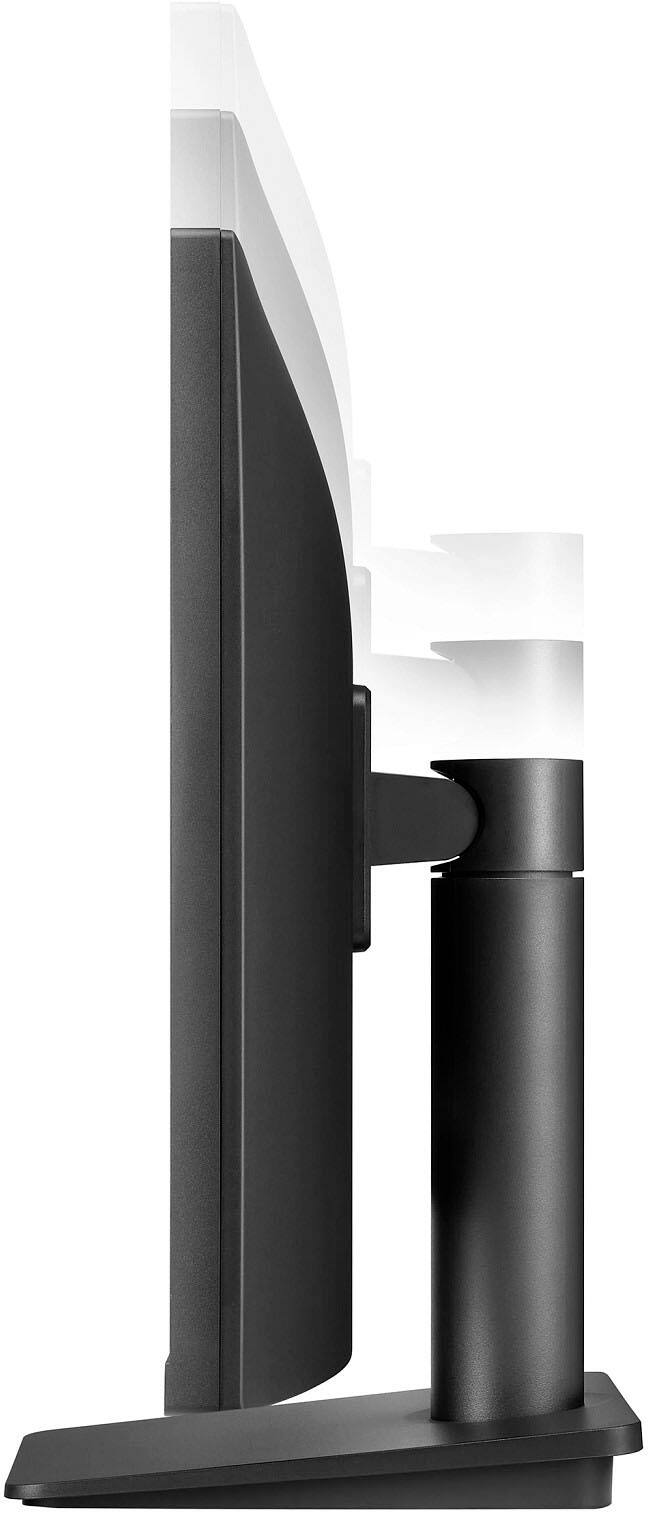
A:AnswerThank you for your interest in the LG Monitor. The LG 27MQ44B-B monitor typically has screws located in the following areas:
Back Panel: There are screws on the back panel that secure the stand to the monitor. These are usually located at the bottom center of the back.
VESA Mounting Holes: If you plan to mount the monitor, there are four screws located in the VESA mounting pattern area on the back. These are typically positioned in a square or rectangular layout.
Internal Components: If you are looking to access internal components, there may be additional screws securing the casing. These are usually found around the edges of the back panel.
You can download its owner's manual through this link for more information: https://www.lg.com/us/support/product/lg-27MQ44B-B.AUS. For additional assistance, please reach out to us on social media @LGUSSupport so we can help you further. ^Cris
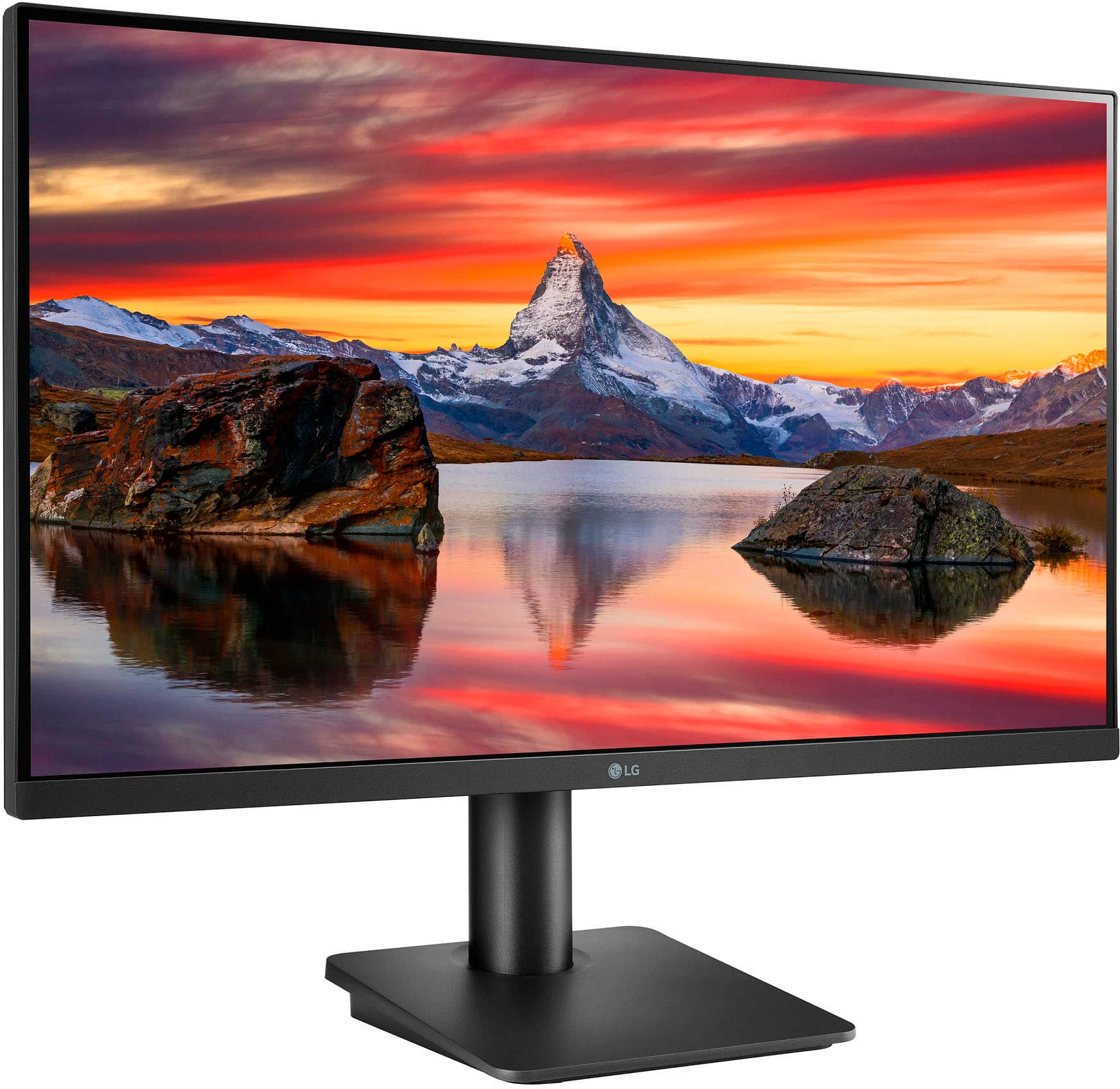
A:AnswerHello there! Thank you for your inquiry regarding the 27MQ44B-B monitor. We understand how important it is to have everything you need for a smooth setup. Yes, this monitor typically comes with the necessary screws and hardware needed for assembly, including those required to attach the stand to the monitor.
If you have any further questions or need assistance with the assembly process, please send us a private message on Social Media @LGUSSupport, and our team will be more than happy to help you. We appreciate your interest in our products! —Avril
A:AnswerHello there! Thank you for your question about the 27MQ44B-B monitor. We understand how important it is to have the correct DisplayPort for your setup. This model comes with a DisplayPort 1.4, which supports higher bandwidth and better performance than the 1.2 version you're looking for.
If you have any further questions or need assistance with your setup, please send us a private message on Social Media @LGUSSupport, and our team will be more than happy to assist you. We appreciate your interest in our products! —Avril
A:AnswerThere are small speakers for the little 'tone ditty' that plays when the monitor fires up or shuts down. It's pretty quiet however, even at max volume.