A:AnswerSounds like the TV is not configured properly. My LG tv is using HDMI ARC mode. Be sure the HDMI cable from the TV to the sound bar is plugged into the HDMI ARC connection. Mine has 3 HDMI ports and only one is labeled as HDMI ARC.
A:AnswerYou might want to double-check your Packaging. The screws definitely come with it. There are two tiny screws that came in the packaging with the manuals and remote. You'll find them in a little ziplock bag. That's if you didn't throw them out already.
A:AnswerHard to say for your case, but I had success with my newer LG OLED55BXPUA and the Xfinity XR15 remote. I followed the "Remote Setup" prompts after pressing "A" on the remote.
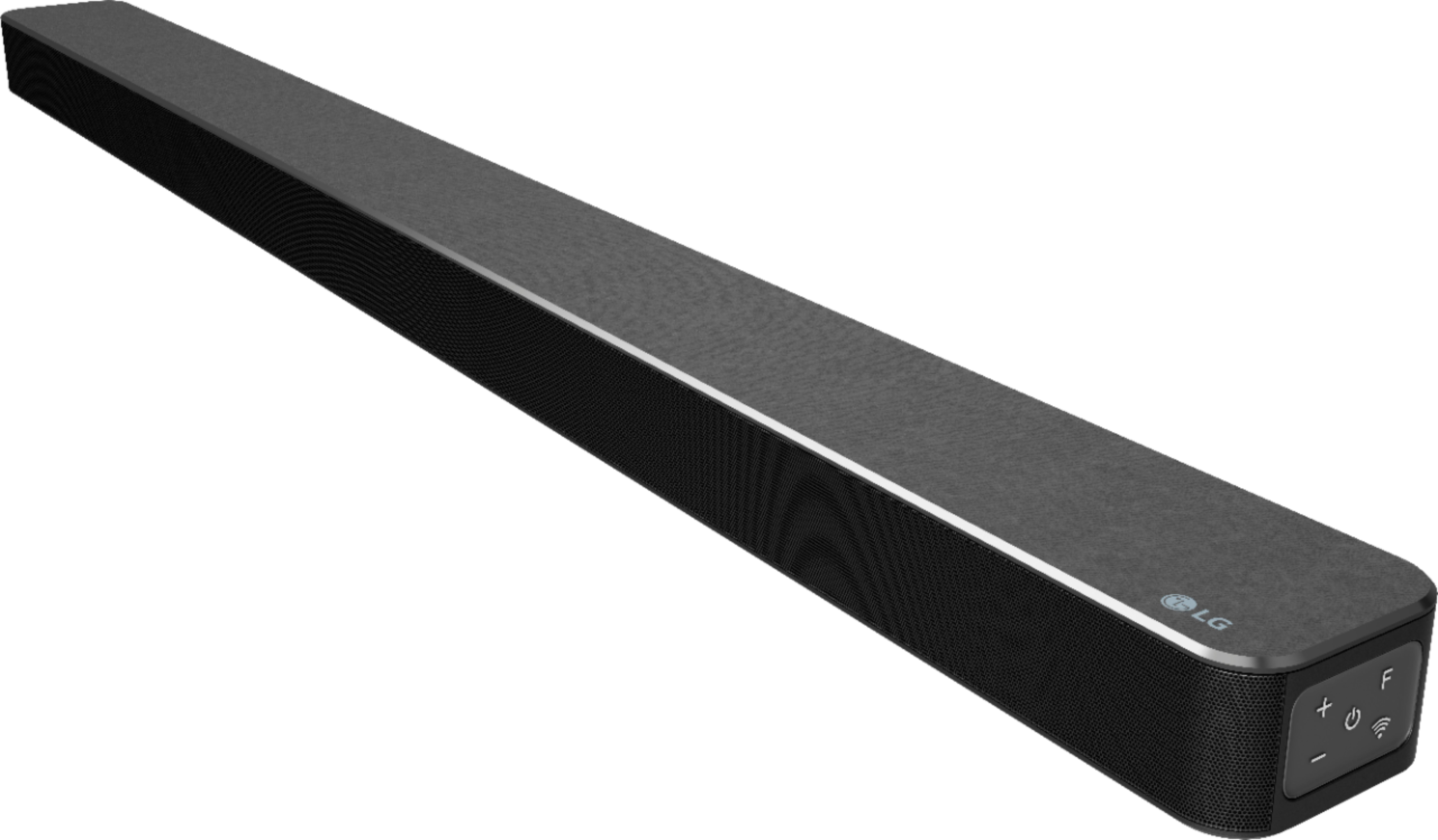
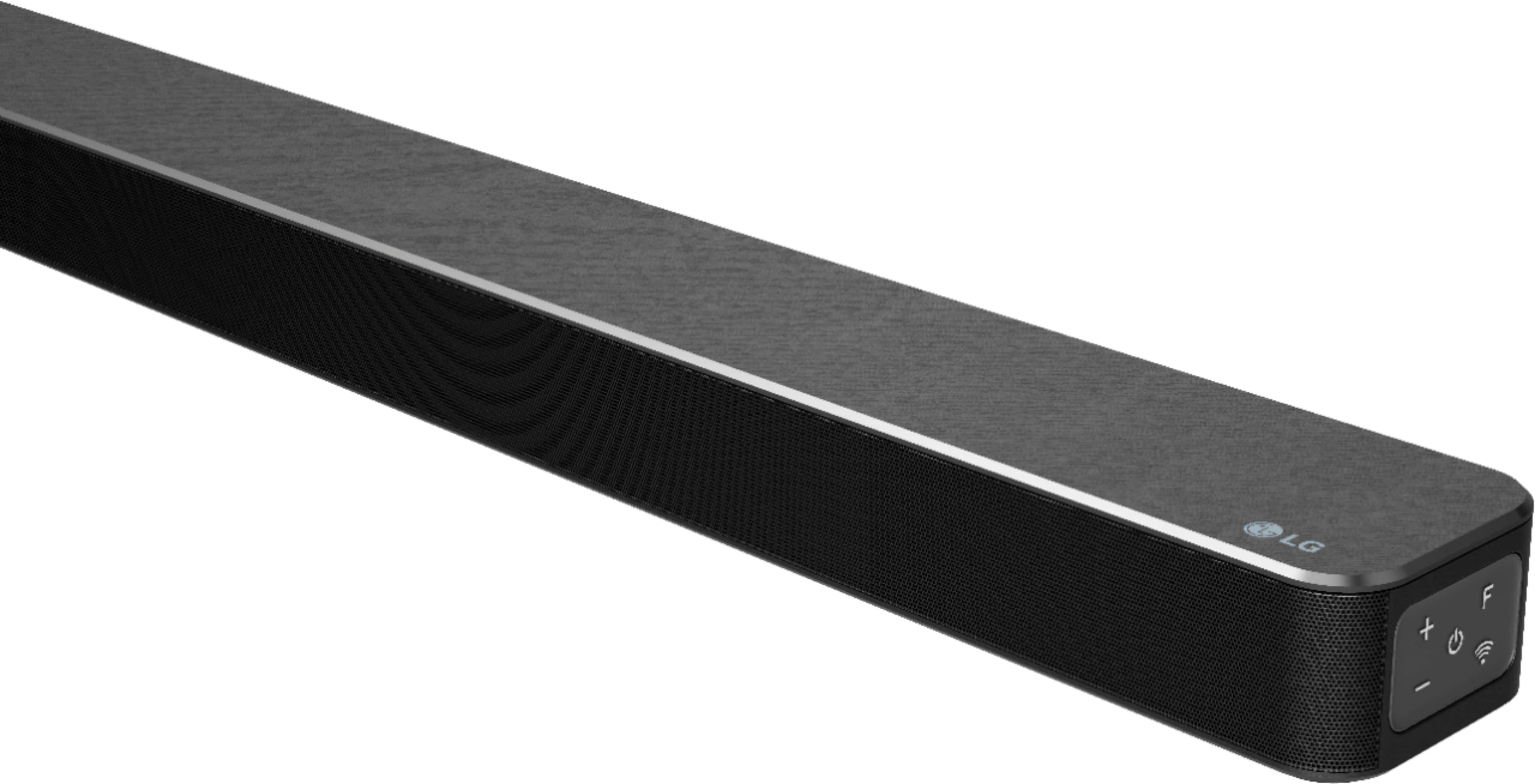
A:AnswerYou have to download user guide from the website to get the full user guide. You have to use the remote and hit function (F) for different operations.
A:AnswerIdk about no pin codes, but I can bluetooth straight to the sound bar with my phone just by selecting the speaker, no code needed there. I don't see why my laptop wouldn' t do the same. My headset doesn't have a code and it connects to the laptop.
A:AnswerThis unit does not come with any cable other than the power cord. Please seek recommendations/opinions in the LG Community Forum, https://lgcommunity.us.com. The LG Community Forum is a great resource for getting help from other LG customers. ^Daphane
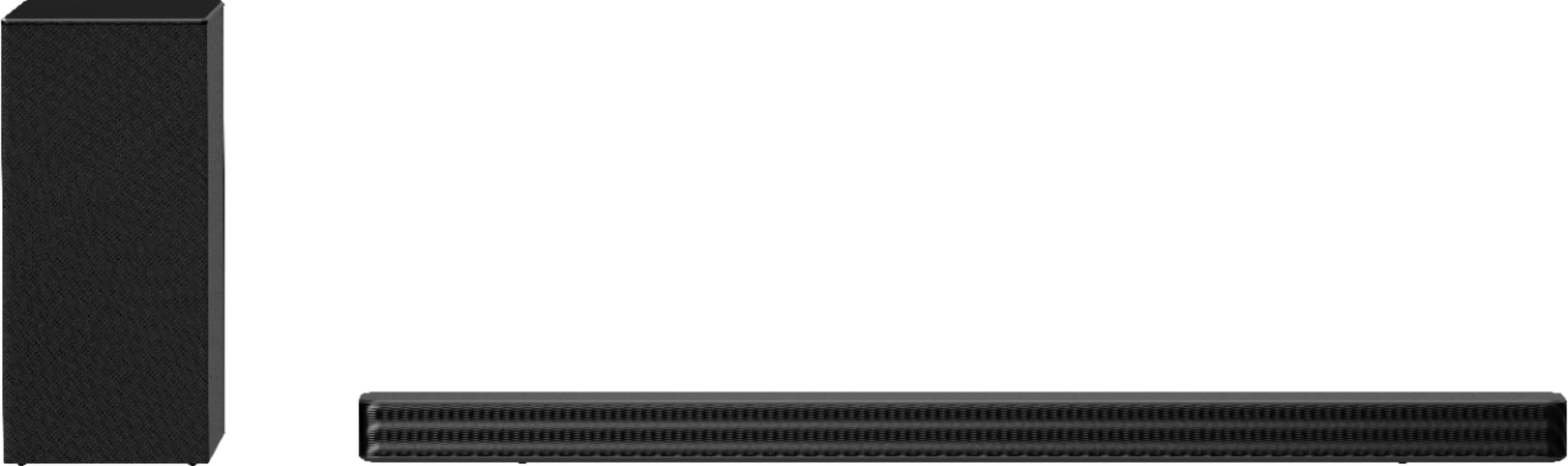
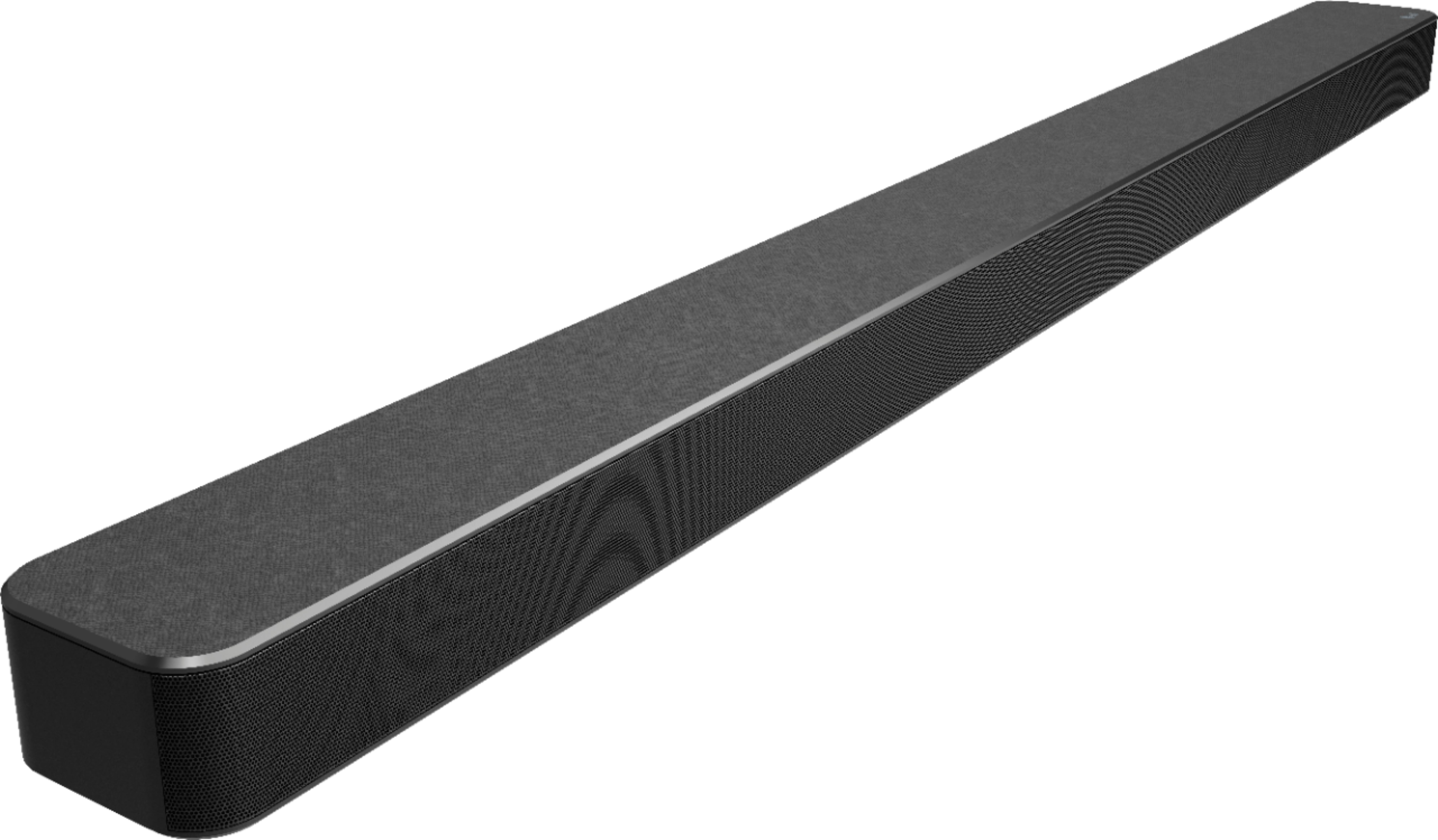
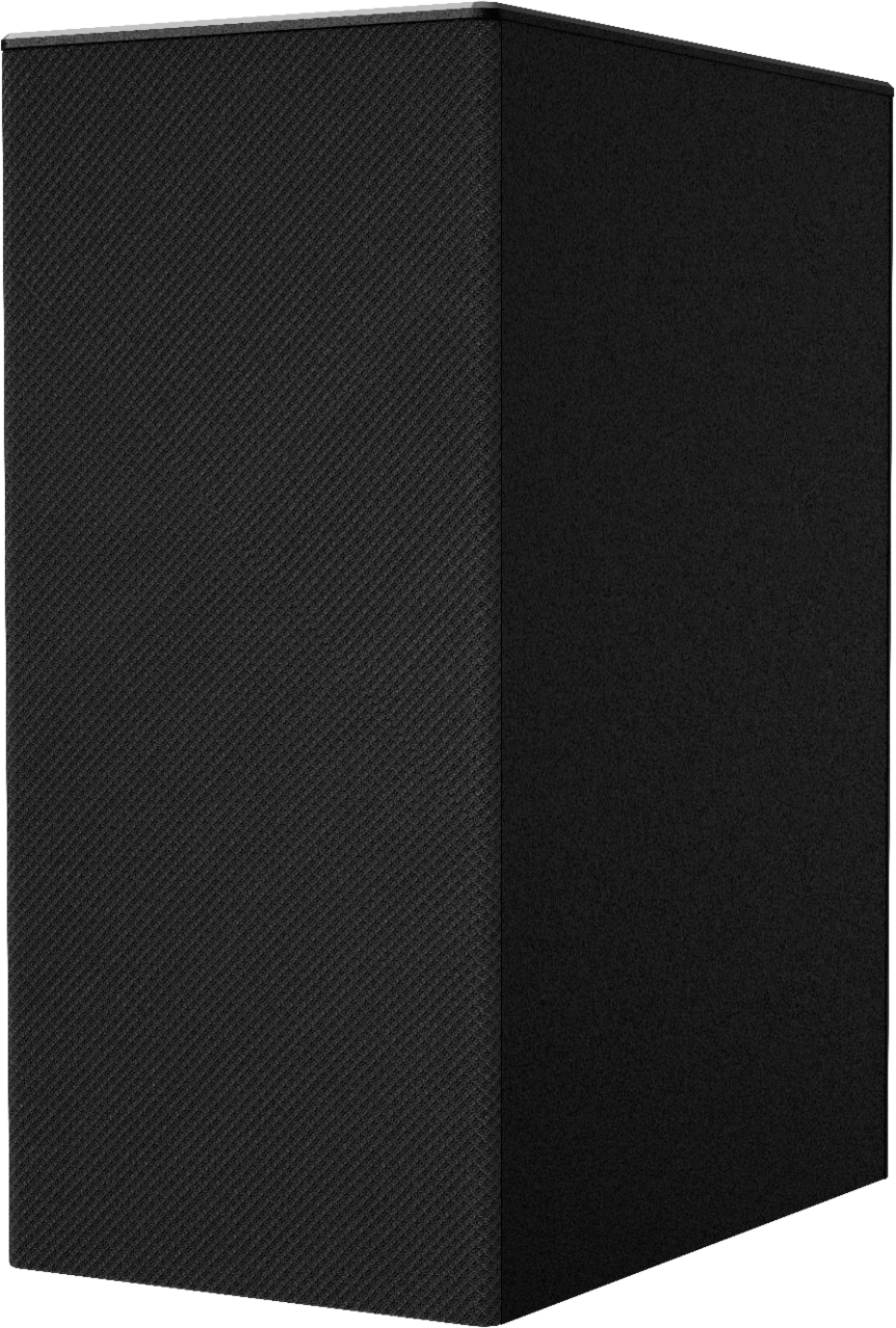
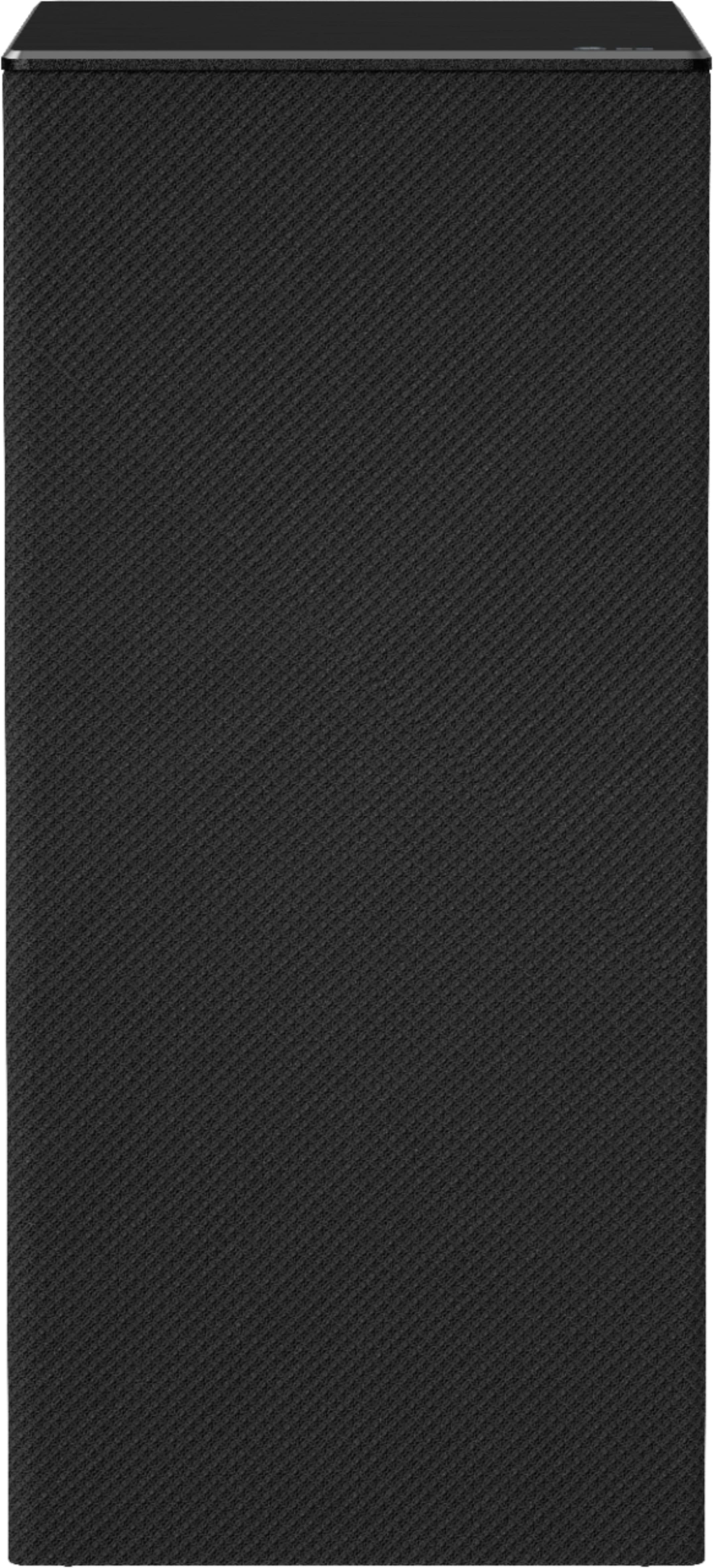
A:AnswerThe dimensions for the Sound Bar are 41.7"W x 2.2"H x 3.4"D and the Subwoofer dimensions are 7.1"W x 15.4"H x 11.5"D. ^Daphane https://www.lg.com/us/home-audio/lg-sn6y-sound-bar
A:AnswerPlease clarify your question so that I can provide an accurate and helpful response. What do you mean by "volume displaced"? Thank you. ^Daphane