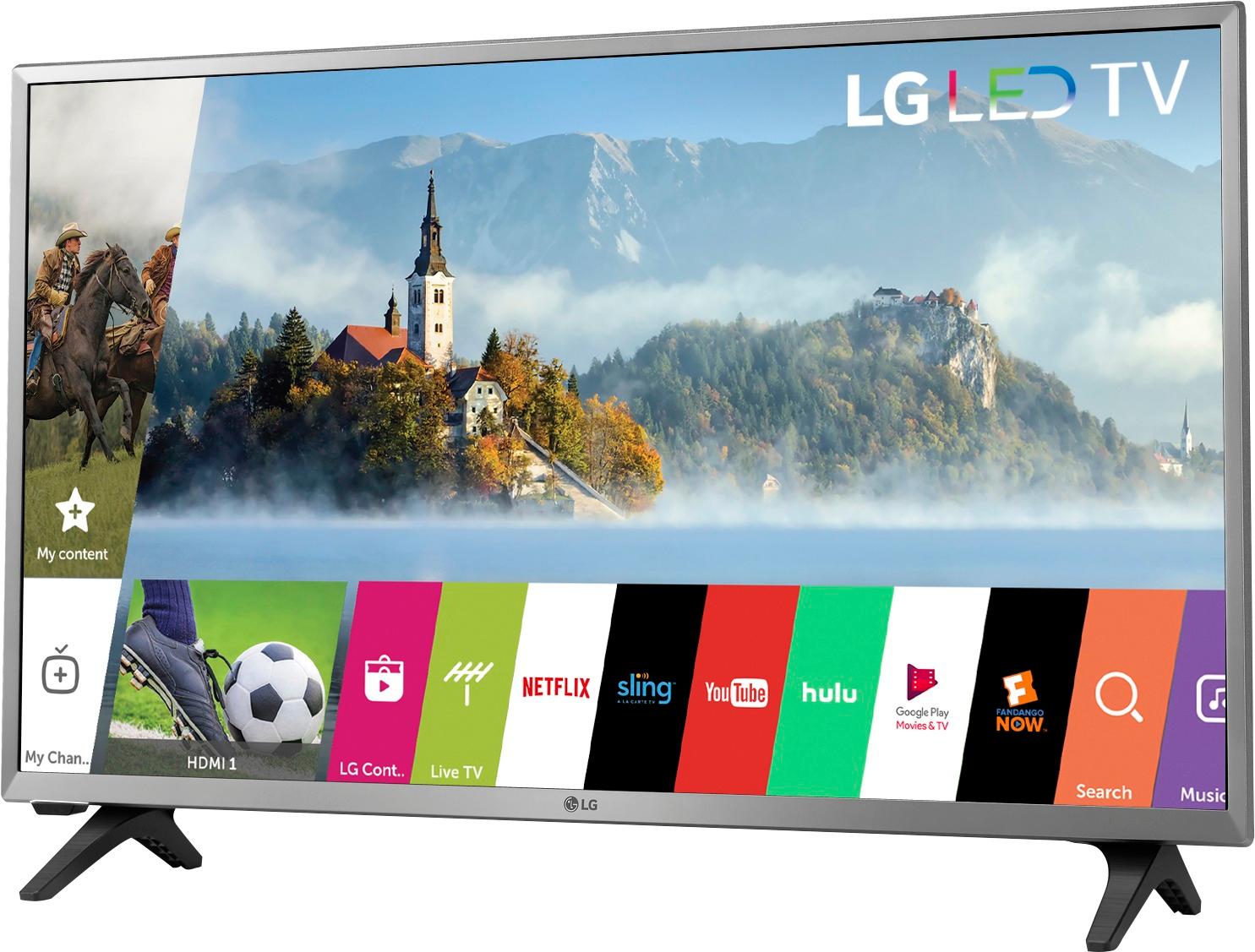
A:Answer You can share your phone’s screen with the LG smart TV screen.
1) Press the topmost right corner button on your remote.
2) After pressing this button, there are 3 options. The second option is “Screen Share”.
3)Select the Screen Share option.
4) This will show you the Connection Guide
5) Click the Connection Guide option
6) There are about 3-4 simple steps. Follow the steps carefully and you should be able to share your Android device screen with the LG TV screen.
Note: There are options to share screen for Windows and Android devices, but I didn’t see one for a iOS operating system.
Disclaimer: Since I am neither using a Windows nor an Android device, I couldn’t share my device’s screen with my LG TV’s screen. I had to stop at the point where it displayed the Connection Guide for Windows and Android.