Black Friday is hereShop new DoorbustersShop now

Main Content

Questions & Answers

Your price for this item is $319.99
Clearance
The comparable value price is $399.99
Page Showing 21-40 of 89 questions
  • QuestionDOES THIS HAVE SPLIT SCREEN?

    Asked by DODO.

    • Answer You can download LG software, up to 8 split screens

      Answered by Mounted

  • QuestionI am just curious if the base swivels so that I can show a co-worker sitting next to me my screen. If so, these would be perfect.

    Asked by Swivel.

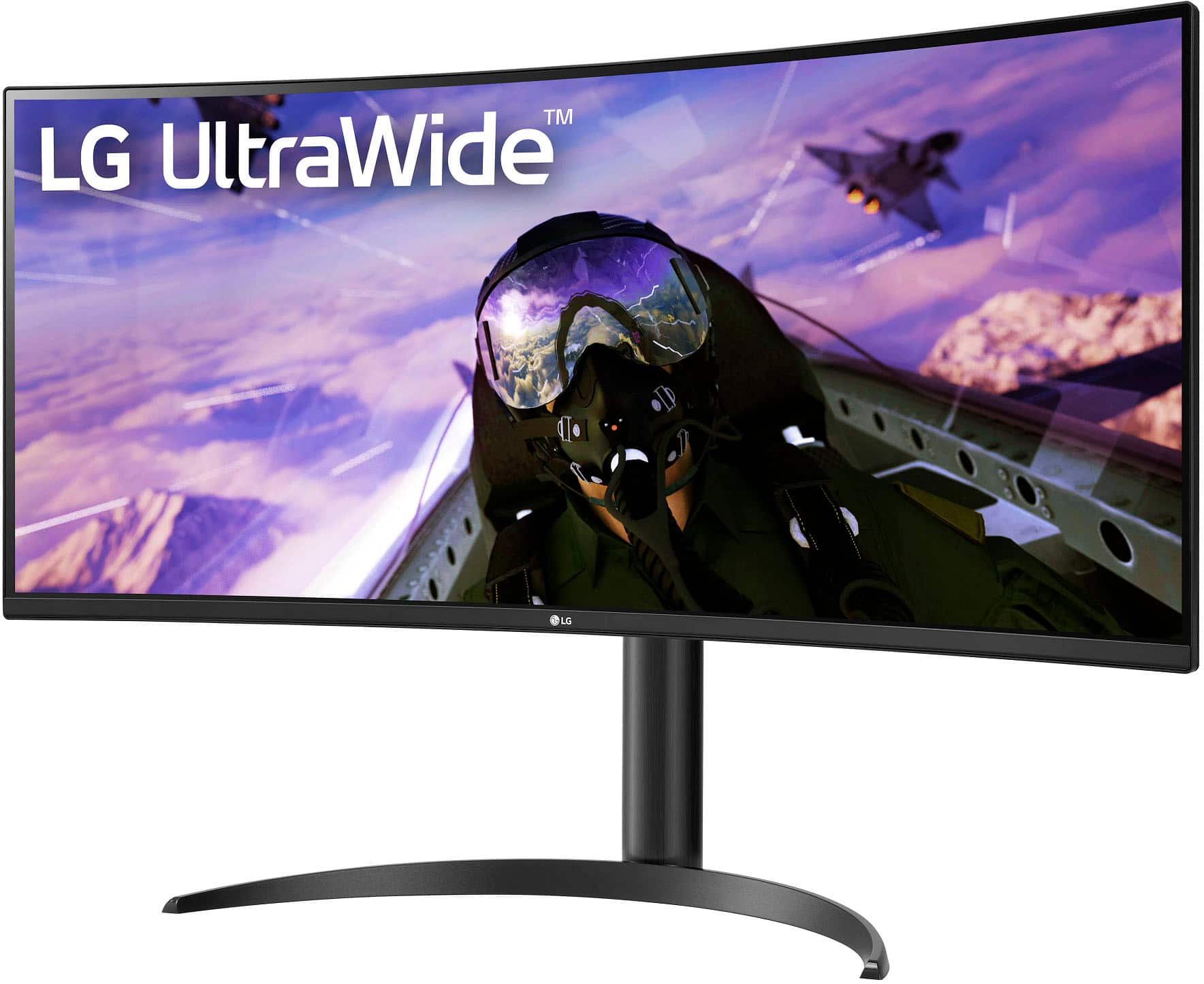
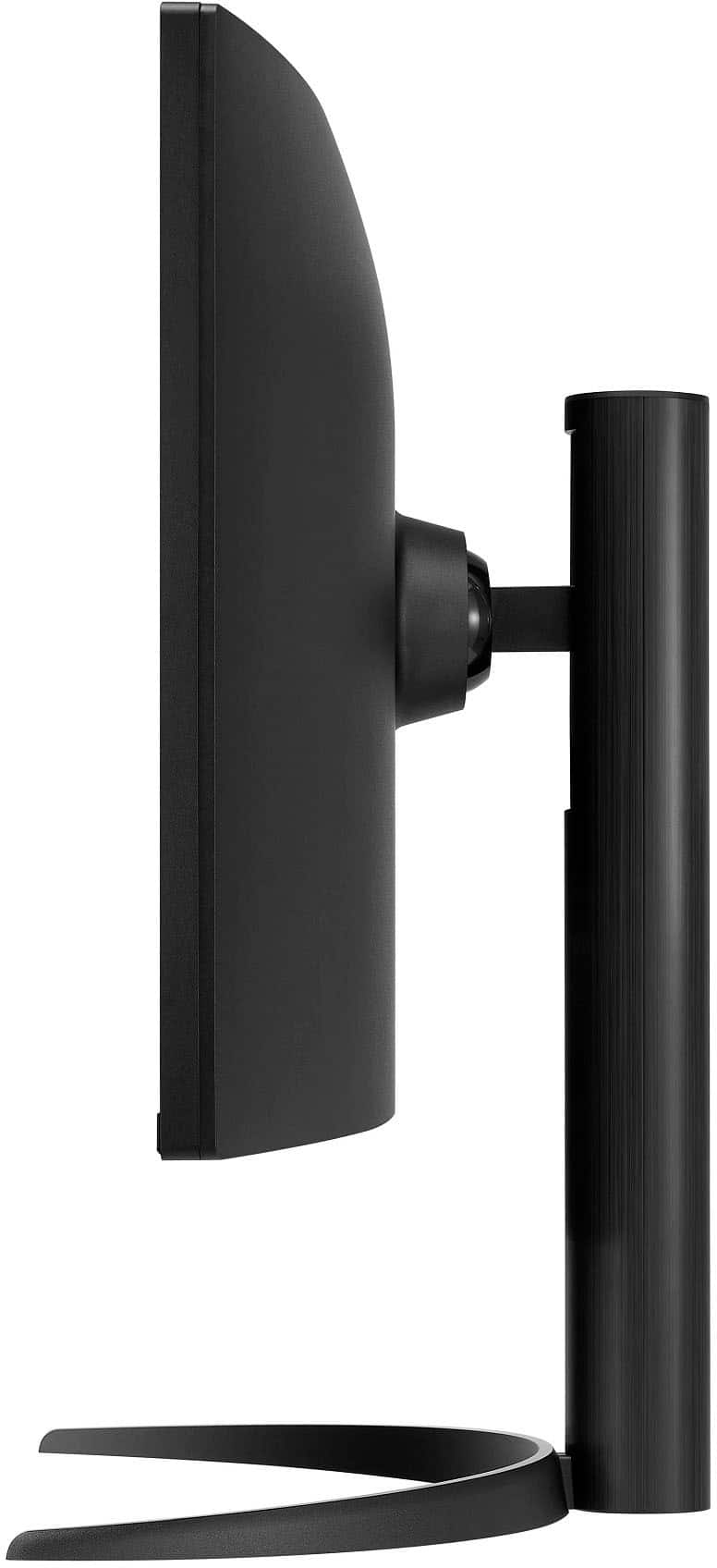
    • Answer No, it doesn't swivel. But it's light and would be easy to stick some small felt pads on the bottom of the stand and shift it around that way.

      Answered by Anonymous

  • QuestionDoes this come with built-in speakers?

    Asked by Anonymous.

    • Answer Yes. A bit tinny but they work for my work meetings it when I'm too lazy to grab a headset

      Answered by njb570

  • Questiondoes moniter have hdmi 2.1

    Asked by Anonymous.

  • Questionwhen are you going to replace all these lemons for customers? the screens go a deep blue black and stop working.

    Asked by JosephH.

    • Answer Hello there, Jo. We understand your inquiry about the LG 34WP65C-B monitor experiencing a deep blue‑black screen. Let’s try a quick troubleshooting step: Perform a Hard Reset Disconnect the power cord and video cables (HDMI/DisplayPort). Press and hold the monitor’s power button for 10 seconds. Reconnect the cables and power, then press the joystick to turn the monitor back on. LG Monitor - Troubleshooting A Blank Screen - https://www.lg.com/us/support/help-library/lg-monitor-troubleshooting-a-blank-screen--20153188064348 If the issue persists, please send us a private message on social media @LGUSSupport. We’ll review your purchase details and coordinate a replacement solution for you as soon as possible. —Renzo

      Answered by LG Digital Customer Care

  • QuestionCan the screen be divided into two? By that I mean divided as two “monitors” so I can share one side of the screen only on virtual meetings and such

    Asked by Pta.

    • Answer Yes you can do two or more "boxes". There is an app to control those options.

      Answered by YMBJamesA

  • QuestionHow does this monitor work with using excel sheets? Anyone have issues with the way the data looks?

    Asked by Anonymously11.

    • Answer I run Excel sheet all day, side by side. Love it!

      Answered by user214212

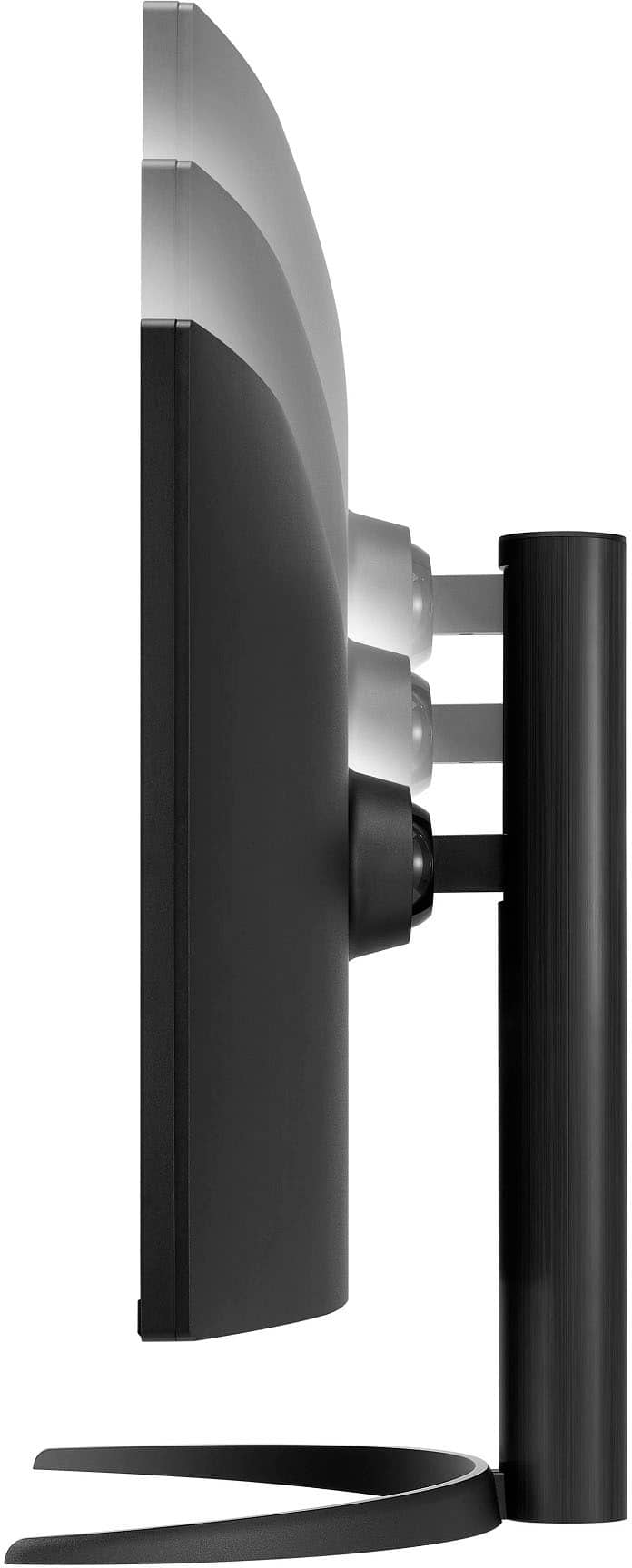
  • QuestionCan you remove the stand part to connect it to a Integrated TV Stand FX1 like the photos down here

    Asked by JBarratt.

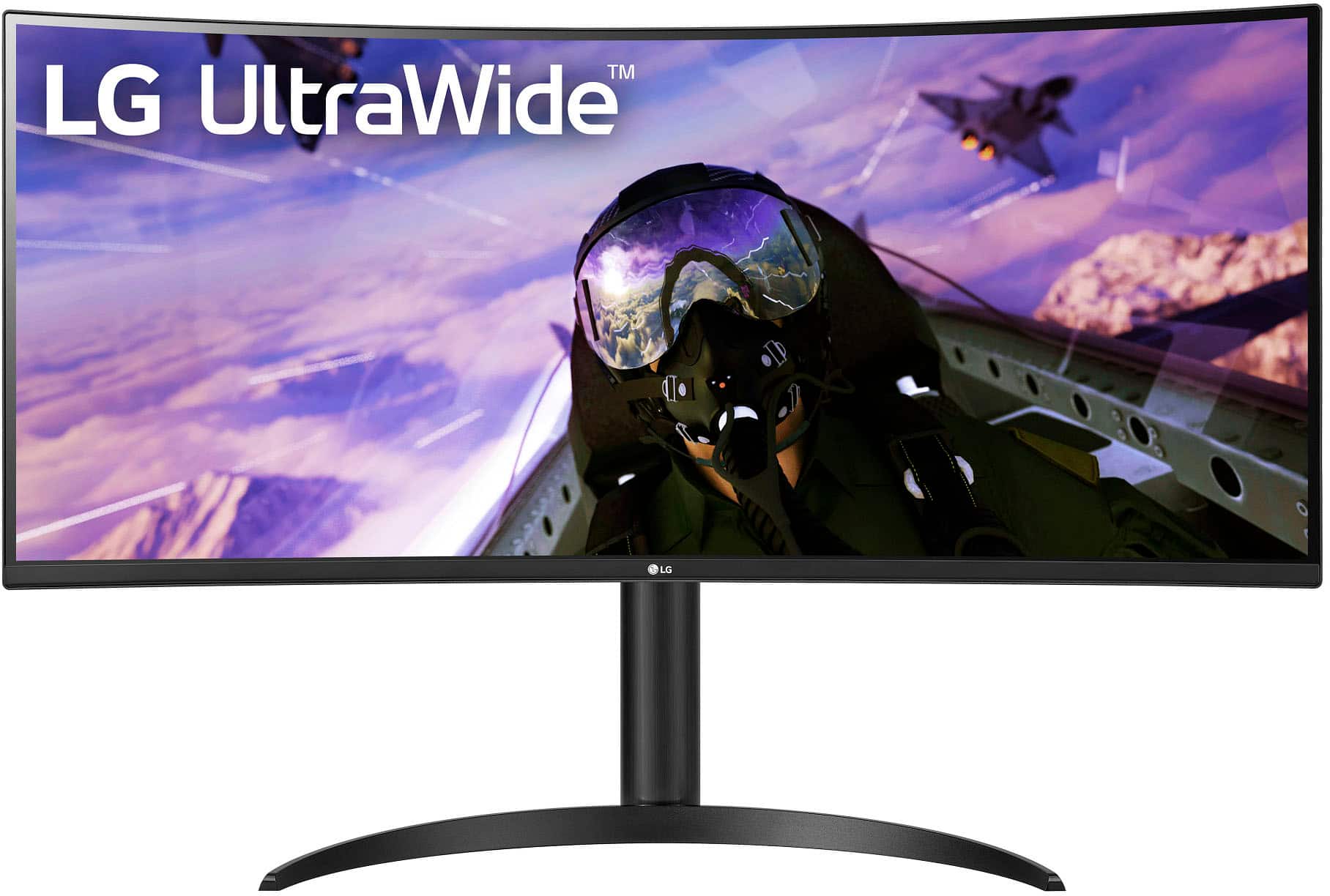
    • Answer Hello, JBarratt. Regrettably, we cannot advise you about if "you can remove the stand part to connect it to an Integrated TV Stand FX1 like the photos down here" since there are no photos attached to reference and we are not familiar with your integrated TV Stand FX1. The LG 34” LED Curved UltraWide QHD 160Hz FreeSync Premium Monitor with HDR (HDMI, DisplayPort) - Black, Model # v does not come with the stand attached, nor with the stand body attached to the stand base. You would have to assembly the stand to attach it to the monitor...^Ivan.

      Answered by LG Digital Customer Care

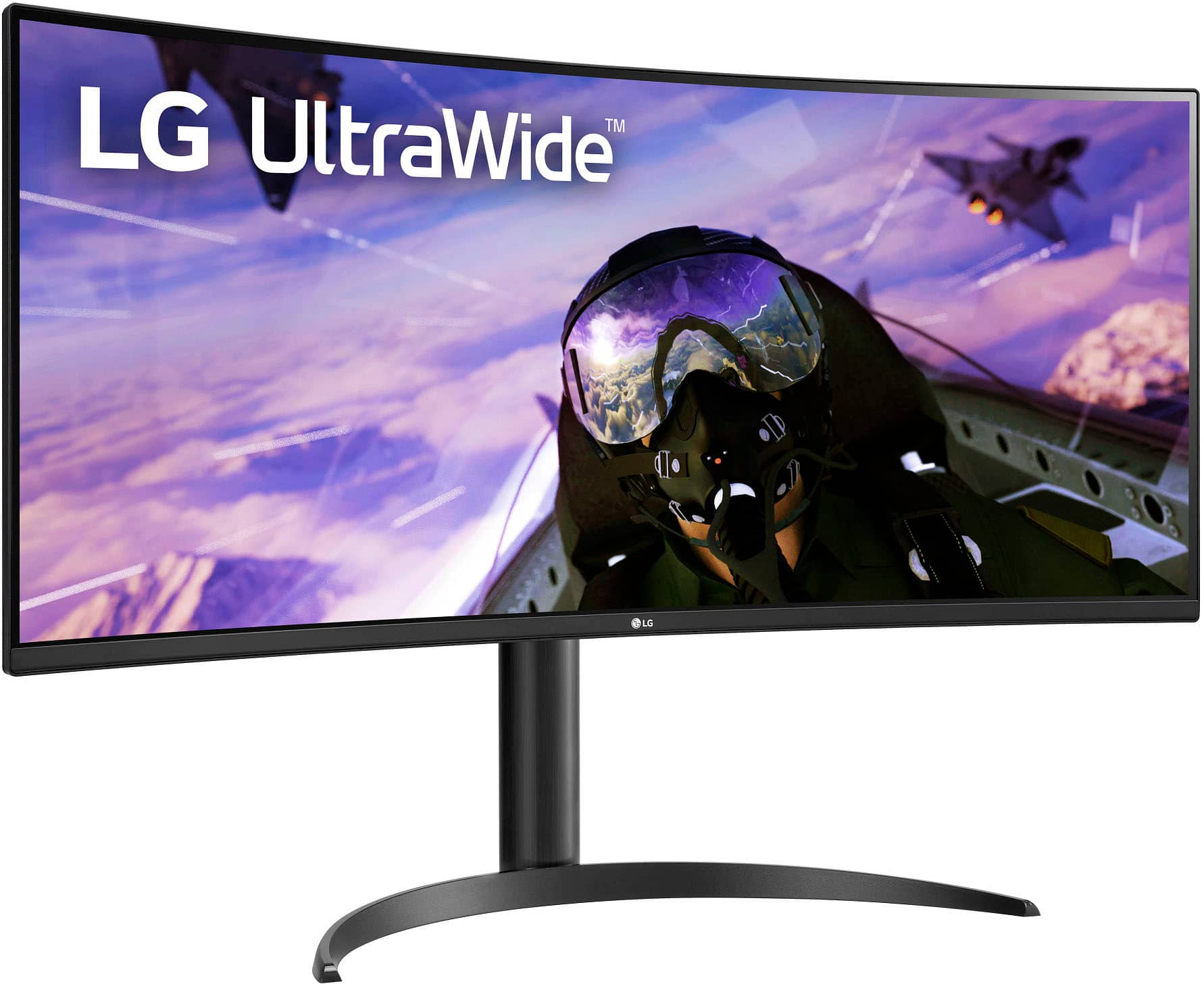
  • QuestionCan this monitor be mounted to a wall?

    Asked by JMG.

    • Answer Yes, you can take it off the stand and it has VESA screw holes for use with standard mounts, arms, etc.

      Answered by ErikL

  • QuestionCan I use a remote control for this monitor?

    Asked by Anonymous.

    • Answer Hi there! Thank you for reaching out. The LG 34WP65C-B UltraWide Monitor does not support remote control functionality. Adjustments such as volume, brightness, and input selection can be made using the OnScreen Control (OSC) software or the joystick button located beneath the monitor. https://www.lg.com/us/monitors/lg-34wp65c-b-ultrawide-monitor#pdp_specs If you have any other questions, feel free to send us a private message on Social Media @LGUSSupport, and we'll be happy to assist you further! —Renzo

      Answered by LG Digital Customer Care

  • QuestionDoes monitor work with 2024 13 in. Macbook Air? I have called LG and apple to have issue resolved with scaling and resolution(stretched appearance), however neither could resolve issue. Wondering if monitor needs to be returned due to being incompatible.

    Asked by Chris.

    • Answer Hi there, Chris. Thank you for reaching out about your LG 34WP65C-B Ultrawide Monitor. We understand your situation regarding the scaling and resolution issues when connected to your 2024 13-inch MacBook Air. This monitor is compatible with macOS devices, but to improve the display scaling, we recommend adjusting the resolution settings manually. On your MacBook Air, go to System Settings > Displays, then hold the Option key while clicking "Scaled" to access more resolution options. Try selecting 3440 x 1440 for the best fit. Additionally, ensure you're using a high-quality DisplayPort to USB-C or HDMI cable that supports high resolutions. https://www.lg.com/us/monitors/lg-34wp65c-b-ultrawide-monitor#pdp_specs If the issue persists, please send us a private message on social media @LGUSSupport so we can further assist you. We’re here to help! —Renzo

      Answered by LG Digital Customer Care

  • QuestionWhy when you plug up the monitor out the box it only shows a black screen? Why is there no logo or onscreen display saying LG? It’s just black until you connect an HDMI port.

    Asked by Tay5698.

    • Answer Hi there, Tay. The LG 34WP65C-B monitor will initially display a black screen because it is designed to detect an input signal before showing any visuals, such as the LG logo. Without a connected HDMI or DisplayPort cable, the monitor won’t display anything. Once you connect it via HDMI or DisplayPort, the monitor will recognize the signal and display the content. https://www.lg.com/us/monitors/lg-34wp65c-b-ultrawide-monitor#pdp_specs If you continue to experience issues or would like more assistance with setup, feel free to send us a private message on social media @LGUSSupport. We’re here to help! —Renzo

      Answered by LG Digital Customer Care

  • QuestionIs this good to use for playstation gaming?

    Asked by Nahkia.

    • Answer The best

      Answered by MarcT

  • QuestionWhat’s the max fps and resolution using the provided hdmi port/cable

    Asked by Andy.

    • Answer Hi there, Andy. Thank you for your question about the LG UltraWide Monitor (34WP65C-B). When using the provided HDMI cable, the monitor supports a maximum resolution of 3440 x 1440 with a refresh rate of 100Hz. For higher refresh rates up to 160Hz, we recommend using the DisplayPort connection, as it provides better bandwidth to fully utilize the monitor's capabilities. https://www.lg.com/us/monitors/lg-34wp65c-b-ultrawide-monitor#pdp_specs If you have any further questions about setup or optimizing your monitor's performance, feel free to send us a private message on Social Media @LGUSSupport, and we’ll be happy to assist! Thank you for choosing LG for your display needs. —Renzo

      Answered by LG Digital Customer Care

  • QuestionWill this T.V work with my series x X box? I have the the lg 35 wn 65c & the Xbox isn’t compatible!

    Asked by Lister01.

    • Answer Hello there! Thank you for reaching out to us. We understand you're wondering if the LG 34WP65C-B ultrawide monitor will work with your Xbox Series X, especially considering compatibility issues with your previous LG 35WN65C monitor. The LG 34WP65C-B is fully compatible with Xbox Series X, as it supports HDMI input and a refresh rate of up to 160Hz, providing a great gaming experience. Additionally, its Adaptive Sync feature (AMD FreeSync Premium) can help ensure smoother gameplay. If you're experiencing issues with your current monitor, we recommend checking the HDMI cable or the monitor's settings, as these might be factors affecting compatibility. https://www.lg.com/us/monitors/lg-34wp65c-b-ultrawide-monitor#pdp_specs For further assistance or if you have any other questions, please send us a private message on Social Media @LGUSSupport, and our team will be happy to assist you further. We appreciate your patience! —Renzo
      Answered by LG Digital Customer Care

  • QuestionIs this a TV as well?

    Asked by Wolfee23.

    • Answer It is not a TV but you can certainly stream TV to it. Great picture.

      Answered by Whodat

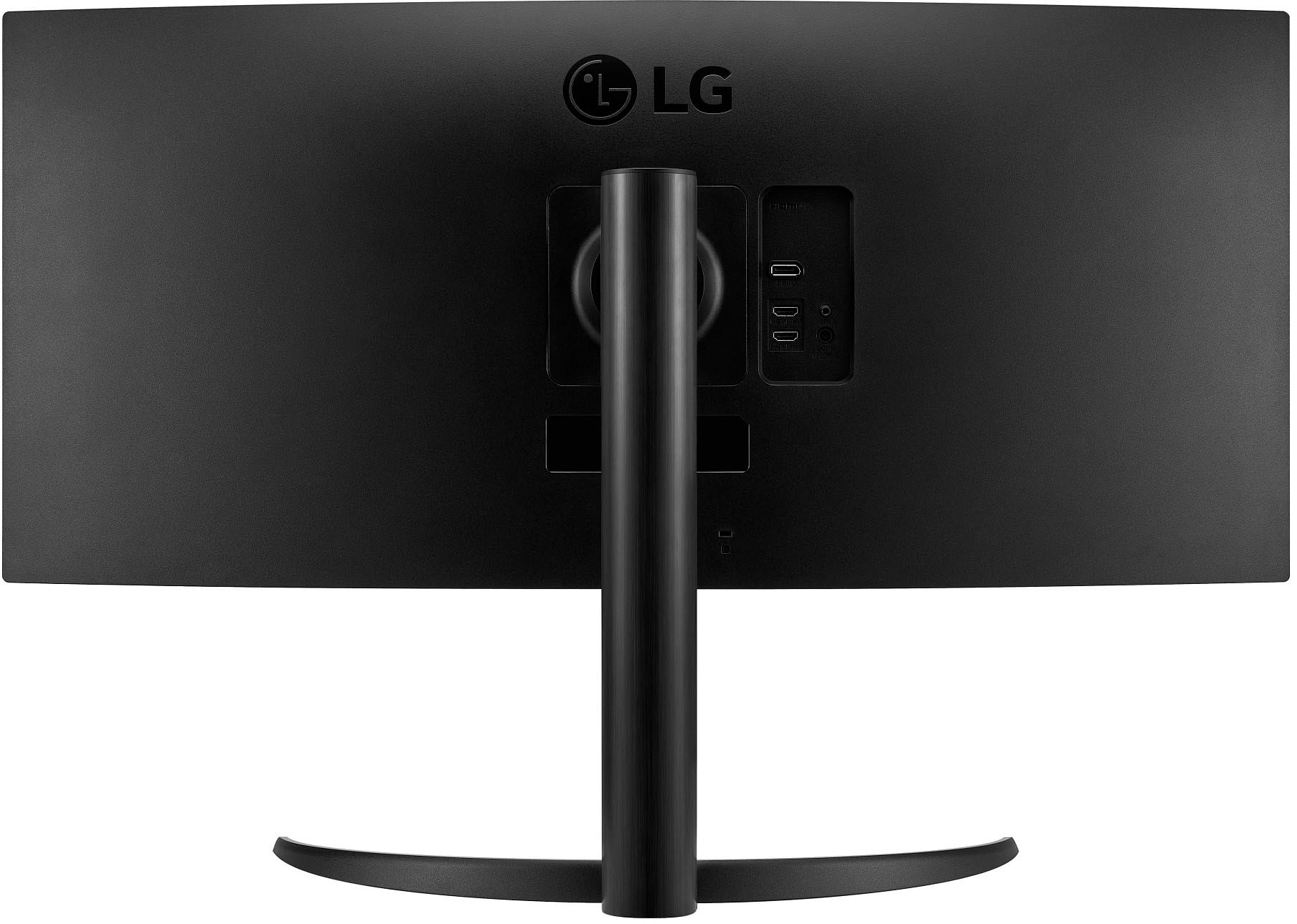
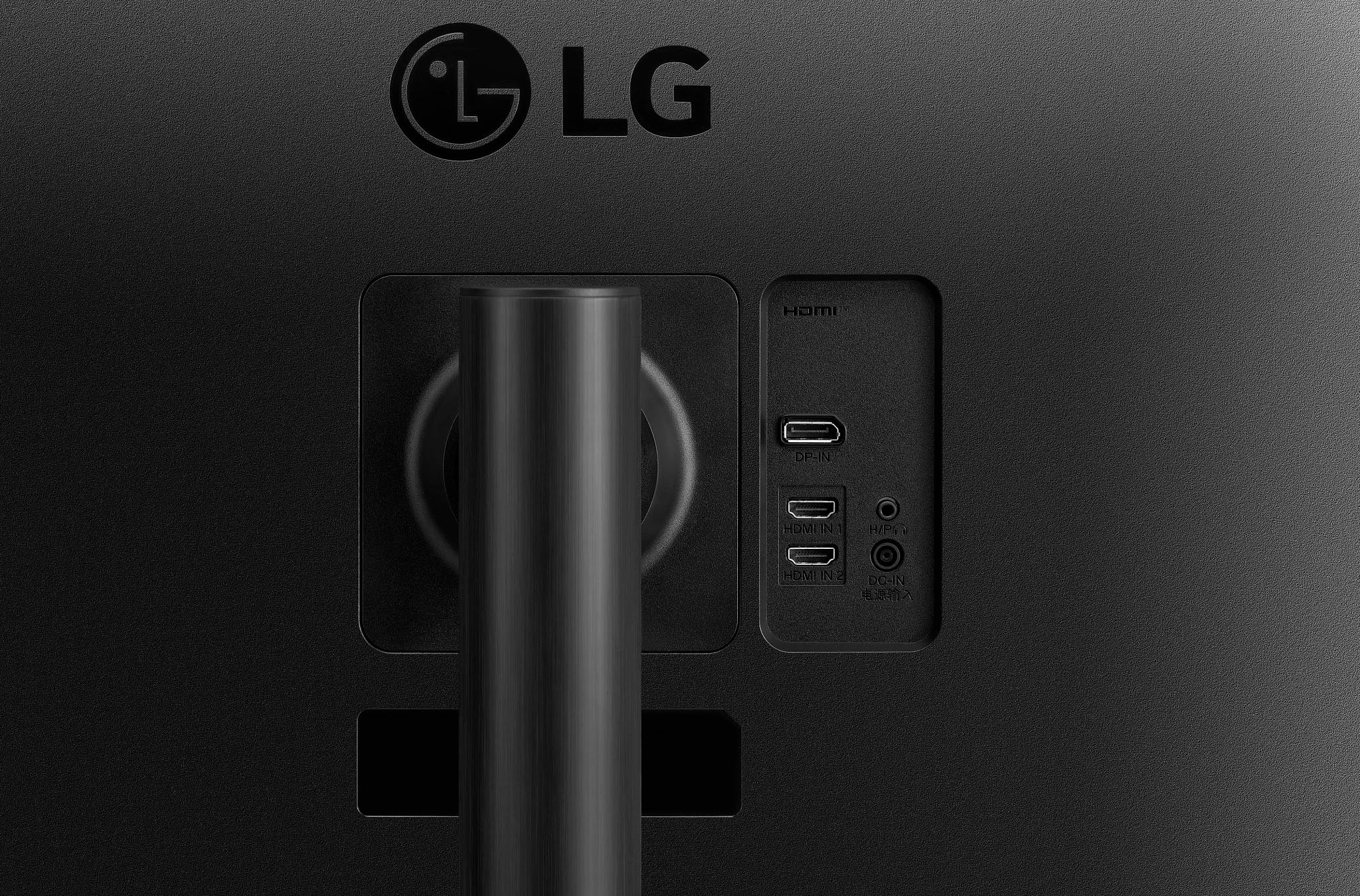
  • QuestionWhat kind of DP and HDMI does it have?

    Asked by Anonymous.

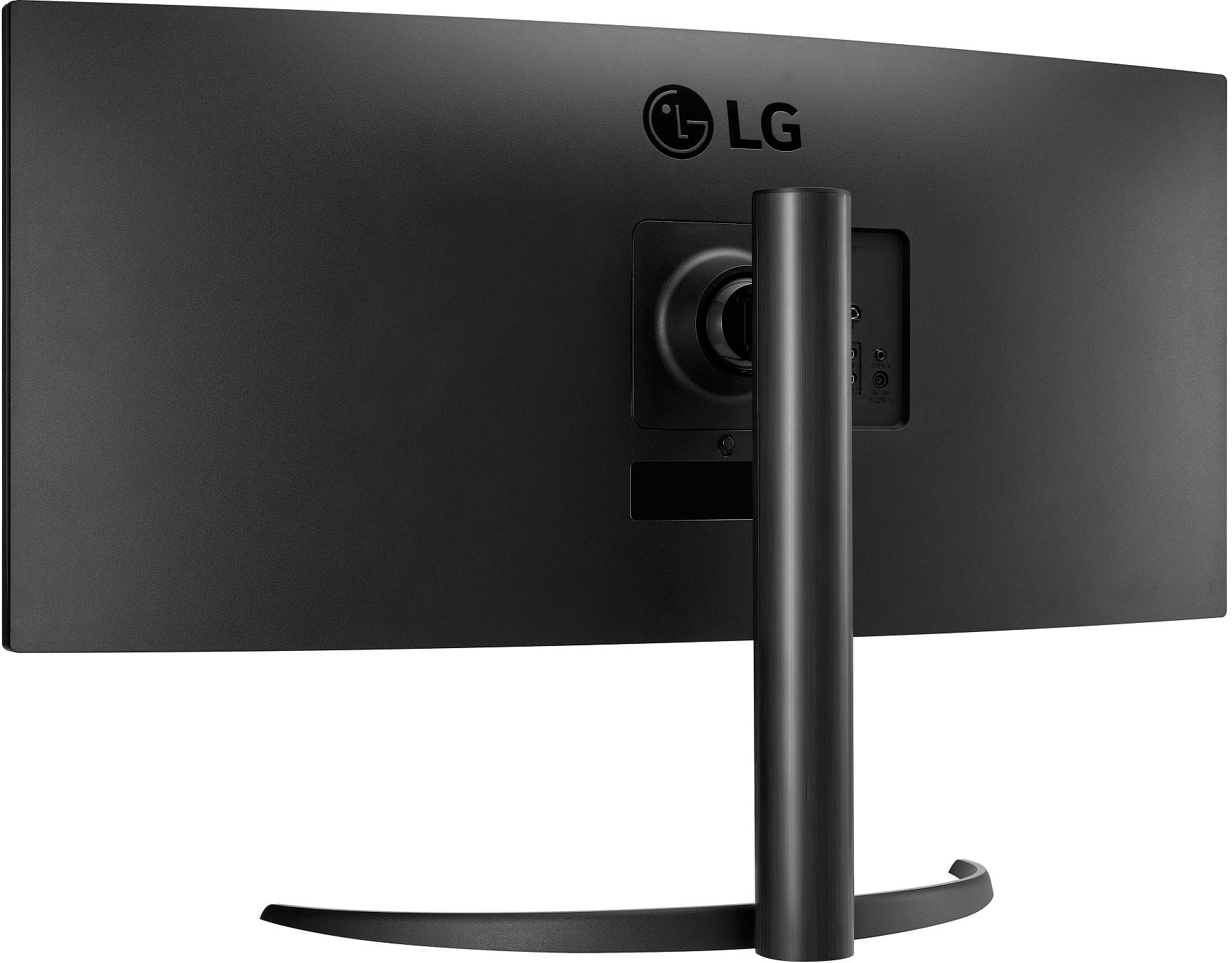
    • Answer Hello there! Thank you for your question. The LG 34WP65C-B Ultrawide Monitor features the following ports and connections: HDMI: 2 HDMI 2.0 inputs (the HDMI cable that comes with the monitor is HDMI 2.0). DisplayPort: 1 DisplayPort input (the specific version is not listed, but it generally supports DisplayPort 1.2 for most LG monitors). This provides flexibility for connecting to a variety of devices, such as gaming consoles, PCs, or other HDMI/DisplayPort-enabled equipment. https://www.lg.com/us/monitors/lg-34wp65c-b-ultrawide-monitor#pdp_specs If you need further assistance or have any additional questions, feel free to send us a private message on Social Media @LGUSSupport, and we'll be happy to assist you. We appreciate your inquiry! —Renzo

      Answered by LG Digital Customer Care

  • QuestionThis monitor has speakers but it won't project any sound from, my MACBOOK to use the external speakers on the monitor

    Asked by MitchellG.

    • Answer Hi there, Mitch. Thank you for reaching out to us about your LG 34WP65C-B Ultrawide Monitor! We understand that you're experiencing difficulty getting sound from your MacBook to the monitor's built-in speakers. To ensure audio playback works as intended, please check the following: Audio Output Settings on Your MacBook: Go to System Settings > Sound > Output, and select the LG 34WP65C-B as the audio output device. Connection Type: Ensure you're using an HDMI or DisplayPort connection, as these are required for both video and audio transmission. If using an adapter, verify that it supports audio passthrough. Monitor Settings: Open the monitor’s OnScreen Control or use the joystick button on the monitor to navigate to audio settings and ensure the volume is not muted and is turned up. Test with Another Device: To isolate the issue, try connecting a different device to the monitor and check if the sound works. If these steps don’t resolve the issue, feel free to send us a private message on social media @LGUSSupport. We’ll be happy to assist you further in troubleshooting! https://www.lg.com/us/monitors/lg-34wp65c-b-ultrawide-monitor#pdp_specs We appreciate you bringing this to our attention. —Renzo

      Answered by LG Digital Customer Care

  • QuestionI lost my cable for the monitor to plug into the wall. What type of cable do I need to order?

    Asked by Anonymous.

    • Answer Hi there. Thank you for reaching out regarding your LG 34WP65C-B monitor. We understand that you've lost the power cable and need to know which type to order. The LG 34WP65C-B monitor uses a standard AC power cord with a 3-prong connector on one end (for the wall outlet) and a C13 connector on the other end (for the monitor). This is a common type of power cable used for many monitors, computers, and other electronics. You can order a replacement power cord from LG’s official website, an authorized retailer, or an electronics store. Just make sure the replacement has the correct connectors and is compatible with your monitor's power specifications. If you need further assistance or want to confirm compatibility before ordering, feel free to send us a private message on social media @LGUSSupport. We're here to help you get your monitor back up and running smoothly. We appreciate your attention to detail. —Renzo

      Answered by LG Digital Customer Care

  • QuestionHow can I determine if my PC (graphics card and whatever else) will support the full 3440x1440 resolution of this monitor? Thank you.

    Asked by Clueless.

    • Answer Hello there. Thank you for reaching out about your 34WP65C-B monitor. We understand that ensuring your PC can support the full 3440x1440 resolution is important for your setup. To determine if your PC and graphics card can support this resolution, please check the following: Graphics Card Specifications: Verify that your graphics card supports a resolution of 3440x1440. You can usually find this information on the manufacturer's website or in the graphics card's user manual. Monitor Connection: Ensure that you're using a compatible connection that supports high resolutions, such as DisplayPort or HDMI 2.0. Display Settings: Check your PC’s display settings to see if 3440x1440 is listed as an available resolution. If not, you might need to update your graphics drivers or adjust your display settings. Please send us a private message on Social Media @LGUSSupport if you need further assistance with this. We're here to help ensure you get the best experience with your monitor. —Renzo

      Answered by LG Digital Customer Care