A:AnswerHa, ha...I'm answering my own question (in a way). Someone posted that the receiver and main bar CANNOT be programmed to a certain 2.4 Ghz channel, and I am confirming that is the case. (Bummer) I've found, since my unit came in, that there is random interference when a bunch of people are on the network. I know that, perhaps, it's not necessarily LG's issue, but stutter from my ISP's router. So far, though, the signaling has been super clean most of the time. Highly recommend turning-off auto on, and keeping the system undiscoverable after pairing all of your devices. Would not be fun to have a neighbor accidentally connect at 3 in the morning, and scaring the living 'ish out of you and your family! After having read reviews for some of the other LG options where this very thing was an issue, I decided on this particular model 'cause you are given control.
A:AnswerYes. To use HDMI it must be plugged into the port labeled HDMI (ARC). On my LG TV there is only one with the ARC lable. You can also use the optical connection, but I read that there are disadvantages, so I use HDMI(ARC).
A:AnswerDid you install the magnetic filter(I think that's what it's called)? it came with the unit and needed to be installed as close to the unit as possible. It helps with the interference. It looked like a small donut and the power cord had to be wrapped around it once. Hope this helps.
A:AnswerOnce you hook up the soundbar to an LG TV the TV remote will actually turn it on and control the volume. You do not have to use the sound bar remote.
A:AnswerIt will be compatible to any 4k tv, you need to use your ARC output and connect it to the soundbar via HDMI. Then you will be able to control the soundbar with your tv controller : ).
A:AnswerYou might find it easier to remove the ARC connection and use the optical instead. When I connected mine I checked around and with LG and they said that you have to go through another step with ARC/HDMI, they recommended using the optical and I did. There is virtually no difference in quality. The system comes with the optical cable.and you can leave it on HDMI1.......just a thought to keep it simple.
A:AnswerIt does have Bluetooth capability. I connect my phone to it. This is the first sound bar system we've owned and I was astounded by the quality of the sound especially for the price. Anyone complaining about the sound has either installed it wrong or not taken the time to adjust it or their tv's settings. We gifted one to my parents for xmas we were so impressed.
A:Answeri would like to update my answer i forgot to say something i did, i didn't use the same speakers wire that come with the sound bar i put heavy duty wires that's all i did and they work fantastic you should try that
A:AnswerThe Simplink connection on your HDMI Output Sound Bar will connect to your Simplink HDMI input. So using the Proper 4k HDMI Ethernet cable will allow you to control the Sound Bar thru 1 Remote and all of it's features as well. It's currently work on our 43" LG using the same connections we discussed here. Hope this answers your question. Good luck and happy Gaming!!! lol
A:AnswerI'm sorry that I can't help you with that issue. This also happens to me as well. It seems to be when the background music is amped up for effect.
If you receive a resolution for this problem, I would love to know how to overcome this. Thanks.
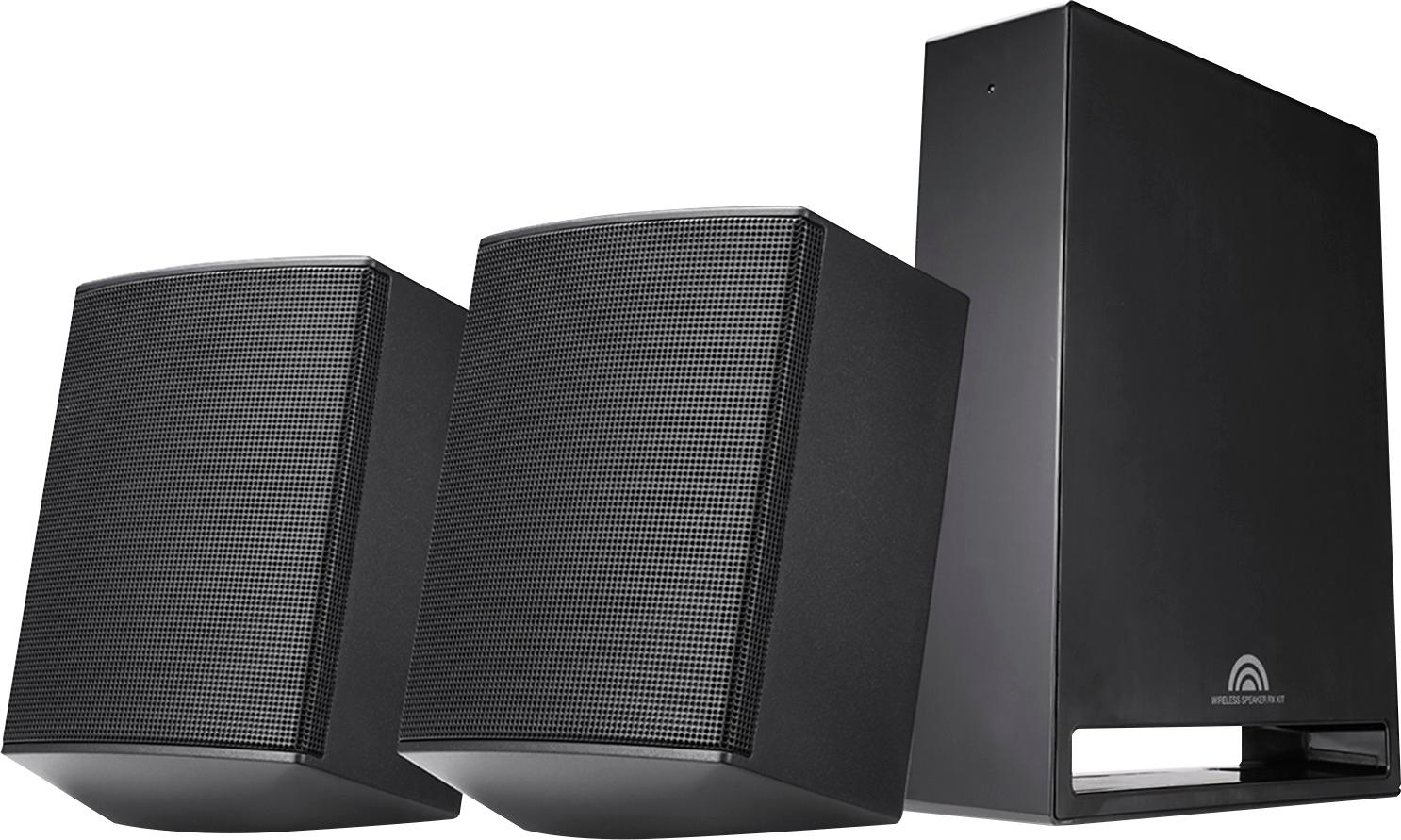
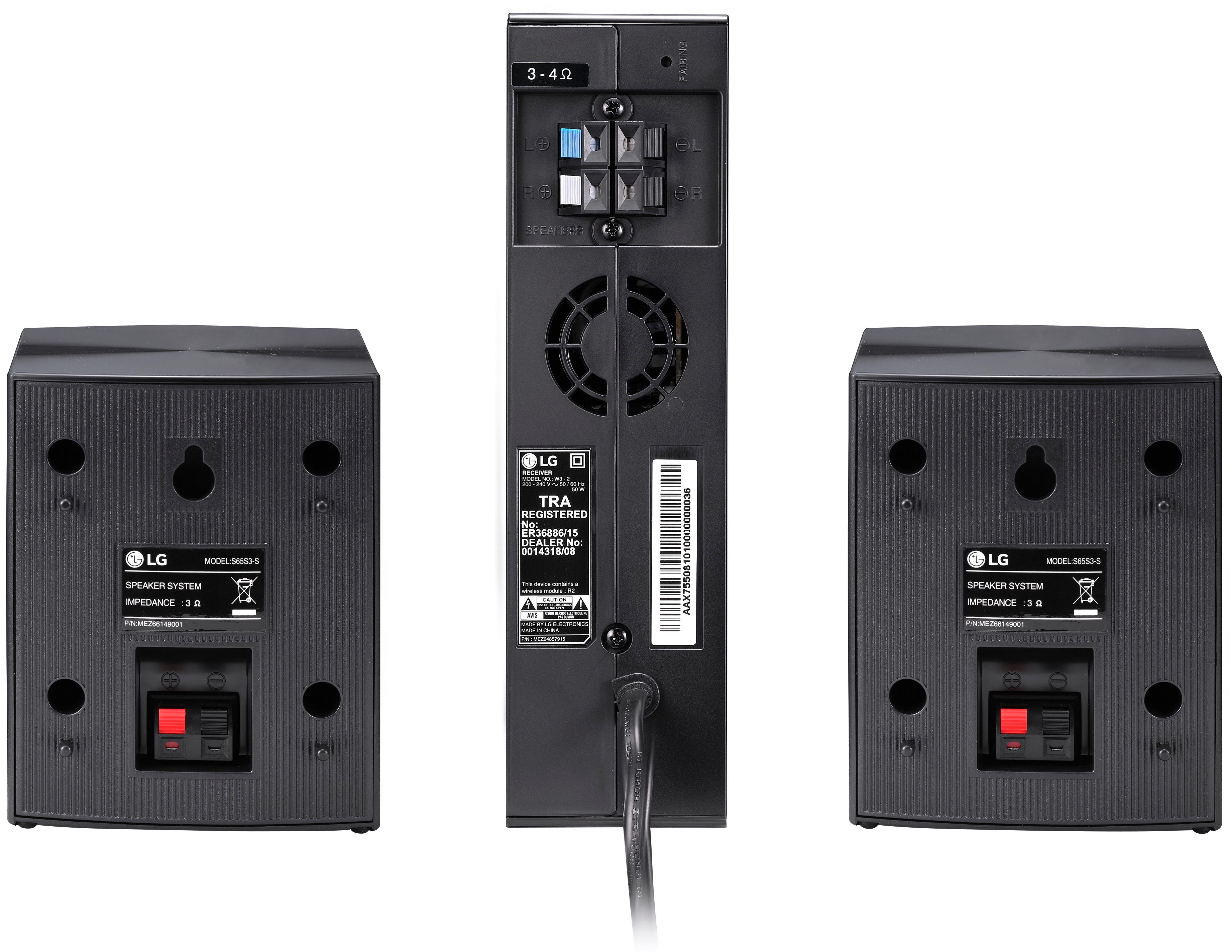
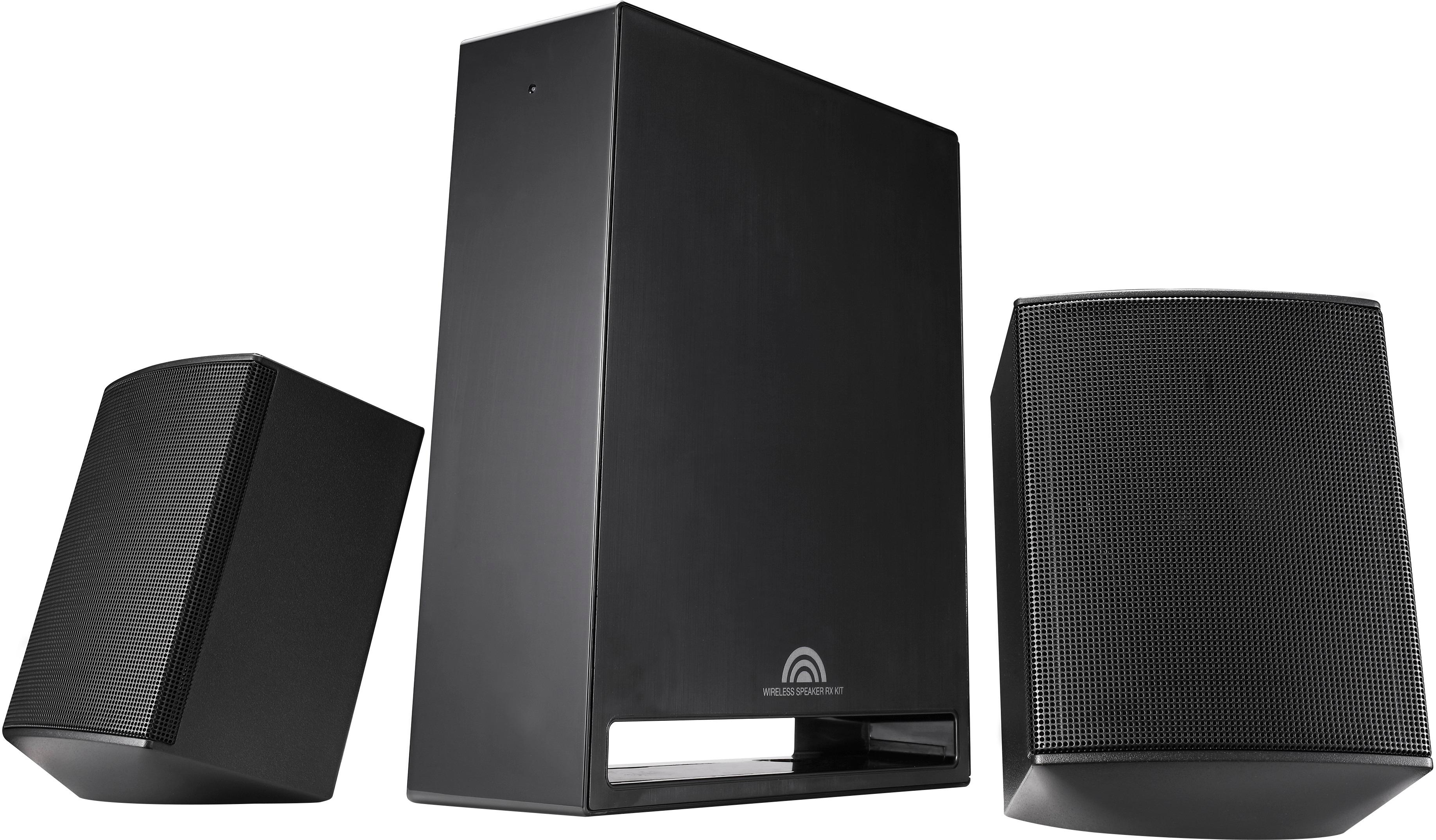
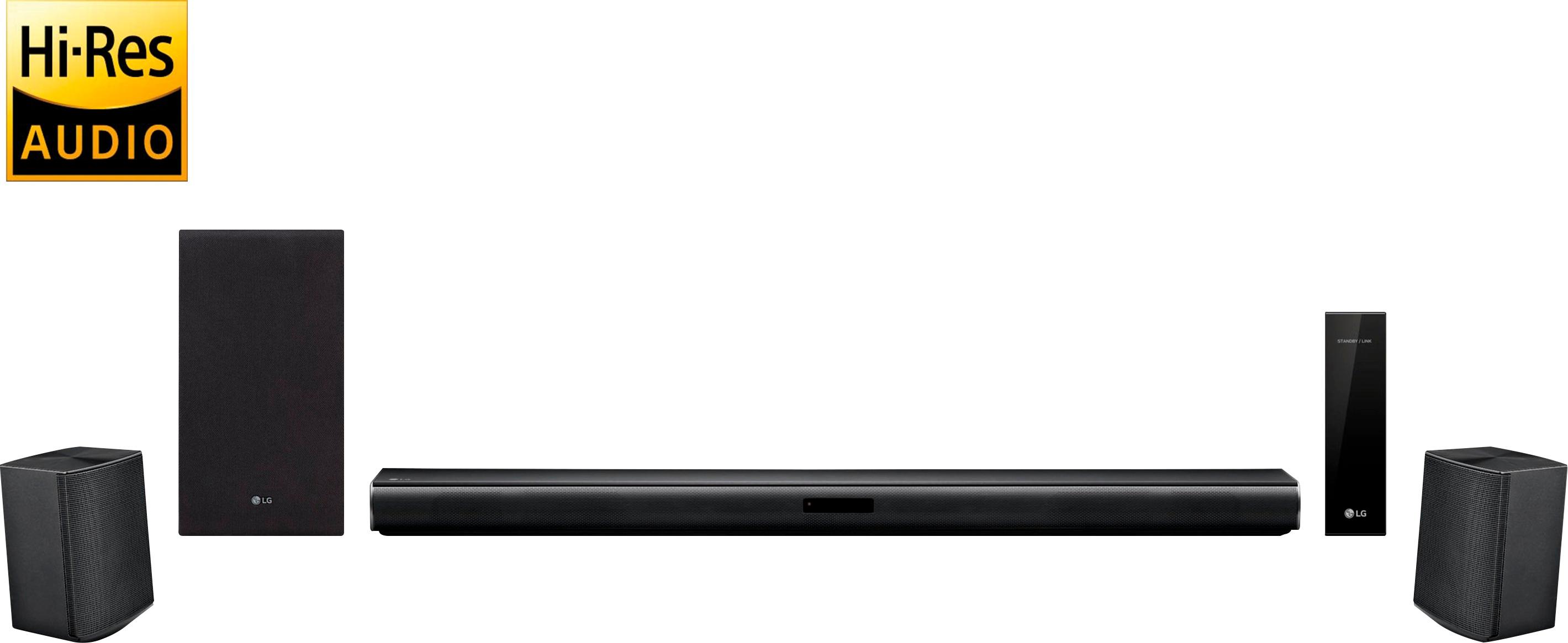
A:AnswerJust hooked this up yesterday; the 2 rear speakers connect via speaker wire to a receiver (not an amp). The receiver plugs into an outlet, then it connects to the soundbar wireless from the back of the room. The instructions in the box have 1 for the soundbar & woofer and then another for the rear speakers/receiver, it's an easy hookup all around, much better than just a soundbar & subwoofer. Here's the web page for LG: http://www.lg.com/us/home-audio/lg-SJ4R-wireless-surround-kit