A:AnswerHi Michael!
So where to begin explaining this and keeping it short!
When you see these seemingly conflicting specifications for the LG - 42" Class (41-9/10" Diag.) - LED - 1080p - 120Hz - Smart - HDTV, Model # 42LB5800, it can be frustrating, but let's take a step back and look at this from a different perspective.
Source footage has never been more than 60Hz and one thing that you need to understand is that you cannot add more detail beyond what's in the source footage! Blu-Ray movies play at 1080p/60Hz. Remember the 1080p versus 1080i comparisons? Video is displayed at either 60 interlaced frames/second or 30 progressive/second at 1920 X 1080 resolution. The original footage for movies recorded on Film is actually 24 frames/second but is up-converted to 30 frames/second with a process known as 2:3 pull down! Why is this done? Because 24 does not divide into 60 evenly, so the 2:3 pull down distributes these frames across 30 frames by interlacing them, combining and shuffling, to fit them into 60 frames/second to match the 60 frames per second ( measured as Hertz-Hz) of your TV. There isn't any commercial media that exceeds the 1080p/60Hz refresh rate yet(4K may change all that when it is fully implemented, but that's a different story for a different day!) Interlacing and 2:3 frame pull down is merely converting the video so it can function on your TV, it does not add anything to the video!
So what does all this have to do with higher refresh rates and what this TV's true refresh rate is? When you see a TV with higher refresh rates of 120Hz or 240Hz, the TV is resorting to "tricks" to achieve this through a process known as interpolation! This process injects new frames into the 60 frames that you TV is displaying that were not on the Blu-Ray disc or the television signal you're watching! These new frames are made by combining and processing the data of the frames surrounding them, generating the images your HDTV thinks it should draw between the images it's told to draw by the media. These refresh rates and motion-enhancing modes higher than 60Hz can produce a surreal effect when watching movies and television shows. For sports and video games, those added frames can help reduce stuttering and blur, and the action will be easier to track, but you should know when to turn these enhanced refresh rates off, and watch with the "default" 60Hz or 24Hz film mode.
As a general rule, if you're watching sports, or playing games on your TV, use the higher 102Hz refresh rate, but if you're watching a movie or content that involves people speaking, turn it off. You've probably heard of the "soap opera effect"? That is when you're watching at the higher refresh rate and people look like creepy dolls.
The 42LB5800 HDTV should be listed as a 1080p/60Hz TV but it is capable of doing 120Hz. It might be that people are mistakenly listing the MCI 120 as being the 120Hz refresh rate, but MCI is something totally different and that would take up a whole new discussion and explanation, so hopefully this is of some help. A 120Hz refresh rate can be beneficial for certain situations, but a higher refresh rate should not be considered a good reasons to spend more on an HDTV. A 60Hz refresh rate is sufficient for watching television and movies!...IFV
A:AnswerThank you for your interest in the LB5800 series and LB6300 series TVs.
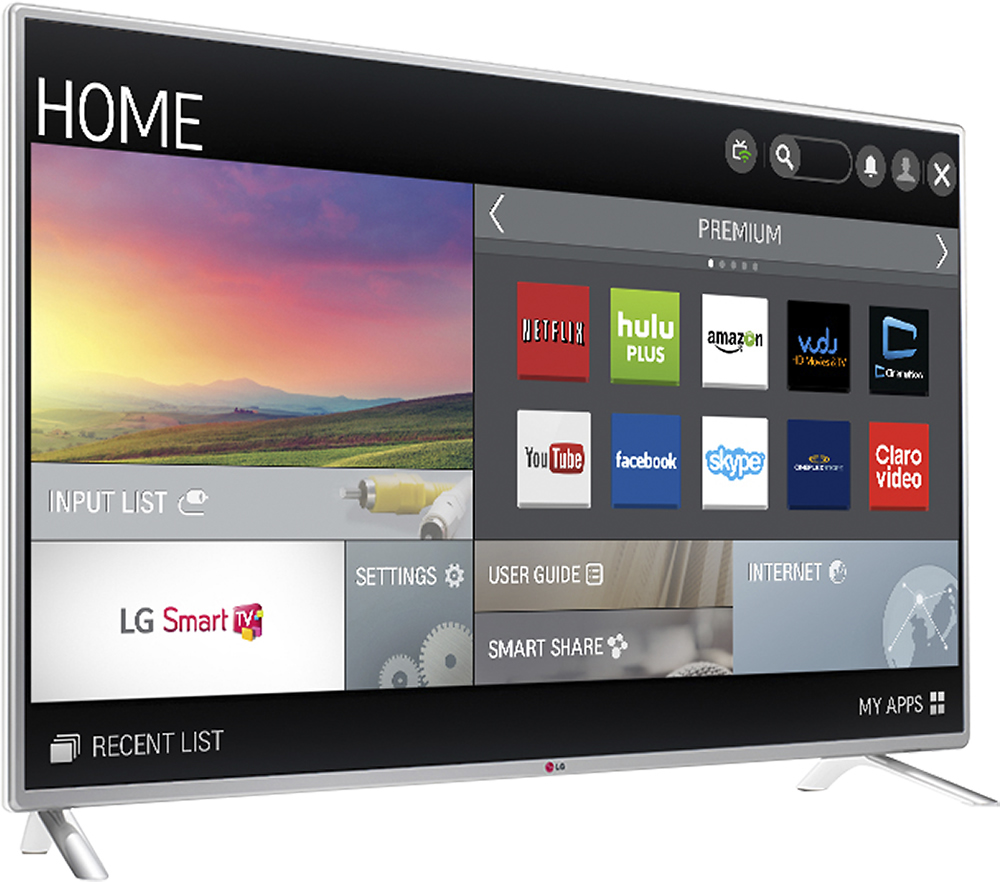
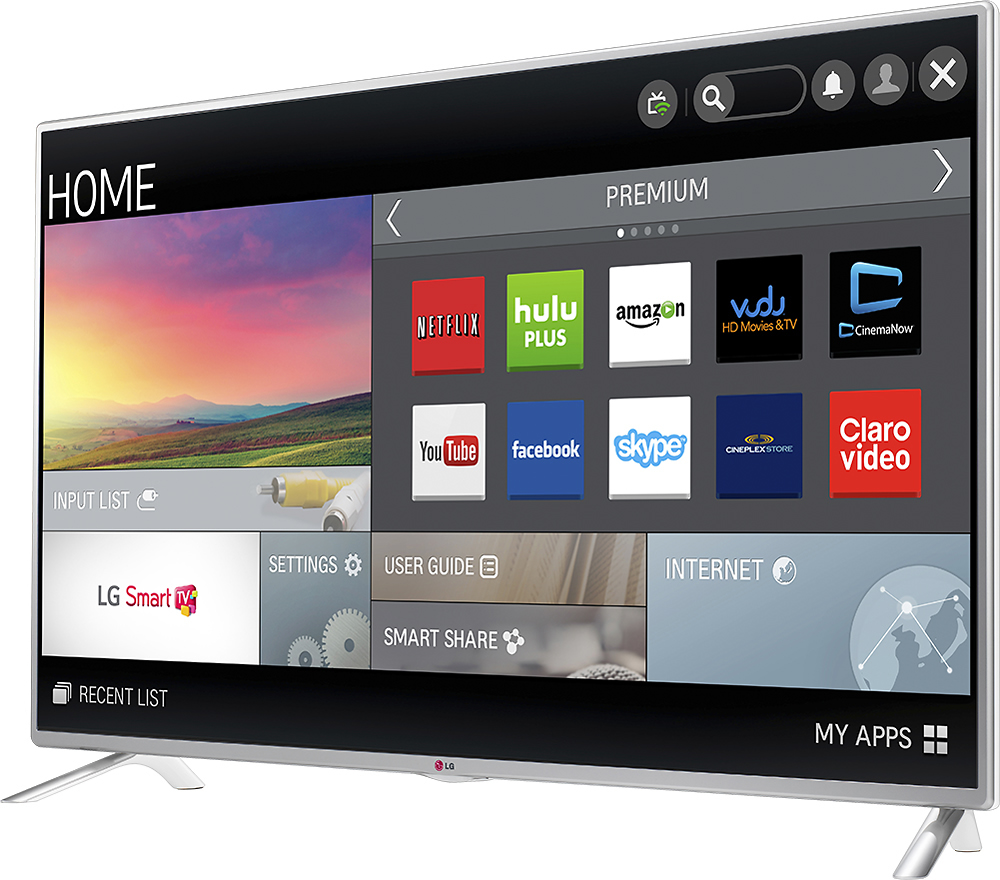
LG 42LB6300 comes with 1080p Full HD picture resolution that completed with Motion Clarity 600 (120Hz native refresh rate) and comes with the new 2014 version of LG Smart TV name WebOS Smart TV. The WebOS Smart TV allows you to personalize the home screen of your TV and WebOS also makes it easier to connect to internet and access the premium content like Hulu Plus, Netflix and YouTube. There’s also LG Recommendations that give you a recommendation on what program or contents suit your individual tastes. LG 42LB6300 is also completed with the built-in Wi-Fi that make it easy to connect to internet by just using your home network.
The LG 42LB5800 comes with 1080p Full HD picture quality that completed with Motion Clarity Index 120 (60Hz native refresh rate) and comes with a more standard LG Smart TV. The Standard LG Smart TV helps you on connect to premium content like Hulu Plus, Netflix and YouTube directly from your TV. It’s also completed with LG Recommendations that give recommendations on what program or content that you should watch based on your preference. The LG 42LB5800 is also completed with the built-in Wi-Fi that make it easy to connect your LG 42LB5800 using your home network.
The key differences between LG 42LB6300 and 42LB5800 are the refresh rate and the Smart TV version that installed on the TV set. With the 120Hz refresh rate, LG 42LB6300 can deliver better crisp and clear picture quality especially when you are watching fast action movies and sports compared to LG 42LB5800 that uses 60Hz refresh rate. The WebOS Smart TV also has more features compared to the standard LG Smart TV. The LB5800 is lower priced than the LB6300 so if you're looking for a 42-Inch LG Smart TV and you have a lower budget, then you can consider choosing LG 42LB5800. As a step down from the LB6100 the refresh rate has been down graded, a few picture settings and sound settings have been left out, and the available sizes in the series are different. The LB5800 is designed for those looking for a value TV to cover light Smart TV usage without all the picture quality upgrades that drive the price up. It has good off angle viewing performance for an value LED TV. Unlike the LB6300 series, the LB5800 series also loses the IPS panel. The LB6300 series as a top tier LG LED HDTV features an IPS panel that really improves side angle viewing. If you normally have to deal with wider viewing angles, then the LB6300 series would be the better choice. Even though the LB5800 series' bezels are not as thin as some of the higher tier models like the LB6300 series, it still has a nearly frame-less design with brushed silver bezels measuring in at around half an inch and its bezels still look great.
In the LB6300 series, the IPS panel brings many benefits to the overall picture quality. Side viewing angles are improved as well as light flow though and an overall more brilliant image. Color reproduction benefits as well. Colors come out looking bright and natural and stay vibrant as you move off-center as well thanks to the IPS panel. Using an optional LG TV camera, you can use the new feature, Finger gesture which brings up a small arched menu appears on the screen when you access it with your finger. You can control volume, On/Off function, or input selection.
The LB6300 series also comes with LG's Magic remote versus the standard remote for the LB5800 series. Overall though, the IPS panel, new WebOS powered smart TV platform, and solid sound quality come together to make quite the attractive package on the LB6300 series. Hopefully this gives you some idea on some of the differences between the two series!...IFV
A:AnswerWe use this TV in a very bright area. After adjusting the wall mount bracket to tilt the TV up a bit we no longer experience any kind of glare. It did have a reflection before, though, so I wouldn't say it is anti-glare. It can be worked around, though.
A:AnswerHello Kinta!
Thank you for your inquiry.
The 2014 Line up of TVs with WebOS also include a web browser which support Flash, Java and HTML5. To be able to watch Flash, you web browser needs to be able to support the Adobe Flash Player 11. If you visit http://www.adobe.com/software/flash/about/ on your TV's web Browser, you can find out what version is installed on your TV. The minimum version of Adobe, required by ITV Player is 10.2...IFV
A:AnswerHad the same problem, bought a piece of 1X10 Clear Pine board, Stained (or Paint) to match entertainment center and attach with Screws. From the bottom if possible not to see the screw heads. Make sure screws are long enough to go thru both but not too long to pertrude (I.e both together are 1-1/2" use 1-1/4 screws)
A:AnswerYour inquiry is appreciated.
Although the LG - 42" Class (41-9/10" Diag.) - LED - 1080p - 120Hz - Smart - HDTV, Model # 42LB5800 has Wi-Fi Built-In, it does not have a web browser in it so you cannot surf the web as you would on your computer. If you computer has an HDMI output on it, you can connect your computer and use the TV as a monitor or you could get a Blu-Ray player that has a web browser built-in that you could surf the web with using the TV as a monitor!...IFV
A:AnswerThank you for your question. I can see how this information could be confusing to you. According to the manufacturer's site the television is 120hz. We seem to have a typo on our web page. I will escalate this and try to get that typo corrected asap.
-Mimi
A:AnswerHi Ryck.
Yes, you can buy a set of legs for your LG - 42" Class (41-9/10" Diag.) - LED - 1080p - Smart - HDTV, Model # 42LB5800. Have you asked if they can be ordered through Best Buy?
If not, you can order them from any LG Authorized Parts Distributor:
Encompass Parts 866-779-7906 http://www.encompassparts.com/lgcon...
MCM Electronics 800-824-9491 http://www.mcmelectronics.com/lgpar...
Andrews Electronics 800-274-4666 http://lge.andrewselectronics.com...IFV
A:AnswerHello Gary.
Your inquiry is appreciated.
The 42" Class (41.9" Diagonal) 1080p Smart LED TV, Model # 42LB5800 has an Optical Digital Output that can be used to connect to other devices, but without knowing exactly what type of surround speakers you have, it cannot be determined what you would need to connect or how to connect the speakers. If you need some assistance with this, you can contact our Customer Interactive Center at (800) 243-0000 or have a LIVE CHAT with a representative at www.lg.com/us/support...
A:AnswerHi VW.
Thank you for your inquiry.
Just for clarification, You have 3 different types of Wall Mounts available. The Fixed Wall Mount, The Tilting and the Full Motion Wall Mounts. Fixed Wall Mounts do not move at all as the name implies. Tilting Wall Mounts only tilt forwards and backwards. The Wall Mounts that will allow you to tilt forward, backward, from side to side etc. are the Full Motion Mount, again, just as the name implies.
Best Buy carries several different brands, (Sanus, Rocketfish, Dynex, Insignia) and as for which one is the best for mounting the LG - 42" Class (41-9/10" Diag.) - LED - 1080p - 120Hz - Smart - HDTV Model # 42LB5800, will be something you definitely need to have a Sales Associate qualify you with since they all have different pricing options and different profiles. For the Sales Associate to qualify you better, you may want to take measurements of where you intend to mount the TV. That should give you an idea of which mount will be ideal for you based on their profiles and how much tilt they can provide...IFV
A:AnswerThank you for your inquiry.
The remote control for your new LG - 42" Class (41-9/10" Diag.) - LED - 1080p - Smart - HDTV - Model # 42LB5800 has 4 buttons in line under the power button (Caption; AV Mode; Ratio and Input) The "Ratio" button is short for Aspect Ratio which is what changes or resizes the image on the screen. For Widescreen (i.e. images that will fill your screen if the content is in a 16:9 Aspect Ratio), press the button till you see 16:9 or till you see that the image fills your screen...IFV
A:AnswerThank you for your inquiry.
The LG - 42" Class (41-9/10" Diag.) - LED - 1080p - 120Hz - Smart - HDTV, Model # 42LB5800 is compatible with the Magic Remote AN-MR500 which will requite the AN-WF500 Wi-Fi Dongle/Bluetooth Receiver for the Magic Remote to operate. Other than that, there are no guarantees that a non-LG keyboard would work with this TV al all. You could inquire from the Best Buy Sales Associates about whether or not they know of one that might work...IFV
A:AnswerRun would have to run the wires where the show the least and put the box under the mantel or a piece of furniture to the side if the fire place
A:AnswerThank you for your inquiry!
The dimensions for the TV are as follows:
TV without Stand (WxHxD) 37.83" x 22.32" x 2.19"
TV with Stand (WxHxD) 37.83" x 24.02" x 8.58"
The dimensions are listed under the 'Specifications' tab on the Best Buy site under "width" and if you scroll further down those specifications, you will find listed the dimensions for the product's height without and with the stand as well as it's depth without and with the stand!... IFV