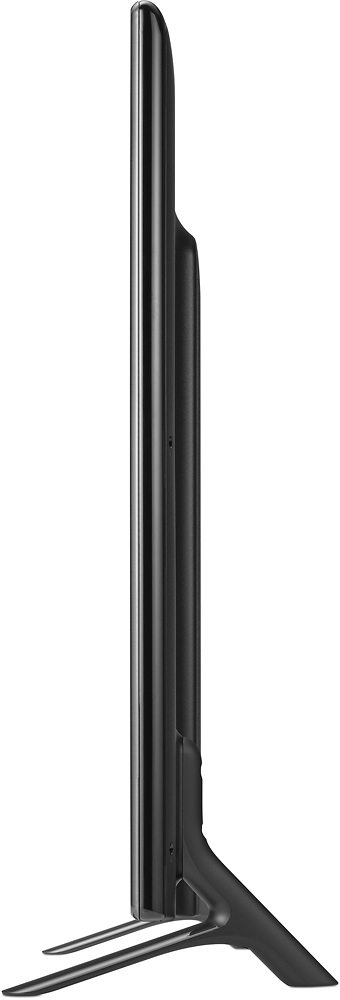
A:AnswerYou will be able to play video files through the USB port on the LG - 42" Class (41.9" Diag.) - LED - 1080p - HDTV Model # 42LB5600. Some storage devices that you might try playing the videos from may not work or may not work properly. USB storage devices with a built-in auto recognition program or its own driver may not work. Use only those USB storage devices formatted
with FAT32 or NTFS File System provided by Windows. If you're going to use external USB HDDs, use devices with less than 5V-rated voltages and 500 mA-rated current. It is recommended to use USB flash drive with 32GB or less and USB HDD with 2 TB or less. If a USB HDD with power-saving function does not work properly, turn the power off and on or refer to its' manual. The Supported Video formats are as follows:
• Maximum: 1,920 x 1,080 @ 30p (only Motion
JPEG 640 x 480 @ 30p)
• .asf, .wmv
[Video] MPEG-2, MPEG-4 Part2, DivX3.11, DivX4,
DivX5, DivX6, XViD, H.264/AVC, VC1(WMV3,
WVC1), MP43
[Audio] WMA Standard, WMA9(Pro), MP3, AAC,
AC3, MP3, 3D WMV Single Stream
• .divx, .avi
[Video] MPEG-2, MPEG-4 Part2, DivX3.11, DivX4,
DivX5, DivX6, XViD, H.264/AVC
[Audio] HE-AAC, LPCM, ADPCM, MPEG-1 Layer1,
MPEG-1 Layer2, Dolby Digital, MPEG-1 Layer3
(MP3)
• .ts, .trp, .tp, .mts, .m2ts
[Video] H.264/AVC, MPEG-2, AVS, VC1
[Audio] MPEG-1 Layer1, MPEG-1 Layer2, MPEG-1
Layer3 (MP3), Dolby Digital, Dolby Digital Plus,
AAC, HE-AAC
• .vob
[Video] MPEG-1, MPEG-2
[Audio] Dolby Digital, MPEG-1 Layer1, MPEG-1
Layer2, DVD-LPCM
• .mp4, .m4v, .mov
[Video] MPEG-2, MPEG-4 Part2, DivX3.11, DivX4,
DivX5, DivX6, XVID, H.264/AVC
[Audio] AAC, MPEG-1 Layer3 (MP3)
• .mkv
[Video] MPEG-2, MPEG-4 Part2, DivX3.11, DivX4,
DivX5, DivX6, XVID, H.264/AVC
[Audio] HE-AAC, Dolby Digital, MPEG-1 Layer3
(MP3), LPCM
• motion JPEG
[Video] MJPEG
[Audio] LPCM, ADPCM
• .mpg, .mpeg, .mpe
[Video] MPEG-1, MPEG-2
[Audio] MPEG-1 Layer1, MPEG-1 Layer2, Dolby
Digital, LPCM
• .dat
[Video] MPEG-1, MPEG-2
[Audio] MP2
• .flv
[Video] Sorenson H.263, H.264/AVC
[Audio] MP3, AAC, HE-AAC
• .3gp, .3gp2
[Video] H.264/AVC, MPEG-4 Part2
[Audio] AAC, AMR(NB/WB)...^IFV
A:AnswerThe LG - 42" Class (41.9" Diag.) - LED - 1080p - HDTV, Model # 42LF5600 only has a Optical Digital Output for connecting to external receivers or speaker systems. You will need to see what input connections are on the speakers you're interested in connecting to or refer to the owner's manual for those speakers to see if they offer an alternative way to connect to a TV if they do not have the appropriate connection. You may also want to ask Best But for adapters that would allow you to connect to the Optical Digital Output on the TV and allow you to connect your speakers to that adapter so you can get the sound to the speakers...^IFV
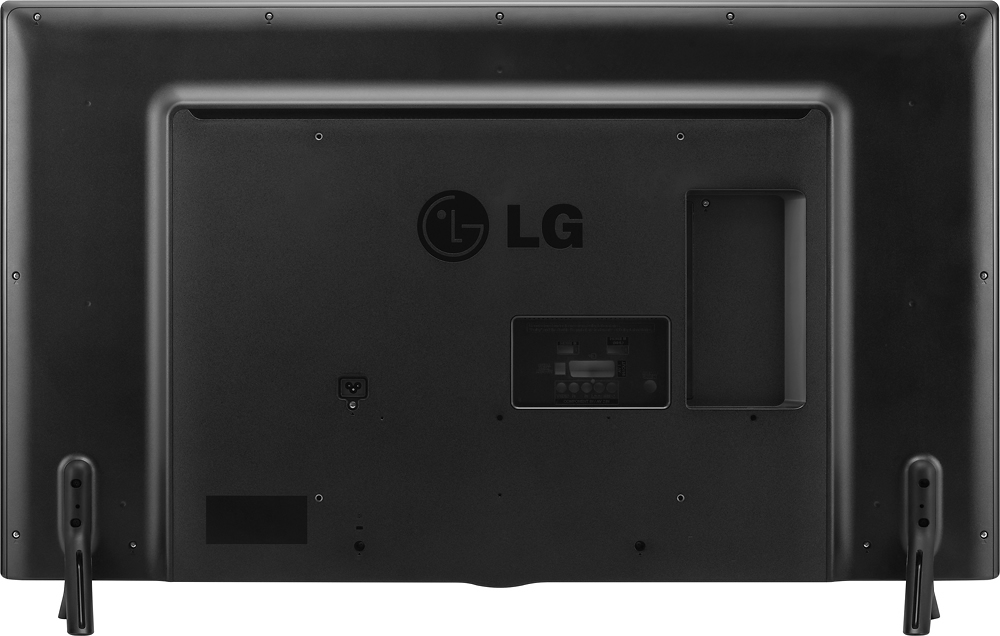
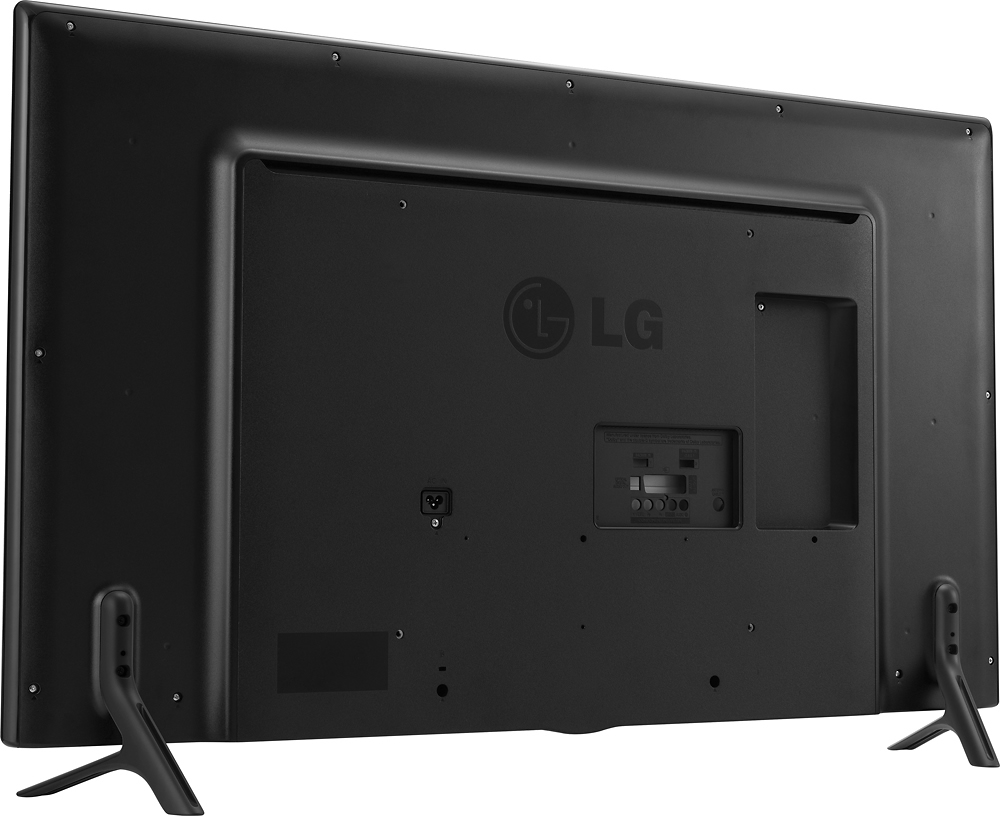
A:AnswerIt's not the ENERGY STAR® Qualified LG 42" Class (41.9" Diagonal) 1080p LED TV, Model # 42LF5600 that you need to worry about, it's the player that you will be connecting the TV that needs to be able to play those different discs. Blu-ray players are backward compatible which means that they will play CDs, DVDs and Blu-ray DVDs. However, you need to make sure that the player you are getting has the proper connections to connect to the TV. This TV has 2 x HDMI Input ports, 1 x Component port (color coded Red/Green/Blue) and shares the Audio Input with the Composite ports (i.e. the Red/White ports of the Red/White/Yellow RCA ports). The easiest connection to use is the HDMI port & all you would need is just one HDMI cable to connect the Blue-ray player to any of the TV's HDMI ports. You can watch video from any source that can be connected to this TV as long as the source is able to play your discs...^IFV
A:AnswerAccording to the back of this tv you can use this tv in other countries like Europe as it states on the back 220 or 240v I am not sure look on the back of tv please if it is 220 v or 240 v Thank you