

Black Friday is hereShop new DoorbustersShop now

Main Content

Questions & Answers

Your price for this item is $899.99
The comparable value price is $1,399.99
Page Showing 1-20 of 26 questions
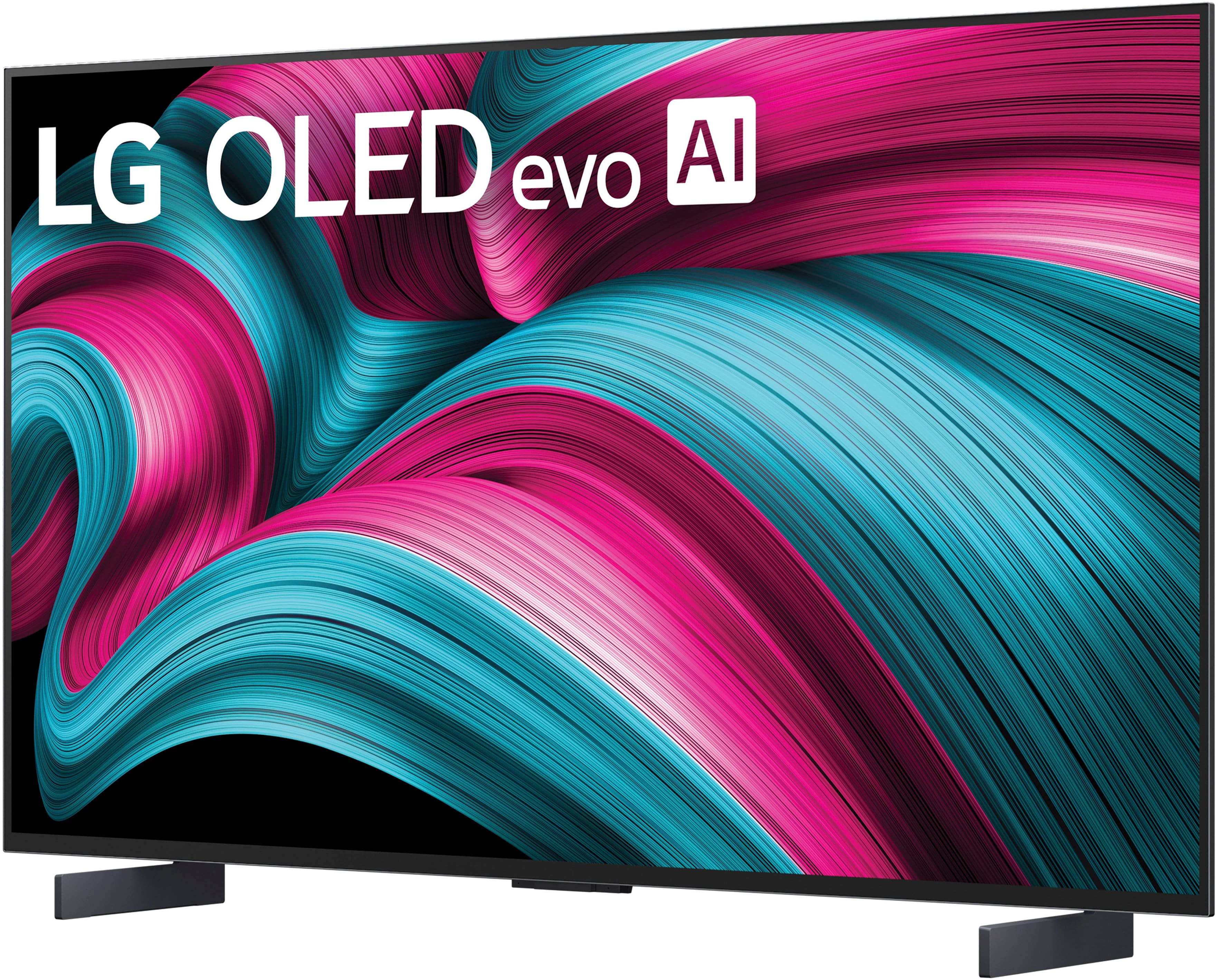
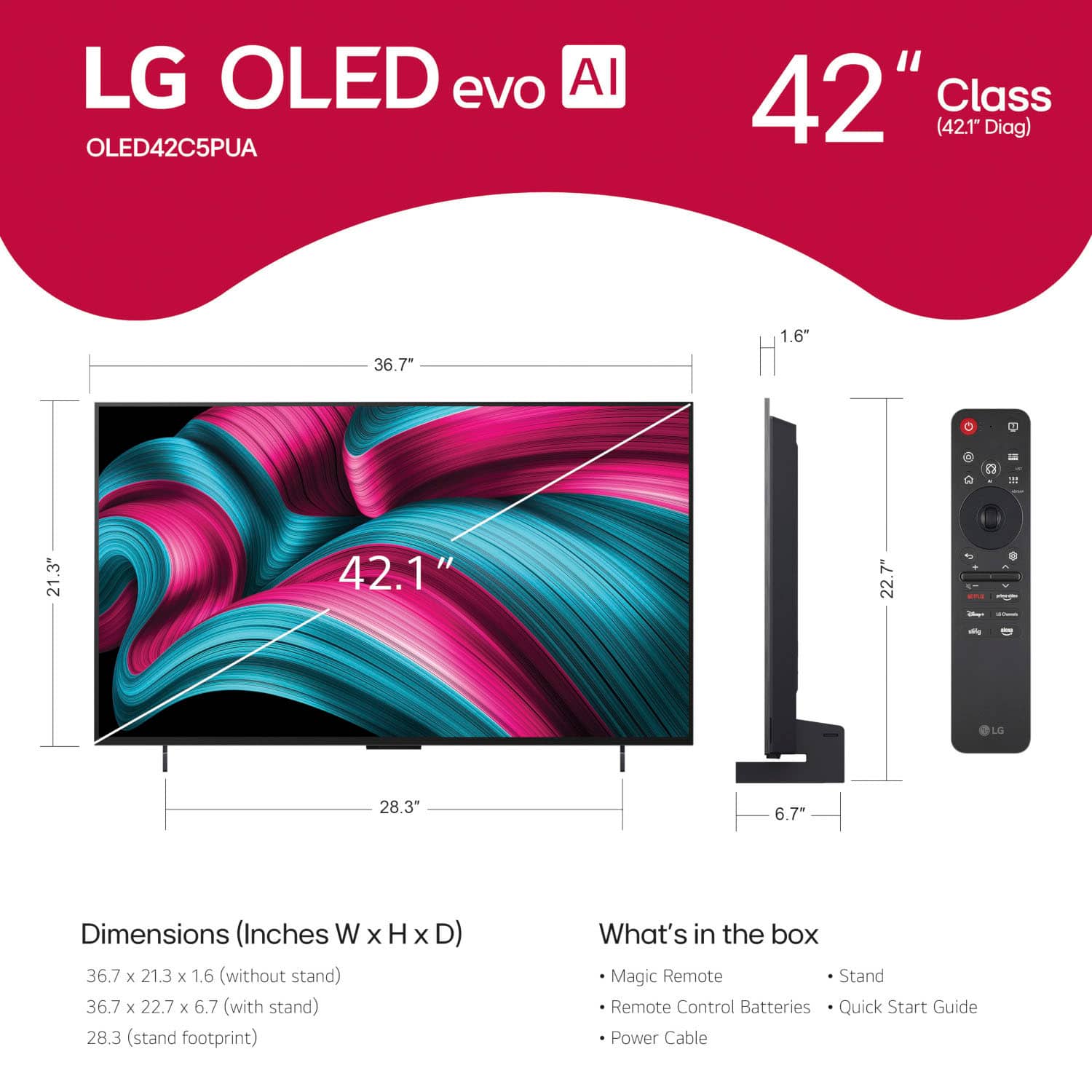
  • QuestionWhat is the screen size of this LG TV?

    • Answer This LG TV has a screen size of 42.1 inches.
    This question and answer was generated by AI based on customer and product data.
  • QuestionDoes this TV include support for Dolby Vision?

    • Answer Yes, this TV supports Dolby Vision for enhanced color, contrast, and brightness.
    This question and answer was generated by AI based on customer and product data.

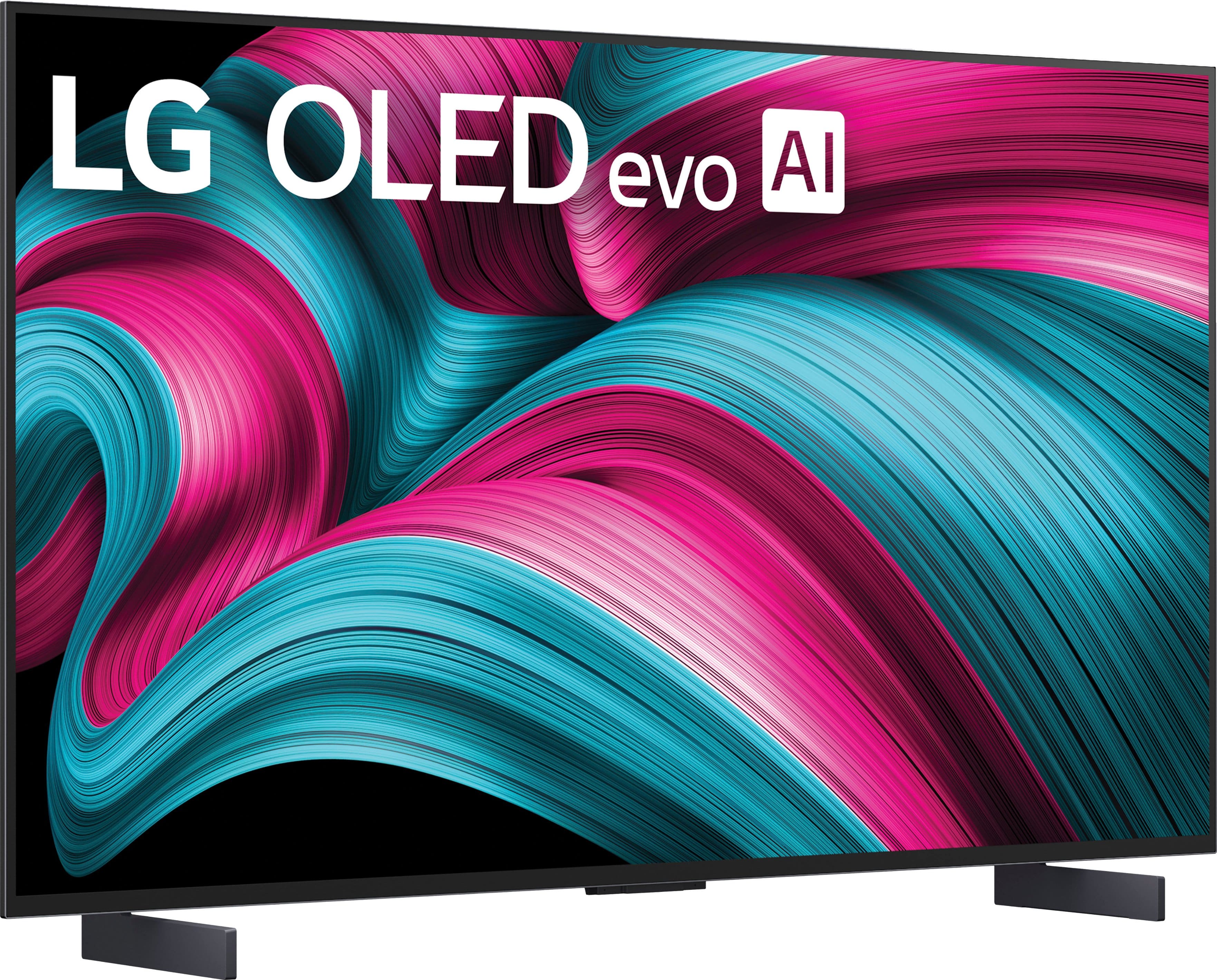
  • QuestionWhat type of stand comes with this LG TV?

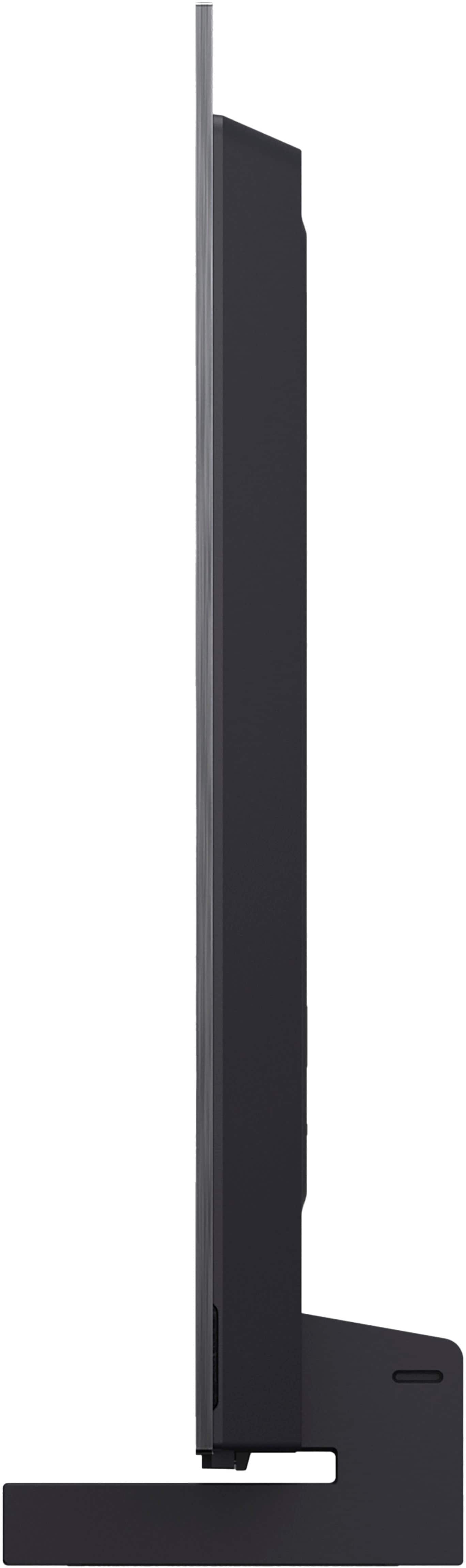
    • Answer This LG TV comes with a stand included.
    This question and answer was generated by AI based on customer and product data.
  • QuestionWhat is the response time for this LG TV?

    • Answer This LG TV boasts a 0.1ms response time for smooth and immersive gaming.
    This question and answer was generated by AI based on customer and product data.
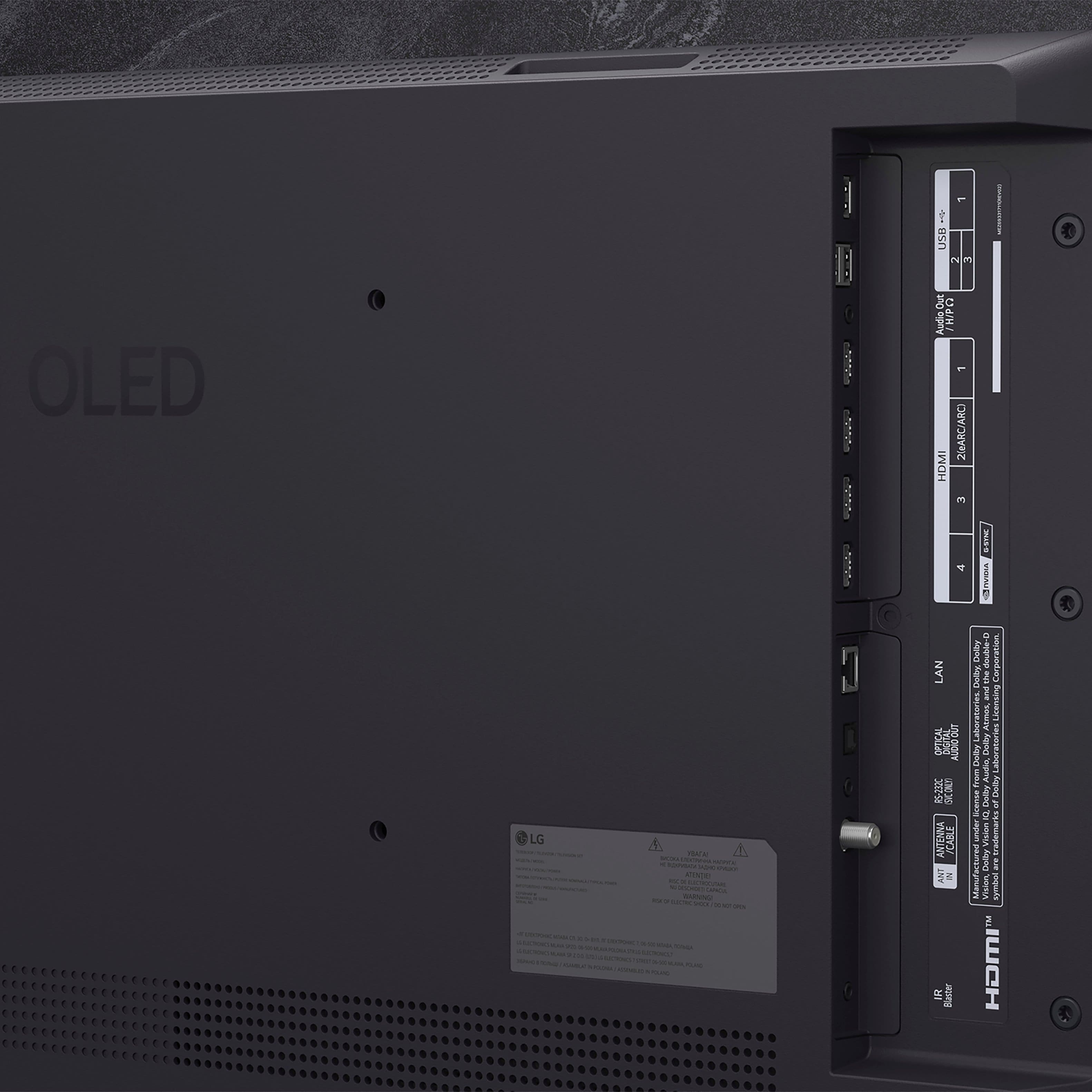
  • QuestionCan I connect a soundbar to this TV?

    • Answer Yes, you can enhance your audio experience by connecting a compatible LG soundbar to the TV.
    This question and answer was generated by AI based on customer and product data.
  • QuestionHow does the AI Super Upscaling technology enhance picture quality?

    • Answer The AI Super Upscaling technology automatically enhances picture quality regardless of the content you are watching, whether it's sports, movies, or your favorite late-night shows.
    This question and answer was generated by AI based on customer and product data.

  • QuestionIs this LG TV compatible with AMD FreeSync Premium?

    • Answer Yes, this LG TV is compatible with AMD FreeSync Premium for an enhanced gaming experience.
    This question and answer was generated by AI based on customer and product data.

  • Questioncan this be used as a computer monitor?

    Asked by montevan.

    • Answer Yes. I use it as a computer monitor. You might just need to tweak brightness depending on what type of content you are viewing

      Answered by Randry

  • QuestionIs this TV glossy, or does it have some kind of anti-glare coating

    Asked by anonymous.

    • Answer The screen is glossy and there can be glare from light sources in the room. This has not been a problem for me and solved by simply turning off the offending light source.

      Answered by JohnC

  • QuestionDoes the 42" LG C5 feature a "Bright Room Ready" / antiglare screen?

    Asked by Jeff.

    • Answer The LG 42" Class C5 Series OLED evo AI 4K UHD Smart webOS TV (2025), Model # OLED42C5PUA, does not have a “Bright Room Ready” anti-glare screen..^Ivan.

      Answered by LG Digital Customer Care

  • QuestionCan you get warrantee?

    Asked by Poppo.

    • Answer The LG 42" Class C5 Series OLED evo AI 4K UHD Smart webOS TV (2025), Model # OLED42C5PUA, comes with a Limited Manufacturer's Warranty of One (1) year from the date of original retail purchase for Part and Labor (internal/functional parts only). Best Buy offers extended Geek Squad warranties for TVs. These warranties provide additional coverage beyond the manufacturer's warranty, including protection against accidental damage, power surges, and mechanical failures. You can purchase these extended warranties as an annual subscription, with options available for 2 to 5 years of coverage...^Ivan.

      Answered by LG Digital Customer Care

  • QuestionThe width listed in the product details is an impossibility

    Asked by Anonymous.

    • Answer Hello there. We understand your inquiry about the width measurement of the 42" C5 Series OLED TV (OLED42C5PUA). Thank you for bringing this to our attention. The correct width of the TV without the stand is 36.8 inches. The measurement of 22.7 inches you may have seen is the height of the unit with the stand. If you need further assistance with your unit, please send us a private message on Social Media @LGUSSupport and our team will be more than happy to explore possible solutions. https://www.bestbuy.com/product/lg-42-class-c5-series-oled-evo-ai-4k-uhd-smart-webos-tv-2025/JJ8VPZTHLJ We appreciate your patience. —Renzo

      Answered by LG Digital Customer Care

  • QuestionIs it possible to get a swivel stand for this TV? One that I can put on a table and swivel the tv in the direction I want to watch it from. If so, can you recommend a part number?

    Asked by Nathan.

    • Answer LG does not make a swivel stand for the 42" Class C5 Series OLED evo AI 4K UHD Smart webOS TV (2025), Model # OLED42C5PUA, and we are not aware of any third-party swivel stands that are compatible...^Ivan.

      Answered by LG Digital Customer Care

  • QuestionI see that one purchaser uses this model as a computer monitor. Does that mean I could access features such a Zoom through the TV?

    Asked by Sabsavvy.

    • Answer You can access Zoom on the LG 42" Class C5 Series OLED evo AI 4K UHD Smart webOS TV (2025), Model # OLED42C5PUA, through a connected PC/Laptop, just as you would for a computer monitor...^Ivan.

      Answered by LG Digital Customer Care

  • QuestionWill this TV work with Direct TV without any box or other device?

    Asked by Jeff.

    • Answer The LG 42" Class C5 Series OLED evo AI 4K UHD Smart webOS TV (2025), Model # OLED42C5PUA, is NOT a DirecTV Ready TV that is designed to work seamlessly with the DirecTV satellite service, and has built-in technology that allows it to receive signals directly from DirecTV satellites, eliminating the need for an extra set-top box...^Ivan.

      Answered by LG Digital Customer Care

  • QuestionDoes this TV require a cable box to receive Spectrum content?

    Asked by Anonymous.

    • Answer Hi there. Thank you for sharing your experience with us. We understand your inquiry about the LG OLED42C5PUA. This TV model has an ATSC 1.0 tuner, which allows it to receive over-the-air digital broadcasts and unencrypted QAM cable signals. However, to access Spectrum content, you will need a cable box to decrypt the channels. https://www.bestbuy.com/product/lg-42-class-c5-series-oled-evo-ai-4k-uhd-smart-webos-tv-2025/JJ8VPZTHLJ If you have any further questions about its features, please send us a private message on Social Media @LGUSSupport, and our team will be more than happy to assist you. —Renzo

      Answered by LG Digital Customer Care

  • QuestionCan a stand on wheels be used with a 42" LG TV? If yes, is there any info that you can share to make it easier because I would be attaching it myself. Also, is a BOSE soundbar compatible?

    Asked by Lorelei.

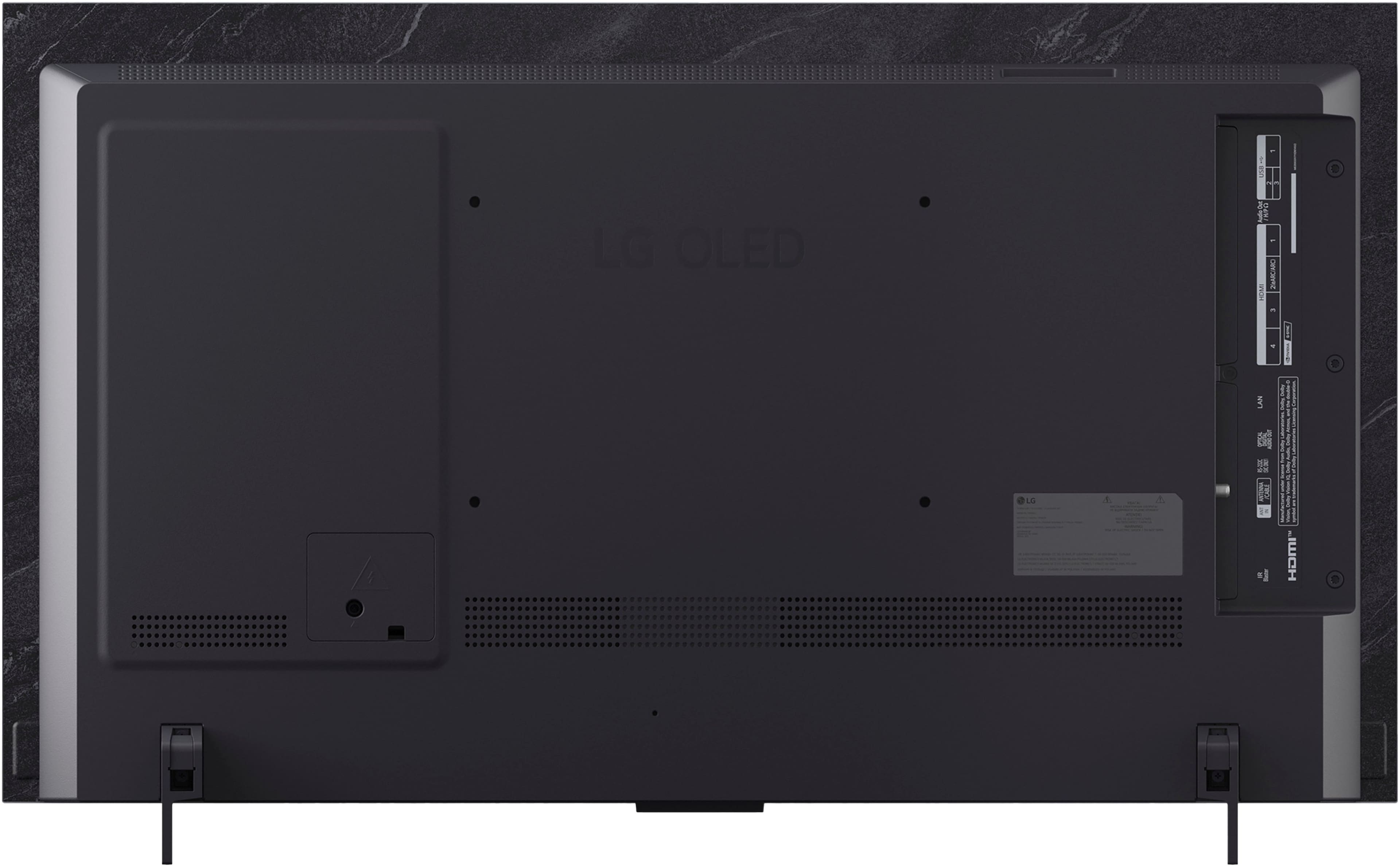
    • Answer Is the stand on wheels that you are inquiring about a VESA-compliant Stand that has a mounting bracket that can be used to mount TVs? The 42-inch Class LG OLED evo AI C5 4K Smart TV 2025, Model # OLED42C5PUA, is a VESA-compliant display with a 300 x 200 mm VESA Mount Pattern, LG does not make TV stands with wheels, but there is a variety of third-party TV Stands with wheels that you can find online that have VESA-compliant mounts that you can mount a TV on, but you need to ensure that the TV stand supports the TV's VESA mount pattern. What connectivity does your Bose Soundbar have? The TV is a Bluetooth-enabled TV so it can be paired wireless via Bluetooth with a Bluetooth-enabled soundbar, connect the HDMI eARC port (HDMI 2) on the TV to an HDMI ARC/eARC port on a soundbar, or connect the TV's optical digital audio Output to a soundbar's optical digital audio input...^Ivan.

      Answered by LG Digital Customer Care

  • QuestionWhat is the peak HDR brightness of the 42-inch LG OLED42C5PUA for both a full-screen image and a 10% window and also in standard mode? I understand that its specifications differ from the 55-inch +

    Asked by anonymous.

    • Answer Hello there. Thank you for sharing your inquiry about the peak brightness of the OLED42C5PUA. We understand your question and your awareness that the smaller screen sizes have different performance characteristics than the larger models. Based on testing results for the 42-inch model, here are the approximate peak brightness figures: Peak HDR Brightness (10% Window): The 42-inch C5 achieves around 750 to 800 nits for a small, bright area in HDR content. This is the typical measurement that demonstrates the TV's peak highlight capability. Full-Screen HDR Brightness (100% Window): For a completely white screen in HDR, the brightness is typically around 170 to 200 nits. This difference from the smaller window is characteristic of all OLED displays, as the full-screen brightness is regulated to protect the display's pixels. Standard Mode Brightness (SDR): For a 100% white screen in Standard Dynamic Range (SDR) content, the brightness will vary depending on your specific settings, but it can typically reach between 200 and 250 nits. https://www.bestbuy.com/product/lg-42-class-c5-series-oled-evo-ai-4k-uhd-smart-webos-tv-2025/JJ8VPZTHLJ We appreciate you looking into the technical specifications of your OLED42C5PUA. If you would like to discuss optimizing your current picture settings to maximize brightness for your specific environment, please send us a private message on Social Media @LGUSSupport, and our team will be more than happy to assist you. —Renzo

      Answered by LG Digital Customer Care

  • QuestionCan this tv be wall mounted easily? Can this tv be calibrated in store after purchase?

    Asked by Cejay.

    • Answer How easily the LG 42" Class C5 Series OLED evo AI 4K UHD Smart webOS TV (2025, Model # OLED42C5PUA can be mounted will depend on your skill level. It can be easy to mount a TV, especially with the right tools and preparation, but it often requires careful planning and sometimes assistance. TV calibrations are best done in the environment in which the TV is installed. The room's lighting, size, and viewing conditions can affect the calibration results. It is recommended to calibrate the TV in a controlled environment that closely matches the conditions of the room where it will be used. This ensures that the TV's settings are optimized for the specific viewing environment, leading to the best possible picture quality...^Ivan.

      Answered by LG Digital Customer Care

  • QuestionNeed manual on how to use TV streaming and the remote control

    Asked by MS.

    • Answer Yes! Simple easy to understand basic functions would be helpful!!

      Answered by JoeD