Black Friday is hereShop new DoorbustersShop now

Main Content

Questions & Answers

Your price for this item is $1,044.99
Clearance
The comparable value price is $1,099.99
Page Showing 1-20 of 43 questions
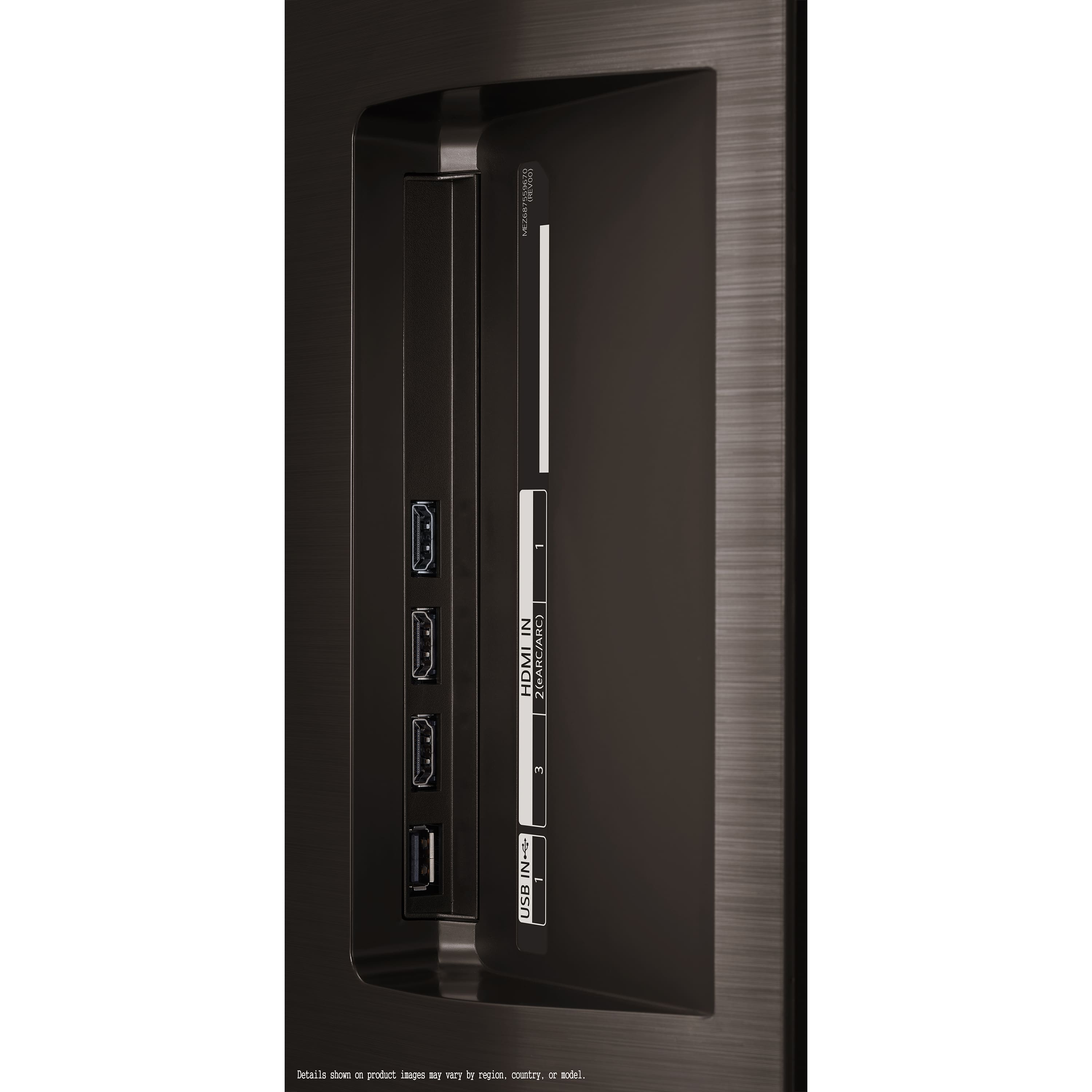
  • QuestionHow many HDMI ports does this LG TV have?

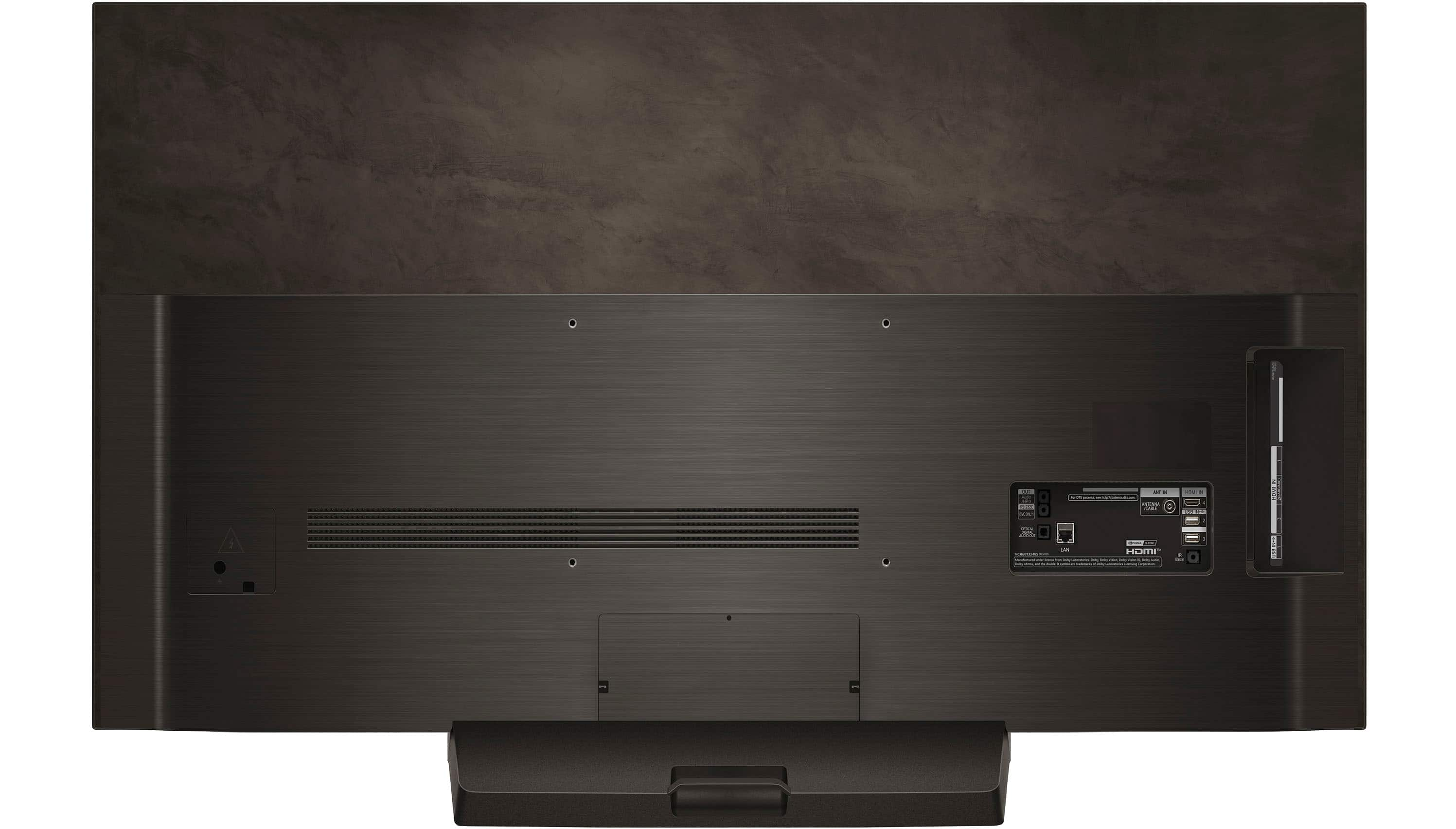
    • Answer This LG TV is equipped with 4 HDMI 2.1 ports.
    This question and answer was generated by AI based on customer and product data.
  • QuestionDoes this TV come with built-in speakers?

    • Answer Yes, this TV has built-in downward firing speakers.
    This question and answer was generated by AI based on customer and product data.
  • QuestionWhat is the screen size of this TV?

    • Answer This LG TV has a screen size of 48.2 inches.
    This question and answer was generated by AI based on customer and product data.

  • QuestionDoes this TV support Dolby Atmos?

    • Answer Yes, this LG TV supports Dolby Atmos for an immersive audio experience.
    This question and answer was generated by AI based on customer and product data.
  • QuestionWhat is the refresh rate of this LG TV?

    • Answer The refresh rate of this LG TV is 120Hz.
    This question and answer was generated by AI based on customer and product data.
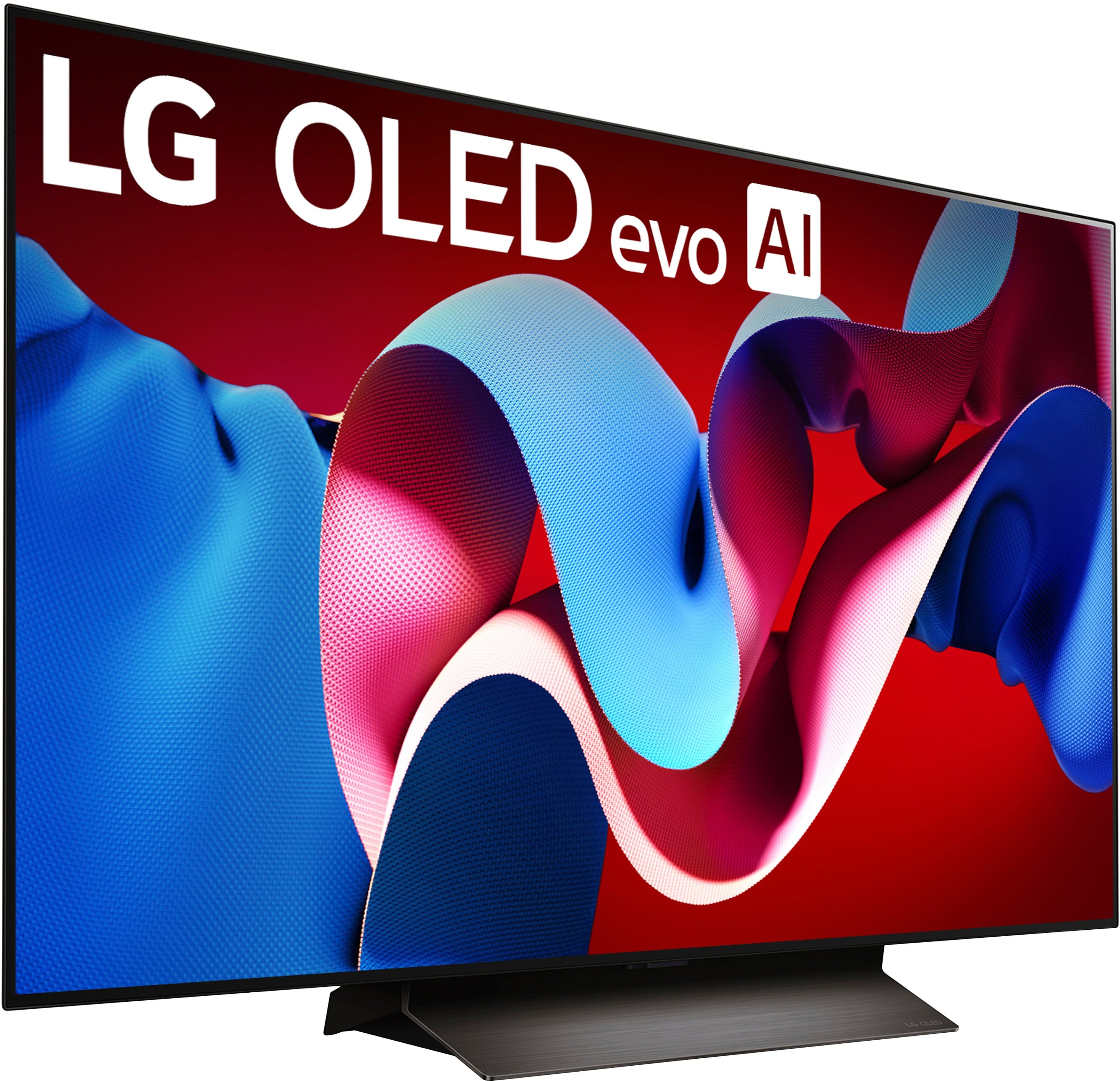
  • QuestionWhat type of display does this TV use?

    • Answer This TV uses OLED evo technology for its display.
    This question and answer was generated by AI based on customer and product data.
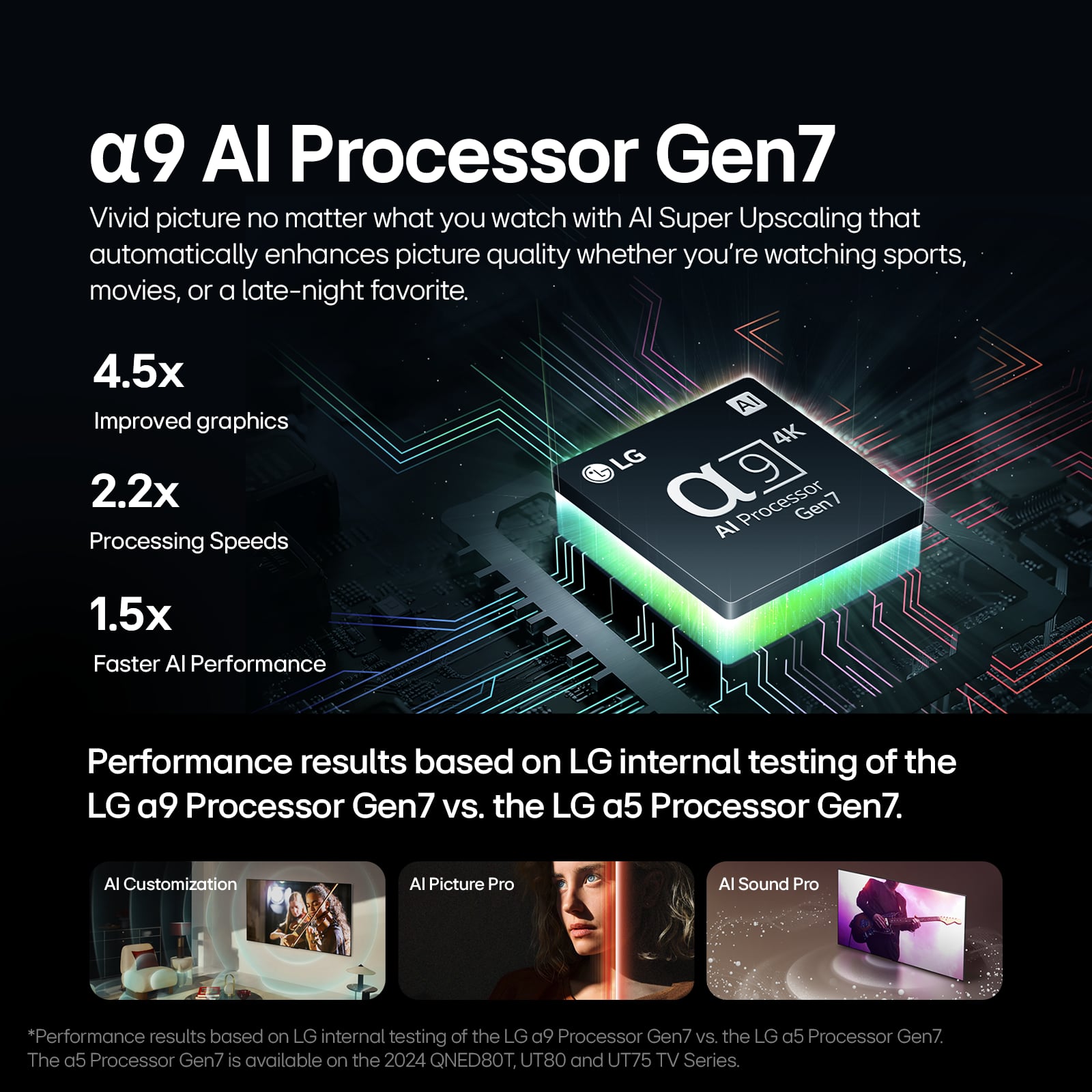
  • QuestionWhich AI processor is used in this LG TV?

    • Answer This LG TV uses the α9 AI Processor Gen7.
    This question and answer was generated by AI based on customer and product data.

  • QuestionRe: LG 48" C4 Series OLED - what size mounting screws does this need and does it come with them already?

    Asked by Techroe.

    • Answer Hi there. Thank you for your question about the LG OLED48C4PUA. The required mounting screws for this model are typically M6 screws, and they should be around 8-10mm in length, depending on the thickness of the wall mount bracket you’re using. Unfortunately, the mounting screws are not included with the TV, as they usually come with the wall mount bracket itself. If you need any further assistance, feel free to send us a private message on Social Media @LGUSSupport or call us at 1-800-243-0000. We're here to help! We appreciate your feedback. —Avril

      Answered by LG Digital Customer Care

  • QuestionWhat is the difference between the B4 and C4 models

    Asked by JanetC.

    • Answer Hello there! Thank you for reaching out. The main differences between the LG OLED48C4PUA (C4 series) and LG OLED65B4PUA (B4 series) models are primarily in the processor and sound quality. Processor: The C4 series (OLED48C4PUA) features the α9 AI Processor 4K Gen7, which provides superior AI upscaling and enhanced image quality, making it better suited for handling more demanding content like high-end gaming or 4K video. The B4 series (OLED65B4PUA) has the α8 AI Processor 4K, which still offers excellent picture quality but is a step down from the α9 in terms of processing power. Sound: The C4 series has the α9 AI Sound Pro (Virtual 9.1.2 Up-mix), offering more immersive sound quality with virtual surround sound. The B4 series uses the α8 AI Sound Pro (Virtual 9.1.2 Up-mix), which is also great but may not be quite as advanced as the C4. Size and Resolution: The C4 series is available in a 48-inch size, while the B4 series comes in 65-inch size. Both models offer 4K Ultra HD resolution and HDR support (Dolby Vision, HDR10, and HLG). Power Consumption: The C4 series consumes about 176 kWh per year with a 94.3W power consumption, while the B4 series consumes 232 kWh per year with a 125.7W power consumption. This makes the C4 slightly more energy-efficient. https://www.lg.com/us/tvs/lg-oled65b4pua-oled-4k-tv#pdp_specs Both are fantastic OLED models, but if you prefer a more advanced processor and better sound, the C4 series would be a better fit. For a larger screen, you might consider the B4 series. If you need more details, feel free to contact us via @LGUSSupport on social media. —Renzo

      Answered by LG Digital Customer Care

  • QuestionCan you use an antenna to get local tv. Or scan air to find channels

    Asked by Joe.

    • Answer Hello there, Joe! Thank you for your question about using an antenna with your OLED48C4PUA TV. Yes, you can absolutely connect an antenna to this model to access local channels. Once your antenna is connected, go to the Settings menu, select Channels, and then run the Auto Tuning to scan for available over-the-air channels. If you need any further assistance or run into any issues, please send us a private message on Social Media @LGUSSupport, and we’ll be glad to help. We appreciate your feedback! —Avril

      Answered by LG Digital Customer Care

  • QuestionConsidering the LG OLED48C4PUA but am wondering if the screen display will not be as good if it is being used in a room with a lot of natural light. I had read that OLED is not a good choice for bright rooms and am wondering if that is still an issue?

    Asked by MC.

    • Answer Hi there, MC. We understand your inquiry about the LG OLED48C4PUA. This 48″ Class C4 Series OLED Evo 4K UHD Smart TV delivers incredible contrast and color accuracy thanks to its OLED Evo panel and α9 AI Processor Gen7. In environments with a lot of natural light, most glossy-screen TVs—including OLEDs—can reflect ambient light more than matte‐finish panels. However, the OLED48C4PUA’s superior pixel-level brightness and Infinite Contrast Ratio (infinite native contrast) help combat glare by displaying deep blacks and vivid colors even when some light is in the room. To optimize your viewing experience in brighter rooms, consider positioning the TV to minimize direct sunlight on the screen or using light‐control solutions like sheer curtains or blinds. Additionally, you can adjust the picture settings—such as increasing Picture Brightness and activating the “OLED Dynamic Tone Mapping Pro” feature—so the TV dynamically enhances highlights and maintains detail even in a well-lit setting. Many users find that these adjustments significantly reduce the impact of reflections and preserve the award-winning picture quality OLED is known for. If you’d like more personalized tips—such as specific picture mode recommendations or room-layout advice—please send us a private message on social media @LGUSSupport. Our team will be more than happy to explore possible solutions tailored to your setup. https://www.bestbuy.com/site/lg-48-class-c4-series-oled-evo-4k-uhd-smart-webos-tv-2024/6578058.p?skuId=6578058 We appreciate your interest in LG and look forward to helping you get the most out of your new OLED48C4PUA. —Renzo

      Answered by LG Digital Customer Care

  • QuestionWhy does the screen go dark after a few minutes of no activity? I'm using it as a computer monitor and HATE this "feature".

    Asked by Rick.

    • Answer it the feature to protect the screen Oleds are known to have burn in for example it can burn in a line if you leave you browser open everyday at the same screen the top line of the browser screen can burn in and still be visible when you close the browser . i had another Oled for several years as a PC monitor . it works well it hd the same issue you were having . its just a sacrifice you have to make using a OLED TV instead of a monitor . it took about 3 years for mine to show burn in it was on every day for hours upon hours . got a c4 to replace my original C1

      Answered by JoseI

  • QuestionSomehow I turned on an automatic voice that announces volume up/down as well as any function used. Please help! This started when I accidentally set my iPad on top of the tv remote. i never received an owner’s manual. Love the tv but not the auto voice.

    Asked by Bru.

    • Answer Hi there, Bru. To turn off the voice guide on your LG OLED48C4PUA TV, which is announcing volume and function changes, follow these steps: Press the Settings button on your Magic Remote (gear icon). Navigate to All Settings > General > Accessibility. Find the Voice Guide option and turn it off. This should stop the voice from announcing changes like volume up/down or other functions. https://www.lg.com/us/tvs/lg-oled48c4pua-oled-4k-tv#pdp_specs If you need further assistance, feel free to reach out on social media @LGUSSupport. We're happy to help! —Renzo

      Answered by LG Digital Customer Care

  • QuestionWe are considering LG, Samsung, and Sony high-end 48" TV's. Our existing mount (wall type) has 4 mounting holes 8" x 8" on a fairly substantial 8.75" X 8.75" metal plate affixed to the swivel arm. Will this work with the three TV's (no room for listi

    Asked by Brooks.

    • Answer Hi there! Thank you for considering LG as part of your TV options. We understand you're trying to determine if your existing wall mount will work with the 48-inch LG OLED model OLED48C4PUA. The mounting pattern for this model follows the VESA standard, which is 300mm x 200mm (approximately 11.8” x 7.8”). It sounds like your current mount has a pattern of 8" x 8", which may not be fully compatible. You may need to explore a VESA adapter or a new mount that matches the 300mm x 200mm requirement. For further guidance, please send us a private message on social media @LGUSSupport, and we’ll be happy to assist you in ensuring everything fits perfectly. We appreciate your consideration and patience! —Renzo

      Answered by LG Digital Customer Care

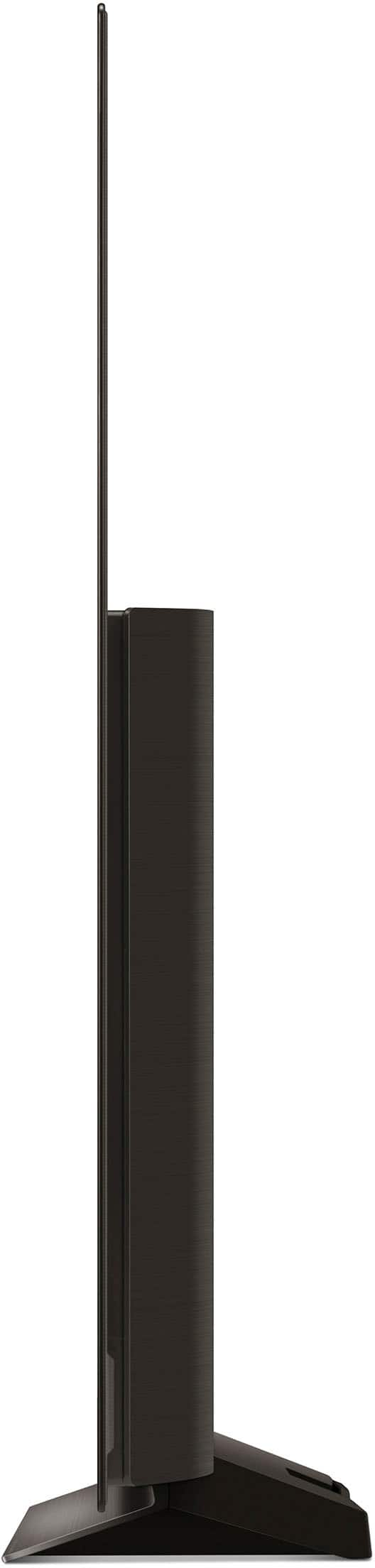
  • QuestionOn the LG C4 48 inch TV how much space is between the tv and the stand. Is there enough space to allow for a sound bar that is 3 inches high so that the tv screen is not blocked. Thank you

    Asked by LCDVD.

    • Answer Hello there! Thank you for your question about the LG Model #OLED48C4PUA TV. The stand for this 48-inch OLED TV typically provides a clearance of approximately 2.5 inches from the base of the TV to the surface it's placed on. Given that your sound bar is 3 inches high, it might be slightly too tall to fit comfortably under the TV without obstructing the view. To ensure that the sound bar doesn't block the screen, you might want to consider mounting the TV on a wall or using a different stand with higher clearance if possible. Alternatively, you could place the sound bar in front of the TV stand if it doesn't obstruct the screen too much. If you need further assistance or have more questions, please send us a private message on social media @LGUSSupport. We’re here to help! —Renzo

      Answered by LG Digital Customer Care

  • QuestionCan this TV be used as a computer monitor

    Asked by Iceman.

    • Answer Thank you for reaching us regarding LG Smart webOS TV. Yes, the LG OLED48C4PUA can function well as a computer monitor, offering great visual quality and a large screen experience. You can download its owner's manual through this link for more information: https://www.lg.com/us/support/product/lg-OLED48C4PUA.AUS. For additional assistance, please reach out to us on social media @LGUSSupport so we can help you further. ^Cris

      Answered by LG Digital Customer Care

  • QuestionWhen you deliver the TV 's, do you take them out of the box and put them on a table? And do you take away the old tv if the customer wants to get rid of it?

    Asked by PAUL.

    • Answer Hello there. Thank you for your interest in the OLED48C4PUA. When we deliver TVs, our service typically includes unpacking and placing the TV on a table or stand in your preferred location within your home. Additionally, LG offers a haul-away service for old TVs as part of our installation options. If you'd like to arrange for these services or have any specific requests, please send us a private message on Social Media @LGUSSupport. Our team is here to assist you further. We appreciate your choosing LG. —Renzo

      Answered by LG Digital Customer Care

  • QuestionHow does C4 series differ from C3?

    Asked by Drift.

    • Answer Thank you for reaching us regarding LG Smart webOS TV. The LG C4 series offers a more advanced processor, higher refresh rate, slight improvements in brightness, and enhanced gaming and audio features compared to the C3 series. These upgrades may be particularly appealing to gamers and those seeking the latest technology in their TV. You can download its owner's manual through this link for more information: https://www.lg.com/us/support/product/lg-OLED48C4PUA.AUS. For additional assistance, please reach out to us on social media @LGUSSupport so we can help you further. ^Cris

      Answered by LG Digital Customer Care

  • QuestionDoes this allow for Picture-in-Picture (PIP) with two video sources to play equally on a split screen?

    Asked by JFM.

    • Answer Hello there. Thank you for your inquiry regarding the LG 48" Class C4 Series OLED Evo 4K UHD Smart webOS TV, model OLED48C4PUA. We understand your question about the Picture-in-Picture (PIP) and split-screen capabilities. The C4 model features a "Multi View" function which allows you to display two different screens at once, either side-by-side or as a Picture-in-Picture. This can be used with a variety of combinations, including two separate video sources. https://www.bestbuy.com/product/lg-48-class-c4-series-oled-evo-4k-uhd-smart-webos-tv-2024/JJ8VPZQFHL For any further assistance or to discuss specific combinations, please send us a private message on Social Media @LGUSSupport and our team will be more than happy to explore possible solutions. We appreciate your patience. —Renzo

      Answered by LG Digital Customer Care

  • QuestionCan this TV connect to 2 bluetooth headphones at the same time? So that both people can watch TV using headphones?

    Asked by KALR.

    • Answer Depends on your Bluetooth device, not the TV. Most will support multiple headphones - we use 2 headphones regularly.

      Answered by SierraBob