Black Friday is hereShop new DoorbustersShop now

Main Content

Questions & Answers

Your price for this item is $349.99
The comparable value price is $499.99
Page Showing 1-20 of 106 questions
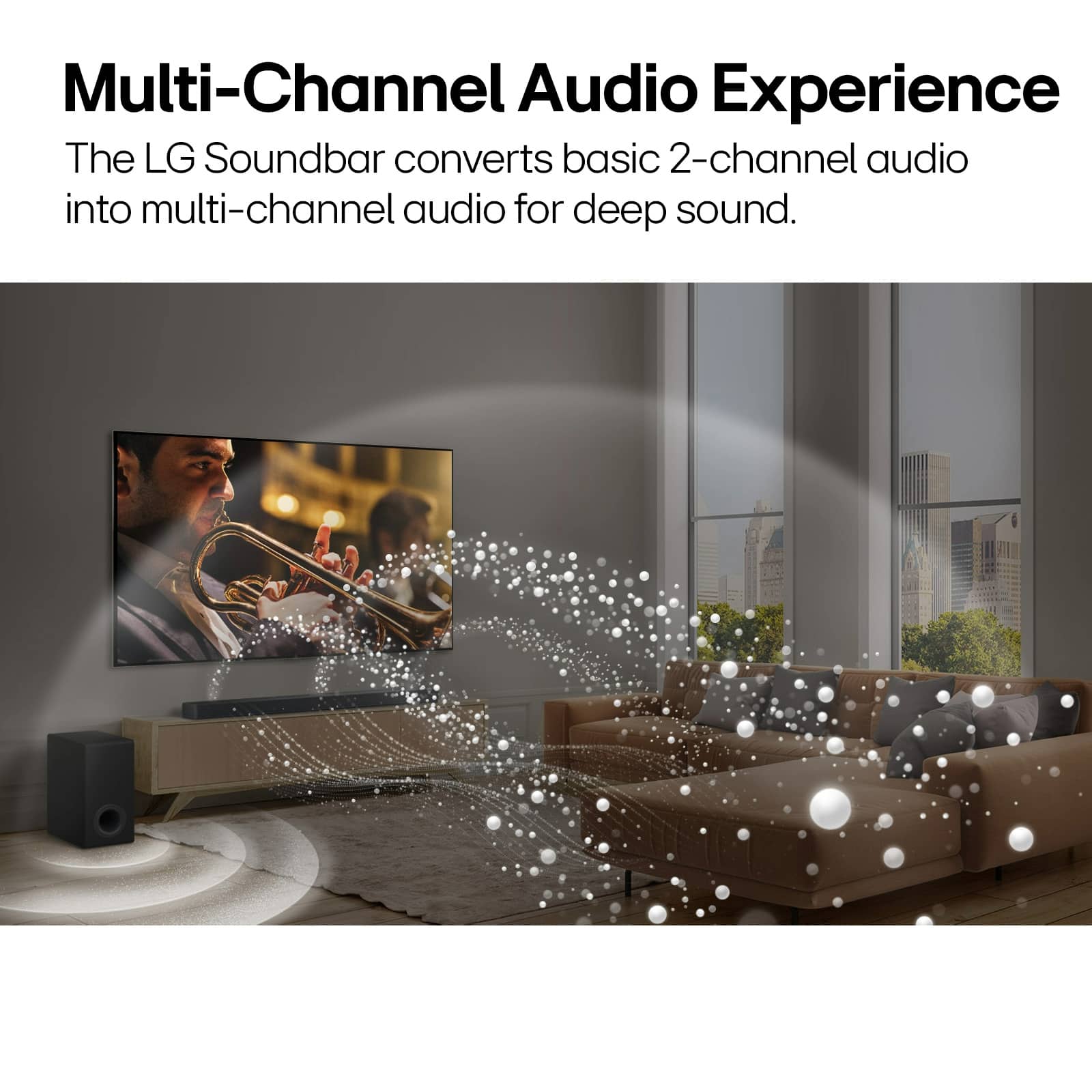
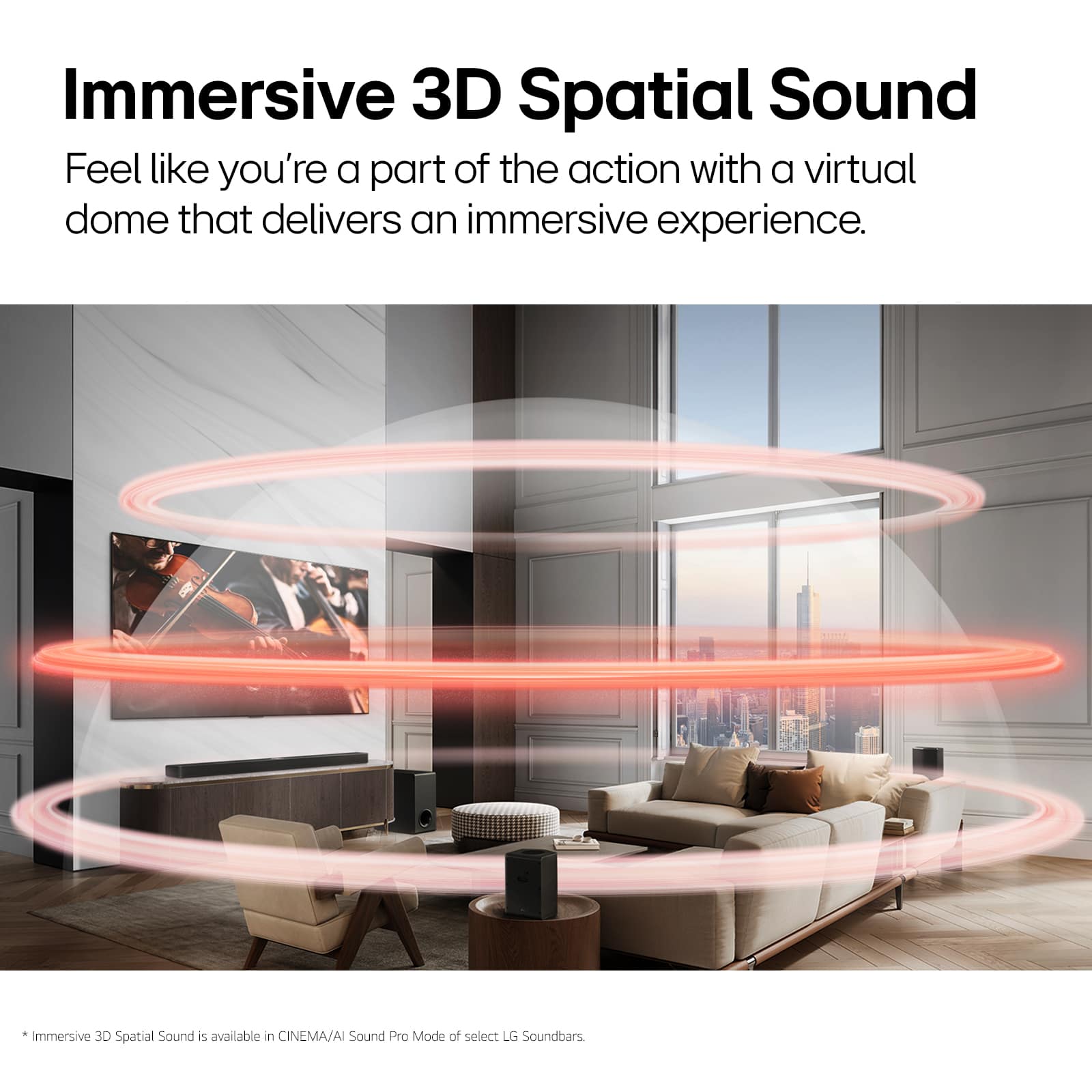
  • QuestionHow many channels does this LG soundbar have?

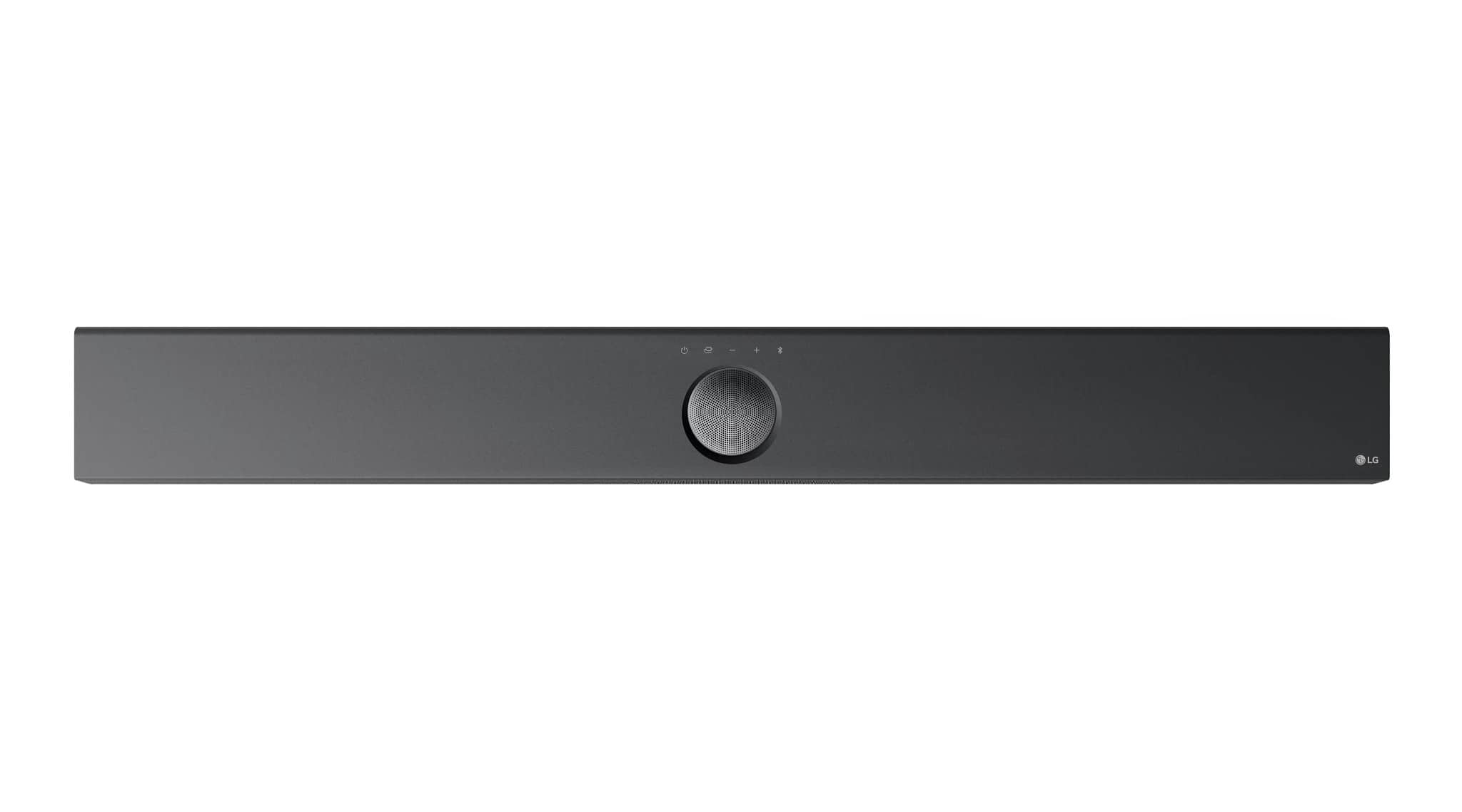
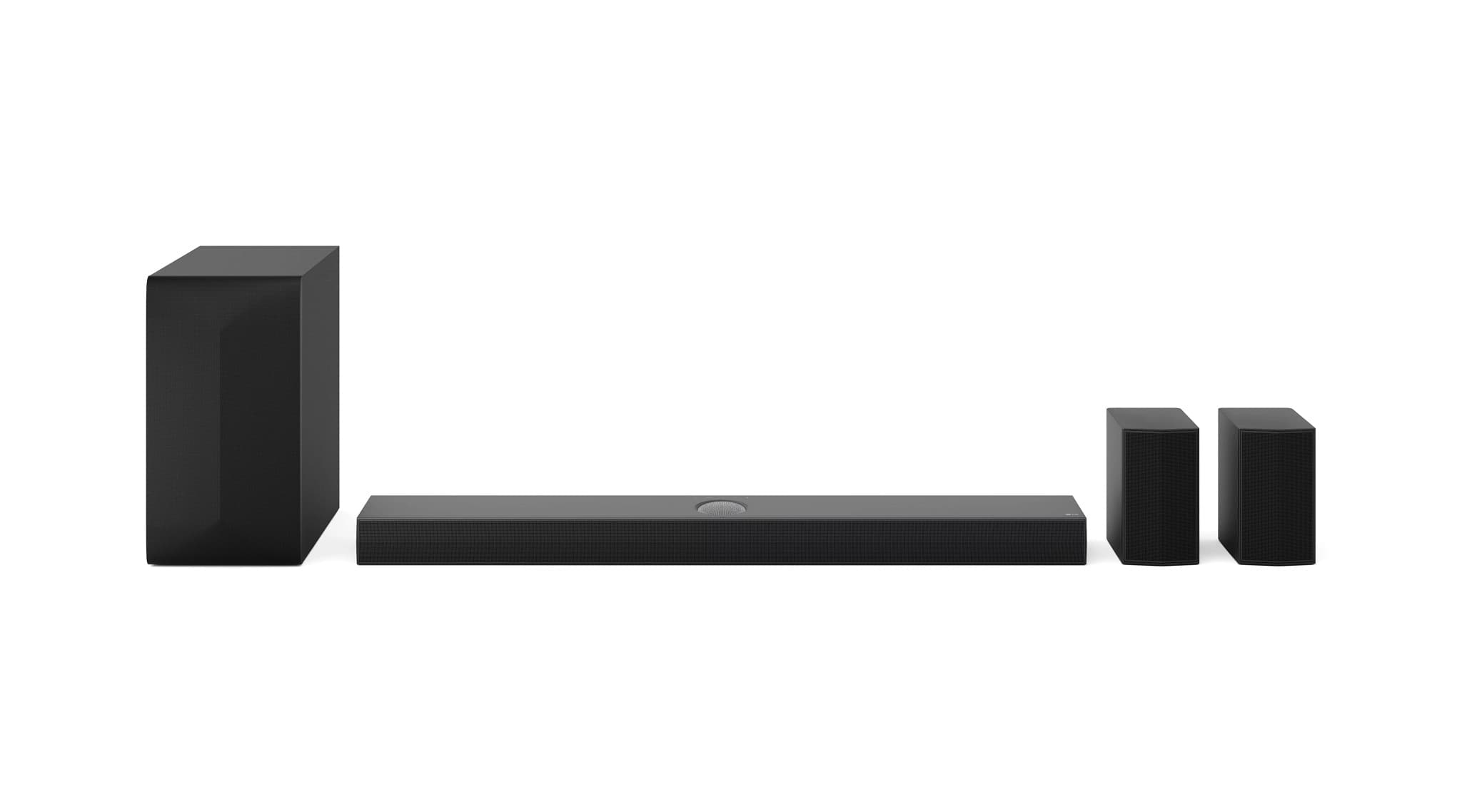
    • Answer This LG soundbar has 5.1.1 channels.
    This question and answer was generated by AI based on customer and product data.
  • QuestionWhat is the total RMS power output of this soundbar?

    • Answer The RMS power of this soundbar is 360 watts.
    This question and answer was generated by AI based on customer and product data.
  • QuestionDoes this soundbar include a subwoofer?

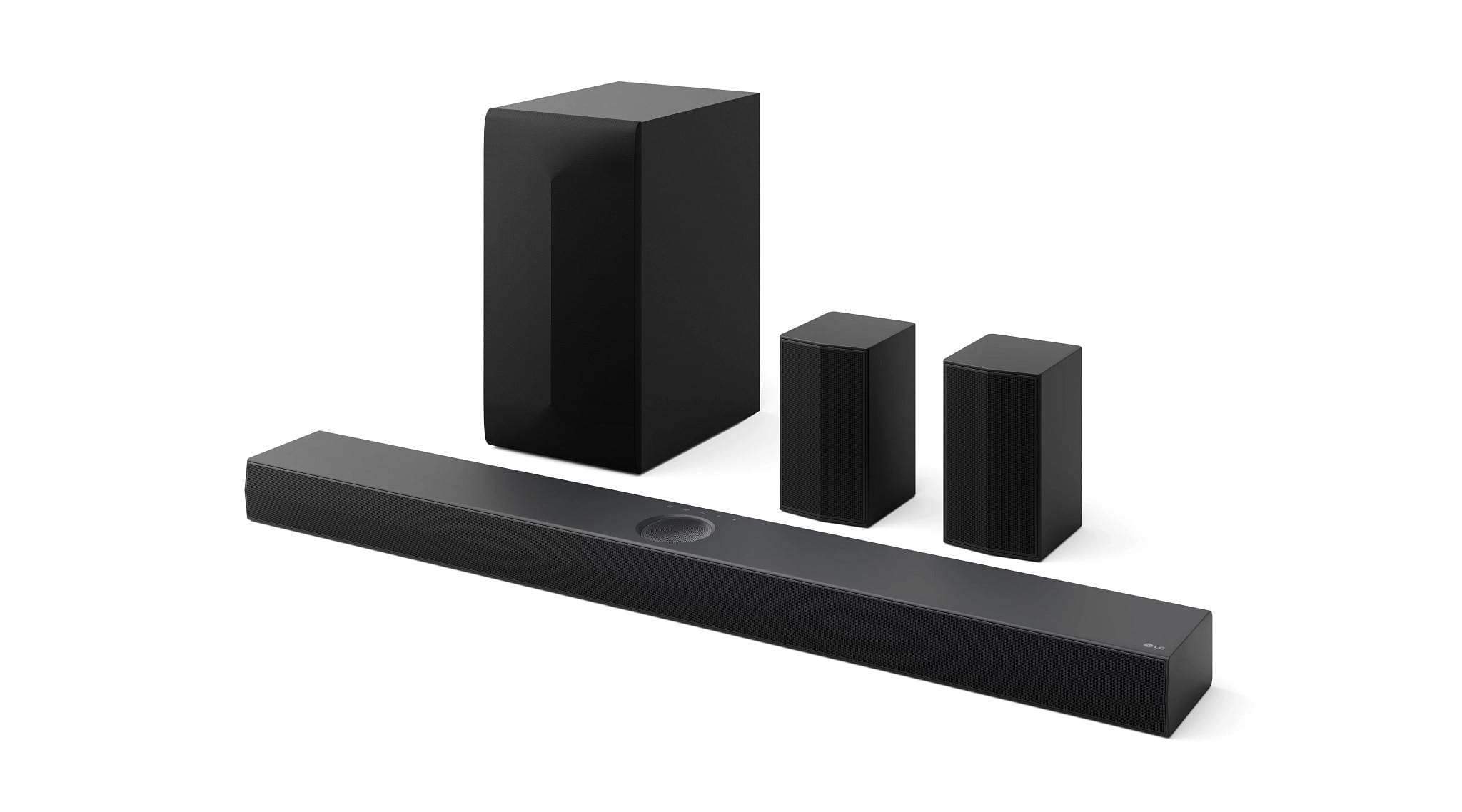
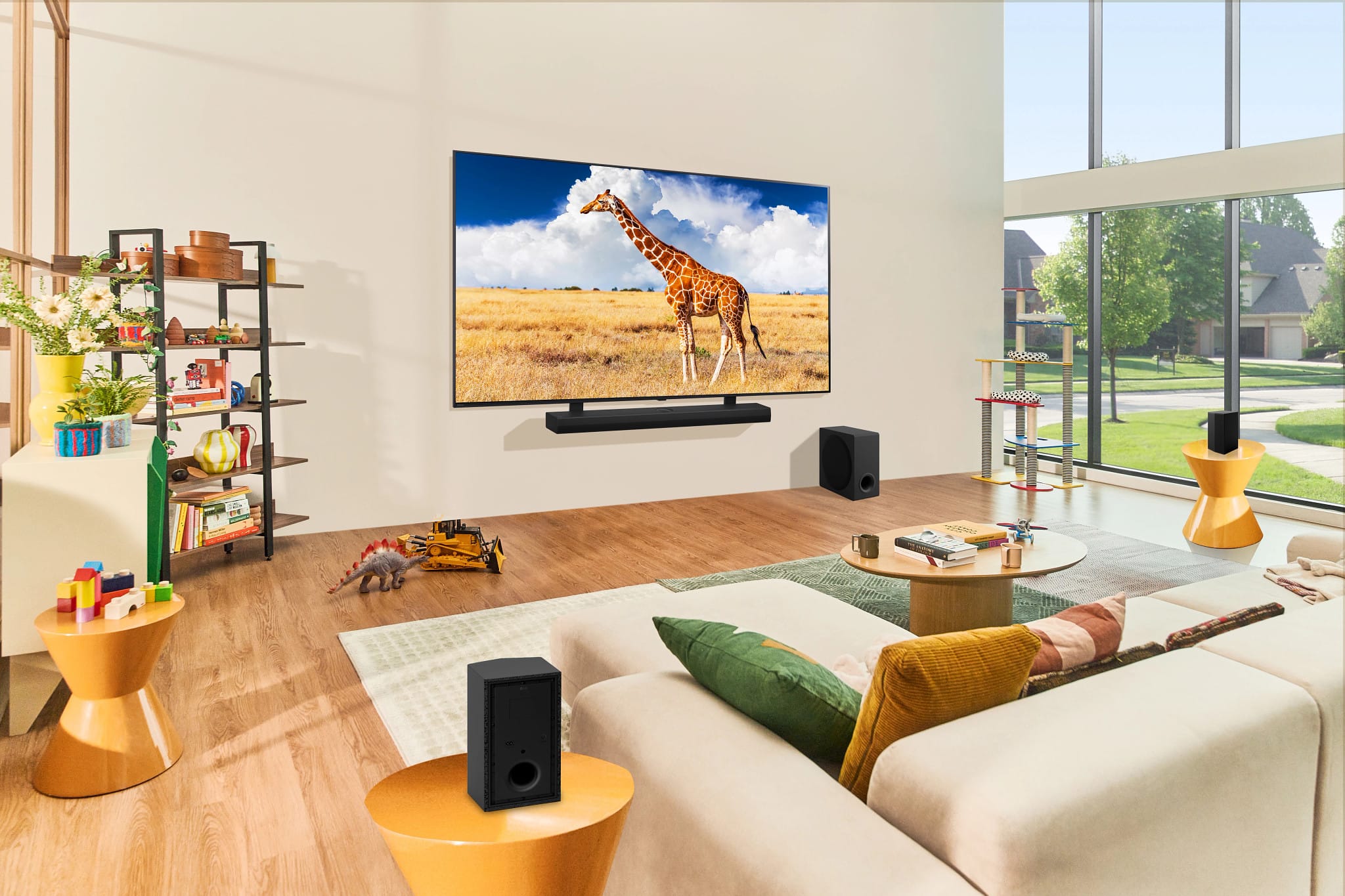
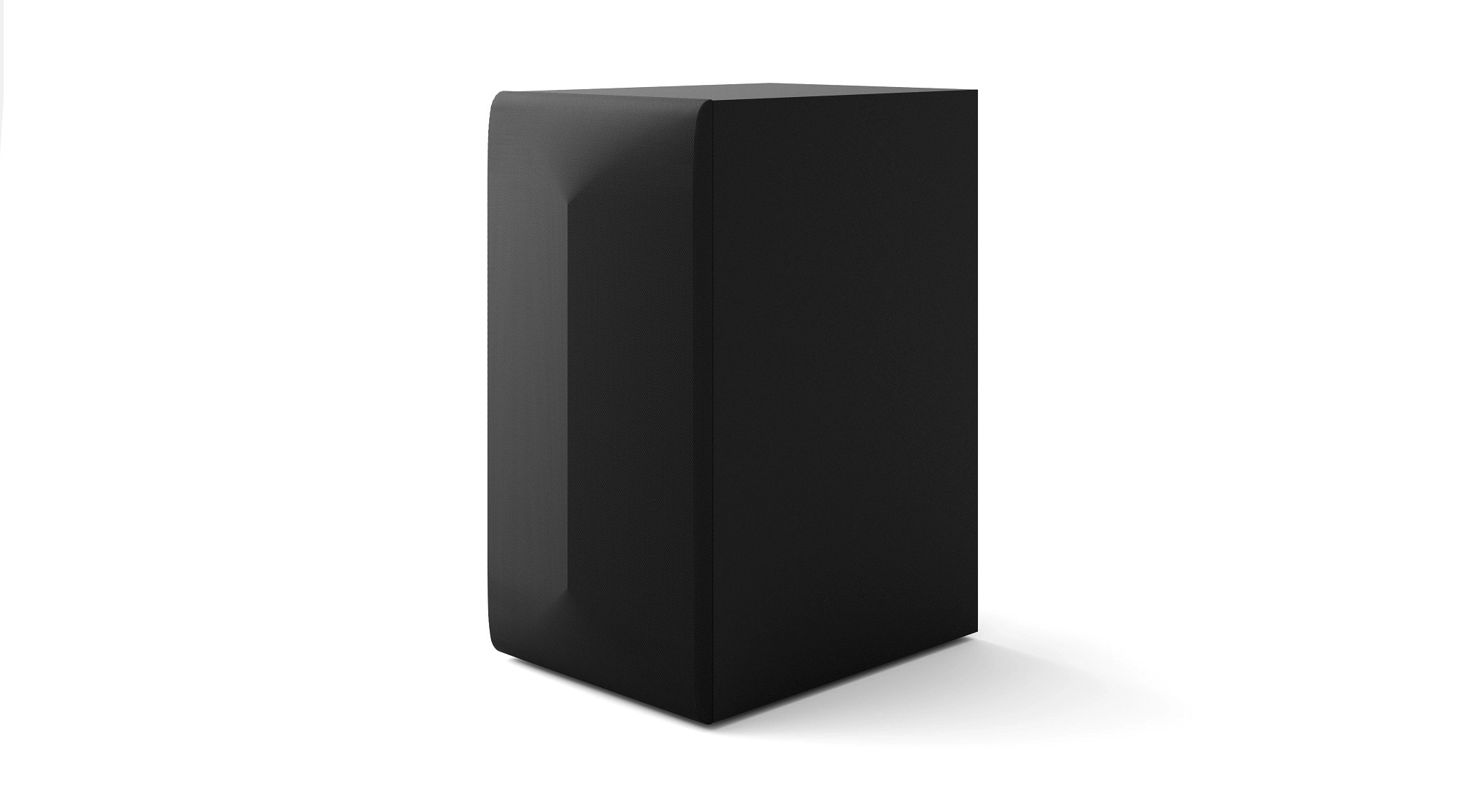
    • Answer Yes, this soundbar comes with a wireless subwoofer.
    This question and answer was generated by AI based on customer and product data.

  • QuestionCan I control this soundbar with my TV remote?

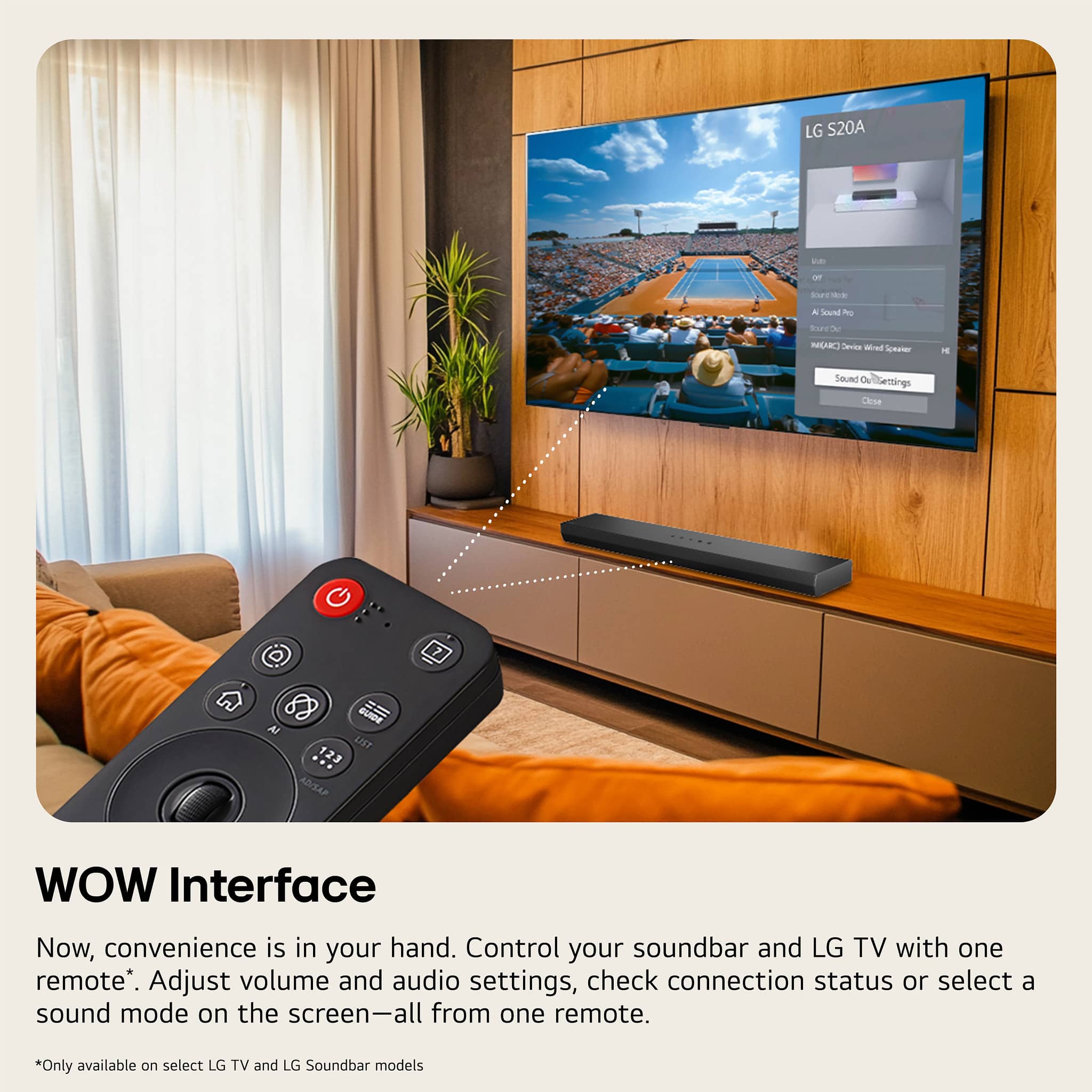
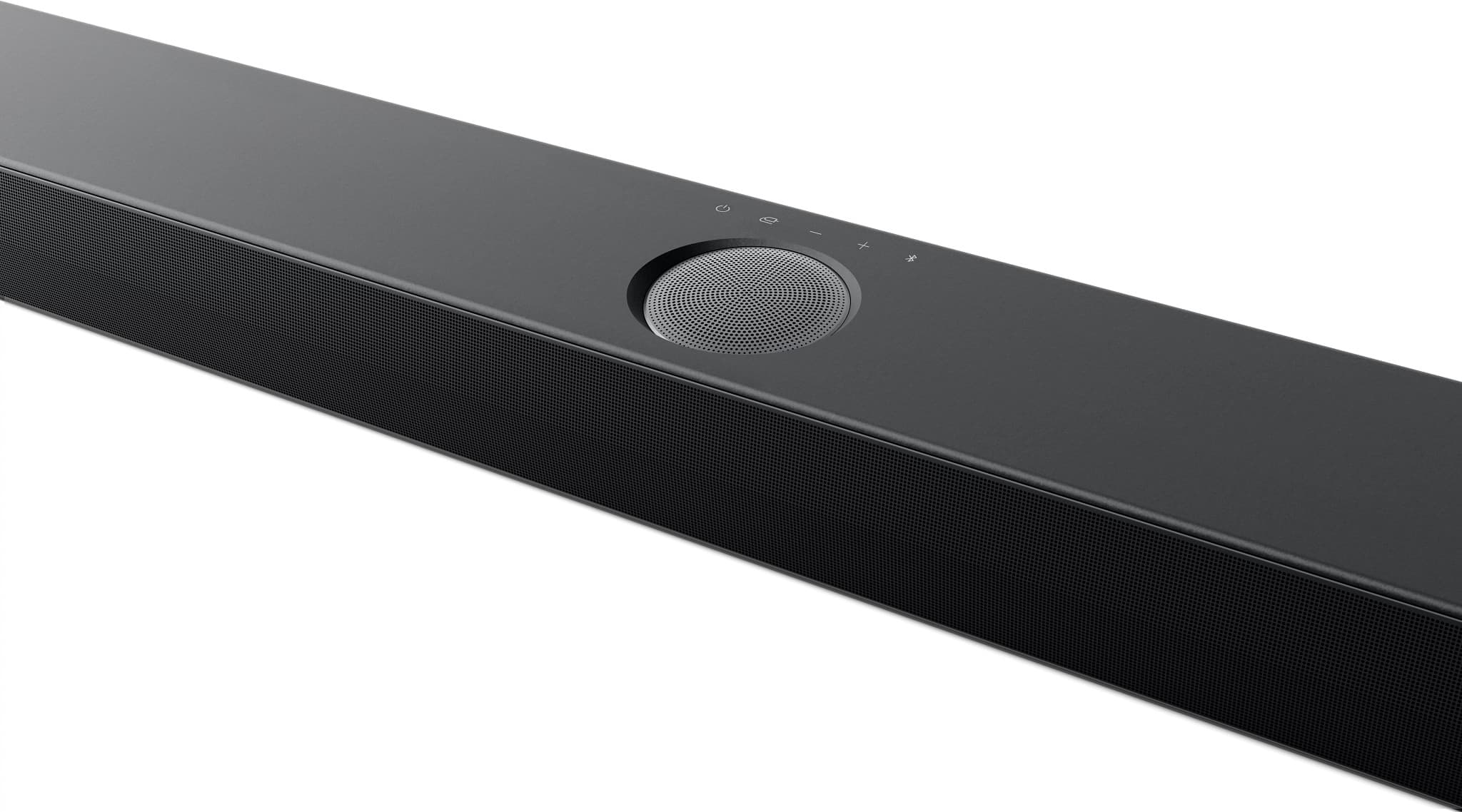
    • Answer Yes, you can control the soundbar and your LG TV with one remote using the WOW Interface feature.
    This question and answer was generated by AI based on customer and product data.

  • QuestionDoes this soundbar have an app for customizing audio settings?

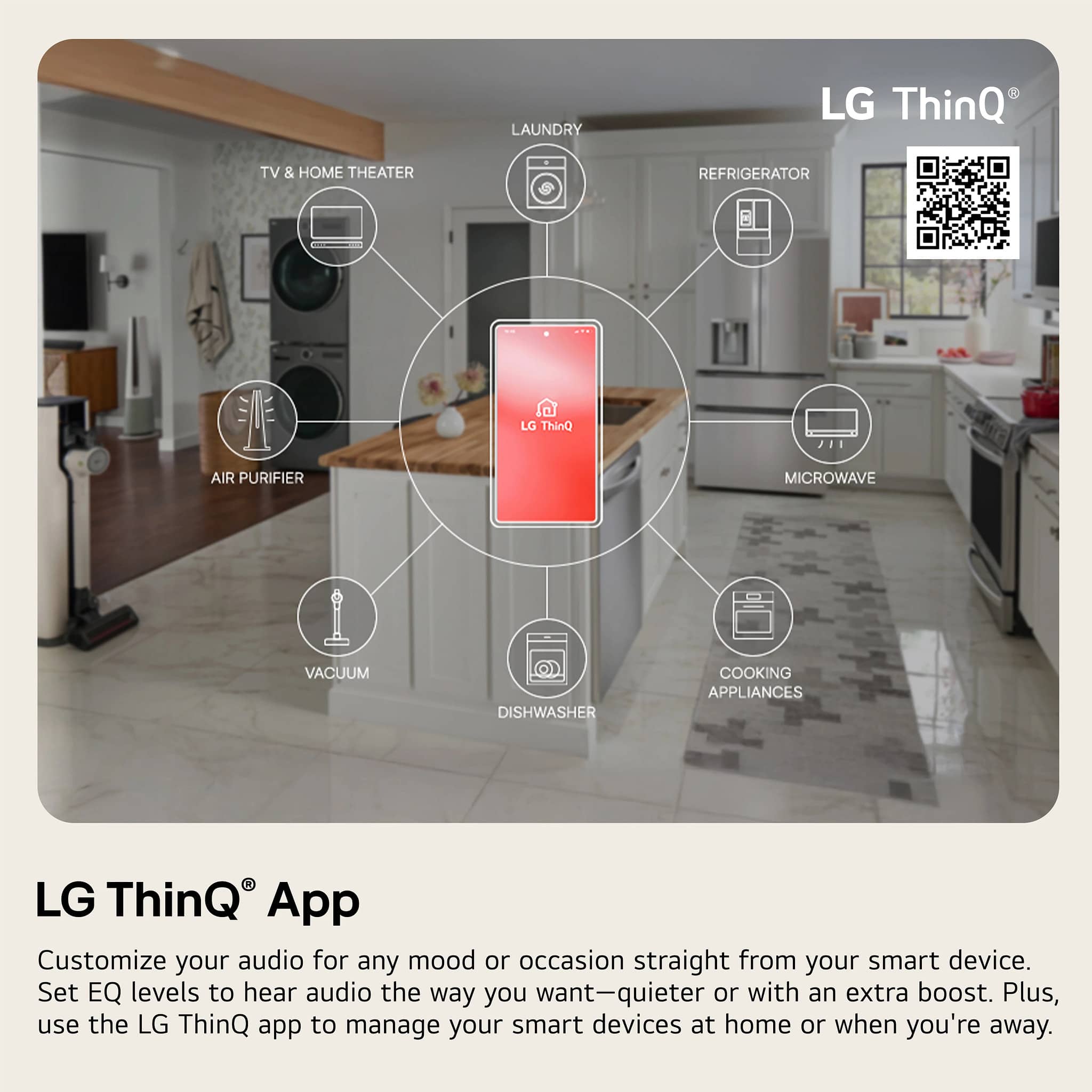
    • Answer Yes, you can customize the 3-band equalizer settings using the LG Soundbar App.
    This question and answer was generated by AI based on customer and product data.
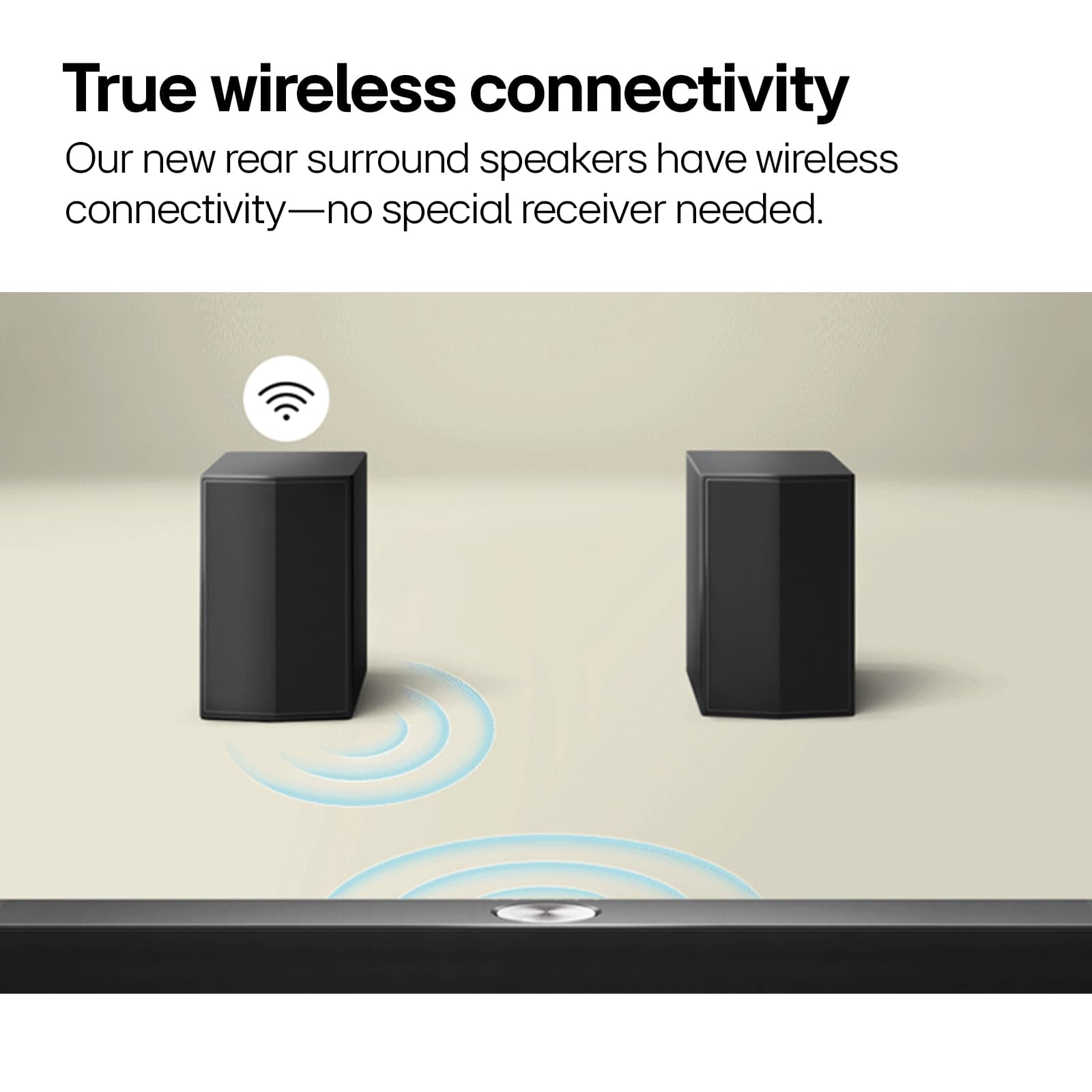
  • QuestionAre rear speakers wireless

    Asked by Rich.

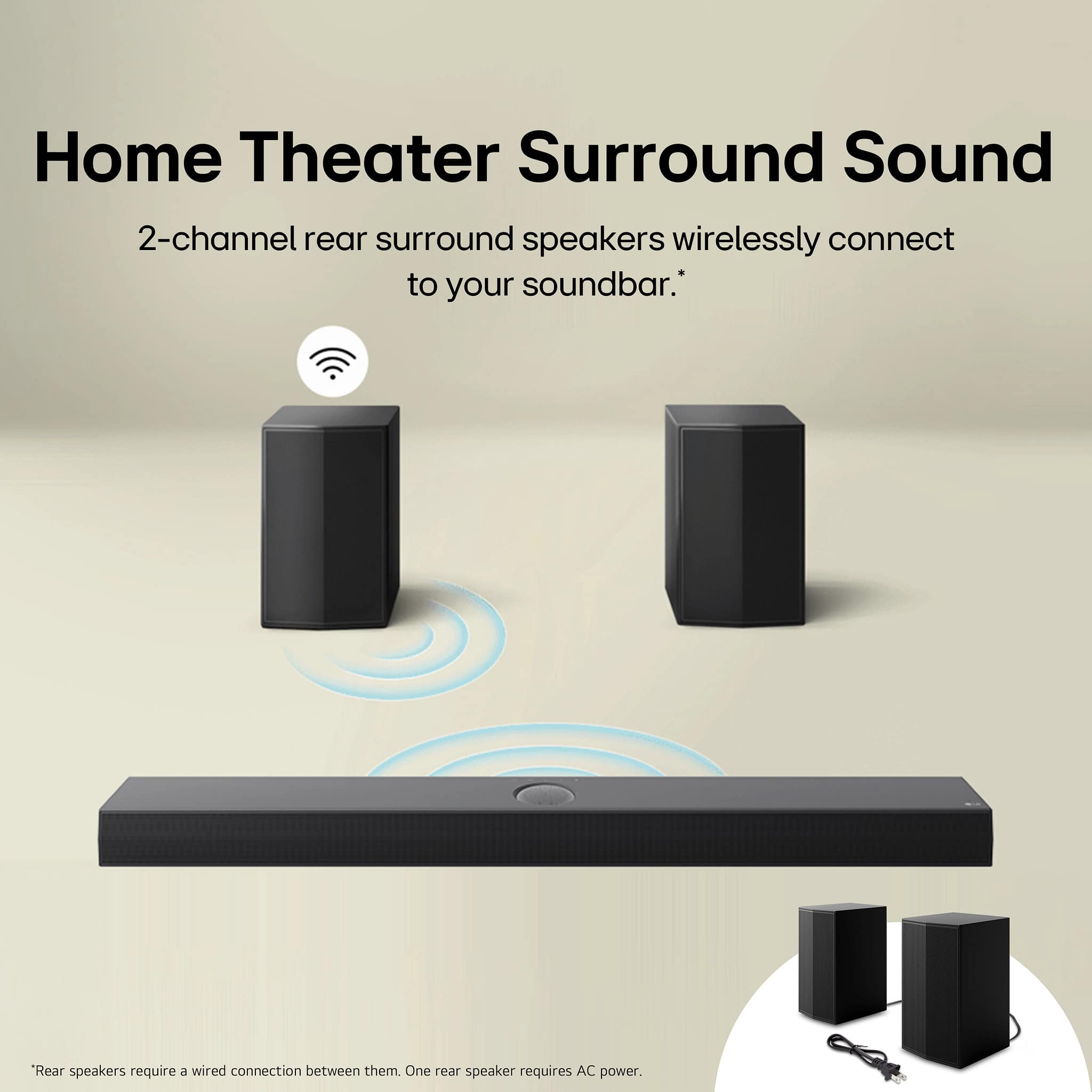
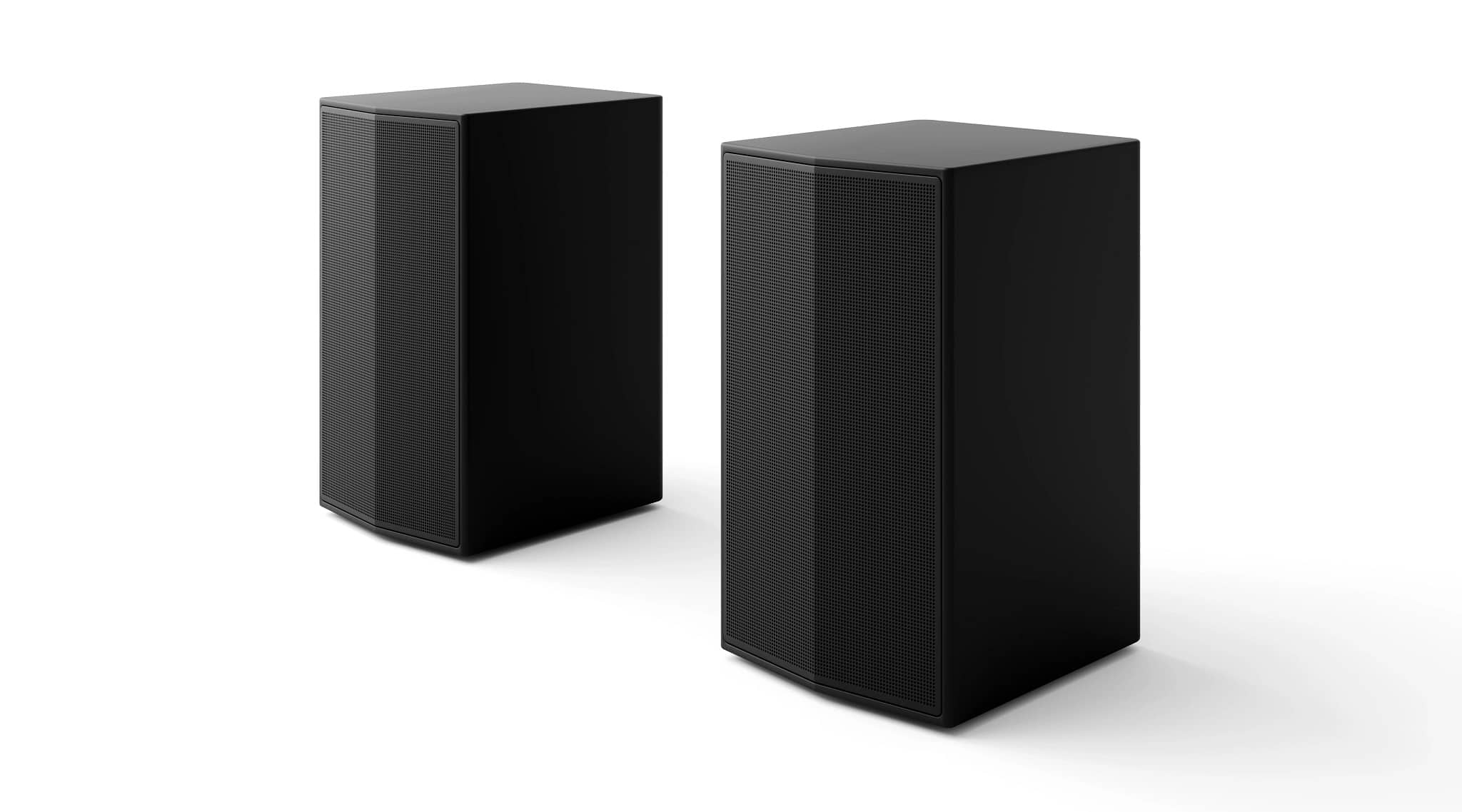
    • Answer You plug the left one into an outlet and there is a wire that connects the right/left rear speakers to eachother but they do not have to be connected to the front speakers/soundbar. They connect through Bluetooth.

      Answered by Anonymous

  • QuestionI have read where this model was designed for the LG QNED series tvs. Will it also work well with the LG OLED C3 series?

    Asked by Needtoknow.

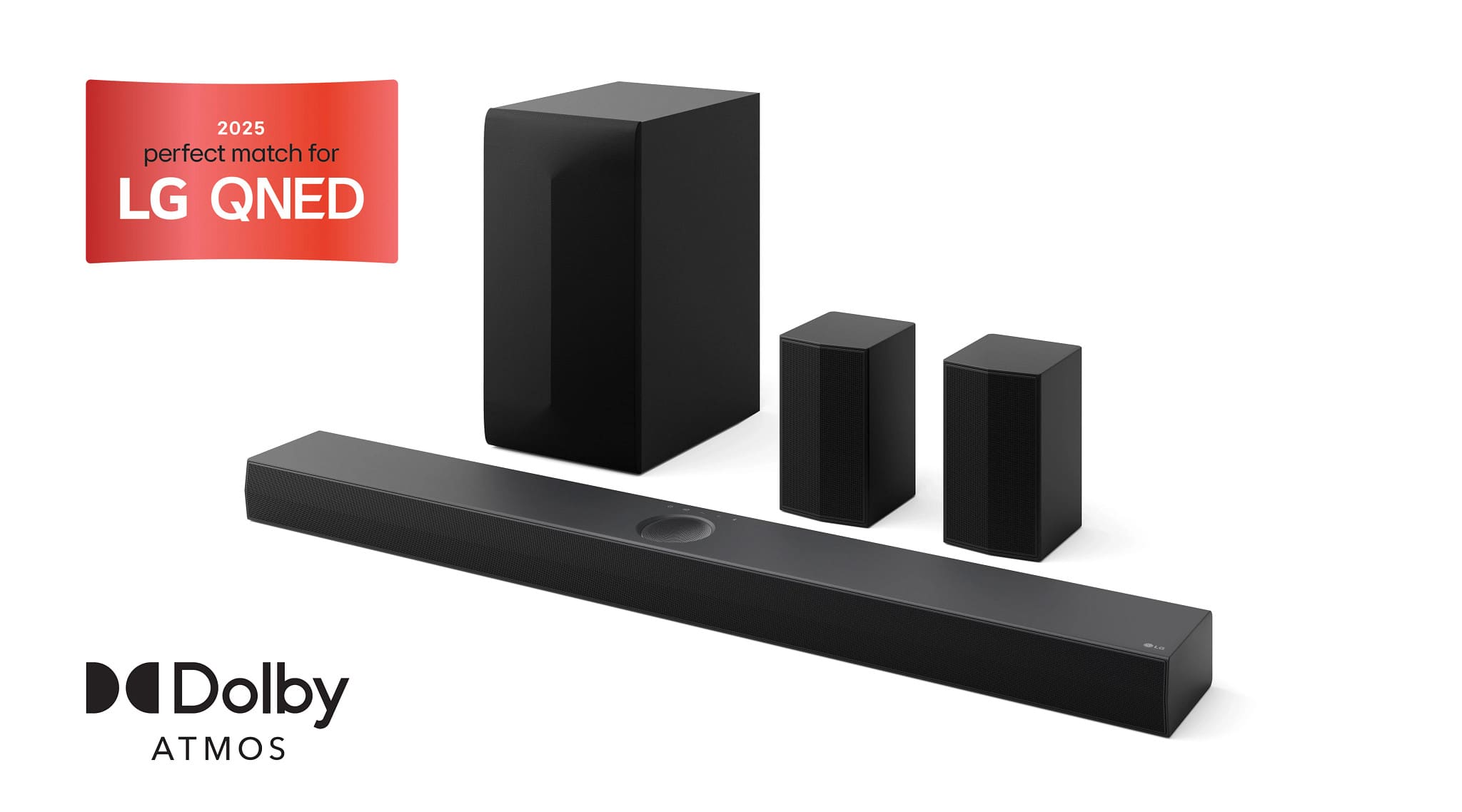
    • Answer Hi there! Thank you for your interest in the S70TR soundbar. While the S70TR soundbar is designed to complement the LG QNED series TVs, it will also work well with the LG OLED C3 series. The soundbar can be connected to your OLED C3 series TV using HDMI ARC or optical cable for optimal audio performance. If you have any further questions or need assistance with setup, please send us a private message on Social Media @LGUSSupport. We're here to help! —Renzo

      Answered by LG Digital Customer Care

  • QuestionIs this S70TR compatible with my LG Nanocell? Thank you

    Asked by Ann.

    • Answer Hi there, Ann. Thank you for sharing your experience with us. We understand your situation regarding the compatibility between your LG Nanocell TV and the LG S70TR Home Theater Soundbar. Based on our review of the official LG product details, the LG S70TR is designed with features such as LG TV Sound Sync that enable seamless connectivity with LG TVs. The “TV Matching” specification indicates that the soundbar is optimized for TVs 49 inches and larger. Therefore, if your LG Nanocell TV meets or exceeds that size, it is compatible with the S70TR. One troubleshooting step to ensure optimal performance is to confirm that your TV’s firmware is updated to the latest version. This will help ensure that the LG TV Sound Sync feature functions correctly and that the soundbar can fully integrate with your TV’s audio settings. https://www.lg.com/us/soundbars/lg-s70tr-home-theater-soundbar#pdp_specs If you need further assistance or detailed guidance, please send us a private message on Social Media @LGUSSupport, and our team will be more than happy to explore possible solutions with you. We appreciate your patience and look forward to helping you further. —Renzo

      Answered by LG Digital Customer Care

  • QuestionDoes this soundbar support 5.1 channels of PCM through the HDMI input? Looking to know if can play Switch or Switch 2 surround sound audio through the HDMI input.

    Asked by Jack.

    • Answer Hi, Jack. Thank you for your question! Yes, the LG Soundbar (S70TR) model does support 5.1 channels of PCM audio through the HDMI input. This means you can enjoy surround sound from devices like your Nintendo Switch or Switch 2 when connected via HDMI. To get the best audio experience, make sure your Switch is set to output audio in surround sound format (5.1 PCM) through the HDMI settings. You may also want to ensure that your TV or receiver is configured to pass through the 5.1 audio signal to the soundbar for full surround sound. For more information about the product, visit https://www.lg.com/us/soundbars/lg-s70tr-home-theater-soundbar. If you need any additional help with settings or troubleshooting, feel free to send us a private message on social media @LGUSSupport. We’re here to assist. ^Juvy

      Answered by LG Digital Customer Care

  • QuestionAre the two rear speakers wireless?

    Asked by Connect.

    • Answer No. There’s a wire that connects them to each other, and one has to be plugged in to a wall socket.

      Answered by JanetG

  • QuestionWIll this soundbar work with an LG 77" C4 television?

    Asked by Sassie.

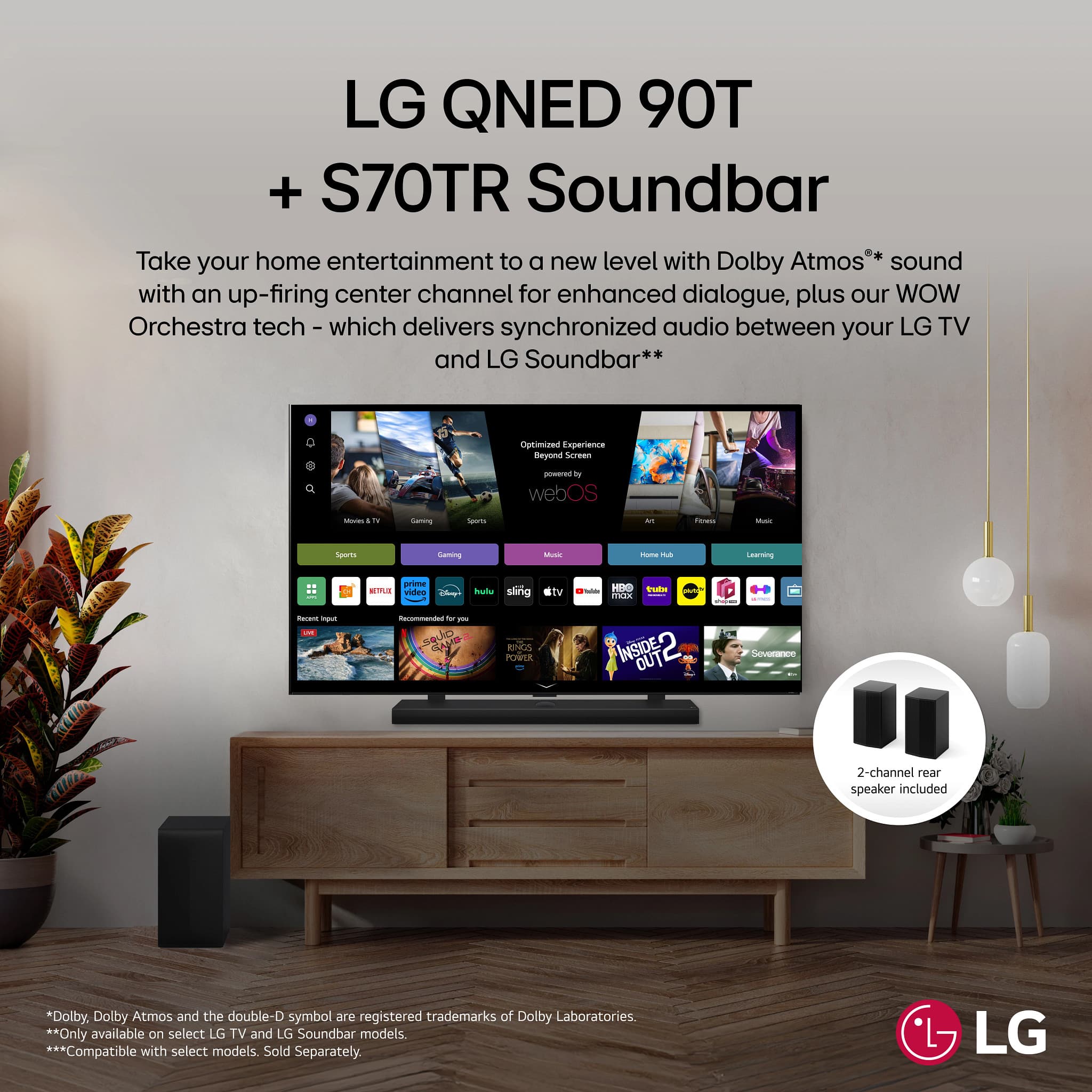
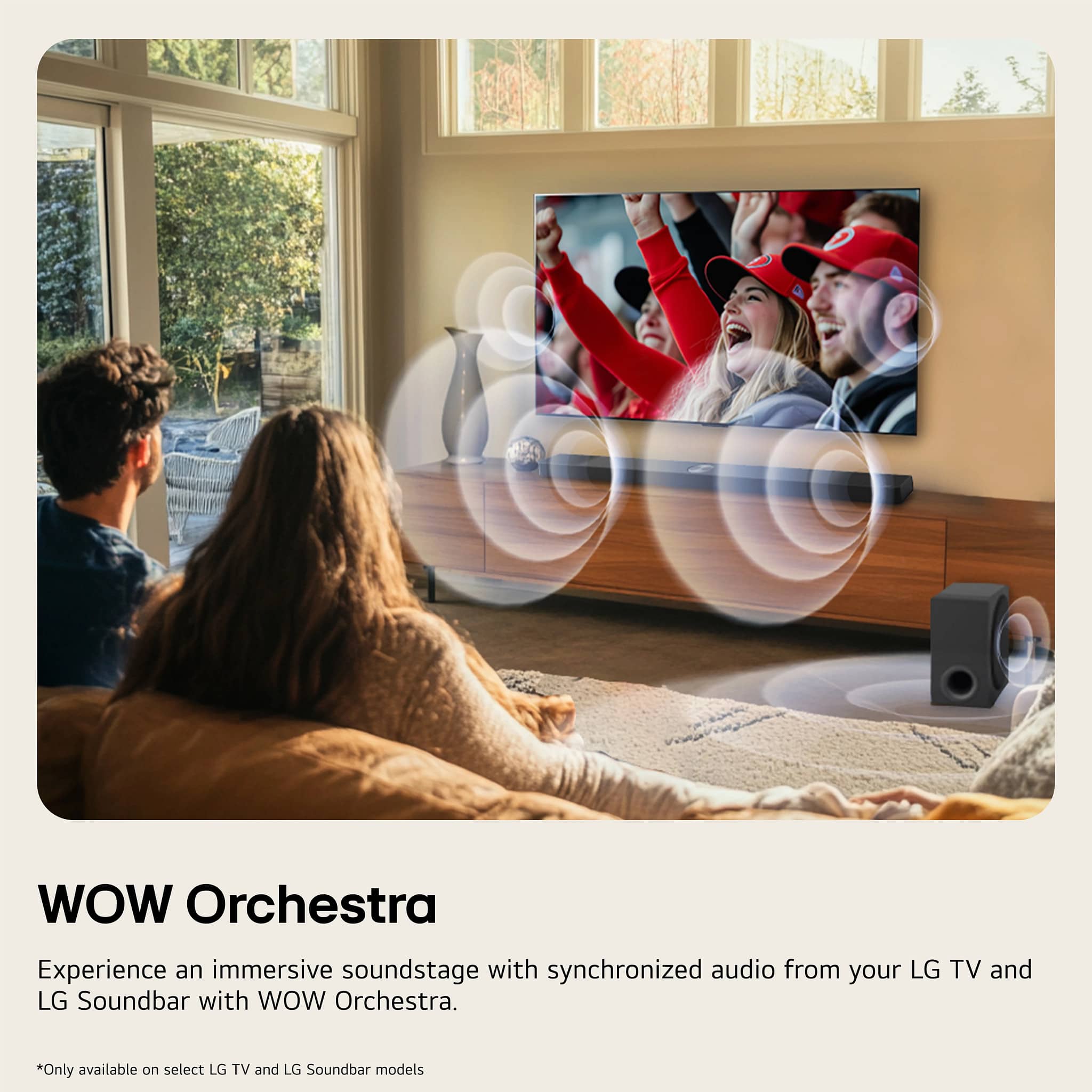
    • Answer Hi, Sassie. Thanks for your interest and reaching out to us regarding the compatibility of the LG Soundbar (S70TR) model with your LG 77" C4 television. This soundbar pairs excellently with the LG 77" C4 television, designed for seamless connectivity. When used together, they activate the LG WOW Orchestra feature, enhancing audio by merging the TV's speakers with the soundbar. For connection issues, use an HDMI cable to connect to the TV's HDMI eARC port for optimal audio quality and to fully enjoy WOW Orchestra. For guidance, you may visit https://www.lg.com/us/support/help-library/lg-tv-how-to-connect-a-sound-bar-or-receiver--20153207557627. For further assistance, please send us a private message on social media @LGUSSupport and our team will be more than happy to explore possible solutions. ^Juvy

      Answered by LG Digital Customer Care

  • QuestionWill this sound bar work with any TV with a HDMI connection?

    Asked by Malachismom.

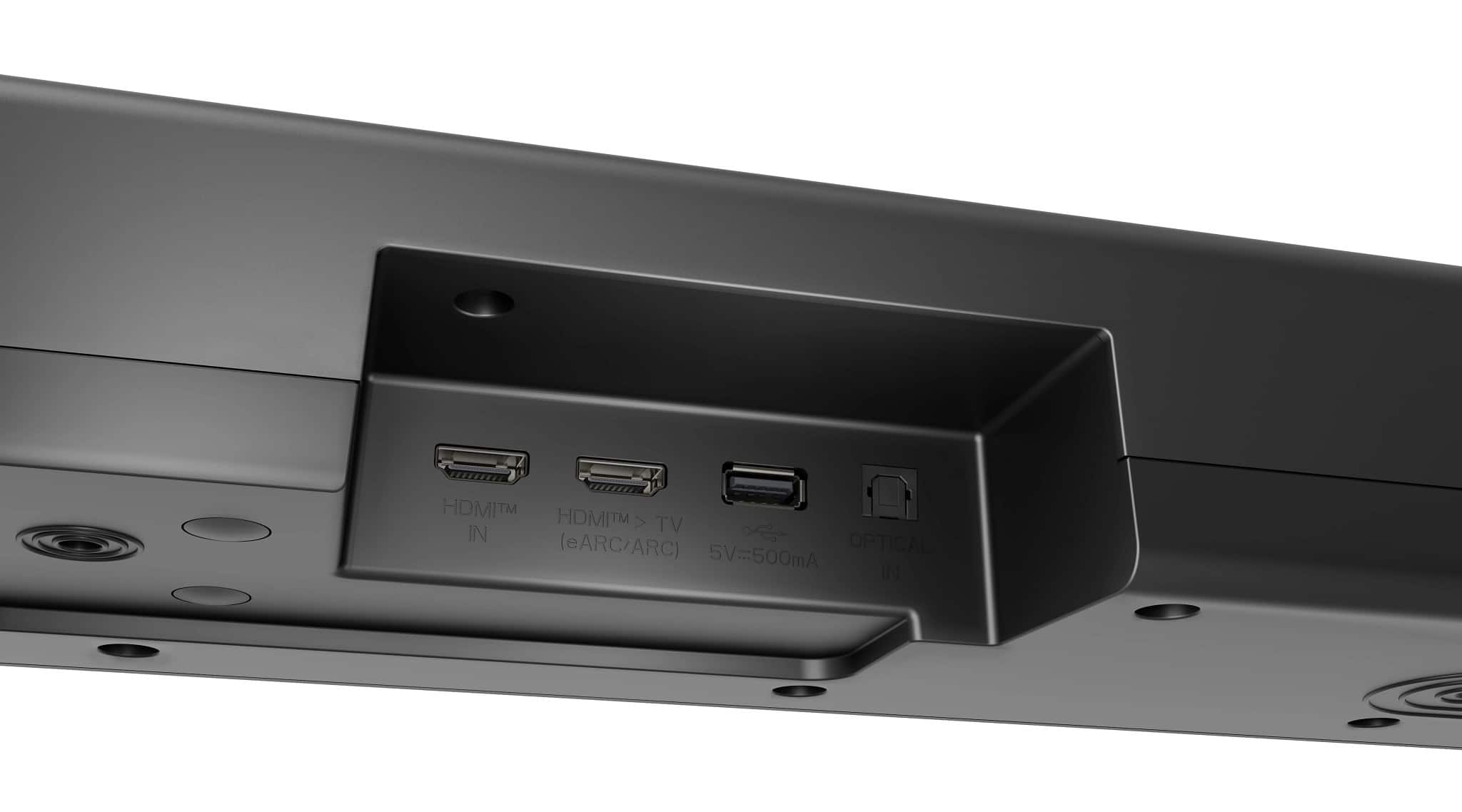
    • Answer Hello there, Malachismom. Thank you for sharing your inquiry with us. We understand that you're asking about the compatibility of your S70TR soundbar with any TV that has an HDMI connection. Yes, your LG S70TR soundbar is designed to work with any TV that has an HDMI connection, especially those with an HDMI ARC (Audio Return Channel) or eARC (enhanced Audio Return Channel) port. This allows the audio from your TV to be sent back to the soundbar through the same HDMI cable. While it offers advanced features and optimization when paired with compatible LG TVs (like WOW Orchestra), it will still deliver excellent sound quality with other TV brands via HDMI. https://www.bestbuy.com/site/lg-5-1-1-channel-s70tr-home-theater-soundbar-with-wireless-subwoofer-and-rear-speakers-dolby-atmos-wow-orchestra-black/6578017.p?skuId=6578017 Please send us a private message on Social Media @LGUSSupport and our team will be more than happy to explore possible solutions. We appreciate your patience. —Renzo

      Answered by LG Digital Customer Care

  • QuestionWhat is the codec and the bit rate the rear speakers and the sound bar use to stream the two rear channels? Is the bit rate higher in, say, S80TR using WiFi?

    Asked by kot.

    • Answer Hi there, Kot. We understand your inquiry about the wireless codec and bit rate for your LG S70TR’s rear speakers and sound bar streaming two rear channels. Your S70TR uses LG’s proprietary 2.4 GHz wireless digital link to transmit uncompressed PCM audio to the rear modules and subwoofer. While LG doesn’t publish an exact “bit rate” figure, this link supports full‑bandwidth, high‑resolution audio (up to 24‑bit/48 kHz), which equates to roughly 2–3 Mbps of data per channel. Regarding the S80TR, it leverages your home Wi‑Fi network (2.4 GHz/5 GHz) for rear‑speaker transmission. Although the underlying audio codec remains PCM for maximum compatibility and latency control, the available Wi‑Fi bandwidth can allow slightly higher throughput—helpful in challenging RF environments—but LG does not specify a higher formal “bit rate” in its materials. Both models are optimized for reliable, low‑latency delivery rather than adjustable bit‑rate streaming. A quick troubleshooting step: if you ever notice audio drop‑outs or sync issues, please ensure your sound bar’s firmware is up to date. From your remote, go to Home > Settings > General > About This Sound Bar > Software Update to check. Also confirm the rear modules are within 20 ft of the bar and avoid obstructions like large metal objects. https://www.bestbuy.com/site/lg-5-1-1-channel-s70tr-home-theater-soundbar-with-wireless-subwoofer-and-rear-speakers-dolby-atmos-wow-orchestra-black/6578017.p?skuId=6578017 If you’d like more details or run into any issues, please send us a private message on Social Media @LGUSSupport and our team will be more than happy to explore possible solutions. We appreciate your patience and thank you for choosing LG! —Renzo

      Answered by LG Digital Customer Care

  • QuestionI have an older model 4 ch LG soundbar, and the Bluetooth range is terrible. The subwoofer has to be right next to the soundbar to stay connected. Do these newer models still have connection issues?

    Asked by Colin.

    • Answer Hello there, Colin. Thank you for sharing your experience with us. We understand your situation with limited wireless range on older LG soundbars. The new S70TR 5.1.1‑channel Home Theater Soundbar features a Wireless Active Subwoofer designed for up to 30 feet of range under ideal conditions, so you should see an improvement over older 4‑channel models. As a first troubleshooting step, please ensure both the soundbar and subwoofer are placed at least 1–2 feet away from other wireless devices (like routers or cordless phones) and avoid large metal or concrete obstructions between them. Then, open the LG Sound Bar & AV Remote App on your iOS or Android device and perform a Firmware Over‑the‑Air (FOTA) update to make sure you’re running the latest system software. This can help optimize connection stability. https://www.lg.com/us/soundbars/lg-s70tr-home-theater-soundbar#pdp_specs If you continue to experience any issues, please send us a private message on social media @LGUSSupport and our team will be more than happy to explore possible solutions. We appreciate your patience and look forward to helping you enjoy your S70TR to the fullest. —Renzo

      Answered by LG Digital Customer Care

  • QuestionWhat height should rear speaker be placed at on rear wall & what angle should they be tilted at? Room is 17x12. Main seat is a 3 seat couch 8x3 in middle of rear wall. 65" lg tv with S70TR soundbar on front wall under tv. Sub is on right side of on floor.

    Asked by BigD.

    • Answer Hi, there. Thank you for reaching out to us regarding LG Soundbar (S70TR) model. For optimal sound performance in your room, you’ll want to position your rear speakers correctly to ensure balanced surround sound. Here's what we recommend: Ideally, the rear speakers should be placed at ear level when seated, which is around 36-40 inches from the floor. Since your main seating area is a couch in the middle of the rear wall, the speakers should be mounted or placed on stands at this height for the best sound distribution. For a more immersive surround sound experience, aim the speakers toward the seating area at a slight angle (about 45 degrees). Given your room dimensions (17x12), placing the rear speakers about 1-2 feet away from the side walls will also help avoid too much reflection, ensuring clearer sound. For the subwoofer, you're doing great with it on the floor to the side; just keep it away from corners, as this can cause a muddier bass. You can download it's owner's manual through this link: https://www.lg.com/us/support/product/lg-S70TR.AUSALLK and check for pages 2-6 for installation. Let us know if you need further assistance, and don’t hesitate to send us a private message on social media @LGUSSupport for any additional questions or troubleshooting. ^Juvy

      Answered by LG Digital Customer Care

  • QuestionDoes WOW Orchestra work with a TCL Q7 tv?

    Asked by ScottB.

    • Answer Hi, Scott. Thank you for reaching out to us regarding LG Soundbar (S70TR) model. WOW Orchestra is an LG-exclusive feature designed to work seamlessly with compatible LG TVs and LG soundbars to create an enhanced audio experience. Since the TCL Q7 is not an LG TV, it will not support WOW Orchestra. However, you can still connect your LG S70TR soundbar to the TCL Q7 via HDMI eARC or optical cable for great audio performance. For more information, you may visit https://www.lg.com/us/sound-bars/lg-s70tr-sound-bar. If you have any other questions, feel free to send us a private message on social media @LGUSSupport. We'd be happy to help. ^Juvy

      Answered by LG Digital Customer Care

  • QuestionWill this system work with a sony tv?

    Asked by Timmy.

    • Answer Hi, Timmy. Thank you for reaching out to us about the LG Soundbar (S70TR) model. Yes, this unit should work with a Sony TV as long as the TV has the necessary audio output options, such as HDMI ARC (Audio Return Channel) or optical audio output. Most modern Sony TVs support these connections, allowing you to easily connect the soundbar for optimal audio performance. If your TV has HDMI ARC, you can use an HDMI cable to connect the soundbar to the TV, and it will handle both audio and video signals. Alternatively, you can use the optical cable if that’s more convenient. For more information regarding the product, you may visit https://www.lg.com/us/sound-bars/lg-s70tr-sound-bar. If you need help with the setup or have more questions, please send us a private message on social media @LGUSSupport. We’re here to assist you. ^Juvy

      Answered by LG Digital Customer Care

  • QuestionDoes it come with brackets to hang sound bar?

    Asked by Eugie.

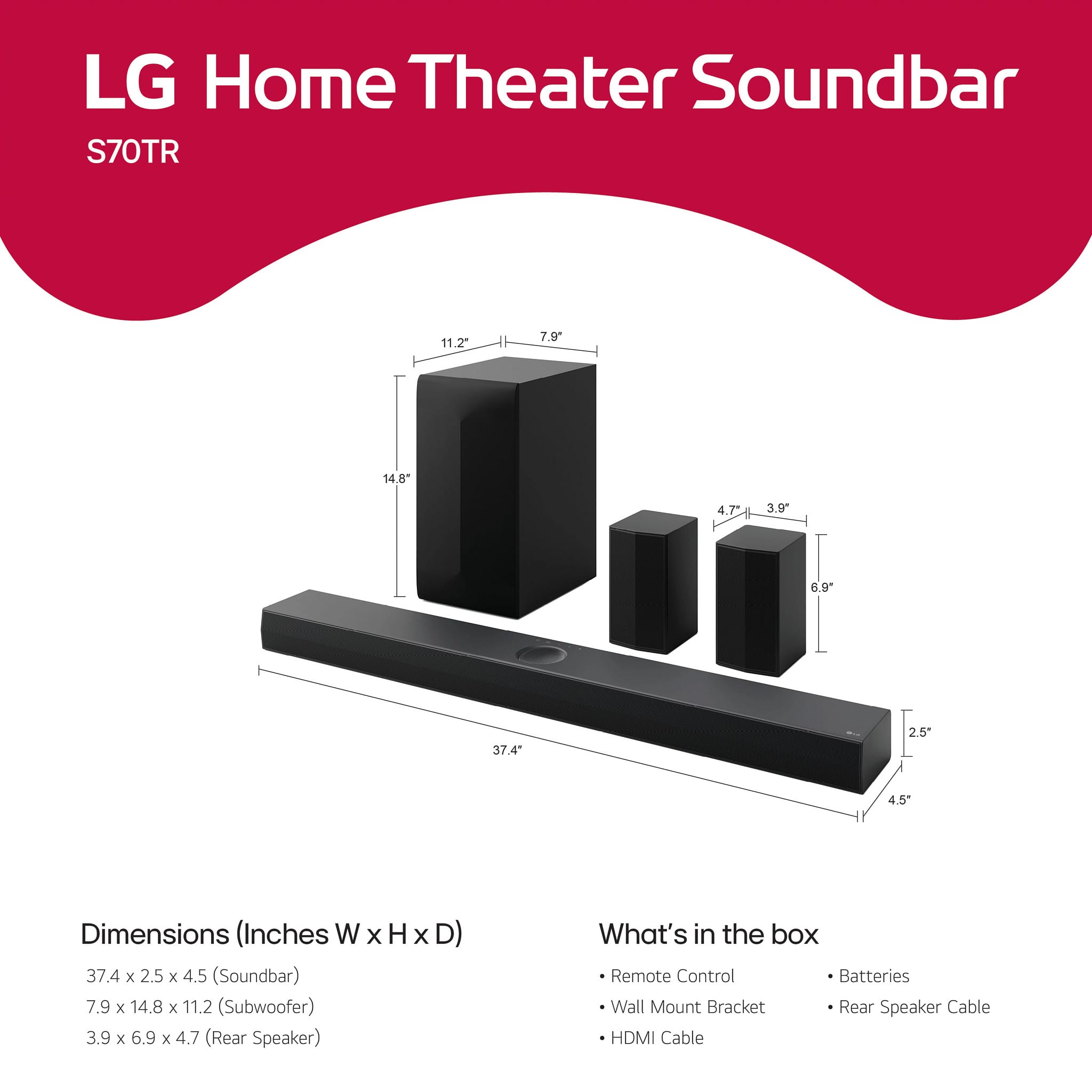
    • Answer It does not come with a mounting bracket.

      Answered by Anonymous

  • QuestionWhat is the length of the wire connecting the two rear speakers? What color is the wire?

    Asked by cheska.

    • Answer Hi there, Cheska. Thank you for reaching out with your question about the LG S70TR Sound Bar. The wire connecting the two rear speakers is approximately 30 feet in length. As for the color of the wire, it is typically black to match the overall aesthetic of the system. https://www.lg.com/us/sound-bars/lg-s70tr-sound-bar#pdp_specs We understand that you might have further questions or need assistance with setup. Please feel free to send us a private message on Social Media @LGUSSupport, and our team will be more than happy to assist you further. We appreciate your patience. —Renzo

      Answered by LG Digital Customer Care

  • QuestionIs this sound bar system compatible with the G4 OLED LG TV

    Asked by theteacher.

    • Answer Hello there. Thank you for your question about the LG S70TR soundbar and its compatibility with the LG G4 OLED TV. The LG S70TR soundbar is designed to be compatible with a wide range of LG TVs, including OLED models like the LG G4 series. It supports various connectivity options such as HDMI ARC (Audio Return Channel) and eARC (enhanced Audio Return Channel), which are standard features on modern LG TVs, including OLED models. To ensure seamless compatibility and optimal performance, it's recommended to connect the LG S70TR soundbar to your LG G4 OLED TV using an HDMI cable through the ARC or eARC port. This setup will enable you to enjoy enhanced audio quality and features provided by the soundbar. If you have specific setup questions or need further assistance, please send us a private message on Social Media @LGUSSupport, and our team will be happy to assist you further. We appreciate your patience and understanding. —Mau

      Answered by LG Digital Customer Care