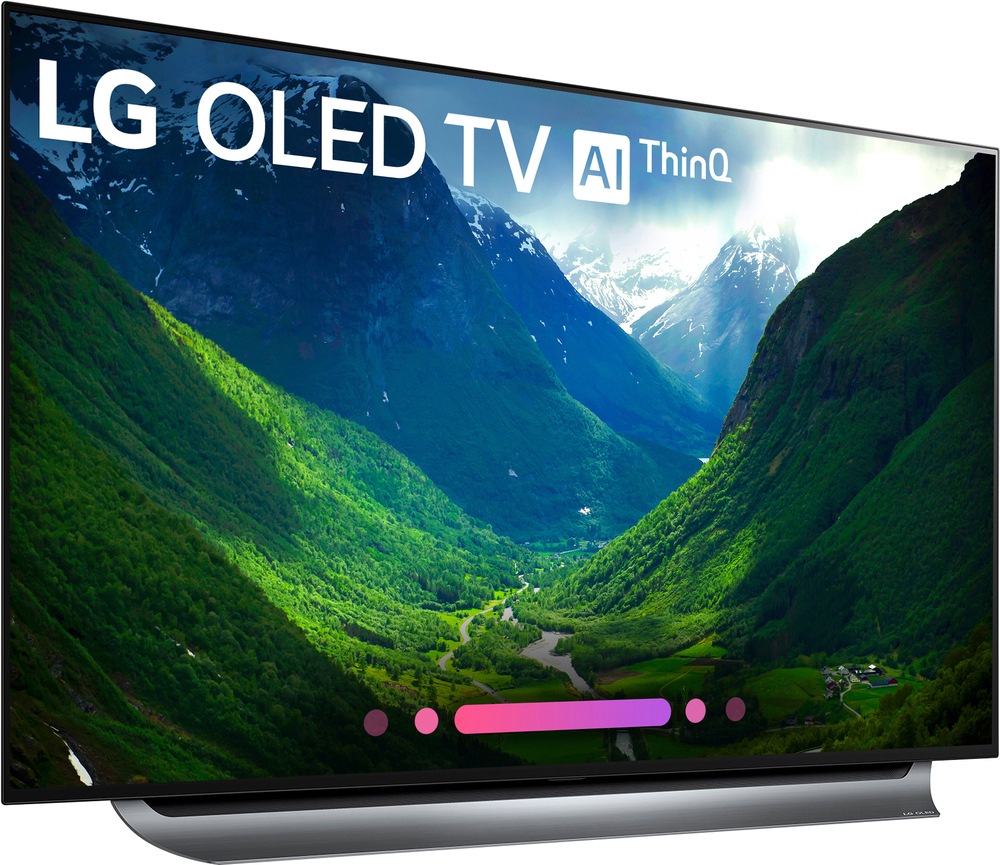
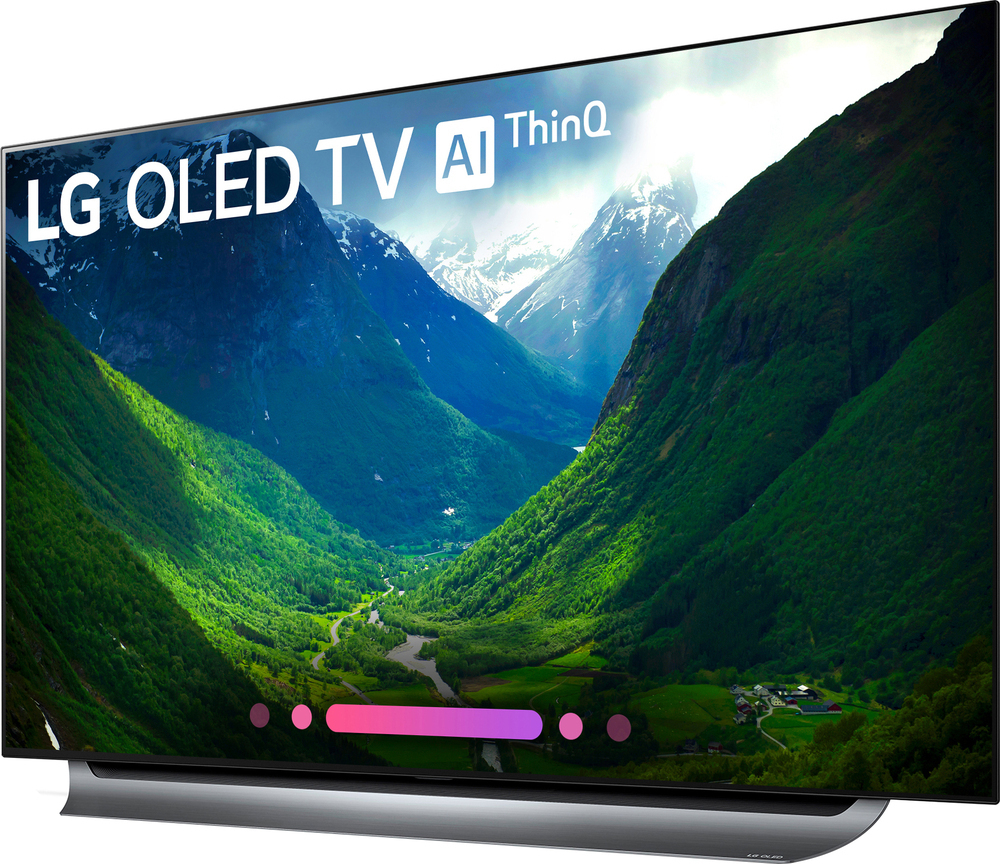
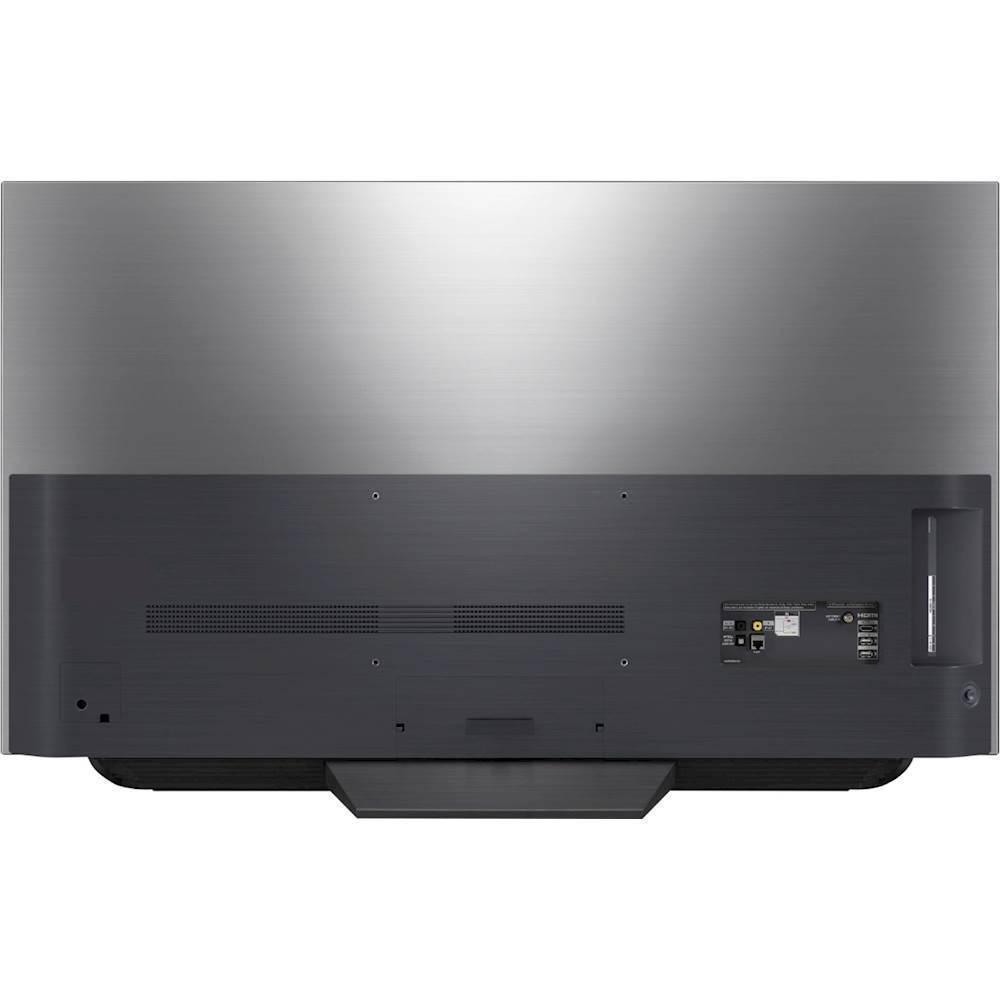
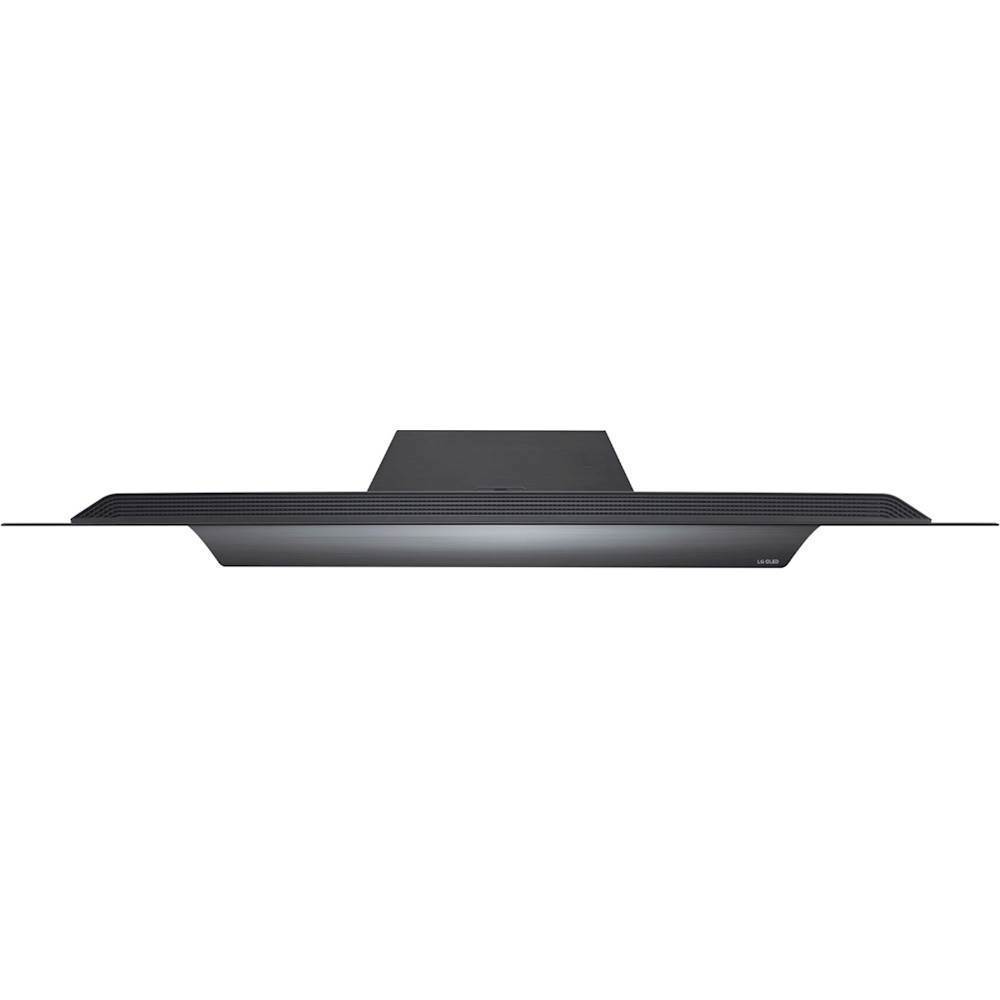
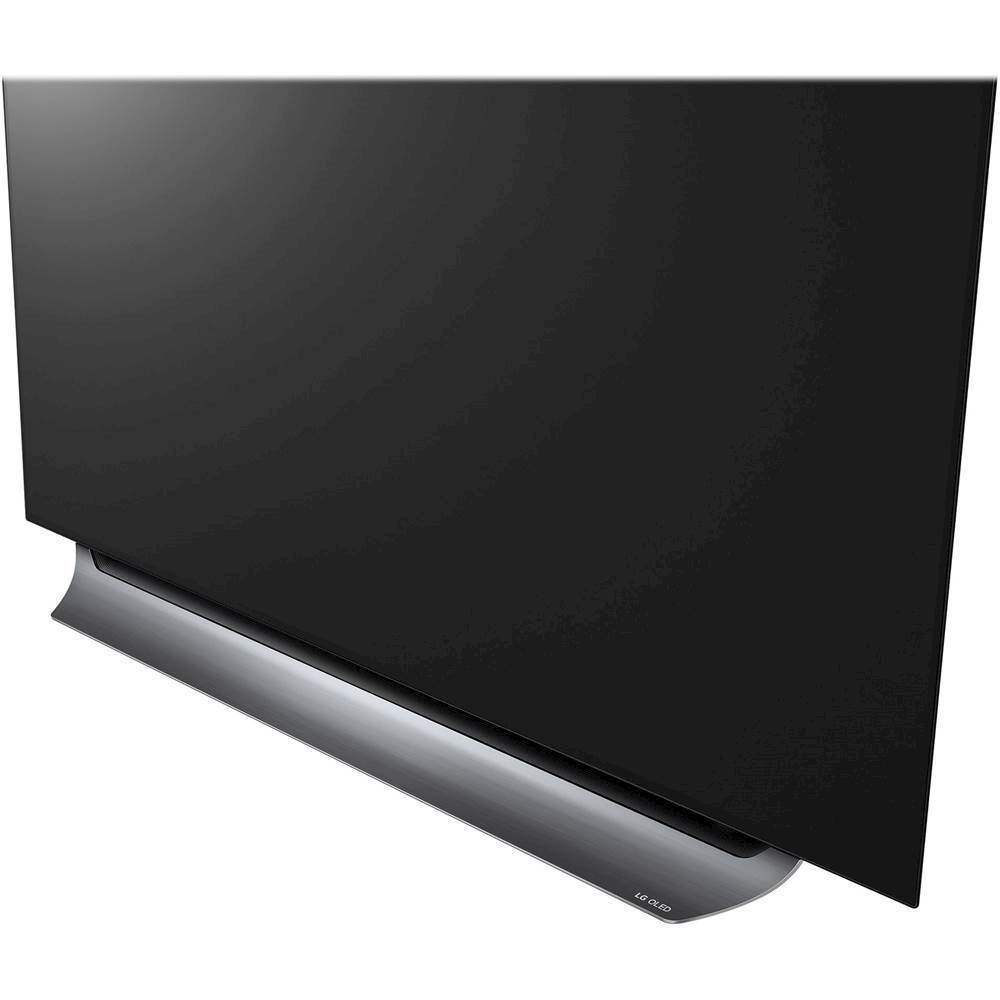
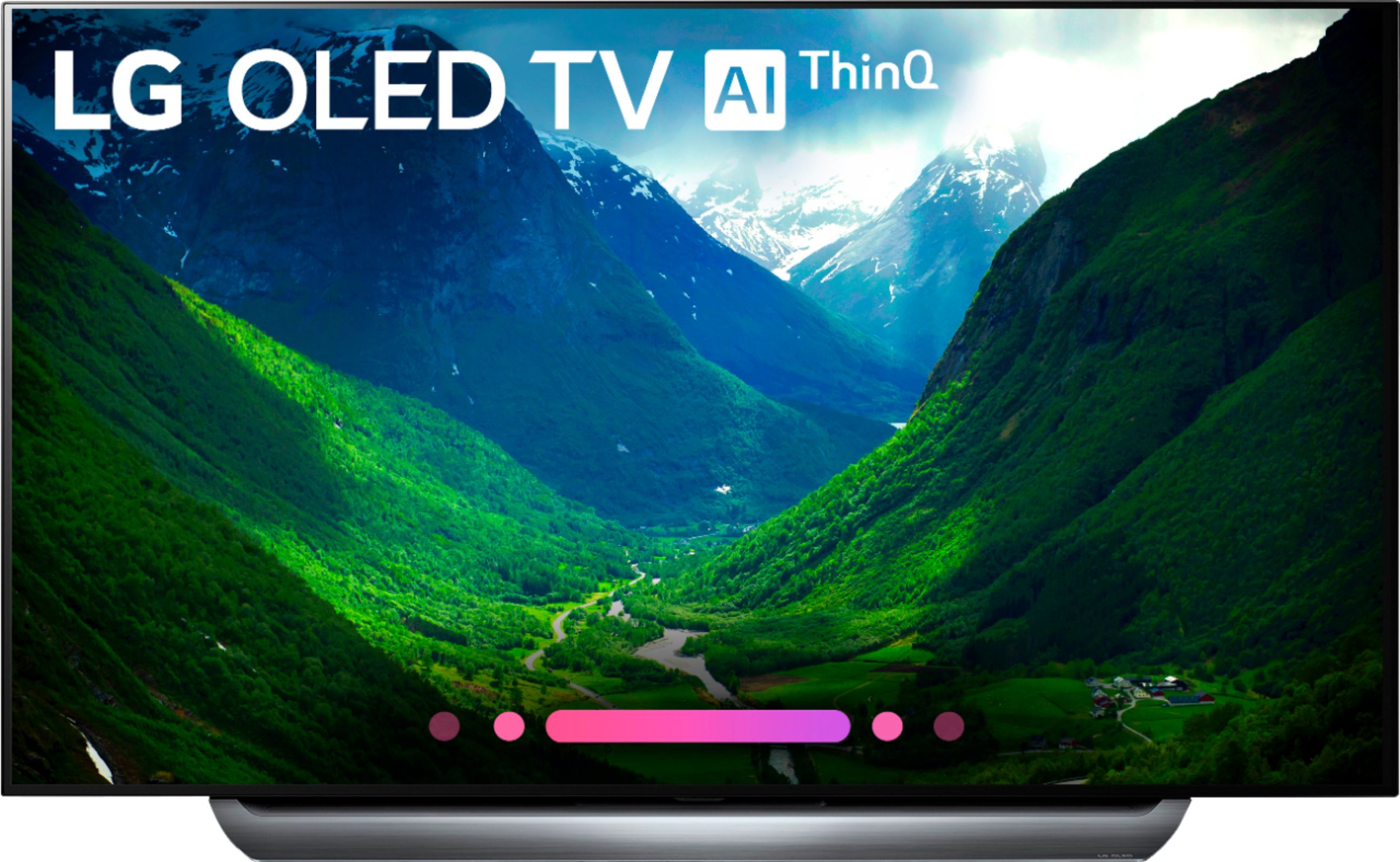
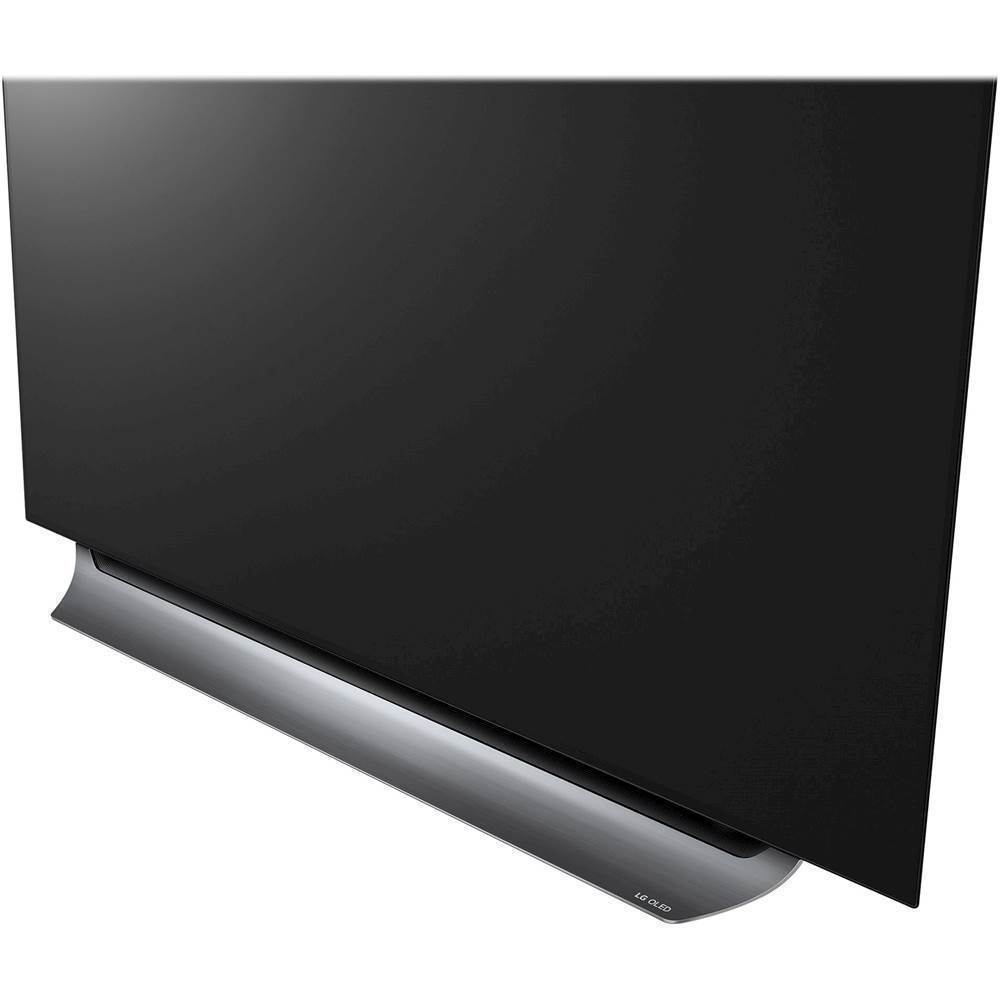
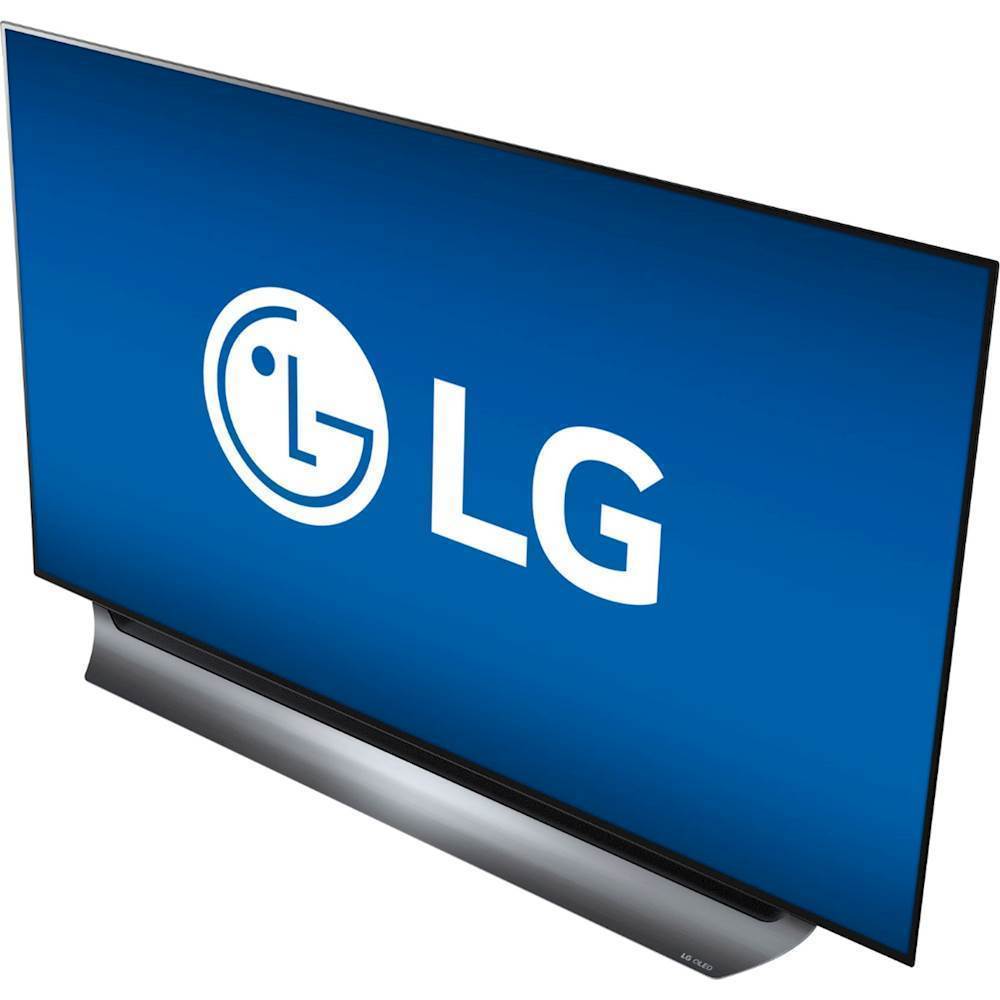
A:AnswerThe curved stand for the LG C8PUA 4K HDR Smart OLED TV w/ AI ThinQ® - 55" Class (54.6" Diag), Model # OLED55C8PUA has a width of 40.1" and a depth of 9.1"...^IFV
A:AnswerThe LG C8PUA 4K HDR Smart OLED TV w/ AI ThinQ® - 55" Class (54.6" Diag), Model # OLED55C8PUA has a native resolution of 3840 x 21`60 and all TVs regardless of their native resolution will always play video content at their native resolution or as close to it as they can get the signal to. TV and cable broadcasts are either at 720p or 1080i and when presented with these lower resolutions, the built-in 4K Upscaler in the TV will upconvert those signals to its native resolution or as close as it can get the signal depending on how much data is in the signal. This can add perceived detail of the image but how far you are sitting from the screen will make a difference to whether or not you see the detail...^IFV
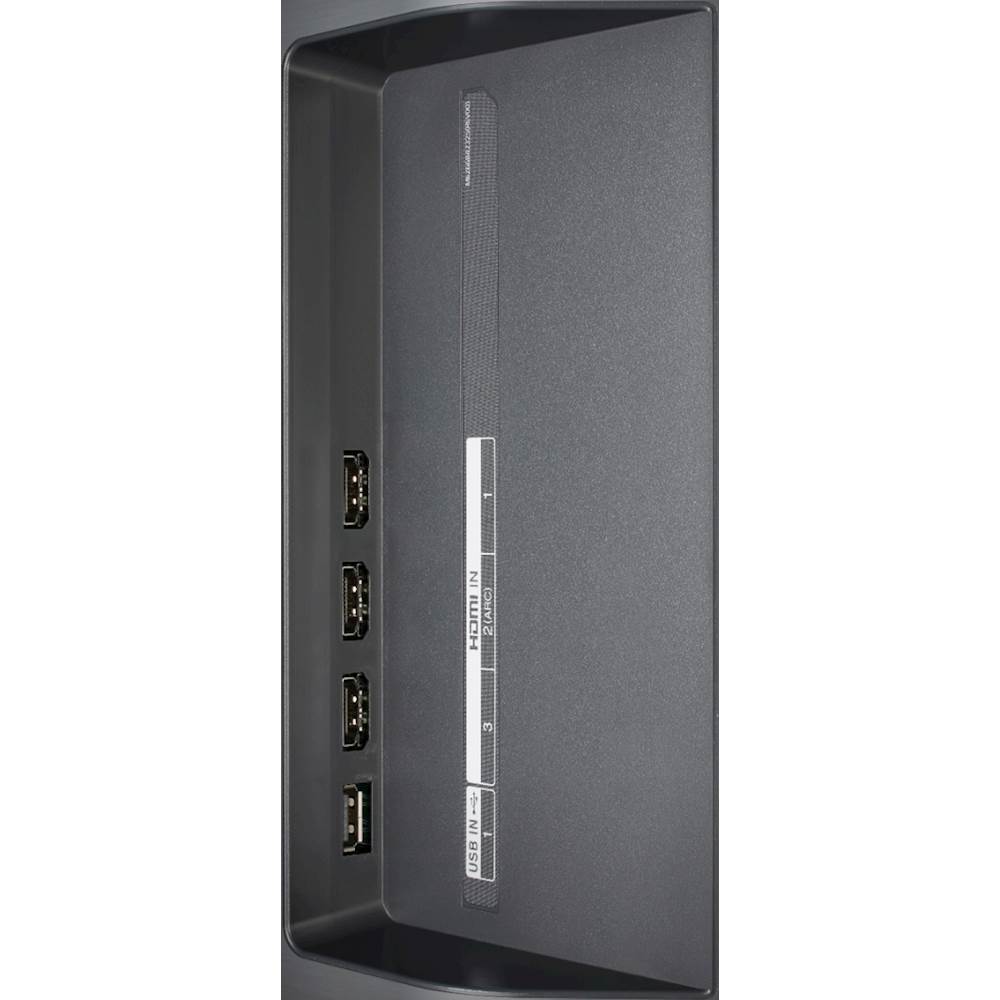
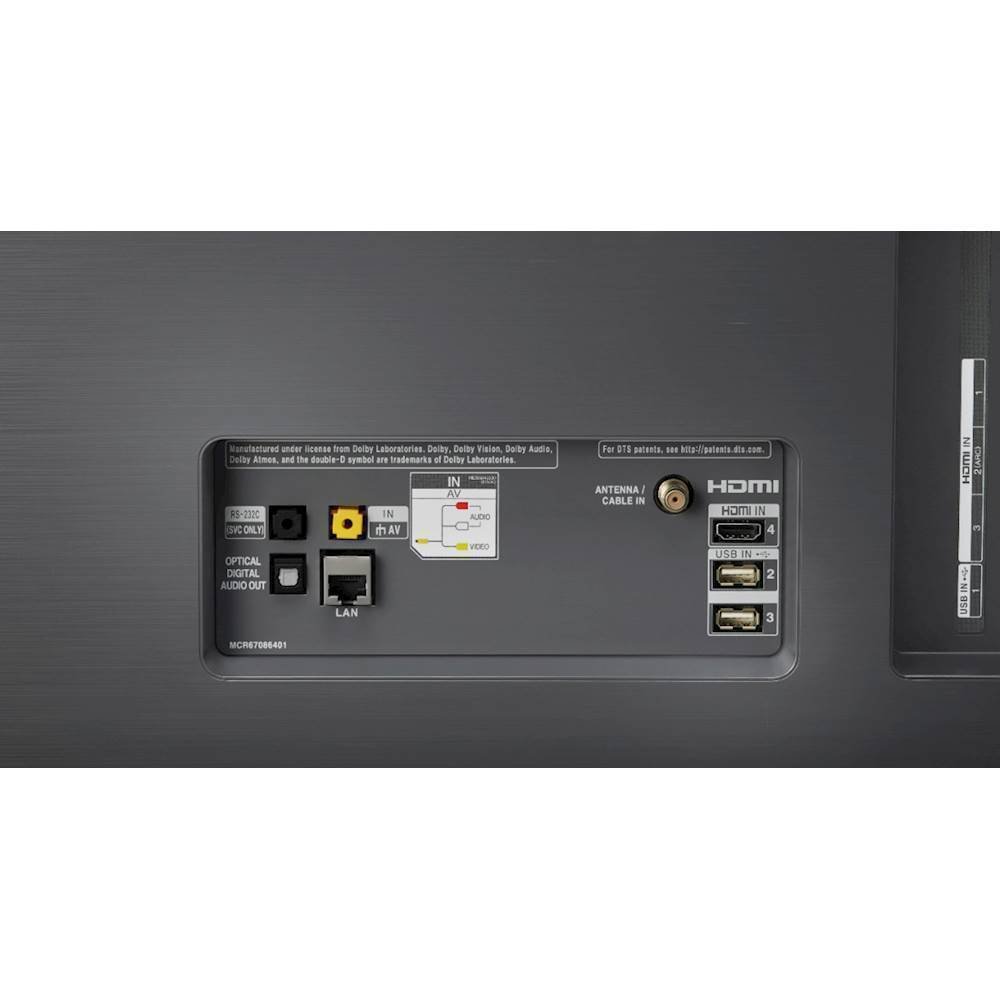
A:AnswerAll four HDMI ports on the LG C8PUA 4K HDR Smart OLED TV w/ AI ThinQ® - 55" Class (54.6" Diag), Model # OLED55C8PUA are HDCP 2.2 compliant...^IFV
A:Answerthis set is one of their hi end sets it has the a9 chip which is the new processer chip. it is a flat screen not a curved it is LG OLED TV 4K 55C8,, go to LG website to learn more
A:AnswerThe width of the base is 40" -- just measured with my tape measure.
The width of the base that is in contact with the surface below the TV is about 35".
A:AnswerHeavy gamer/audiophile/cinema snob here. This tv is absolutely amazing. Granted, I’ve only had it for a month, however, in that time you can usually tell if you’re going to have banding problems or burn in. There are plenty of tests you can take, the tv has a built in test which I feel is a little biased and has too much leniency. YouTube LG OLED test for banding to ensure you don’t have a faulty model. Also, for gamers, it is highly recommended during the first month-two months of ownership you play games with static images somewhere on screen like a radar or health bar. After long gaming sessions, you’ll want to ensure those static images have not left a burn in image on your screen. However, the one note to make is longevity of OLED. It is a new technology and models from 2015 have already burnt out by now. However, with next years introduction of HDMI 2.1, a small upgrade would be the smart bet if you still want to upgrade now. There is very little material that can take advantage of HDMI 2.1 as of right now, and it won’t be really taken advantage of until Q4 2020 or Q1 2021 with the new consoles, which are reportedly being developed with HDMI 2.1 ports to utilize eARC and VRR.
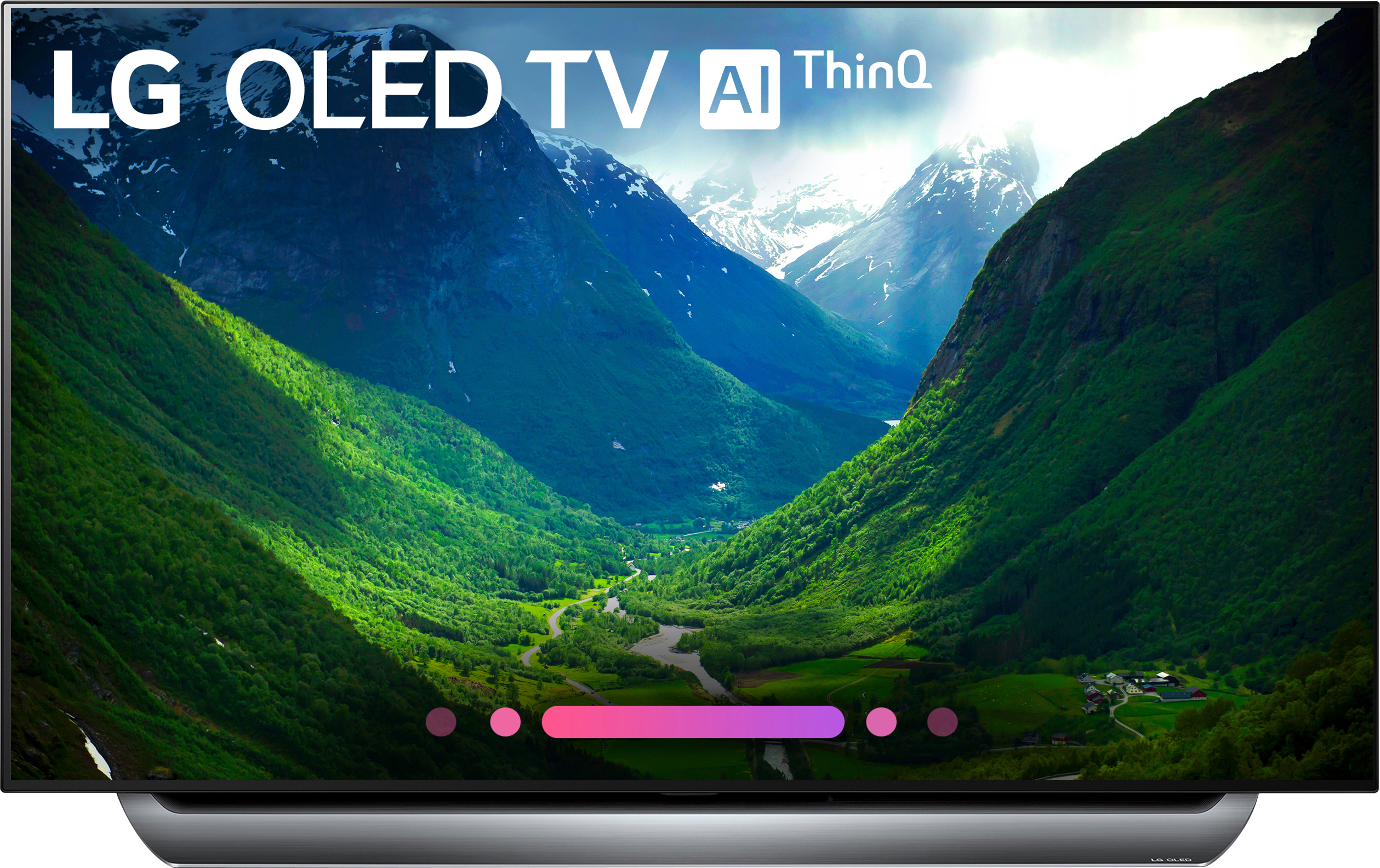
A:Answerburn-in on OLED TV's is the same as burn-in on computer screens. If the same image stays on the screen without moving around, it will create a ghosting on the screen. The LG TV has a screen saver built-in that prevents burn-in when the TV is idle.

A:AnswerThe LG C8PUA 4K HDR Smart OLED TV w/ AI ThinQ® - 55" Class (54.6" Diag), Model # OLED55C8PUA is a Bluetooth enabled TV (ver 4.2) that can be paired with other Bluetooth devices so you can wirelessly stream audio from the TV to those devices via Bluetooth...^IFV
A:AnswerI don't think so. I have not found it but have not looked. Check out the internet site and u tube, it might be on there.
I have a sony tv too and have it on antenna only and it get great picture on it or cable But I bought a antenna that goes on the wall and it does good. Some stations better than others. Use it when cable goes off due o weather to get locals.
A:AnswerI cannot answer to the expected date of 4K broadcasts, but I can tell you that this TV has amazing picture quality with network tv. If you watch movies online, have Amazon Prime or Netflix, many of those shows are in 4K.....its stunning.
A:AnswerThe is a joystick button in the lower left corner on the back of the LG C8PUA 4K HDR Smart OLED TV w/ AI ThinQ® - 55'' Class (54.6'' Diag), Model # OLED55C8PUA that you can press in to turn the TV On and press for three seconds to turn the TV Off manually ...^IFV