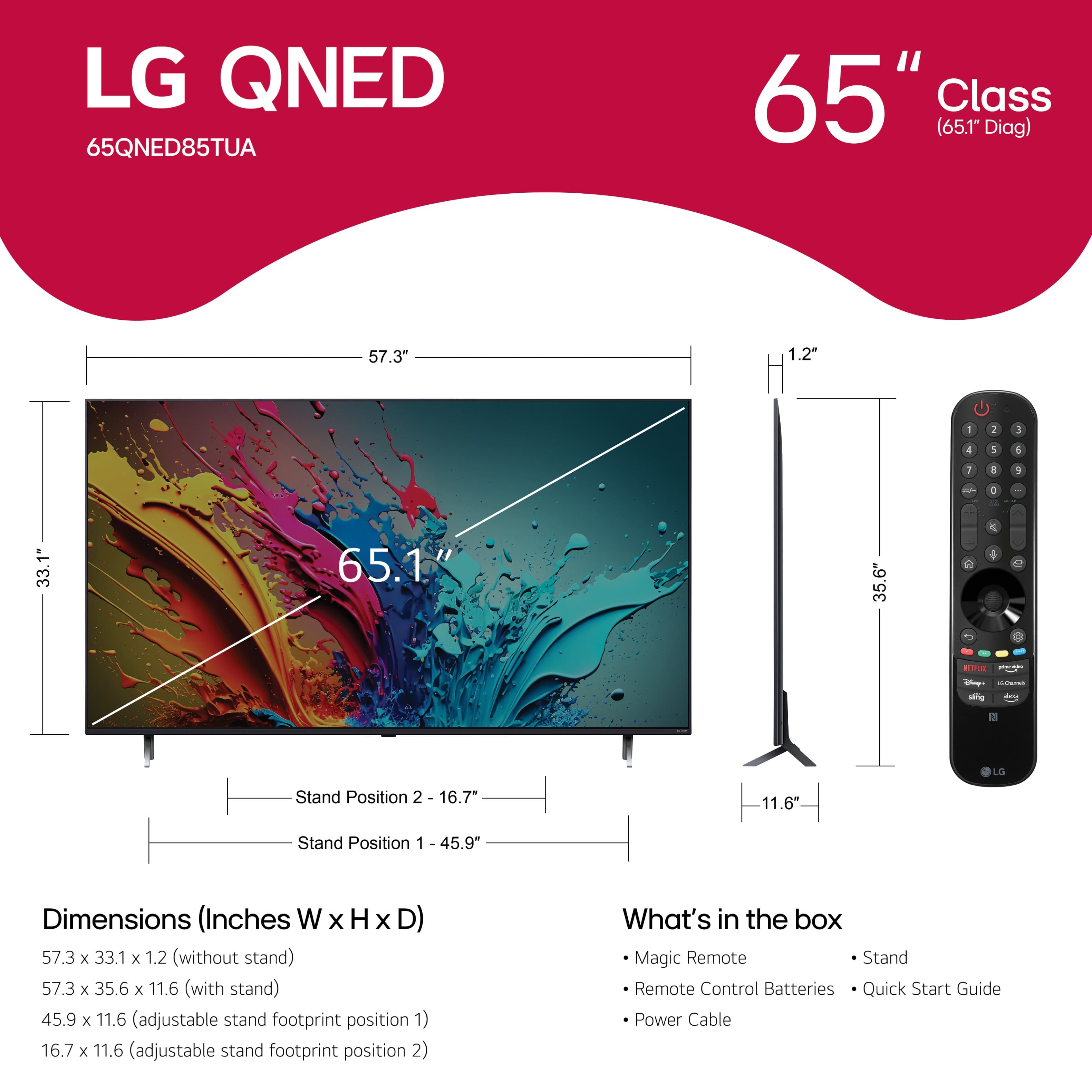
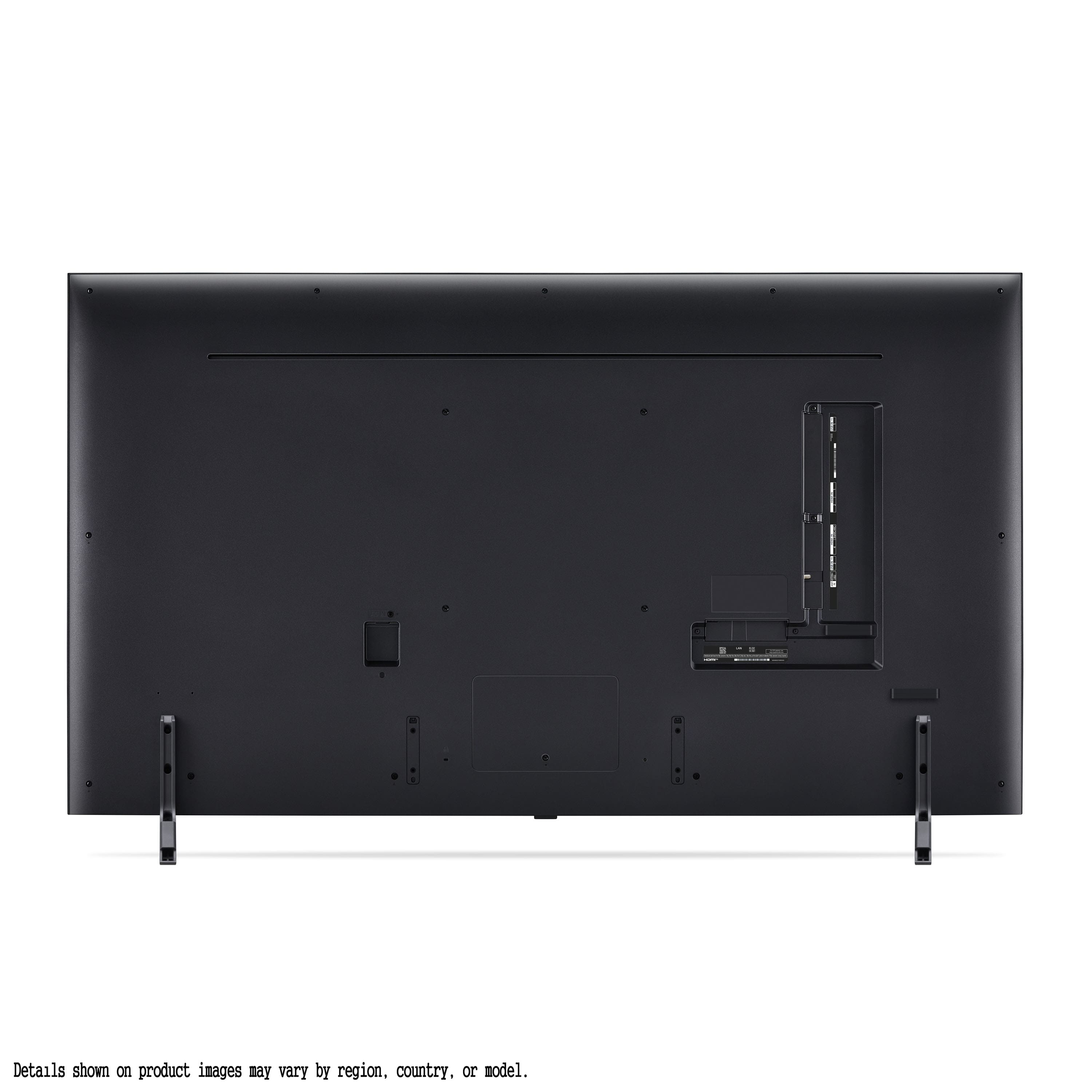
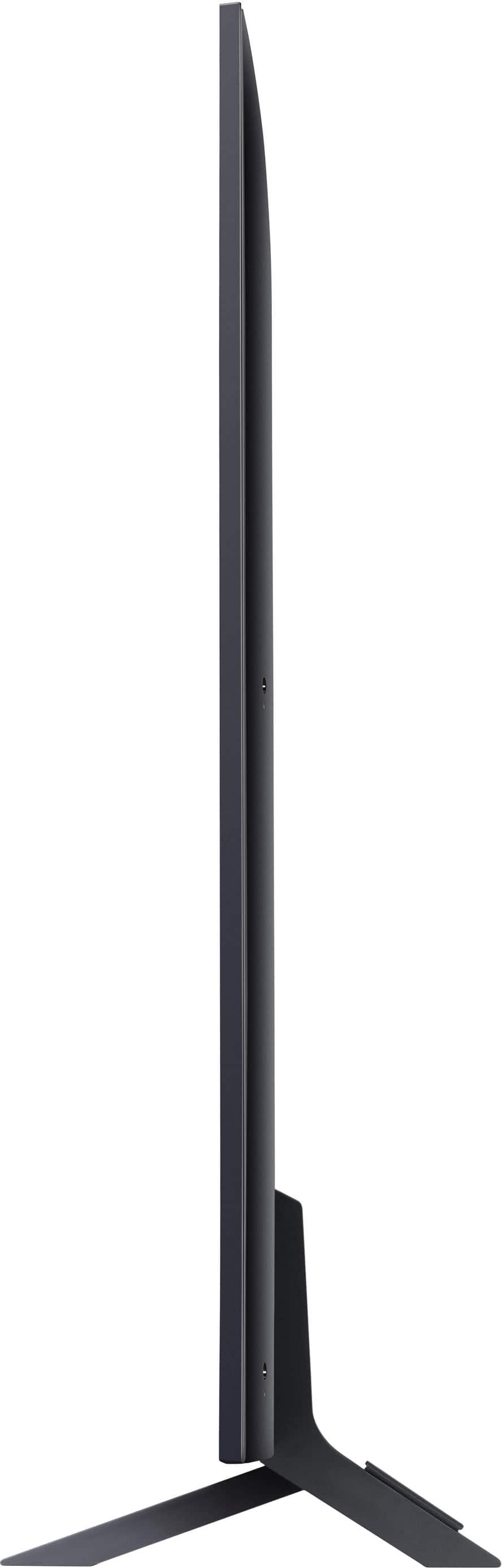
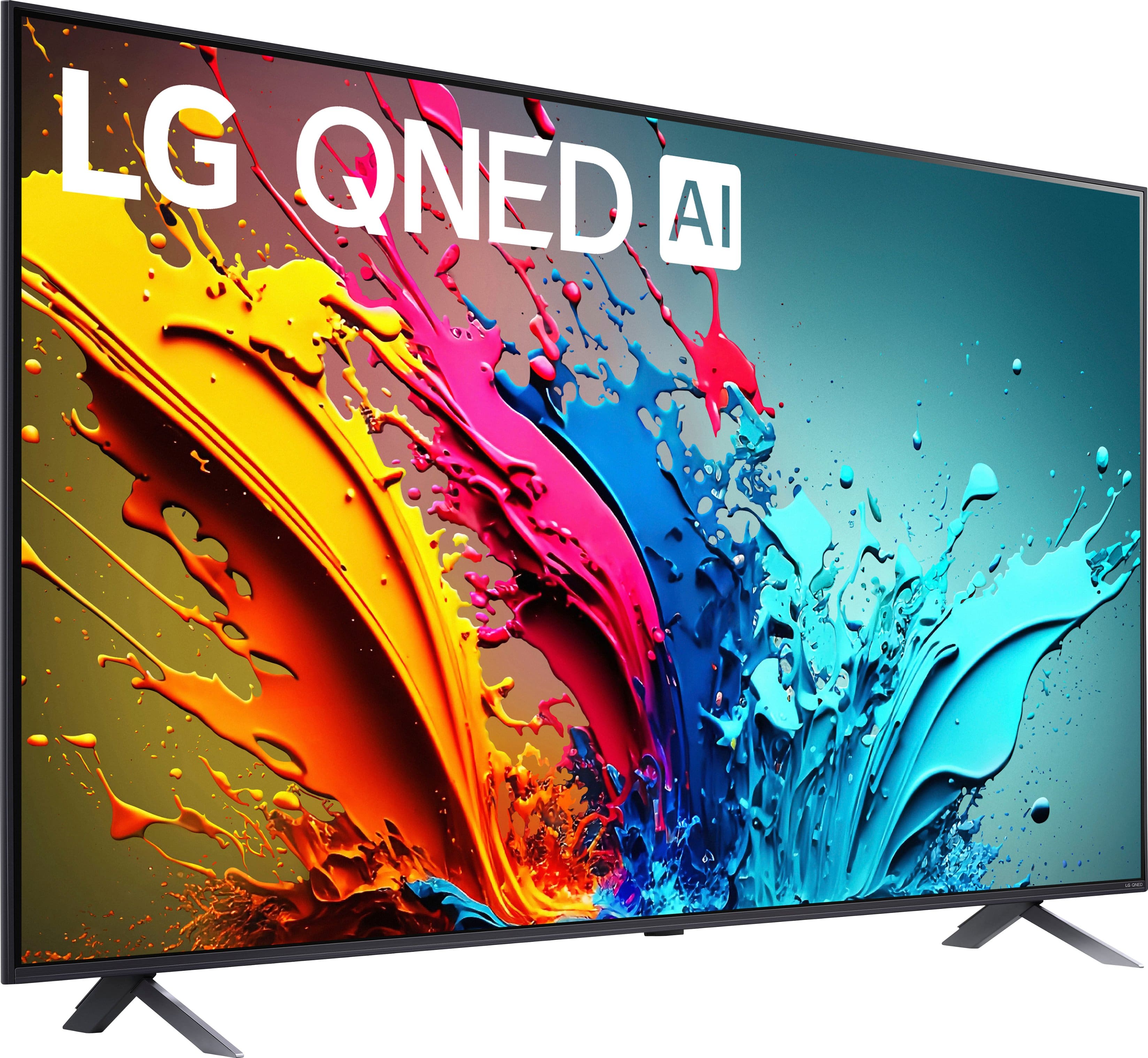
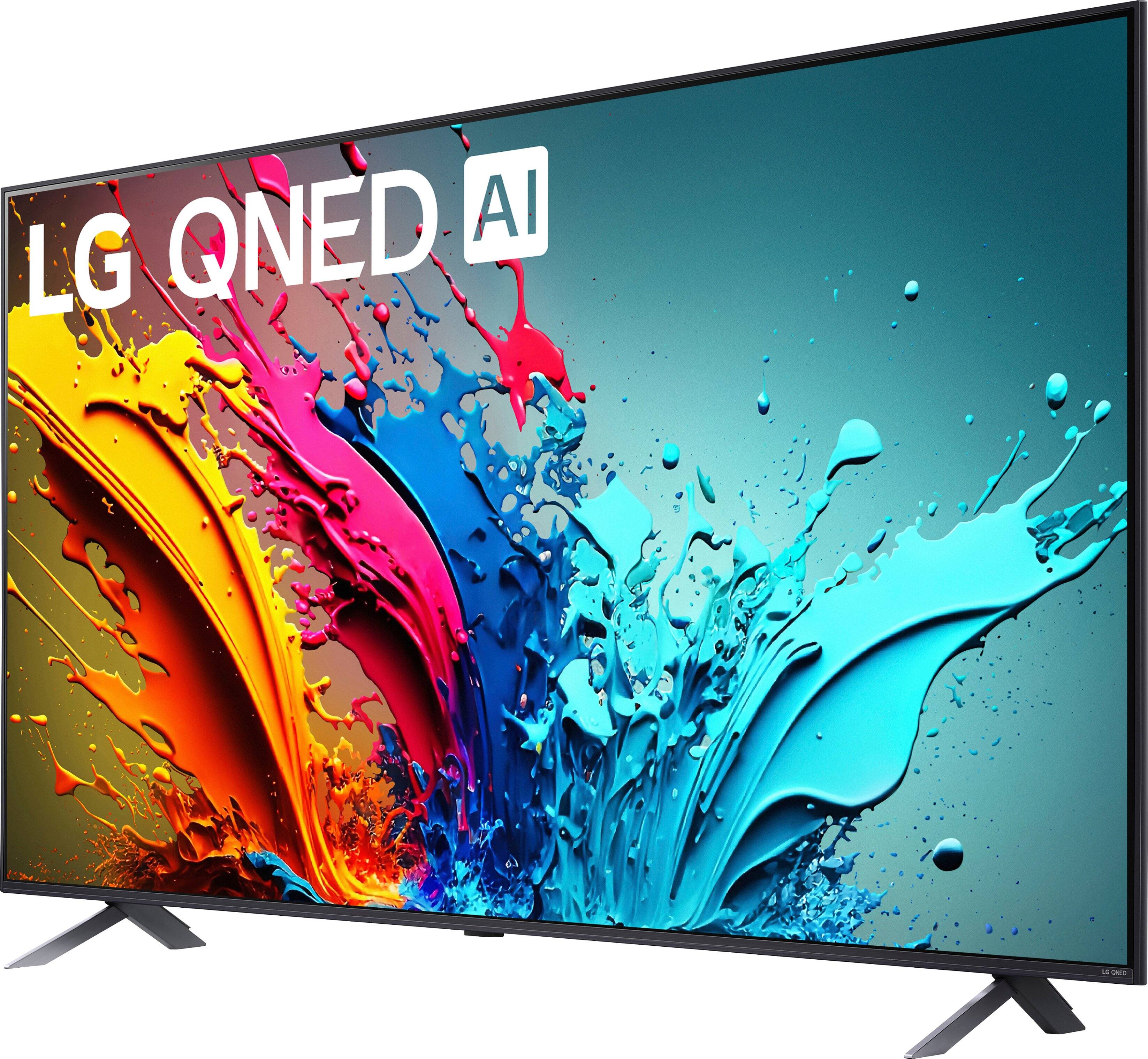
A:AnswerThe LG 65-inch Class QNED 4K LED QNED85T series TV with webOS 24, Model # 65QNED85TUA, does have adjustable leg widths.
Position 1 has a width of 45.9" and position 2 has a width of 16.7"...^Ivan.
A:AnswerThank you for your interest in the LG Smart webOS TV. No, the LG 65QNED85TUA smart TV does not support downloading the Roku app or operating system. It runs on LG's webOS smart platform instead. You can download its owner's manual through this link for more information: https://www.lg.com/us/support/product/lg-65QNED85TUA.AUS. If problem persist, please reach out to us on social media @LGUSSupport so we can help you further. ^Cris
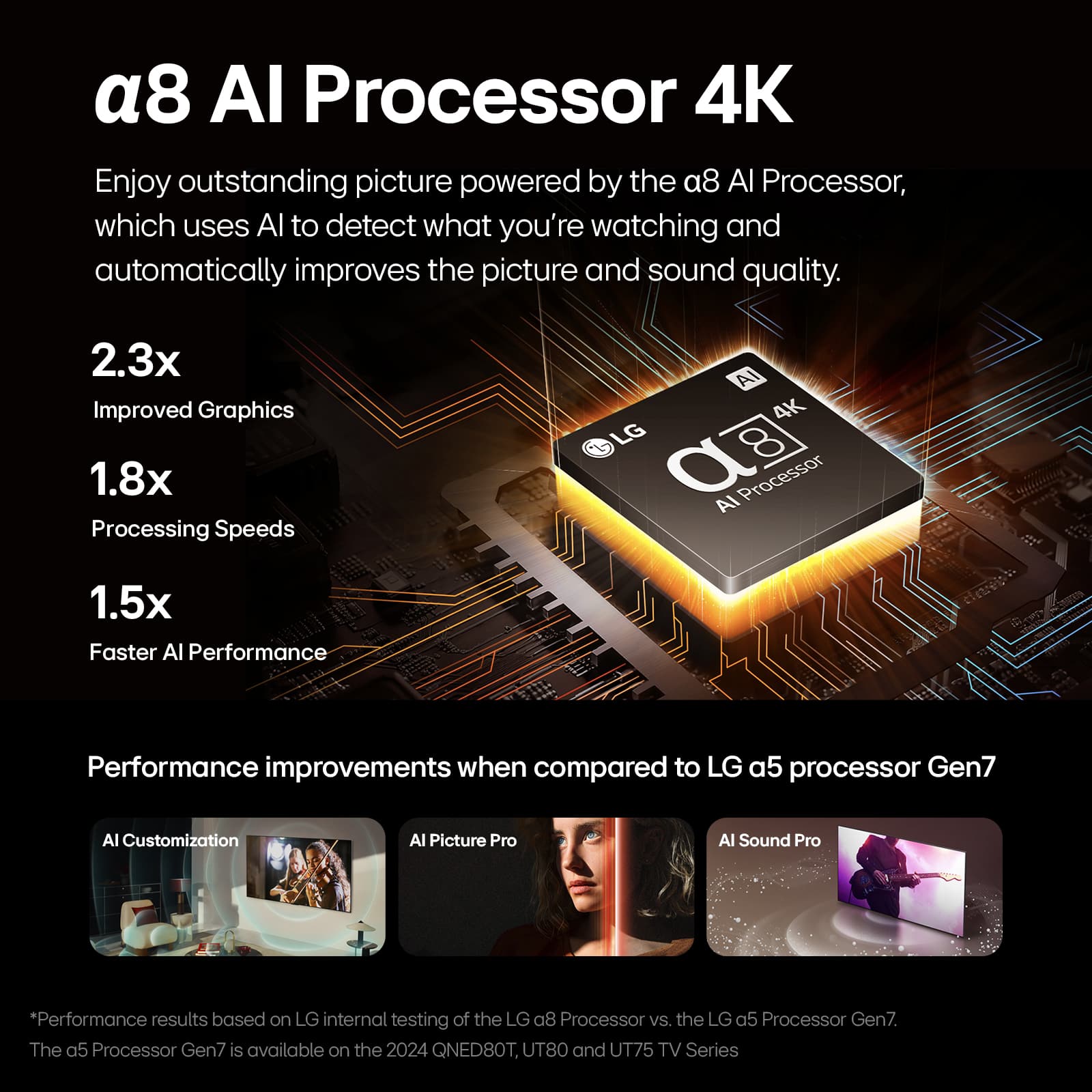
A:AnswerHi there, Ronnie. Thank you for reaching out to us. We understand that you're curious about the difference between the LG televisions 65QNED85TUA and 65QNED85TYA. Based on the specifications provided, both models appear to be very similar in terms of features and performance. They both feature the 4K QNED display type, 120Hz native refresh rate, α8 AI Processor 4K, and support HDR10 / HLG, along with other key specifications like AI Sound and Wi-Fi 6E.
The main difference may lie in the region-specific model numbers, which could indicate slight variations in packaging, regional standards, or available accessories. However, the core technology and features are identical for both.
If you're looking for more specific information or need assistance in selecting between these two models, we suggest checking the detailed specifications on the official LG website or reaching out to us for further support.
https://www.lg.com/us/tvs/lg-65qned85tua-qned-4k-tv#pdp_specs
Please send us a private message on Social Media @LGUSSupport, and our team will be more than happy to assist you further. We appreciate your patience!
—Renzo
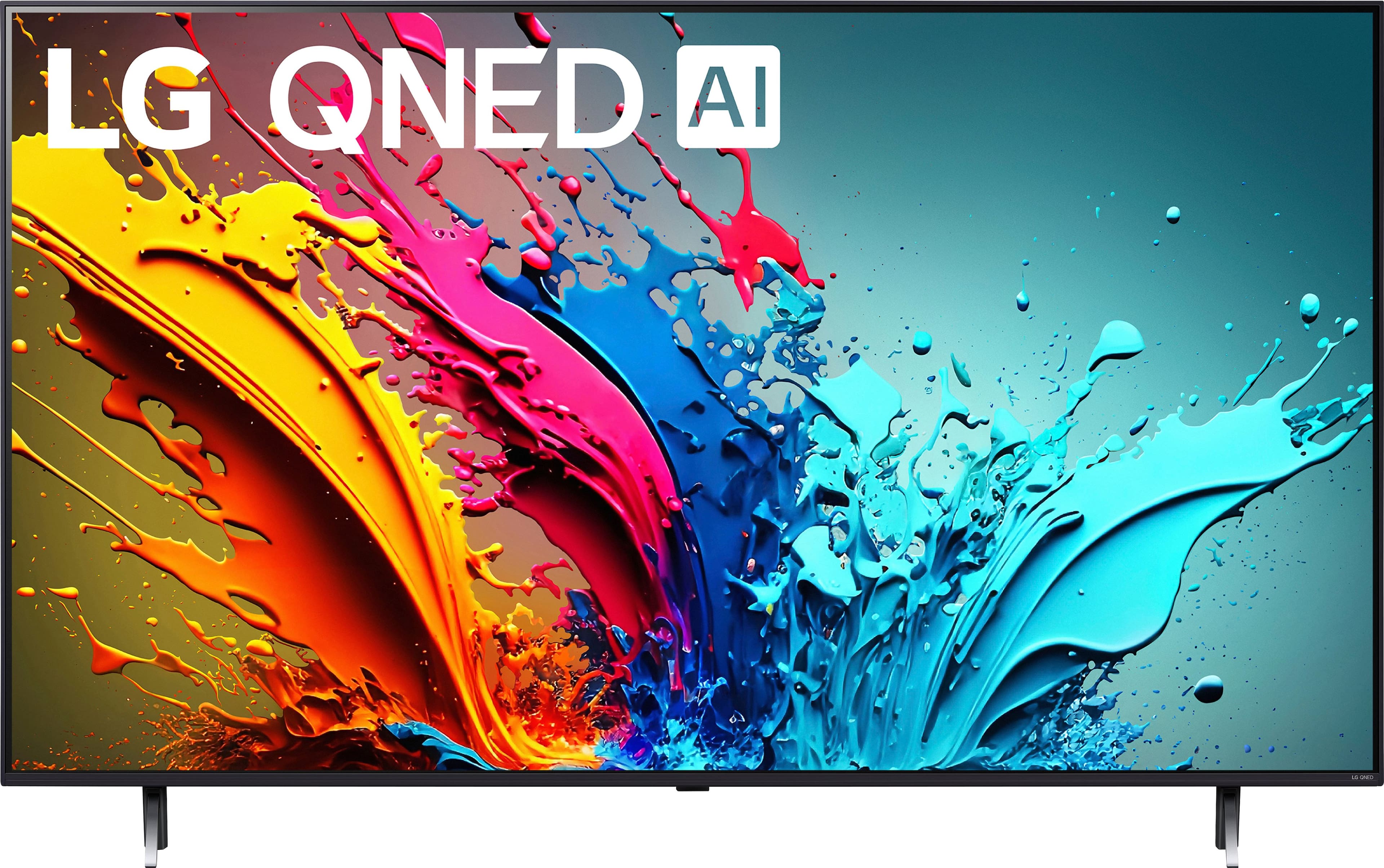
A:AnswerHello, there. Thank you for your question about the LG 65QNED85TUA TV. Yes, this TV model comes with a protective film on the screen to prevent scratches and damage during shipping and handling.
Regarding the blurry picture issue you mentioned, it's possible that leaving the protective film on can affect the display quality. Removing it should improve clarity. If the issue persists after removing the film, please ensure all connections are secure and that the TV settings are adjusted correctly.
To properly remove the protective film without damaging the screen, please send us a private message on our social media platform via @LGUSSupport, and our team will be happy to assist you. We appreciate your interest in LG products. ^Sam