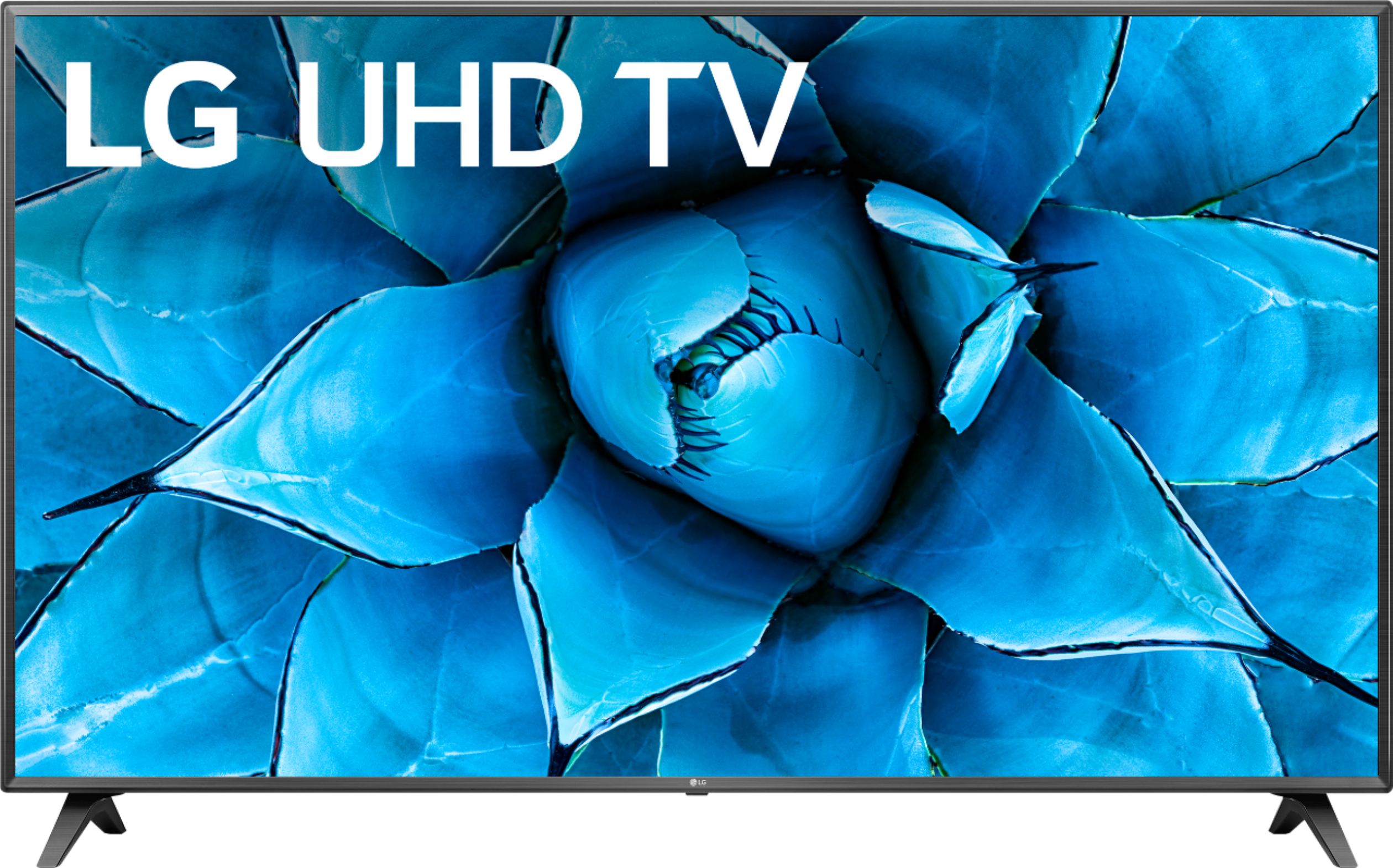
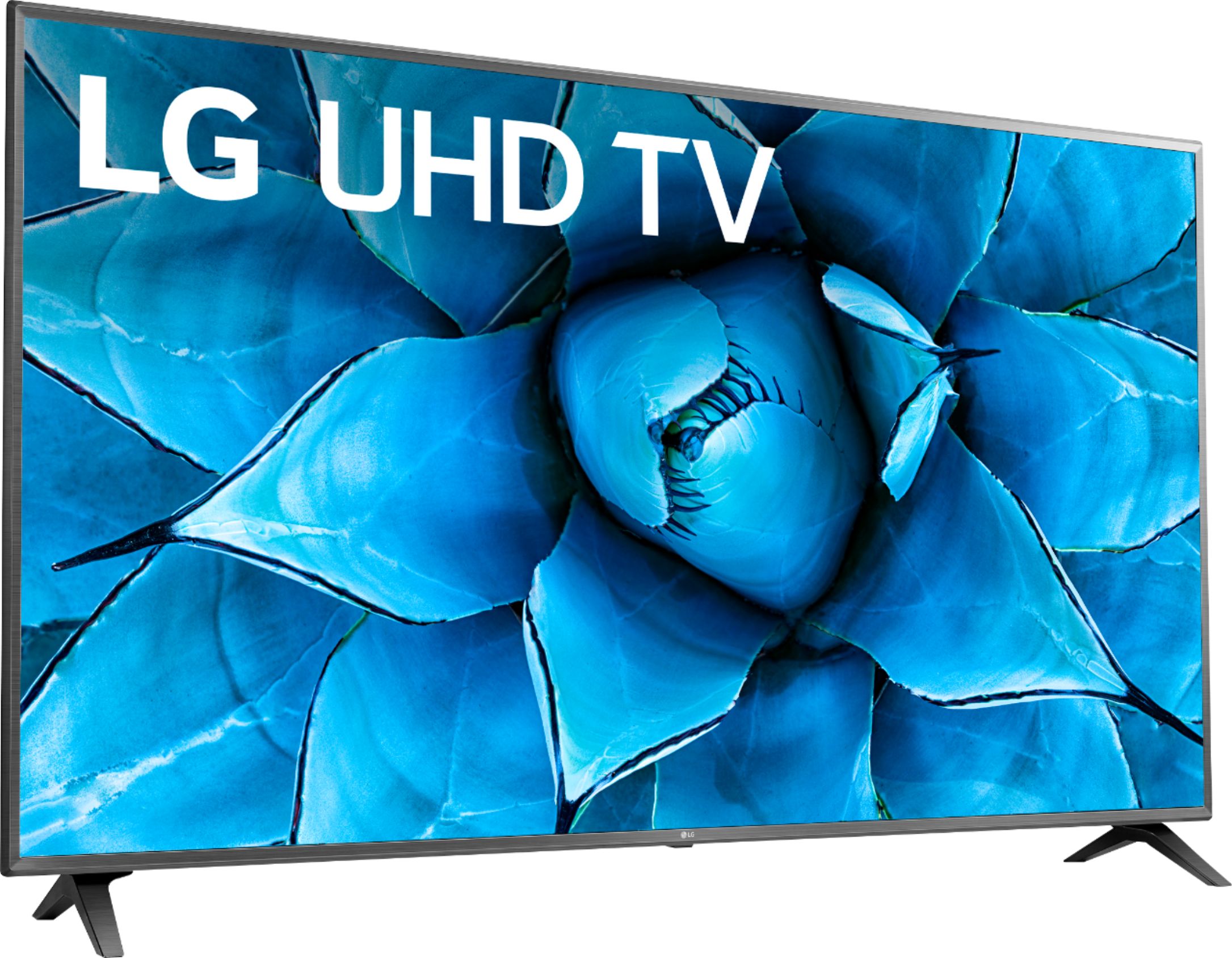
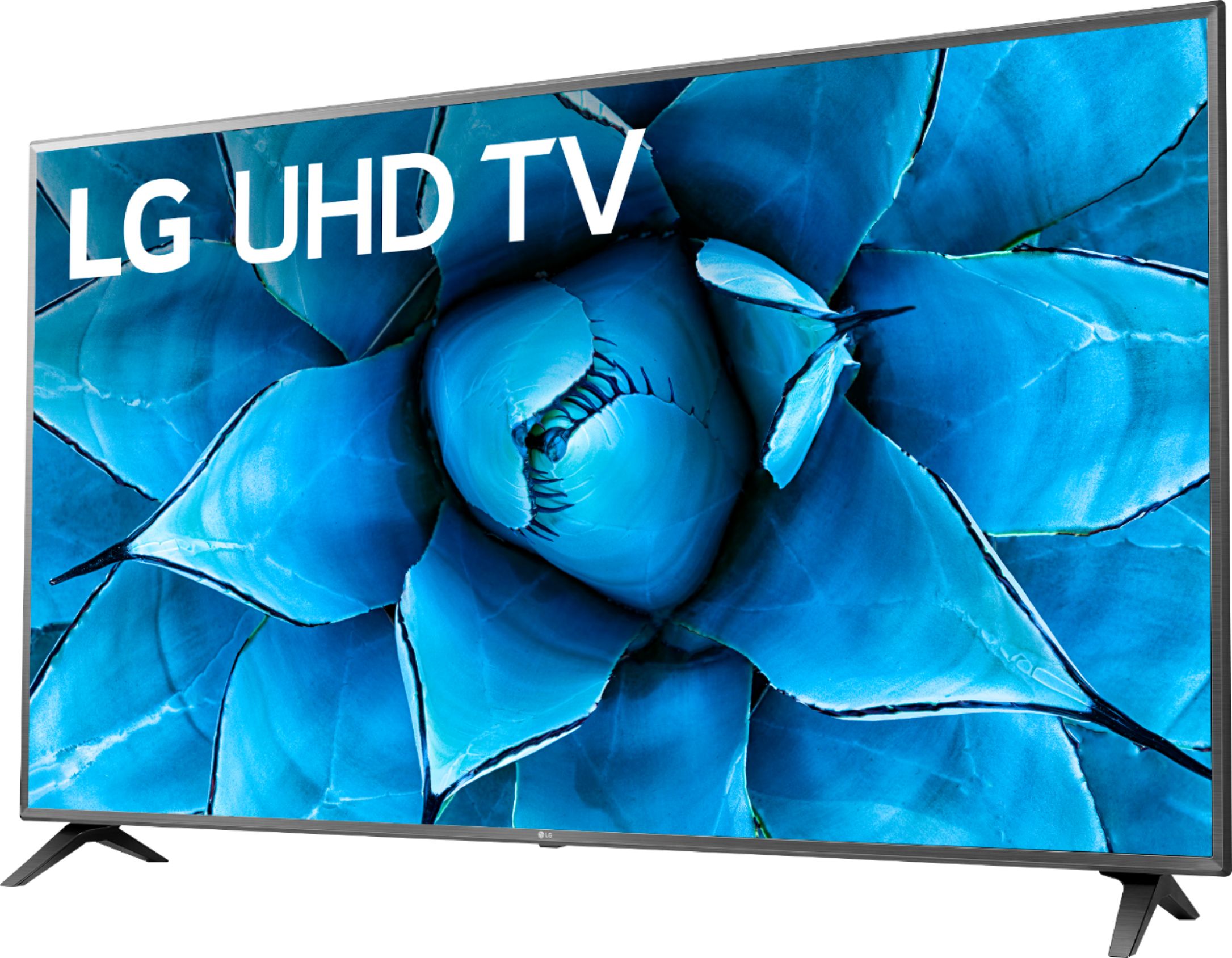
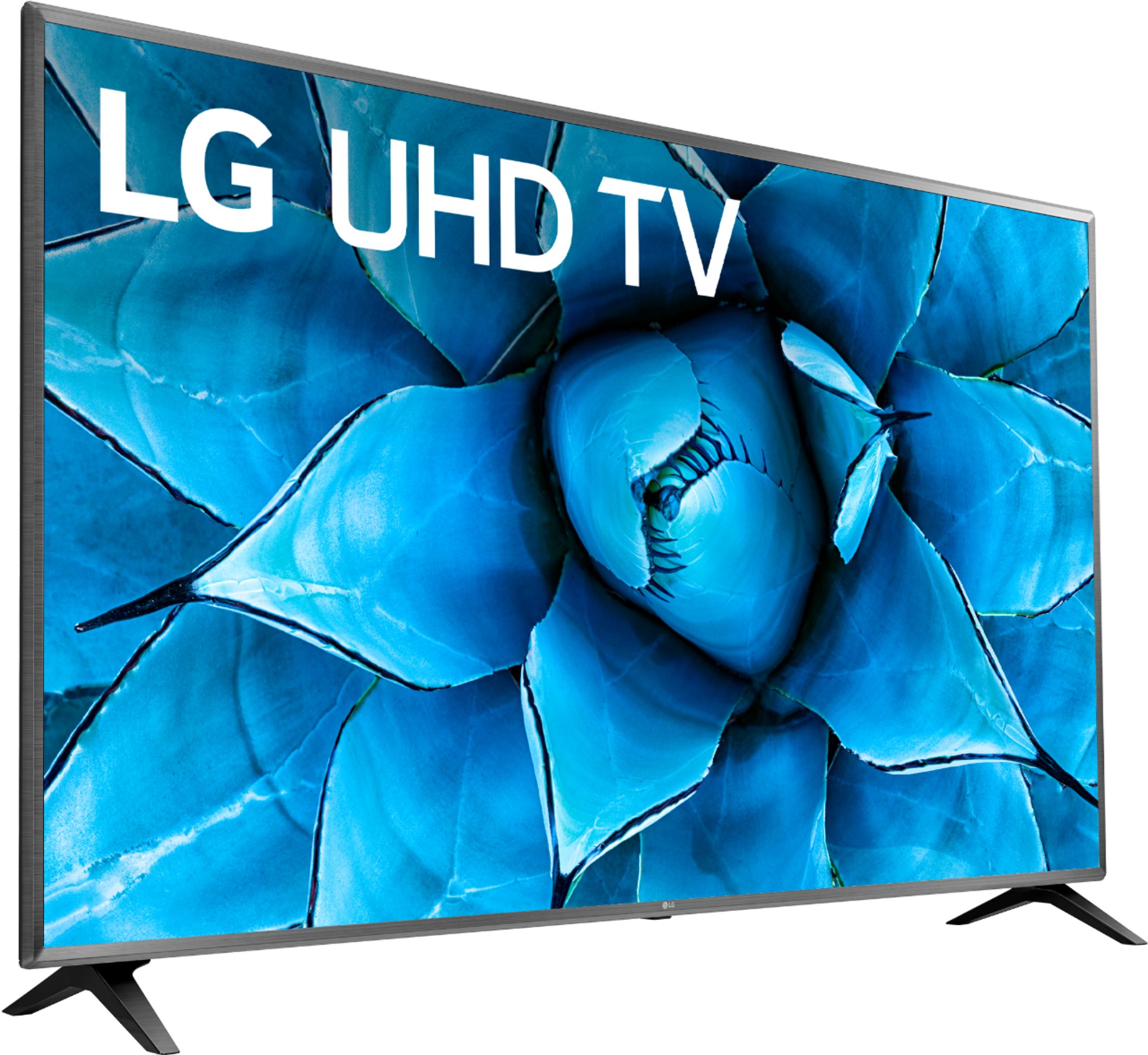
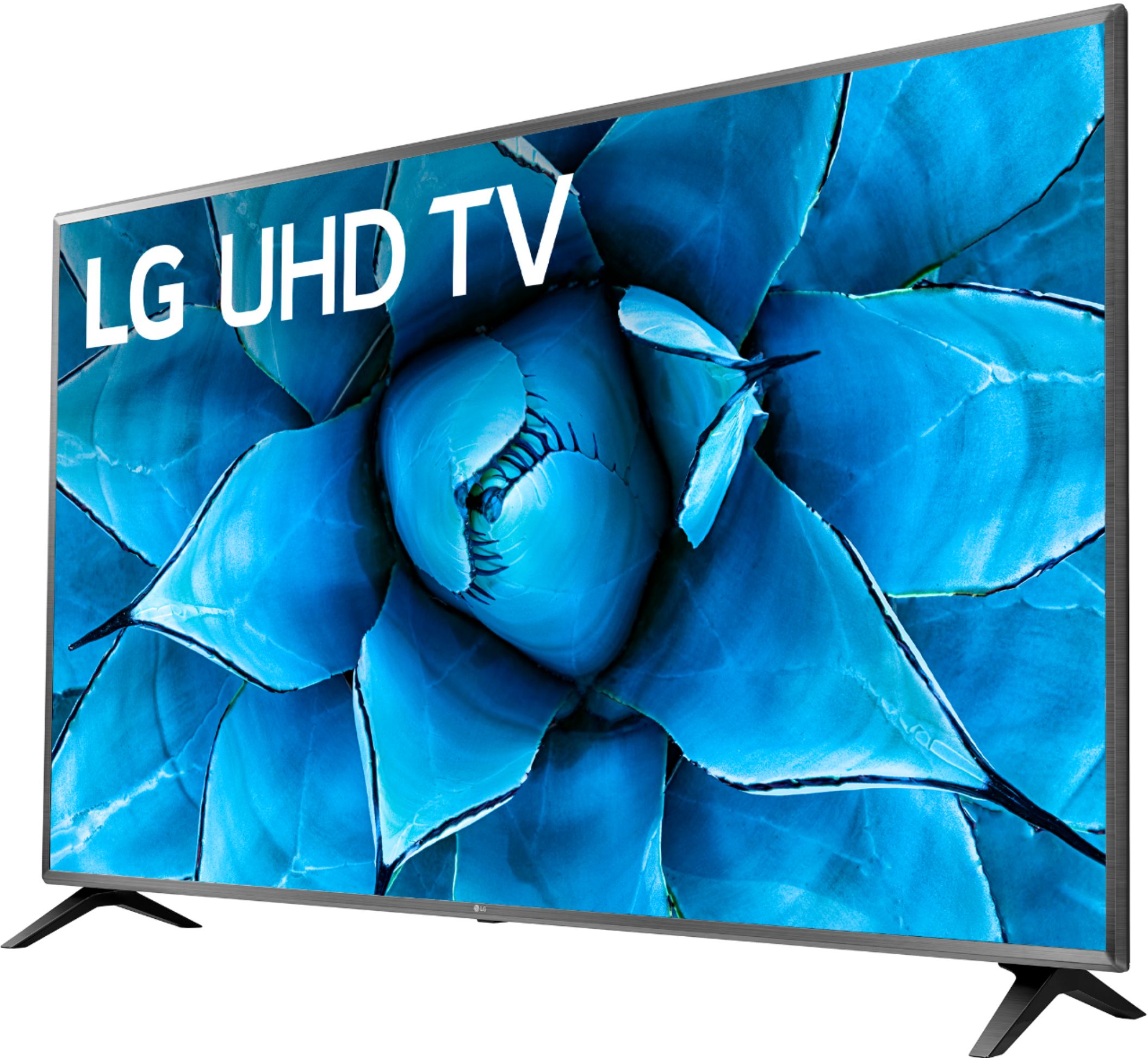
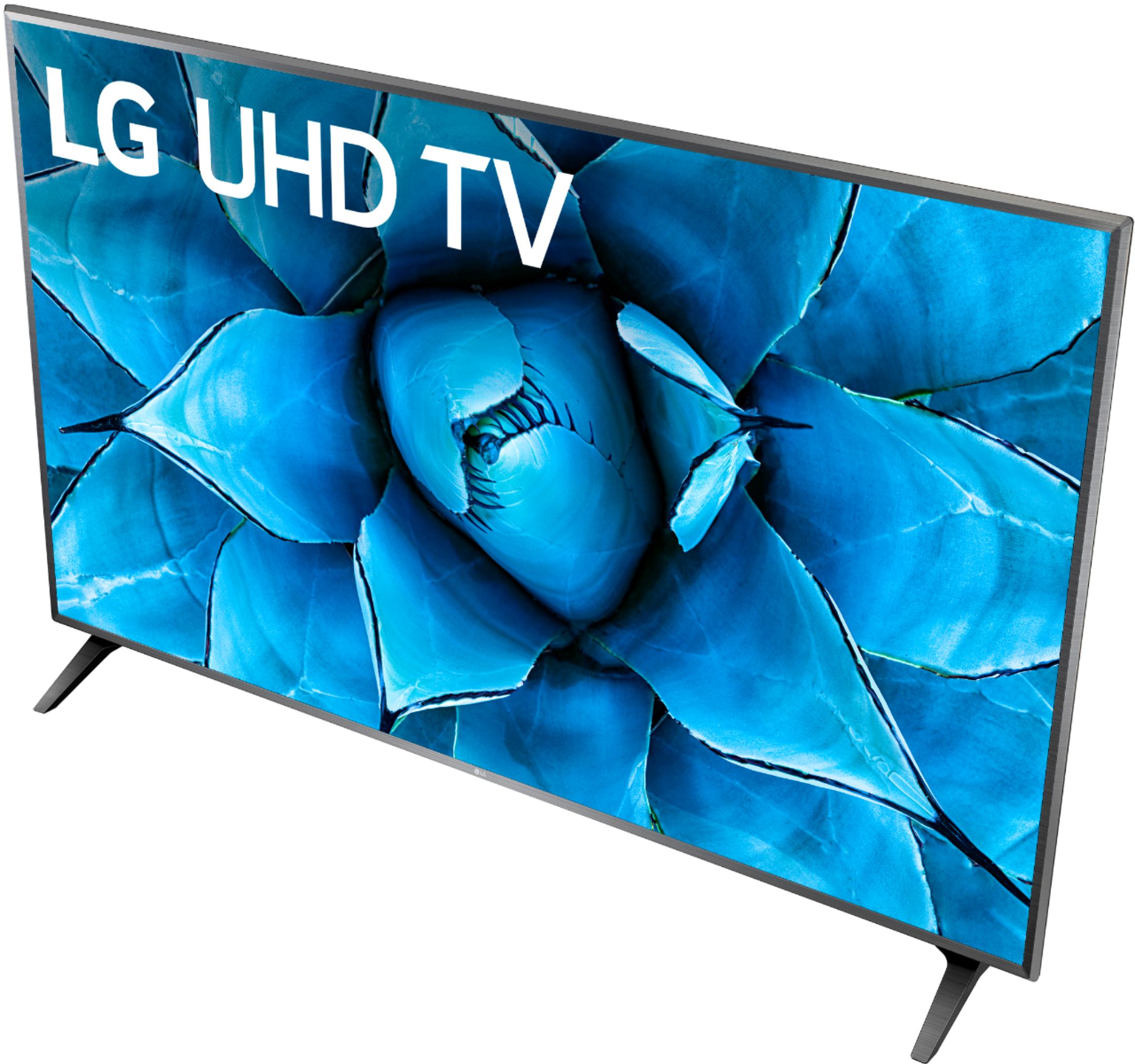
A:AnswerYou have to understand two important things about video. First, you can't add detail beyond what is already in the source footage. Second, the source footage is never greater than 60Hz. When you watch a movie on Blu-ray, it's a 1080p picture at 60Hz. The disc displays 60 interlaced or 30 progressive frames at 1,920-by-1,080 resolution per second of video. For movies that were recorded on film, the original footage is actually 24 frames per second, upconverted to 30 frames through a process known as 2:3 pulldown. It distributes the source frames so they can be spread across 30 instead of 24 frames per second. Those frames are then interlaced (combined and shuffled) to 60 "frames" per second to match the 60Hz refresh rate of the vast majority of TVs you can buy today. In the case of 1080p60 televisions, the frames are pulled down to 60 full frames per second, and both the players and HDTVs outright skip any interlacing step. This is a time-honored tradition, because American TVs have displayed 30 (actually, 29.97) frames per second and functioned at 60Hz since time immemorial. It's not really a problem, because between interlacing and frame pulldown, the process doesn't attempt to add information to the picture. It's simply converting it to function on the TV, because it wouldn't work otherwise. Once an HDTV's refresh rate goes above the rate of the content you're watching, it starts performing tricks to produce a higher frame rate. It interpolates new frames between the frames transmitted to the display at 60 frames per second (or processed into 60 frames per second from 24 frames per second for film footage, through the separate pulldown process), and the HDTV fills in the spaces by generating the best "middle" frames to stick in the cracks. These new frames are made by combining and processing the data of the frames surrounding them, generating the images the HDTV thinks it should draw between the images it's told to draw by the media. You're looking at more individual pictures as the screen draws them, but these pictures weren't on the Blu-ray disc or television signal that the screen is receiving; the HDTV is generating those additional pictures itself. TruMotion 120 or whatever name any TV manufactures use for it is what is known as Motion Interpolation and it should not be mistaken for the TV's native refresh rate which is 60 Hz for the LG UHD 73 Series 75 inch Class 4K Smart UHD TV with AI ThinQ® (74.5'' Diag), Model # 75UN7370PUE. The HDMI 2.0 standard made 60 fps 4K video a consistent possibility for certain devices, and so much processing is already being used on simply displaying the much higher 3,840-by-2,160 resolution and added interpolation and adding frames to make the action smoother. Enhanced refresh rates can go too far. While 120Hz refresh rates seen on most midrange HDTVs can work well, don't expect to see any real performance improvement from 240Hz refresh rates. Refresh rates and motion-enhancing modes higher than 60Hz can produce a surreal effect when watching movies and television shows. The additional frames and "smoother" animation looks different from what we're used to with TV and movies, making the footage appear strangely fast. For any sort of content where you watch people interact naturally, like comedies or dramas, this can be unsettling and you should consider turning off the motion enhancing mode and force the screen to display the picture at 60Hz. However, for sports and video games, those added frames can help reduce stuttering and blur, and the action will be easier to track. s a general rule, if what you're watching involves seeing real peoples' faces as they talk, disable the higher refresh rate so they don't look like creepy dolls (also known as the "soap opera effect"). If what you're watching involves seeing real people run into each other (sports), or fake people attacking each other in an artificial environment (video games), keep the higher refresh rate mode turned on...^IFV
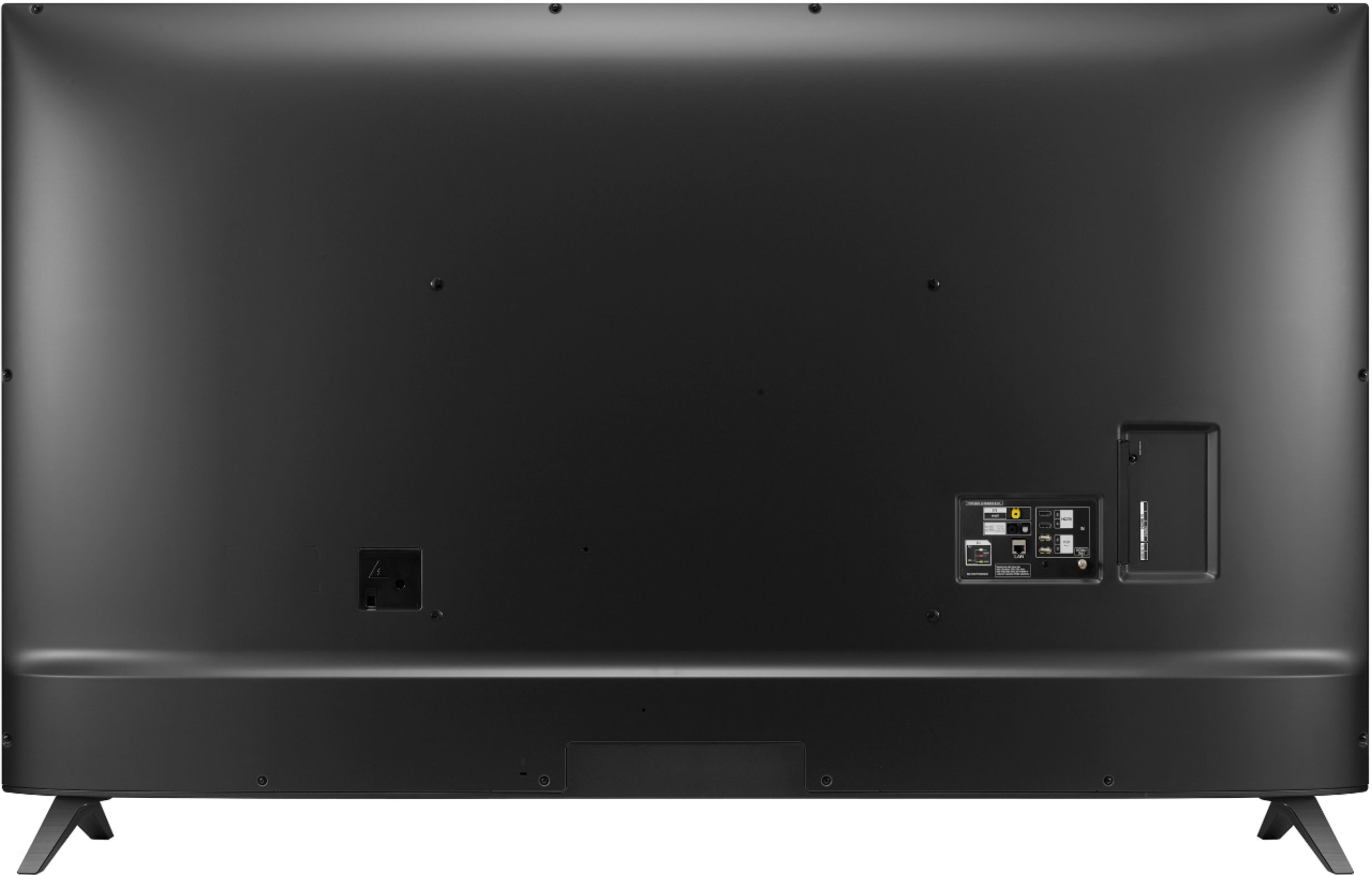
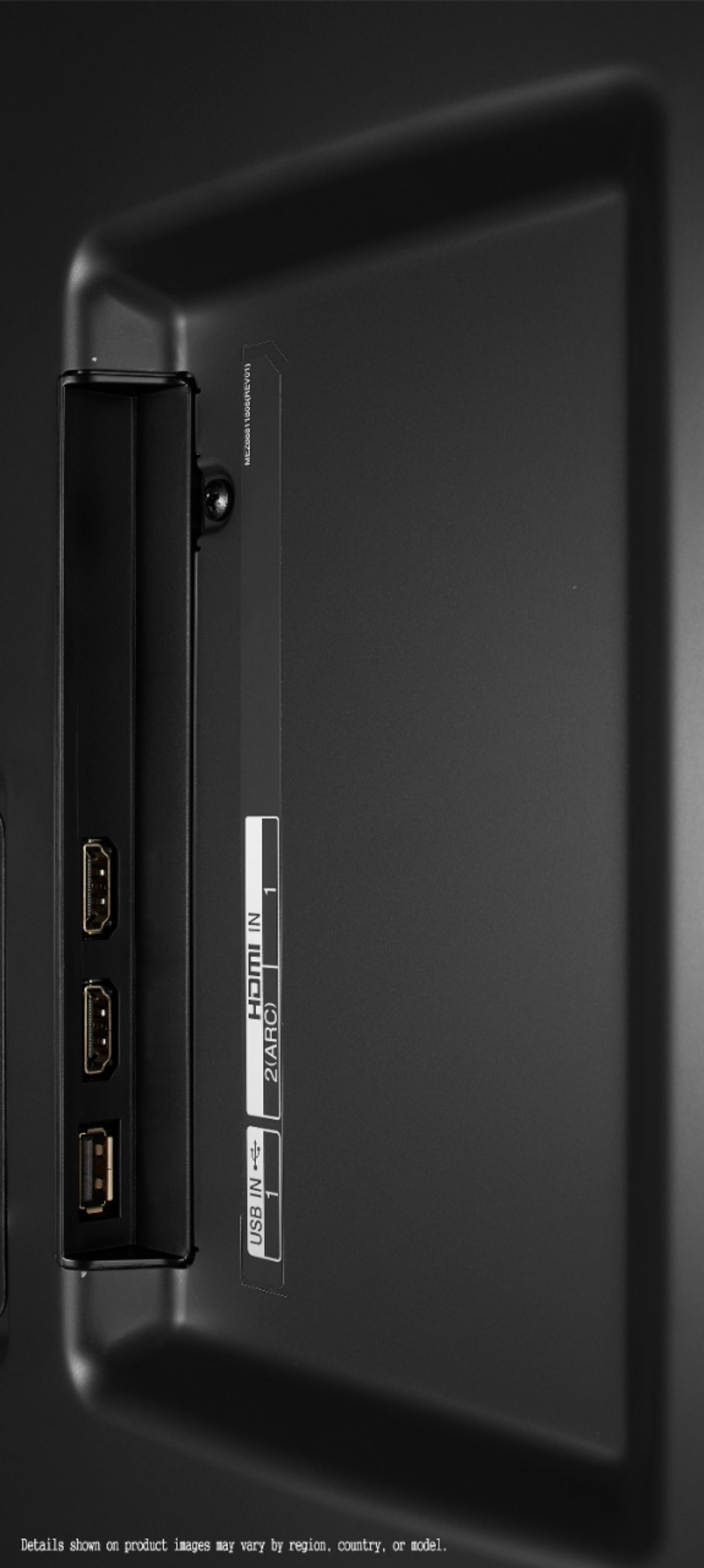
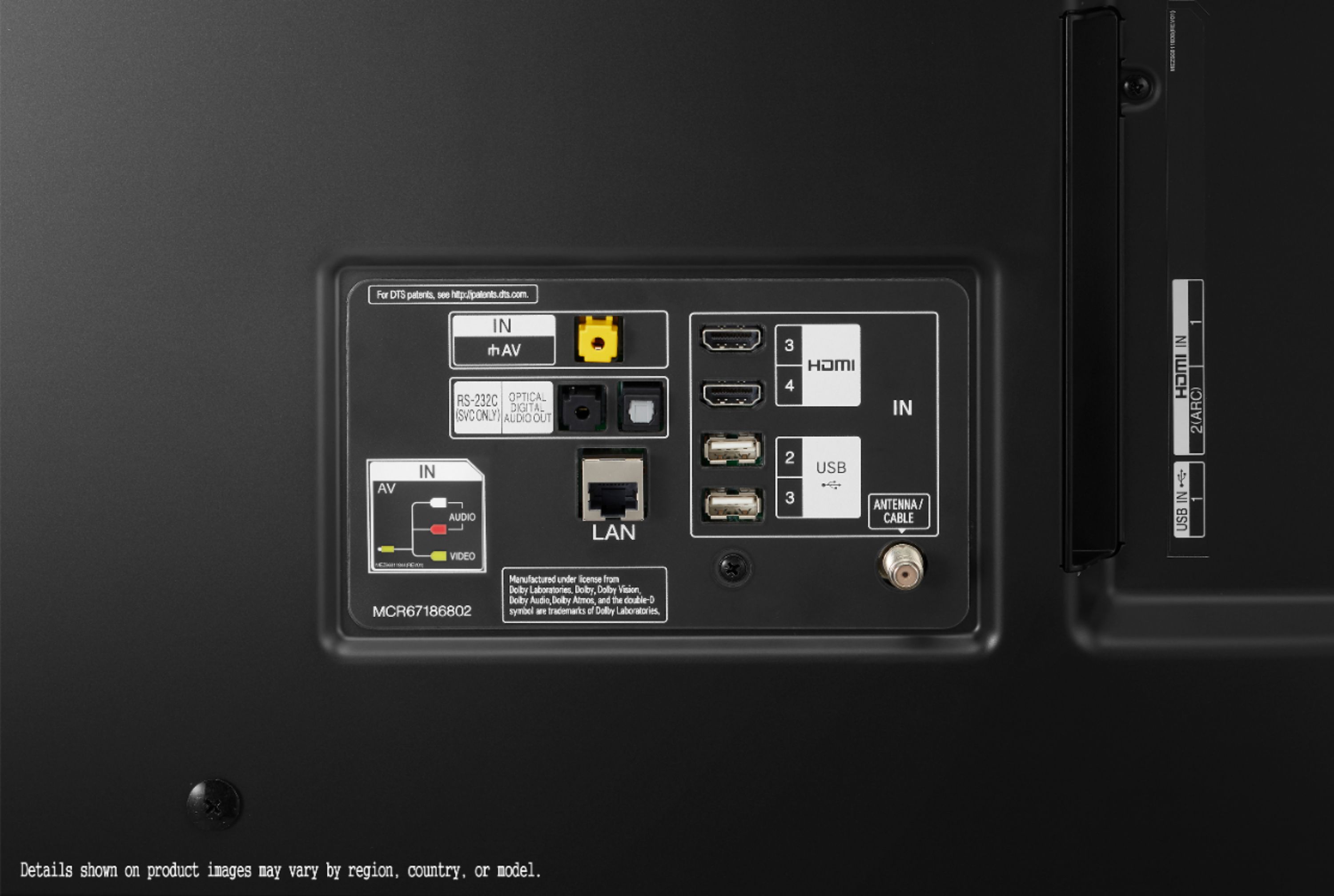
A:AnswerThe LG UHD 73 Series 75 inch Class 4K Smart UHD TV with AI ThinQ® (74.5'' Diag), Model # 75UN7370PUE does not have HDMI 2.1 ports nor an HDMI eARC port. All the HDMI ports on it are HDMI 2.0 ports and HDMI 2 supports HDMI ARC functionality...^IFV
A:AnswerHi JakeG. Regrettably, Ipout Lag is not an official TV specification and it is not listed in the specifications for the LG UHD 73 Series 75 inch Class 4K Smart UHD TV with AI ThinQ® (74.5'' Diag), Model # 75UN7370PUE. If There are some online reviewers who have tested the TV for Input Lag and have listed its input Lag for 1080p @ 60 Hz as 11.6 ms, 1440p @ 60 Hz as 11.5 ms, 4k @ 60 Hz as 10.8 ms, 4k @ 60 Hz + 10 bit HDR as 10.7 ms, 4k @ 60 Hz @ 4:4:4 as 10.9 ms, These results are all with the Game mode enabled. Also keep in mind that there are various methods for testing for Input Lag and the results will vary depending on which Input Lag Test Method is used...^IFV
A:AnswerNetflix, Amazon Prime Video, Vudu, YouTube, Google Play Movies and TV, Russian Cinema, Hulu, Sling TV, Pandora, Disney+, Twitch, Pandora, Apple TV, Tennis TV and LG Channels which provides over 180 free IP channels including movies & TV, breaking news, sports, comedy from the likes of FOX Sports, HISTORY and Family Feud, or LIVE 24/7 news from CBSN - just to name a few are integrated right into the LG UHD 73 Series 75 inch Class 4K Smart UHD TV with AI ThinQ® (74.5'' Diag), Model # 75UN7370PUE and channel guide. You can add other additional compatible apps from the LG Content Store (App Store). The TV has built-in WiFi (Wi-Fi Certified 802.11ac) and also has an Ethernet port that you can connect to your router for internet access. The TV features a Full Web Browser...^IFV
A:AnswerHi gulfguy. Regrettably, the LG UHD 73 Series 75 inch Class 4K Smart UHD TV with AI ThinQ® (74.5'' Diag), Model # 75UN7370PUE will not work for you. You do not need a Bluetooth transmitter for this TV since it supports Bluetooth so you can easily pair it with Bluetooth headphones, but the TV's built-in speakers and audio outputs are all disabled when you stream to Bluetooth Headphones or Bluetooth Spears. The TV does not have a headphone (3.5 mm) jack on it for wired headphones...^IFV
A:AnswerThe specifications for the LG UHD 73 Series 75 inch Class 4K Smart UHD TV with AI ThinQ® (74.5'' Diag), Model # 75UN7370PUE on its product page on the Best Buy site list Product Weight With Stand at 78 pounds and Product Weight Without Stand at 76.3 pounds...^IFV
A:AnswerGreat question, this TV uses only composite Av but I was able to connect my new LG dp132 DVD player and Toshiba sd v296 VCR/DVD combo, picture quality is satisfactory , a Progressive scan component input 480p /1080p should give even better results with a component output blu ray player or game system sold a few years back, and in use today and many years forward.
A:AnswerNo, the TV will only allow you to use in built in speakers. You have to switch the TV audio to HDMI and connect it to the optical HDMI port in the back of the TV.
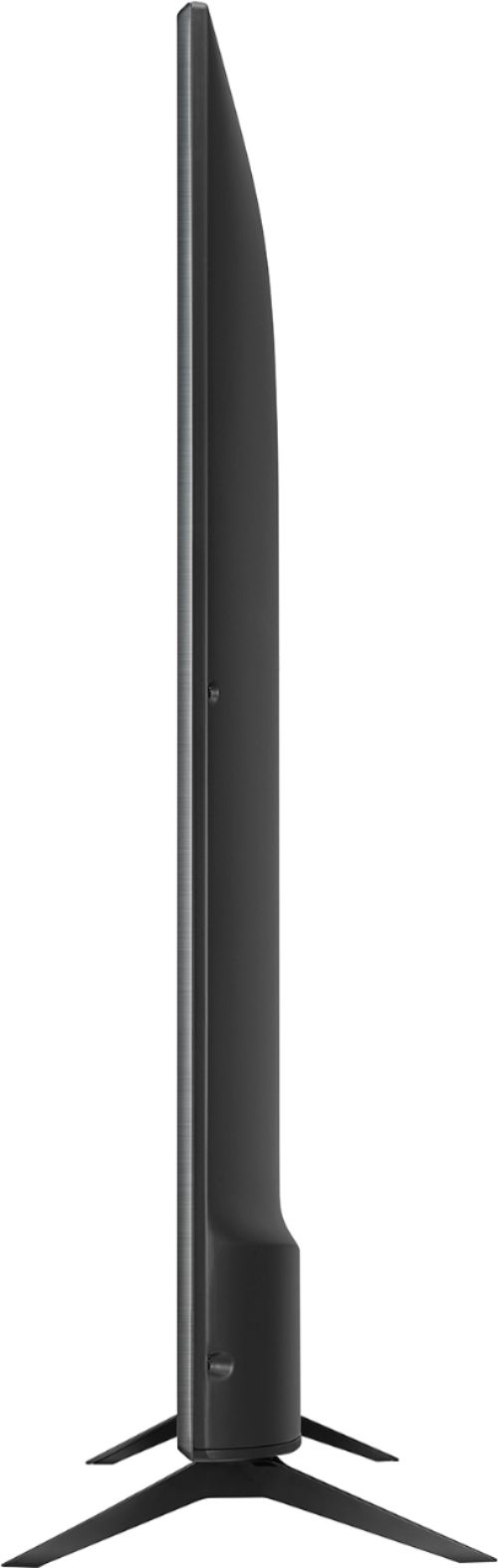
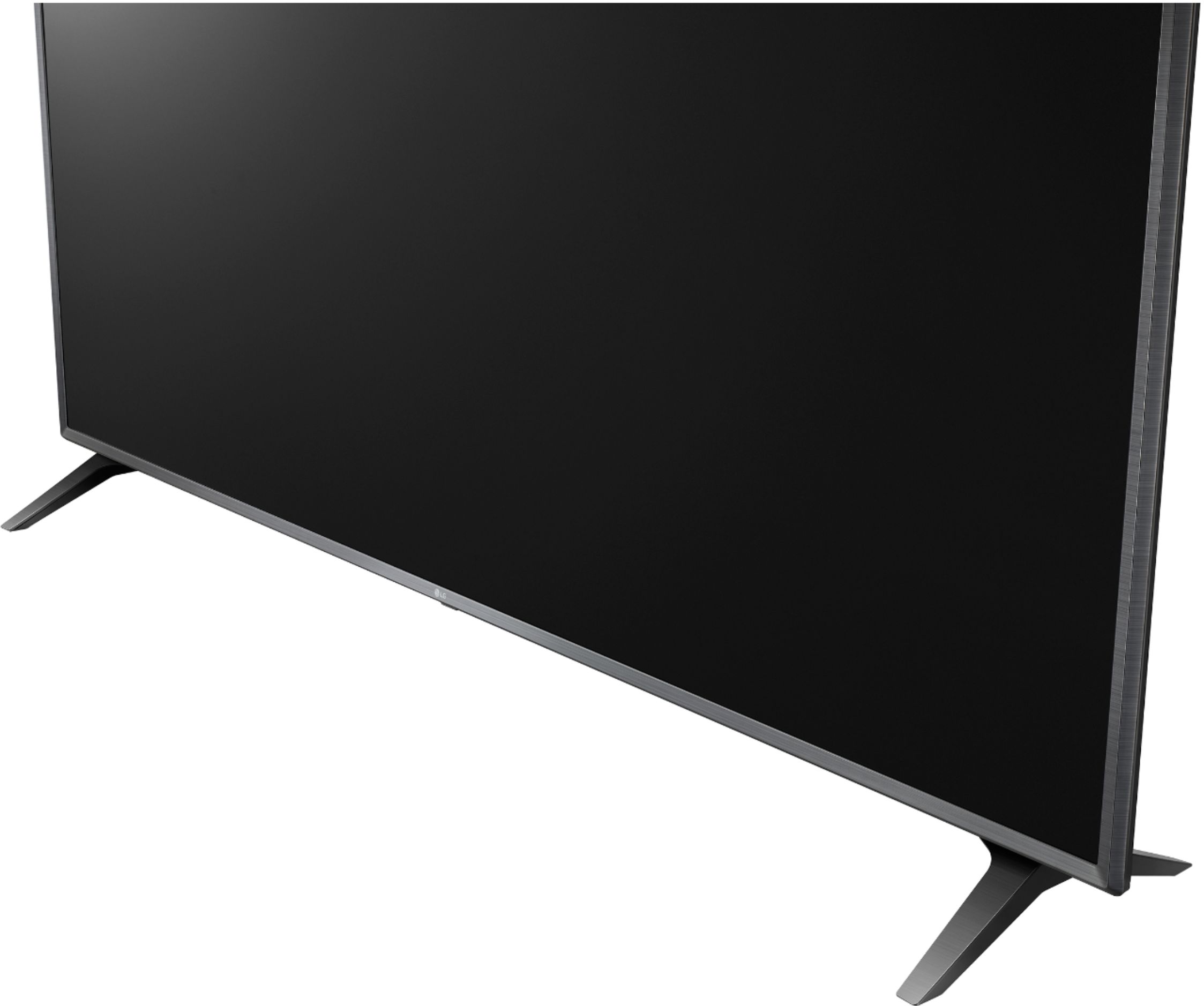
A:AnswerThe legs are on the very edge of the tv like 66 inches apart and not adjustable. I ended up mounting the tv to the wall because it would fit in my tv stand.
Hope this helps.
A:AnswerThe LG UHD 73 Series 75 inch Class 4K Smart UHD TV with AI ThinQ® (74.5'' Diag), Model # 75UN7370PUE is a Bluetooth enabled TV (Bluetooth ver. 5.0) that supports the AAC, SBC and apt-X codecs. It can be paired with Bluetooth earbuds that support any of those codecs and also support the A2DP (Advanced Audio Distribution Profile.) Bluetooth stereo streaming protocol...^IFV
A:AnswerThere is no difference in specifications for these TVs. The 3 letter extension is an internal reference LG uses to identify the retailer. Please see the link for a side by side comparison of specifications for both units, https://www.lg.com/us/compare?bizType=B2C. ^Daphane
A:AnswerThe LG UHD 73 Series 75 inch Class 4K Smart UHD TV with AI ThinQ® (74.5'' Diag), Model # 75UN7370PUE has a native refresh rate of 60Hz and a Trumotion 120. Trumotion is LG's name for a technology called motion interpolation or commonly called "motion smoothing. Motion smoothing is a video-processing feature on most TVs, which injects frames in between the frames of a video signal to make the motion look less jerky. It is a useful feature when you're watching live sports...^IFV
A:AnswerBluetooth cannot be turned off on the LG UHD 73 Series 75 inch Class 4K Smart UHD TV with AI ThinQ® (74.5'' Diag), Model # 75UN7370PUE. You have to be within a 33 feet range for you to pair the TV with another device via Bluetooth and even then, a request for connection has to be accepted for the TV to pair with the device requesting connection...^IFV
A:AnswerThe YouTube app is a preinstalled Premium Content Providers app on the LG UHD 73 Series 75 inch Class 4K Smart UHD TV with AI ThinQ® (74.5'' Diag), Model # 75UN7370PUE and the YouTube TV App is a compatible app that can be downloaded and installed on the TV from the LG Content Store (App Store). The LG Content Store feature can be launched from the TV's home dashboard...^IFV
A:AnswerMulti-view ids a function on LG TVs that allows you to watch live TV and use an external input at the same time by splitting the screen or watching two external inputs simultaneously on the TV. This function is not supported on the LG UHD 73 Series 75 inch Class 4K Smart UHD TV with AI ThinQ® (74.5'' Diag), Model # 75UN7370PUE...^IFV