A:AnswerIf you want to watch it on a Blu-Ray player, you'll have to use software to convert it to the Blu-Ray file format and create the BR folders and files that your player is expecting.
Although the video will probably be compatible, the audio will not be. MOV uses an Apple audio type.
If you burn the MOV onto a disk, there's a small chance your player will be able to read it. Your computer should be able to, but as a data file.
I just did one of these myself: my wife exported an iMovie project to a MOV file and (on Windows machine) I used MultiAVCHD to convert it to BR format so I could watch it on the BR player attached to my television.
If you're working on a Mac, you'll need to find Blu-Ray authoring software for your computer.
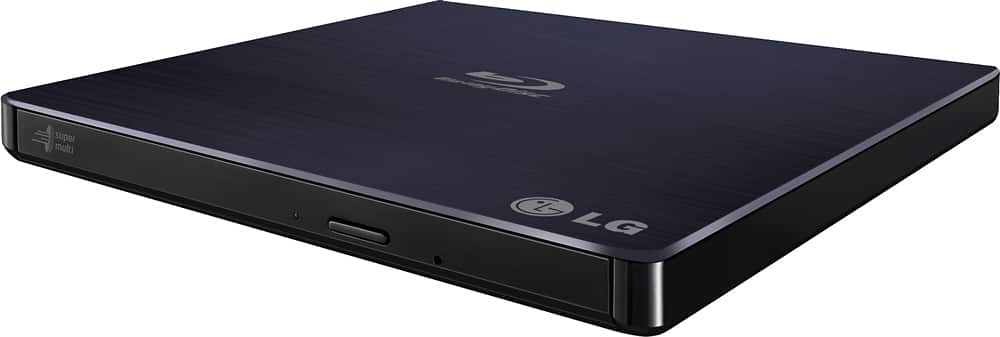
A:AnswerIf they don't have it at Best Buy, or check with the manufacturer and see if they might be able to send you one. Look in the little book that came with the unit.
If your mod # is BP50NB40
then call customer service number 1-800-243-0000 US
Mon -Fri 10am - 7pm PST
A:Answerunlikely, this DVD burner only features a USB connection for both electrical power and data transfer.
There are no other connections for cable signal or HDMI inputs, or any other video inputs.
I also doubt that it has any internal electronics to support such video signal conversion or.have a data buffer to simultaneously record, convert, and write to DVD at the necessary transfer rates and speeds.
The device is portable and not much bigger than a DVD or other optical media, so consider the product dimensions (small and portable) to your Panasonic DMR.
A:AnswerOurs broke too and we bought a new one with 2 more years of warranty so if anything goes wrong again, Best Buy can replace it. We use ours on a weekly basis. It's worth it.
A:Answeryes it will play all zone DVDs. Like any device, you are limited on how many times you can change a zone and the last zone selected will be permanent. So if you pick zone 3 and then want to use a zone 1 disk, it will not read it unless you have some change choices left.


















