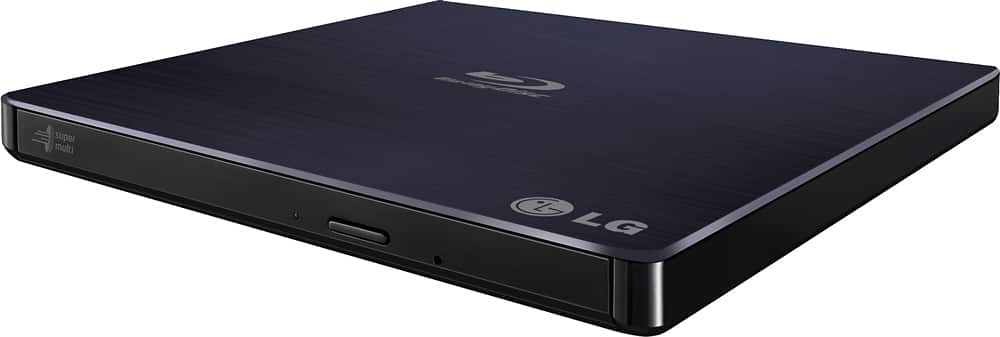
A:AnswerPlease reach out to our technical support team via private message on Facebook @LGUSSupport and use #VOC in your first message to our social media support team or call at 800-243-0000. Also, be sure to provide your contact information, model/serial numbers and date of purchase. ^Daphane
A:AnswerBP50NB40 system requirements for the CPU are Pentium 2.4 GHz or higher. For playing Blu-ray Disc the CPU recommended is Intel: E6400 or higher. It is compatible with Windows 11. ^Daphane
A:Answerthe cheap OEM software keeps track of regions. So, if you change regions then one day it will pick only one region. I think you can buy real software or remove and install this critter. I use two different computers for two different regions.
It is not the LG it is the software. Also keep up with the firmware.
A:AnswerThe answer is, maybe. It has more to do with the Dell than the LG writer. The RW external drive is gonna provide the function of facilitating the transfer. Some of your older software programs may be too outdated for the operating system of the new Dell so just try it.
A:AnswerIf I understand your question correctly, you want to know if you save a DVD movie to your computer, can you then move the file?
If that is the question, then the answer is Yes. You can move movie files just like any other file.
A:AnswerThe bluray drive does the actual reading of the disc. Not the software. Clean your disc, make sure it isn't scratched. Calibrate your disc drive using a DVD first or another bluray disc you have on hand.
A:Answerthe LG does not care.
The OEM software that comes with the LG will palay a region four times then lock in on that region. There is probably a better driver, but i just use two different computers.
A:AnswerI found it set to Region 1 and had to load VLC Player to get it to work some of the time. e.g. CBS' Picard BluRay, discs 1&2 play, disc 3 "not licensed," yet plays on other home players.