

Questions & Answers
- Model:
- 27GX790A-B
- |
- SKU:
- 6607888
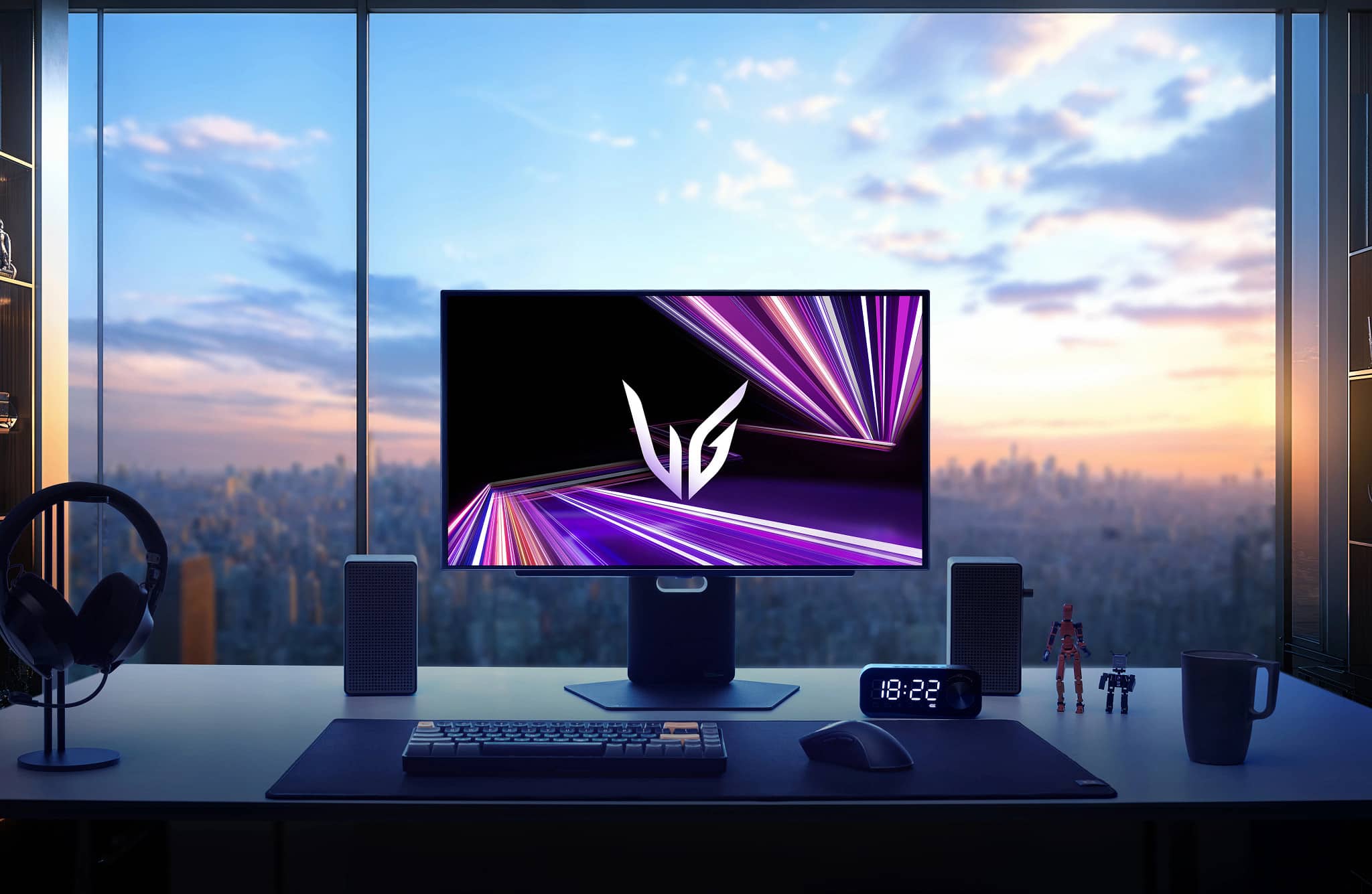
Q: QuestionDoes this monitor have built-in speakers?
- A:Answer No, this monitor does not have built-in speakers.
This question and answer was generated by AI based on customer and product data.Q: QuestionWhat is the contrast ratio of this monitor?
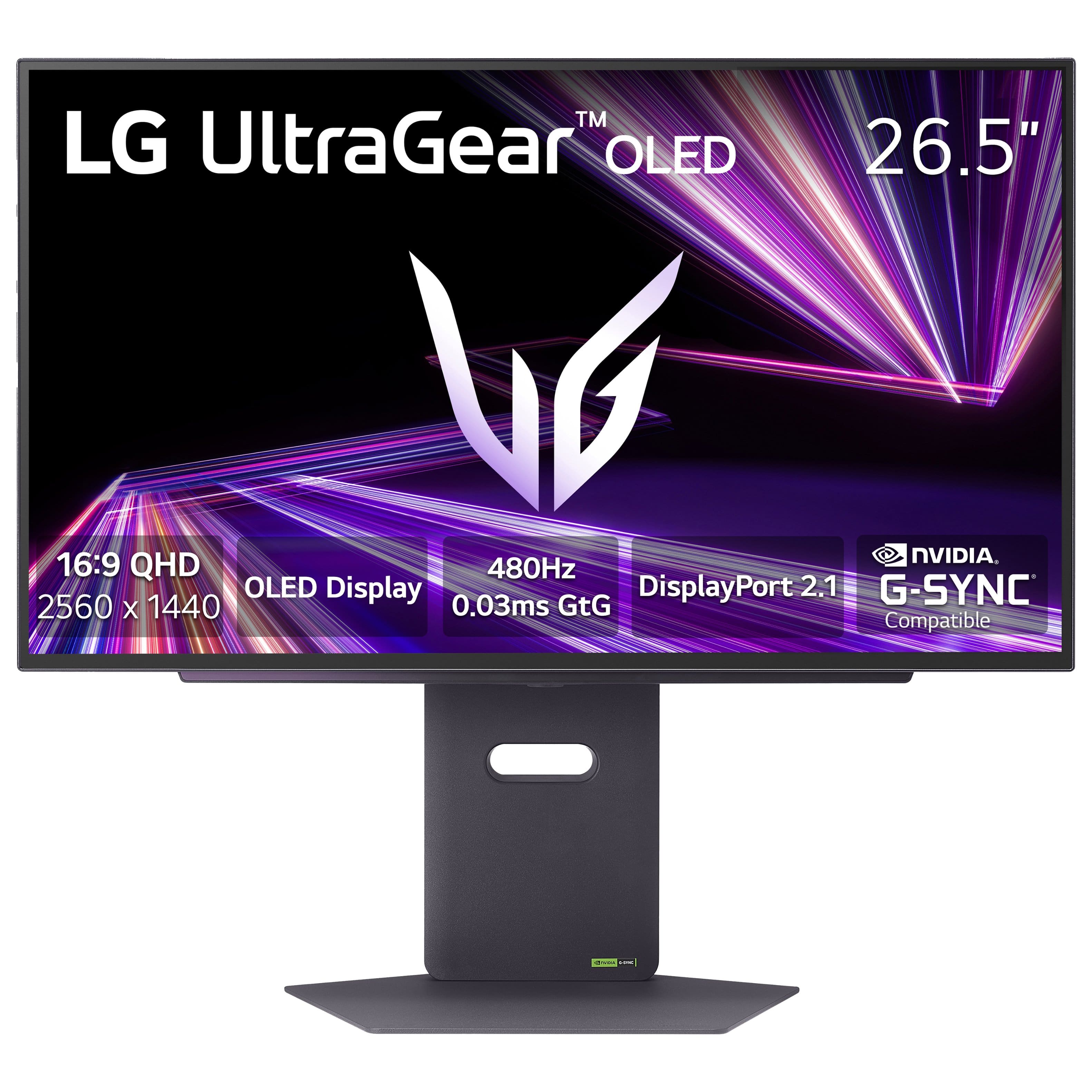
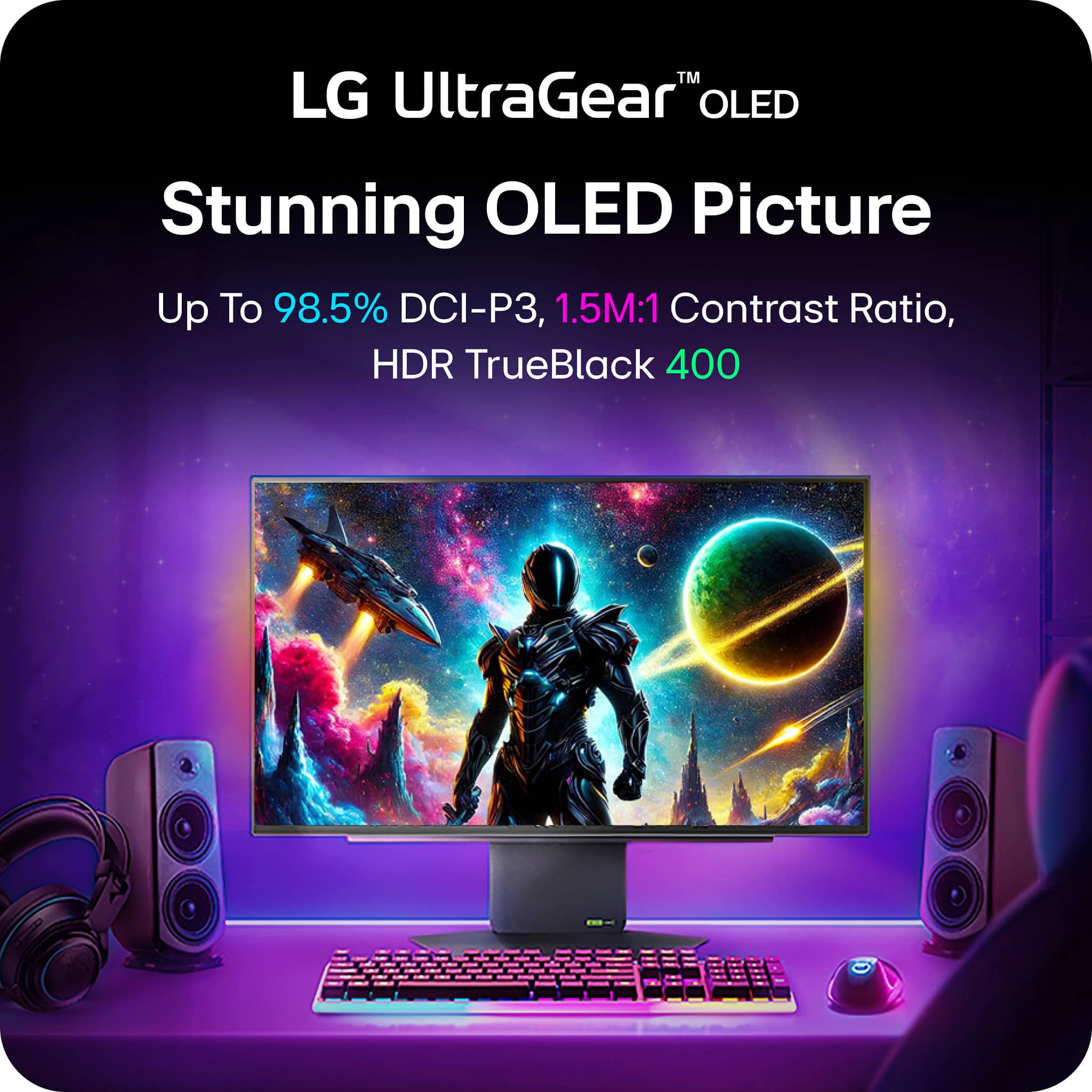
- A:Answer This monitor boasts a 1,500,000:1 contrast ratio.
This question and answer was generated by AI based on customer and product data.Q: QuestionDoes this monitor support HDR?
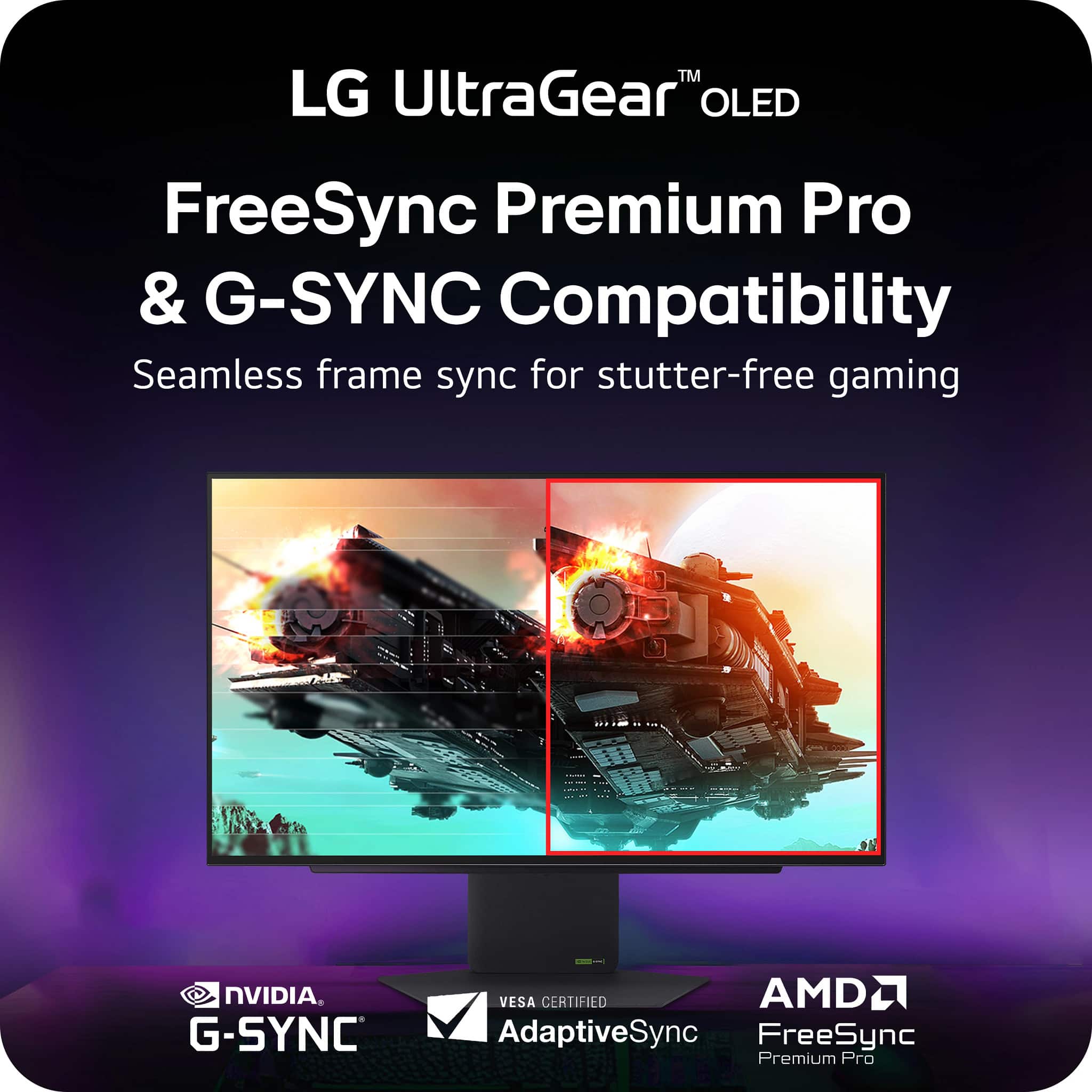
- A:Answer Yes, this monitor supports HDR and is VESA Certified DisplayHDR 400 True Black.
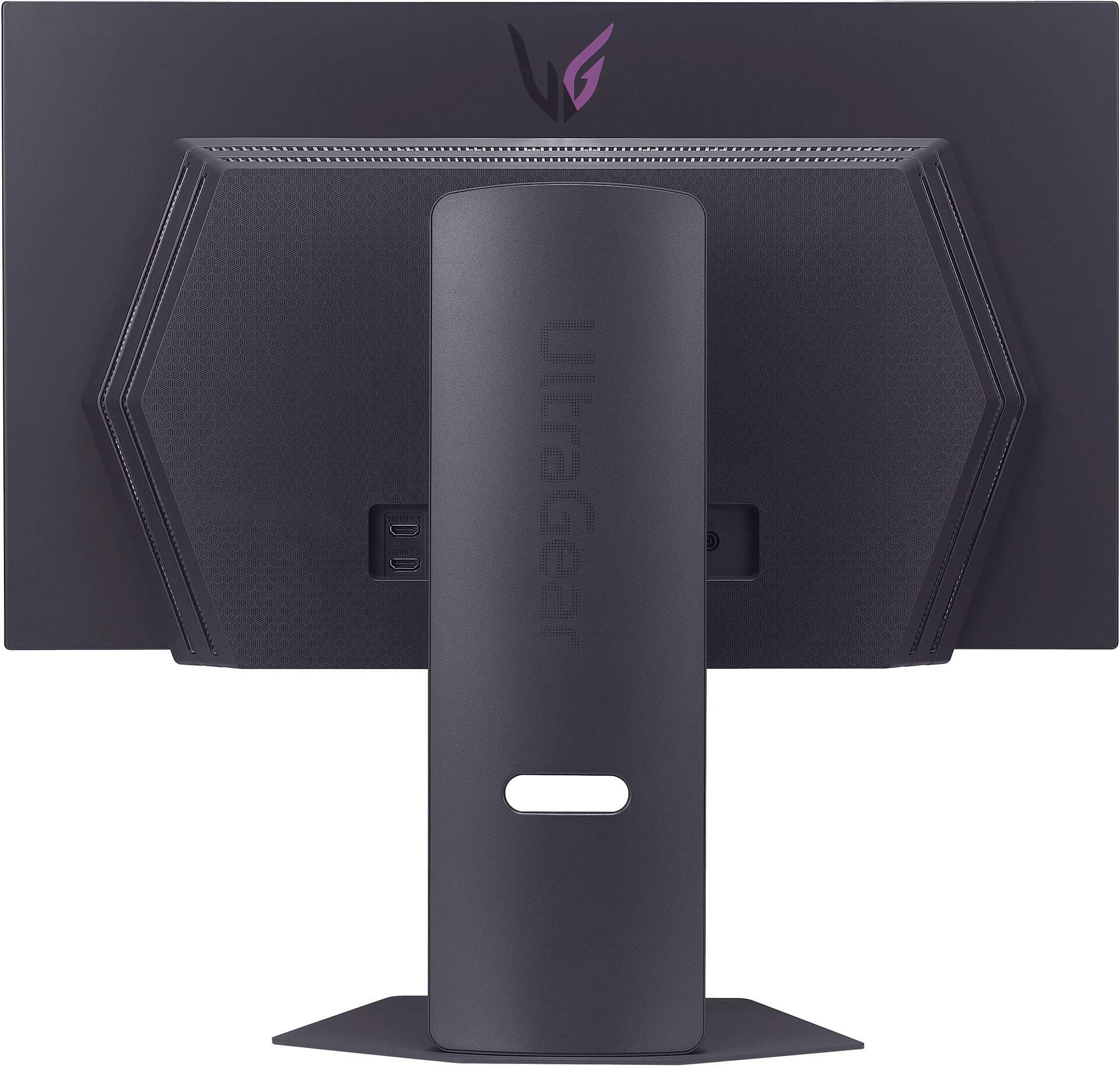
This question and answer was generated by AI based on customer and product data.Q: QuestionHow many HDMI inputs does this monitor have?
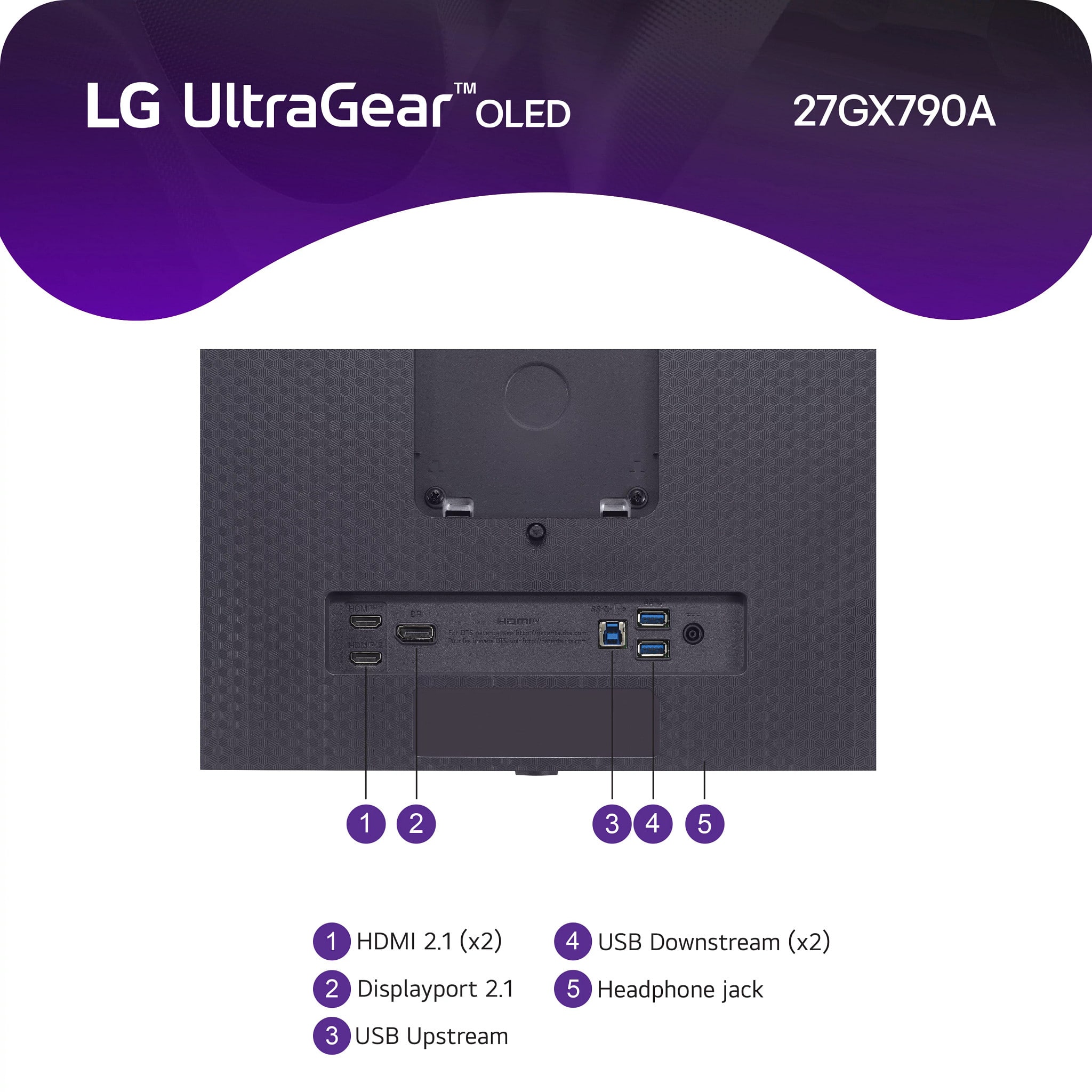
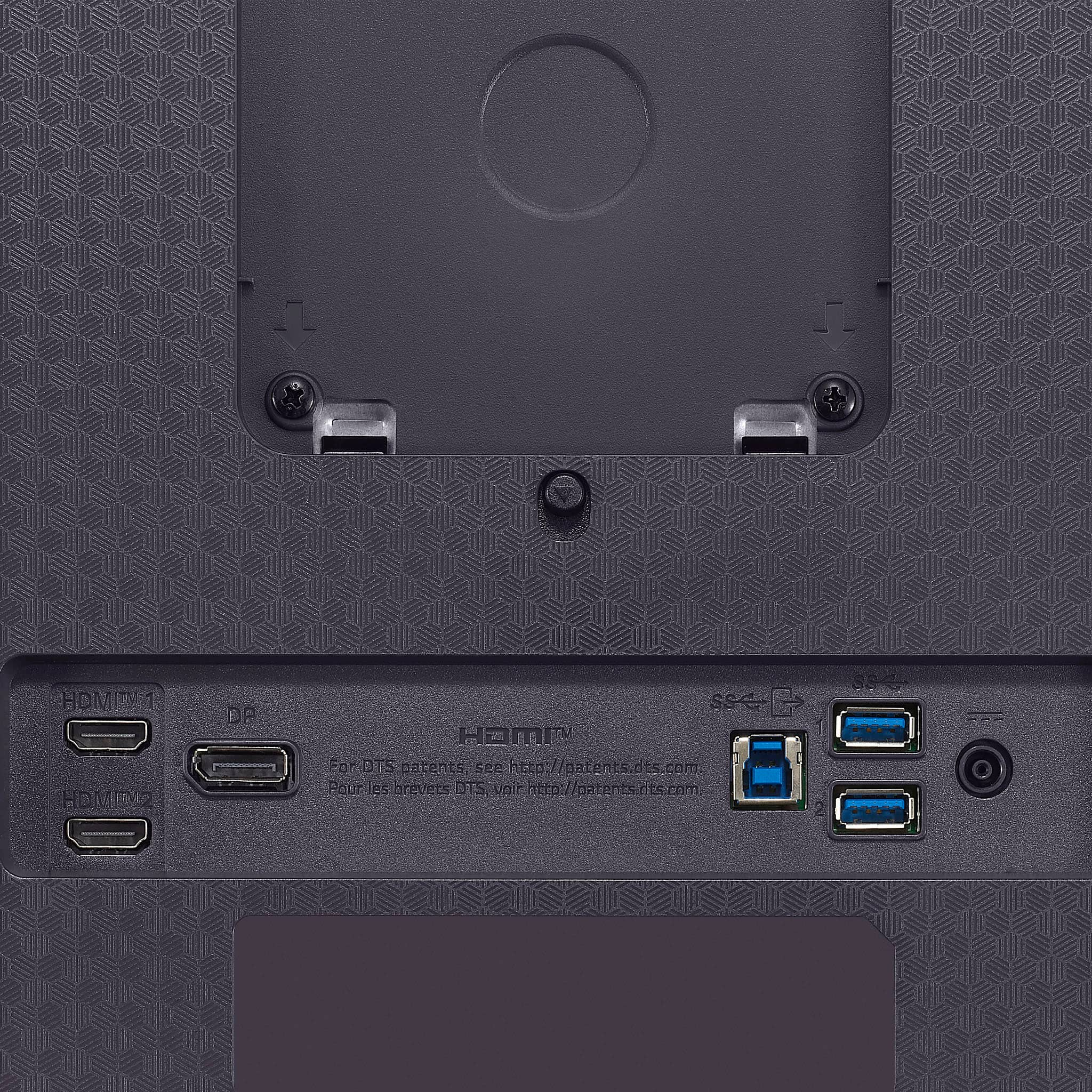
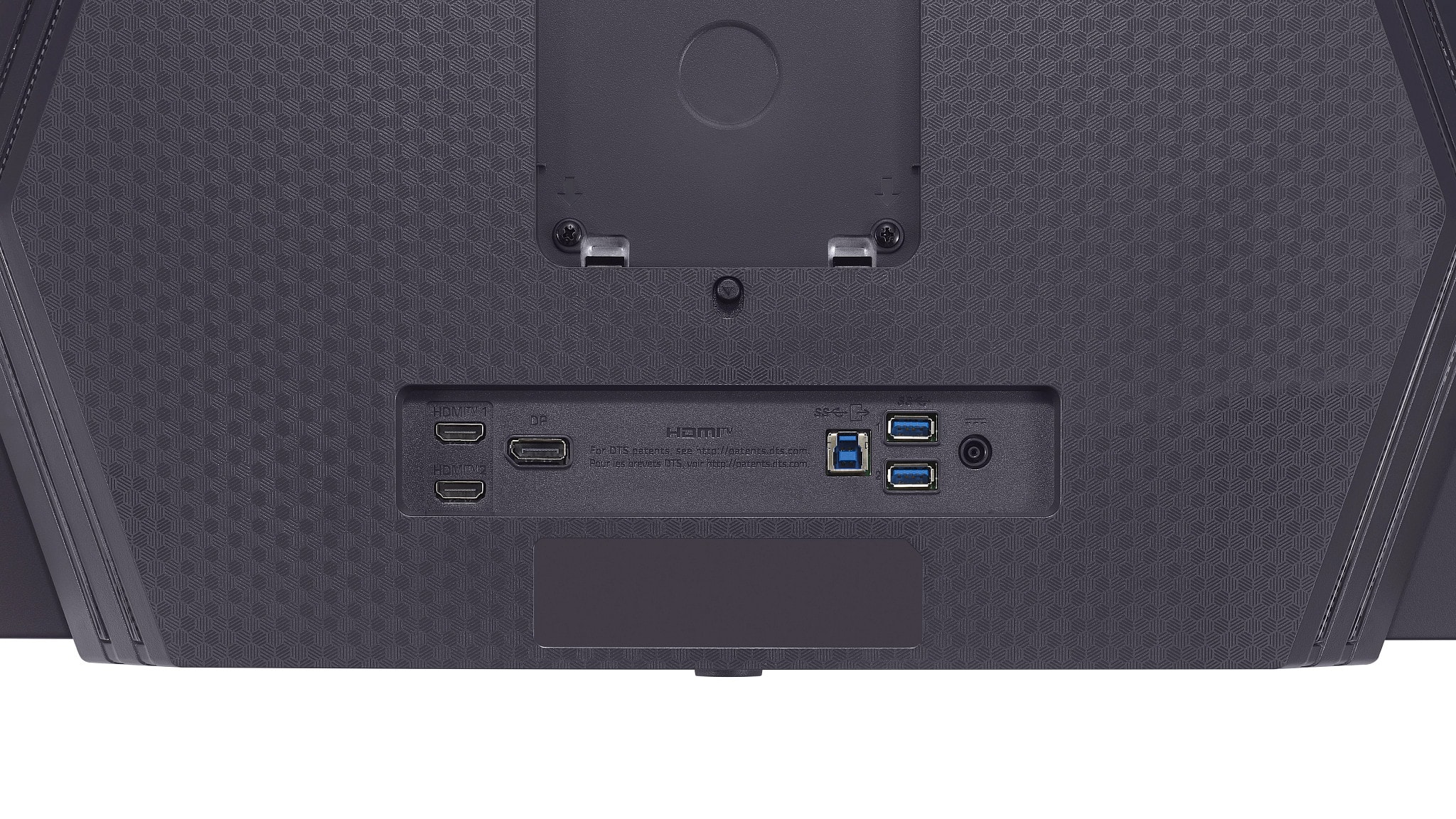
- A:Answer This monitor is equipped with two HDMI inputs.
This question and answer was generated by AI based on customer and product data.Q: QuestionWhat is the response time on this LG monitor?
- A:Answer This LG monitor has a 0.03ms response time.
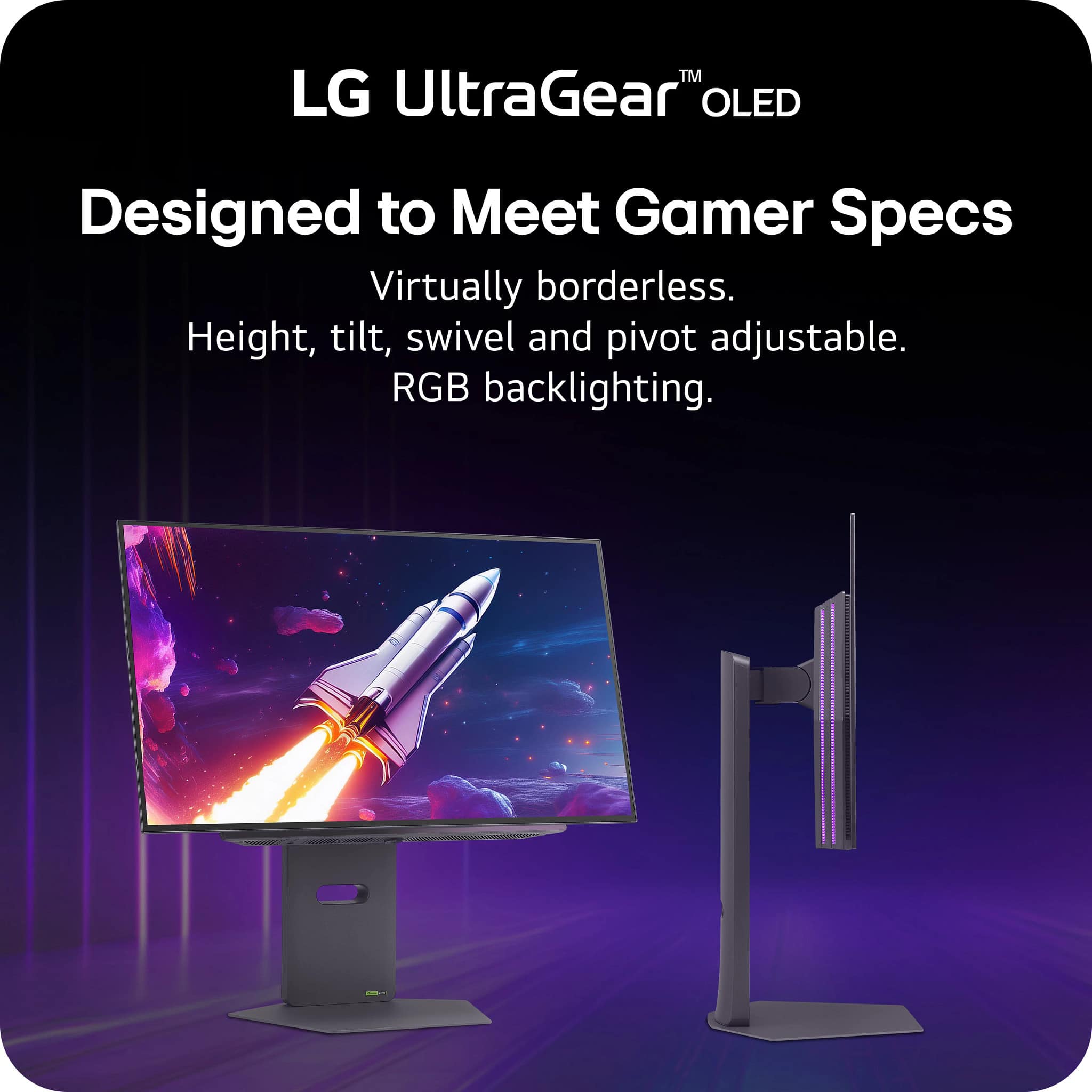
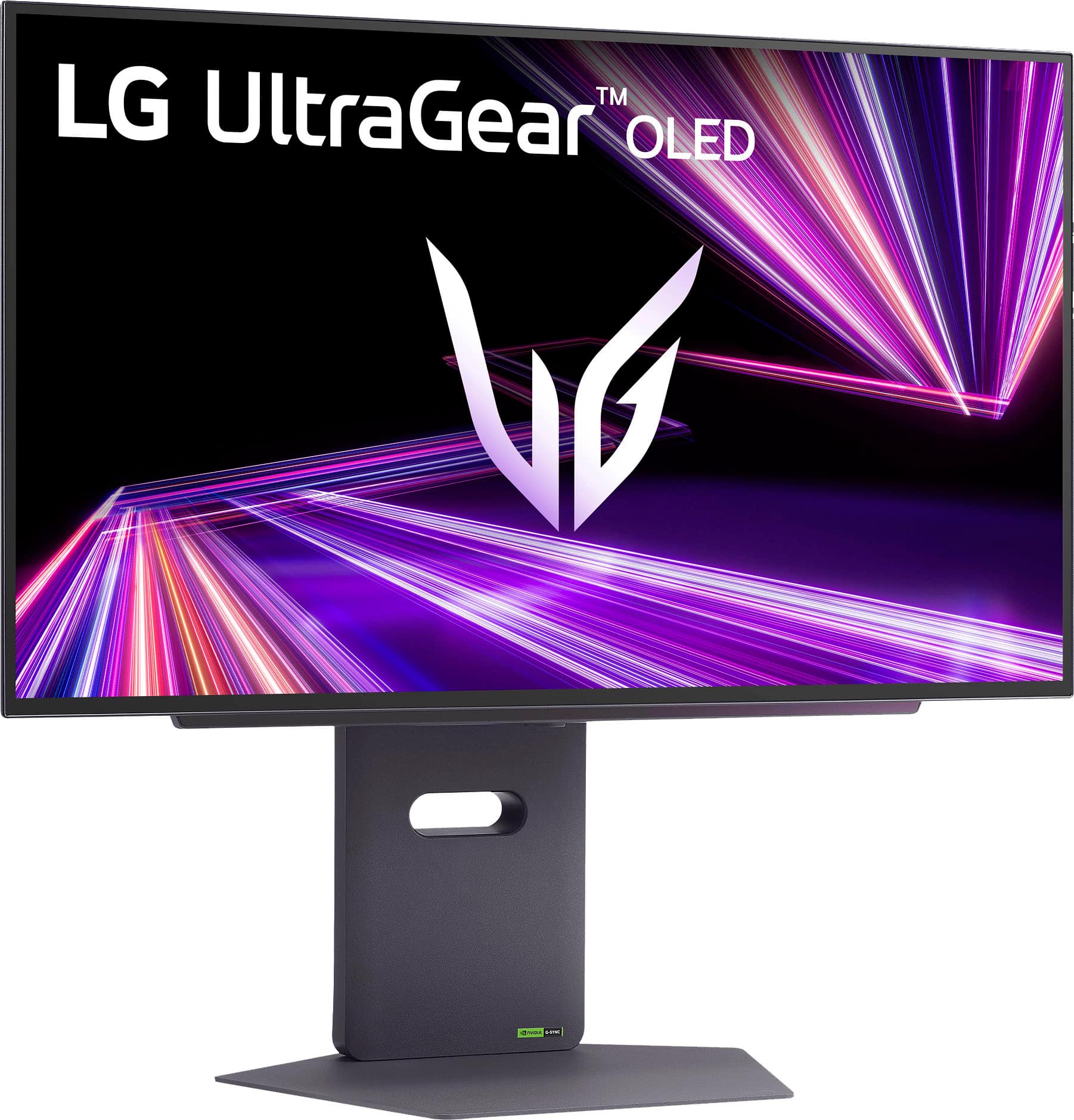
This question and answer was generated by AI based on customer and product data.Q: QuestionCan I adjust the height of this monitor?
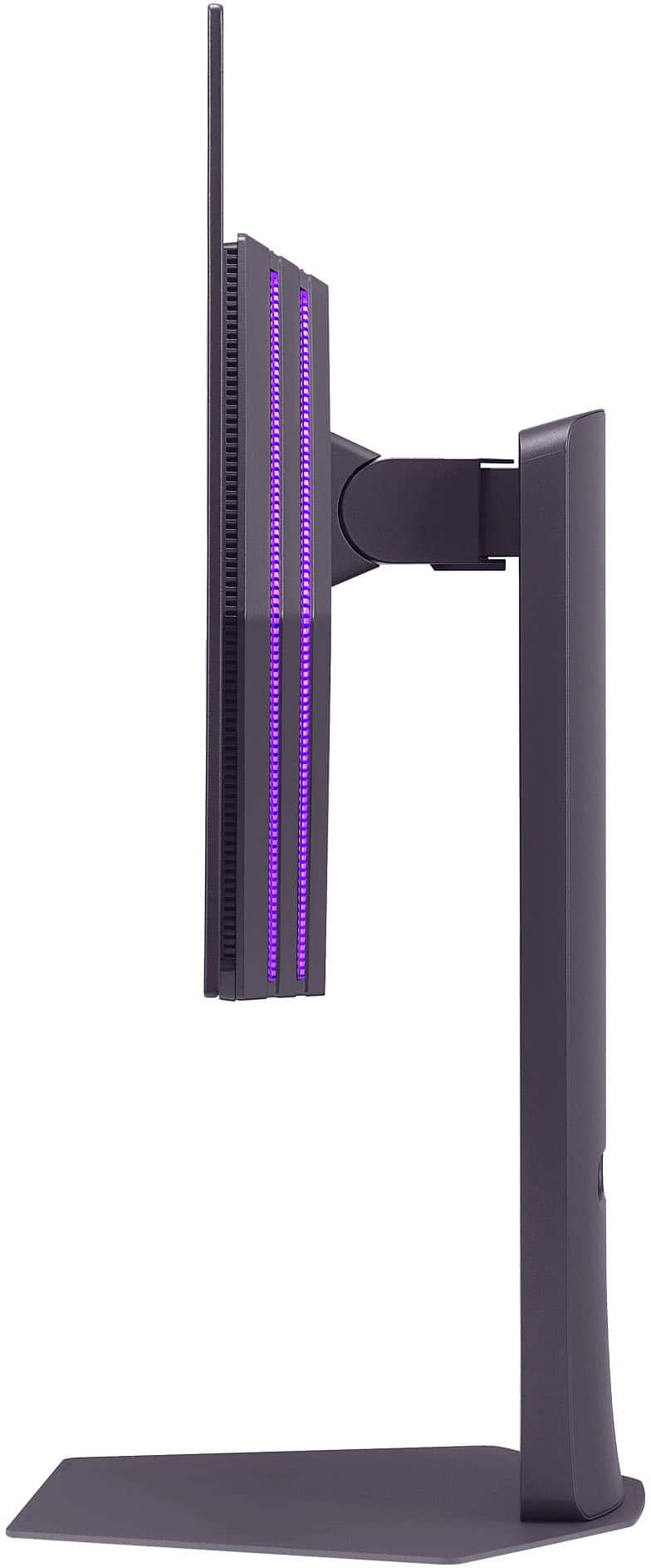
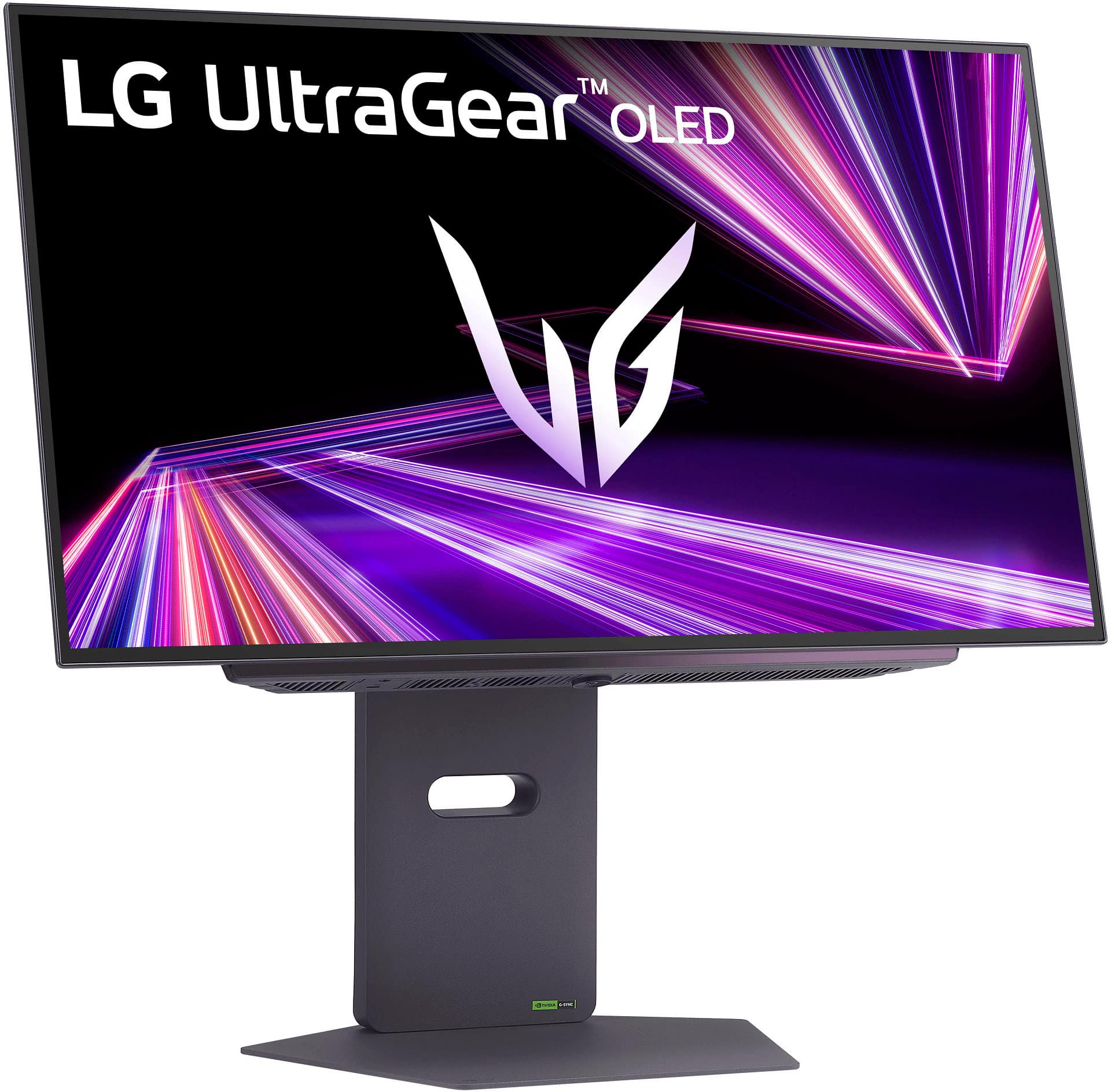
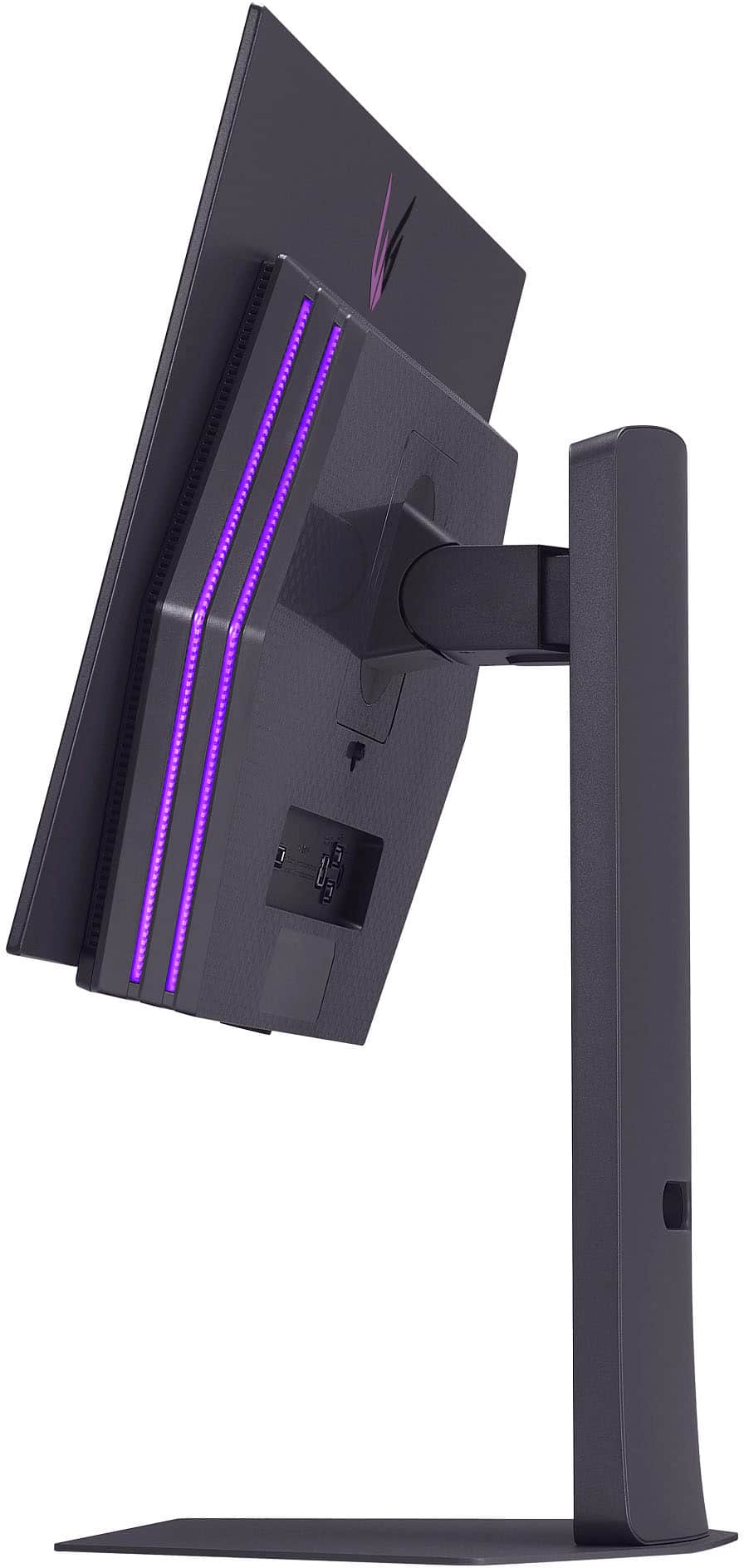
- A:Answer Yes, the stand on this monitor has adjustable height.
This question and answer was generated by AI based on customer and product data.Q: QuestionIs this monitor true 2.1 Display Port? Im hearing it cant do 80Gbps
Asked by Sadbuttrue.
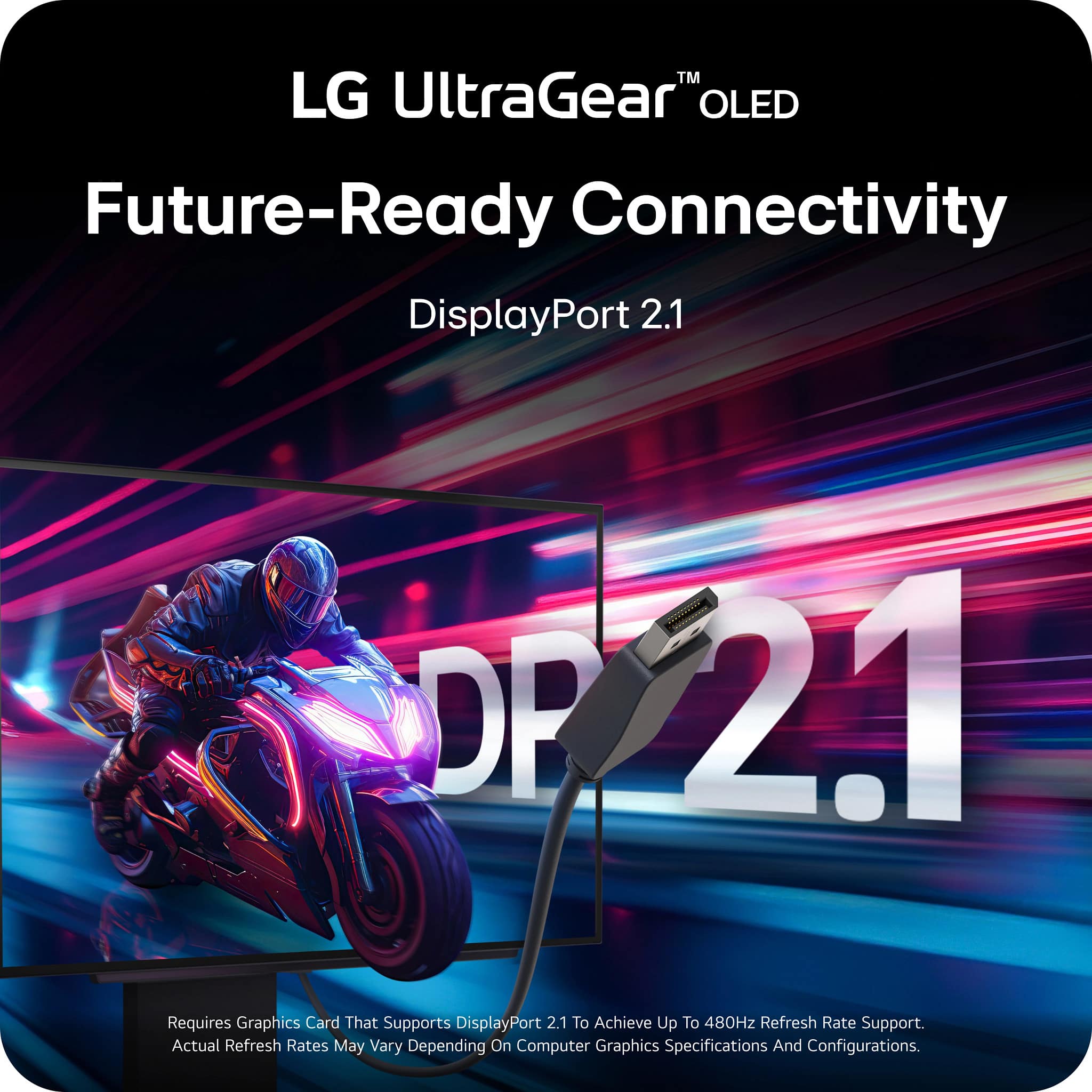
- A:Answer The DisplayPort 2.1 ports on the LG 27-inch UltraGear OLED QHD 1440P 480Hz 0.03ms G-Sync® Compatible DisplayPort 2.1 Gaming Monitor, Model # 27GX790A-B are "true" DisplayPort 2.1 ports. DisplayPort 2.1 supports three UHBR rates: UHBR10 (40Gbps): Suitable for mainstream 4K/120Hz gaming and general multitasking. UHBR13.5 (54Gbps): Supports 8K/60Hz with Display Stream Compression (DSC), ideal for premium home theaters or productivity. UHBR20 (80Gbps): Enables uncompressed 8K/120Hz or dual 4K/144Hz setups, suitable for high-end gaming and professional workflows. The LG 27GX790A-B monitor features a DisplayPort 2.1 bandwidth of UHBR13.5, which is limited to 54 Gbps. This bandwidth allows for high-resolution and high-refresh-rate gaming without the need for Display Stream Compression (DSC), but does not mean it's not a "true" DisplayPort 2.1 port. It just supports a different UHBR rate...^Ivan.
Answered by LG Digital Customer Care
Q: QuestionDP2.1 standard on UHBR13.5 or UHBR20? also, does monitor feature BFI? so far way too many conflicting information provided from various LG sources making me question whether preordering was the right choice
Asked by vogam.
- A:Answer Hello there, Vogam. Thank you for reaching out with your detailed question about the LG 27GX790A-B Gaming Monitor. We understand the importance of accurate specifications when considering a purchase. Regarding your question on DisplayPort 2.1: Based on the available information, the DisplayPort 2.1 on this monitor is operating at UHBR13.5 (54Gbps), not UHBR20. The product page had initially indicated a higher bandwidth, but recent details suggest that UHBR13.5 is the correct configuration. As for BFI (Black Frame Insertion), unfortunately, this model does not feature BFI technology. https://www.lg.com/us/monitors/lg-27gx790a-b-gaming-monitor#pdp_specs We understand how conflicting information can be frustrating, and we appreciate your patience as we provide clarification. If you have any other questions or would like further assistance, please feel free to send us a private message on Social Media @LGUSSupport. We’re here to help you make an informed decision! Thank you for considering LG for your gaming setup. —Renzo
Answered by LG Digital Customer Care
Q: QuestionWould I have to buy a specific type of mount if I choose to opt out on using the monitor stand that is provided?
Asked by GT.
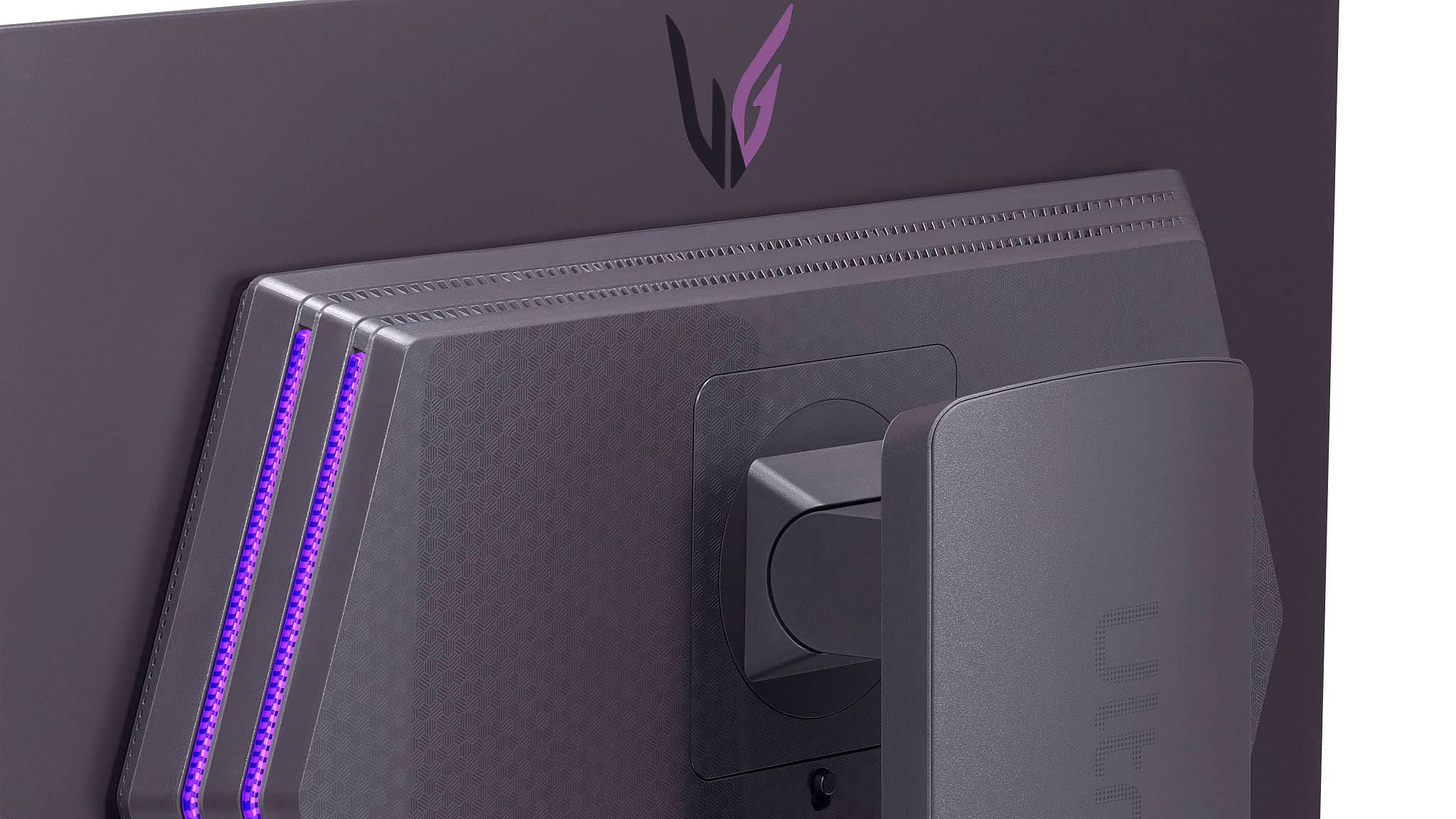
- A:Answer Hello there. Thank you for sharing your inquiry with us. We understand that you're asking about alternative mounting options for your 27GX790A-B monitor if you choose not to use the provided stand. Yes, your LG 27GX790A-B monitor is VESA wall-mountable. It uses a 100mm x 100mm VESA mount standard. This means you can use any VESA-compatible monitor arm or wall mount that supports this standard and the weight of your monitor. https://www.bestbuy.com/site/lg-ultragear-27-oled-qhd-480hz-0-03ms-nvidia-g-sync-compatible-amd-freesync-premium-pro-gaming-monitor-black/6607888.p?skuId=6607888 Please send us a private message on Social Media @LGUSSupport and our team will be more than happy to explore possible solutions. We appreciate your patience. —Renzo
Answered by LG Digital Customer Care
Q: QuestionI’m noticing vertical banding on this monitor. How do I fix it? I’ve tried a pixel refresh and no luck
Asked by Anonymous.
- A:Answer We regret to read that you are experiencing vertical banding on your LG 27-inch UltraGear™ OLED QHD 1440P 480Hz 0.03ms G-Sync® Compatible DisplayPort 2.1 Gaming Monitor, Model # 27GX790A-B, and sincerely apologize for any inconvenience. Running a manual pixel cleaning/refresher cycle and allowing for a "break-in" period of 100+ hours should fix or significantly reduce the vertical banding. While slight banding is considered normal for OLED technology, severe, persistent lines after using these methods may require an exchange or panel replacement...^Ivan.
Answered by LG Digital Customer Care
Q: QuestionDo you need hard drive for this monitor
Asked by Anonymous.
- A:Answer Hello there. Thank you for reaching out to us. We understand your inquiry regarding the 27GX790A-B UltraGear™ OLED Gaming Monitor. To answer your question, you do not need a hard drive for this monitor. This unit is a display device designed to show video output from a computer or gaming console. The hard drive is used for data storage and is located within the computer or console that you connect to this monitor, not inside the monitor itself. https://www.bestbuy.com/product/lg-ultragear-27-oled-qhd-480hz-0-03ms-nvidia-g-sync-amd-freesync-premium-pro-gaming-monitor-hdmi-x2-displayport-usb-black/JJ8VPZTF8C If you have any further questions about its features, please contact us on [email protected], and our team will be more than happy to assist you. —Renzo
Answered by LG Digital Customer Care
Q: QuestionWill this monitor work with a LG Television Remote Control - AKB76044701 ?
Asked by Ark1.
- A:Answer The LG 27-inch UltraGear OLED QHD 1440P 480Hz 0.03ms G-Sync® Compatible DisplayPort 2.1 Gaming Monitor, Model # 27GX790A-B, is incompatible with the LG Television Remote Control Part # AKB76044701, and will not work with the remote...^Ivan.
Answered by LG Digital Customer Care
Q: QuestionWhich is faster, the DisplayPort or the HDMI port
Asked by joe.
- A:Answer Hi there, Joe. We understand your inquiry about the LG 27GX790A-B monitor's ports. For the best performance, including the maximum refresh rate of 480Hz at QHD resolution (2560 x 1440), you should use the DisplayPort. The HDMI 2.1 ports on this monitor also support high refresh rates, but the DisplayPort connection is typically recommended for achieving the highest performance specifications for gaming. If you have any further questions or concerns, please send us a private message on Social Media @LGUSSupport. https://www.bestbuy.com/site/lg-ultragear-27-oled-qhd-480hz-0-03ms-nvidia-g-sync-compatible-amd-freesync-premium-pro-gaming-monitor-black/6607888.p?skuId=6607888 We appreciate your patience. —Renzo
Answered by LG Digital Customer Care
Q: QuestionDoes this have a KVM switch or feature? If not, does LG offer any 480hz monitors that come with such a feature?
Asked by Guy.
- A:Answer Hi there, thank you for reaching out to us! We understand you're inquiring about the KVM switch feature for the LG 27GX790A-B gaming monitor. This model does not come with a built-in KVM switch. However, we do offer the Dual Controller feature on this monitor, which allows you to control two devices connected to the monitor using a single keyboard and mouse, which might be useful for managing multiple systems. Regarding your second question about 480Hz monitors with KVM functionality, currently, there are no 480Hz LG monitors that come with a KVM switch. We recommend checking the specifications of our upcoming models, as we continue to innovate in the gaming monitor space! https://www.lg.com/us/monitors/lg-27gx790a-b-gaming-monitor#pdp_specs For more information or if you need further assistance, please feel free to send us a private message on Social Media @LGUSSupport, and our team will be happy to assist you further. We appreciate your interest in our products! —Renzo
Answered by LG Digital Customer Care

Q: QuestionHow do I clean it
Asked by Tommy.
- A:Answer You can clean the LG UltraGear™ 27" OLED QHD 480Hz 0.03ms NVIDIA G-SYNC, AMD Freesync™ Premium Pro Gaming Monitor (HDMI x2, DisplayPort, USB) - Black, Model # 27GX790A-B, using the same basic tools you would use for any high-quality LED monitor, but you must exercise extra caution. Because OLED panels feature extremely delicate anti-glare coatings, they are much more sensitive to scratches and harsh chemicals than standard LED/LCD screens. As with any other monitor, regardless of the type, 1. When cleaning the screen, unplug the power cord and gently wipe with a soft cloth (microfiber cloth) in a consistent direction. 2. Be careful not to apply excessive force, as it may cause scratches or discoloration. 3. If there are a lot of fingerprints, blow a breath of steam onto them and wipe them off. (Do not spray water on the screen or wipe it with a wet cloth (it may cause stains on the screen). Use a soft cloth and a spray bottle to spray water 2-4 times on the cloth. Follow the cleaning instructions listed in the user manual when cleaning the product...^Ivan.
Answered by LG Digital Customer Care
Q: QuestionIs this a tandem technology monitor?
Asked by Dubz.
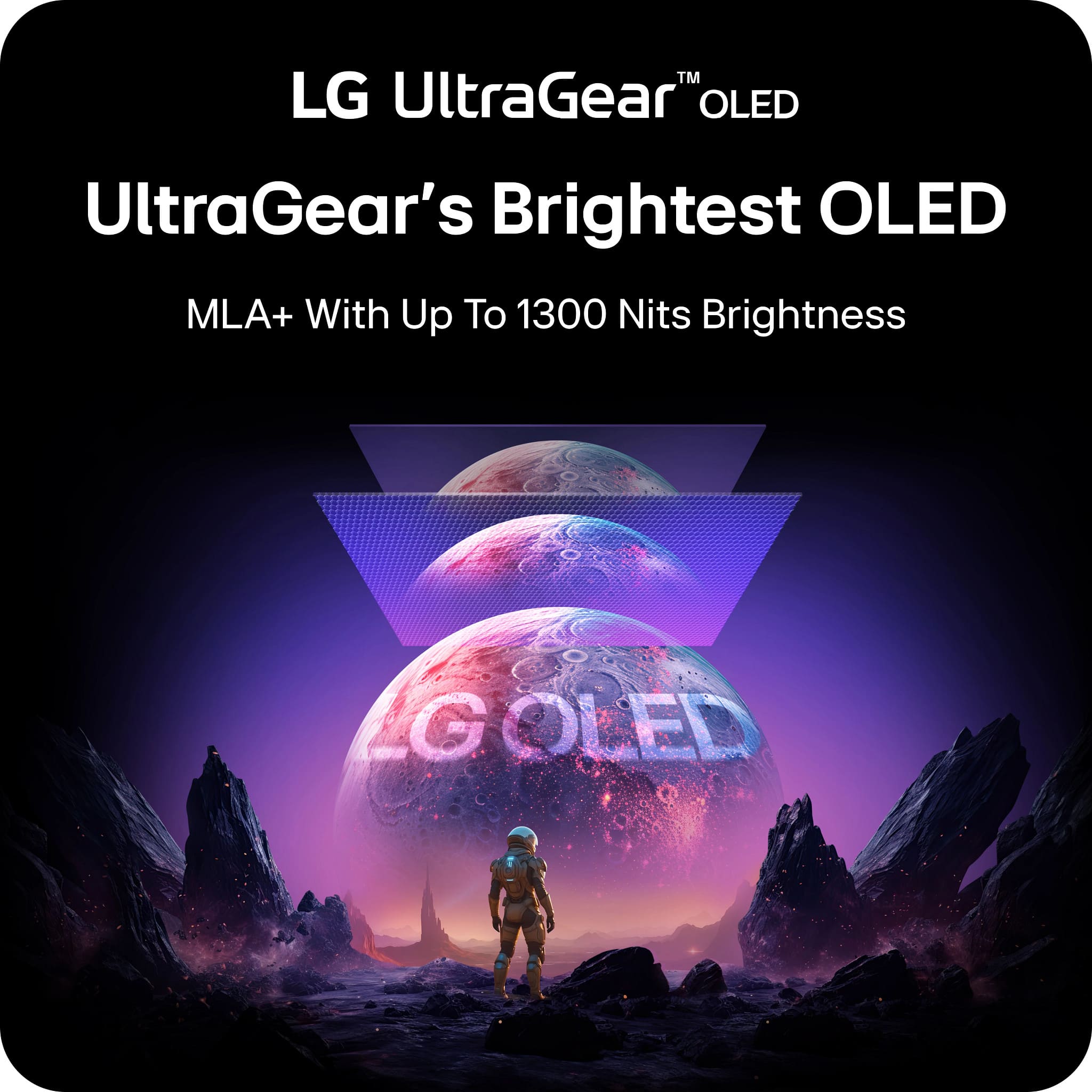
- A:Answer The LG UltraGear™ 27" OLED QHD 480Hz 0.03ms NVIDIA G-SYNC, AMD Freesync™ Premium Pro Gaming Monitor (HDMI x 2, DisplayPort, USB) - Black, Model # 27GX790A-B, does NOT use LG's Tandem OLED panel. It was released before LG Display launched its first consumer gaming monitors using Tandem OLED technology. It uses conventional single-stack WOLED technology combined with Micro Lens Array+ (MLA+) for increased brightness. The Tandem technology, designed for higher brightness, is featured in the newer LG 27GX700A-B (280Hz) and LG 27GX790B-B (540Hz/720Hz) models...^Ivan.
Answered by LG Digital Customer Care
Q: QuestionWith is the width and height of the whole box itself
Asked by Kian.
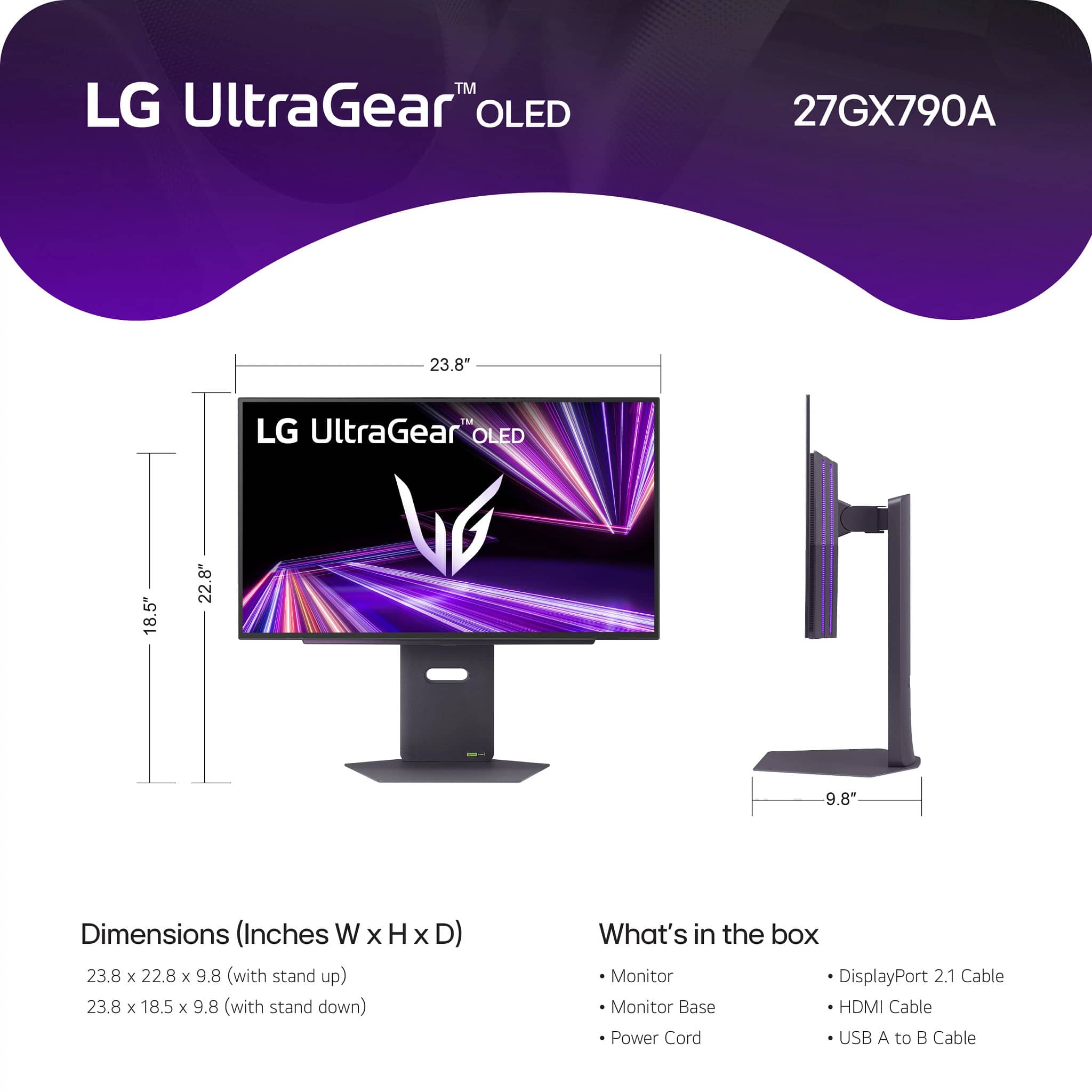
- A:Answer Hi there, Kian. We understand your inquiry about the dimensions of the shipping box for the LG UltraGear™ OLED Gaming Monitor, model 27GX790A-B. The dimensions for the whole box are as follows: Width: 32.3 inches Height: 20.9 inches Depth (or thickness): 7.2 inches https://www.bestbuy.com/product/lg-ultragear-27-oled-qhd-480hz-0-03ms-nvidia-g-sync-amd-freesync-premium-pro-gaming-monitor-hdmi-x2-displayport-usb-black/JJ8VPZTF8C If you have any further questions about the monitor's features or setup, please contact us on [email protected], and our team will be more than happy to assist you. —Renzo
Answered by LG Digital Customer Care
Q: QuestionDies it come with display port cable ?
Asked by Art.
- A:Answer Hi there. Thank you for sharing your experience with us. We understand your inquiry regarding the included accessories for your LG UltraGear 27" OLED Gaming Monitor. This model typically comes with a DisplayPort cable, an HDMI cable, and a USB A to B cable included in the box to ensure you have the necessary connections for your high-refresh-rate gaming setup. https://www.bestbuy.com/product/lg-ultragear-27-oled-qhd-480hz-0-03ms-nvidia-g-sync-amd-freesync-premium-pro-gaming-monitor-hdmi-x2-displayport-usb-black/JJ8VPZTF8C For further assistance and any specific concerns you may have, please contact us on [email protected]. —Renzo
Answered by LG Digital Customer Care
Q: QuestionWhat is the height of moniter at its lowest height setting
Asked by Jeff.
- A:Answer Measured to the top of the monitor, the LG 27-inch UltraGear OLED QHD 1440P 480Hz 0.03ms G-Sync® Compatible DisplayPort 2.1 Gaming Monitor, Model # 27GX790A-B, has a height of 18.5" at its lowest setting...^Ivan.
Answered by LG Digital Customer Care
Q: QuestionCan you attach an arm mount to the back
Asked by Matk.
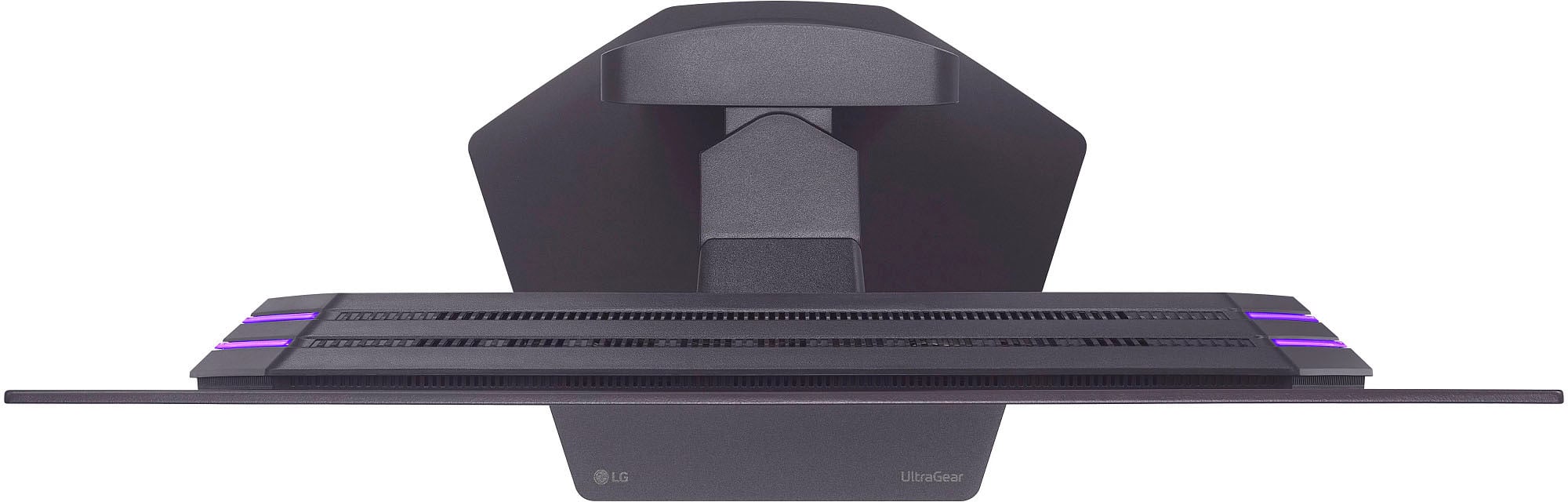
- A:Answer The LG 27 Inch UltraGear OLED QHD 1440P 480Hz 0.03ms G-Sync® Compatible DisplayPort 2.1 Gaming Monitor, Model # 27GX790A-B, has a 100 x 100 mm VESA Mount Pattern on the back that can be used to attach a VESA-compliant Monitor Arm that supports the pattern...^Ivan.
Answered by LG Digital Customer Care
Most-viewed items
Not yet reviewed
Not yet reviewed$349.99$349.99