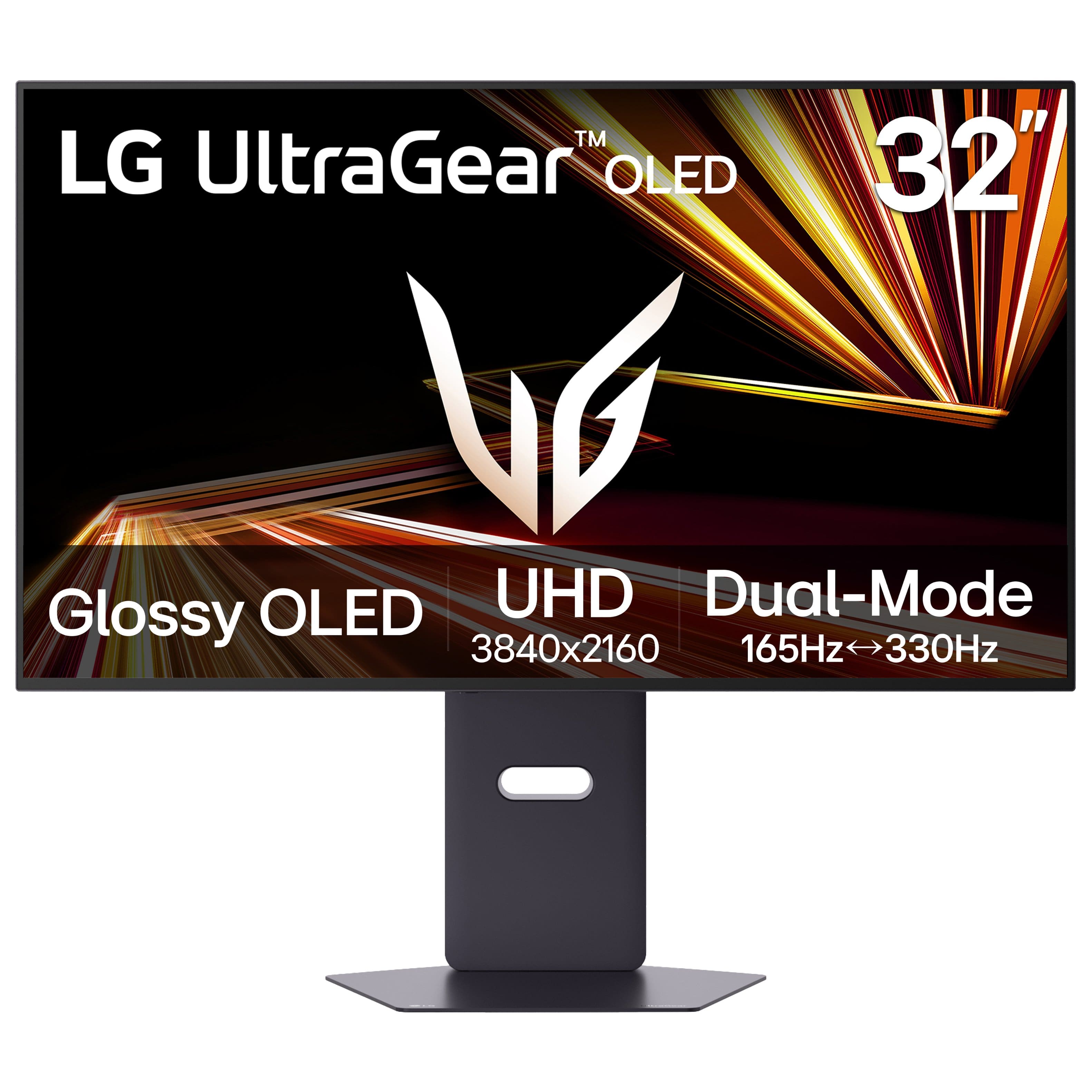
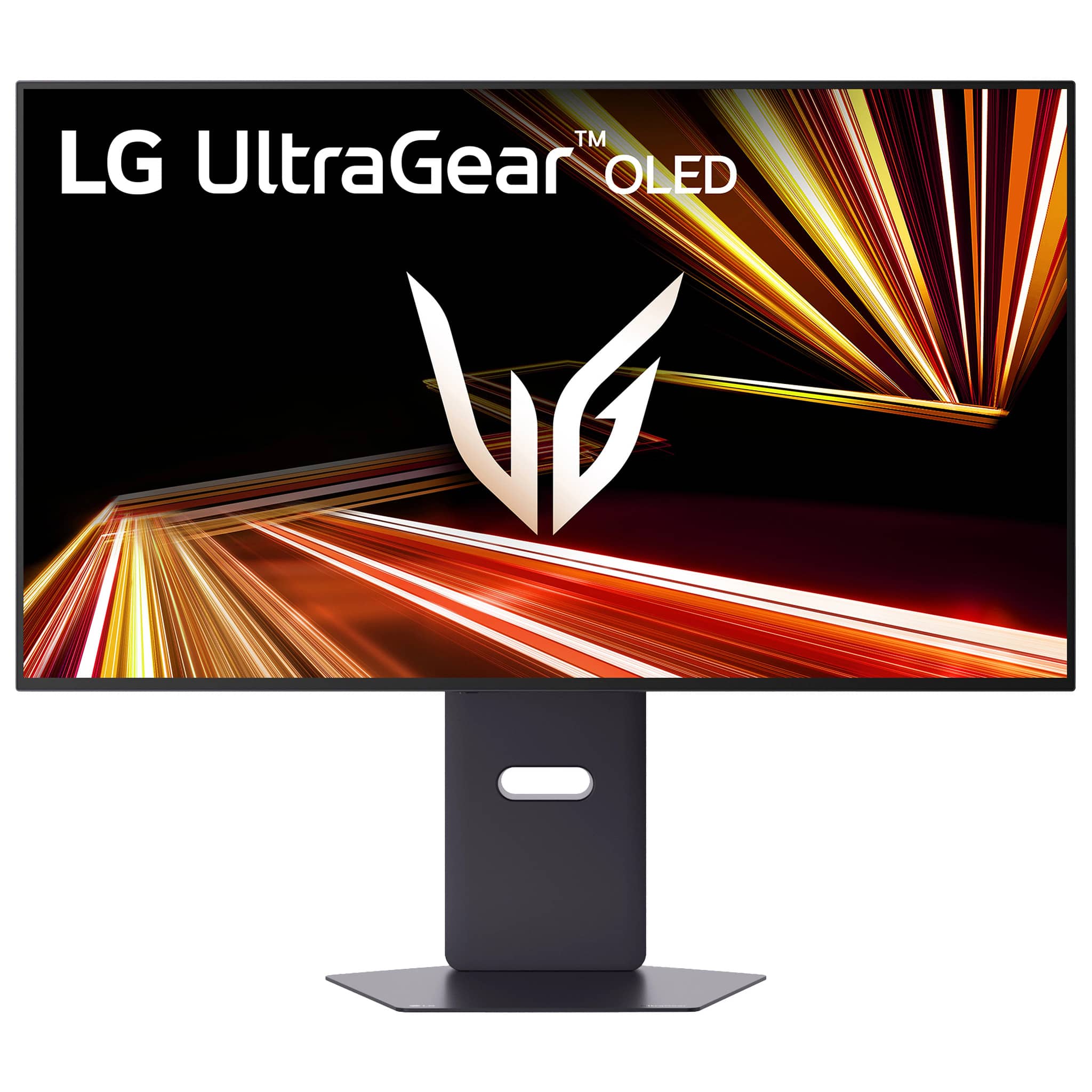
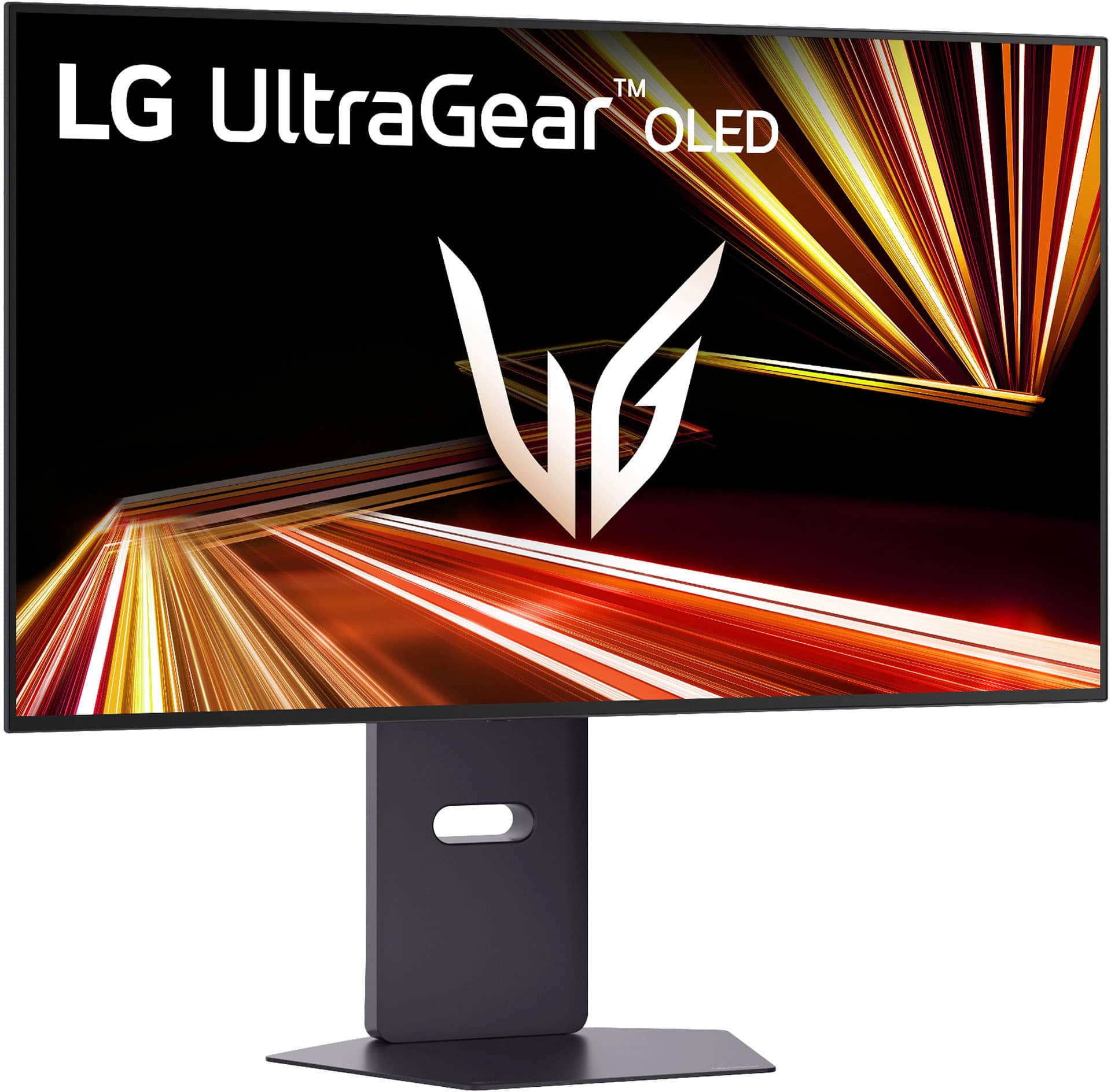
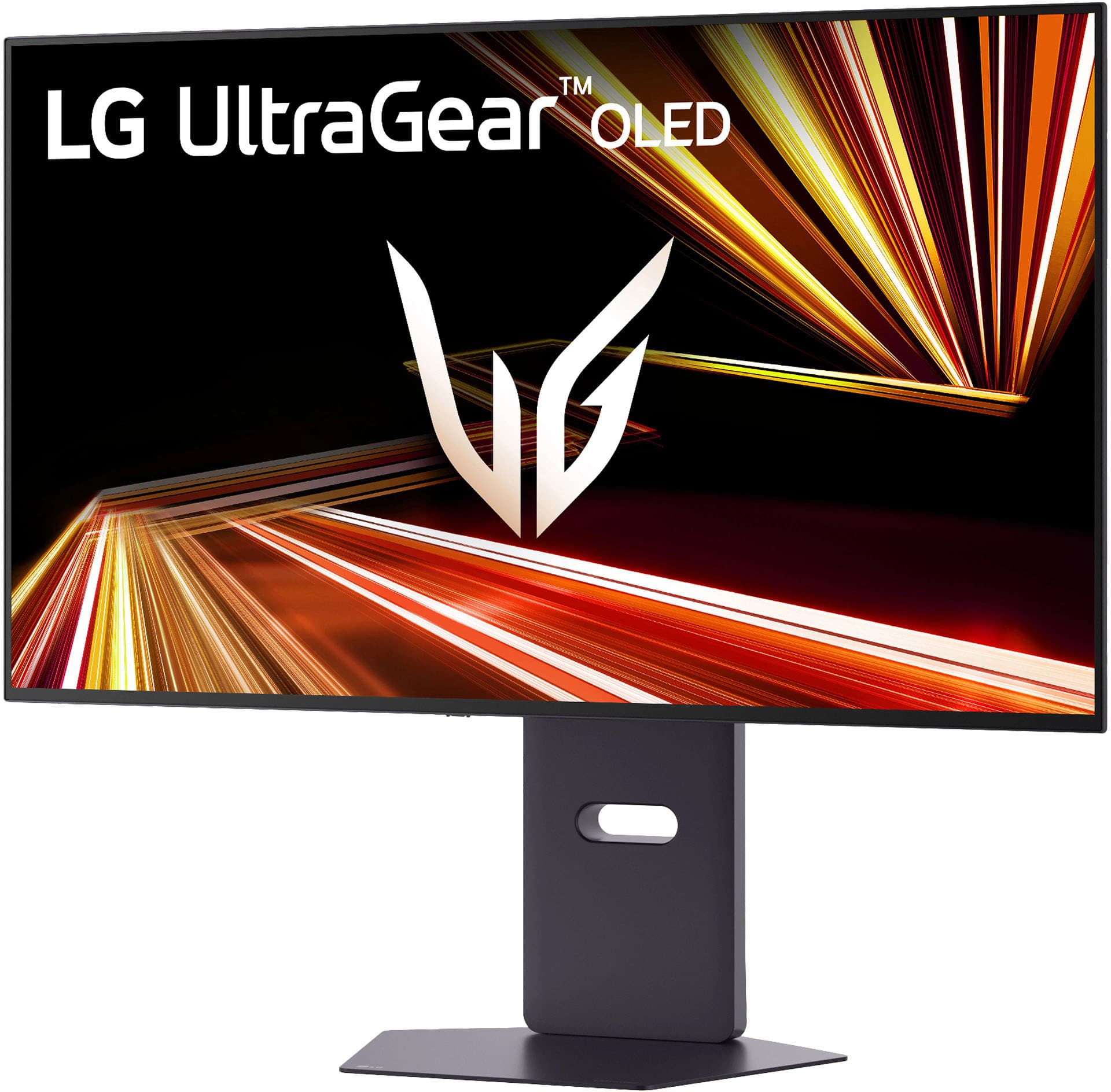
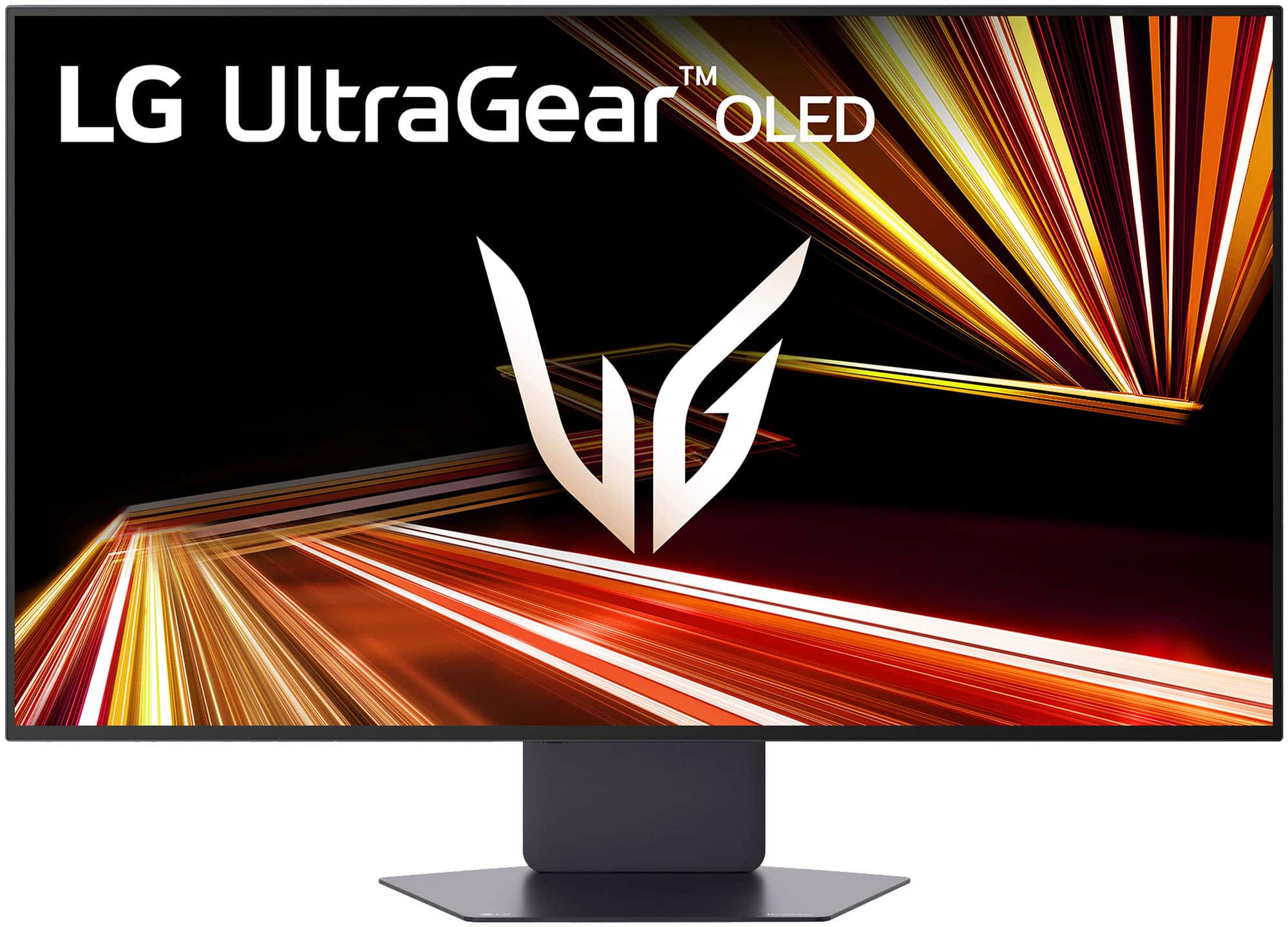
A:AnswerThe LG 32-inch UltraGear™ Glossy OLED Dual Mode 4K UHD 165Hz or FHD 330Hz 0.03ms G-Sync Compatible Gaming Monitor, Model # 32GX850A-B, does not have built-in speakers...^Ivan.
A:AnswerThe LG 32-inch UltraGear™ Glossy OLED Dual Mode 4K UHD 165Hz or FHD 330Hz 0.03ms G-Sync Compatible Gaming Monitor, Model # 32GX850A-B, has a typical brightness of 275 cd/m², a minimum brightness of 250 cd/m², and a peak brightness of 1300 cd/m² that can be achieved under certain conditions. For example, when a smaller area/APL of the display is used for showing a bright object, or when a bright object is shown for a short time...^Ivan.
A:AnswerHello there. We understand your inquiry regarding the HDR capabilities of Model #32GX850A-B. Based on the specifications, this monitor supports HDR10 and VESA DisplayHDR™ True Black 400, but it does not support Dolby Vision. Your feedback is important, and we'd like to assist you further.
https://www.bestbuy.com/product/lg-ultragear-32-oled-dual-mode-4k-uhd-165hz-fhd-330hz-0-03ms-g-sync-freesync-premium-pro-gaming-monitor-with-black/JJ8VPZK9GT
If you have any further questions about its features, please contact us on [email protected], and our team will be more than happy to assist you. —Renzo
A:AnswerUnlike LG MyView Smart Monitors, the LG 32-inch UltraGear™ Glossy OLED Dual Mode 4K UHD 165Hz or FHD 330Hz 0.03ms G-Sync Compatible Gaming Monitor, Model # 32GX850A-B, requires connection to a PC/Laptop...^Ivan.
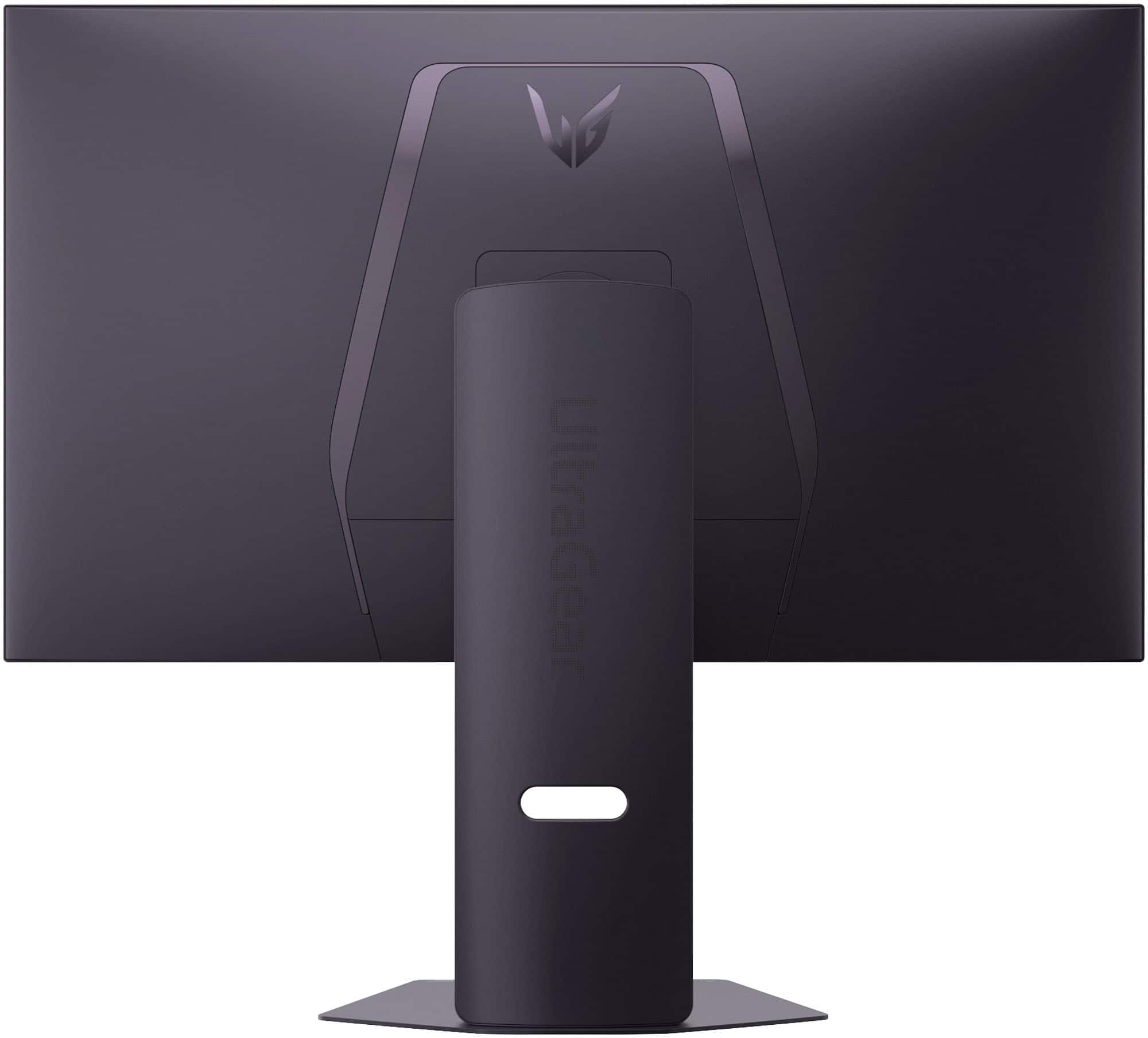
A:AnswerHi there, Billbo. Thank you for your inquiry regarding the 32GX850A-B. We understand your inquiry regarding the control button functions. Based on the official LG resources, the button on the monitor operates as a joystick; pressing and holding it turns the unit off, while a quick, single press opens the menu where you can change modes. Additionally, you can use the included LG Switch controller to navigate settings and toggle features without reaching for the monitor.
https://www.bestbuy.com/product/lg-ultragear-32-oled-dual-mode-4k-uhd-165hz-fhd-330hz-0-03ms-g-sync-freesync-premium-pro-gaming-monitor-with-black/JJ8VPZK9GT
If you have any further questions about its features, please send us a private message on Social Media @LGUSSupport, and our team will be more than happy to assist you. —Renzo
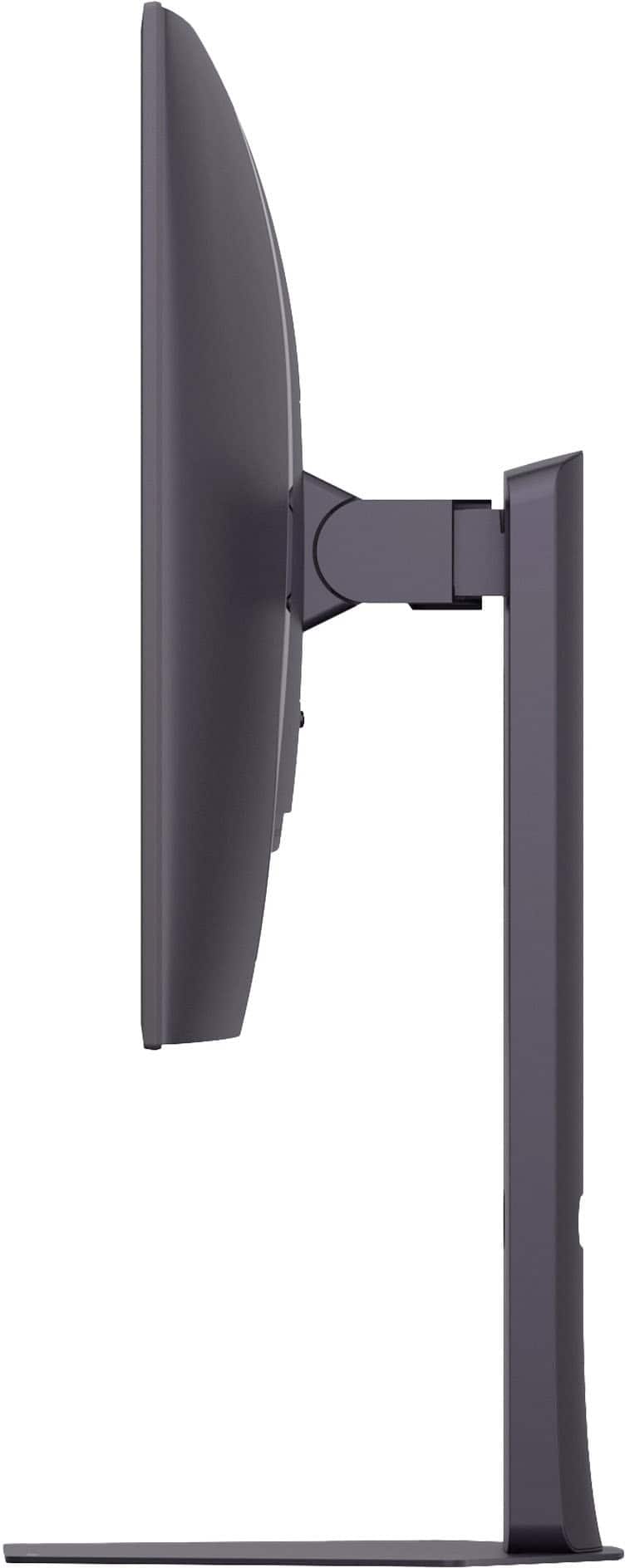
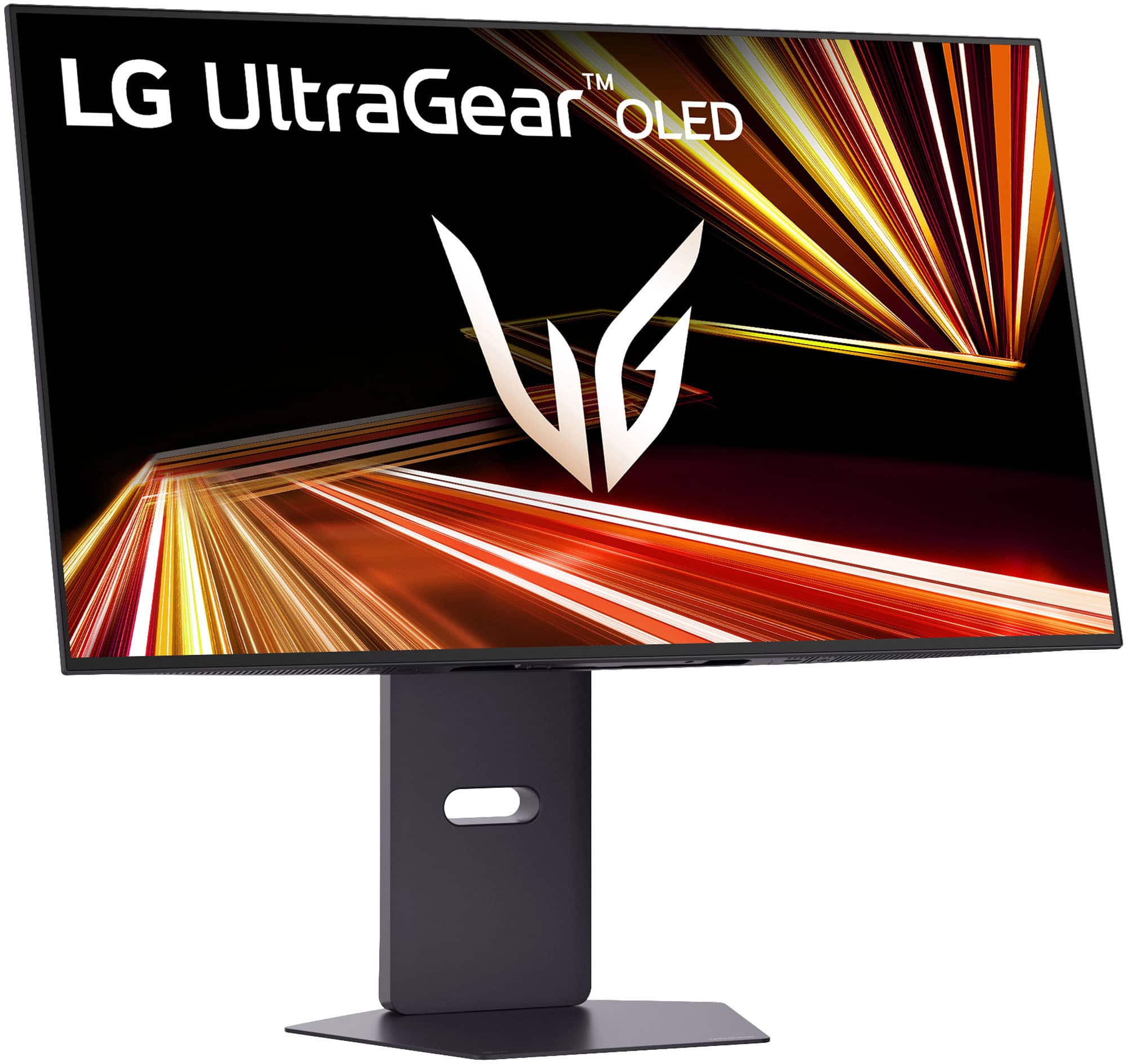
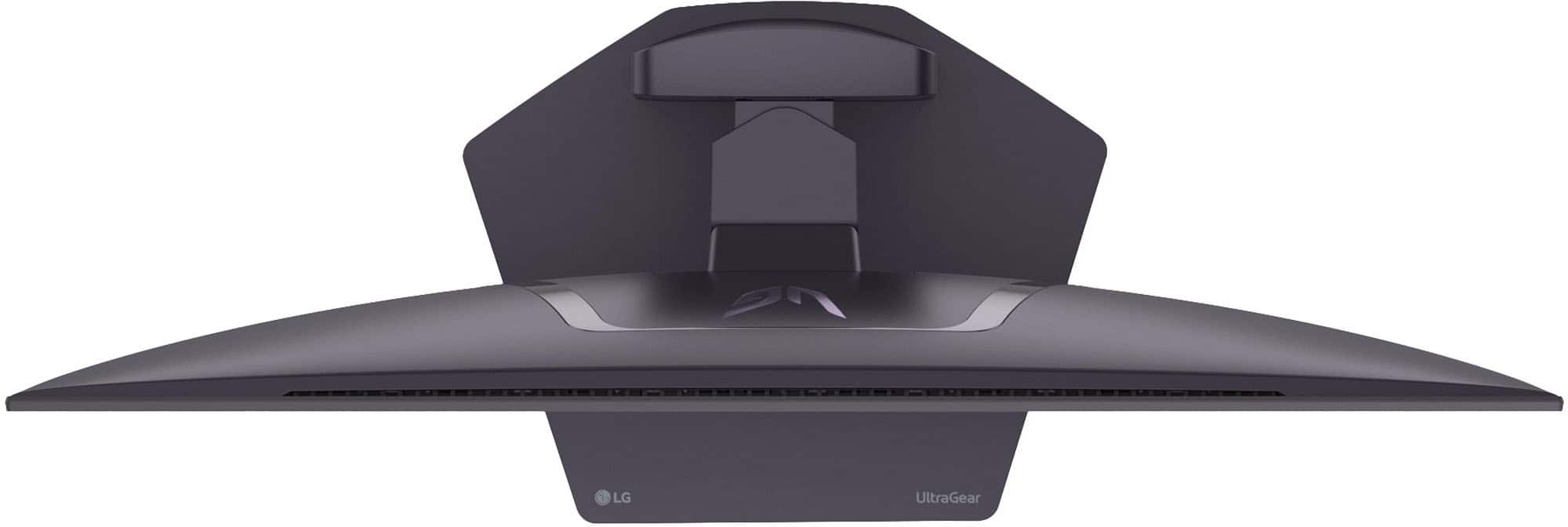
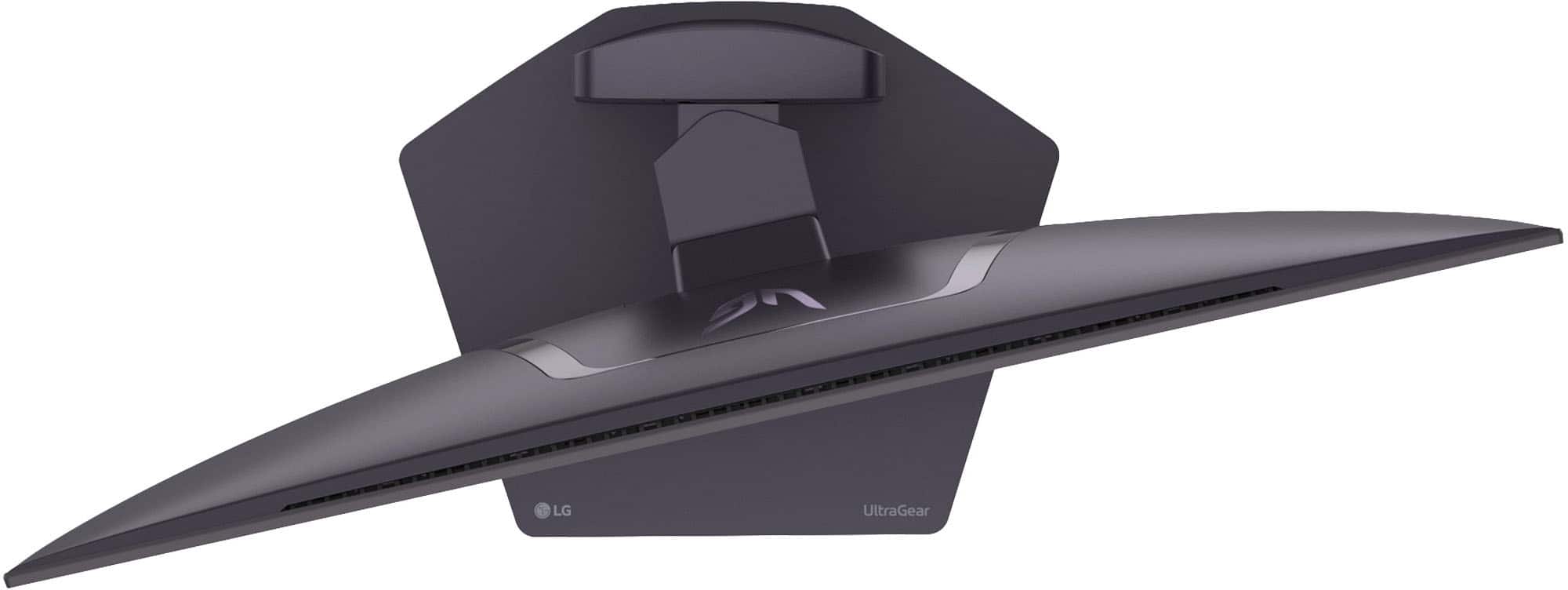
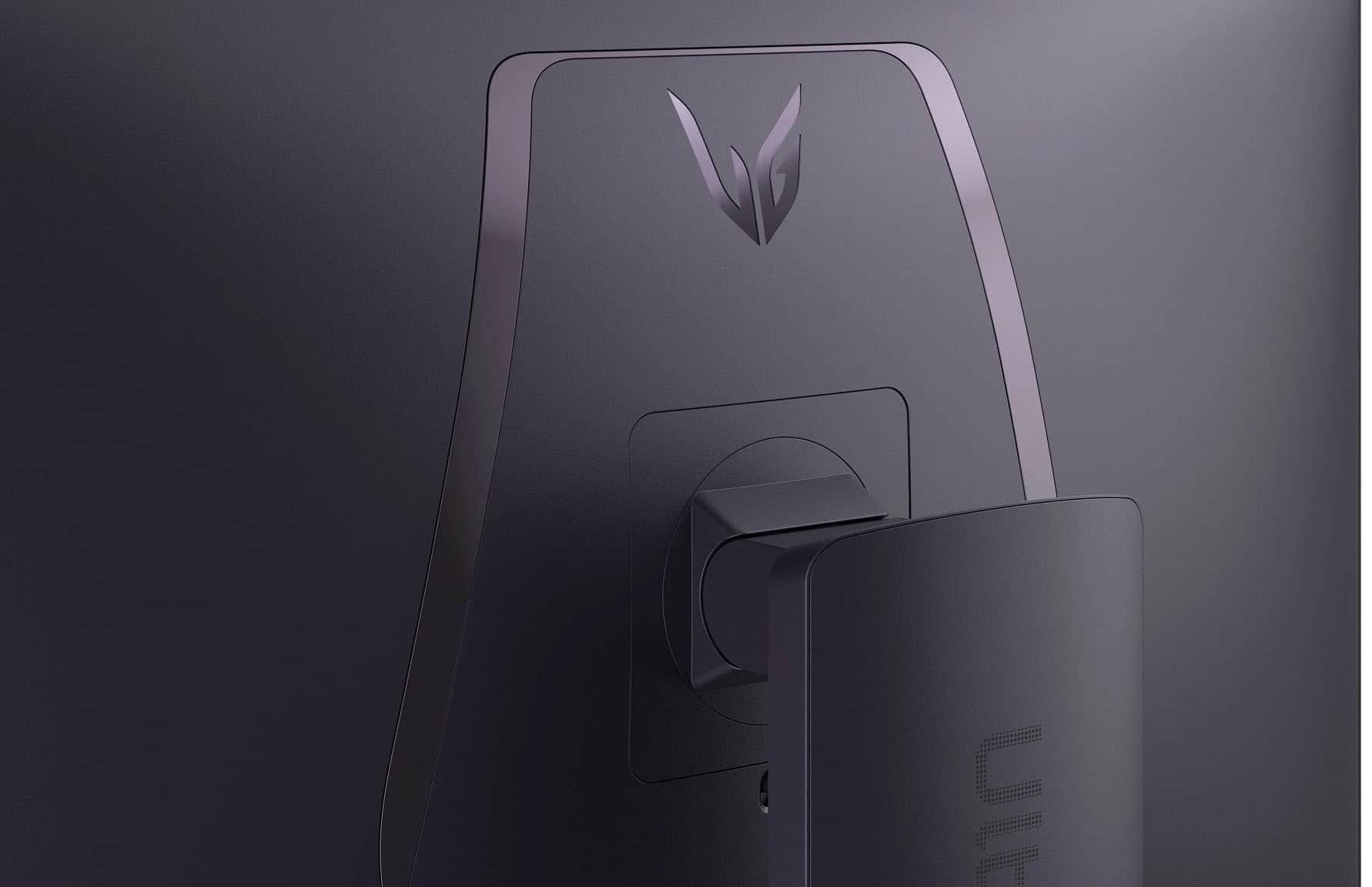
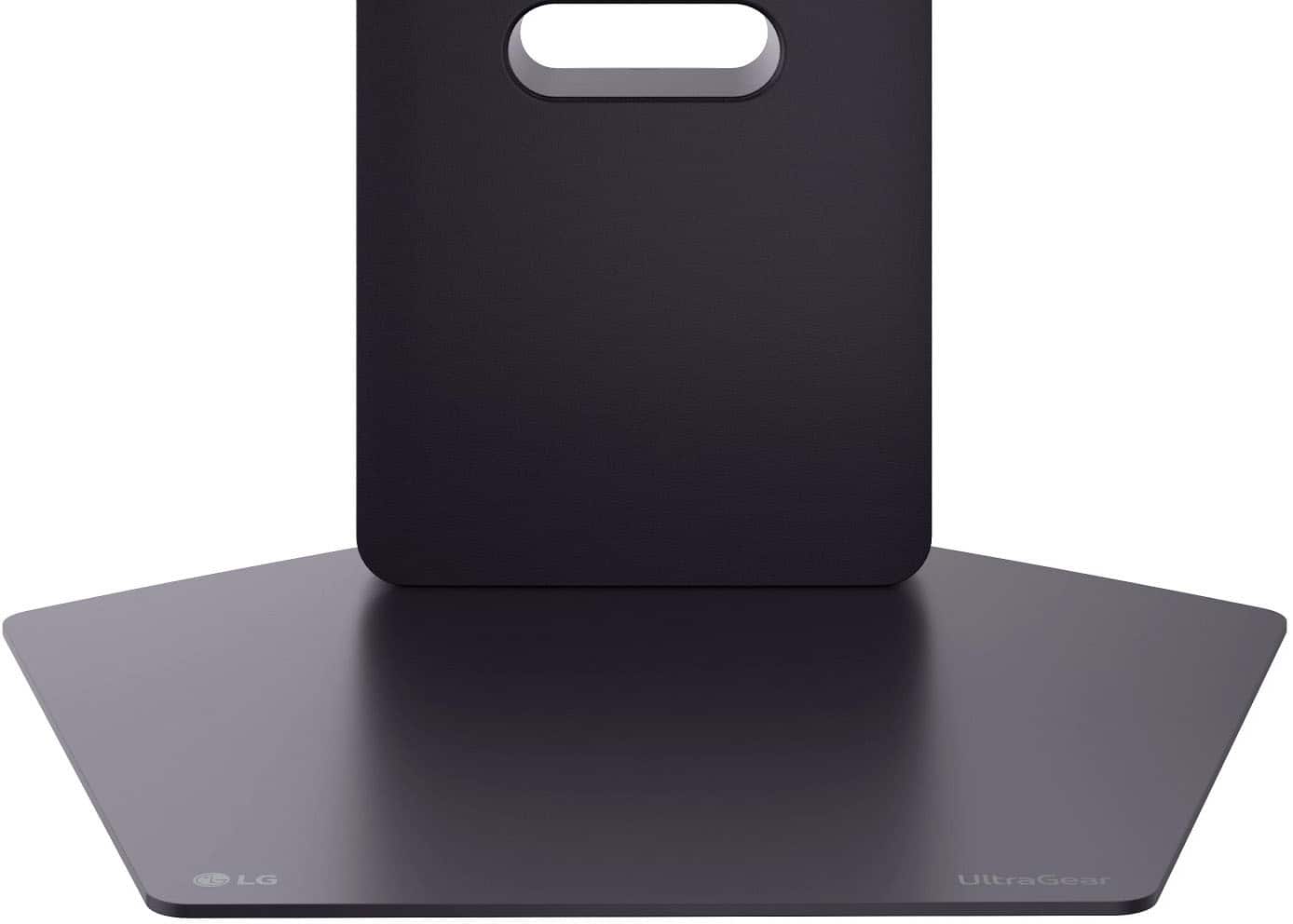
A:AnswerThe LG 32-inch UltraGear™ Glossy OLED Dual Mode 4K UHD 165Hz or FHD 330Hz 0.03ms G-Sync Compatible Gaming Monitor, Model # 32GX850A-B, can be tilted forward or backward from -8° to 15°...^Ivan.
A:AnswerWhat connectivity does your MacBook Pro M4 have and what resolutions does it support?
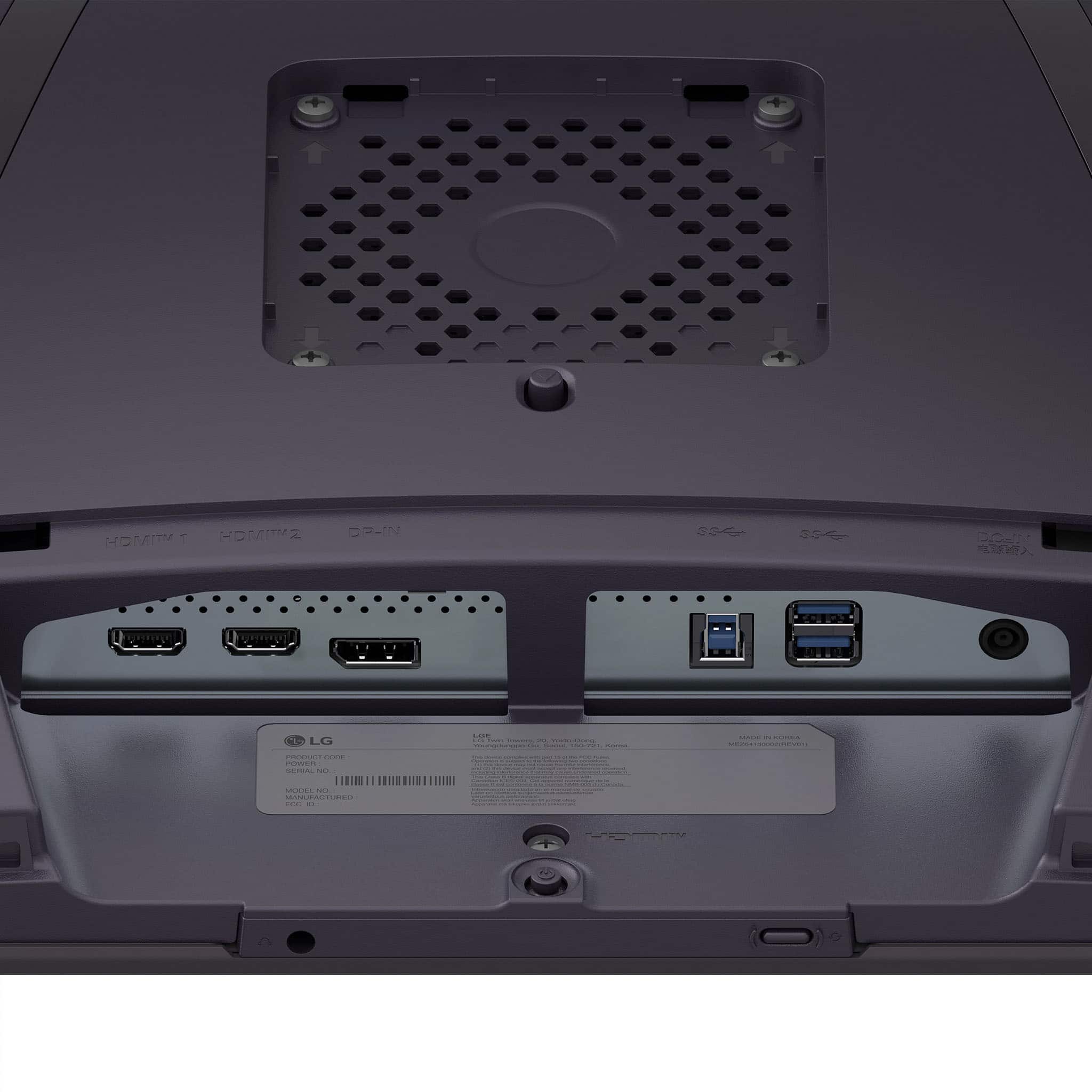
The LG 32-inch UltraGear™ Glossy OLED Dual Mode 4K UHD 165Hz or FHD 330Hz 0.03ms G-Sync Compatible Gaming Monitor, Model # 32GX850A-B, has a native resolution 4K UHD (3840 x 2160) resolution. Connectivity for the monitor includes a DisplayPort 1.4 input, 2 HDMI 2,1 inputs, a USB Up-Stream port (ver. 3.0) and two USB Down-Stream ports (ver. 3.0).
The monitor supports Plug and Play which is a feature that allows you to add a device to your computer without having to reconfigure anything or install any manual drivers.
Scaling issues for text on a Mac can arise from several factors, including the resolution of the external monitor, the display settings on the Mac, and the type of resolution that the Mac supports...^Ivan.
A:AnswerIf you want to return or exchange your purchase, please know that the time period begins the day you receive your product and applies to new, clearance, open-box, refurbished and pre-owned products. This policy applies to purchases that are shipped from and sold by Best Buy at Best Buy, Best Buy Outlet, Pacific Sales, Pacific Sales® Outlet, Magnolia® Design Center, Best Buy Education and Best Buy Business. If your purchase at a store is directly with a vendor, then the vendor's return policy applies. Unless noted otherwise, products (“Marketplace Products”) shipped from or sold by a third-party seller (“Marketplace Sellers”) have the same return policy as products sold from Best Buy.
Best Buy has an Extended holiday return & exchange periods for purchases made Oct. 31 through Dec. 31 and have an extended return period through Jan. 15, 2026, excluding items purchased with a third-party contract [e.g., activatable devices (cell phones, cellular tablets, mobile hotspots, cellular wearables) and AppleCare+ plans, etc.], and holiday decorations (e.g., artificial trees, lights, decorations, etc.). Other exclusions, including restocking fees, non-returnable products and all other terms and conditions of the Best Buy Return & Exchange Promise apply.
If you are a standard Best Buy member, most products will have a 15-day policy, and Activatable devices will have a 14-day policy.
For My Best Buy Plus™ and My Best Buy Total™ members (Excludes Marketplace Products), most products will have a 60-day policy, and Activatable devices will have a 14-day policy.
Some items sold by Best Buy and Marketplace Sellers (see below for the detailed list) have a restocking fee if returned by a customer.
There is no restocking fee if the product is unopened, or if the purchase occurs in: AL, CO, HI, IA, MS, OH, OK, SC, or where prohibited by law. The restocking fee will be taxed in select states.
Items need to be returned in a like-new condition. Items that are damaged, unsanitary, dented, scratched or missing major contents may be denied a return.
You may return any item shipped from and sold by Best Buy on BestBuy.com at any Best Buy store. For faster return processing, please bring your packing slip (if you received one), or your receipt, and the credit card used to make your purchase.
Gather the purchases you want to return, along with the original contents and packaging.
You will get free shipping on your return of items purchased from Best Buy by using our prepaid label. Log in to your Best Buy account to locate your order. Print a prepaid shipping label. Put the return label on the package and take it to an authorized drop-off location, and ship it to Best Buy during your return period.
You can find further information about Best Buy's return or exchange policies at https://www.bestbuy.com/site/help-topics/return-exchange-policy/pcmcat260800050014.c?id=pcmcat260800050014...^Ivan.