Questions & Answers
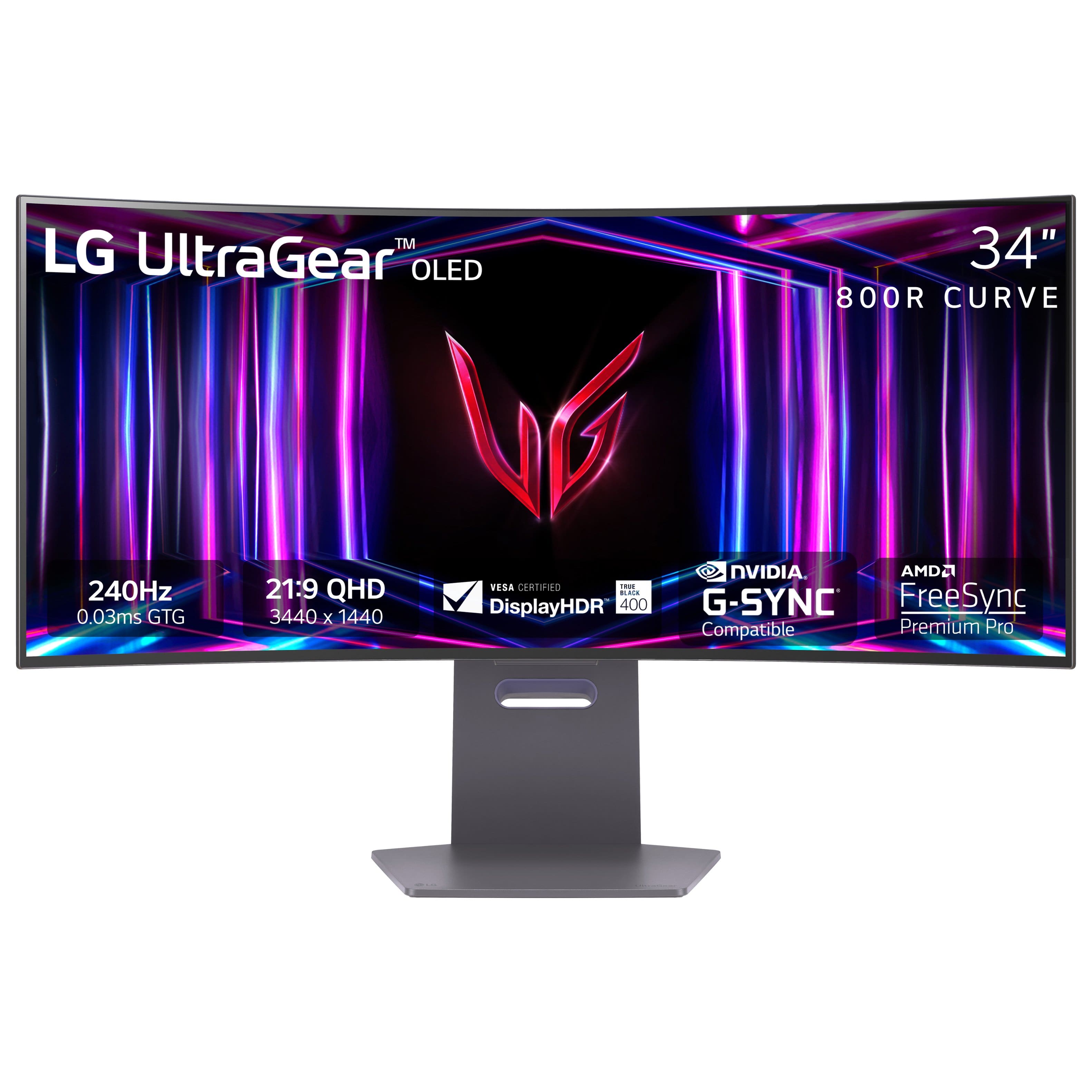
- Model:
- 34GS95QE-B.AUS
- |
- SKU:
- 6575399
Highly rated by customers for: Color Quality, Refresh Rate, Curvature
$799.99$799.99
Save $500
The comparable value is Comp. Value: $1,299.99
Page Showing 21-27 of 27 questions
Q: QuestionWill it run 240hz at 1440p or will it drop the refresh rate to something lower at 1440p
Asked by Grayson.
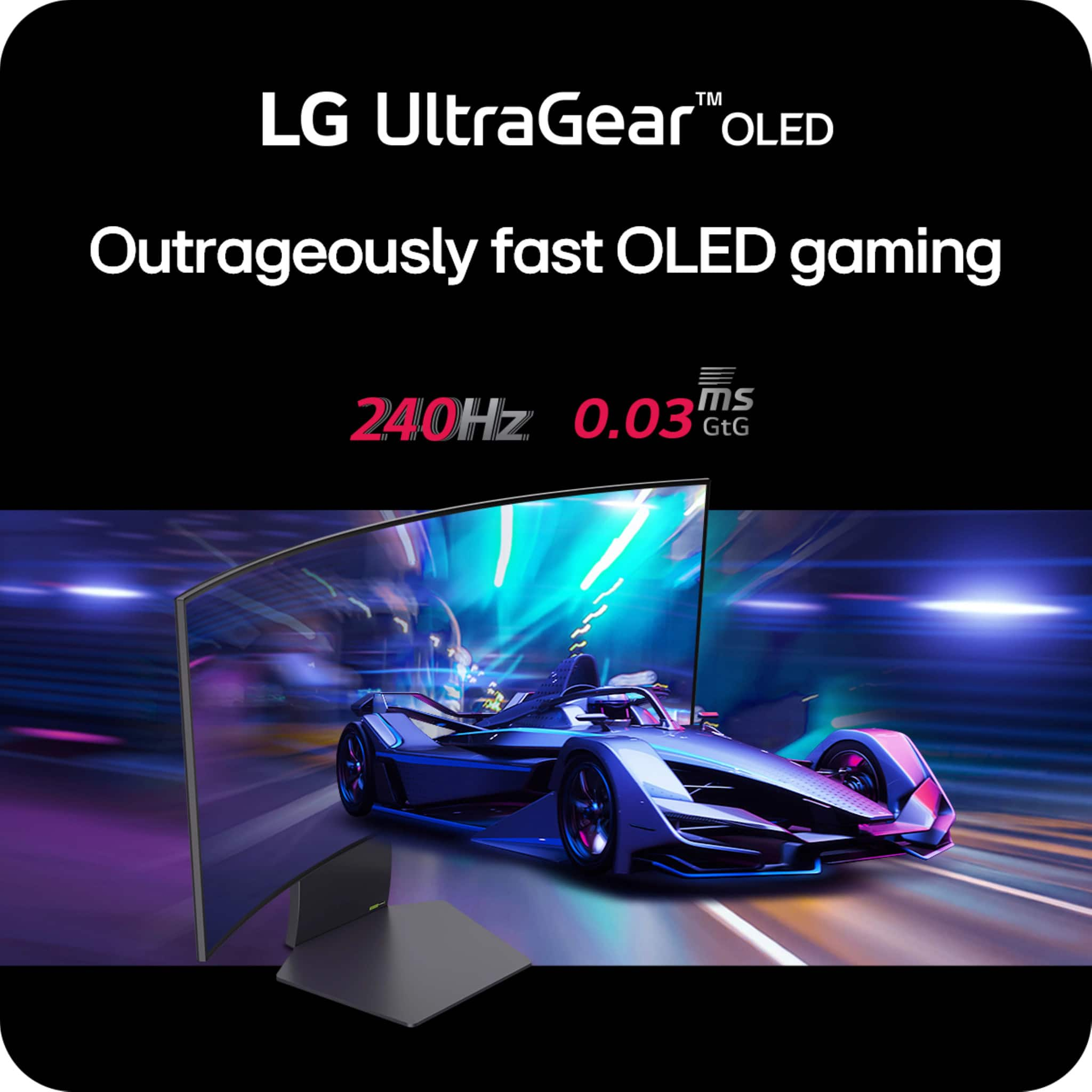
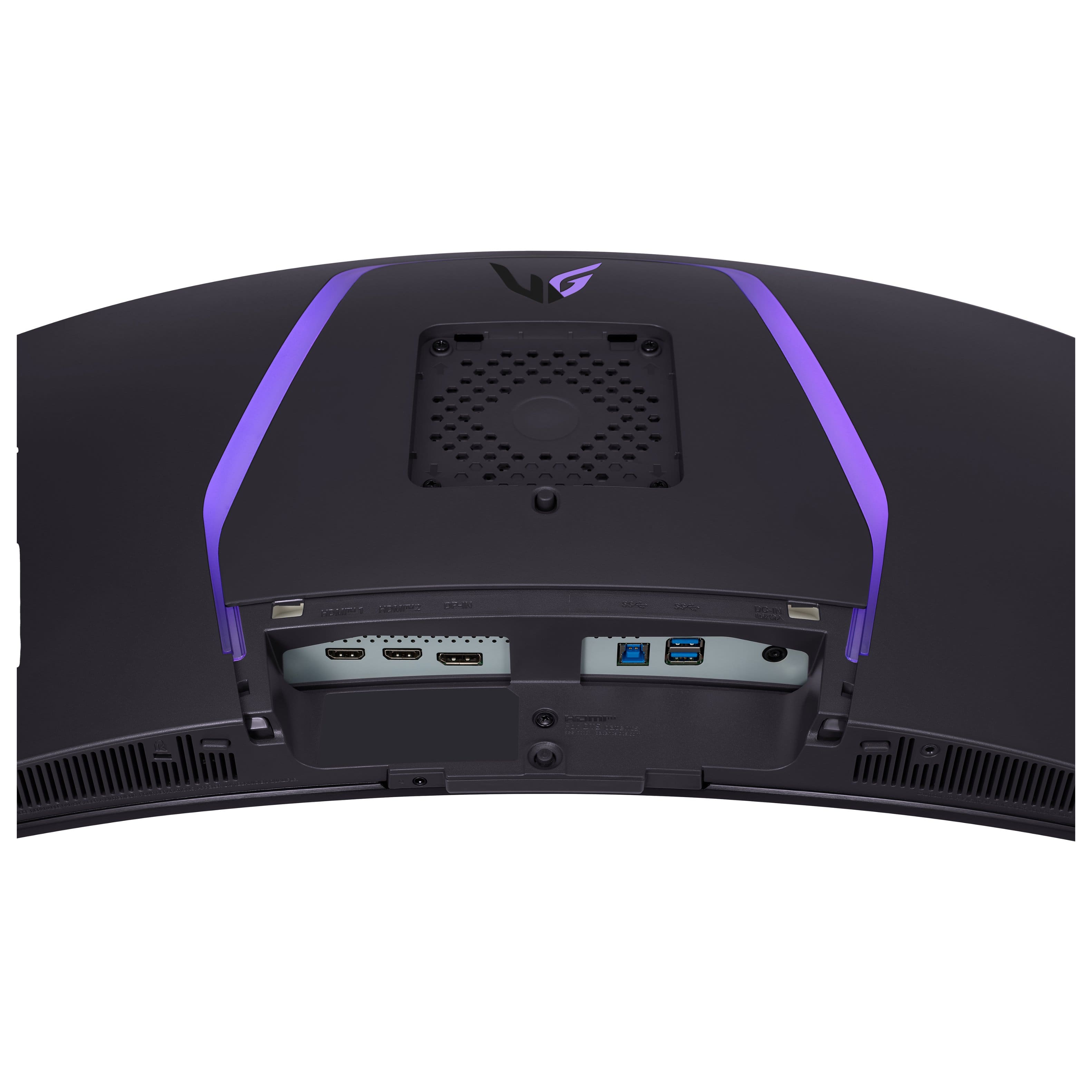
- A:Answer Hello there. Thank you for your question regarding the LG 34GS95QE-B monitor. We understand you're curious about the refresh rate at 1440p. Rest assured, this model is designed to support up to 240Hz at 1440p resolution via DisplayPort, ensuring you get smooth and high-performance visuals. To ensure optimal results, we recommend verifying that your graphics card and connection are set to support 240Hz at 1440p. Should you need further assistance, feel free to send us a private message on social media @LGUSSupport. We’ll be happy to help you explore your setup further. —Renzo

Answered by LG Digital Customer Care

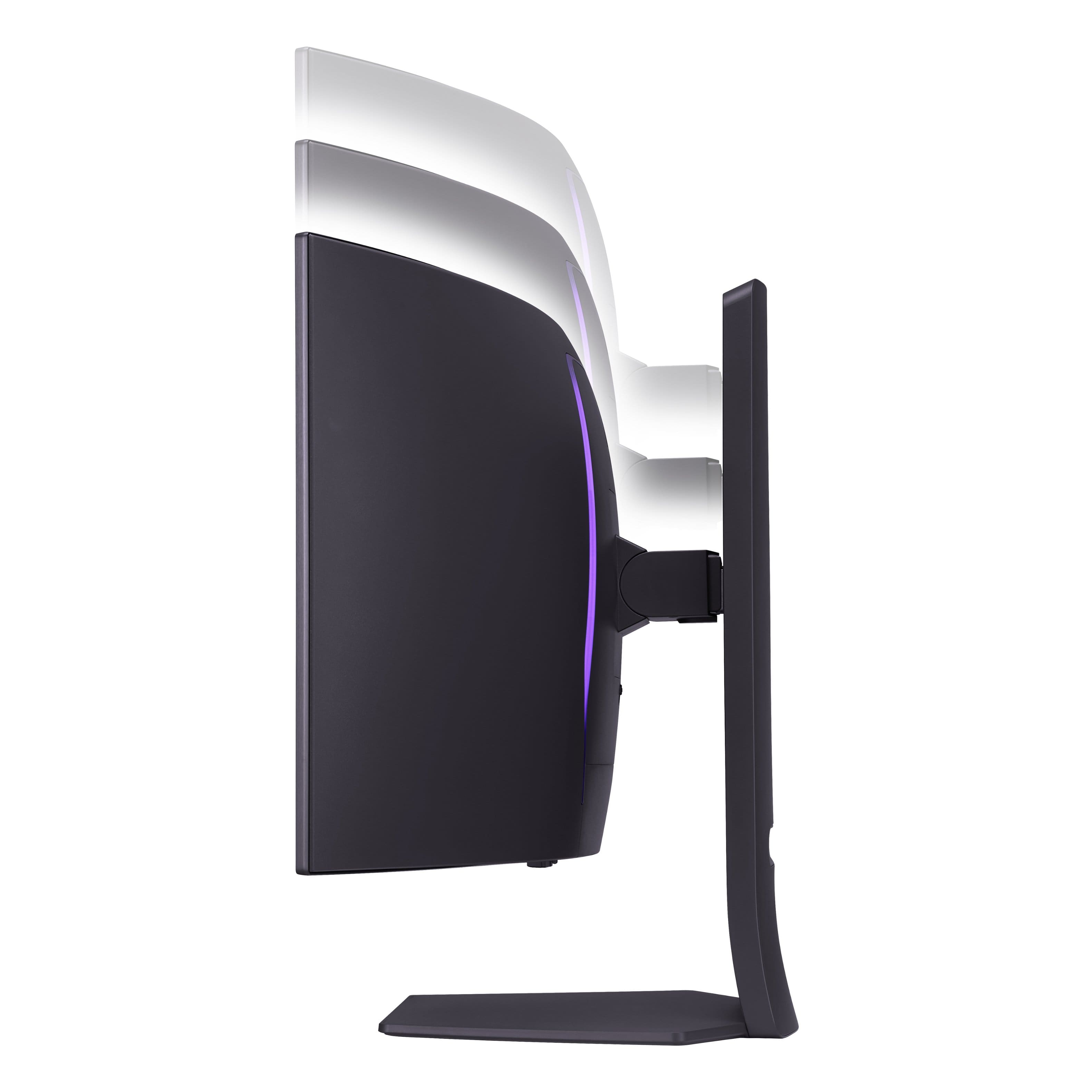
Q: QuestionCan this be turned vertical?
Asked by Razziel.
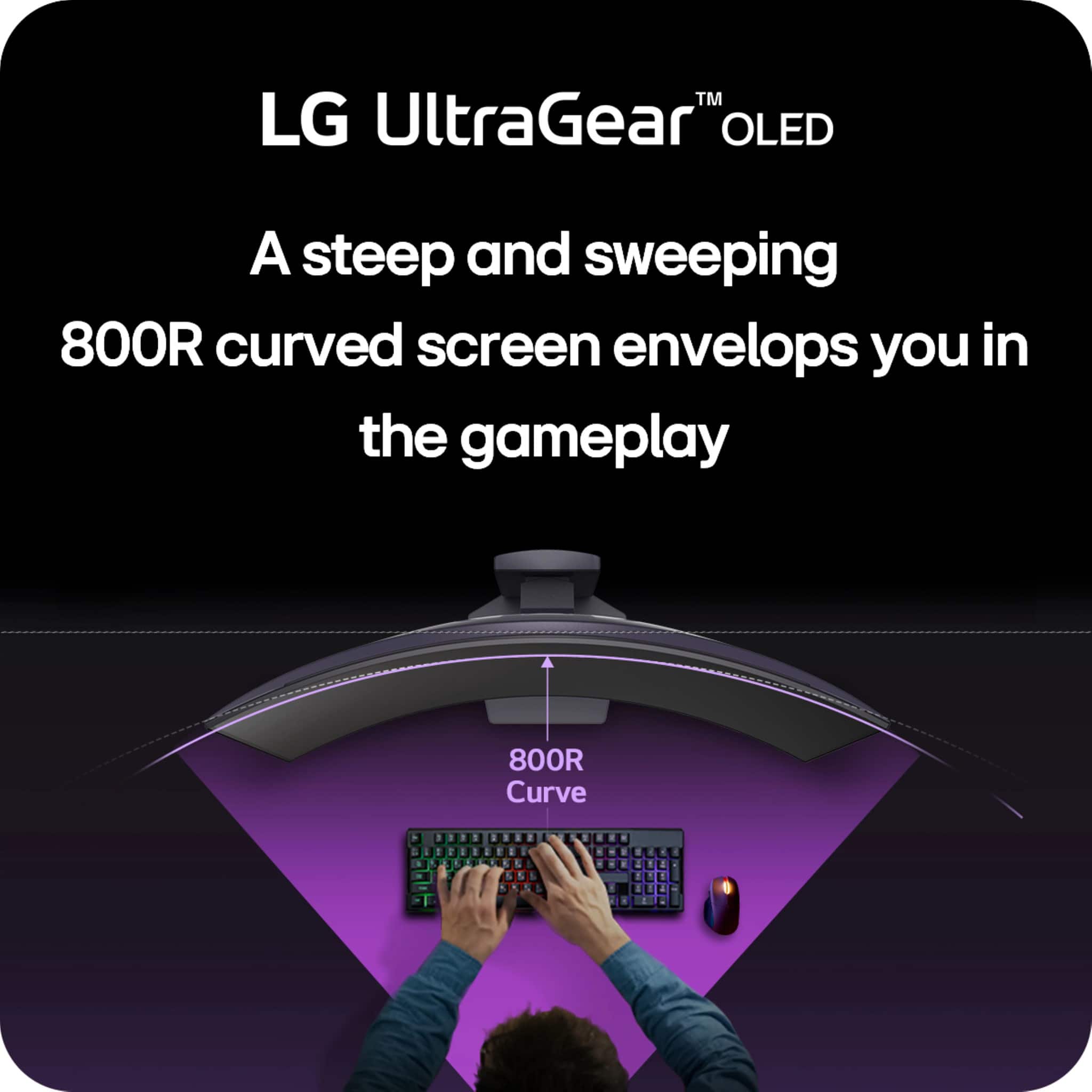
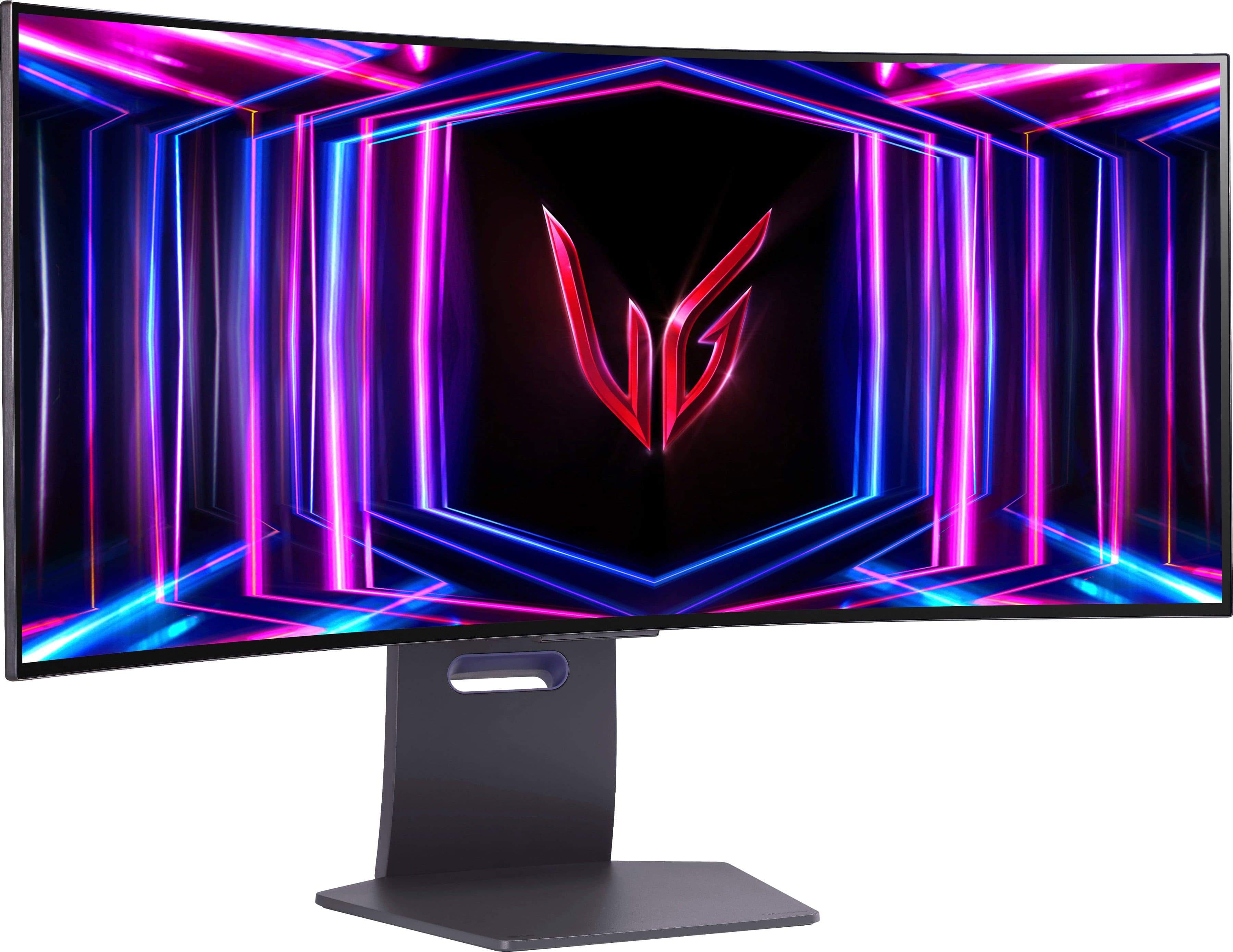
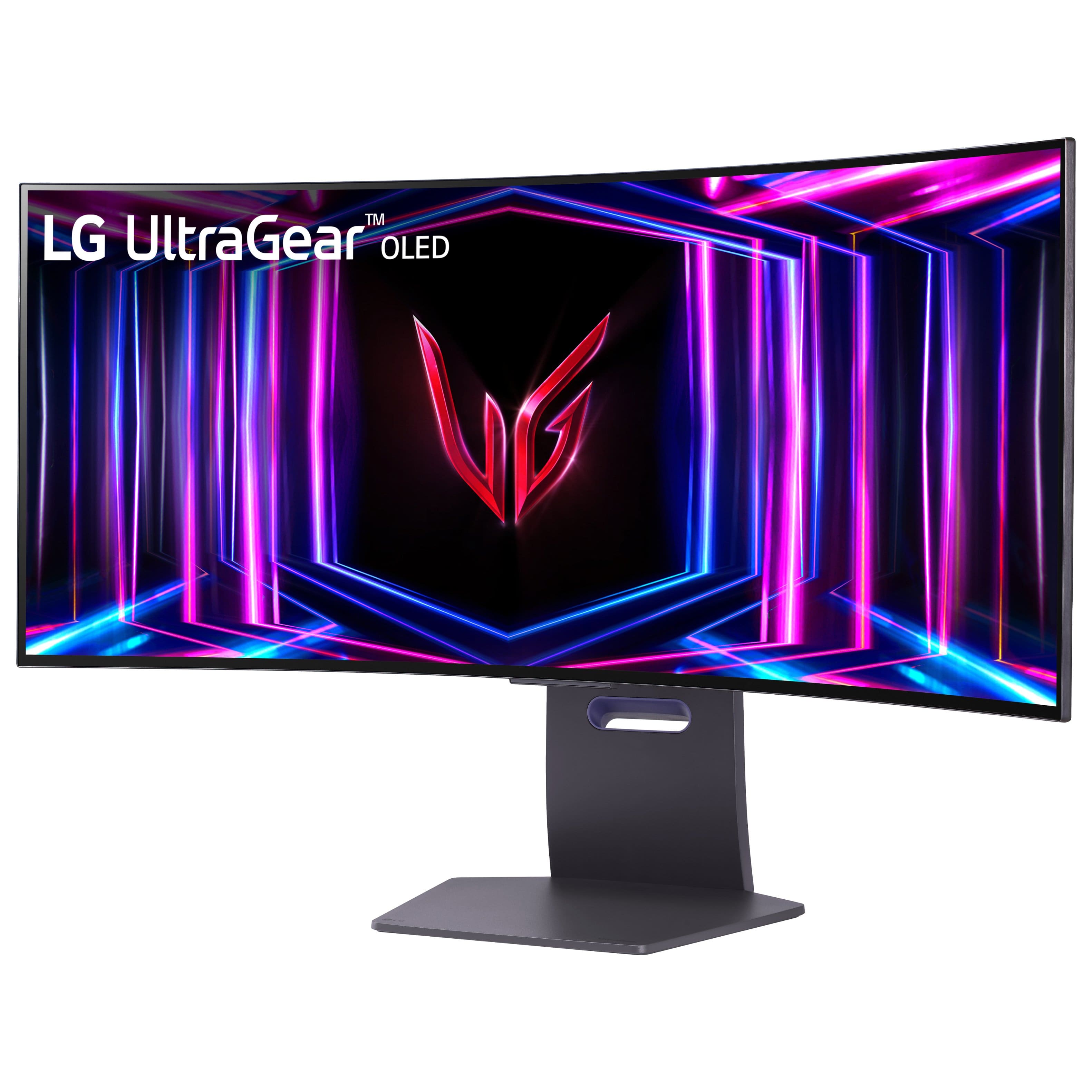
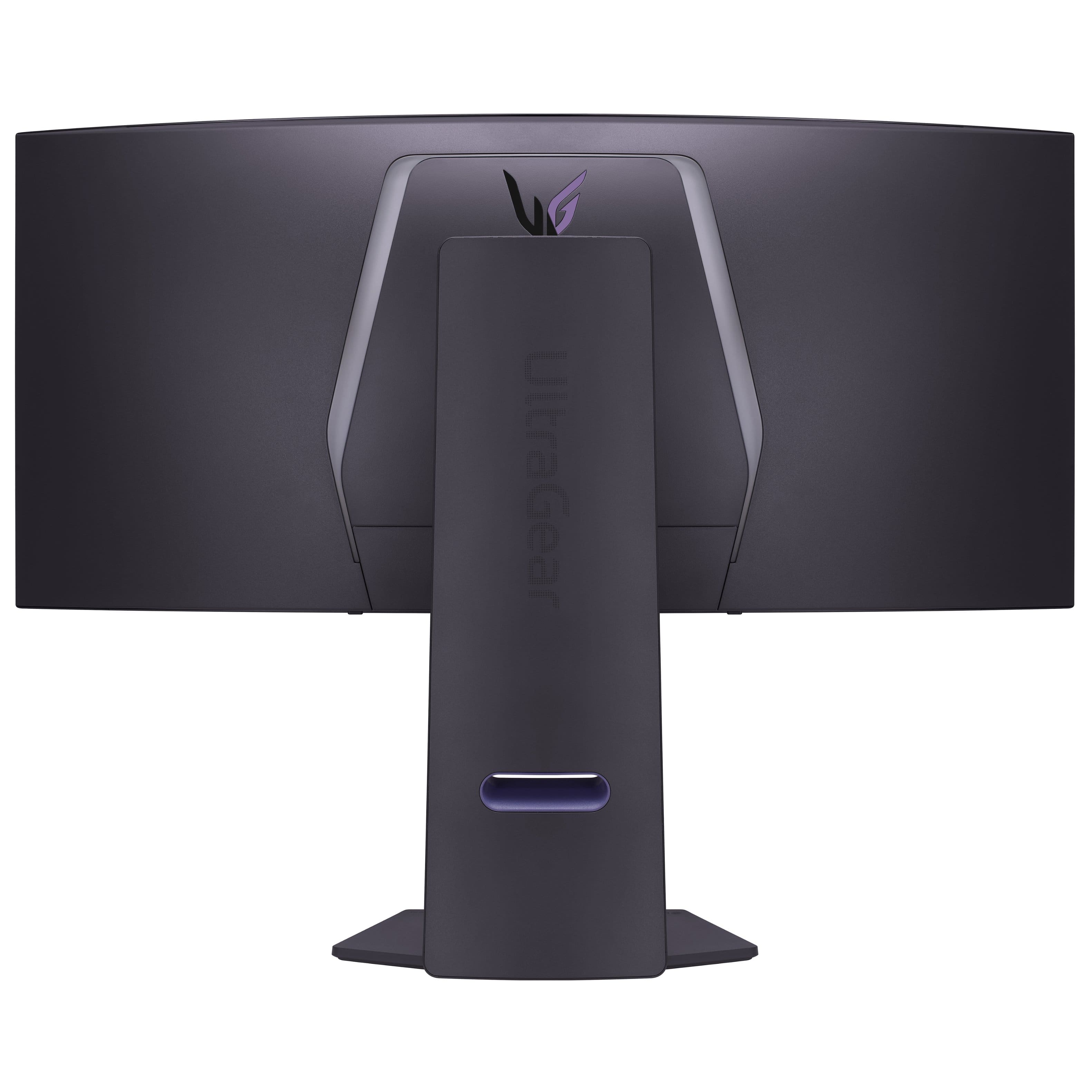
- A:Answer No, the screen is too big, and the stand doesn't have enough space to turn the screen vertically. The stand allows horizontal movement and tilt.
Answered by Rajat
Q: QuestionCan you install external speakers to this monitor?
Asked by DTime.
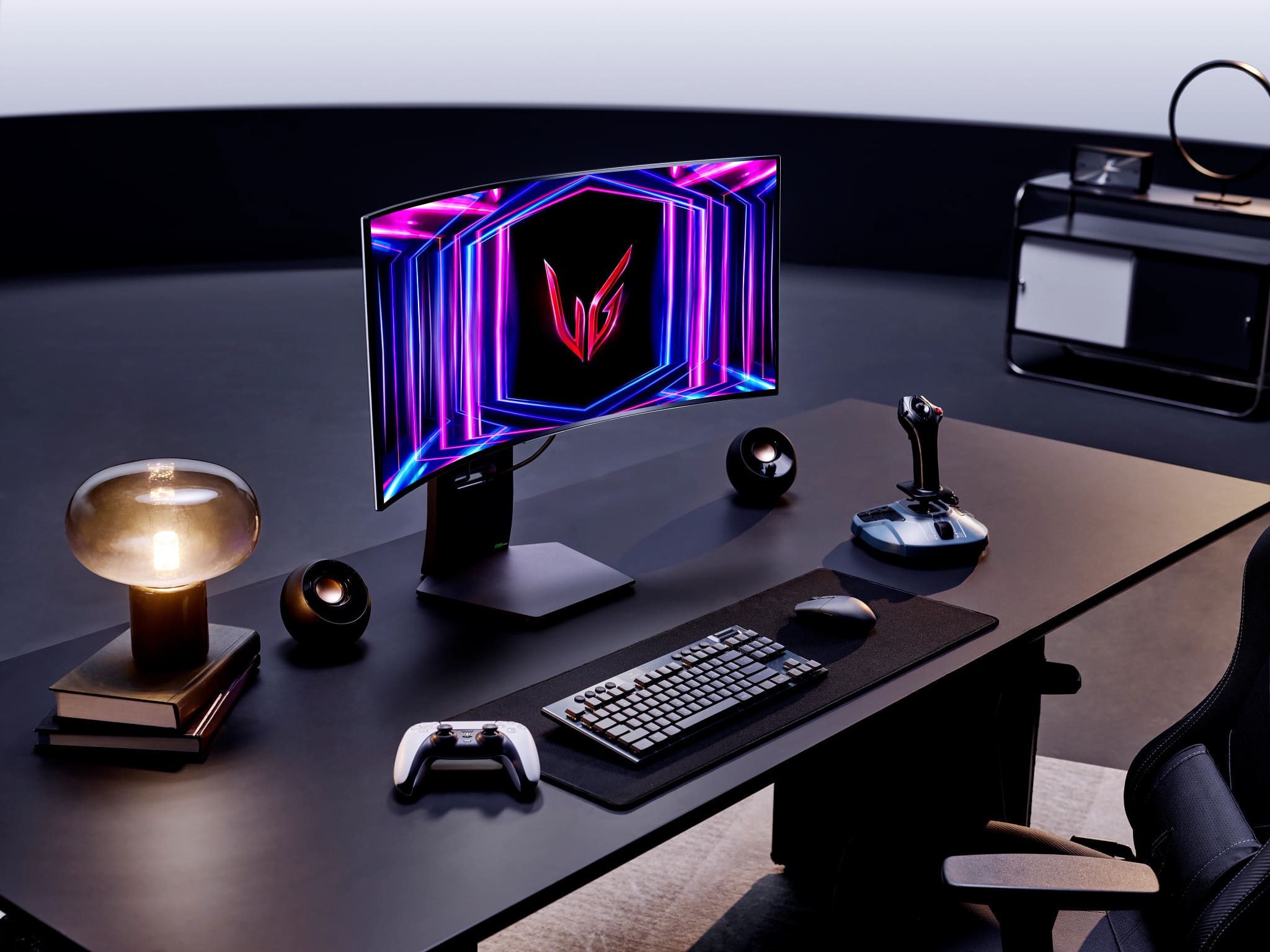
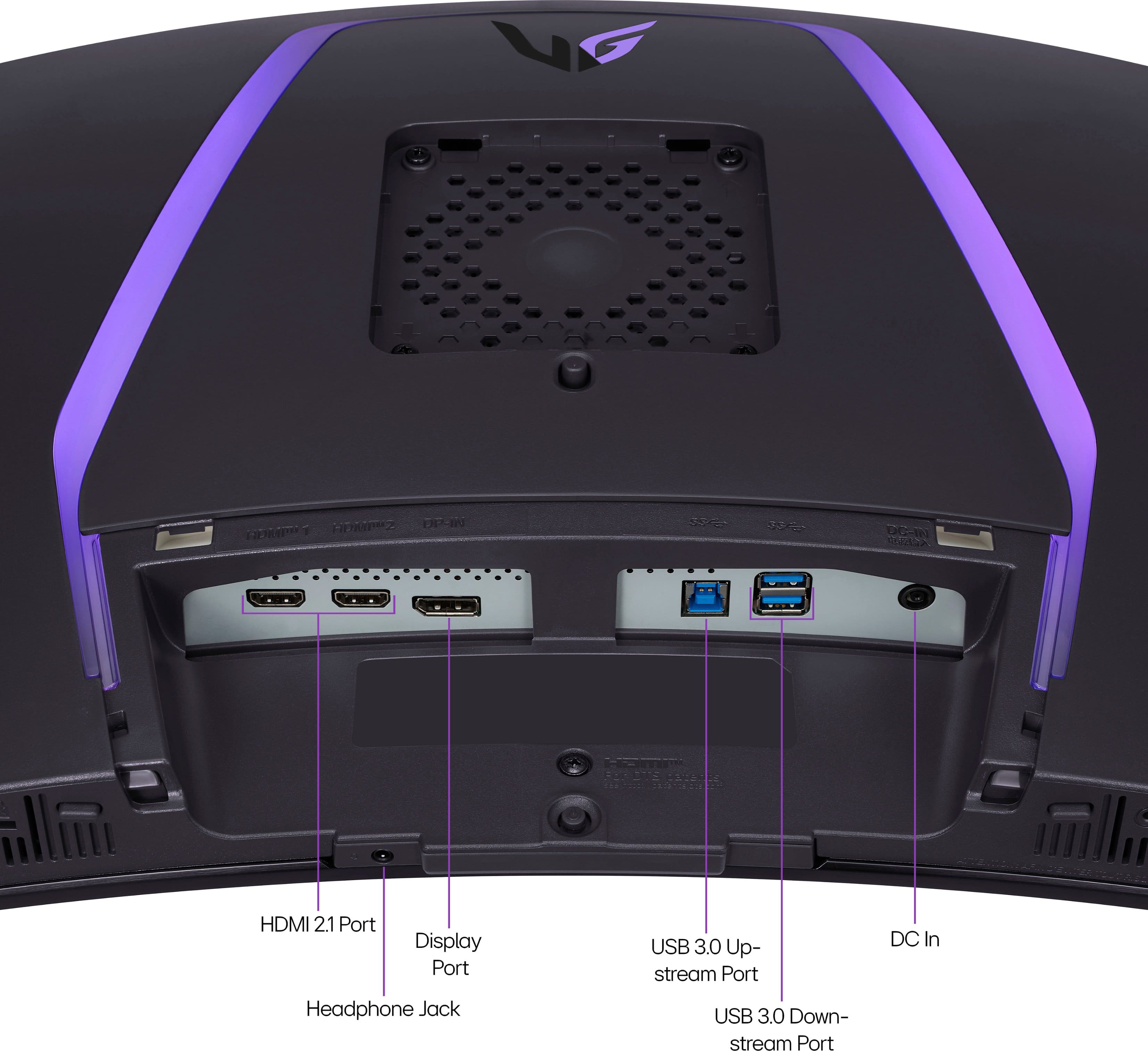
- A:Answer Yes you can it has a 3.5 mm aux port to connect external speaker. I use white Edifier bookshelf speakers with the monitor and they work great.
Answered by David
Q: QuestionWhere can I physically see this monitor?
Asked by Rick.
- A:Answer Trying calling a BestBuy, I saw this at my local bestbuy in person before purchasing it.
Answered by Rajat
Q: QuestionWhat is the PPI?
Asked by Dyl.
- A:Answer pixels per inch ( ppi ) Is a measure that indicates the density of pixels on a screen
Answered by Anonymous
Q: QuestionCan I connect it to a ps5?
Asked by Ze.
- A:Answer Yes and no, you can connect your PS5 to it but because of the aspect ration being 21:9 it will stretch the picture out and I had issues with the PS5 not detecting and changing the resolution to 1440p and it would still think it was a 4k in the PS5, settings. I would recommend going with a a 27in or 32in that has a 16: 9 aspect ratio monitor for the PS5.
Answered by Ilow21
Page 2, Showing 21-27 of 27 questions
Most-viewed items
- $369.99$369.99The price was $549.99
- $199.99$199.99The price was $299.99