Black Friday is hereShop new DoorbustersShop now

Skip to content
Gift Ideas
45575 Dulles Eastern Plz
Ste 188
Sterling, VA 20166
Open until 9 pm
Find Another Store
Main Content

Questions & Answers

Your price for this item is $341.99
Clearance
The comparable value price is $1,699.99
Page Showing 1-20 of 35 questions
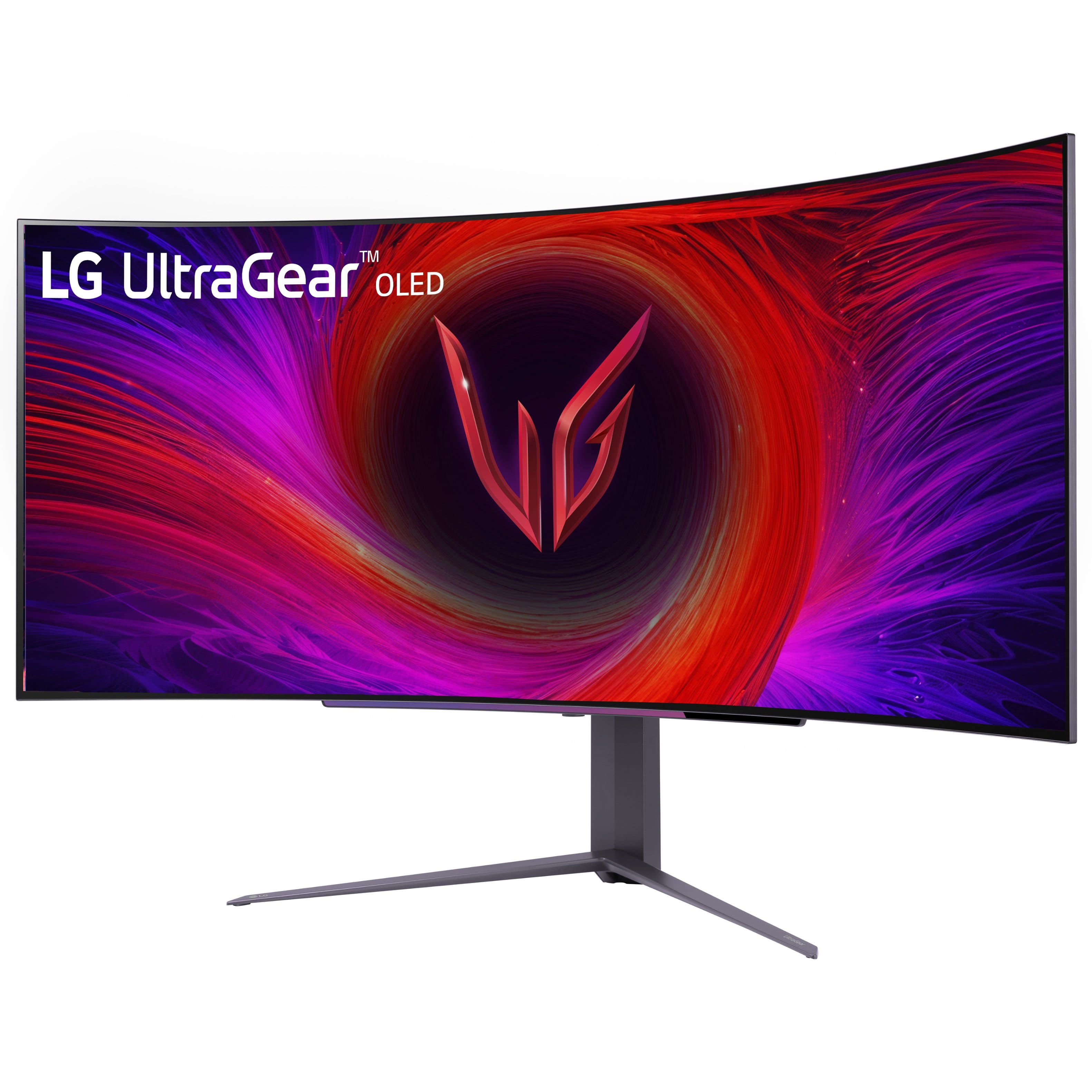
  • QuestionDoes this monitor have built-in speakers?

    • Answer Yes, this LG UltraGear OLED monitor comes equipped with dual built-in speakers.
    This question and answer was generated by AI based on customer and product data.
  • QuestionWhat type of display panel does this LG monitor use?

    • Answer This LG monitor utilizes an OLED display panel.
    This question and answer was generated by AI based on customer and product data.
  • QuestionWhat is the response time of this LG UltraGear OLED monitor?

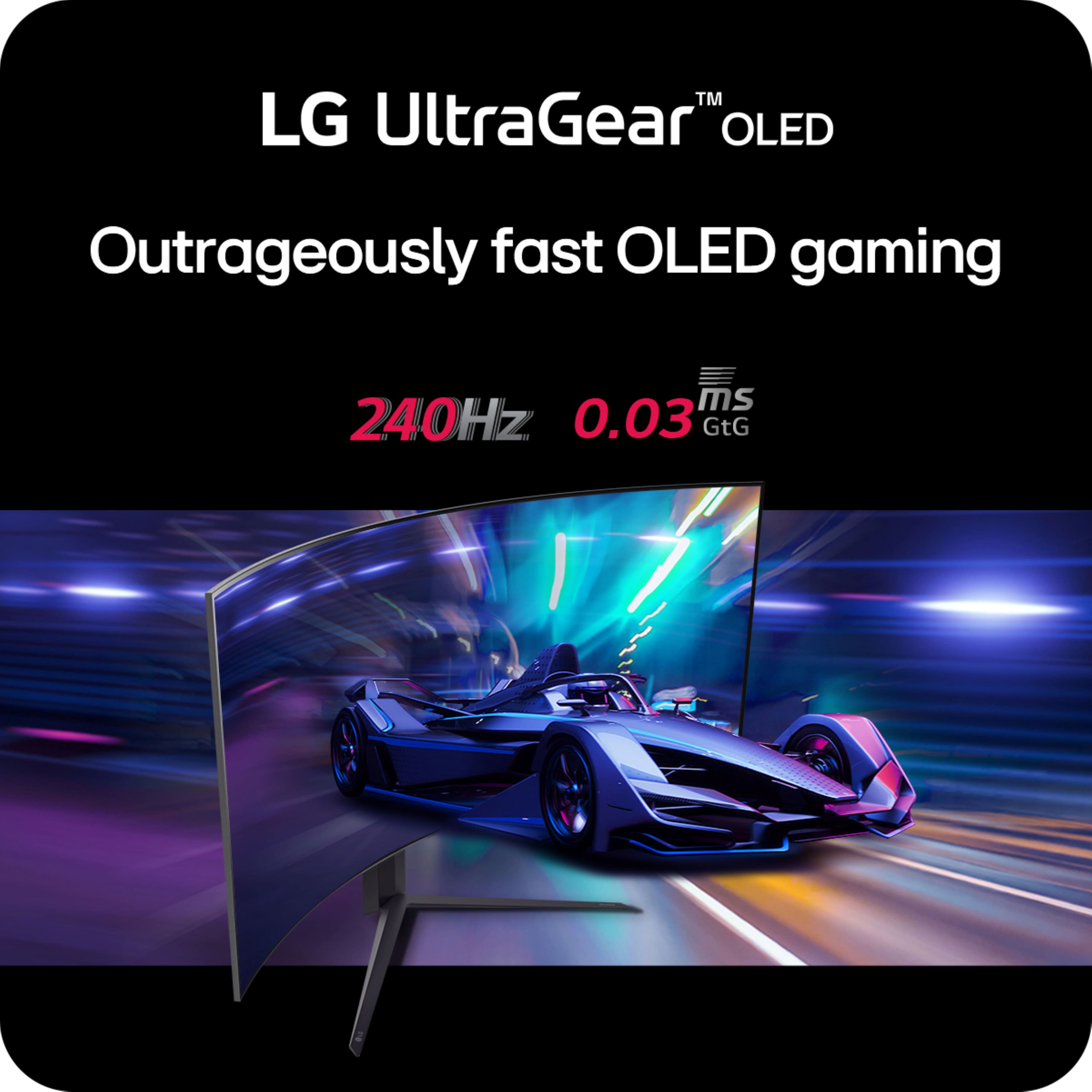
    • Answer This monitor boasts a nearly instantaneous 0.03ms (GtG) response time.
    This question and answer was generated by AI based on customer and product data.

  • QuestionIs this LG UltraGear monitor compatible with NVIDIA G-SYNC?

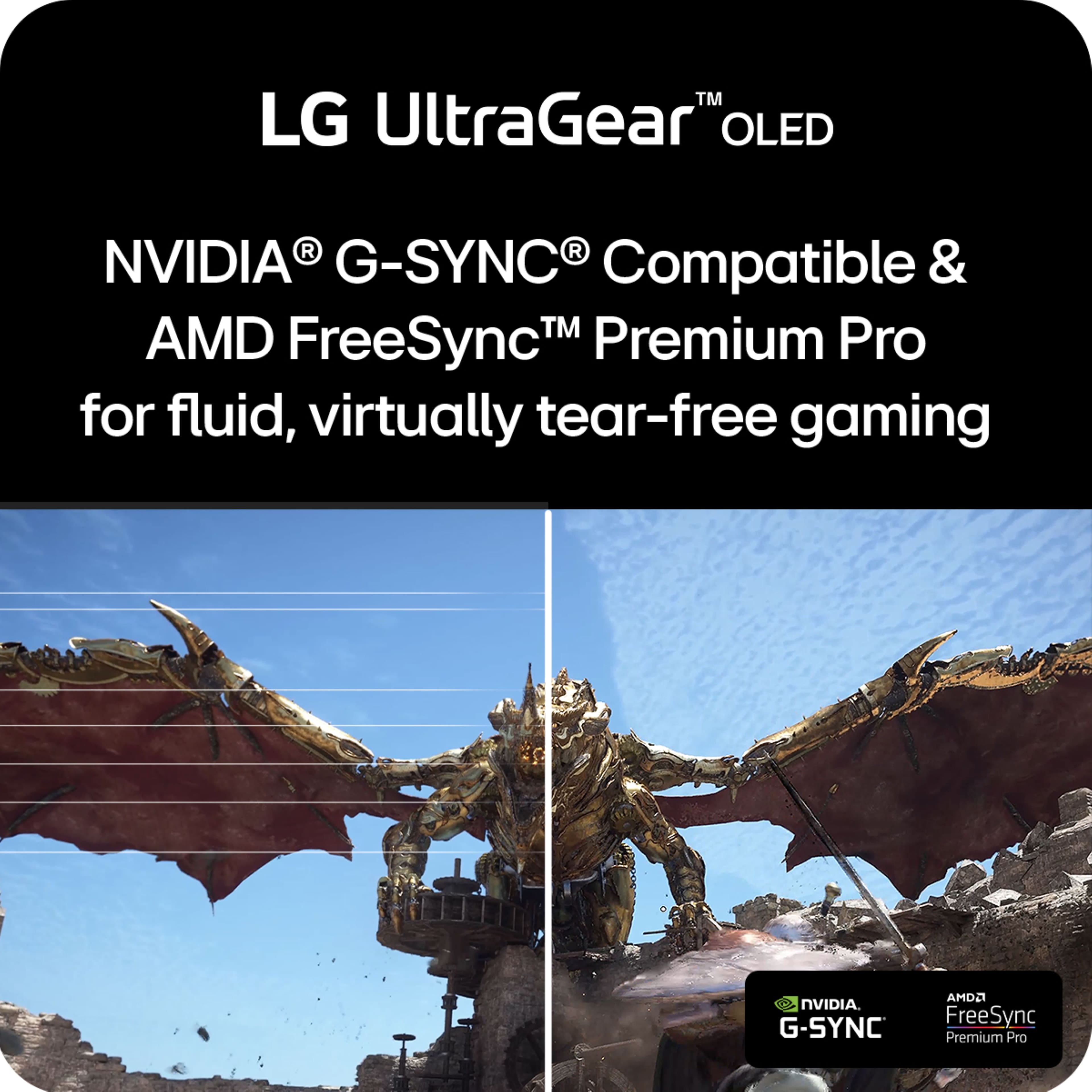
    • Answer Yes, this monitor is officially validated by NVIDIA as G-SYNC Compatible.
    This question and answer was generated by AI based on customer and product data.

  • QuestionWhat is the contrast ratio of the LG UltraGear OLED monitor?

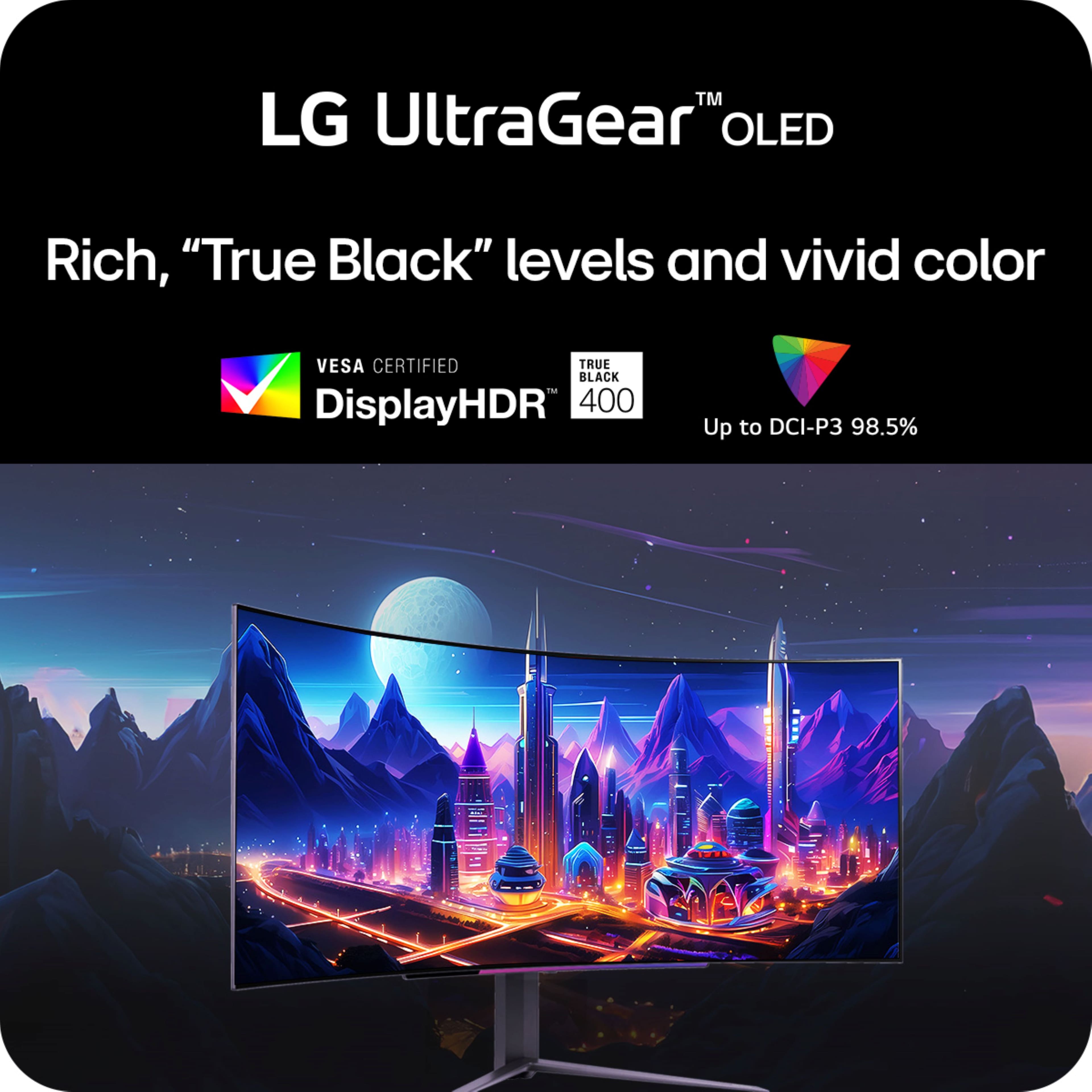
    • Answer This monitor boasts a 1,500,000:1 contrast ratio for deep, detailed picture quality.
    This question and answer was generated by AI based on customer and product data.

  • QuestionWhy is this not the newest lg 45? The stand is different and no remote… why?

    Asked by Anonymous.

    • Answer Feels weird to contradict "LG Customer Service", but their answer is wrong. This model (45GS96QB-B) is the current 2024 model, the newest model in this product line as of 5/2024. The 2023 model was the 45GR95QE-B. This 2024 model (96QB-B) has the following major differences: 1) built-in speakers, 2) a USB-C port, 3) VESA-certifed HDR (thanks to HDR400 + TrueBlack 4) a much-brighter SDR and HDR screen output. Weirdly: this newest version does NOT have a remote. If you can work around that issue, it is the superior model to last year's QE-B. You're welcome, LG. (BTW, you can find the December 12, 2023 press release announcing the QB-B model as the 2024 version and confirming the QB-B will hit store shelves in retail by April of 2024.

      Answered by Specs23

  • QuestionWorking from home using one laptop and two monitors to access remote desktop (Citrix/AWS). Can this monitor be split into two screens as if using 2 monitors on extended desktop? if so, please let me know how to do it.

    Asked by Holly.

    • Answer Hello there, Holly. Thank you for your question. The LG UltraGear 45" OLED Gaming Monitor, model 45GS96QB-B, does support screen-splitting, allowing you to use it as two separate displays on an extended desktop, which can be very helpful for remote desktop work setups like Citrix or AWS. You can achieve this with its PBP (Picture-by-Picture) or PIP (Picture-in-Picture) features, which let you divide the screen and use two sources simultaneously. Here’s how to set it up: Connect your Laptop: Use either HDMI, DisplayPort, or USB-C connections to your laptop. Ensure you’re connecting both monitors as extended displays through your operating system’s display settings. Activate PBP/PIP Mode: Access the OnScreen Control (OSC) menu on the monitor. Look for the PBP/PIP settings under display options. Choose the preferred screen-splitting mode, and adjust the layout to your liking. Arrange Displays in Citrix or AWS Remote Desktop: Configure Citrix or AWS to recognize the split as separate monitors within your extended desktop setup. https://www.lg.com/us/monitors/lg-45gs96qb-b-gaming-monitor#pdp_specs For further assistance, feel free to message us on social media at @LGUSSupport, and we’ll be glad to walk you through the setup. Enjoy your new multitasking workspace! —Renzo

      Answered by LG Digital Customer Care

  • QuestionDoes this come with a remote to navigate the settings or menu easy? Or at least have a display widget center type app like Asus does to simply navigate the menu with the mouse on the menu with the monitor to make it easier?

    Asked by JohnnyT.

    • Answer A remote control is not included with the LG 45" UltraGear™ OLED WQHD 1440P 240Hz 0.03ms G-Sync Compatible 800R Curved Gaming Monitor with Built-in Speakers, Model # 45GS96QB-B. IT is incompatible with remote controls. You can navigate through the settings menu using the joystick button located under the LG logo located in the middle of the bottom bezel on the monitor...^Ivan.

      Answered by LG Digital Customer Care

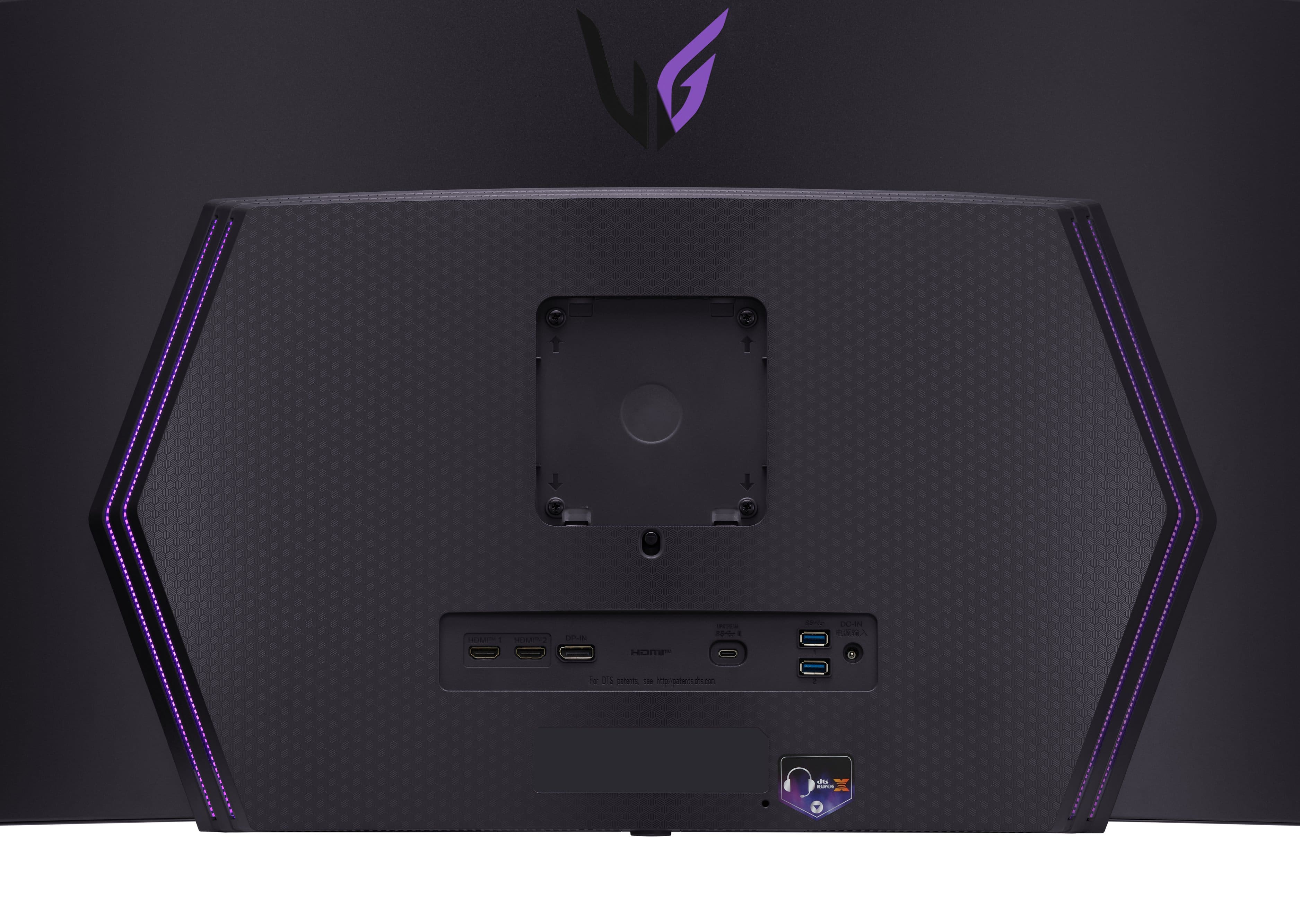
  • QuestionIs this Display port version 1.4 and an HDMI version 2.1?

    Asked by tomsquestion.

    • Answer Thank you for reaching us regarding LG Monitor. Yes, the LG 45GS96QB-B monitor supports both DisplayPort version 1.4 and HDMI version 2.1. These connections allow the monitor to achieve up to a 240Hz refresh rate. You can download its owner's manual through this link for more information: https://www.lg.com/us/support/product/lg-45GS96QB-B.AUS. For additional assistance, please reach out to us on social media @LGUSSupport so we can help you further. ^Cris

      Answered by LG Digital Customer Care

  • QuestionDoes the 45GS96QB-B come with a remote? It's almost too big to reach.

    Asked by ImpliedConsent.

    • Answer No.

      Answered by Scottus

  • QuestionHi, can I use 2 laptops at the same time with this monitor?

    Asked by DrDw.

    • Answer Hello there! Thank you for reaching out to us. We understand you're asking if you can use two laptops at the same time with the LG 45GS96QB-B gaming monitor. Yes, you can use two laptops at the same time with this monitor. The LG 45GS96QB-B supports Picture-by-Picture (PBP) and Picture-in-Picture (PIP) modes, allowing you to display input from multiple devices simultaneously. You can connect each laptop using HDMI, DisplayPort, or USB-C (depending on your laptop’s ports), and then use PBP or PIP to view both laptops on the screen. https://www.lg.com/us/monitors/lg-45gs96qb-b-gaming-monitor#pdp_specs For any further questions or assistance, please send us a private message on Social Media @LGUSSupport, and our team will be happy to assist you further. We appreciate your patience! —Renzo

      Answered by LG Digital Customer Care

  • QuestionIs it WOLED or QD Oled?

    Asked by EJ6967.

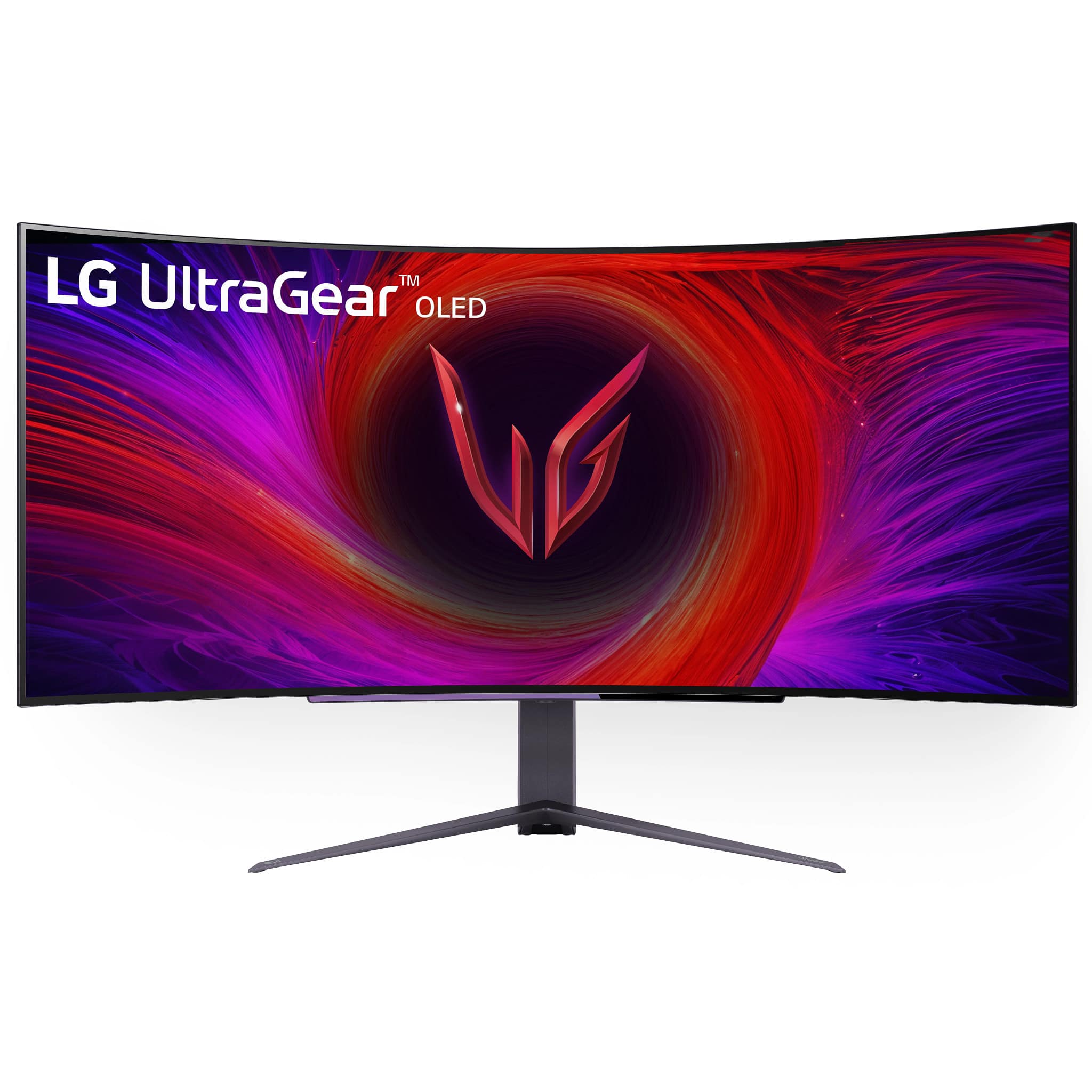
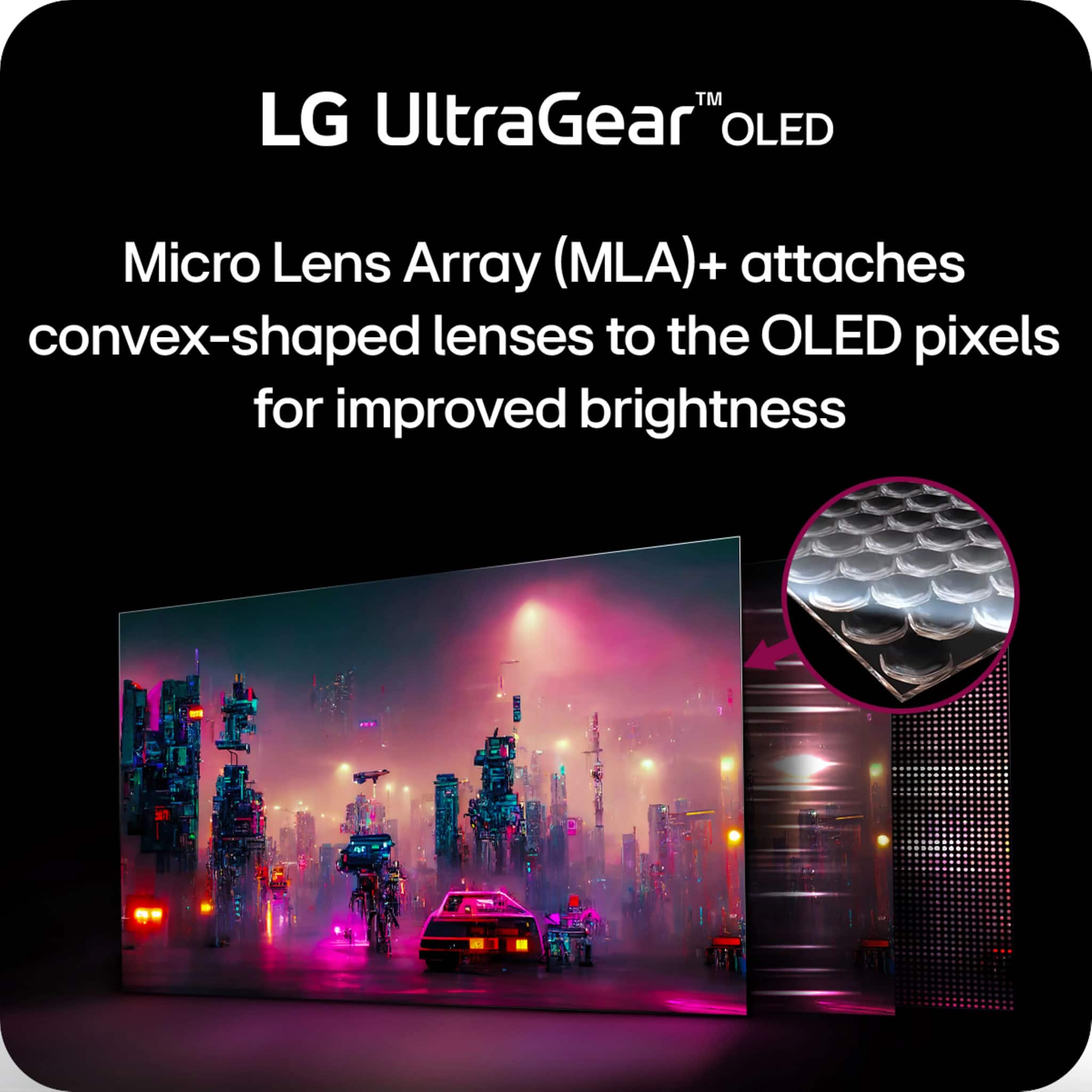
    • Answer LG does not manufacture QD OLED panels. The LG 45 Inch UltraGear™ OLED WQHD 1440P 240Hz 0.03ms G-Sync Compatible 800R Curved Gaming Monitor with Built-in Speakers, Model # 45GS96QB-B, uses a W-OLED MLA+ panel with an improved brightness performance...^Ivan.

      Answered by LG Digital Customer Care

  • QuestionXbox Compatible.

    Asked by Jt1970.

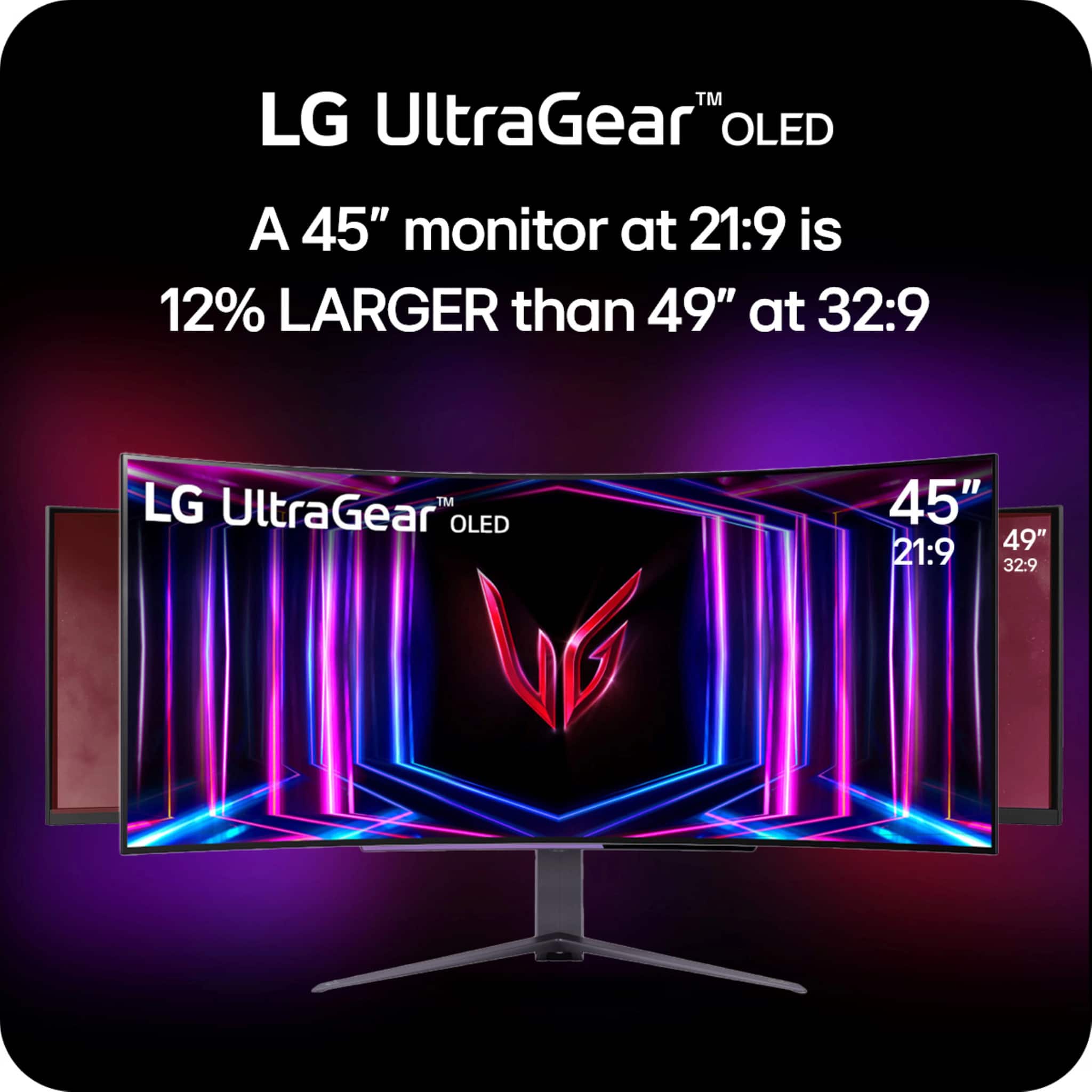
    • Answer Which of the Xbox consoles are you inquiring about, the original Xbox, the Xbox Series X, Xbox One, or the Xbox Series S models? The LG UltraGear™ 45" OLED Curved WQHD 240Hz 0.03ms FreeSync™ and NVIDIA G-SYNC® Compatible Gaming Monitor with HDR400 - Black, Model # 45GS96QB-B has a native WQHD (3440 x 1440) resolution which is an Ultrawide resolution with a 21:9 Aspect Ratio. The latest Xbox consoles, such as the Xbox Series X and Series S, are designed for high-resolution gaming. They support resolutions like 4K and 1440p (i.e. 2560 x 1440). But, they do not natively support Ultrawide aspect ratios like 21:9. This means that when you connect an Xbox to an Ultrawide monitor, you will see black bars on the sides. These black bars fill the extra screen space that the Xbox does not use. This happens because the Xbox outputs in a standard 16:9 aspect ratio...^Ivan.

      Answered by LG Digital Customer Care

  • QuestionWhat wattage is the AC adapter for this product?

    Asked by Carl.

    • Answer The AC/DC Adapter, Model # AD10660LF for the LG 45" UltraGear™ OLED WQHD 1440P 240Hz 0.03ms G-Sync Compatible 800R Curved Gaming Monitor with Built-in Speakers, Model # 45GS96QB-B manufactured by PI Electronics (H.K.) Ltd. is a 270W adapter...^Ivan.

      Answered by LG Digital Customer Care

  • QuestionI would like to confirm whether it supports Picture-by-Picture (PBP) mode. Can I connect two separate input sources (e.g., HDMI and DisplayPort) and display them simultaneously side by side? Similar to two 27” monitors side by side

    Asked by FelipeL.

    • Answer Your question about if you can connect two separate input sources (e.g., HDMI and DisplayPort) and display them simultaneously side by side is what PBP (Picture-by-Picture) is and the LG 45" UltraGear™ OLED WQHD 1440P 240Hz 0.03ms G-Sync Compatible 800R Curved Gaming Monitor with Built-in Speakers, Model # 45GS96QB-B supports PBP. You can select HDMI 1 as the main screen and either HDMI 2, DisplayPort, or USB-C as the sub screen or HDMI 2 as the main screen and HDMI 1, DisplayPort, or USB-C as the sub screen, or DisplayPort as the main screen with HDMI 1, HDMI 2 or USB-C as the subscreen, or USB-C as the main screen and HDMI 1, HDMI 2 or DisplayPort as the subscreen. [Screen Switch] allows you to switch the main screen/sub-screen in PBP/PIP mode, and [Sound Switch] allows you to switch the main screen/sub-screen sound in PBP/PIP mode. Some features and HDR functions are not supported in PBP/ PIP mode...^Ivan.

      Answered by LG Digital Customer Care

  • QuestionCan we finance through best buy visa?

    Asked by Mike.

    • Answer Hello there, Mike. We understand your inquiry regarding financing options for the LG UltraGear 45GS96QB-B.AUS OLED Curved Gaming Monitor. Please note that financing terms can vary based on creditworthiness and other factors. To get detailed information and confirm your eligibility, we recommend contacting Best Buy directly or visiting their financing page. https://www.bestbuy.com/site/lg-ultragear-45-oled-curved-wqhd-240hz-0-03ms-freesync-and-nvidia-g-sync-compatible-gaming-monitor-with-hdr400-black/6575395.p?skuId=6575395 If you have any further questions or need assistance, feel free to send us a private message on Social Media @LGUSSupport. We're here to help! —Renzo

      Answered by LG Digital Customer Care

  • QuestionHow you clean finger prints from panel?

    Asked by Anonymous.

    • Answer I use a normal screen safe cleaning agent and microfiber towel. Let the towel do the work and don't push, make sure to dry with secondary towel.

      Answered by BrianG

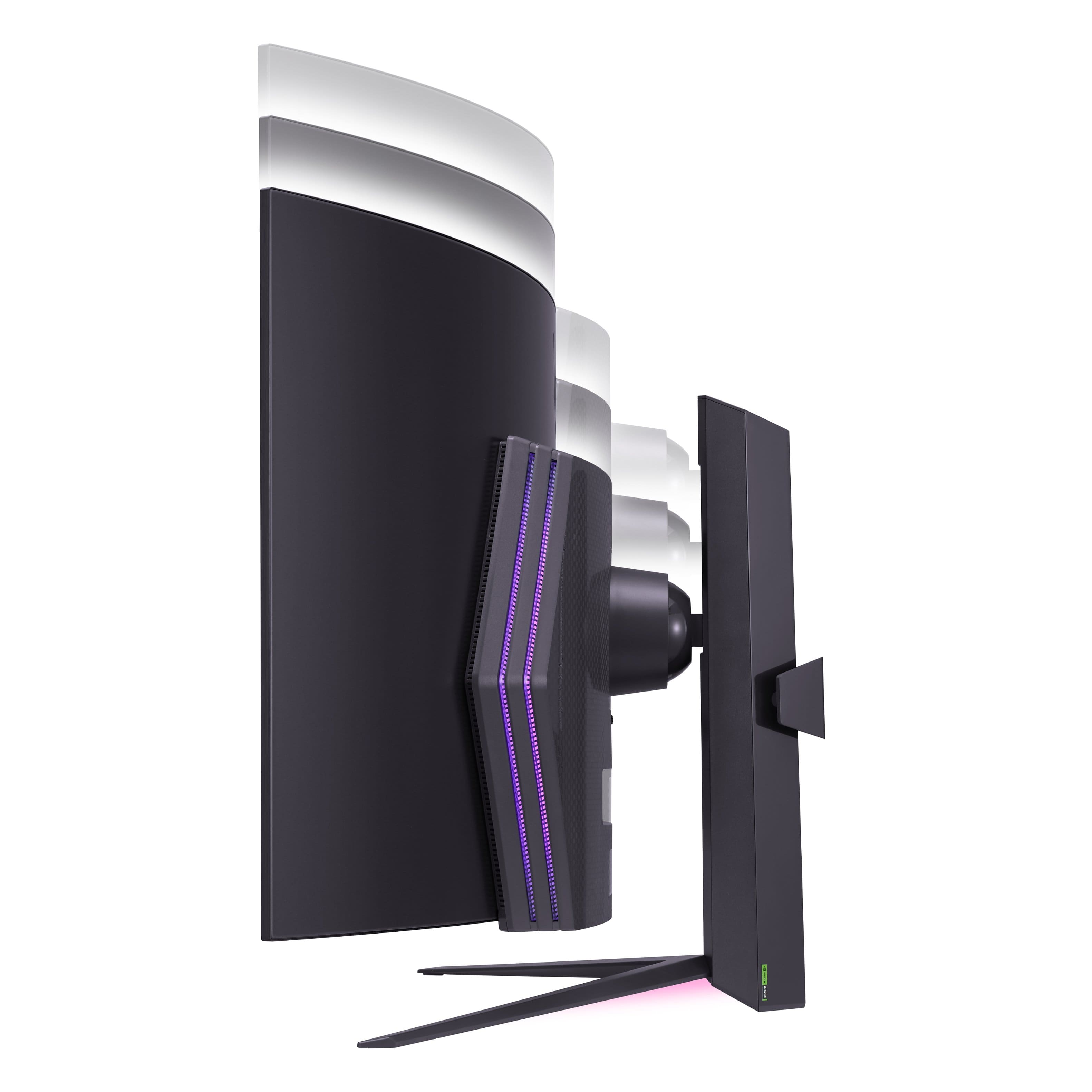
  • QuestionDoes this monitor tilt up? Not rise and lower, but tilt

    Asked by Ty.

    • Answer Yes, the monitor can tilt up

      Answered by Ghostish

  • QuestionWhat is the weight of the the monitor with out the stand and is it mountable?

    Asked by Distroyer406.

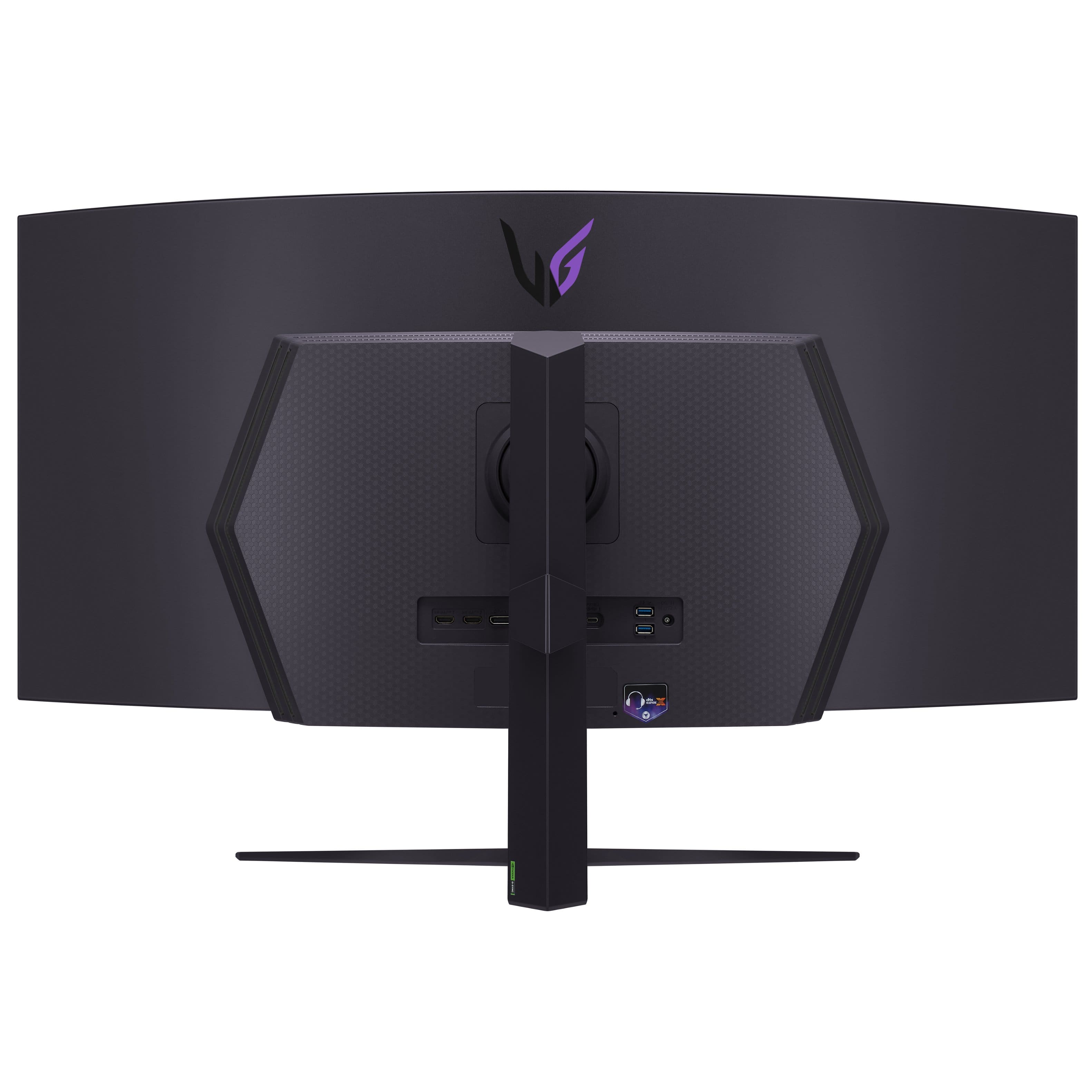
    • Answer Hi there. Thank you for your inquiry about the 45GS96QB-B.AUS gaming monitor. We understand your situation and are happy to help. This model has a weight of 19.8 lbs without the stand, and it is indeed mountable. It features a VESA wall mount compatibility with a size of 100 x 100 mm, making it easy to set up on your preferred wall mount system. One troubleshooting step we recommend is to ensure that the mounting hardware you use is VESA-compatible and rated to support at least 20 lbs for a secure installation. This will help maintain the integrity of your setup and ensure a smooth mounting process. https://www.lg.com/us/monitors/lg-45gs96qb-b-gaming-monitor#pdp_specs For further assistance or if you have any additional questions, please send us a private message on social media @LGUSSupport, and our team will be more than happy to explore additional solutions with you. —Renzo

      Answered by LG Digital Customer Care

  • QuestionWhy doesn't this model come with a remote control? The previous model did include one. Does it support HDMI-CEC at least? Do any newer models have a remote control or HDMI-CEC?

    Asked by Billy.

    • Answer Some people complained about the remote and lack of a standard joystick on the previous version, so LG removed the remote and added a standard joystick instead. You cannot use a remote with this version.

      Answered by MarshalNey