A:AnswerYou'd only use multiple extenders if you had coverage problems due to distance, walls, electrical interference, etc., to overlap coverage in hard to reach areas, otherwise one is more than enough for most homes or offices.
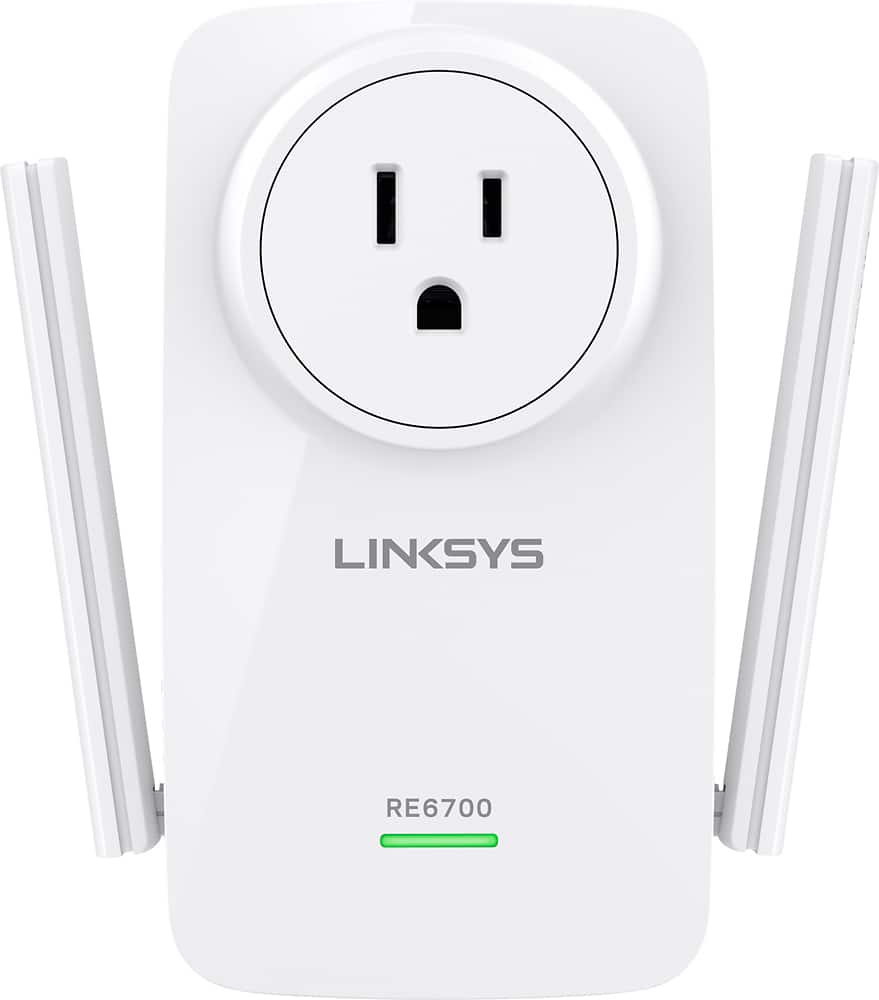
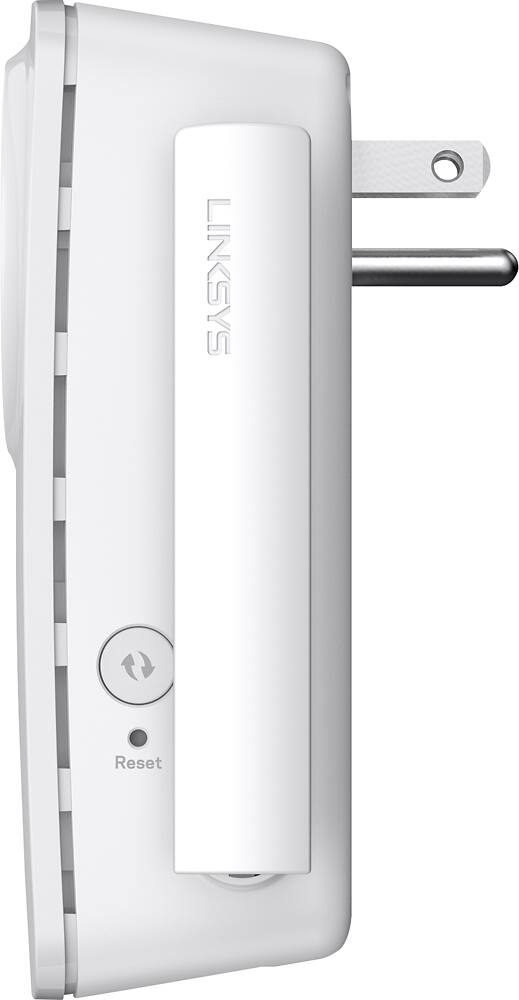
A:AnswerGenerally, just straight up vertical. You can move them around and see if it makes a difference, but generally not. Some folks like to put them in a V-pattern which can help with coverage..or just like it looks on the box.
A:AnswerHi Rick,
I believe your issue is with the provider. If you are in the same room as your router, you should be pulling the full 50 mb (sometimes more). Try utilizing 5ghz band as well on anything you can to eliminate any interference on the spectrum. I suspect you have a cabling issue in your home. It is common that so many splitters can be installed that your signal falls apart. Have COMCAST come test your line and equipment.
A:AnswerThis should extend the range of your wifi router to a significant degree, and probably reach a total of 500 feet range. However, it is hard to say for certain depending on the building you're in and other factors.