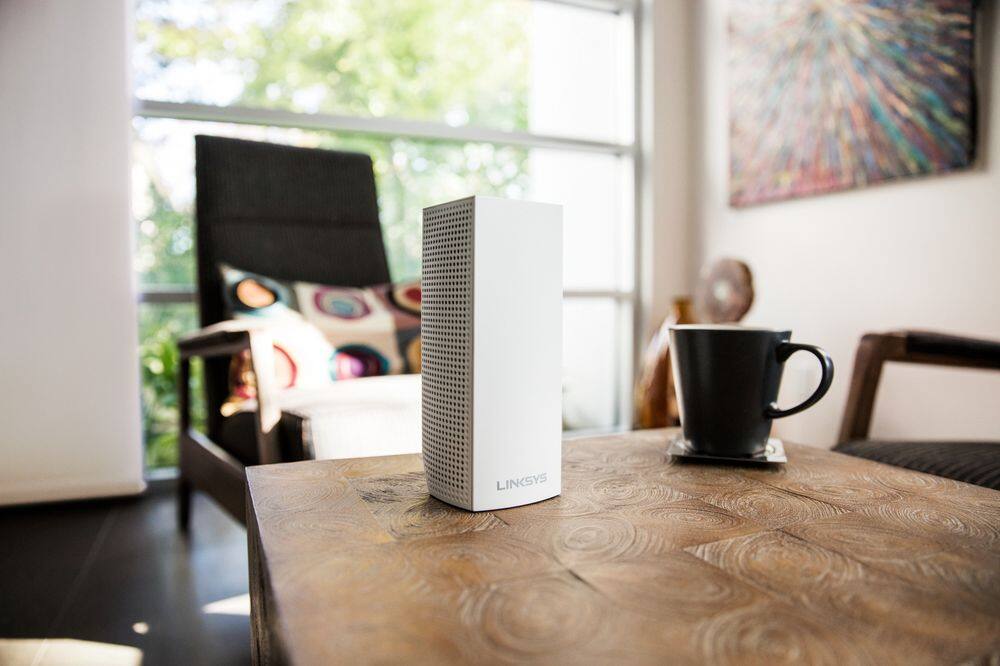
A:AnswerMine does this on a regular basis. I take the unit that is plugged directly into my modem, unplug the power this Velop, wait about 10 seconds, plug it back in and wait for it to boot back up. That seems to work it’s just frustrating.
A:AnswerMake sure that you have your Blu tooth on when setting up the second one. Also it has to be out just right to catch the Signal. That it takes a second or minutes and it will start running.
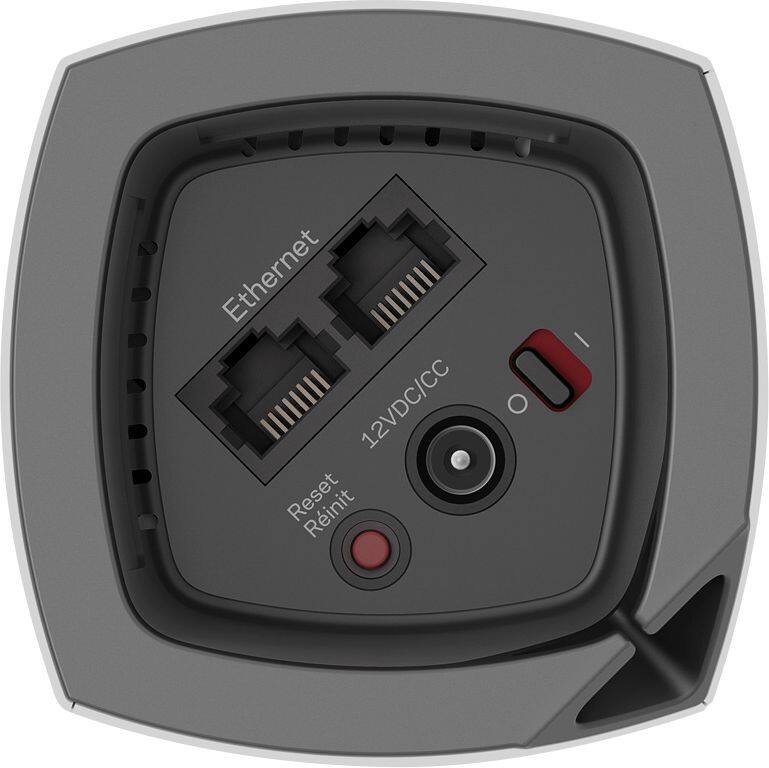
A:AnswerI would doubt it would work if you are straight coax. You need to use an Ethernet cord to connect to the main tower. If you do not have anything to connect, it most likely will not work.
A:AnswerNot just "a" router, it's a system of routers :) And yes, a router is different from a modem, which is NOT included in the Velop system. A modem is basically where your internet will "come from" and the router allows multiple devices to access it. Velop is NOT a modem.
But don't let the "system of routers" scare you. It is insanely easy to set up!
A:AnswerI have a 2500 square foot home plus a 2 car garage and a detached garage. I bought 3 Linksys nodes and it covers the whole house plus the garages and haven’t seen a single signal drop.
A:AnswerNot to sound flippant, but just connect a multi-port hub/switch to one of the ethernet ports on the router and the answer is yes. Make sure it's a dumb switch though (non-managed). The Linksys router will provide all the DHCP and routing.
A:AnswerA couple things:
1. If you don't have a home phone line, I would suggest getting rid of your Comcast two in one and opting into your own modem and separate wifi router. A gateway does very little justice in a home your size.
2. In order to make the velop system an access point, which is what you want to do to make it sort of a wifi extension, you'll have to first call Comcast and have them turn your gateway into a bridge. This will bridge the connection from your modem to your velop router and allow that to be used as a router. You'll have multiple nodes so using them as a blanket wifi system is as easy as that.
A:AnswerHere's the link to enable the Linksys skills for Alexa. They're not in the Alexa app yet.
https://www.alexaskillstore.com/Linksys-Smart-Wi-Fi/41803
A:AnswerI left my hard wired routes running and just turned off the wifi function on them. That worked great for me and I recommend that course of action.
A:AnswerI'm not sure where others are getting their information, but here are the answers to your questions:
- You have to have Internet access in order to get any network packets outside of this network. So, strictly-speaking, if you have no Internet access, the network can still operate.
- Yes, it has built-in DHCP; for the other commenter, it would have to have DHCP, else it could never provision devices on the network!
- Yes, the DHCP function works without Internet access (this is an internal network function; it has no basis for outside access)
- Yes, computers connected to the mesh wifi network can communicate with each other without an Internet connect
A:AnswerBased upon my usage in a 3 level home with about 6k sq ft to cover, I would suggest the Velop and get rid of the current router and power-line adapters. I replaced a router, two repeaters and 3 power line adapters and now have better performance with Velop.
A:AnswerThis is not an AD router. That said, 802.11AD range tops out at 10 meters and is not seen in many devices right now. Unless you are transferring large quantities of data from one wireless device to another on your same network, you probably wouldn't see any benefit to AD anyways as AC has sufficient throughput for any gaming or streaming services currently available (your internet service is generally the limiting factor here).
A:AnswerSome people get the products from the manufacturer before the release date to test them. They are asked to test them and give an honest review...good or bad. This helps the manufacturer to know how the public will respond to their products and if there are any issues.
A:AnswerThe point of this is to distribute wireless internet connectivity around the house. If all you want to do is to network computers, there are far better options. And I didn't find this system to be very good at doing what it was designed to do. Buy something else for less money.
A:AnswerThis will absolutely work in your metal building. Just installed in a multiple level house with thick concrete walls throughout and have full coverage using the 3 piece setup.