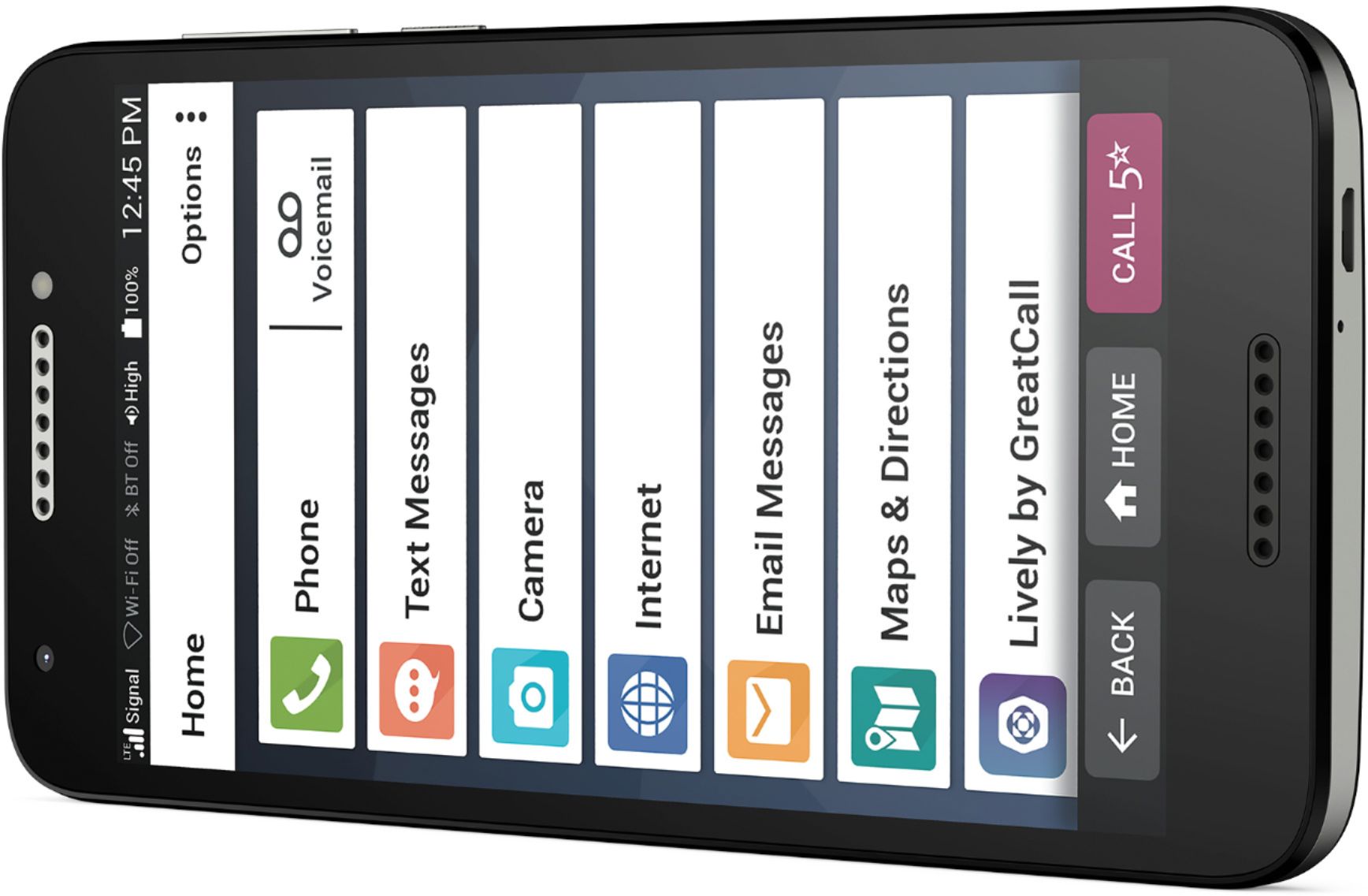
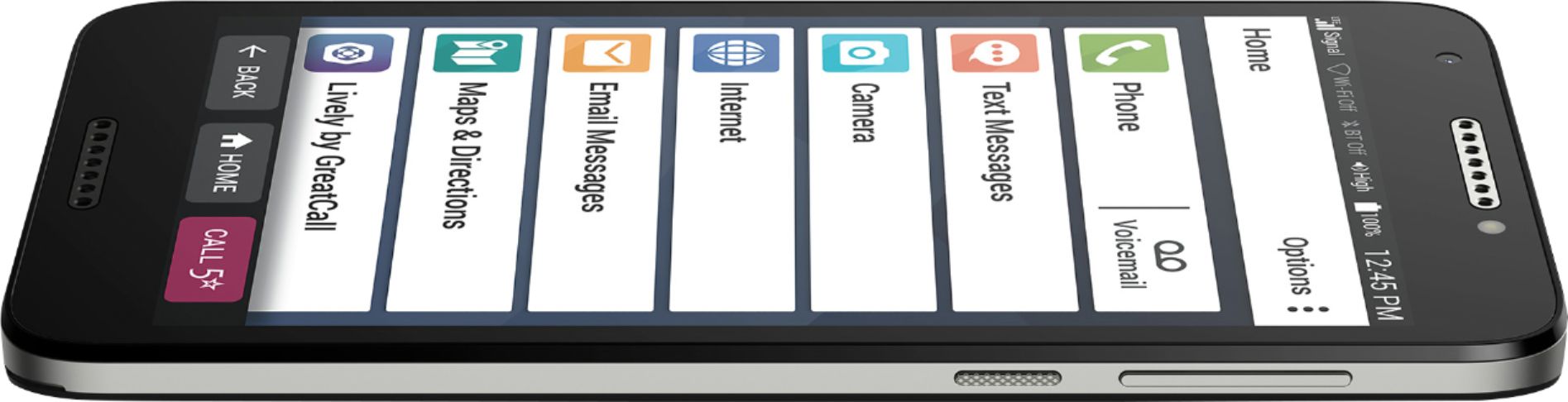
A:AnswerGreatCall strives to provide the highest quality service available. We understand that each individual will have different needs and usage requirements and as such, we offer a variety of products and rate plans with a broad range of usage limits. GreatCall does provide an Unlimited Talk and Text plan. Our rate plans can be reviewed on our website, www.greatcall.com.
A:AnswerGreat question. The copy and paste option is available in some pages of the phone and can be done by pressing and holding the word you wish to copy.
A:AnswerHello, we are sorry to hear that you are having trouble deleting pictures from your Jitterbug Smart 2. We ask that you please contact our Customer Service team for support.
A:AnswerHello, we are sorry to hear that you were not completely satisfied with the Jitterbug Flip phone and we appreciate your feedback. The Jitterbug Flip phone has 5 different settings for volume. You may also go through each ringtone to see what works best for her. Our customer's agree that ALERT is the loudest ringtone on the Jitterbug Flip. Please make sure the volume is set to MAX. For further assistance please call 1-800-733-6632, for assistance with the Jitterbug Flip.
A:AnswerYou can call internationally with the Jitterbug Smart2, however, international calling fees apply. You can also email with the Jitterbug Smart2 or it is an android smartphone, so you do have the option to download a video chat application from the Google Play Store. For more information, please call GreatCall Customer Service, 1 800-733-6632.
A:AnswerYes, the Jitterbug Smart 2 has the ability to take a screen shot. You can view details about other features on the Jitterbug Smart 2 on the Product Support page of our website. For any further assistance please contact our Direct Sales Department at 1-866-819-3174, between 6 a.m. and 6 p.m. Pacific Standard Time, seven days a week.
A:AnswerHi, the Jitterbug Smart 2 phone does have Bluetooth compatibility. It is compatible with Bluetooth Headset Profile v4.2. GreatCall cannot guarantee compatibility of any accessory not sold directly by GreatCall. For further assistance, please contact our Customer Service at 1(800)733-6632 between 5AM – 8PM, Pacific Standard Time.
A:AnswerI bought a jitterbug 3 phone and i cannot remove the something wrong and urgent response i have T Mobile phone service i dont need the lively service please tell me how to remove this? Thank you!
Lisa
A:AnswerGreat question! We do not recommend disabling any preinstalled applications such as the 5Star button. If you are accidentally pressing this button, we have found that some users do this less often when using a case with their Jitterbug Smart2.
A:AnswerThe Jitterbug smartphones are unlocked per nationwide standards, but we cannot control which carriers choose to accept or activate our phones. Jitterbug phones were specifically designed to work on the GreatCall network which is powered by the nation’s largest and most dependable wireless network. GreatCall’s award winning U.S. based support and 5Star emergency response service is only available on the GreatCall network. GreatCall offers a variety of affordable plans which can be viewed at our webpage.
A:AnswerWe are very sorry to hear you encountered a problem with activating your phone. If you have not already done so, please power your phone off completely and then back on to restart the activation, if you still encounter a problem, please give us a call for further assistance.
A:AnswerHi Mary, to block a number, the Smart2 must be in Advanced Android mode. Once it is, Tap Phone icon on bottom of screen, Tap Menu (3 dots in the upper right), Tap Block Numbers, Tap Add a Number, Type in the number you wish to block, then Tap Block. If you have any further questions, please contact our Customer Service.