A:AnswerFacetime is an Apple software that allows the user to make video calls to one apple device to another. I don't know if you're trying to use Apple's Facetime software or using a window's program for it. To make a video call, you will need to have 2 webcams; so if your granddaughter has one already than you would only need one. Hope this help!
A:AnswerAlmost sure, No. Any camera would need to have drivers for it on the device. Logitech doesn't make drivers for mobile OSs for these, and I'm pretty sure there aren't generic ones on Android or iOS for external cameras.
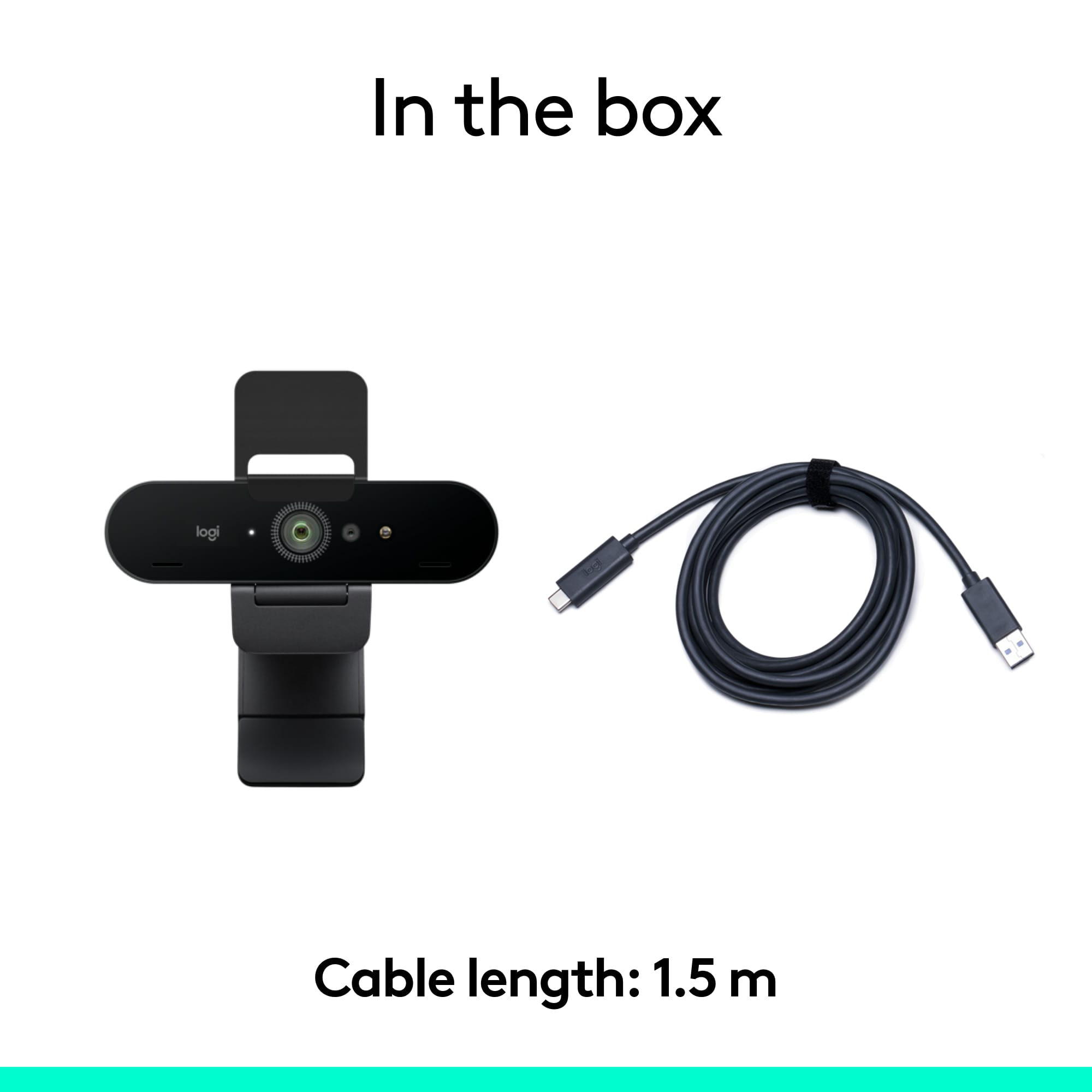
A:AnswerYes, it’s there. I thought the same way, did the same thing. But later found it in my car. Apparently it fell out as I took the other contents out of the box.
A:AnswerHello Sunniec, The 4K Pro Webcam is compatible with Windows® 8 or later (Windows 8.1 or higher required for resolutions greater than 1080p), macOS® 10.10 or later, and Chrome OS™ 29.0.1547.70 or later (2 GB RAM or more needed for 1080p video streaming). If you connect your computer to your Samsung Smart TV with the 4K Pro connected, then that's how you can use it. - Richard from Logitech
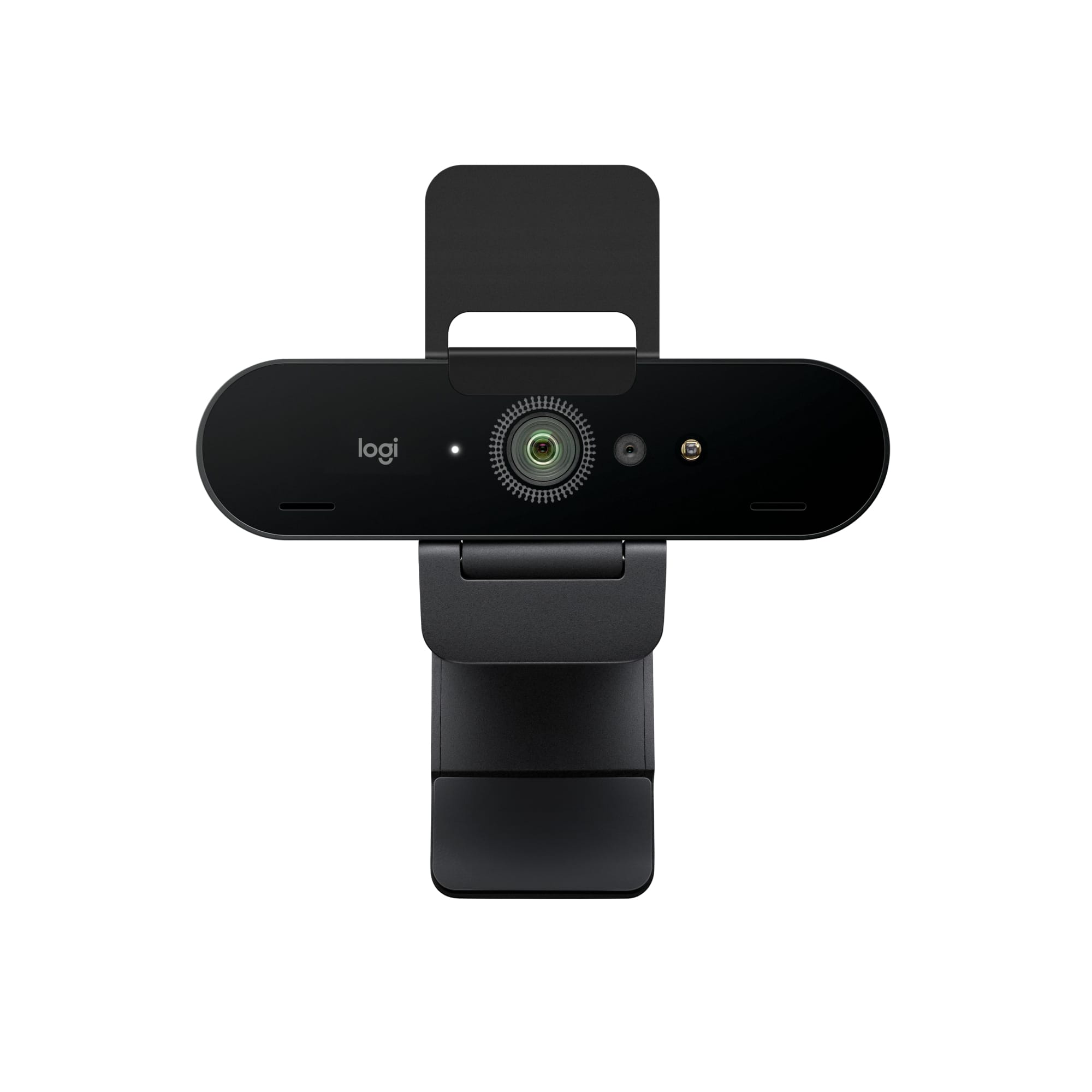
A:AnswerHello. The 4K Pro webcam will definitely work. You will have to hook up the camera to your laptop first. When you use the HDMI from your laptop to the TV, it will make the TV a display for the computer... So essentially you'll just be using your laptop, but on a much much larger screen.
A:AnswerHi Judith, the 4k Pro uses a standard USB 3.0 connection. The only way this particular webcam will work on a computer that only has USB C is if you have an external USB hub. Logitech does make 2 webcams with USB C connections, it would be the the 4K Pro Magnetic as well as the StreamCam.