Questions & Answers
- Model:
- 960-001580
- |
- SKU:
- 6550199
Highly rated by customers for: Image Quality, Ease of Use, Setup
$27.99Your price for this item is $27.99
Comp. Value: $39.99
The comparable value price is $39.99
Page Showing 61-70 of 70 questions
Q: QuestionCan this webcam be placed on a shelf instead of placed on top of the monitor? I can't tell if it has a pedestal.
Asked by GoIrish.
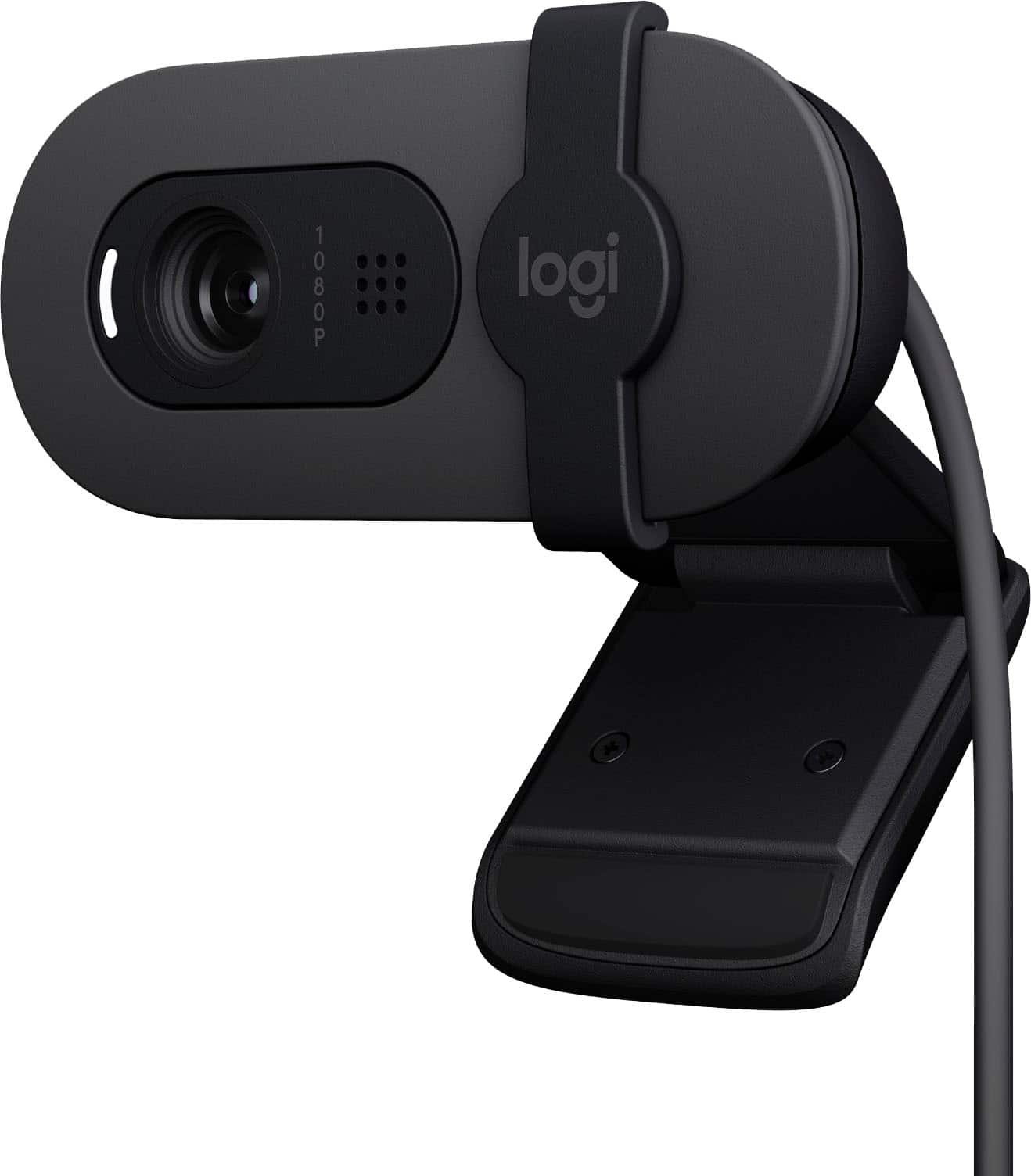
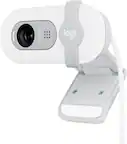
- A:Answer The camera has a plastic clamp, so you may need to have something on the shelf for it to clamp onto. The clamp can fold flat so it may work as a base, however the camera is so light that it can easily slip around. You may need a USB extension cord if the shelf is not close enough to the computer. The USB cable is about four and a half feet long. Go ahead and get the camera and you should be able to get it to work on a shelf without much trouble.
Answered by Jerry
Q: QuestionCan this be used with a ps5?
Asked by Bax.
- A:Answer Hey! No, the Brio 100 webcam is not compatible with a PS5.
Answered by Logitech
Q: QuestionIs it compatible with Xbox series S for twitch streaming?
Asked by Anonymous.
- A:Answer While the Logitech Brio 100 is compatible with Windows 10 or later, macOS 10.15 or later, and ChromeOS, it is not directly compatible with the Xbox Series S for Twitch streaming.
Answered by Logitech
Q: QuestionDoes this just connect to a USB or do I have to download a program?
Asked by charlie.
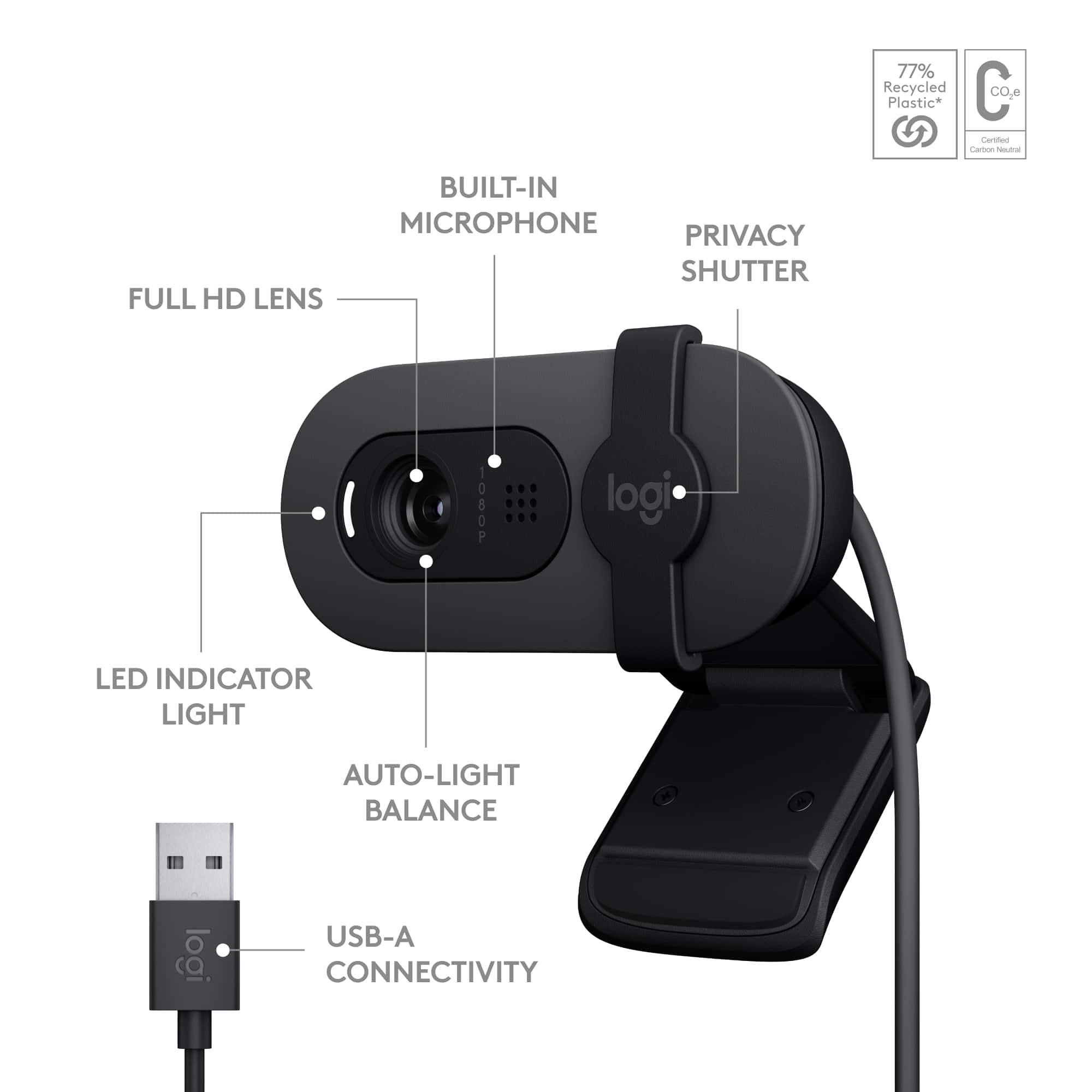
- A:Answer The Logitech Brio 100 is a plug-and-play webcam, meaning it connects directly to your computer's USB port and should work without needing to download any additional software.
Answered by Logitech
Q: Questiondoes it have a speaker built in?
Asked by carpenter51.
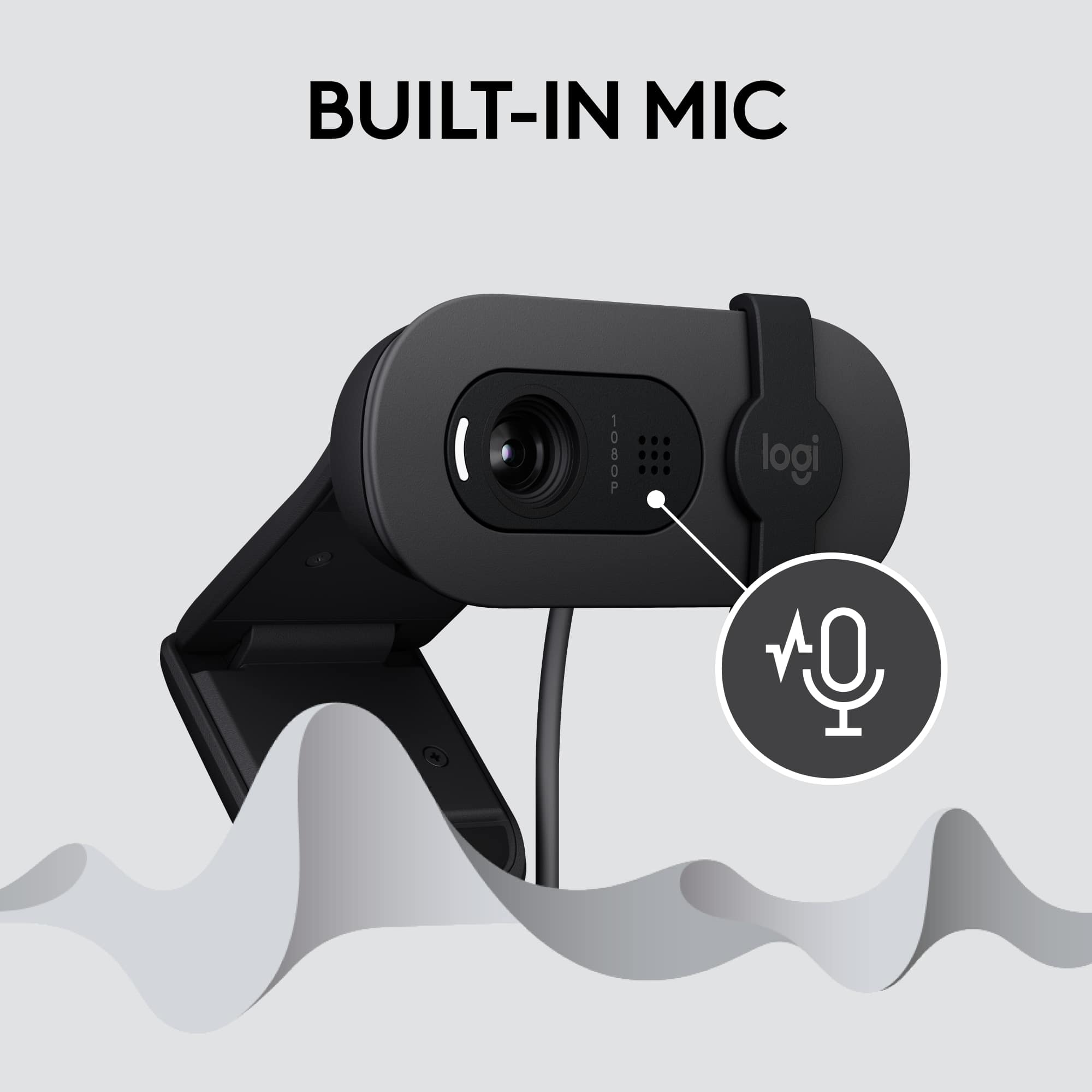
- A:Answer No, the Logitech Brio 100 webcam does not have a built-in speaker. It's designed primarily as a video camera and microphone. You'll need to connect it to a device with speakers (like your computer or laptop) to hear audio.
Answered by Logitech
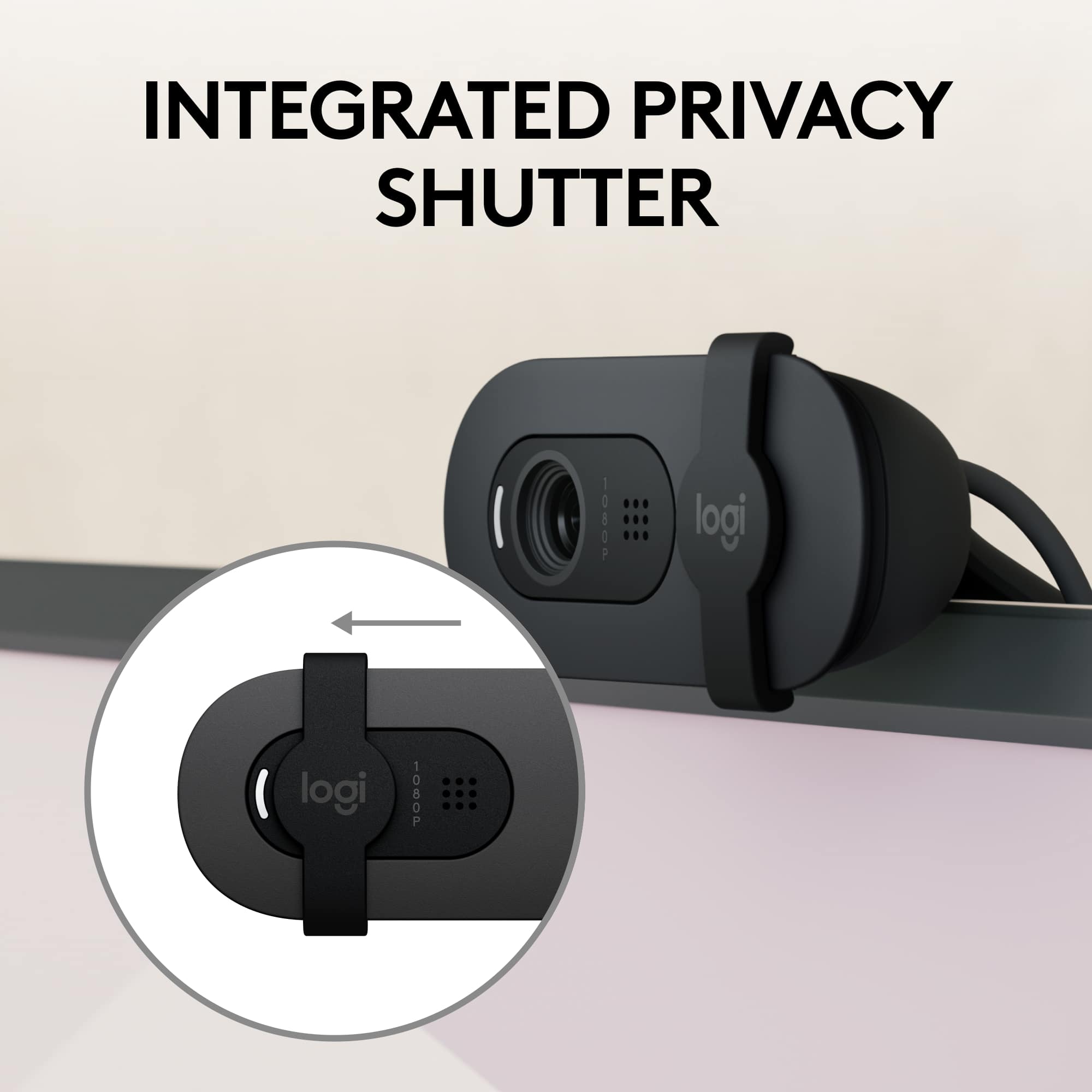
Q: QuestionI don't want to use the cameras microphone, is there a way to turn it off?
Asked by PlayHardNYC.
- A:Answer Hey there! The microphone option can be changed within the computer settings and you can choose any other microphone as per your preference.
Answered by Logitech
Q: Questioncan I disable the microphone?
Asked by de.
- A:Answer follow the prompts as directed
Answered by AndruP
Q: QuestionDoes this camera have facial recognition capability to use with Windows Hello?
Asked by AioS.
- A:Answer No, you need more upgraded versions of this.
Answered by Anonymous
Q: QuestionHow does it attached to the monitor
Asked by Novice.
- A:Answer It has an adjustable leg to steady it, it sits on the top of the monitor.
Answered by RCFlyer
Q: QuestionCan I zoom out with this camera? Is it fixed focus?
Asked by Ben.
- A:Answer It's fixed.
Answered by DonC
Best-selling webcams
- $48.99Your price for this item is $48.99$69.99The comparable value for this item is $69.99
- $21.99Your price for this item is $21.99$29.99The comparable value for this item is $29.99
- $179.99Your price for this item is $179.99$199.99The comparable value for this item is $199.99
- $79.99Your price for this item is $79.99$99.99The comparable value for this item is $99.99
- $119.99Your price for this item is $119.99
- $169.99Your price for this item is $169.99$199.99The comparable value for this item is $199.99
- $139.99Your price for this item is $139.99
- $199.99Your price for this item is $199.99
- $39.99Your price for this item is $39.99
- $90.99Your price for this item is $90.99$129.99The comparable value for this item is $129.99
- $169.99Your price for this item is $169.99
- $149.99Your price for this item is $149.99
- $199.99Your price for this item is $199.99
- $59.99Your price for this item is $59.99
- $169.99Your price for this item is $169.99
- $69.99Your price for this item is $69.99
- $119.99Your price for this item is $119.99
- $1,099.00Your price for this item is $1,099.00