A:AnswerI'm pretty sure it will work w/ the acer and mac but i would think you might have to download software from logitech.com that would allow you to change the resolution.
A:AnswerDon't know the exact answer but we have ours attached to the monitor and it has a good picture at 2 feet. It works wonderfully. It is EASY to install.
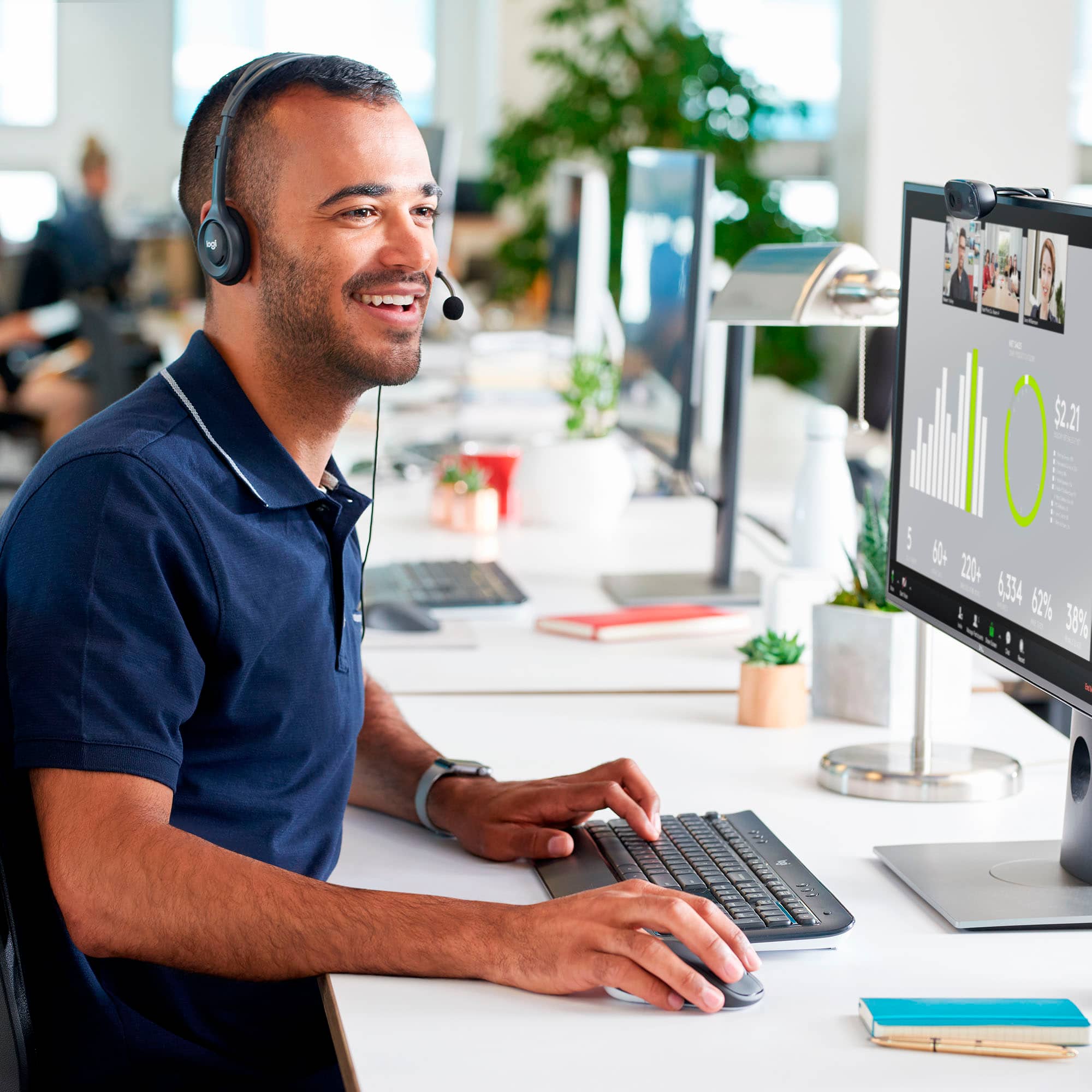
A:AnswerIt should be possible for you to use a separate (headset) mic with this webcam - however, you need to find the audio settings on your device or in your app (Zoom etc.) and select the microphone you want to use.
A:AnswerThe C270 is also powered by connection to a USB port (audio & video), so there could be a conflict with your remote mic. Ability to mute the C270 mic would be a function of the software you are using.
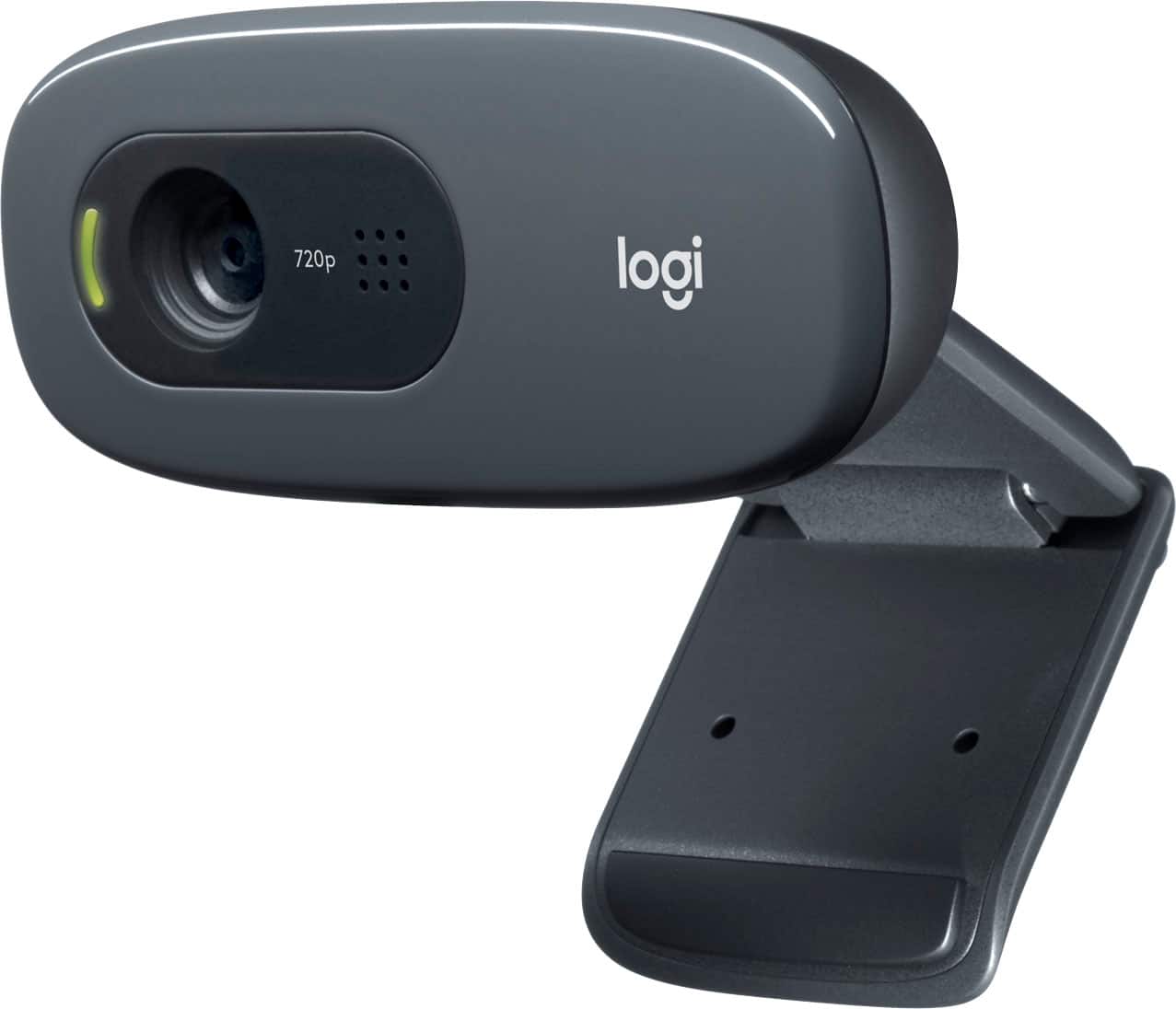
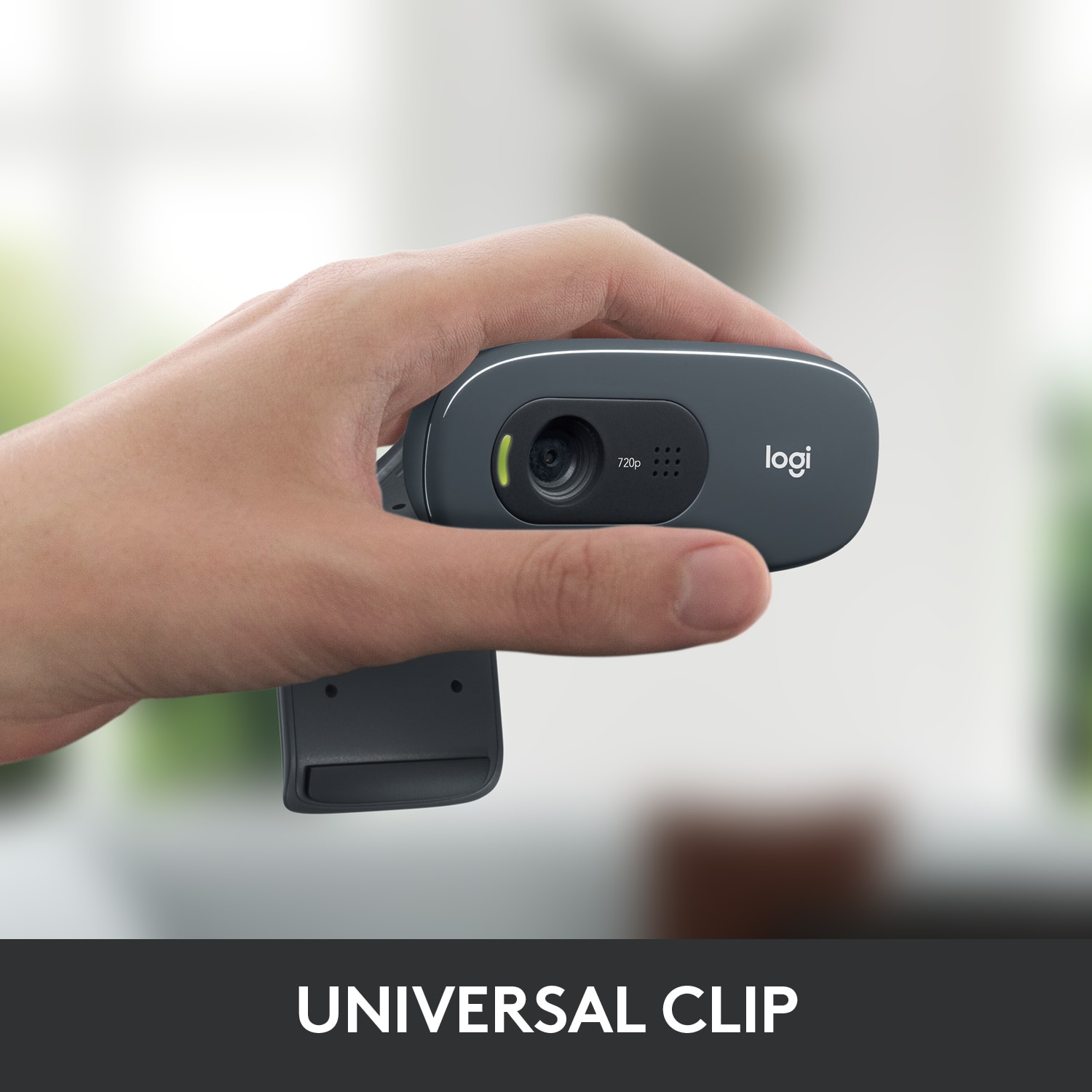
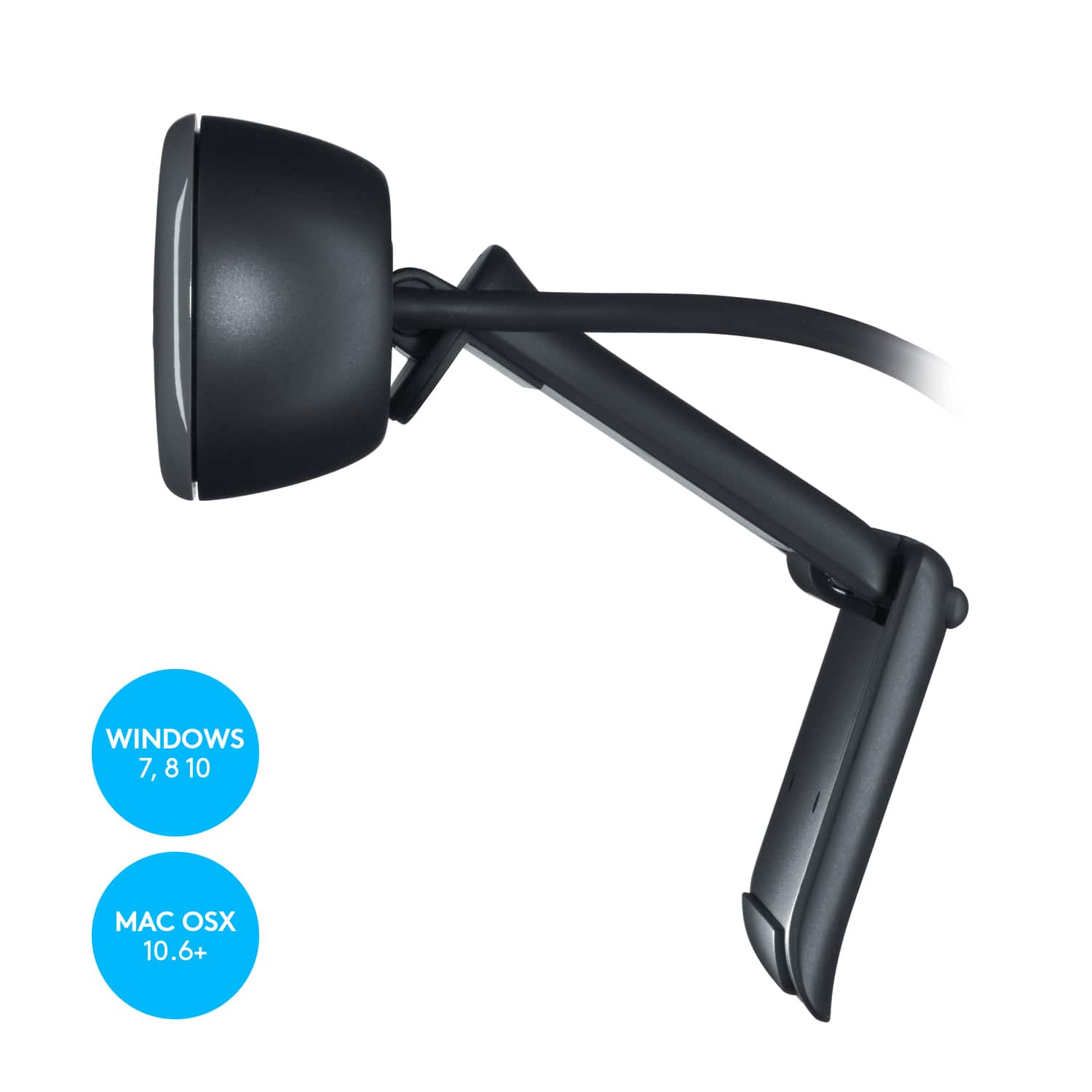
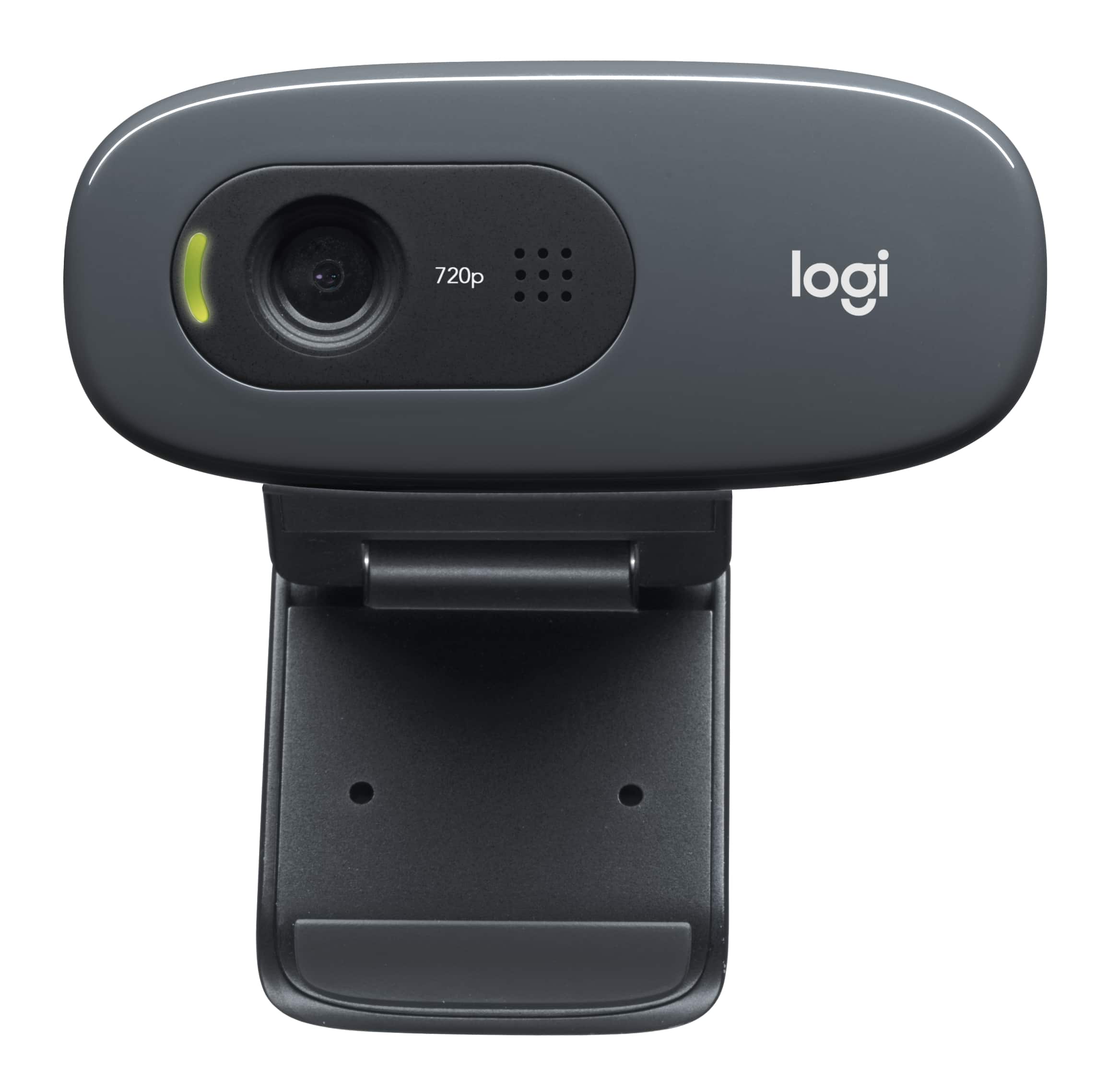
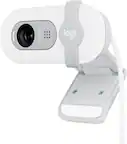
A:AnswerIt can work on either. The little clip mechanism that it comes with is flexible and allows you to sit it on a desk or clamp it (it's not a pressure clamp, so it kind of more just rests on whatever you put it on).
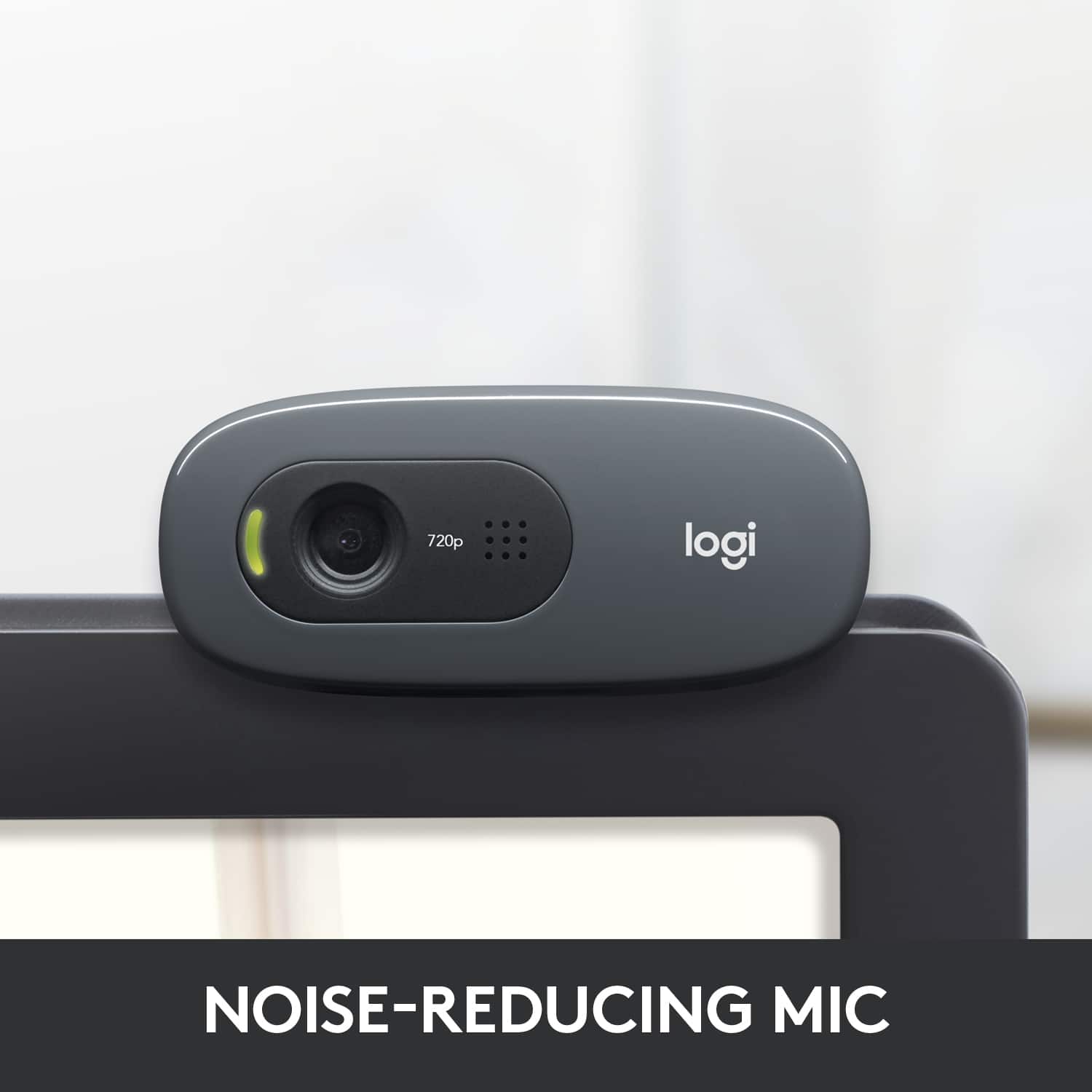
I have mine on top of my monitor. It just sits on top and I bend the clip mechanism to sit against the back of the monitor. It's easy to adjust.+
A:AnswerYou could probably just select the webcam instead of the built in camera you have or just go into settings on whatever you use and just disable the built in cam.
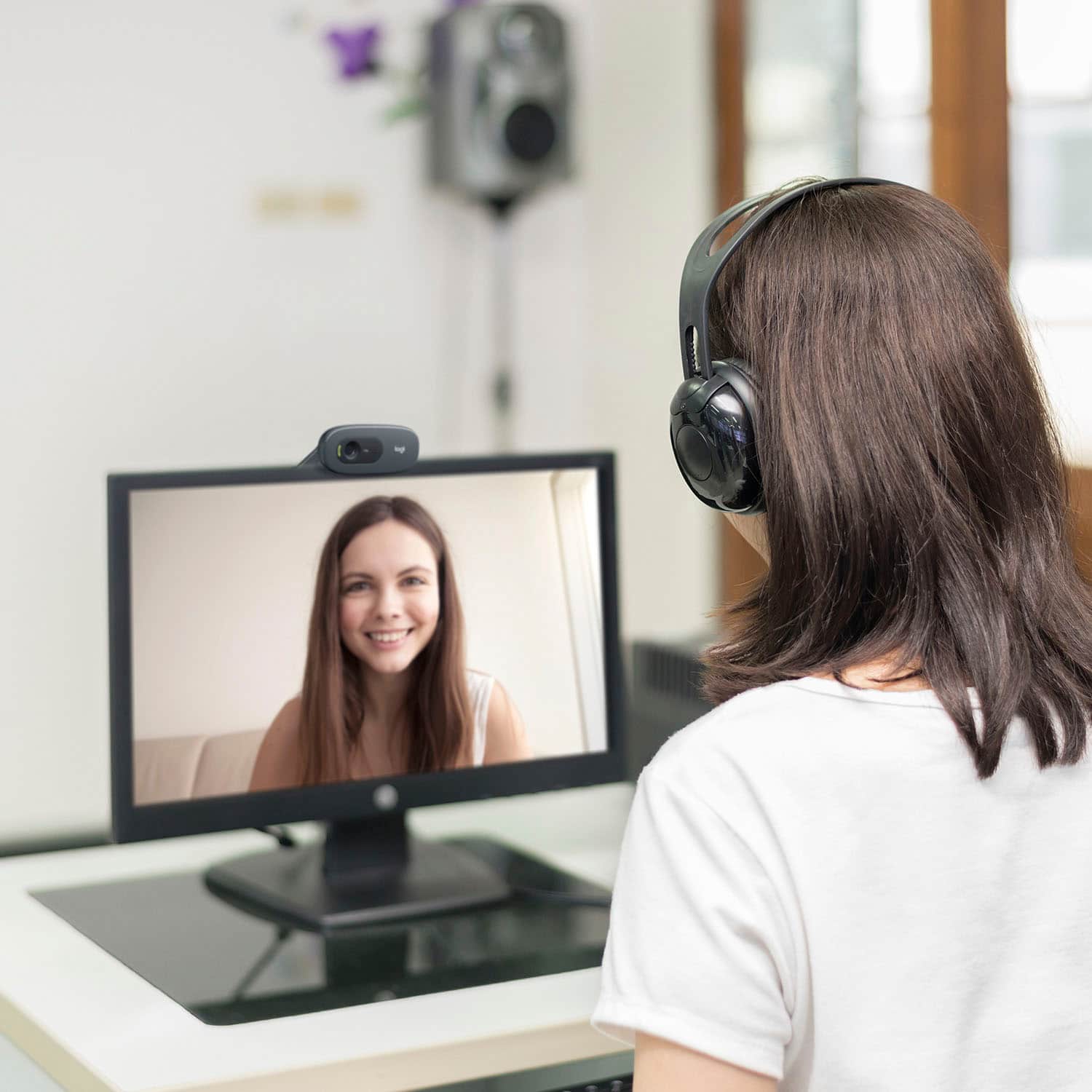
A:AnswerYes, this will plug into your computer via usb. Works great for doctors videoconferencing.
No, you do not need a separate microphone. The webcam comes with a built in mic and works great!