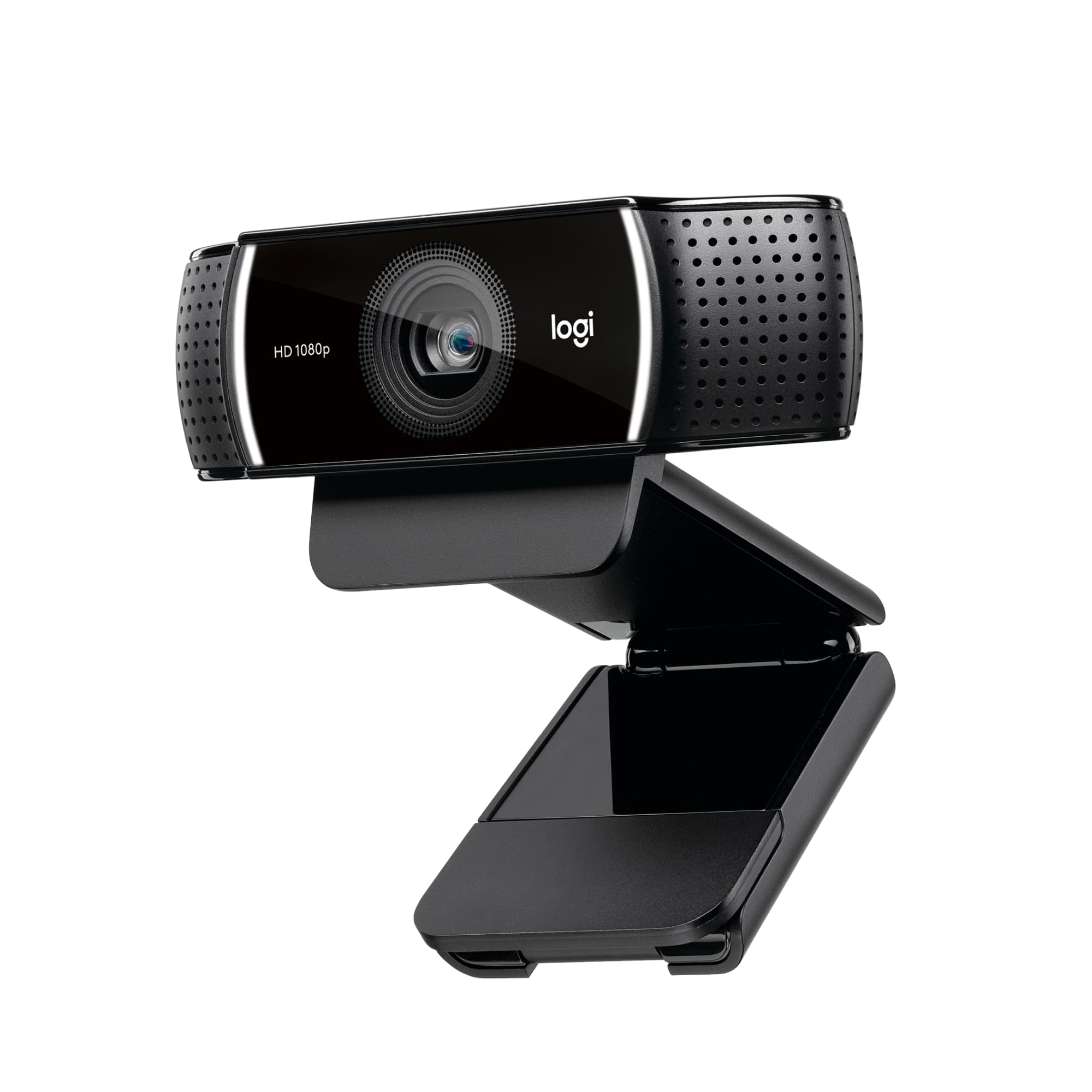
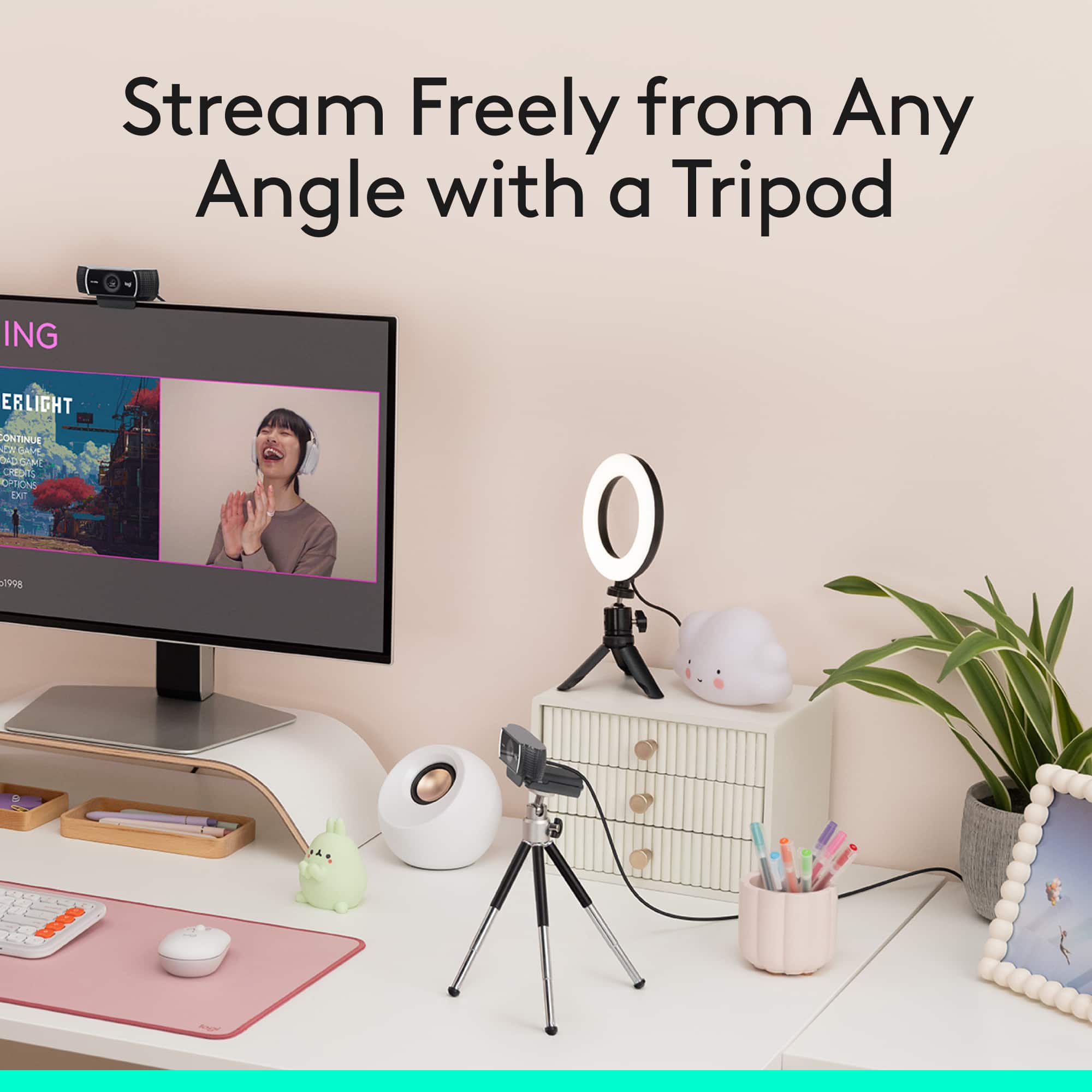
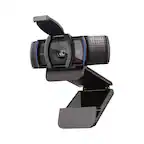
A:AnswerYou just screw the camera onto the tripod or preferably the opposite. Then adjust to your liking and twist the knob to lock it in place.
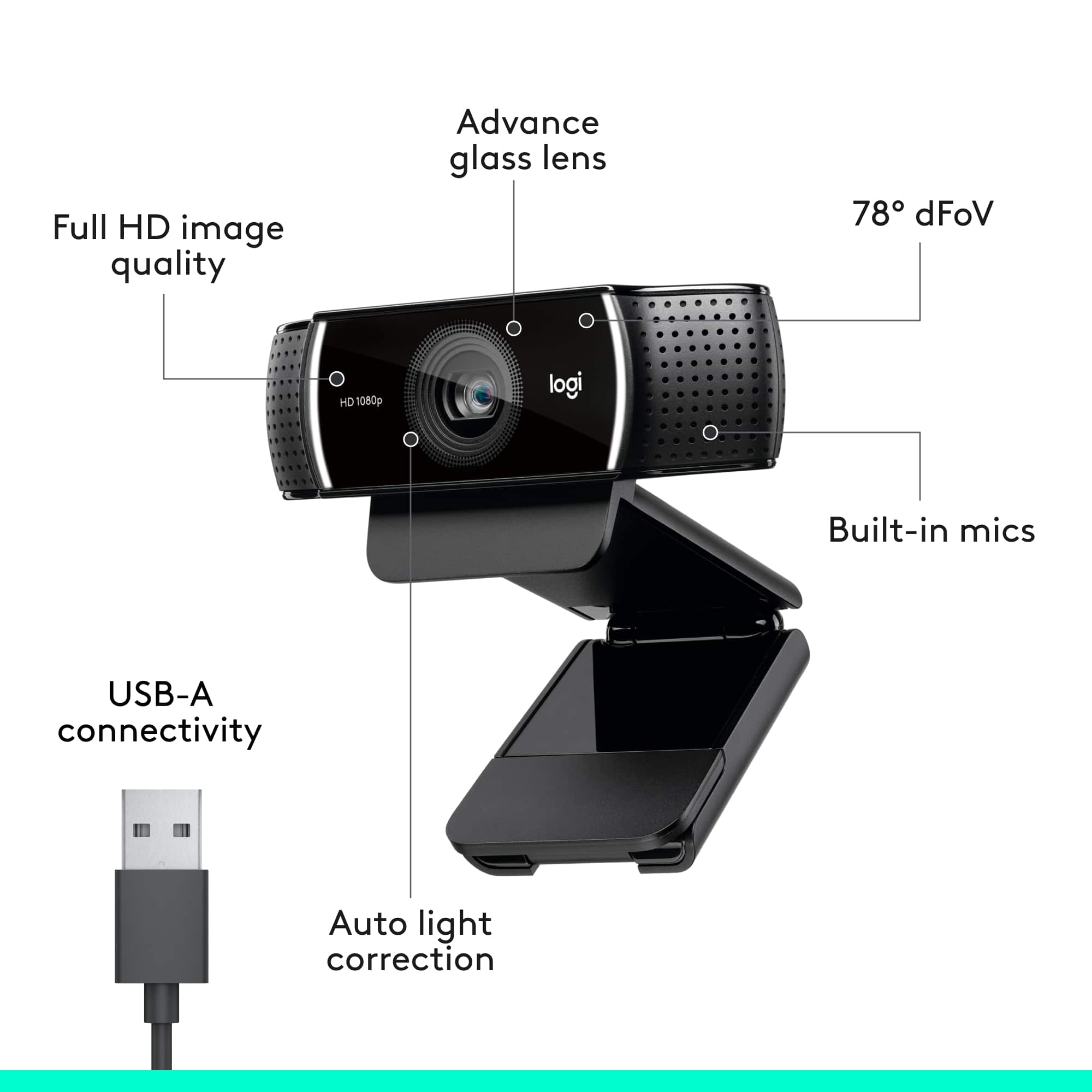
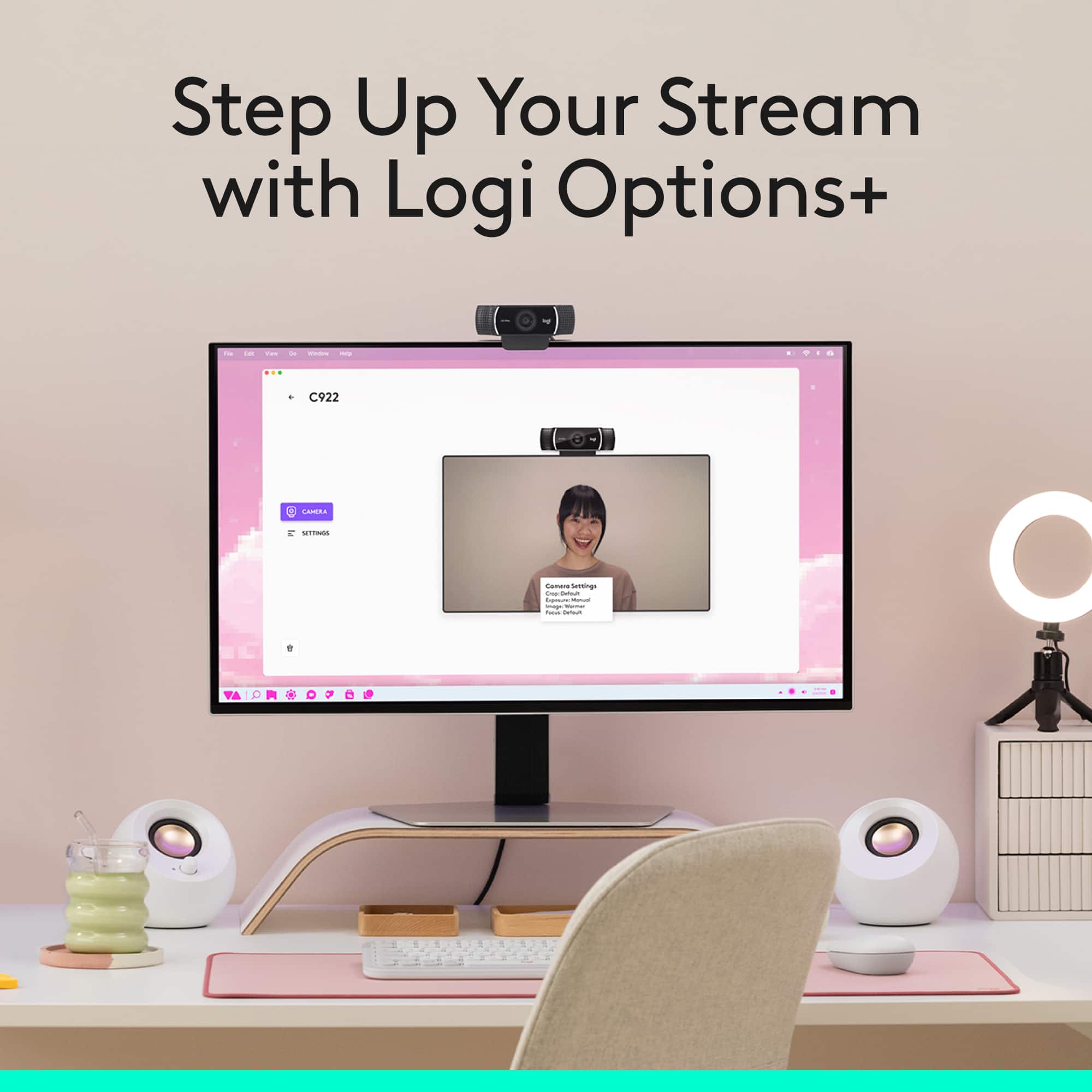
As for connection, you just plug it into a USB port. You can use the Logitech G Hub to configure it how you want. Look it up on Google.
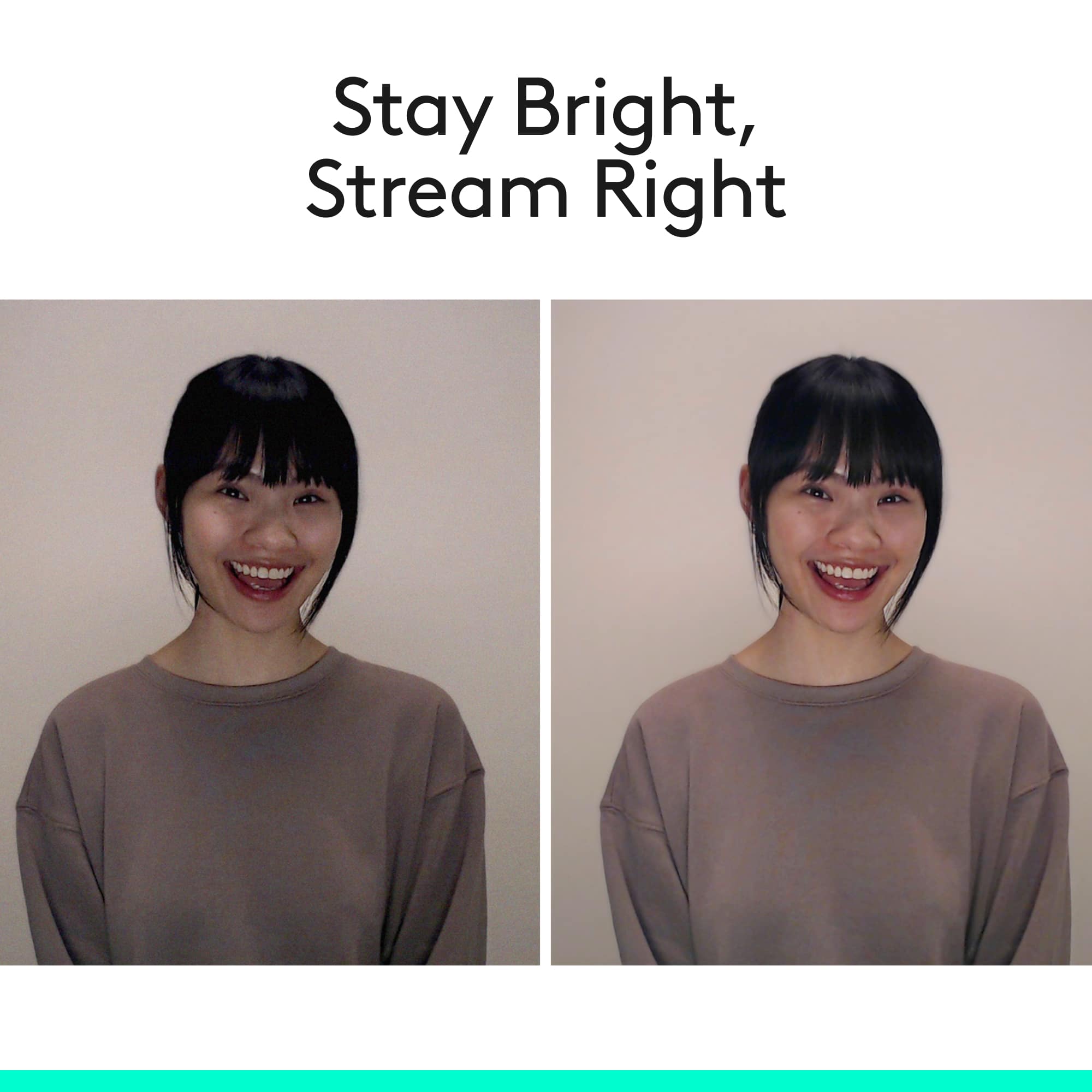
A:AnswerYes you can adjust the settings for low light and very well lit areas. I had a plant light shining in the background behind my desk and it still gave me a good quality image even in low light
A:AnswerI don’t believe that you can it’s set up to use different software for pc and console but you could check the forums on the website to see if anyone else had that question