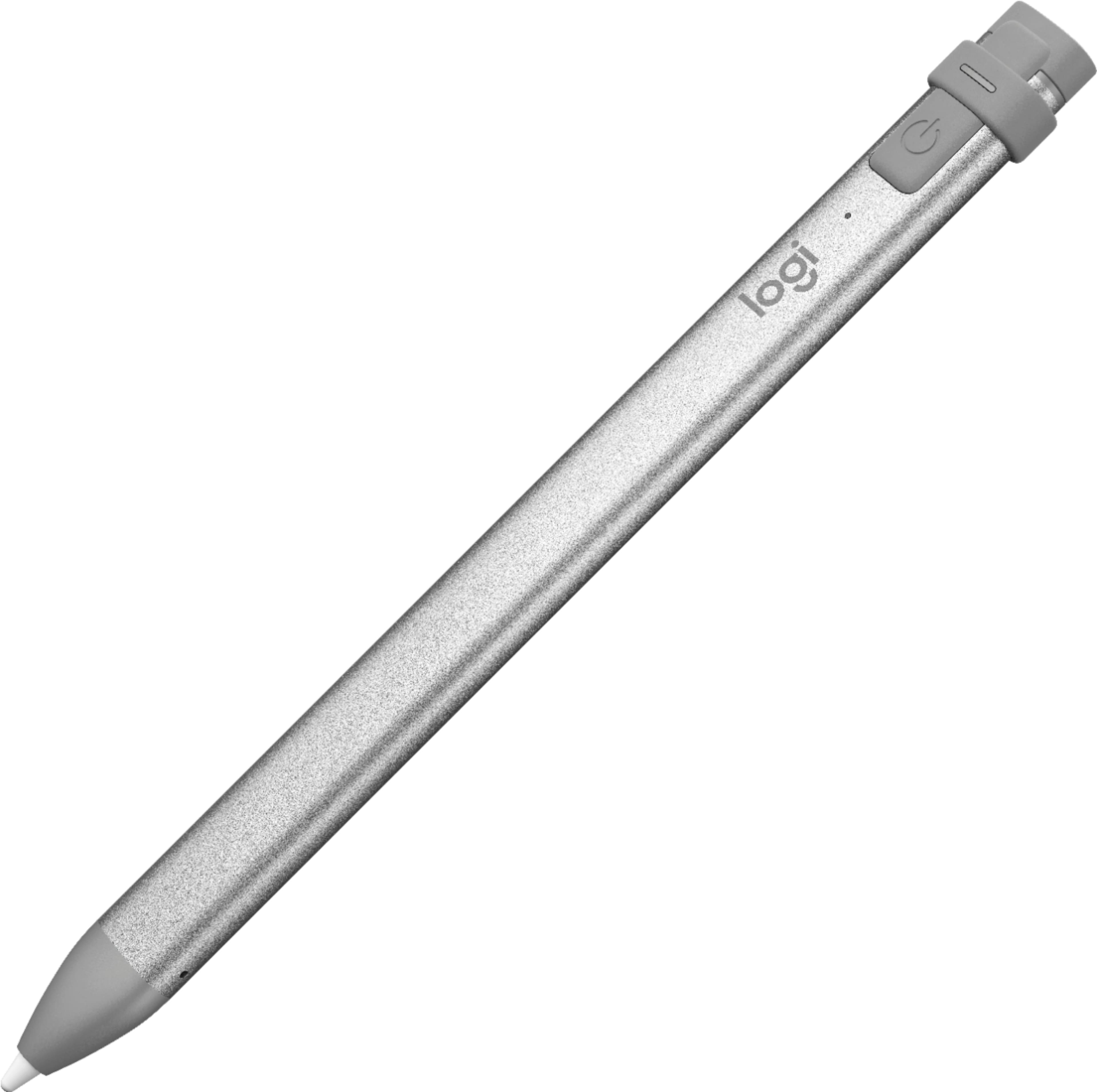
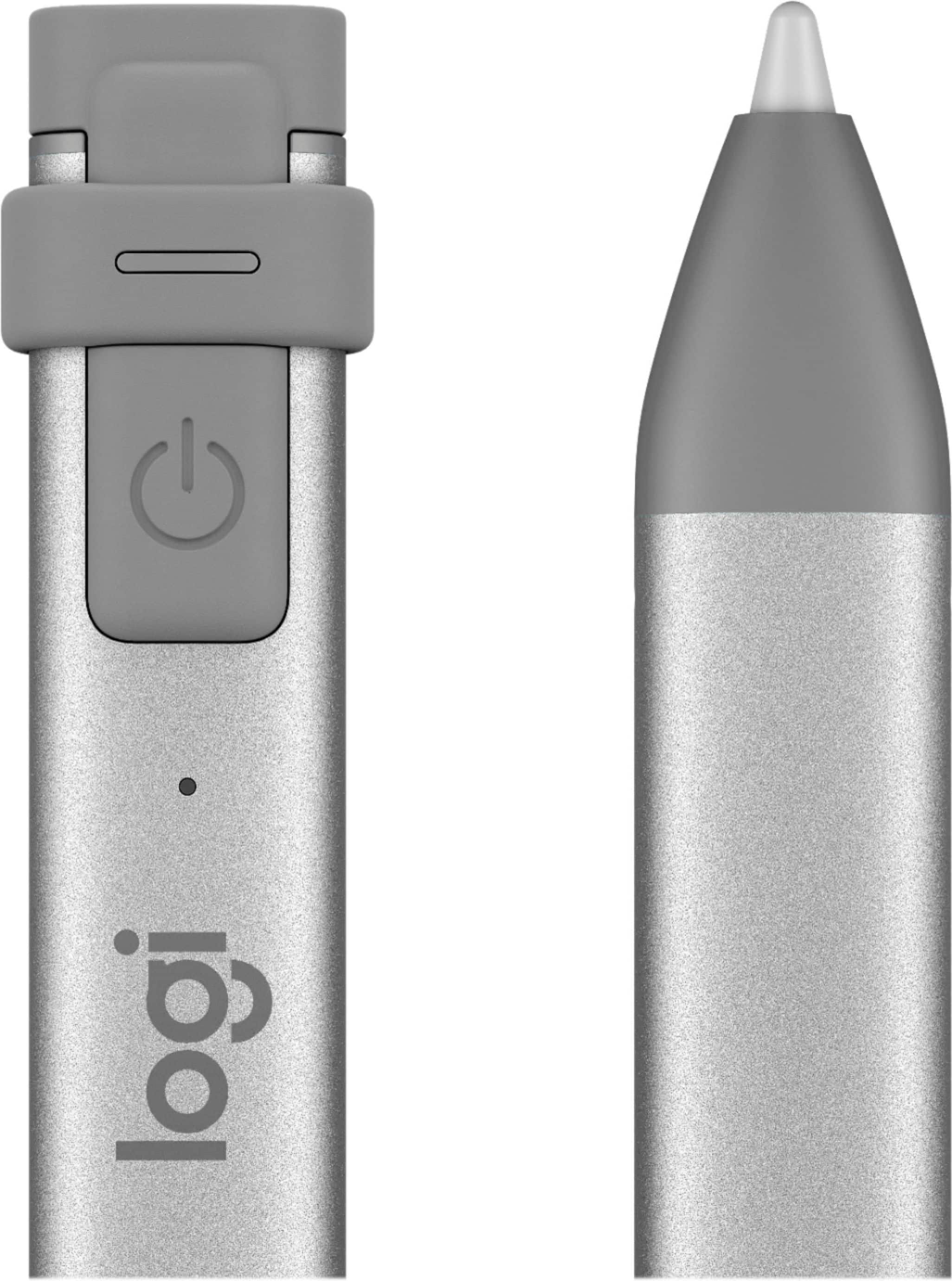
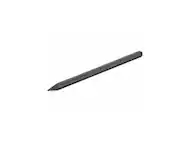
A:Answer Hi Mans, Yes, you can go from writing on one iPad (iPad Pro, iPad Air, iPad mini & iPad - 2018 models and later) straight to writing on another iPad (iPad Pro, iPad Air, iPad mini & iPad - 2018 models and later) with no pairing steps needed. Just make sure Crayon and iPads are on. If you have any other questions or should any other issues come up with your Crayon, here's a link to the product support page which includes troubleshooting FAQs, software downloads, warranty information, ordering spare parts, and more: https://support.logi.com/hc/en-us/articles/360024157634--Getting-Started-Logitech-Crayon. Hope that you found this helpful and that all is going well. Best Regards, Richard from Logitech