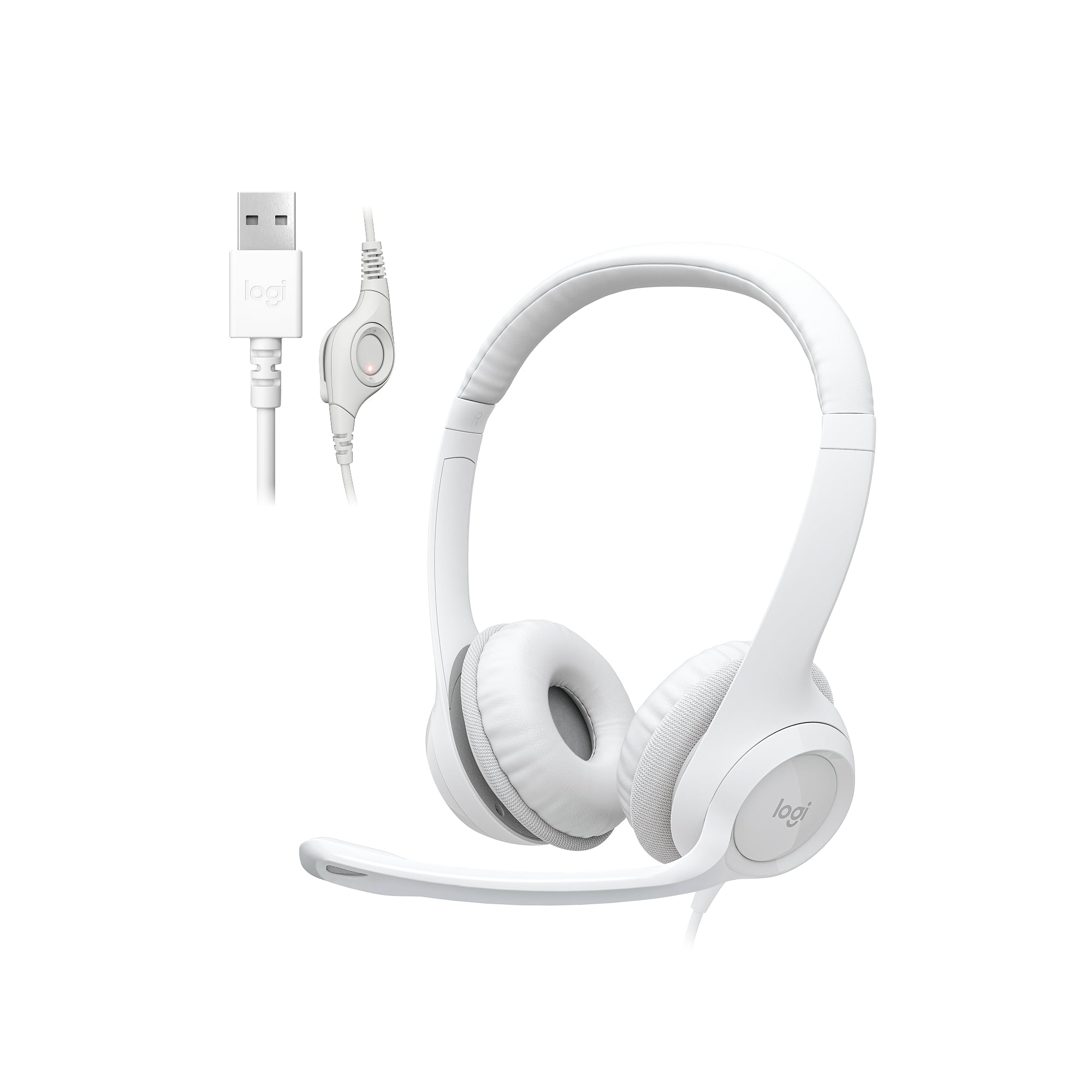
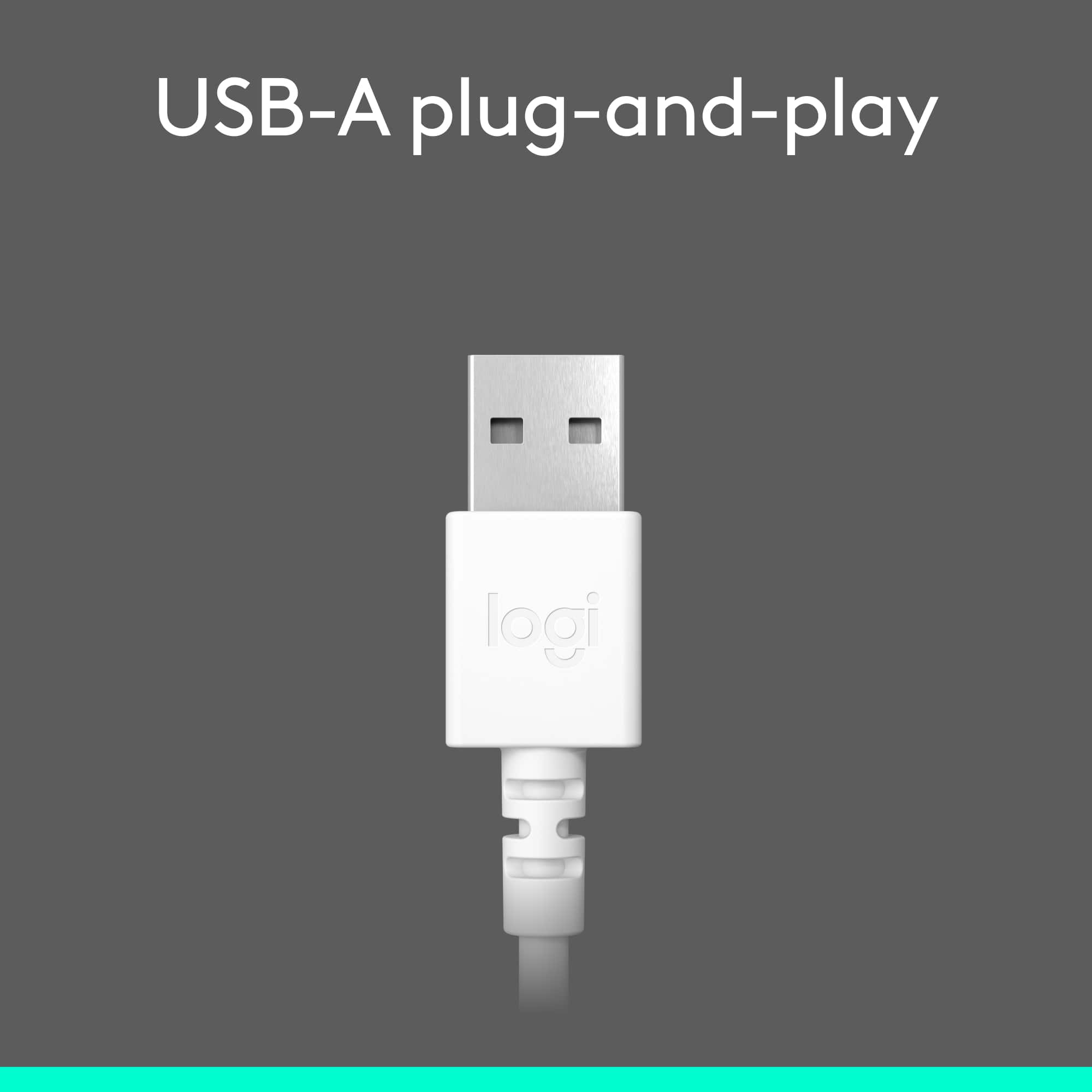
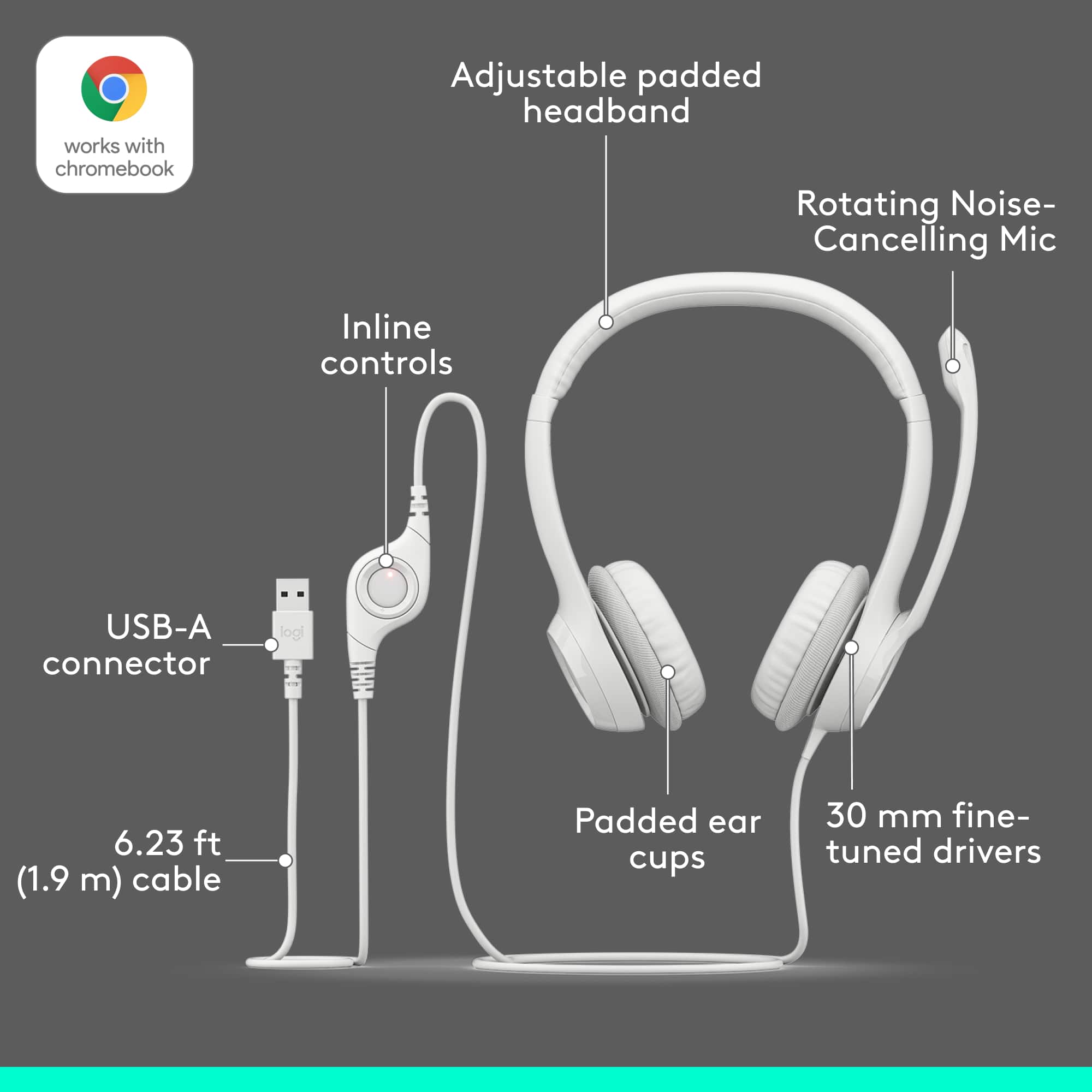
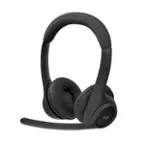
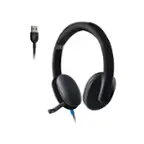
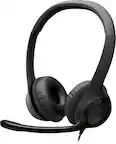
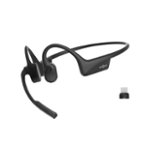
A:AnswerHi Rosie, the H390 headset is a USB headset and requires the device it is connecting to have a USB port. Most cordless phones do not have a USB port. Logitech has the H111 that will connect via 3.5mm which is the headphone jack.
A:AnswerHi Karen, the H390 connects with a USB port. iPhone does not have the correct port. However, sold separately, is an adaptor that is lightning to USB that can be use to connect USB headphones to an iPhone. iOS might not support all of the features on this headphone and may not work in its full capacity like it would on a computer.
A:AnswerHello Poke. You can contact our Customer Service/Tech Support at 866-632-5644 and we would be happy to walk you through some troubleshooting. If we are not able to get you up and running, the H390 comes with a 2 year limited hardware warranty.
A:AnswerHello Dao, unfortunately the H390 headset will not work with a Yealink T48. The H390 uses a USB plugin for it to work and also requires Windows®, macOS®, or Chrome OS™. Hope this helps, have a great rest of your day.
A:AnswerHello, the H390 is meant to be used with a computer, as it uses a USB type A plug to connect. You would not be able to use it with an iPad without adapters.
A:AnswerHello MommaBoz, thank you for the question. The H390 should work fine with the Avaya One-X software. Please be aware that if you are using this on a work laptop, then you may likely need your IT to insure that the drivers are installed after plugging them into your computer and that you have access to changing you default microphone. If you do not have such restrictions it should be plug and play. Quick tip: be sure to plug in your headset before launching the software for the best results.