A:AnswerSailmason,
Where you able to do this setup? If so how did you do it? Any help would be appreciated.
I've never programmed the remote as I had the Geek Squad do it when I got the smart TV. My elite has Netflix in but no other app.
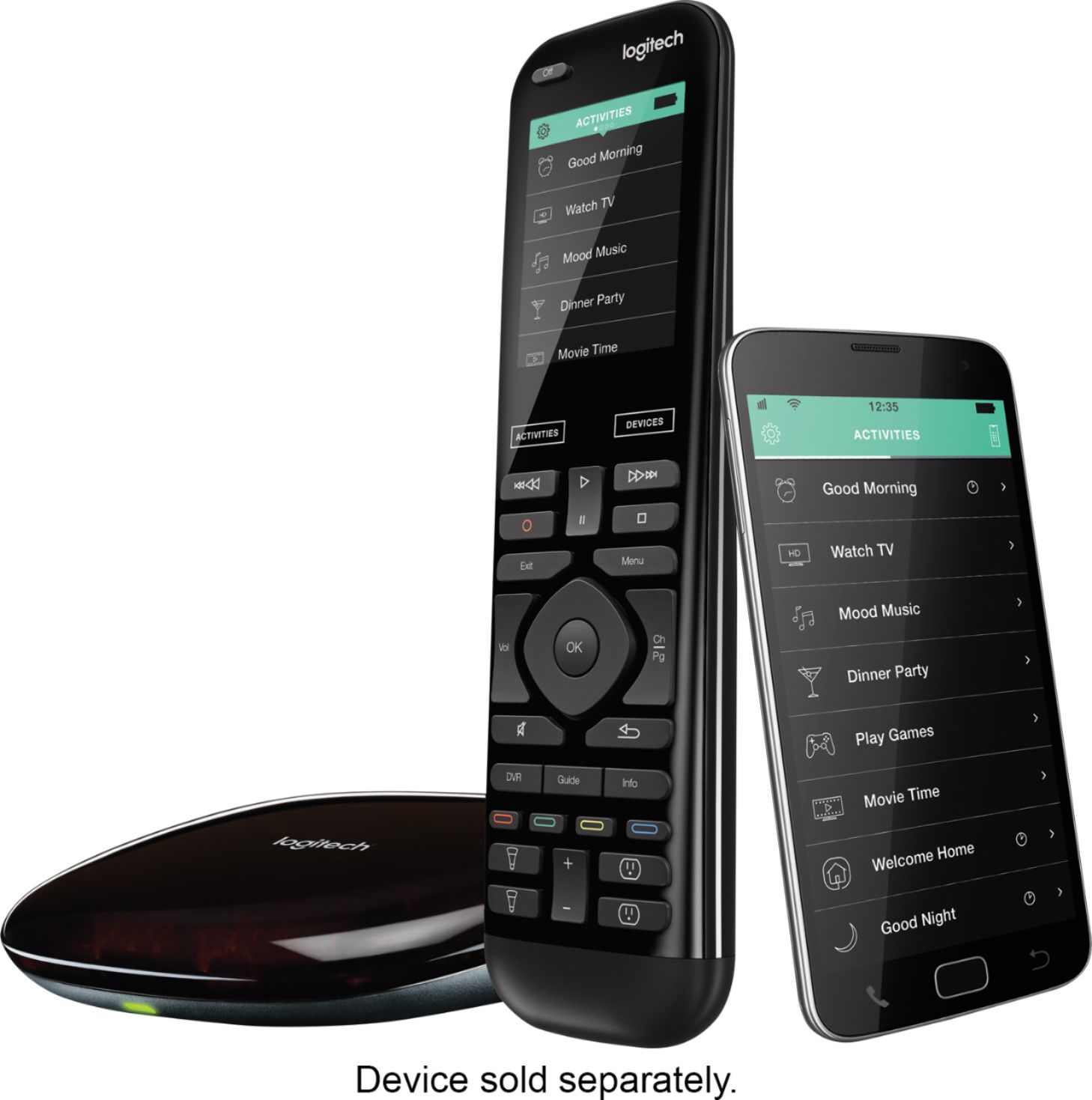
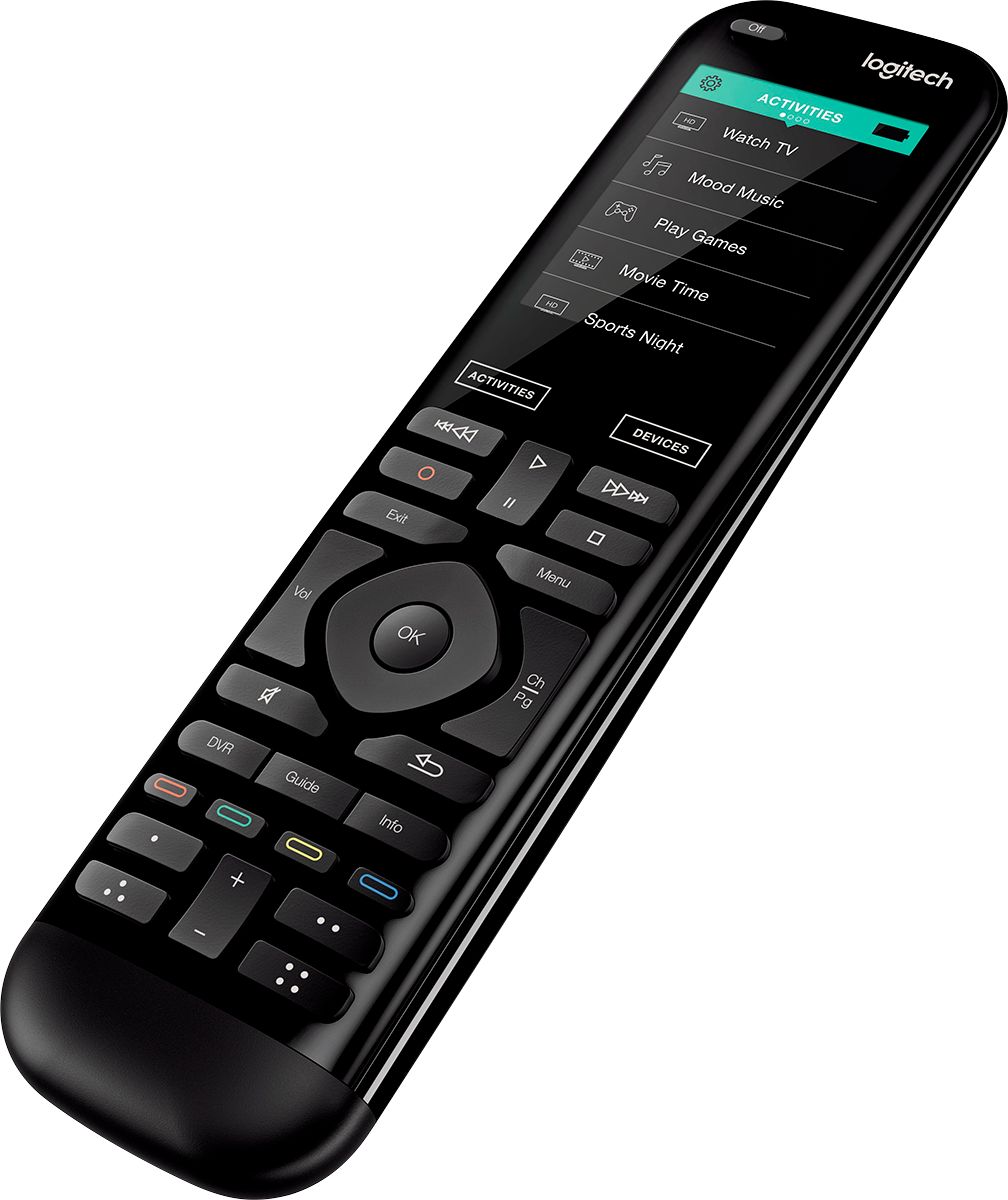
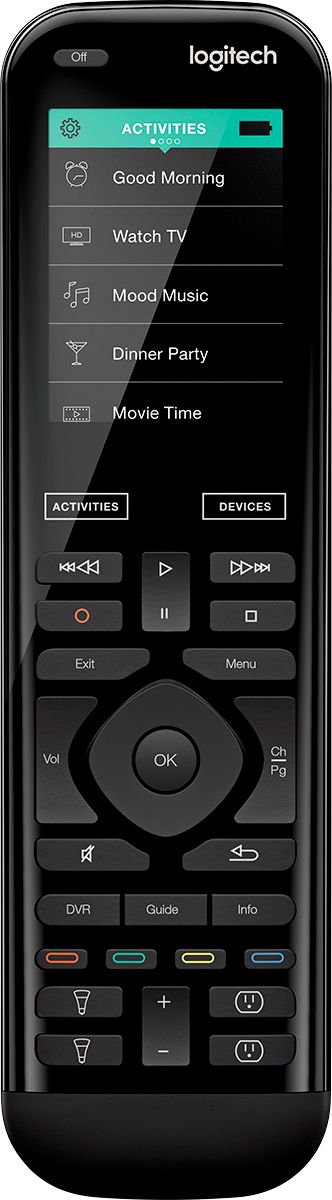
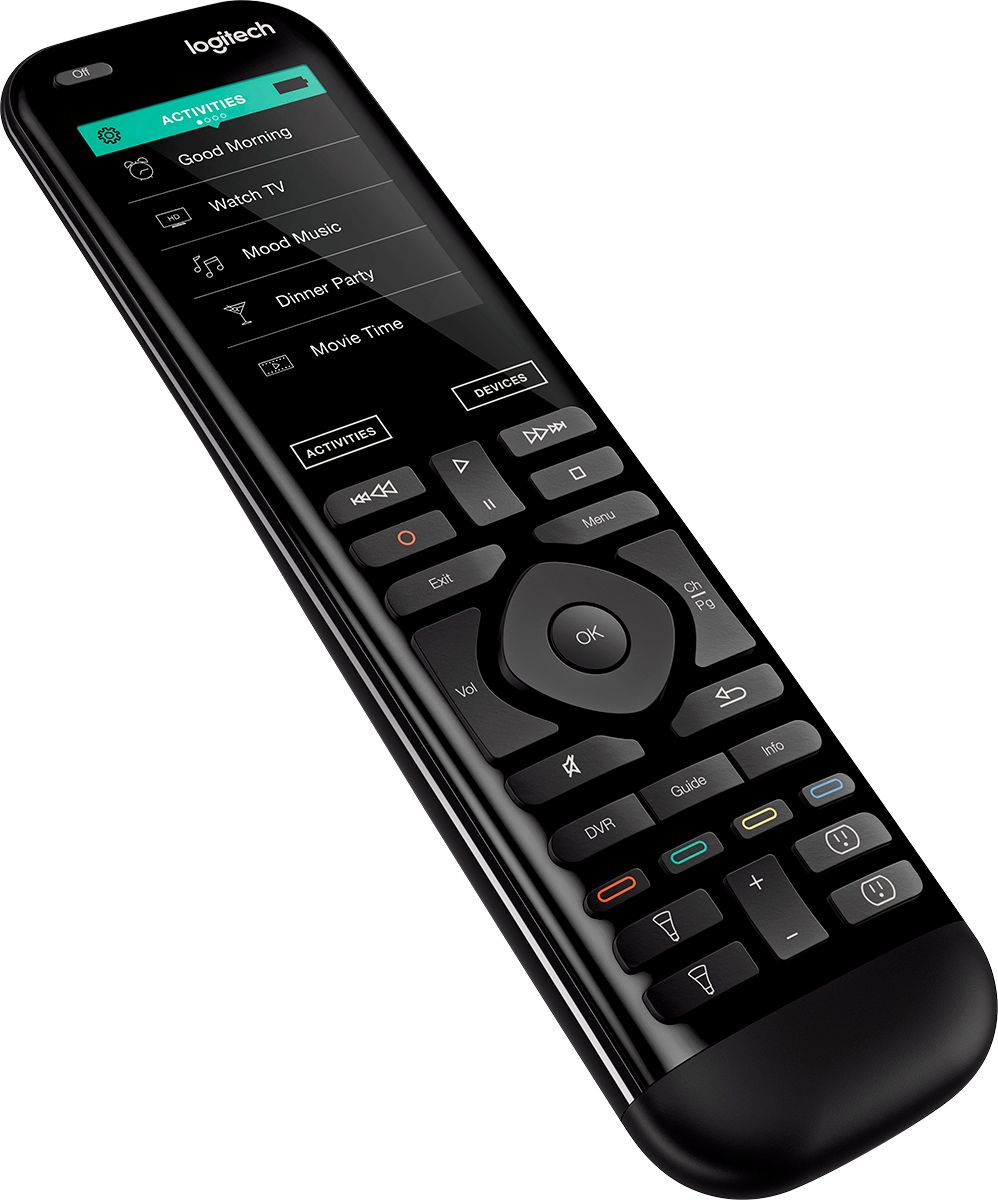
A:AnswerWhen browsing multipage results, like channel guide or recorded list on my TiVo, the Channel Up/Down buttons on the Harmony remote act as page up/down.
A:AnswerHarmony remotes generally give you a help button. If you can access it I would start there. If you have already done that then that leaves you with two options. Get geek squad to come and fix it but this time make sure they are better instructors. Or you can contact logistic. The few times I had to they were great. I was still learning and this poor guy was on the phone for over an hour with me but we got it. Finally. Another time they found my 880 to be defective and had a new one in my hand within a couple of days!
A:AnswerI wouldn't purchase it. I did, to hook up my Apple 4k tv unit and YouTube TV app and it sucks. Way to expensive and all I can really do is turn the devices on and not use the power of what the remote should be used for. Apparently the issue is the Apple 4K unit , and its lack of compatibility with YouTube TV.. I would contact Logitech directly and verify if it works with Spectrum.
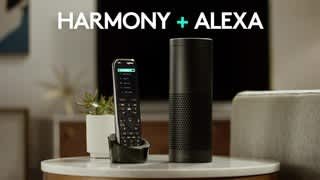
A:AnswerI had no difficulty interfacing my Harmony Elite with all my "Alexa" units and using those to turn my TV on/off, raise and lower the volume, change channels, and more.
A:AnswerCheck their website. You can input all of your devices in their database and you will get a complete list of what will work. It will tell you if it uses Bluetooth or IR & if the remote has any known hiccups such as: what functions will only work with the original remote.
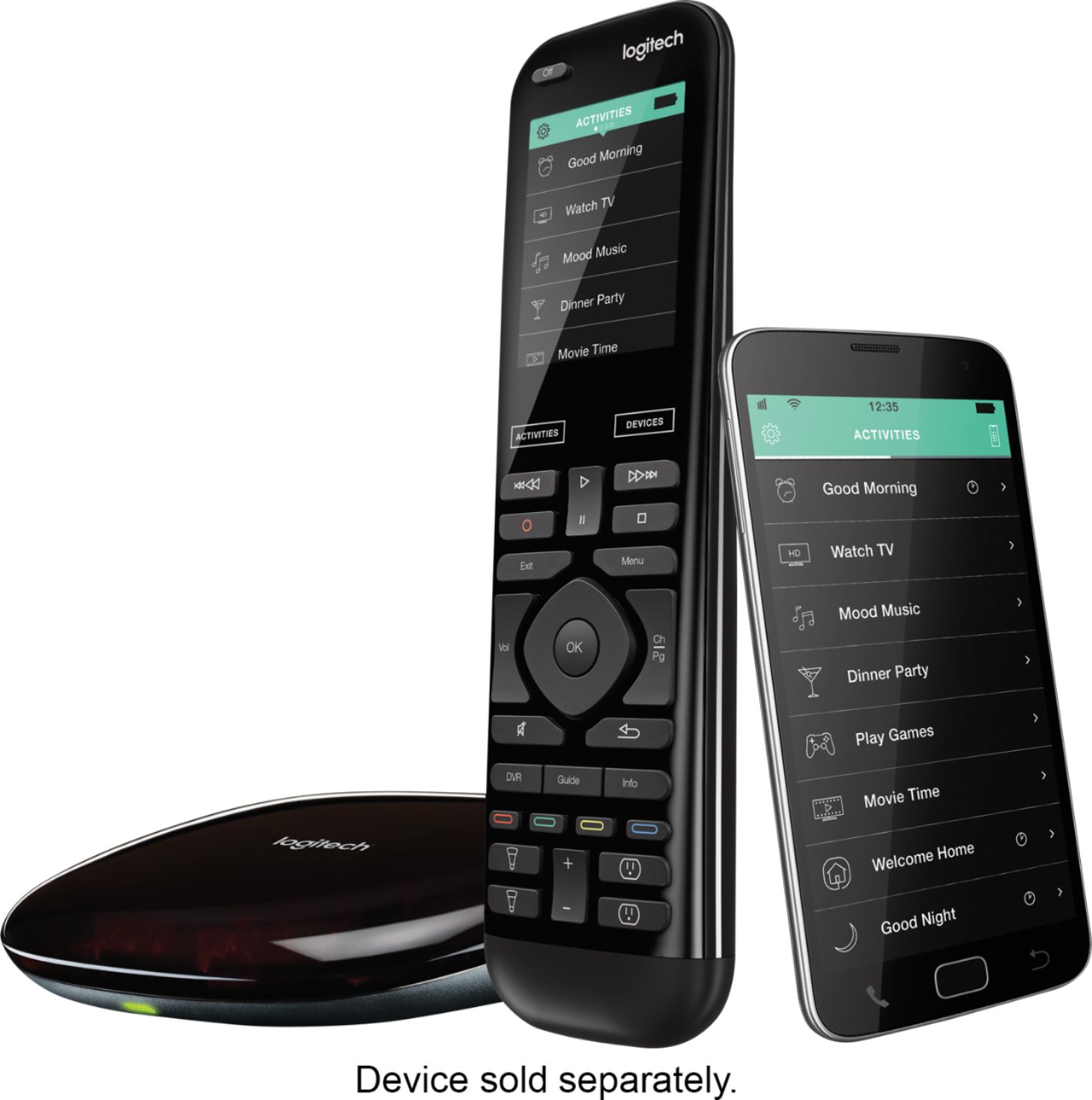
A:AnswerEach button is custom mapped to the particular device you you have entered, so there is no universal map of the buttons. It depends on the device. For example, one of my devices is a TiVo DVR, so the buttons are determined by the TiVo device. That being said, it would be really nice to have what you asked rather than having to use trial and error! I was looking for the TiVo "Skip" button and only found it by googling the issue and wading through many wrong answers until I found one that said it was the green button, same as the TiVo remote. You might try Harmony Support...they are very responsive.
A:AnswerHad two brick and all have charging issues, they are just garbage. I have disassembled them removed battery and discharged any capacitors to try and reboot as well as side loading with a PC, if it stopped working you are part of the paper weight club. Sorry