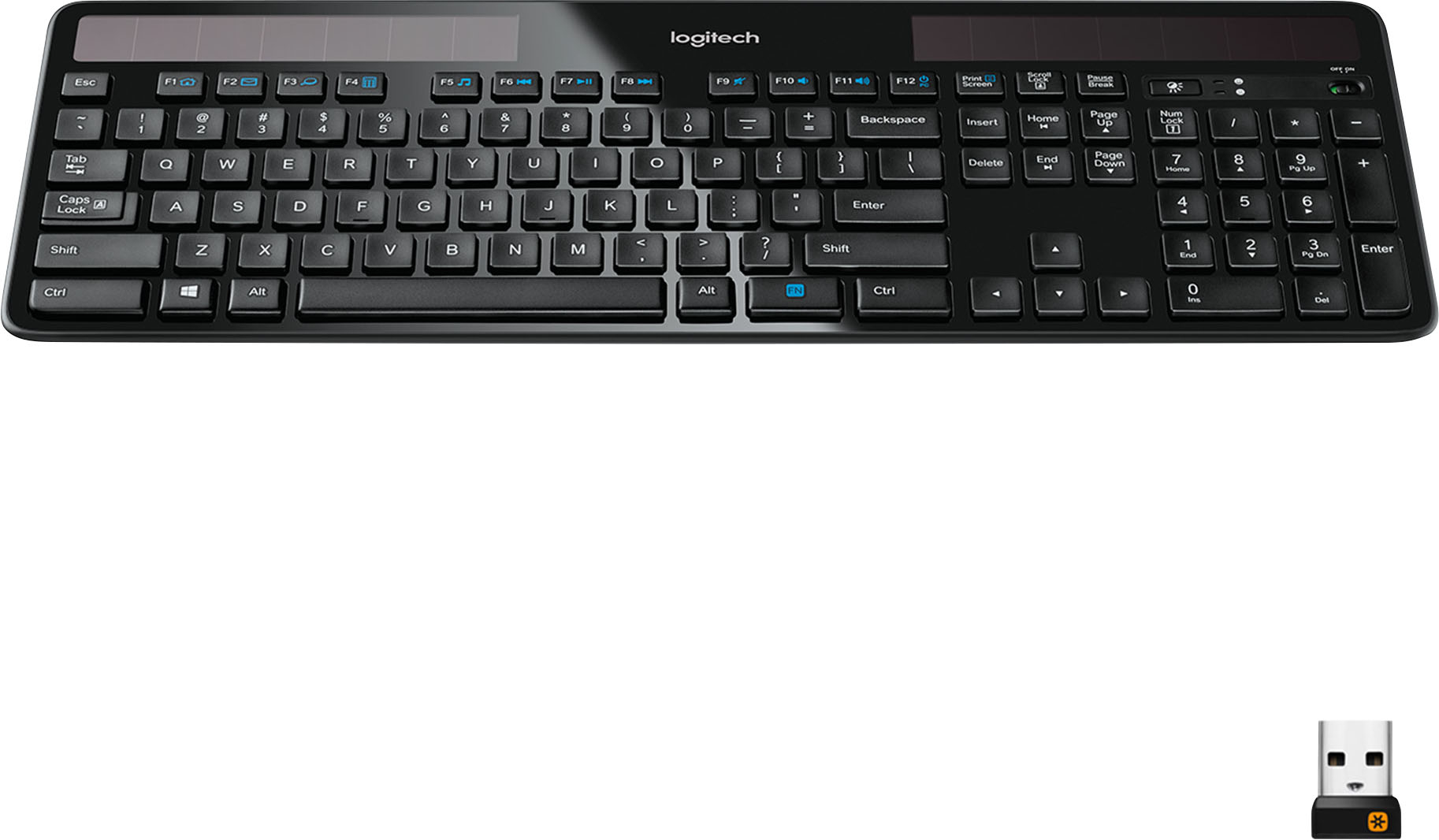
A:AnswerYes it will work, some F-keys will not map properly. Also you may become aggravated at the 10-key, sometimes it works, sometimes it does not. There is no numlock key on this keyboard, beware. The rest of the keys should map the same. So you will get just general use, not advanced. Meaning function keys and/or 10-key will not be mapped properly.
It would be better to just get the k750 for Windows.
A:AnswerBy default (in OS 10.11.5 El Capitan), the F14 & F15 keys are redundant in that they change screen brightness - the same as F1 & F2. You can change that in System Prefs, under Keyboard>Shortcuts. You can uncheck them and reassign F14 & F15 to something else (find an item you want to change, click on the F-key text and type the actual F-key or combine with modifier keys.
The key to the right of F15, as stated in previous Q&A's, is an indicator of sufficient / insufficient light for charging. If it lights green, you have sufficient light for charging. If it lights red, there is not enough light for charging. The "Solar App" on Apple's App Store is tied to the button. When launched (by clicking the button), it indicates level of charge currently in the battery as well as a light meter measuring Lux for current charging.
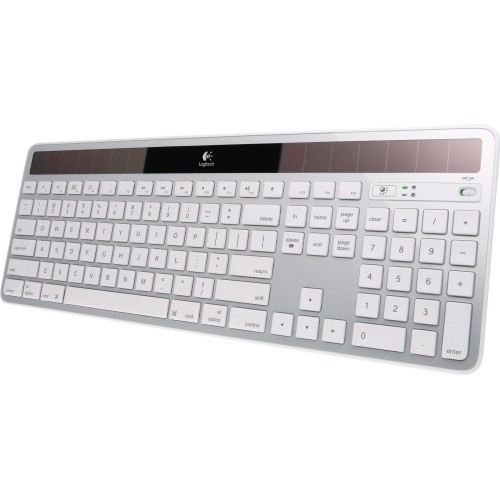
A:AnswerThe battery is a RECHARGEABLE CR2032. However, it is difficult to remove and replace. The slot covering the battery is at the back of the keyboard at the top, just to the left of the logitech logo.
A:AnswerI don't know if it's *exactly* the same size, but feels like everything is in the right spot...
No batteries. No Wires, no caps-lock light either! But it has only died on me once, after working in a very dimly lit room for hours, and I was able to resuscitate by pointing my iPhone flashlight at its solar panels for less than a minute! I use it all day too, and most of the night (but usually with the big room light on!)
A:AnswerAll of our keyboards and mice are plug and play. As long as you have a free USB port on your iMac and both devices are charged or have good batteries in them, it will work without downloading anything.
A:AnswerIt may pair with a Chrome book, but probably work right, because it's made for Apple Macs and MacBooks (it has command and option keys, not ALT and Windows keys) not Chrome OS or Windows.
A:AnswerYour Logitech mouse will work with the unifying receiver that comes with the keyboard. You will need to download the unifying software from Logitech's website and install. Once installed, the process is very straightforward when following the instructions on the screen.