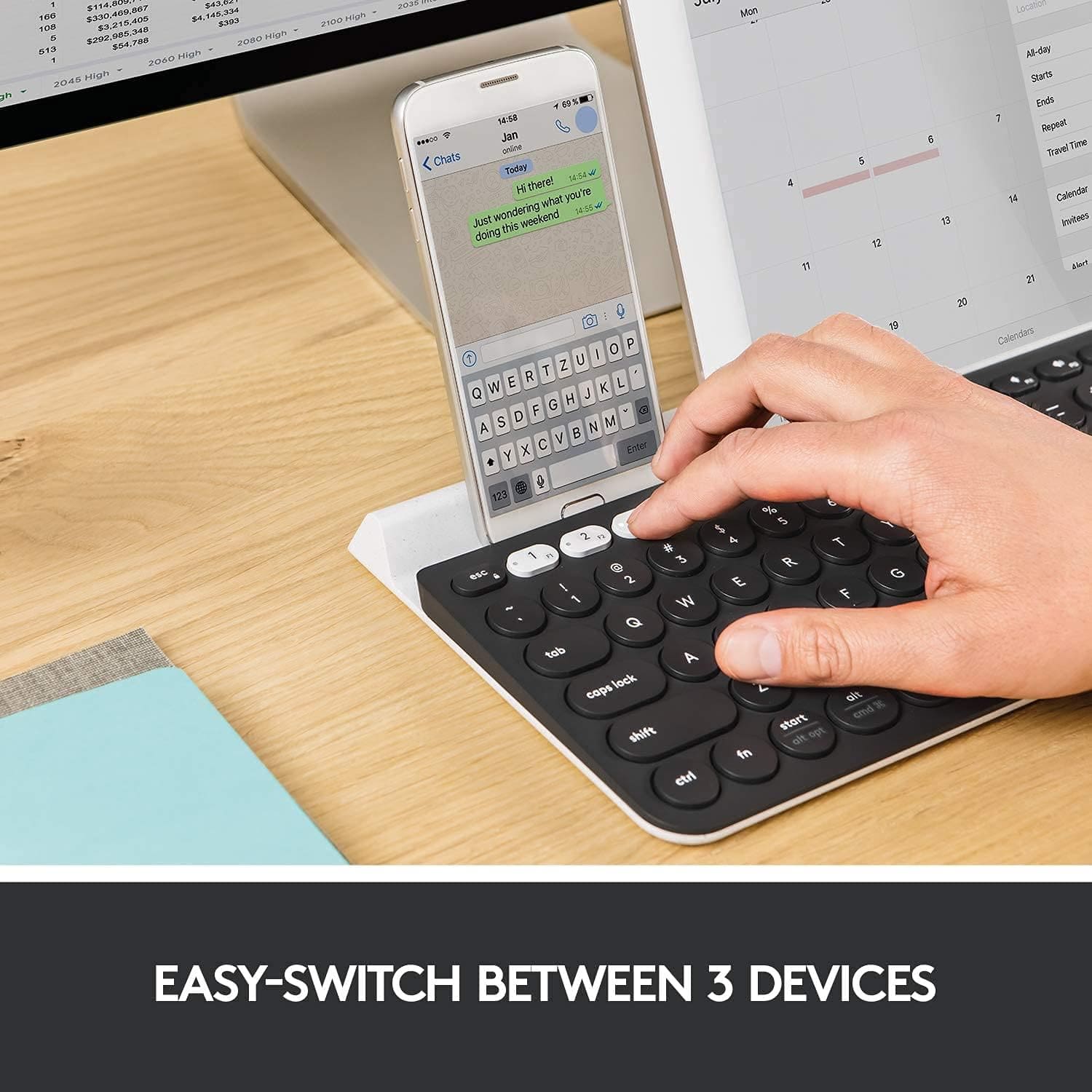
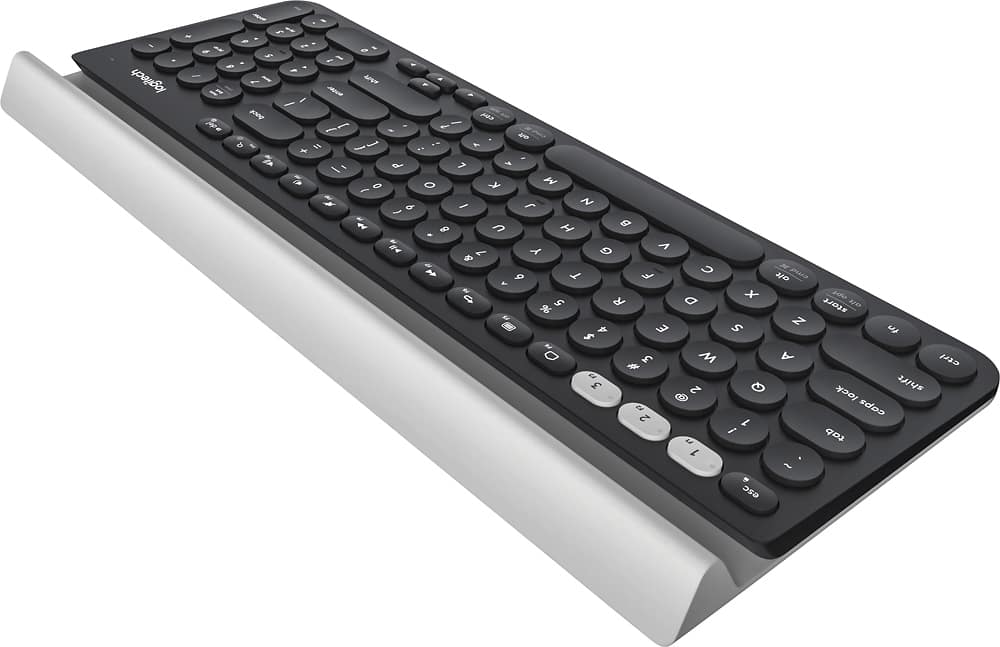
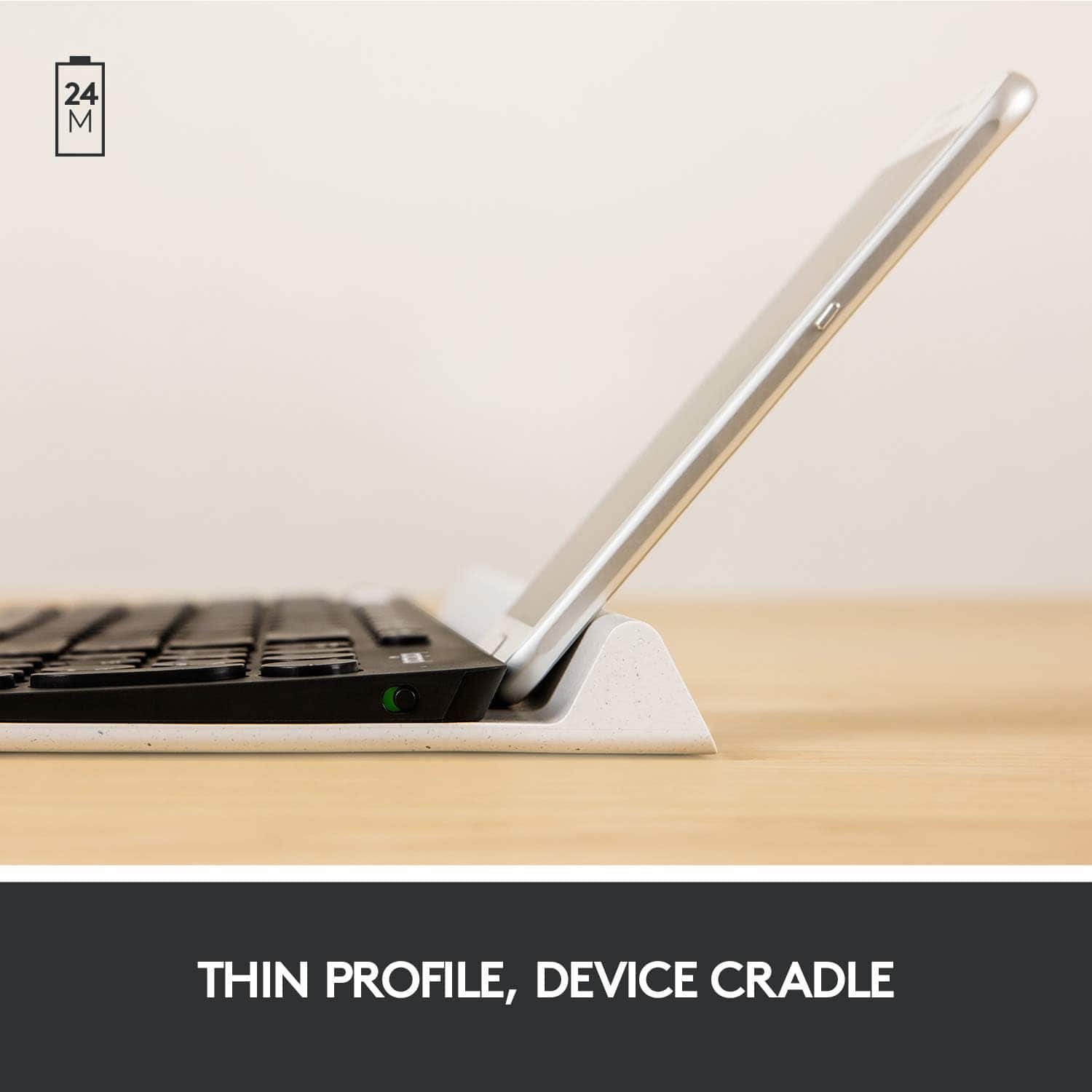
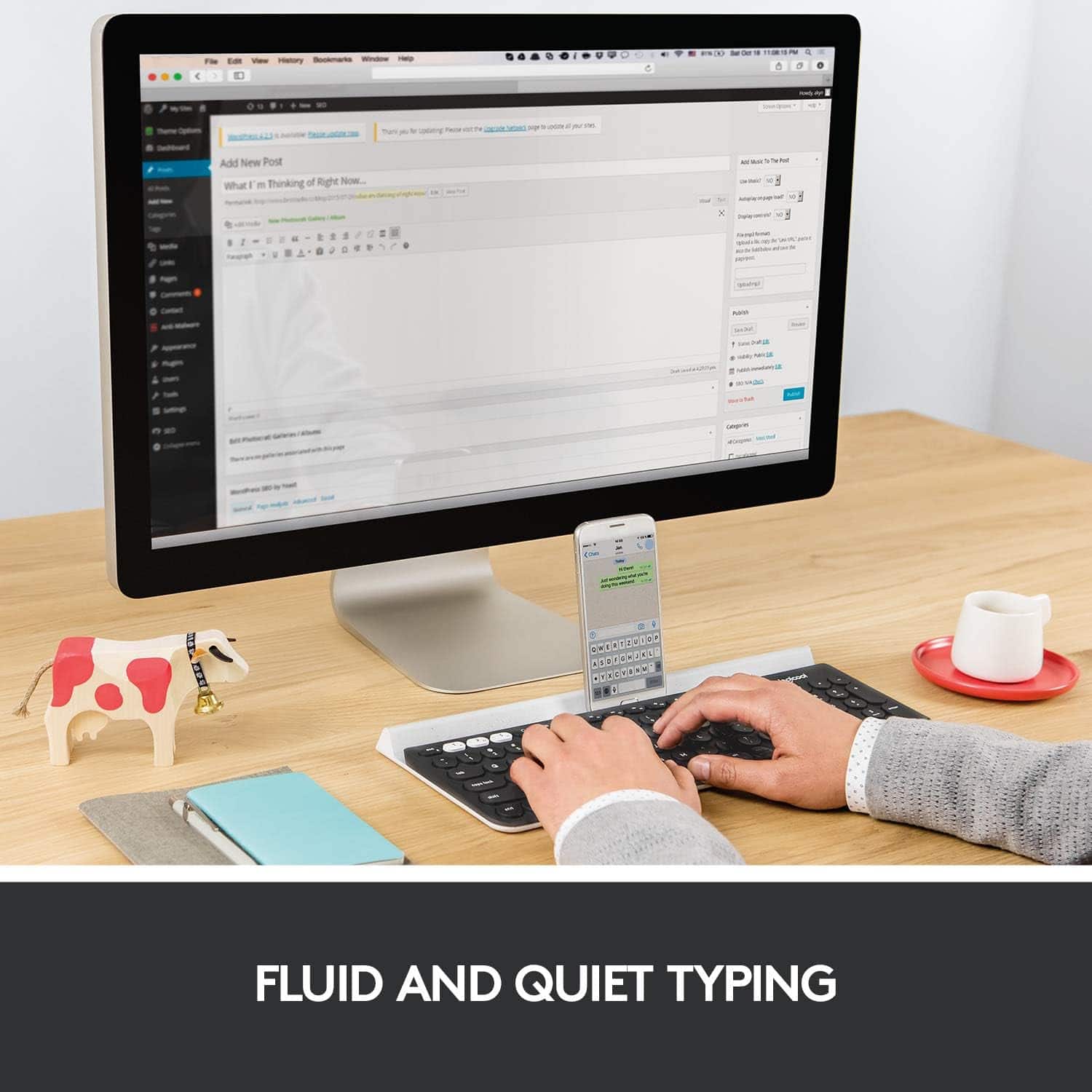
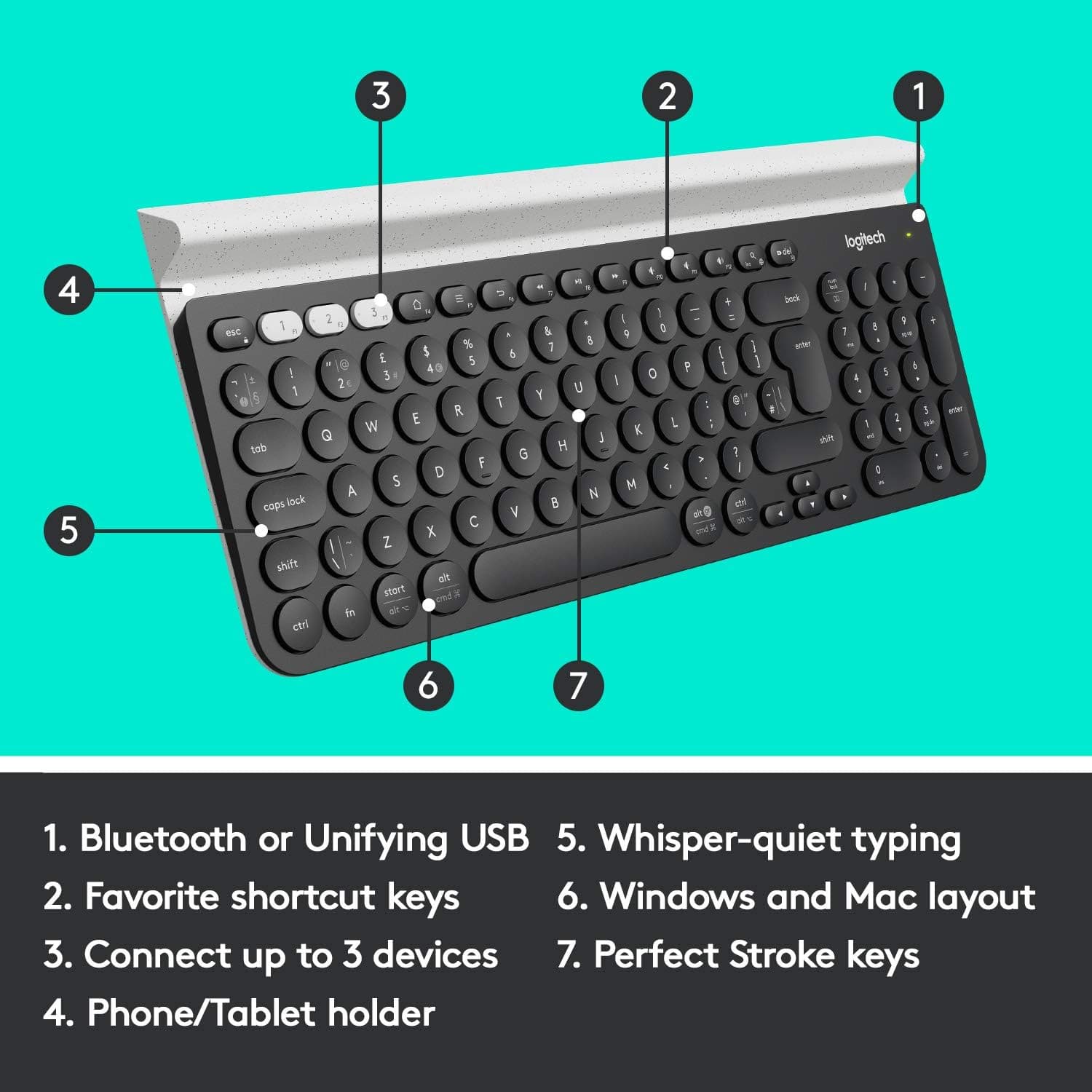
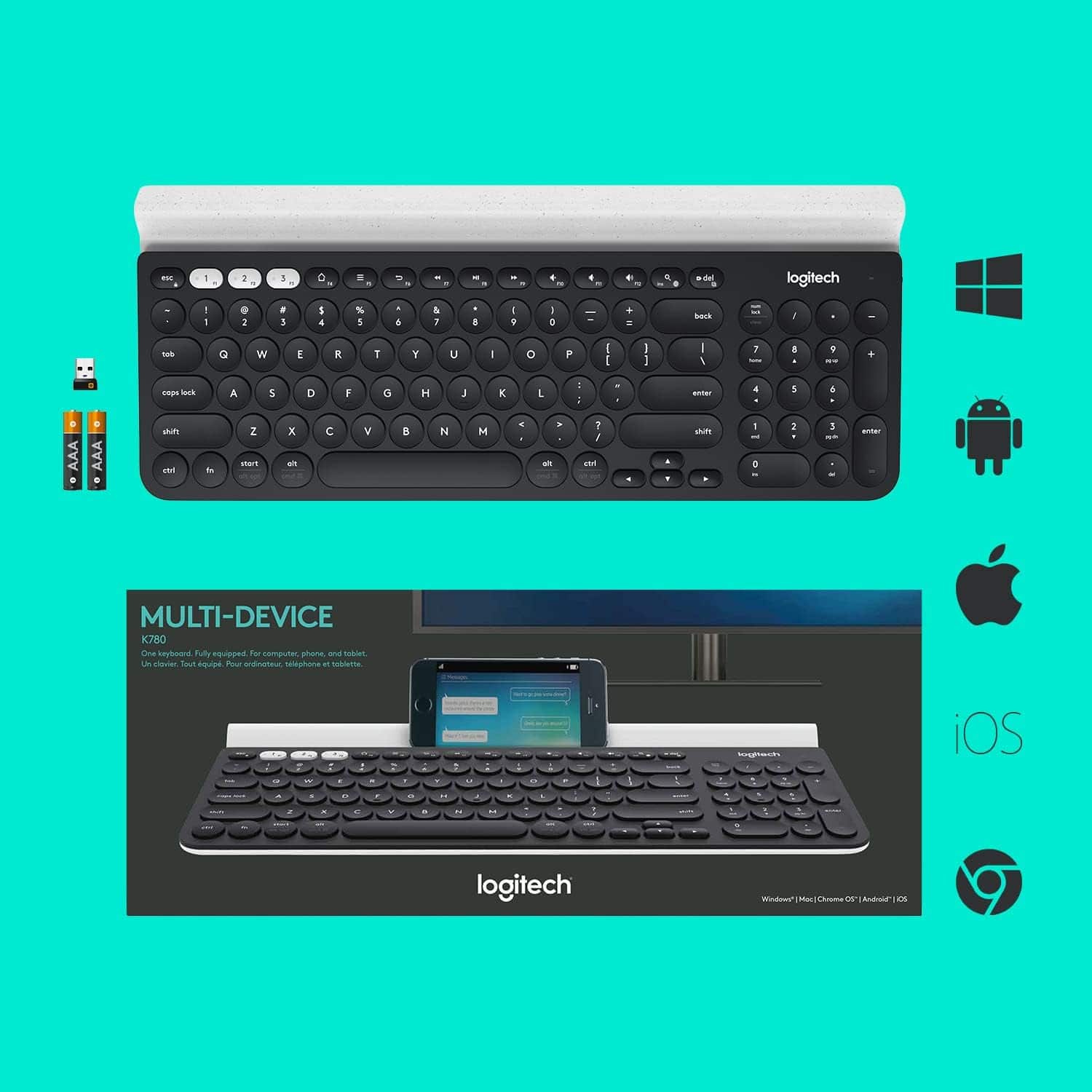
A:Answer I had the same issue. I ended up calling Logitech support, they were awesome. But, I did not end up taking notes. I have an android device, and it should work by holding down the 1, 2 or 3 white buttons for three seconds, then the Shift + P button, I believe. Then go to your device and connect it via blue tooth. I had to end up forgetting the keyboard in blue tooth on my phone after setting it up once, then everything worked fine. Logitech helped me through the steps. it has worked perfectly since.
![esc 1 2 3 F F2 F3 F4 F5 U F6 44 F I F8 > F 0 11 F12 ins del logitech ~ ! 1 @ 2 # 3 $ 4 % 5 A 6 & 7 * 8 ( 9 ) 0 - - + = back num lock cleor / . - tab Q W E R T Y U I O P { [ } ] I I 7 home 8 A 9 g up + cops lock A S D F G H J K L : ; " enter 4 5 6 shift Z X V B N M < , > ? / shift 1 end 2 Y 3 PG pg dn enter ctrl fn start alt opt alt cmd x alt cmd x ctrl alt opt A Y 0 iins del](https://pisces.bbystatic.com/image2/BestBuy_US/images/products/5592/5592420_sd.jpg)