A:AnswerKeys stick for a variety of reasons and normally age isn't one of them. If it is past the warranty, I would suggest getting canned air and "blow" the keyboard out. Also take a electronic cleaning bad and wipe down the keyboard.
A:AnswerYes it will work with most any hardware since the keyboard is setup and a standard interface across all or at least most computers. Windows doesn't matter because the keyboard is emulated by the hardware.
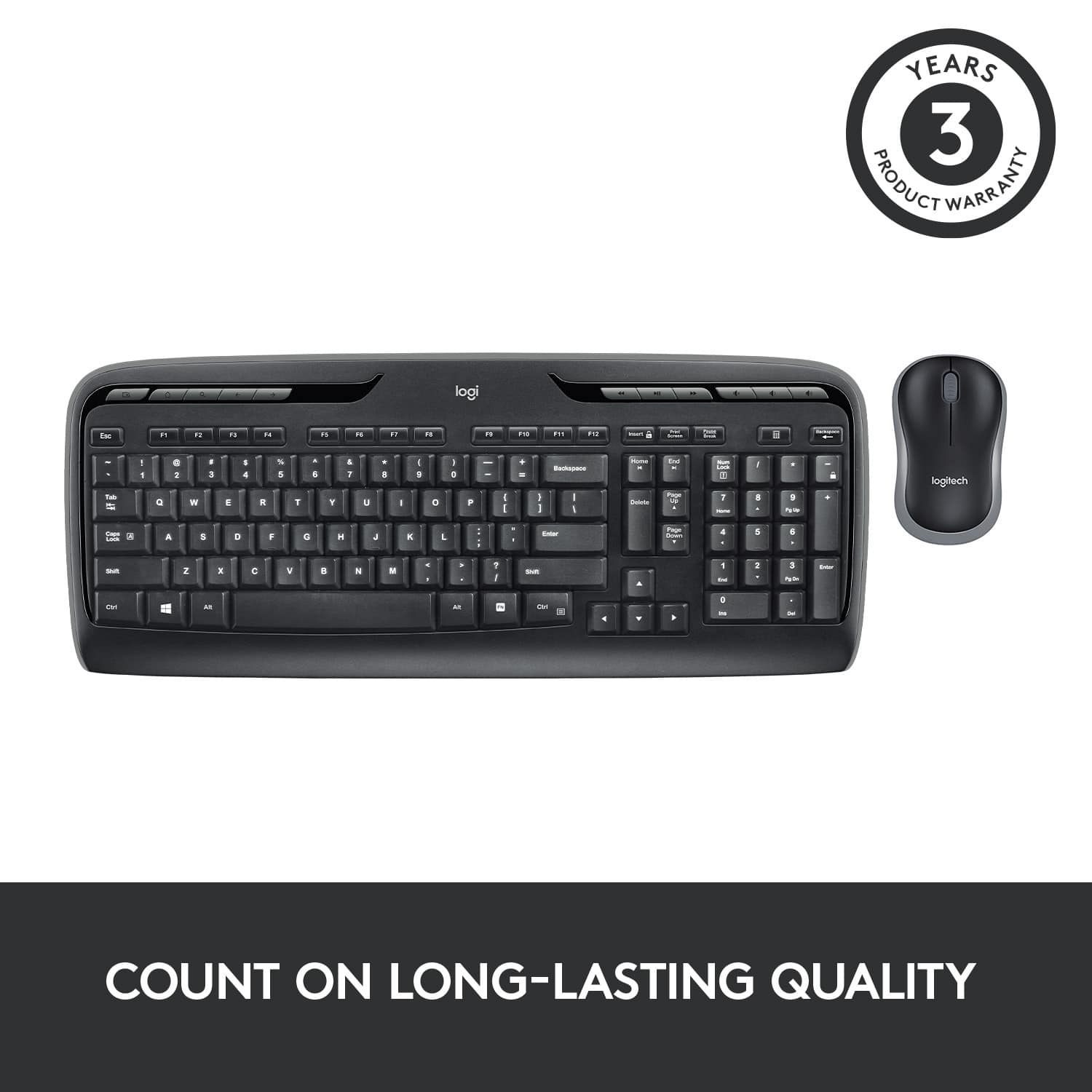
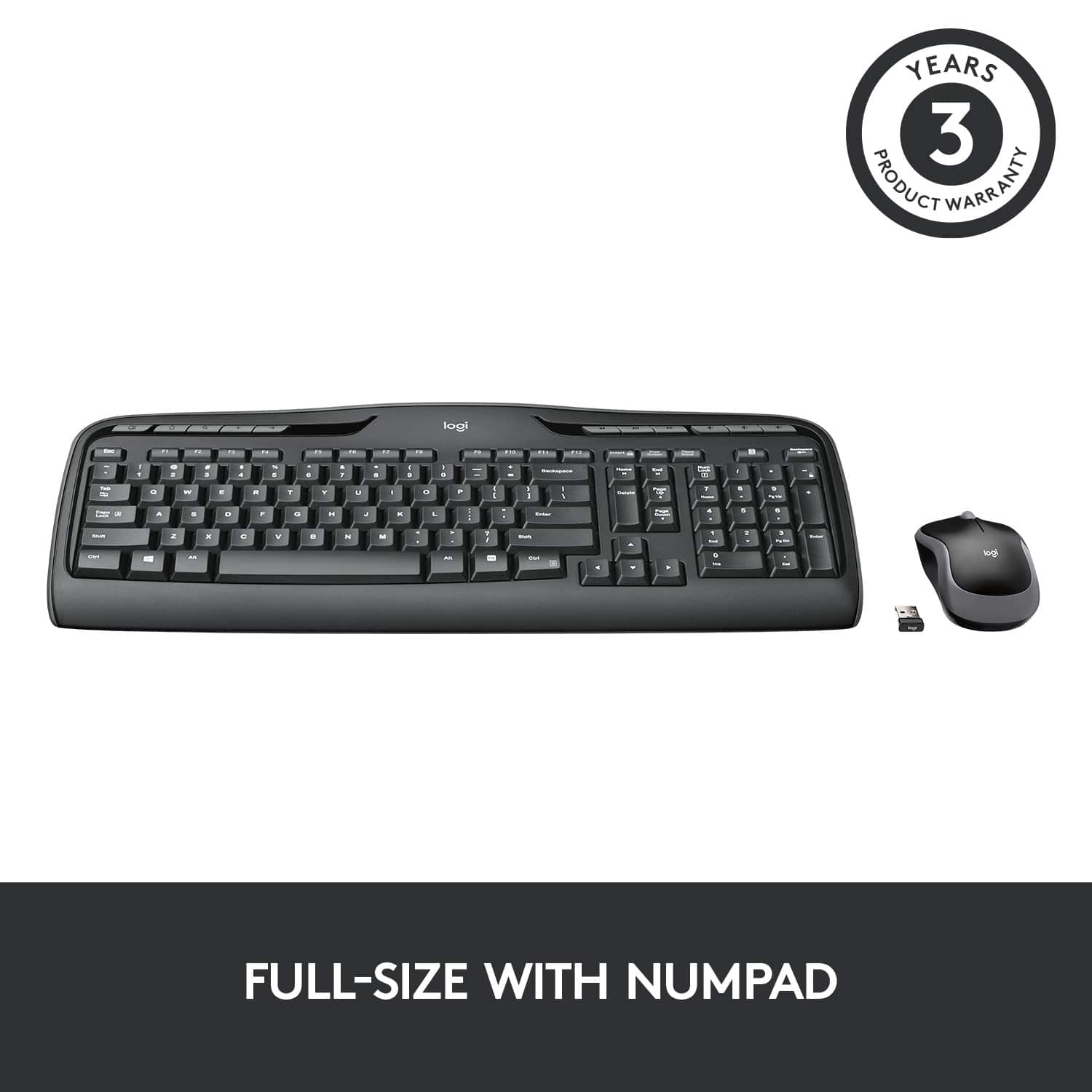
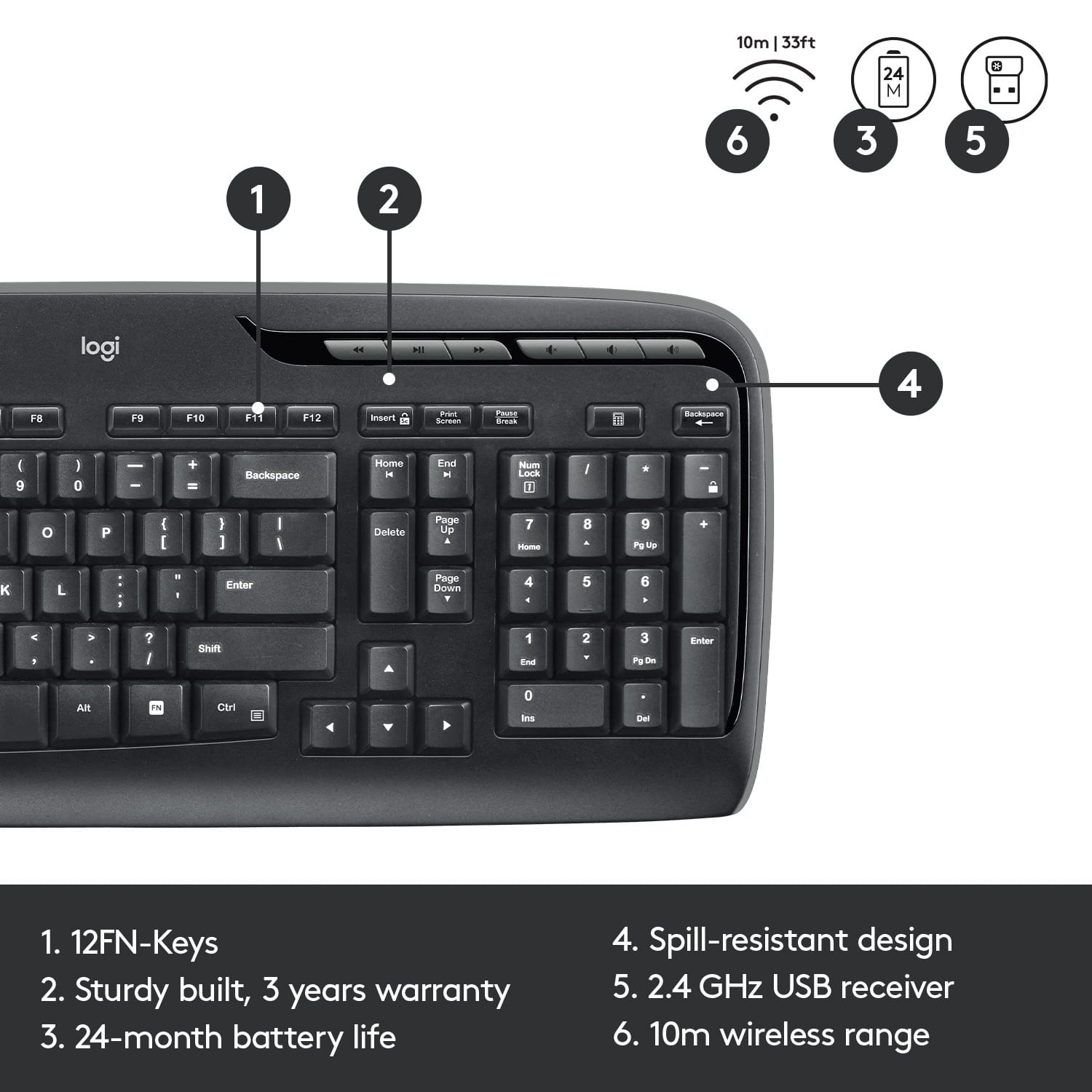
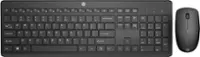
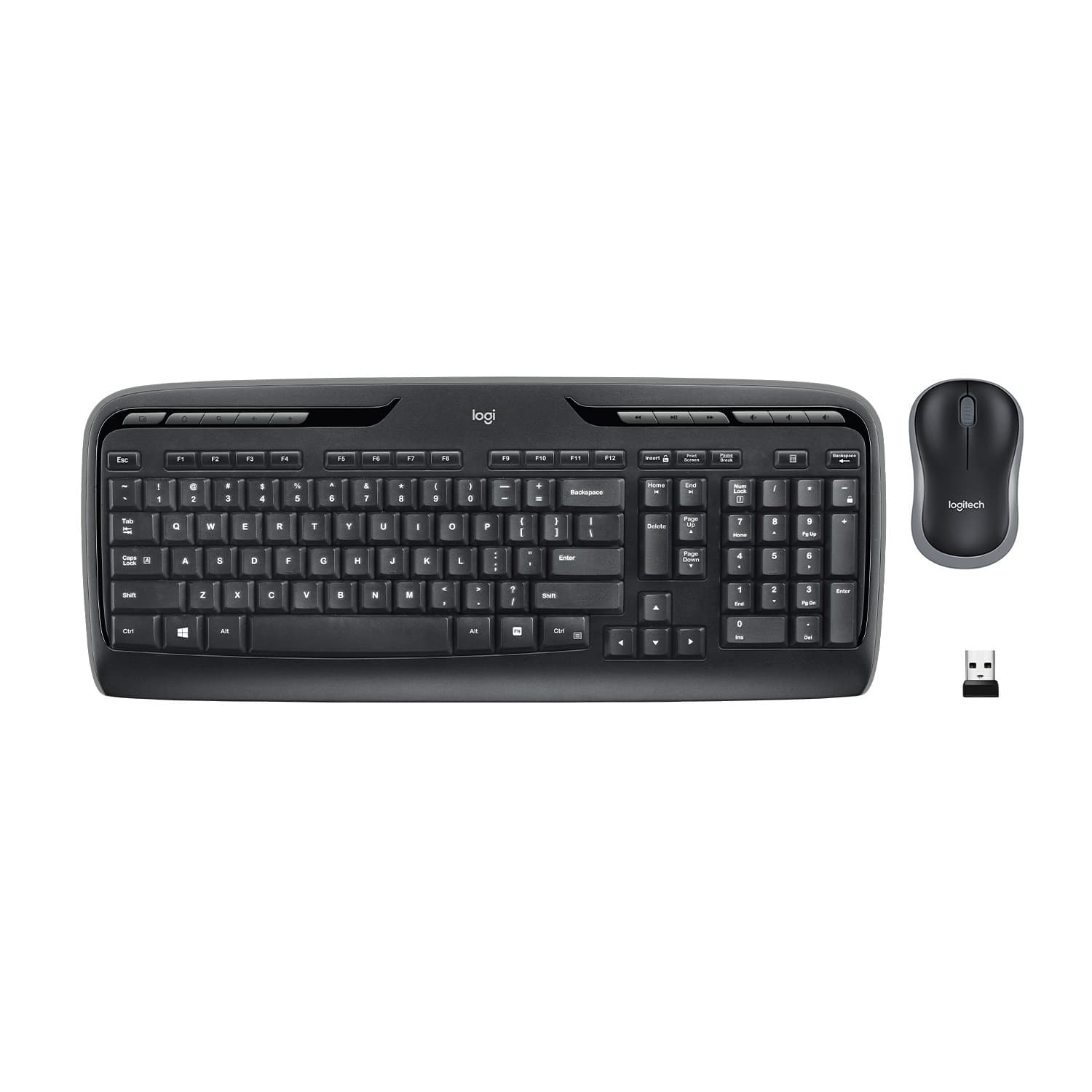
A:AnswerI don't know why there are two different images in the ad. I do know that the one that I purchased was like the one with the smaller function keys. I say like because there is a difference between the one shown and what I purchased. The one shown in the ad is labeled MK320 just to the left of the Logitech logo, while mine is labeled K330. Other than that they are identical.
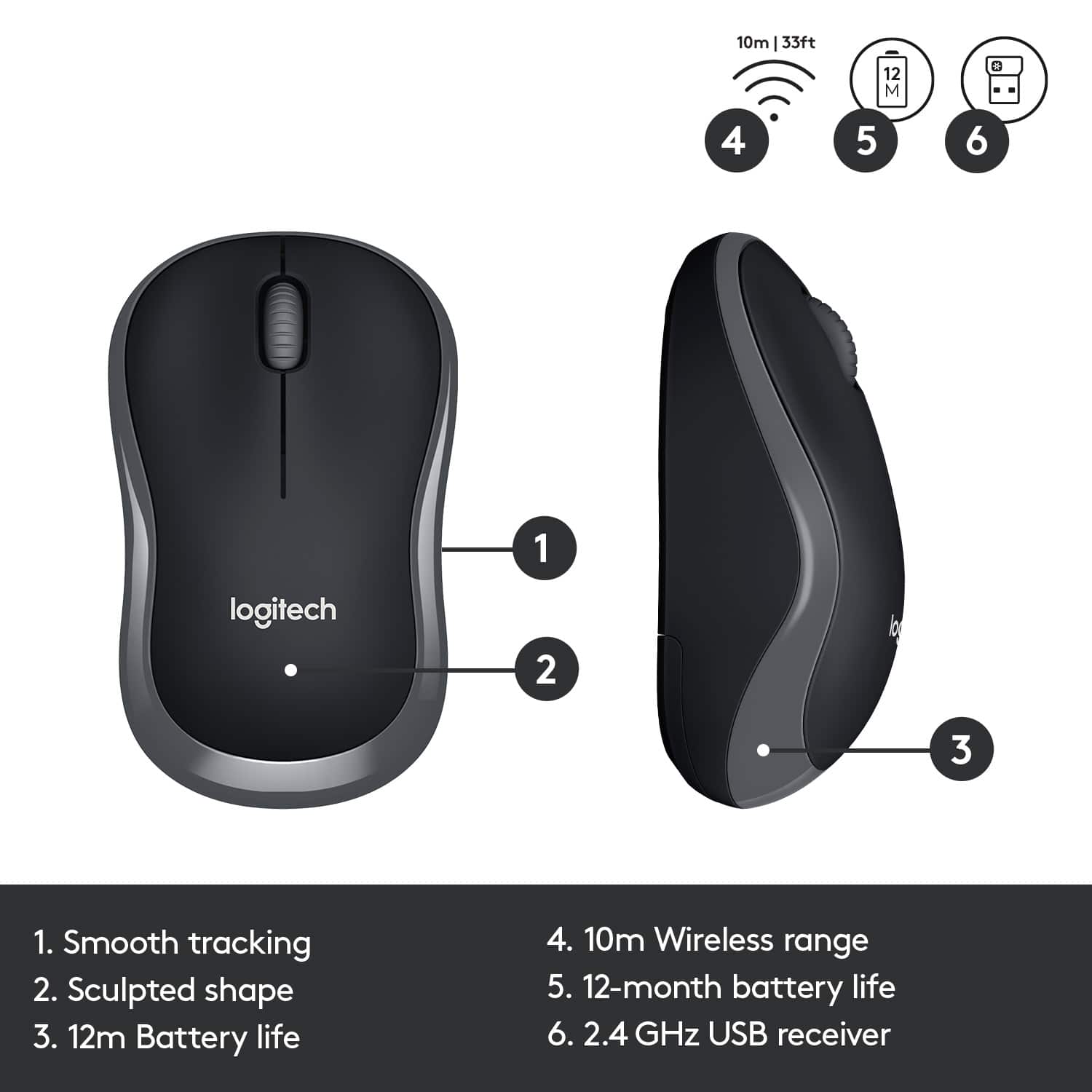
A:AnswerYes! You would only need 1 USB port to activate both the keyboard and mouse. The plug is small and can be stored inside the mouse next to its battery slot. The mouse needs 1 AA battery and the keyboard needs 2 AAA batteries.
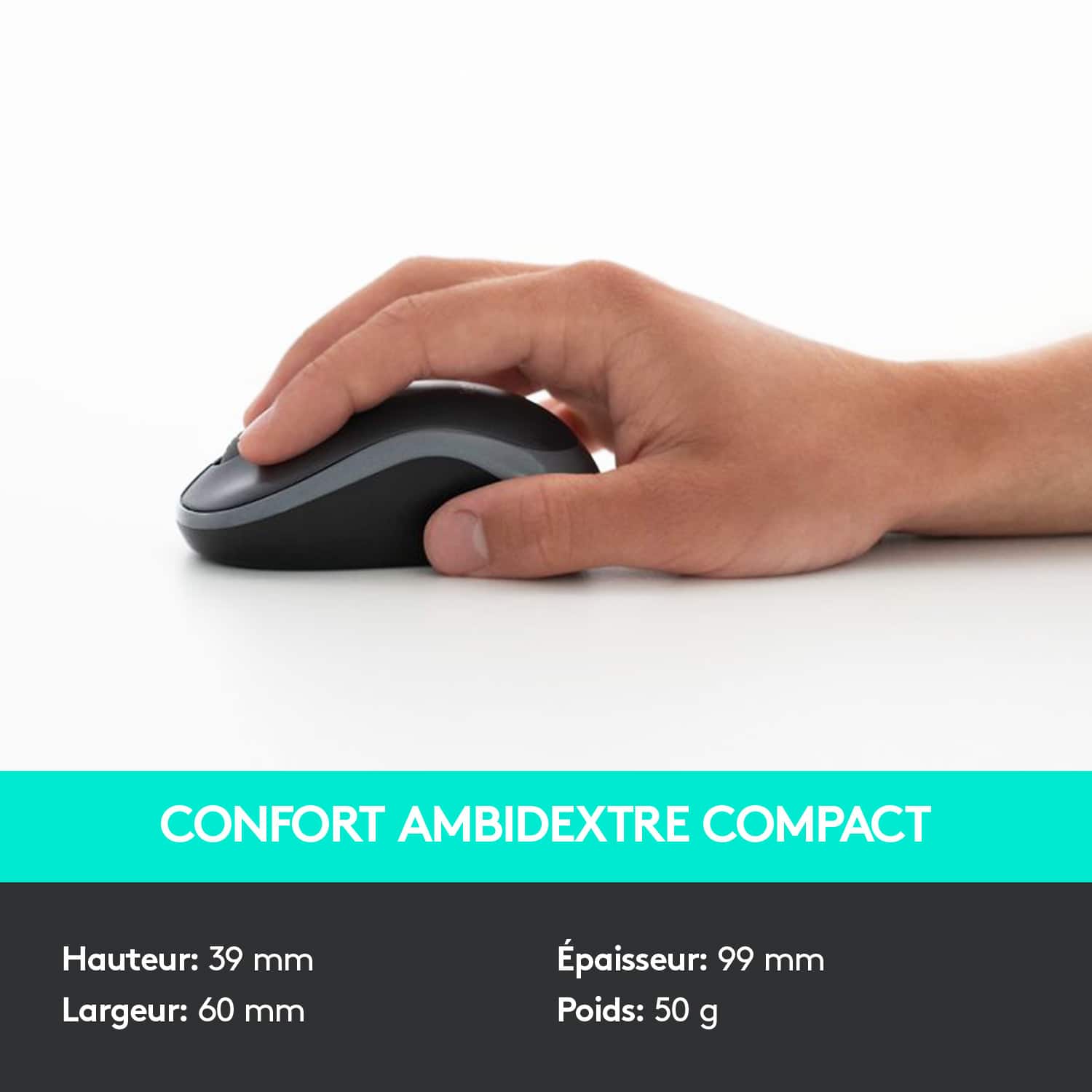
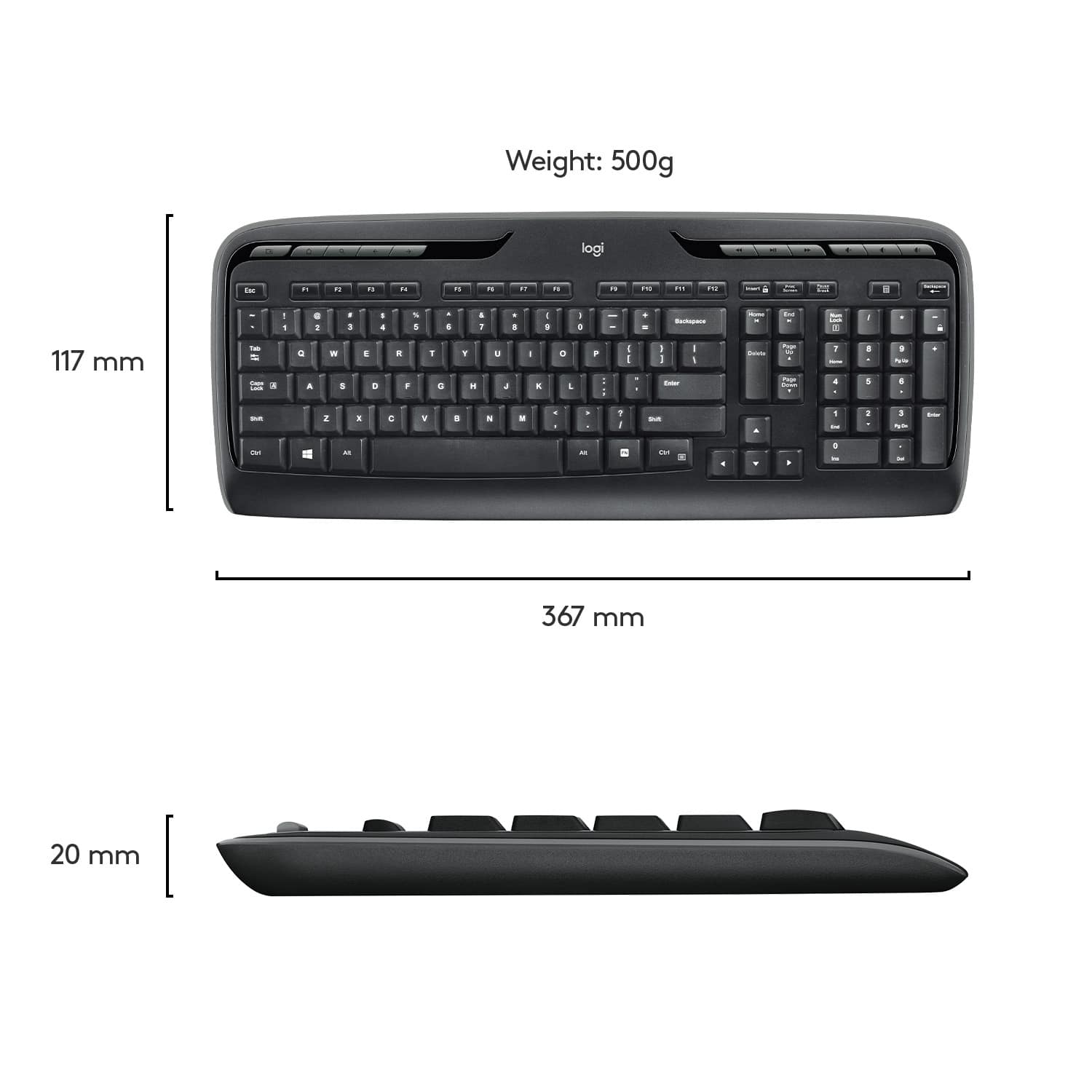
A:AnswerKeyboard is 17.56 inches in width and 7.2 inches depth. Mouse is 2.36 inches in width and 3.94 inches in depth. If you want other specs you can go to the following web site: http://support.logitech.com/en_us/product/wireless-desktop-mk320/specs.
![% 5 T 6 Y H F5 & 7 U J M F6 * 8 I K < Alt F7 logi F8 { 9 F9 ) 0 F10 - o - F11 + P = { L E Backspace ) ] . I > I ? Enter Shift IN Ctrl A F12 .. Inseri i Smian PS Home H Break Par End I Delete Num Page Lock Up 7 Down Page Ho 8 4 5 1 End 2 0 3 Ins Po Dn / * 9 Pg -e 6 Enter f + Beckspase Det 11 SHORTCUT KEYS FOR PRODUCTIVITY](https://pisces.bbystatic.com/image2/BestBuy_US/images/products/808ee562-6ece-46d3-b599-9023a655f797.jpg)