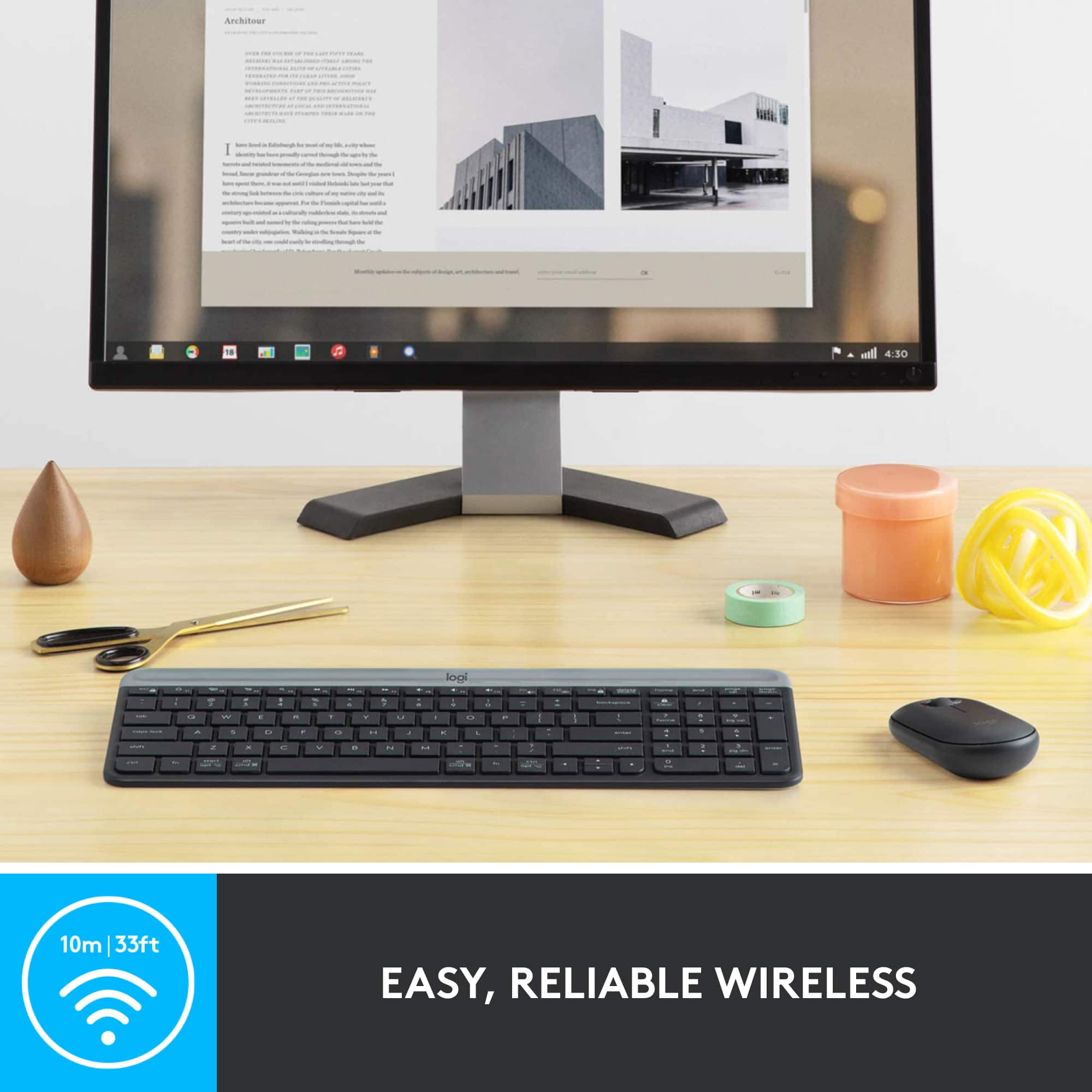
A:AnswerIt is true that this particular set is not bluetooth. If the galaxy tab s7+ has a dedicated usb port, then i don't see why it wouldn't work.
However not all cell phones and/or tablets have dedicated usb ports.
On phones/tablets that don't have a dedicated usb, the port where you charge the device in many cases is actualy multifuncion. All you need is a micro or usb-c adapter (or specially designed usb hubs) to full usb and that should solve the problem.
A:AnswerHello Raaja! Unfortunately, the MK470 Full-size Wireless Scissor Keyboard and Mouse Bundle with Plug and Play won't work with a Samsung Galaxy Tab A7 as you need to connect the USB Receiver to the device for it to operate. There is a similar model (keyboard only) that will work with your device though, it is the K580 Multi-Device Wireless Keyboard, which can connect via the Receiver or Bluetooth: https://www.bestbuy.com/site/logitech-k580-multi-device-chrome-os-edition-full-size-wireless-membrane-keyboard-graphite/6373452.p?skuId=6373452 - Mathieu form Logitech
A:AnswerI'm not sure as I haven't tried yet myself. This mouse is 'OK' but not to my taste either. You can always try another logitech mouse for pairing purposes.
A:AnswerHello Steven, The MK470 isn't compatible with Mac OS. It is only compatible with Windows and Chrome OS. Here are the keyboard and mouse combinations that are compatible with Mac OS and could be used with your iPad and iPhone: https://www.logitech.com/en-us/products/combos.html?filters=mac. - Richard from Logitech
A:AnswerNo, the MK470 is not compatible with Mac. It is designed for Windows® 10, 8, 7 or later, works with surface. Check out these combo options: https://www.bestbuy.com/site/combo/wireless-bluetooth-keyboards/7f9f68c4-dc93-425b-854a-b1efc9ded58b - https://www.bestbuy.com/site/logitech-mk850-performance-wireless-keyboard-and-optical-mouse-black/5761911.p?skuId=5761911 - Plus many more options.
A:AnswerHello MrsAlexson, You can purchase another nano receiver at Logitech's web site---here's the link: https://support.logi.com/hc/en-us/articles/360025412093--Spare-Parts-Wireless-Combo-MK270. Another easier keyboard/mice option for you would be our multi-device connecting combos. For example, the MK850 can connect to multiple devices at a push of a button. Here's a link that'll show you more: https://www.logitech.com/en-us/products/combos/mk850-wireless-keyboard-mouse.920-008219.html?crid=1759.
A:AnswerHello, you may contact our technical support team to assist you with a replacement USB dongle. https://support.logi.com/hc/en-us/requests/new?ticket_form_id=360000621393
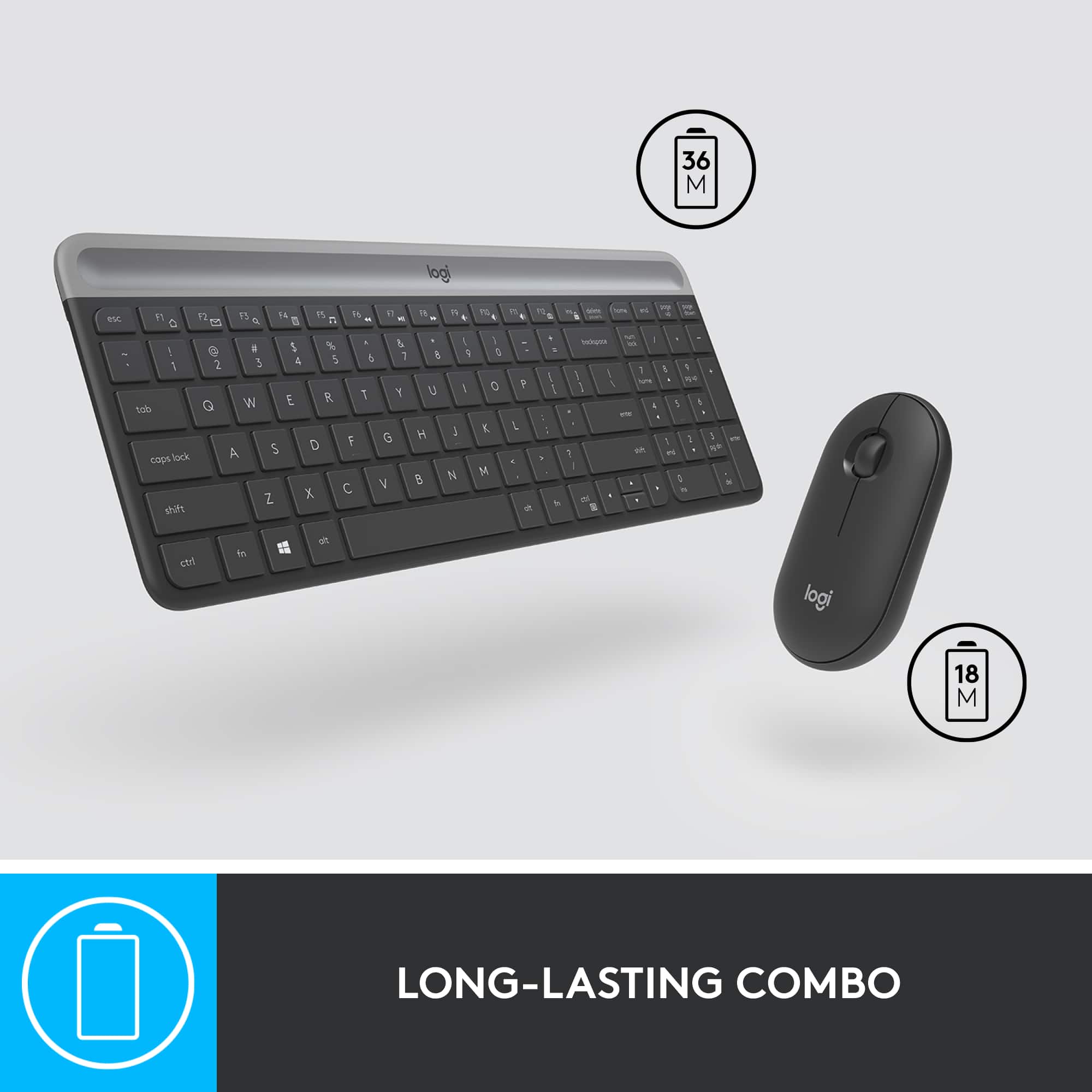
A:AnswerYes it does come with batteries already installed inside the keyboard. Just pull the tab and it's active.
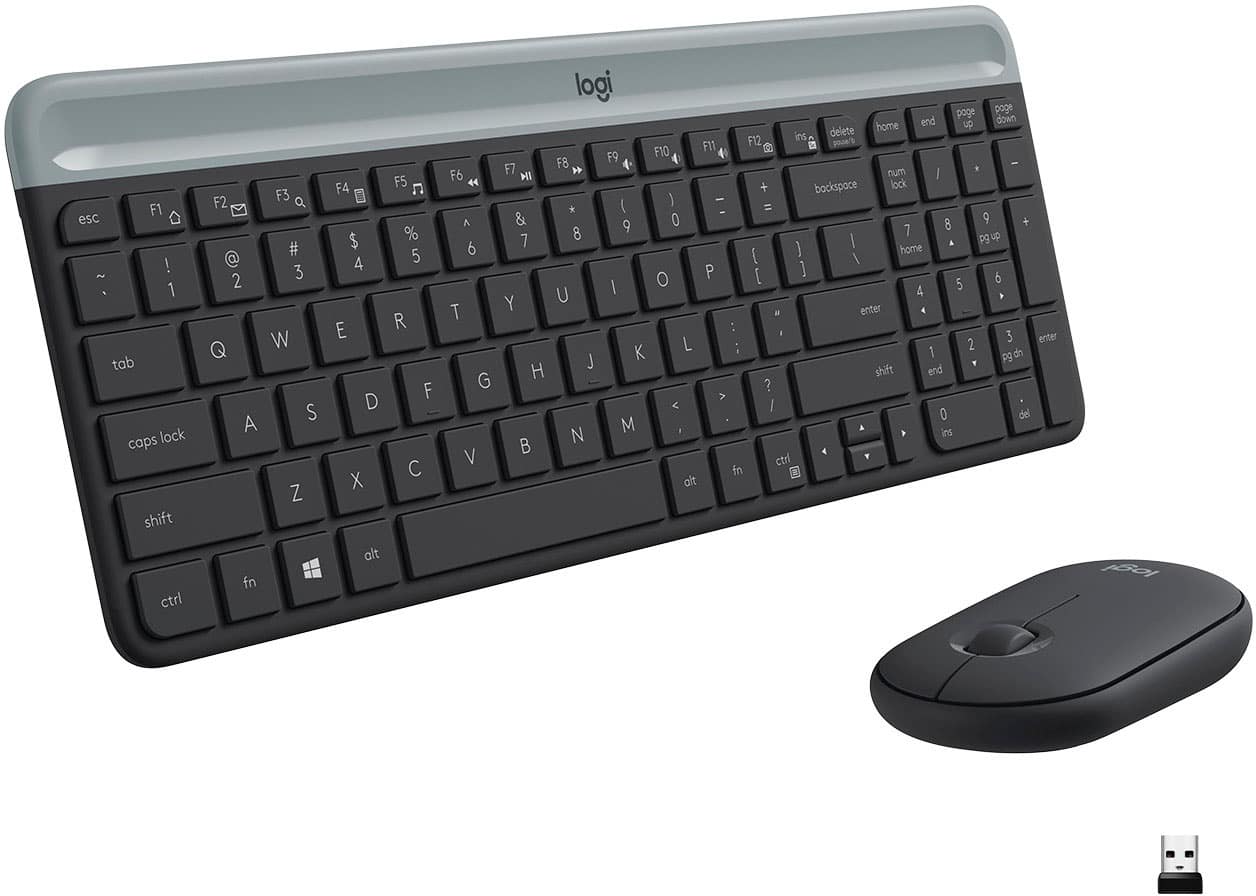
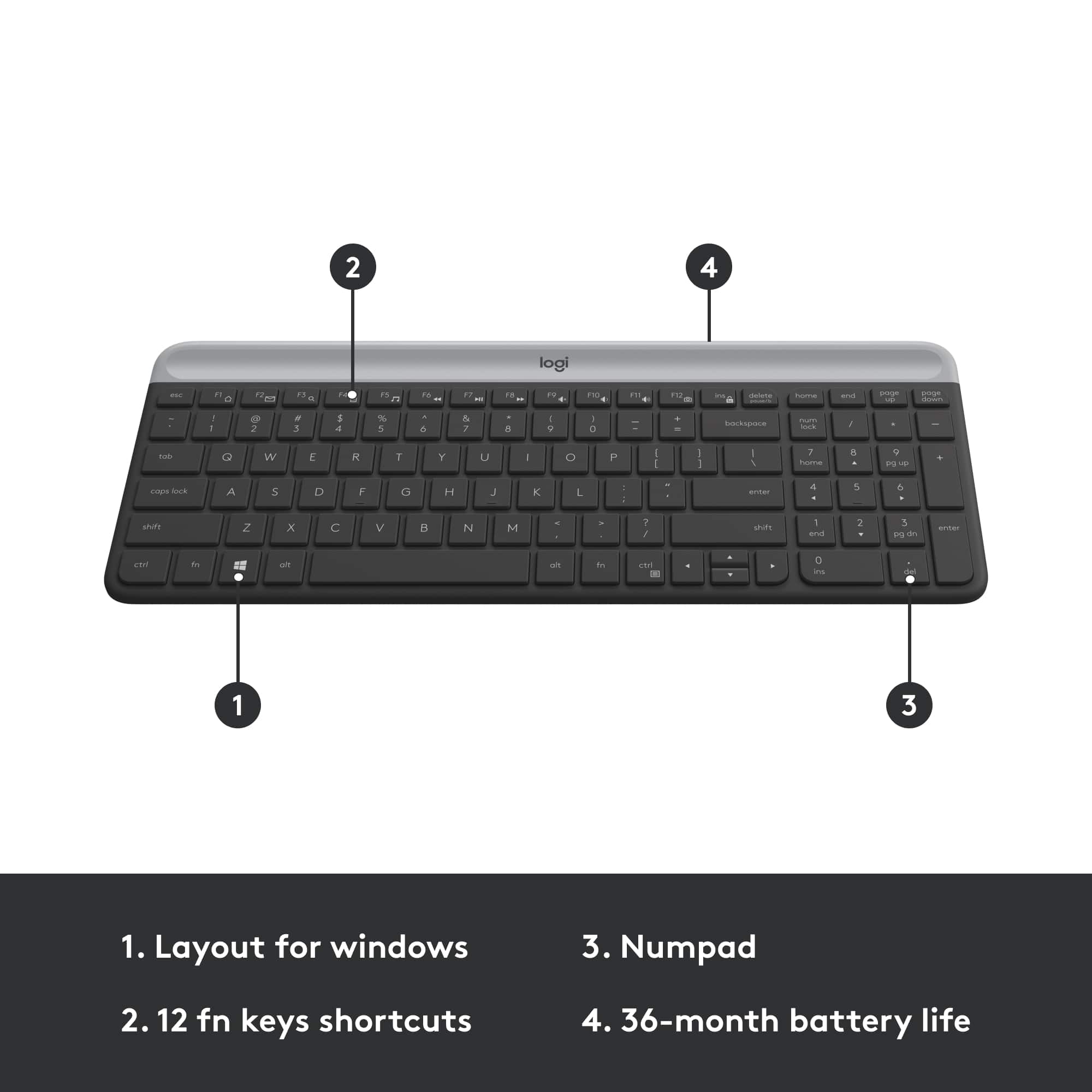
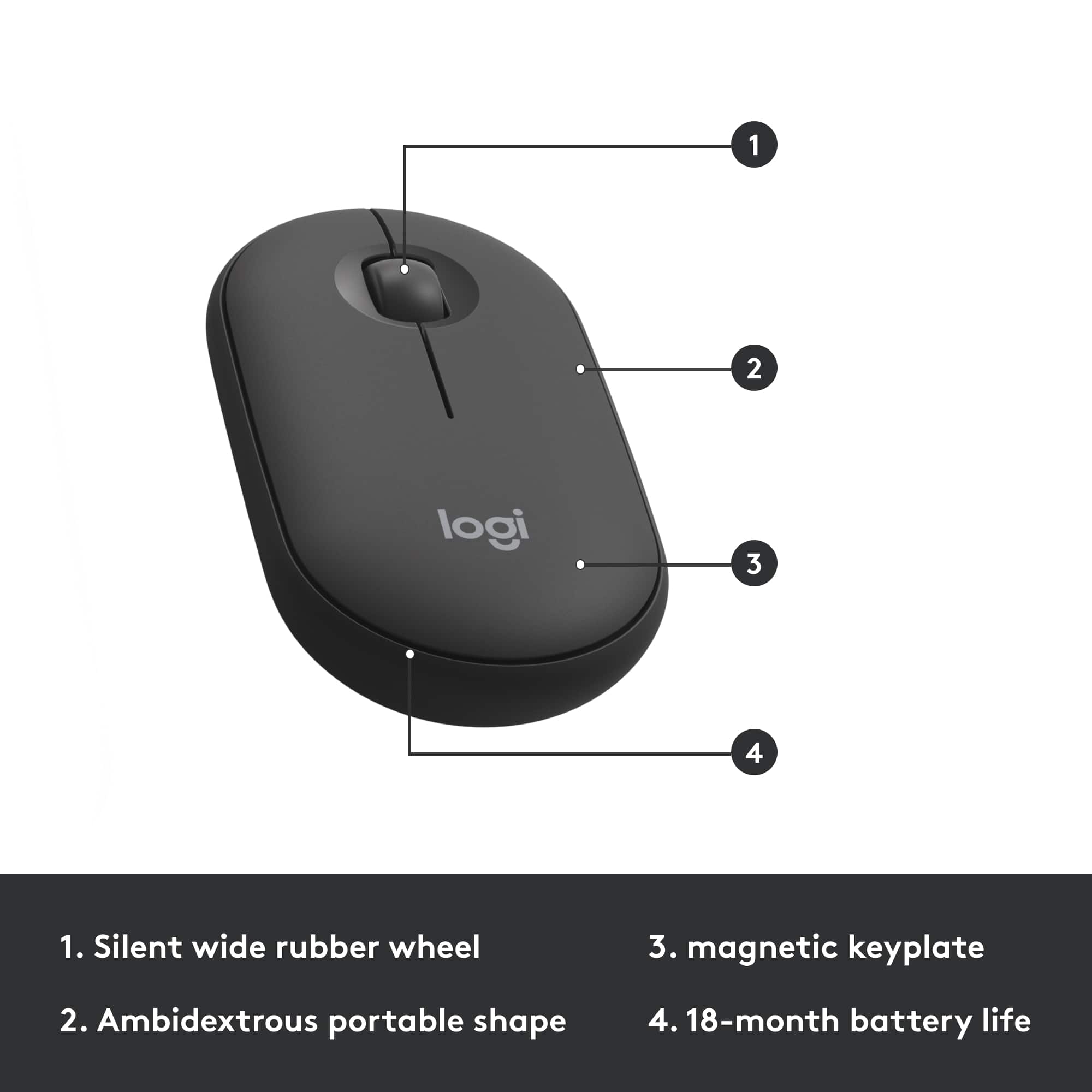
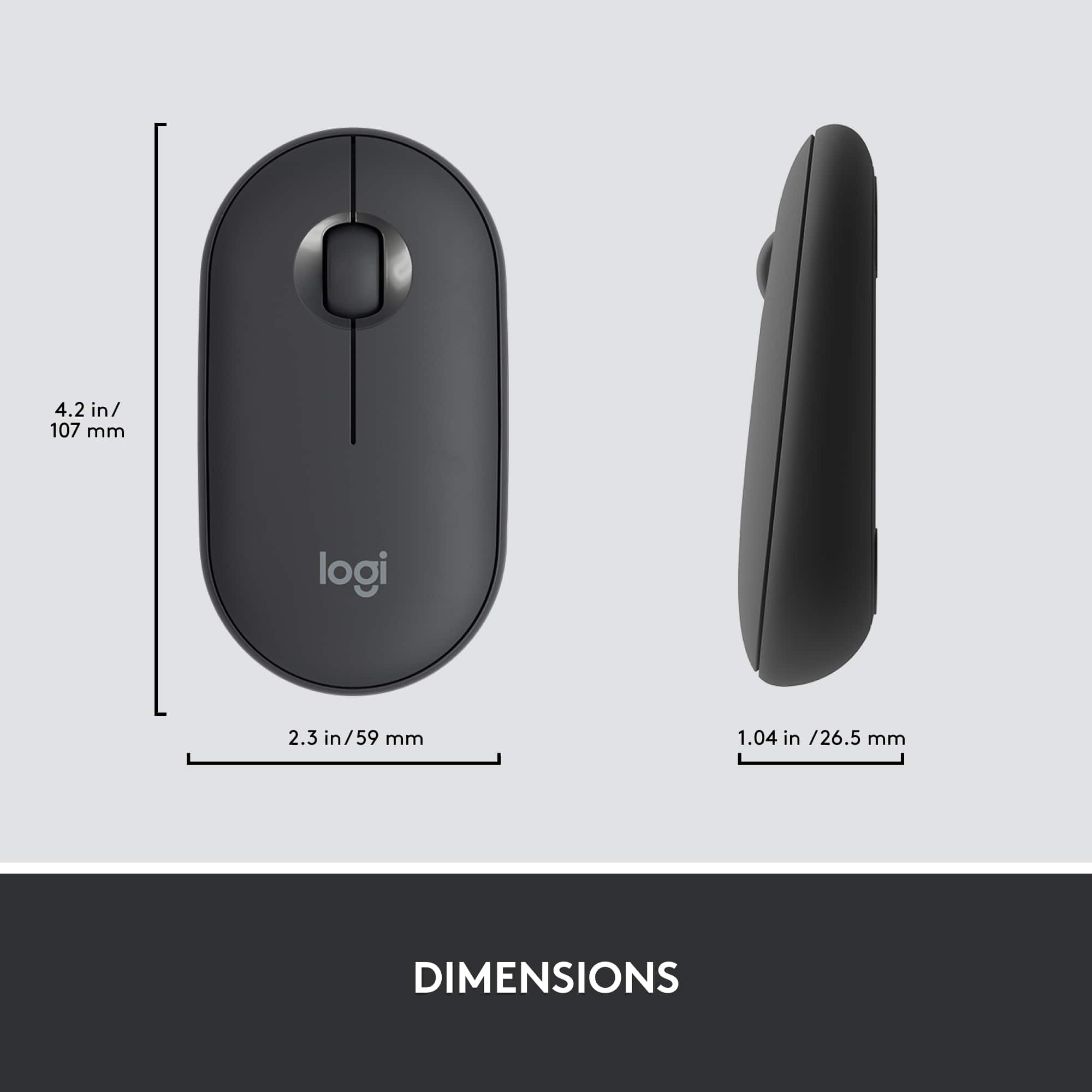
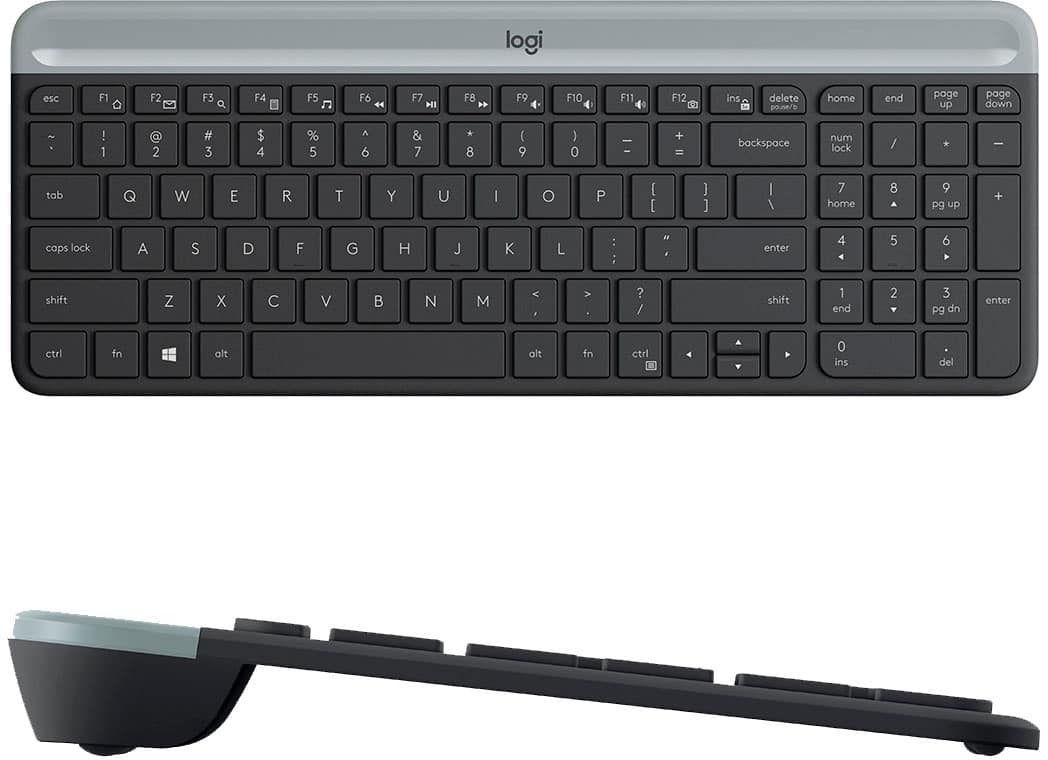
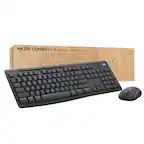
Funny thing is, the mouse does not need batteries. It just has an on/off switch. But good news, the keyboard has a secret compartment where the logi brand logo is, and that's where the batteries are and the USB dongle storage is, and you can store pens/extra batteries as well
A:AnswerIt's the same USB receiver for both the mouse and keyboard. However, you can definitely use a different mouse. You would just need to plug in that mouse's own USB receiver to separately connect it. This mouse has an on/off switch on the bottom, so you can turn it off to prevent two mice from connecting to your computer. You wouldn't be able to use this mouse with another computer though since it doesn't have its own USB receiver.