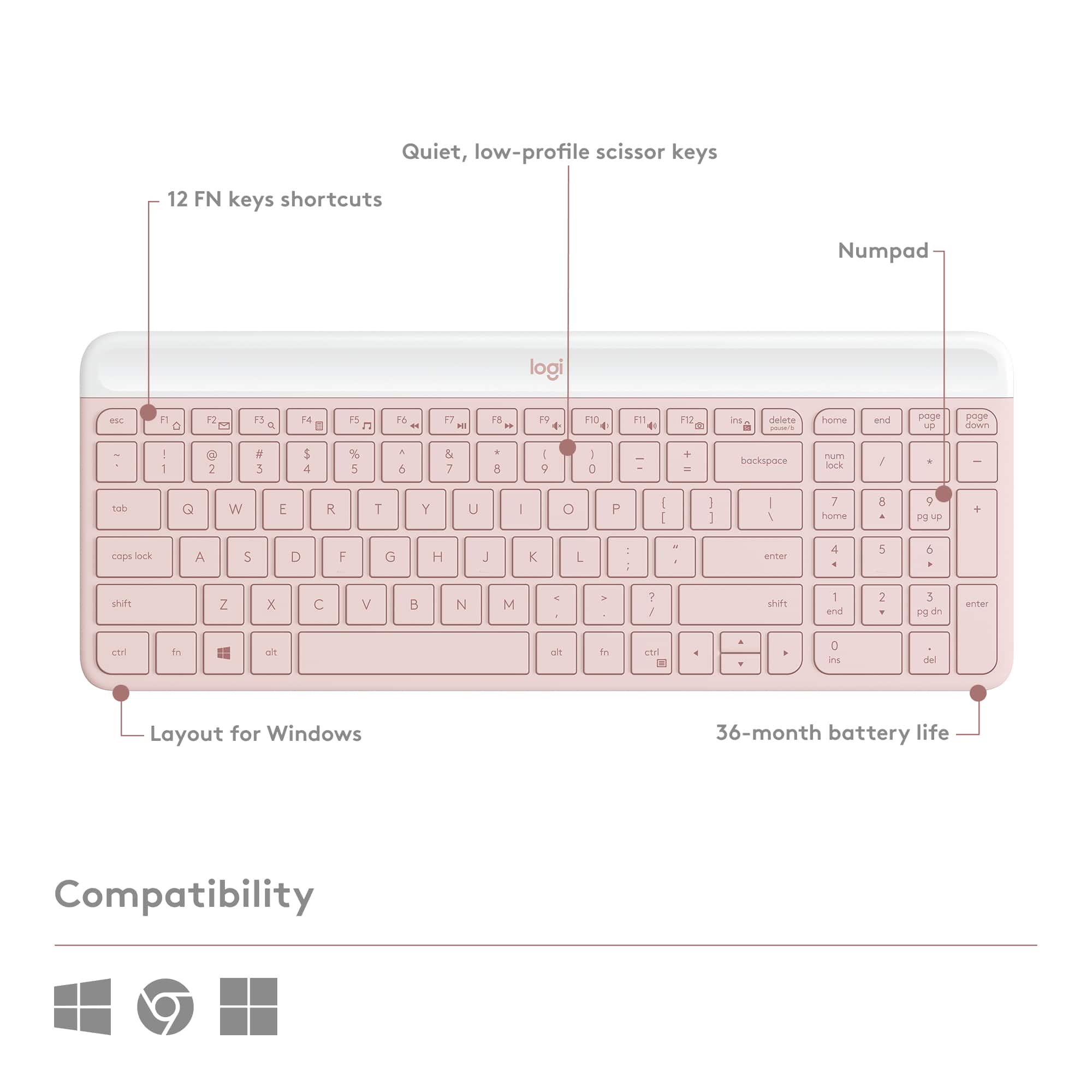
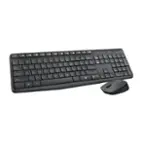
A:AnswerHello EEMB. The MK470 can work with MacOS, it just does not have the shortcut keys printed on them. You will use the Windows key as your CMD. So what is normally CMD+C for copy on a Mac keyboard will be WIN+C on the MK470. Hopefully this is helpful. For more help, please visit our support site: support.logi.com
A:AnswerHello, you may contact our technical support team to assist you with a replacement USB dongle. https://support.logi.com/hc/en-us/requests/new?ticket_form_id=360000621393
A:AnswerI just purchased this combo and the receiver is non-unifying. I use the keyboard with my MX 3 mouse I just purchased as well. Since it is Bluetooth, I only have to use the one dongle.
A:AnswerHello, this combo is not made for gaming but will work. Here are some better options for gaming keyboards: https://www.logitechg.com/en-us/products/gaming-keyboards.html.
-Danielle from Logitech
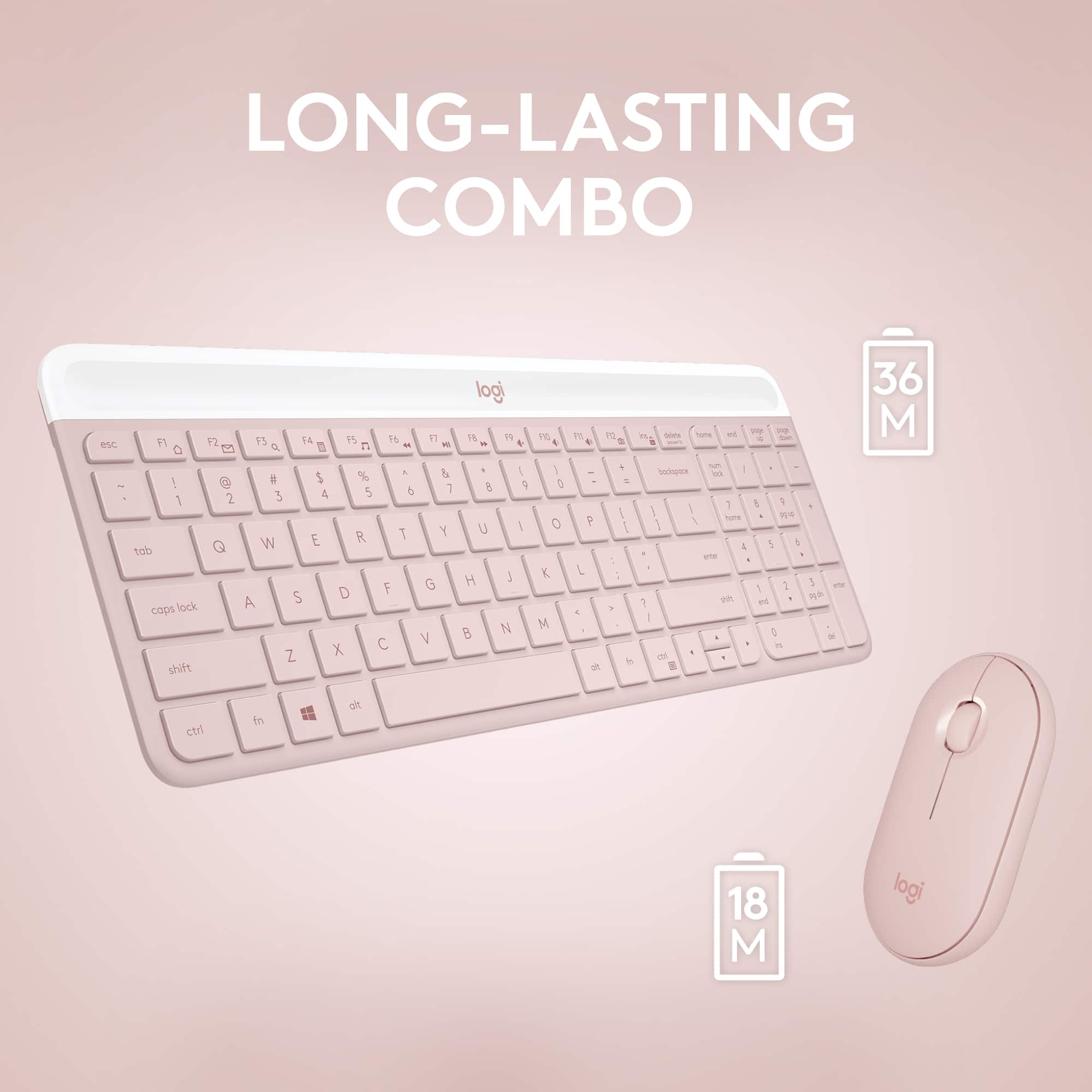
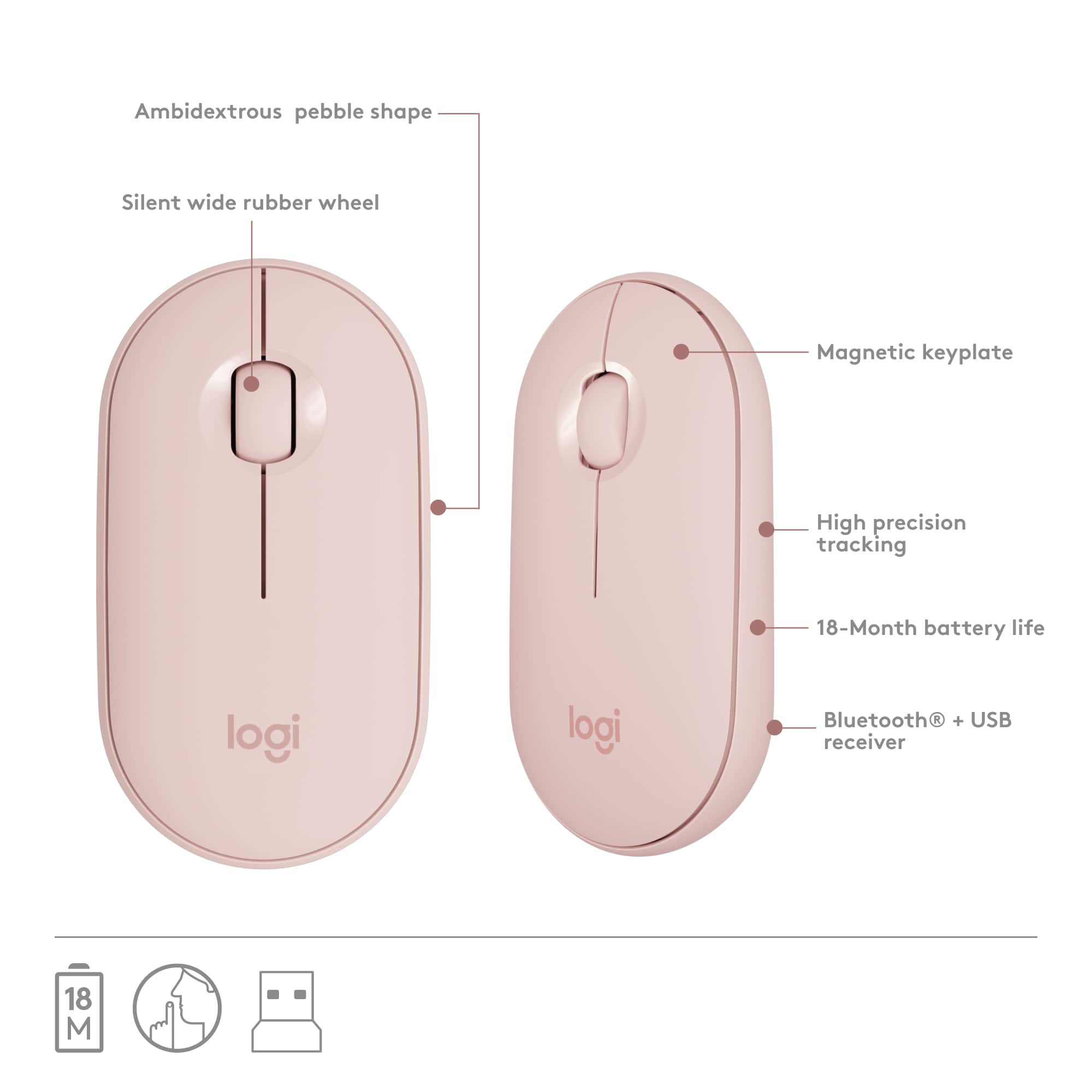
A:AnswerHello, the MK470 uses AA batteries. Up to 18-month battery life for the mouse and 36-months for the keyboard mean that you don’t have to worry about losing power. Both go into battery-saving sleep mode when not in use.
A:AnswerHi Wendy, the MK470 will work with Windows 10 operating system on your Dell Laptop. Keep in mind it connects with a USB receiver, so you will need to have an open USB port in order for this mouse and keyboard combo to work.
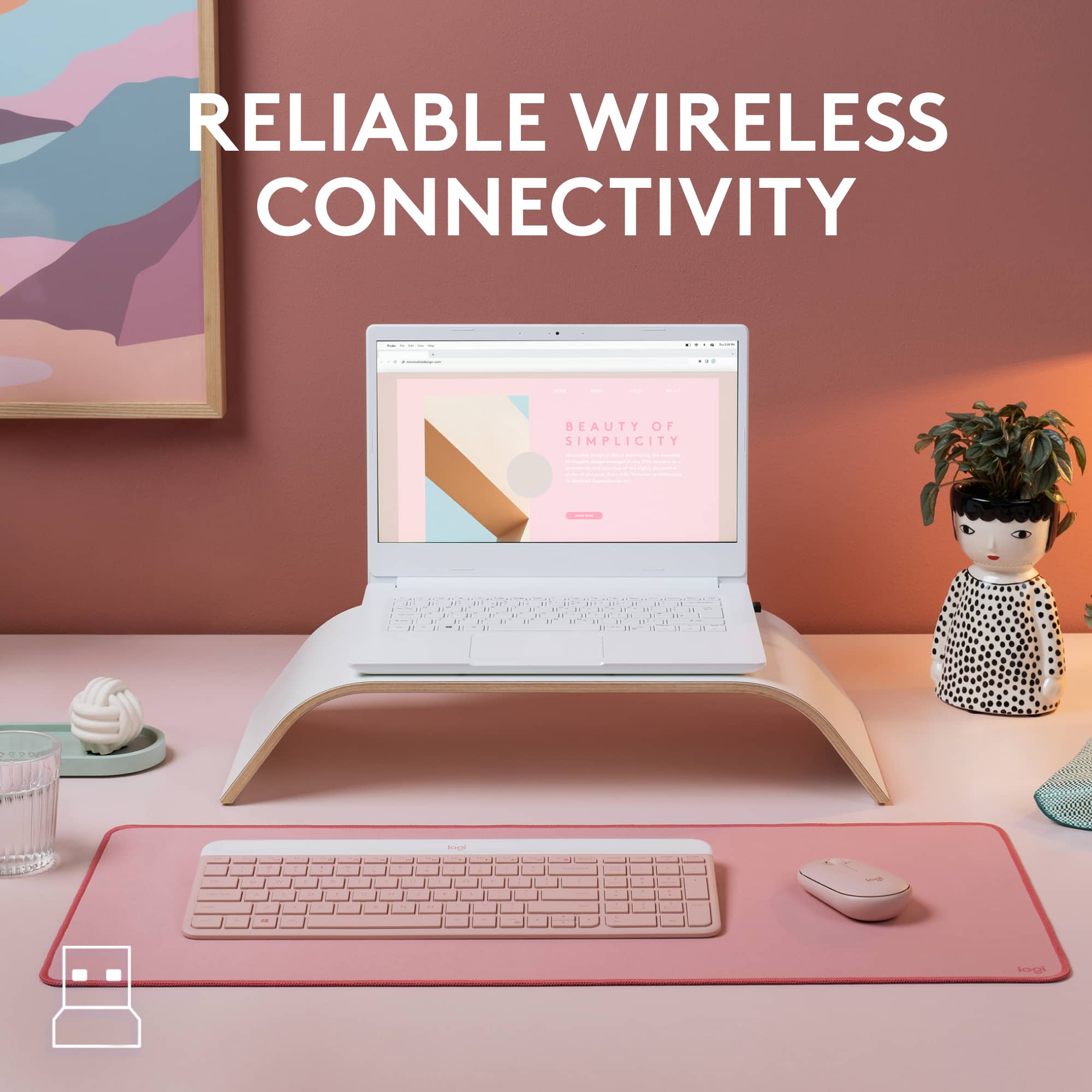
A:AnswerHi, the MK470 uses a USB receiver to pair to a computer/laptop. The Google Pixelbook does not have a standard USB port, it only has a USB C port. You would need a USB hub for the required USB receiver to be plugged into in order for it to work with your Pixelbook.
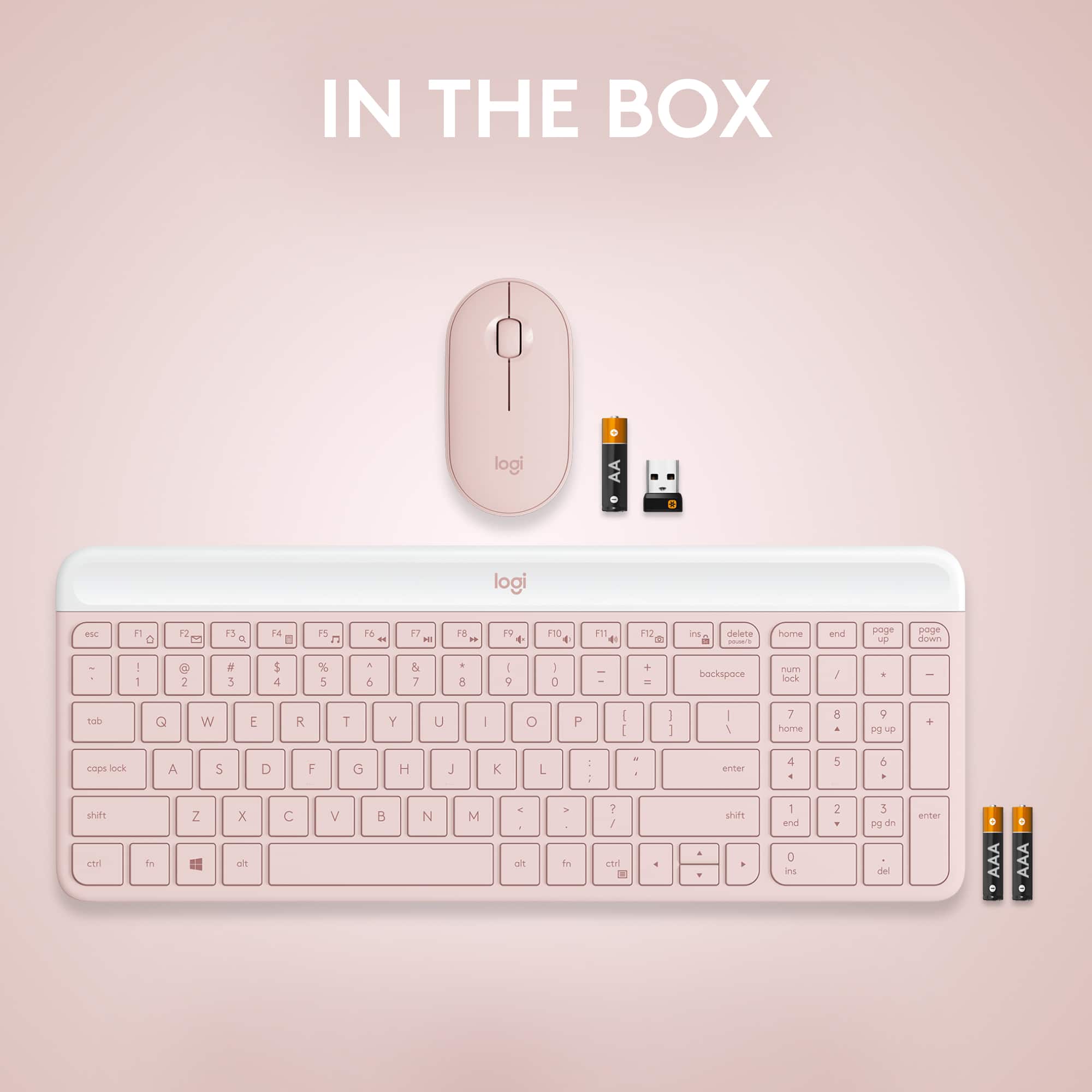
A:AnswerYes it does come with batteries already installed inside the keyboard. Just pull the tab and it's active.
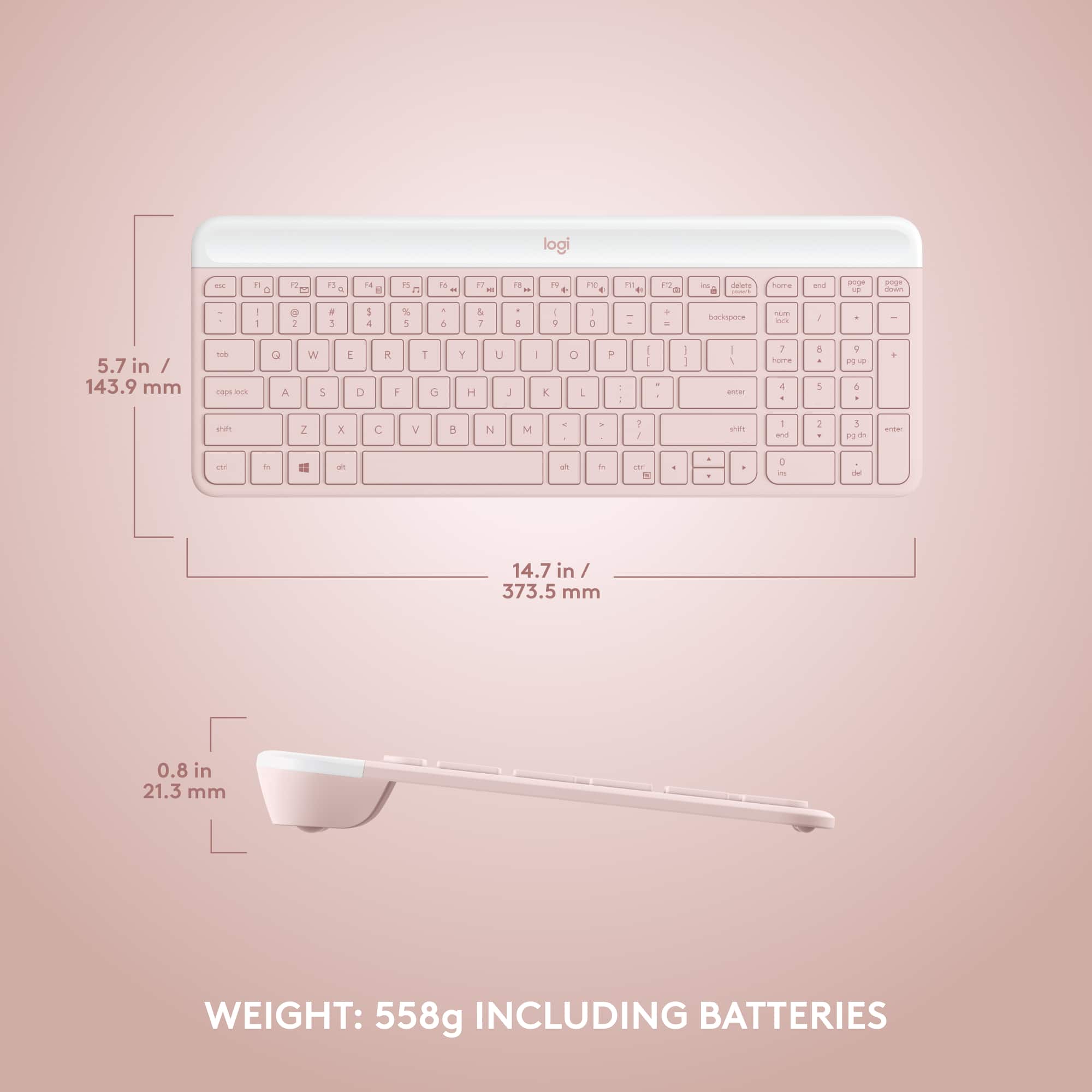
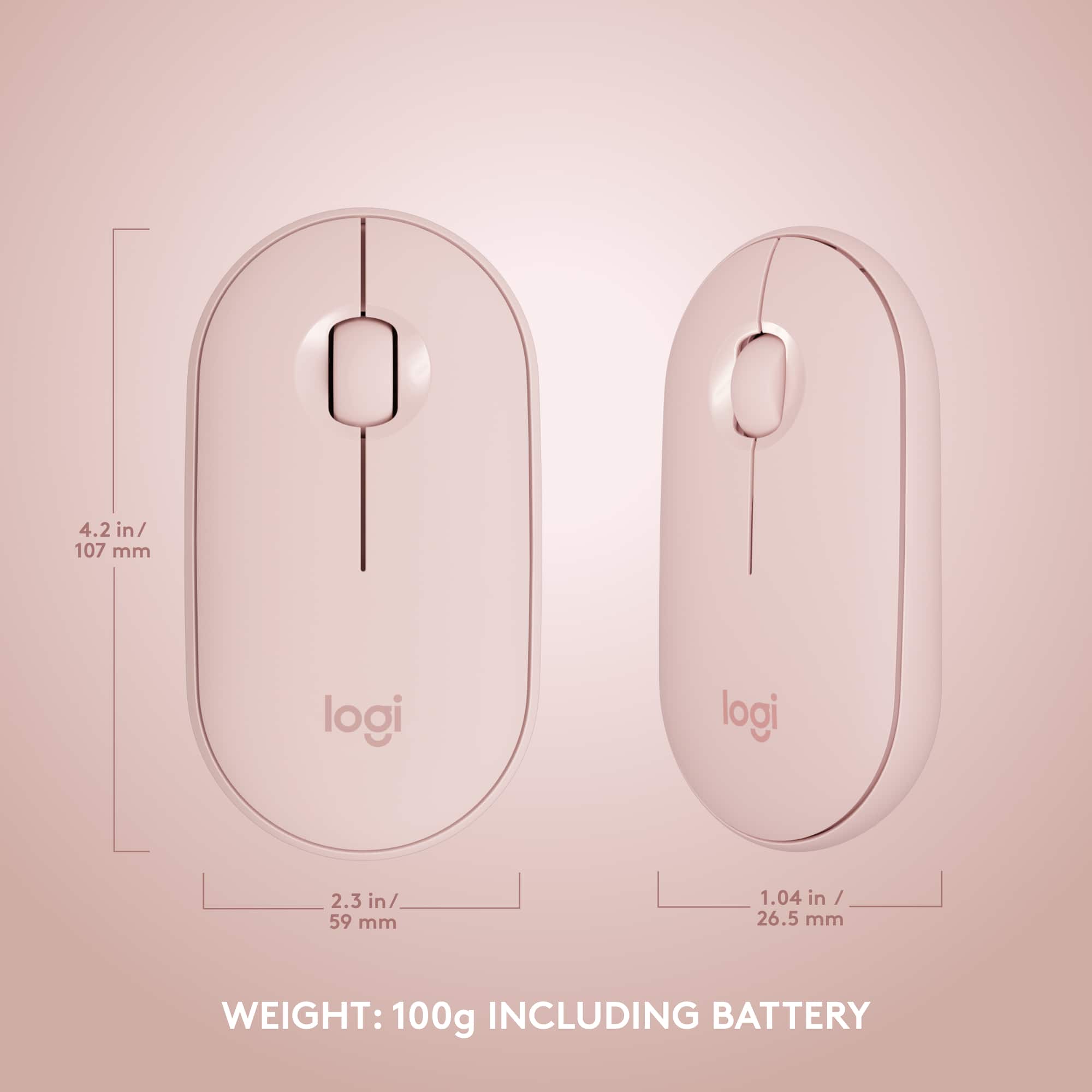
Funny thing is, the mouse does not need batteries. It just has an on/off switch. But good news, the keyboard has a secret compartment where the logi brand logo is, and that's where the batteries are and the USB dongle storage is, and you can store pens/extra batteries as well