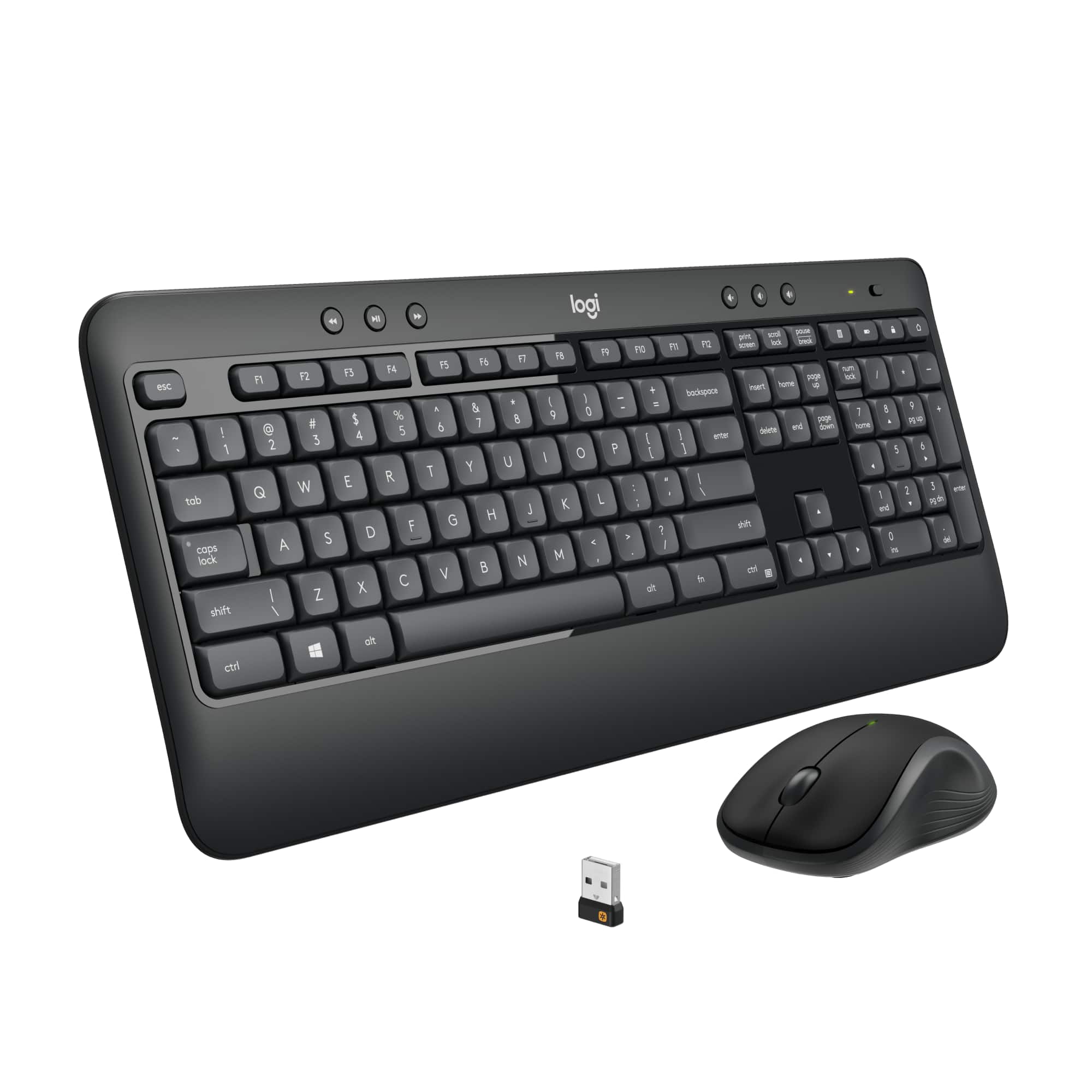
A:AnswerHello, Best Buy does not sell the Unifying receiver on its own. You can find it on the Logitech website. You can also purchase a mouse that uses the Unifying receiver (like the M325) and use that receiver for the MK combo.
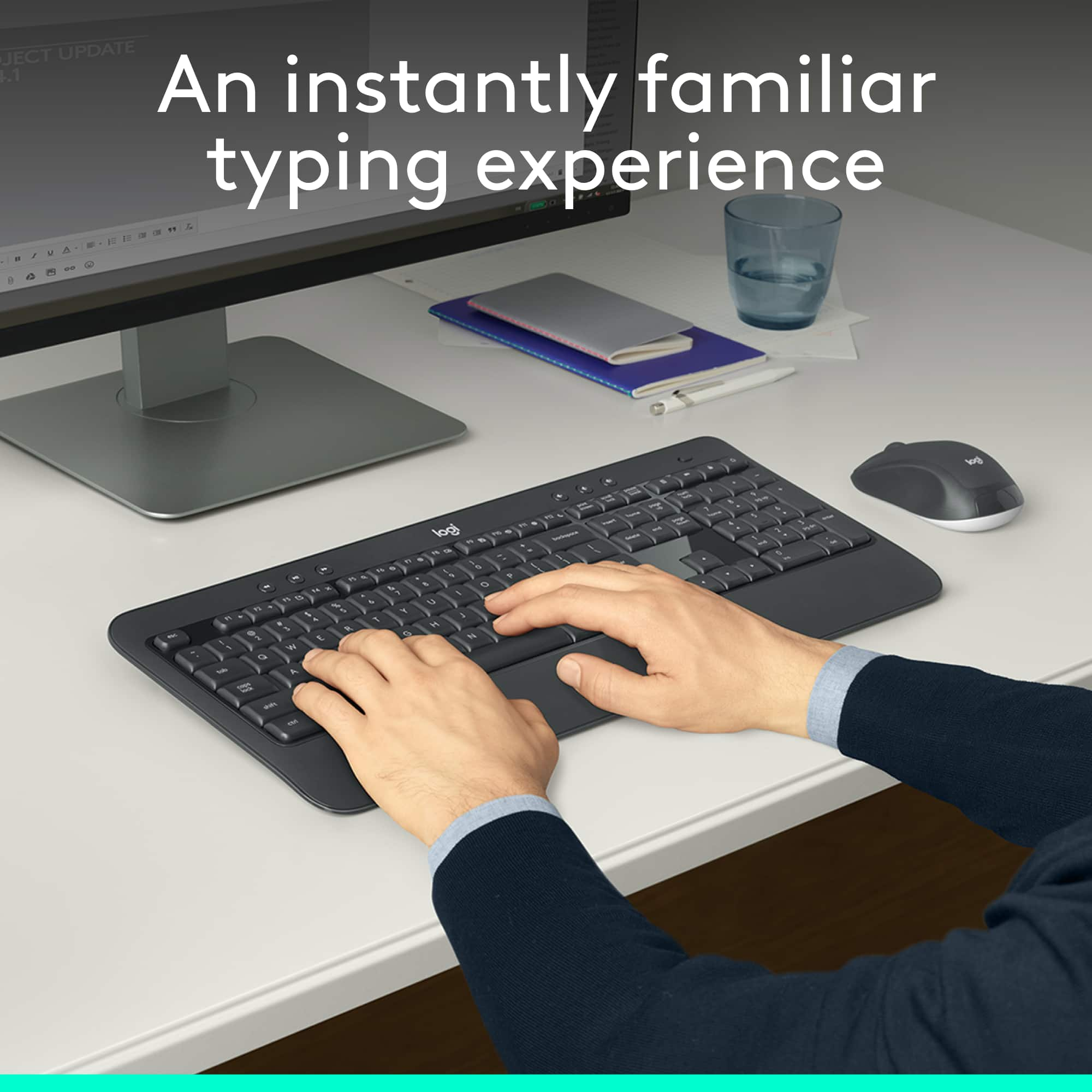
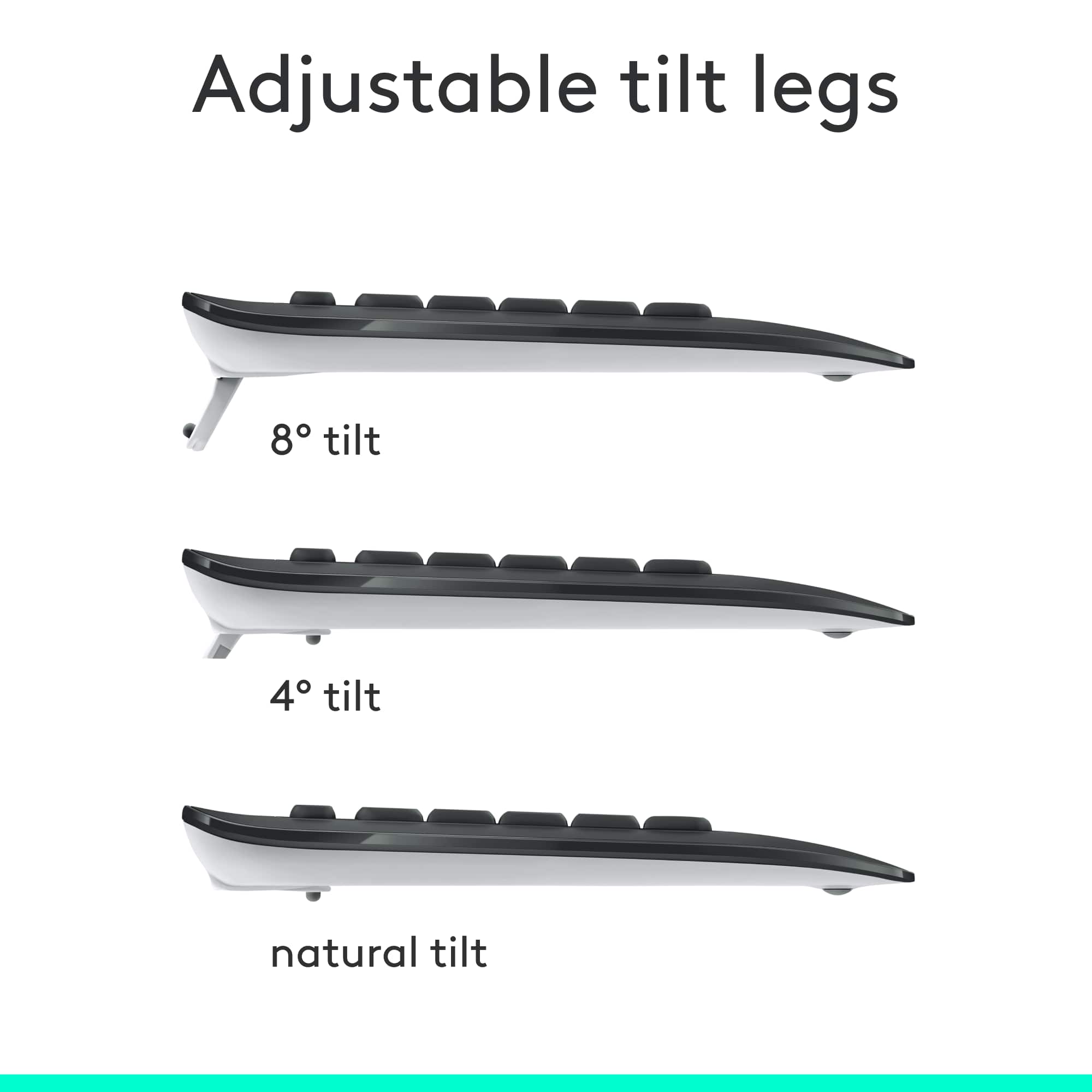
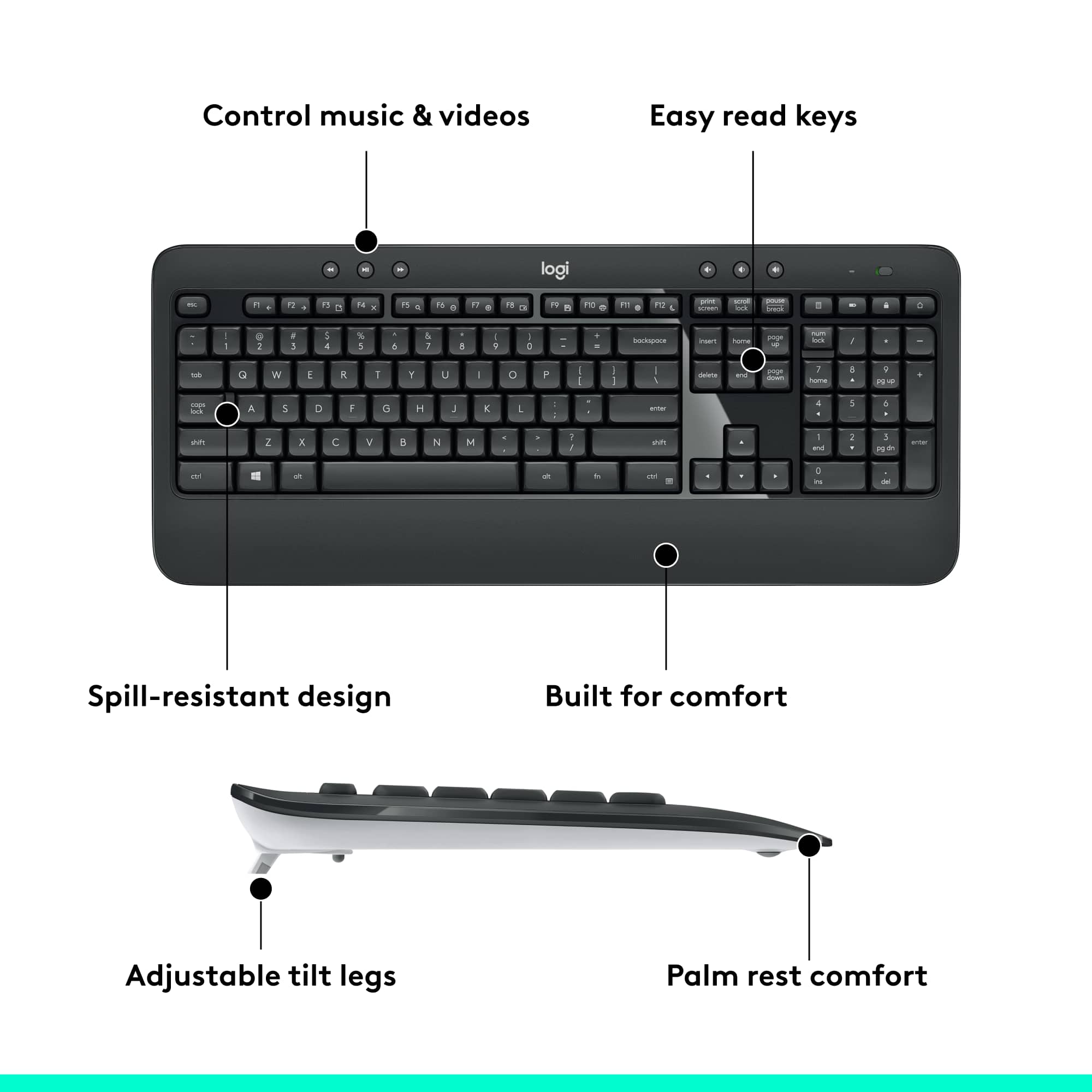
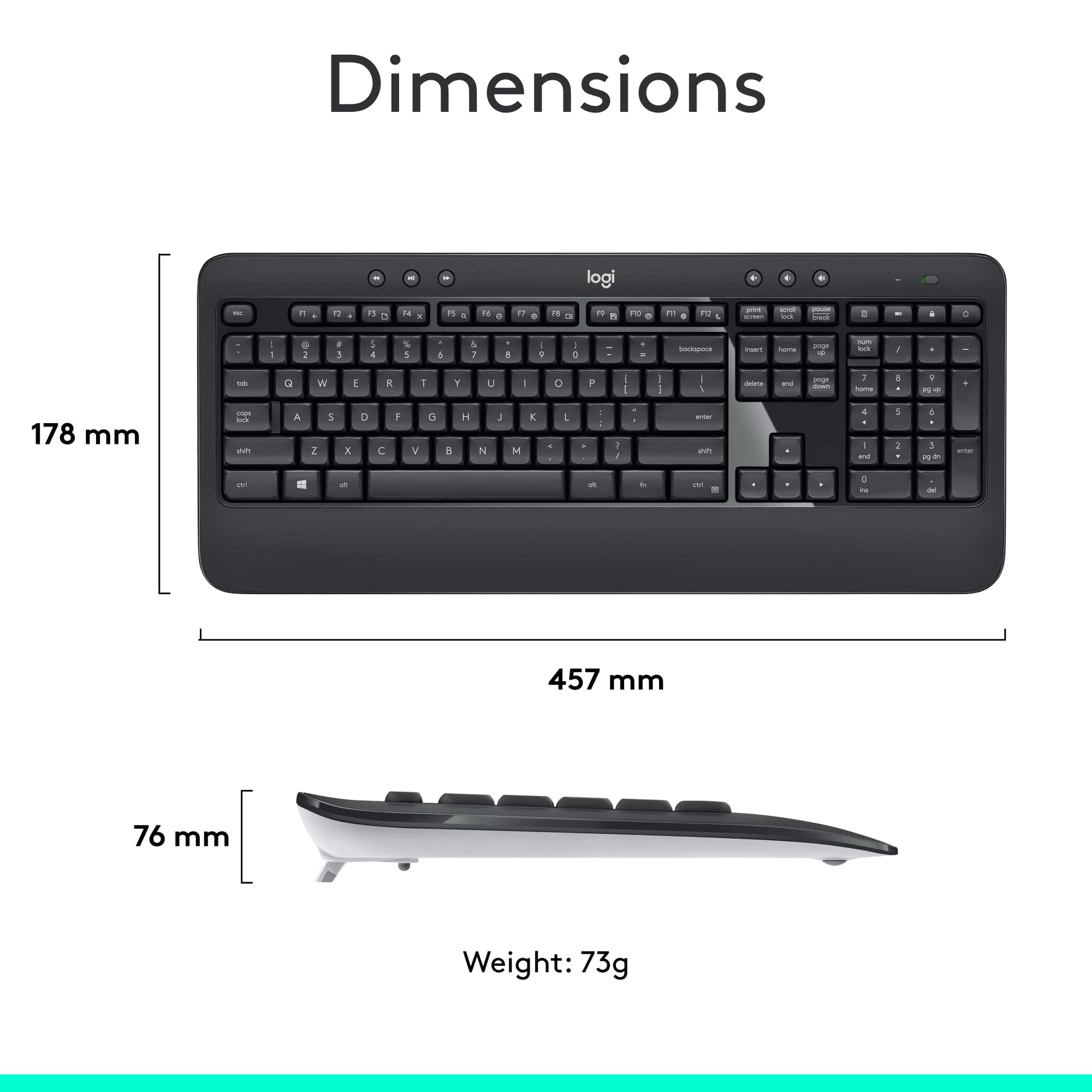
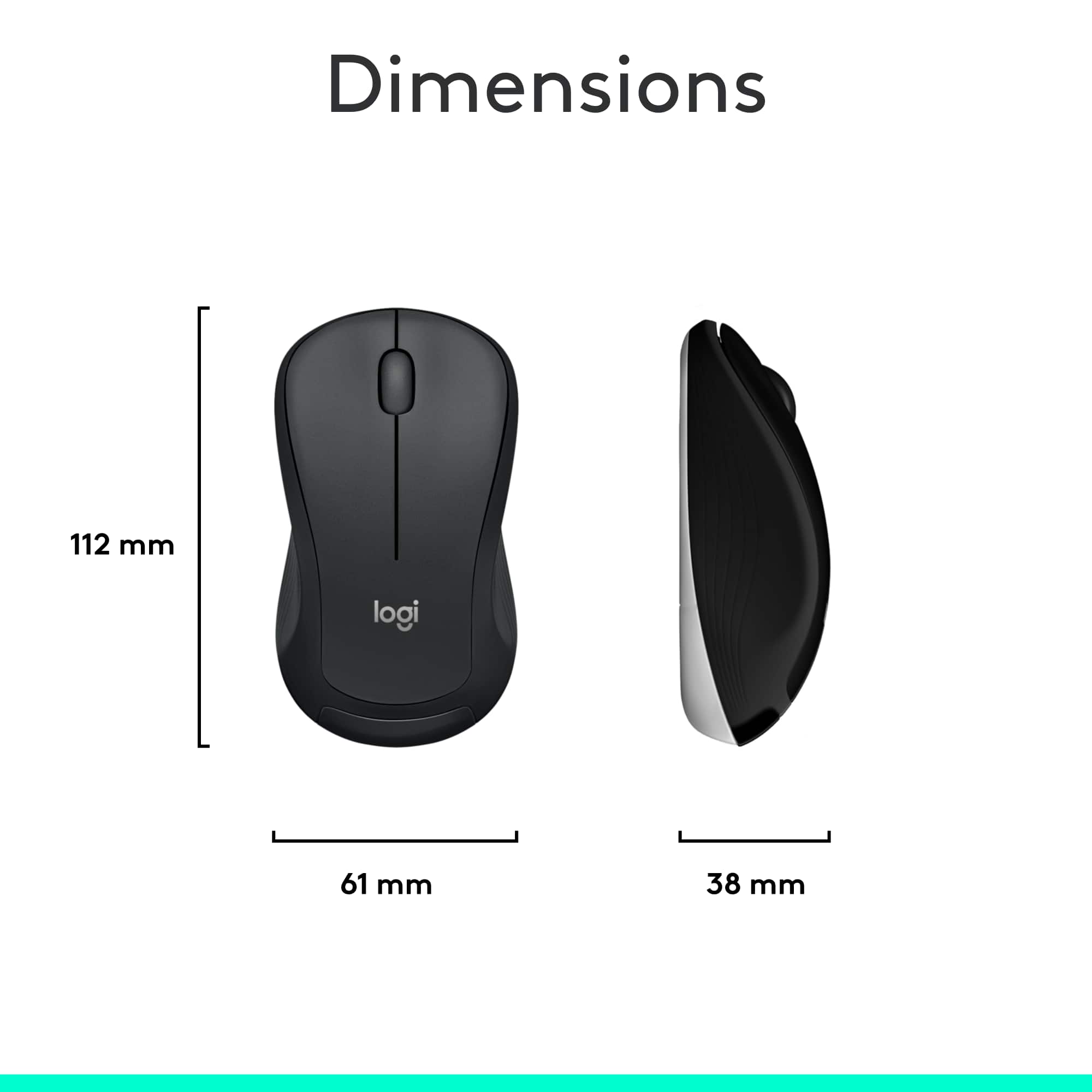
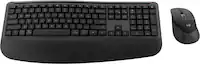
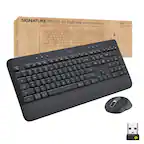
A:AnswerThe keyboard is 17 1/2 inches wide and 7 inches deep; at it's thickest, it is 1/2 inch deep from a tapered end of 1/8 inch. It has built-in legs so that the keyboard can be elevated at an angle.
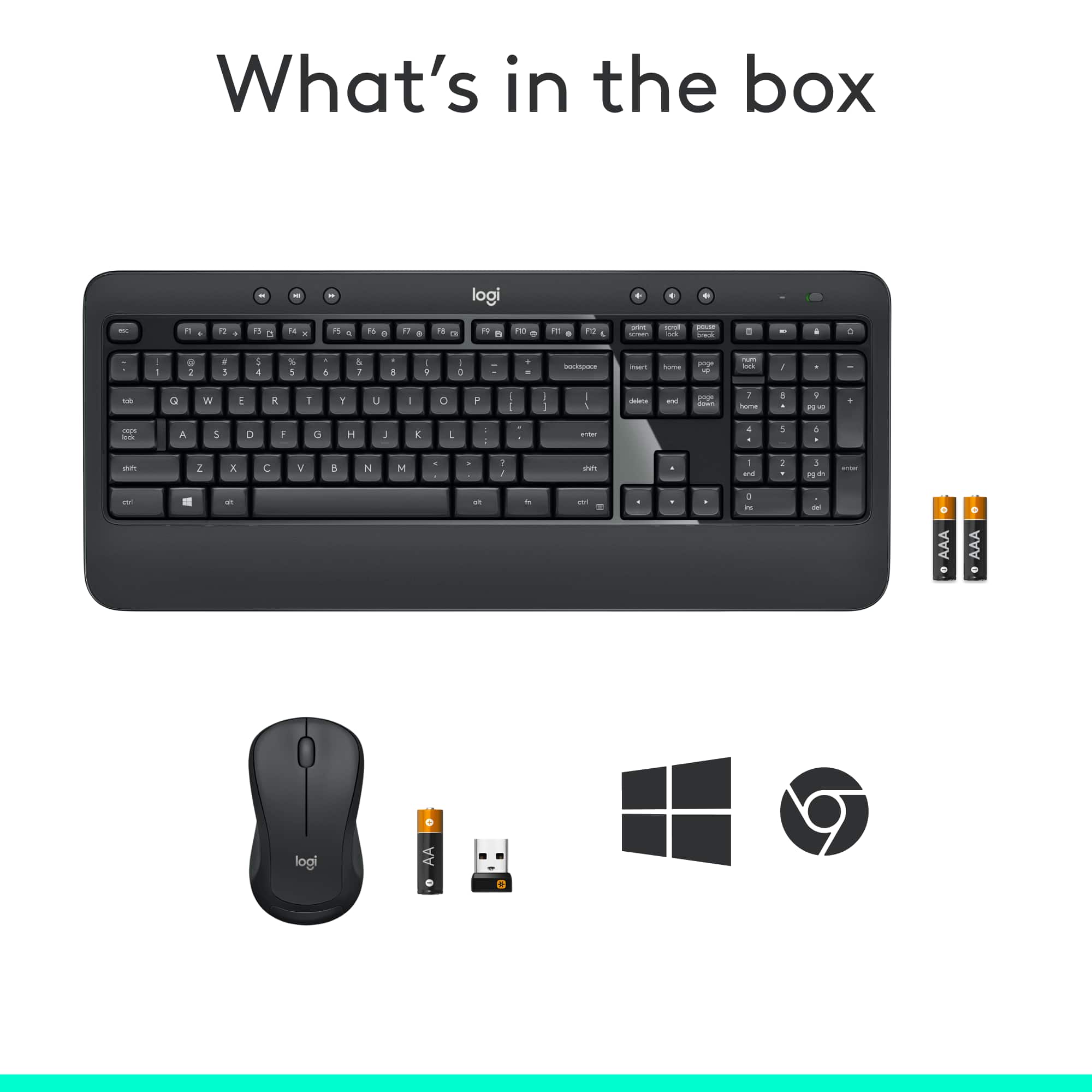
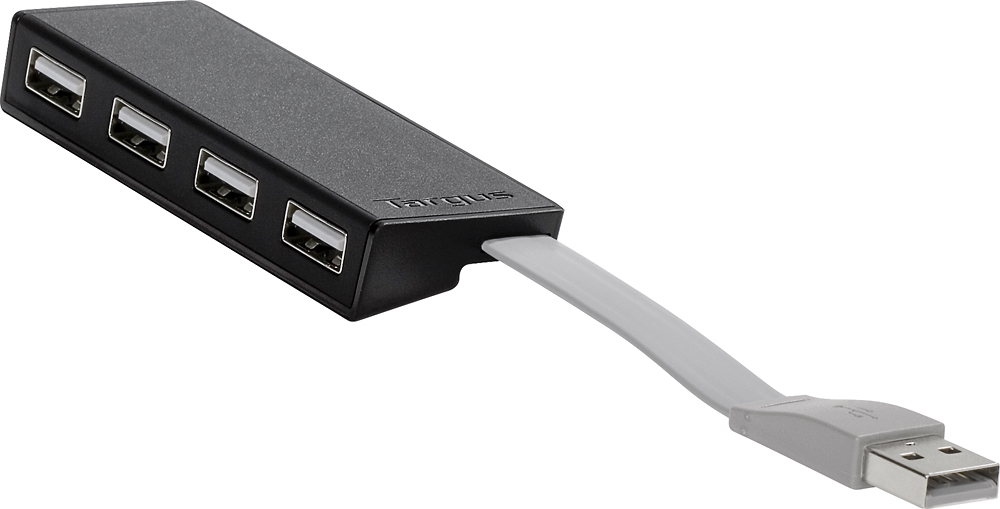
A:AnswerBoth keyboard and mouse use the same fob - you only need one USB port. However, you can buy a USB hub like the one shown so you can use up to 4 USB devices at one time.
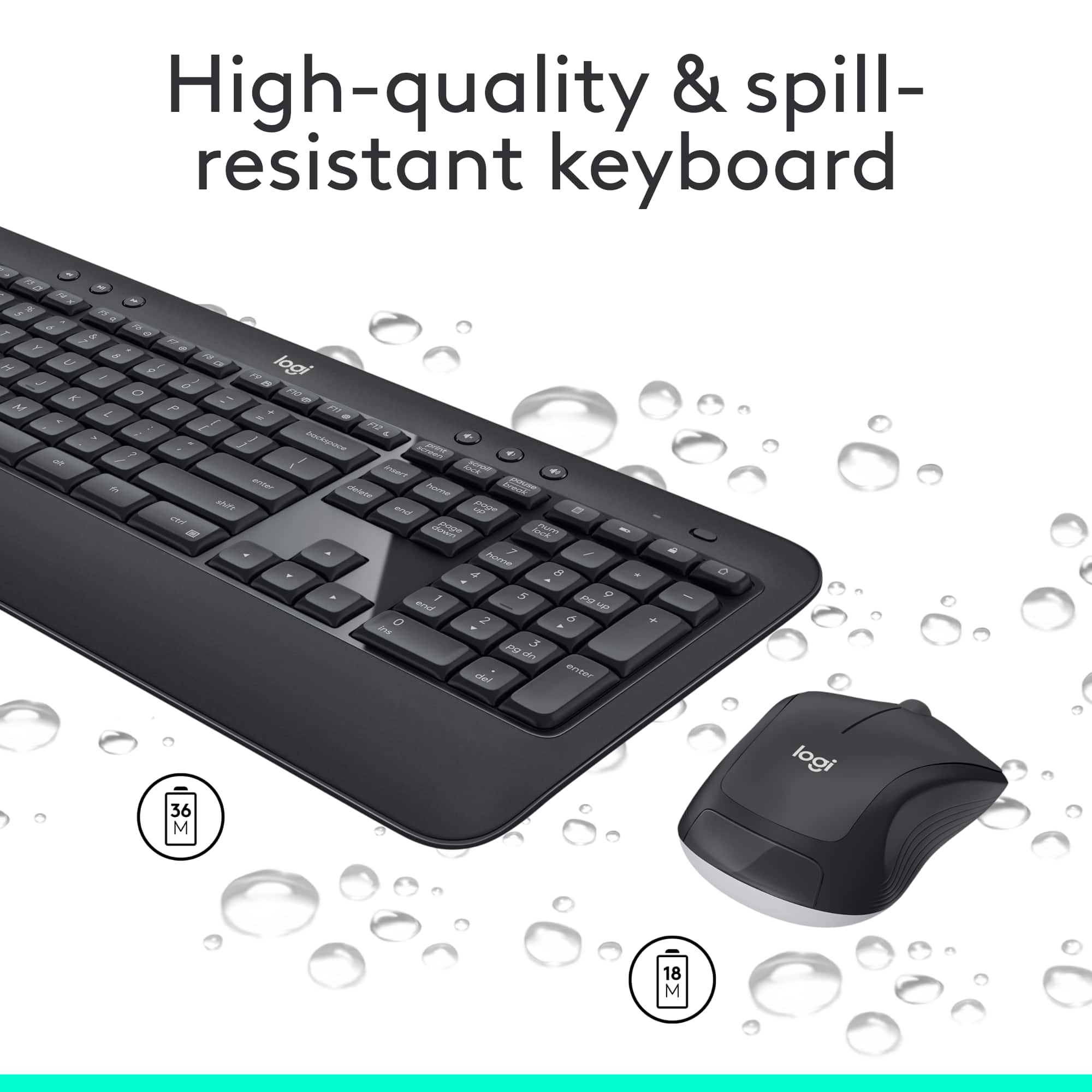
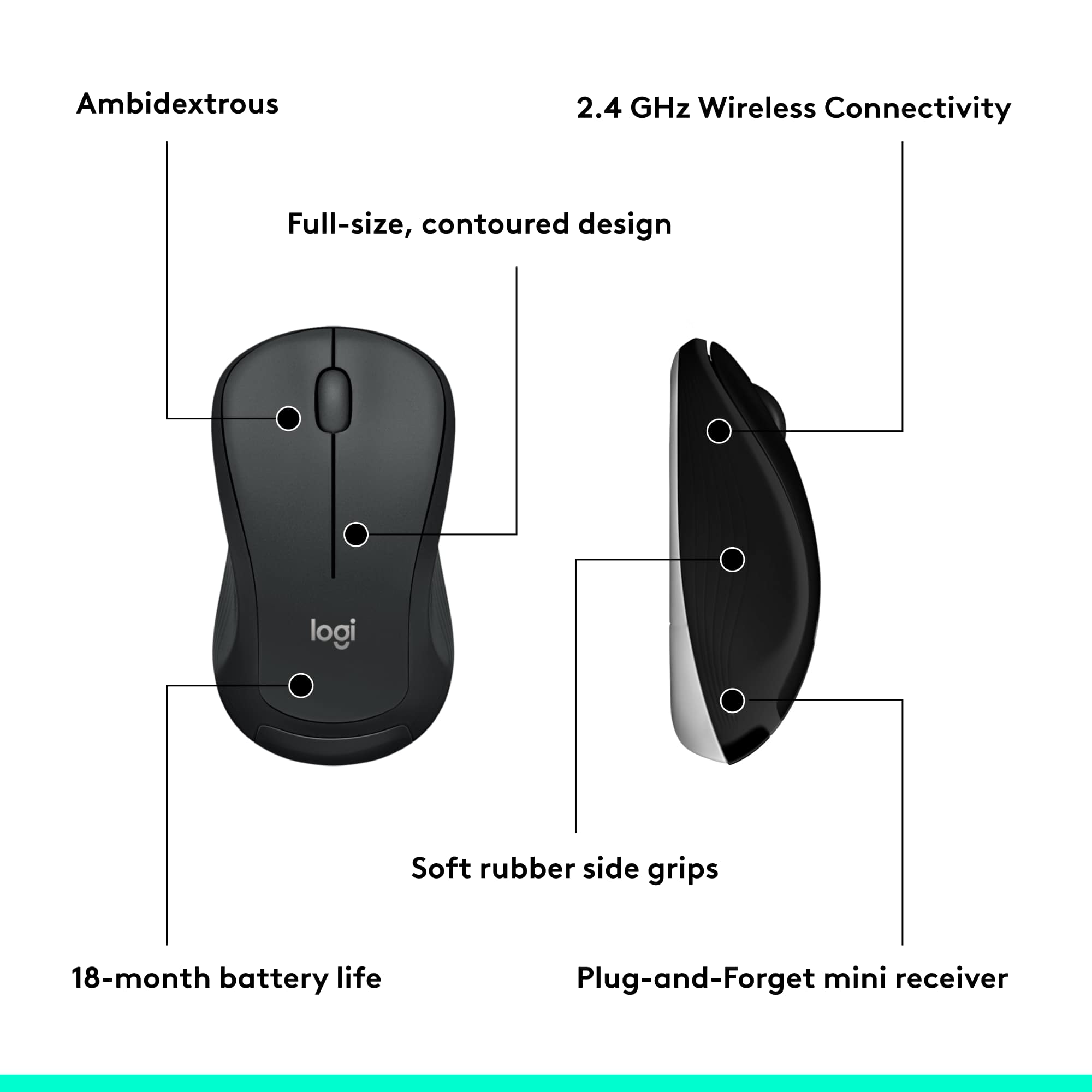
A:AnswerHello Leo. The mouse and keyboard in the MK540 use very little power and have an automatic sleep function that kicks in after not being used for a couple minutes. The keyboard can last up to 36 months on 2 AA batteries and the mouse can last up to 18 months on 1 AA battery. The battery indicator light will turn red when it is time to change the batteries.
A:AnswerHey! The Logitech MK540 keyboard you have includes a Logitech Unifying receiver. This handy receiver allows you to connect not only your MK540 keyboard but also other compatible Logitech devices to your computer using just one receiver!
Here are some Logitech mice that work with the Unifying receiver, also known as those featuring the orange unifying logo:
- M705 Marathon Mouse
- M720 Triathlon Mouse
- M575 Wireless Trackball
- MX Ergo Vertical Mouse
- MX Vertical Wireless Mouse
For a complete list of compatible devices, we recommend checking the official Logitech website for the MK540 or the specific mouse you're interested in. This will ensure you get a perfect match for your Unifying receiver setup.
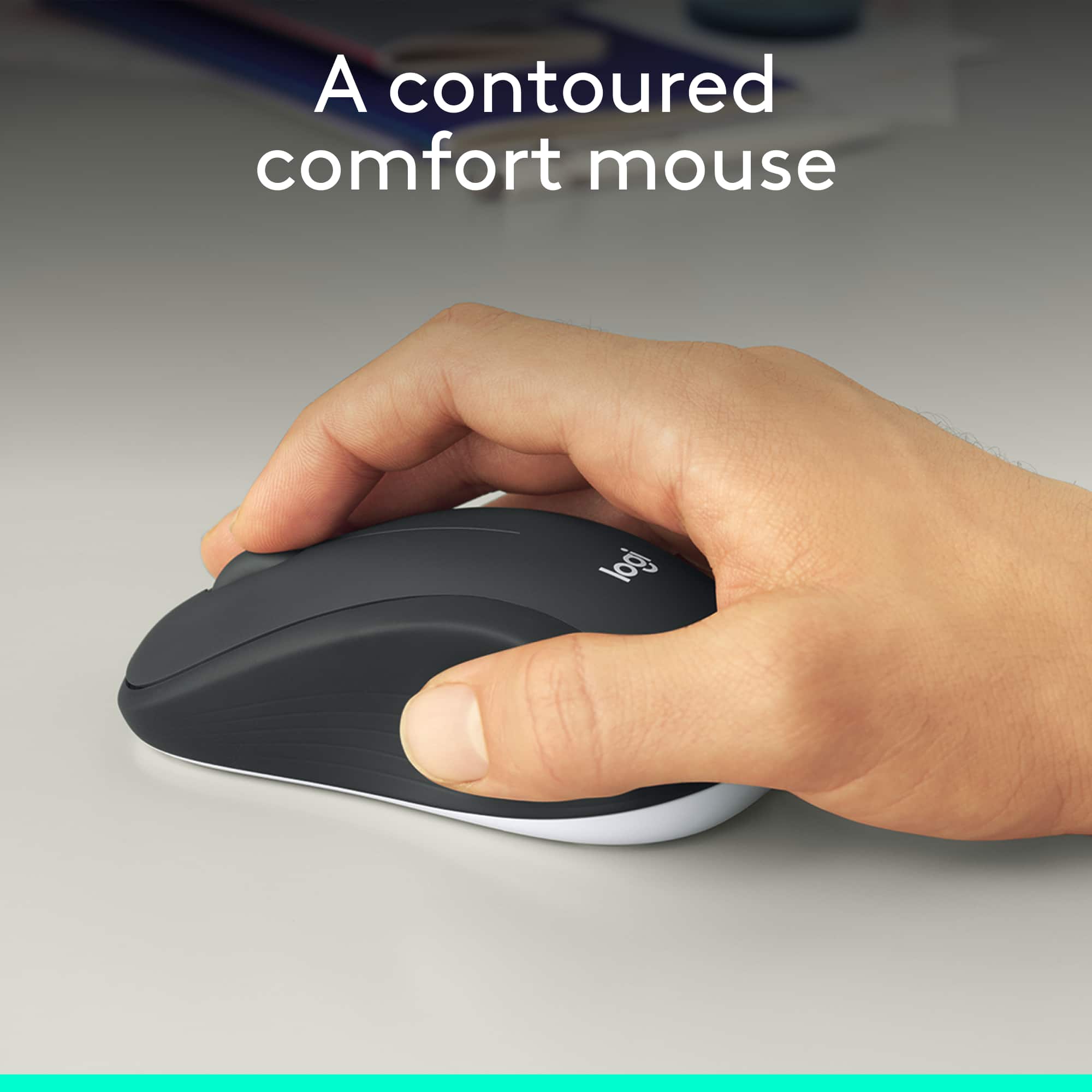
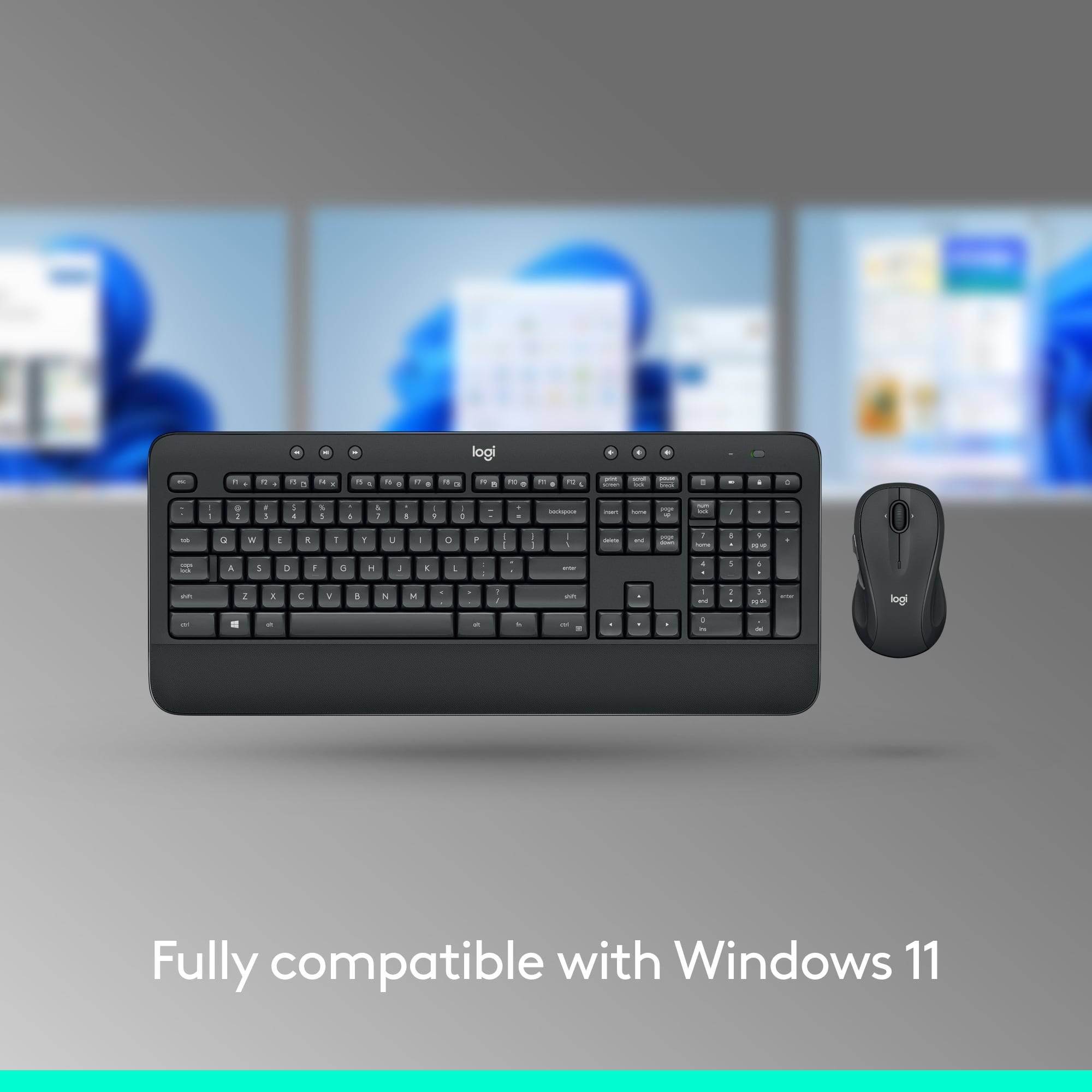
A:AnswerHey! Yes, you can use another Logitech mouse with the MK540 keyboard. Make sure the Logitech mouse is Unifying compatible as this combo uses a Unifying receiver.
A:AnswerHi, the MK540 Combo does not have an HDMI port. This product is designed to be used with a computer and uses a wireless USB receiver that both the keyboard and mouse are connected to. Hope that helps. -N from Logitech