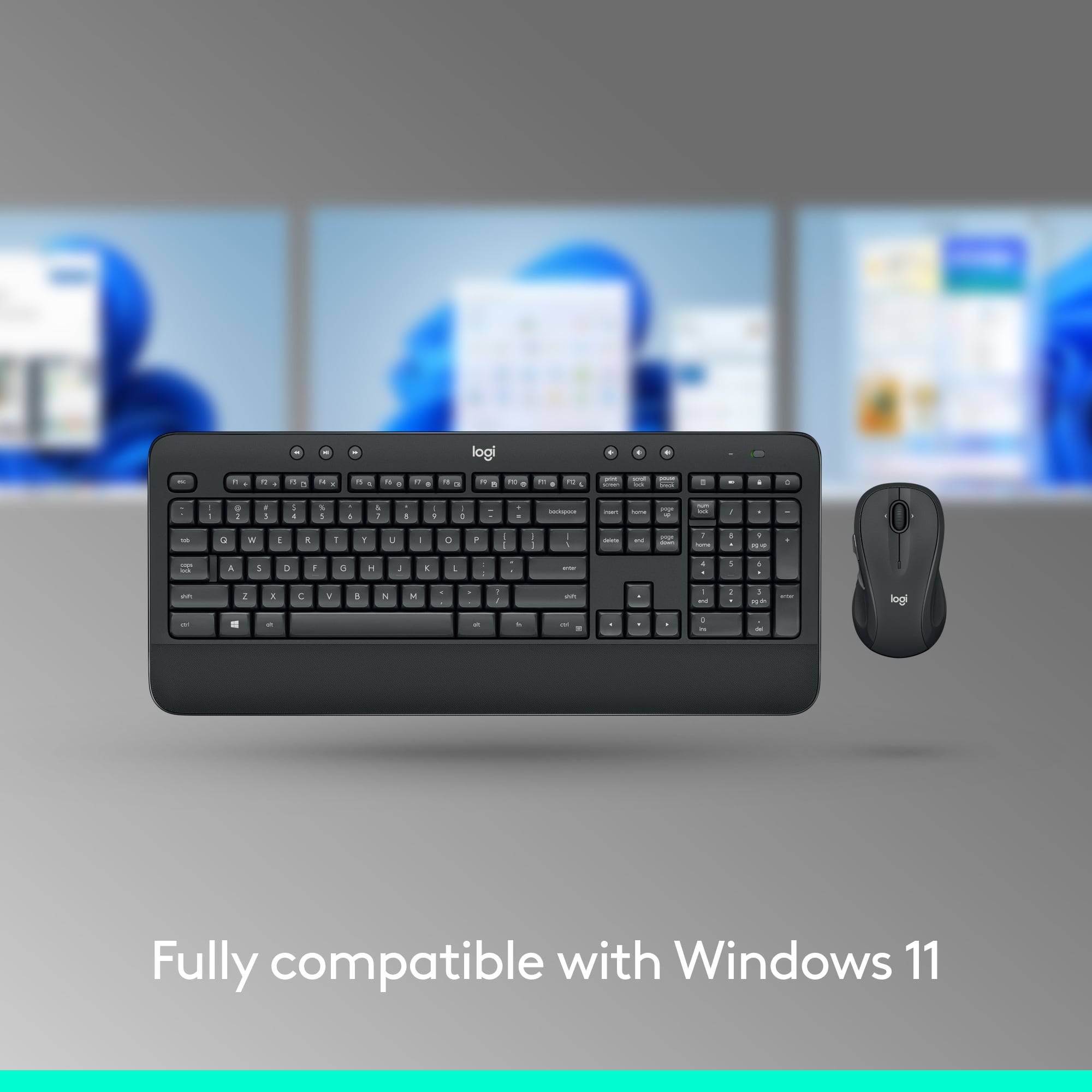
A:AnswerYes to working with Firefox, chrome, brave and windows edge/explorer - could be more but I've used all of those successfully. Additionally, I have windows 10, don't know about windows 11, but I dont see why it wouldn't work. There are no issues with it working with any program or computer. I have Dell, Microsoft and Cyber power computer brands and they are all connected to this logitech wireless keyboard and mouse. Absolutely love the switching between computers. Only downside is that if you have a slow computer, the keyboard and mouse may be slow to respond or 'stutter' in response because the connection is slower to receive and respond. I found this on my dell laptop that is older and slower.
A:AnswerHello Anna,
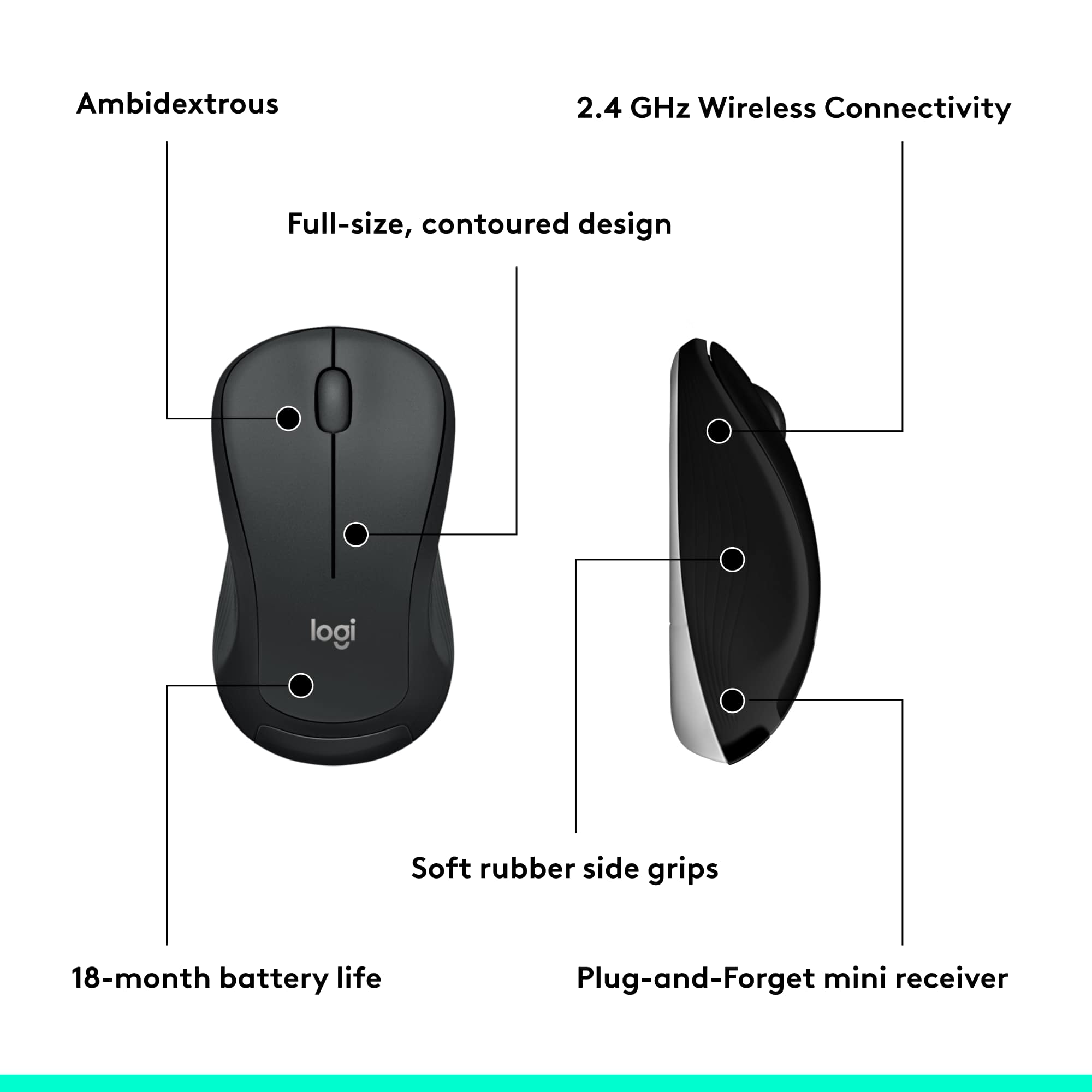
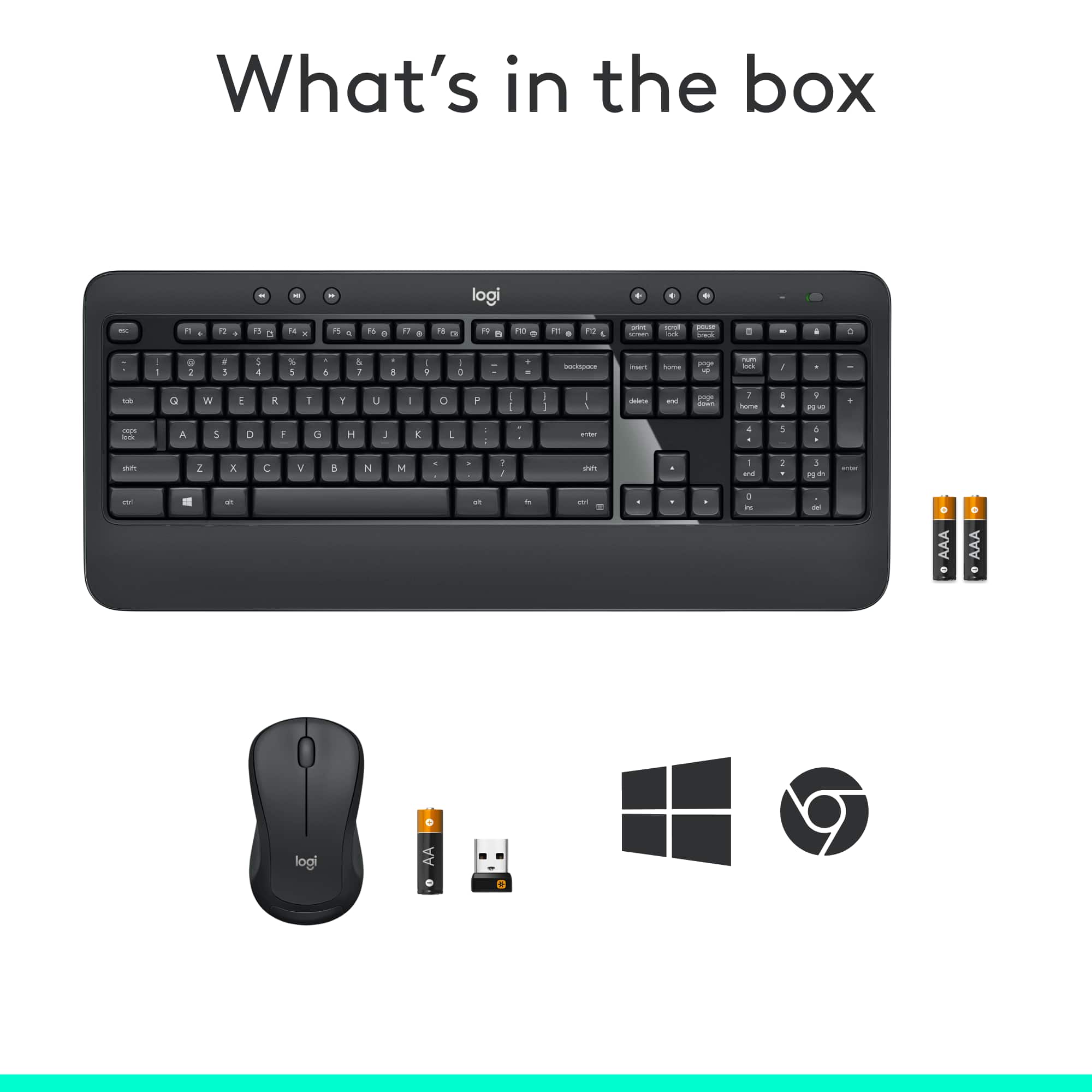
Yes, you can purchase a replacement mouse for the MK540 and use the same USB receiver. The MK540 comes with a "Unifying" USB receiver. Up to 6 compatible keyboards and mice can be paired with one single "Unifying" receiver. This can be done through the Logitech "Unifying" software and within Logitech "Options". Best Buy offers many great options for Logitech mice that come with a Unifying receiver, you can pick one Unifying receiver and establish the connection through the software. Some great options include: MX Master 3, MX Anywhere 3, MX Vertical, MX Ergo, M575, M720 Triathlon, M705 Marathon, M585, M590, M525, M510, M325 and the Design Collection Wireless Mouse. I have attached a link to the MK540's "Getting Started" guide for your reference, where you will find product guides, software downloads and further support.
Best regards,
John at Logitech
https://support.logi.com/hc/en-us/articles/360023459773
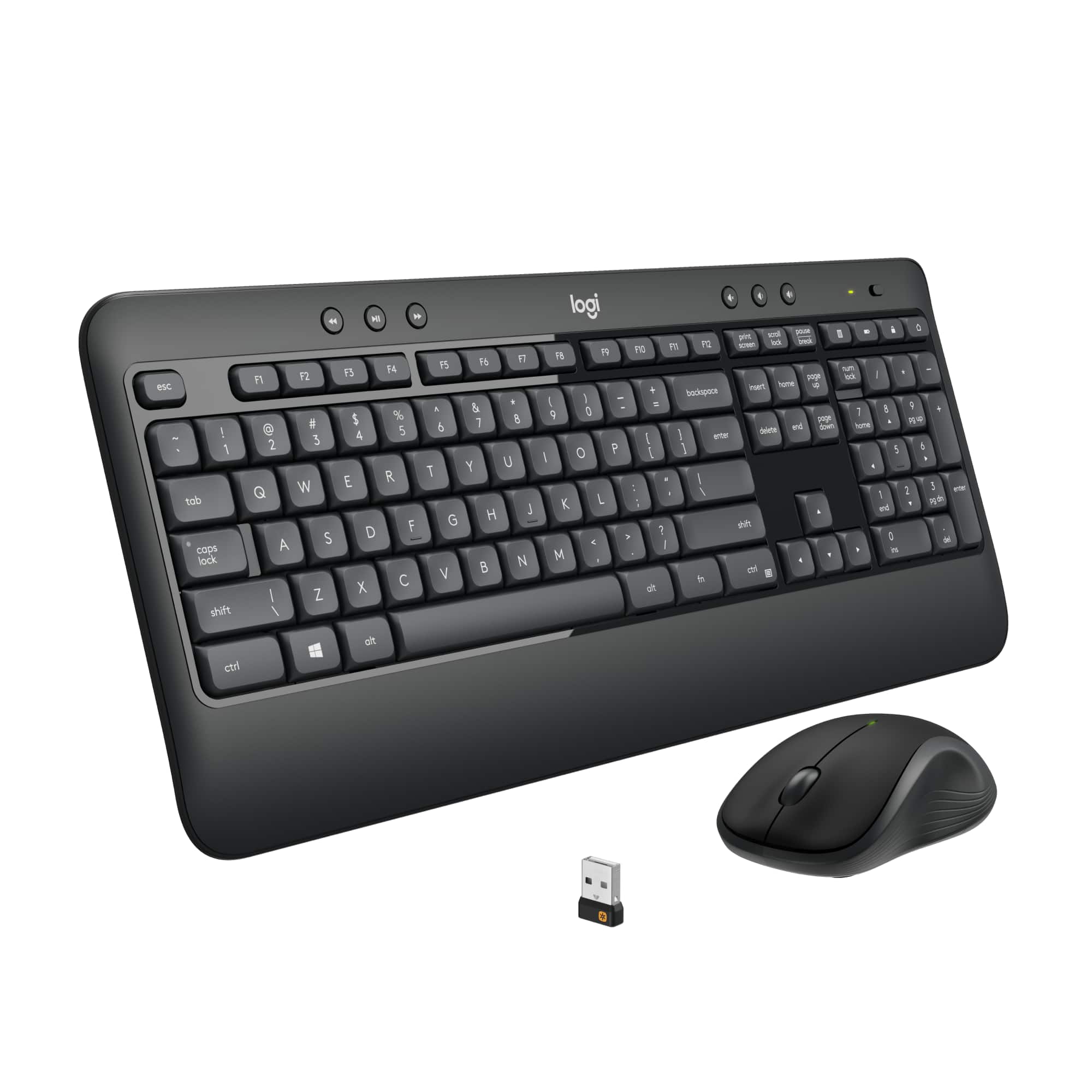
A:AnswerI believe this is just an indicator to let you know the batteries still have charge. I have had previous keyboards with no "light" that comes on when you turn it on, meaning I would have to try to type or use the keyboard to see whether the batteries had died or not. I believe it's just an easy way to tell you the keyboard turned on successfully and is ready to use. Mine does the same thing. Hope this helps!
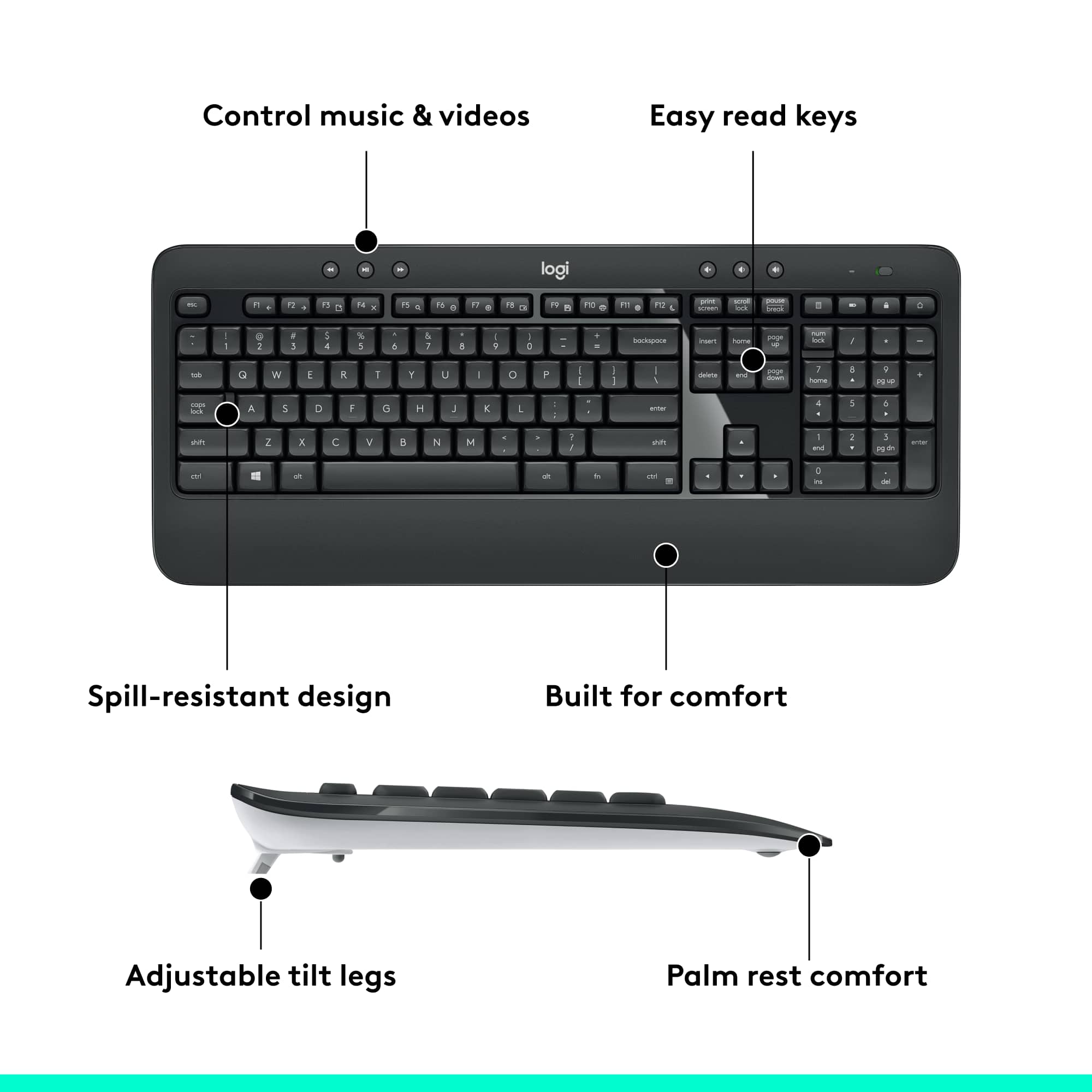
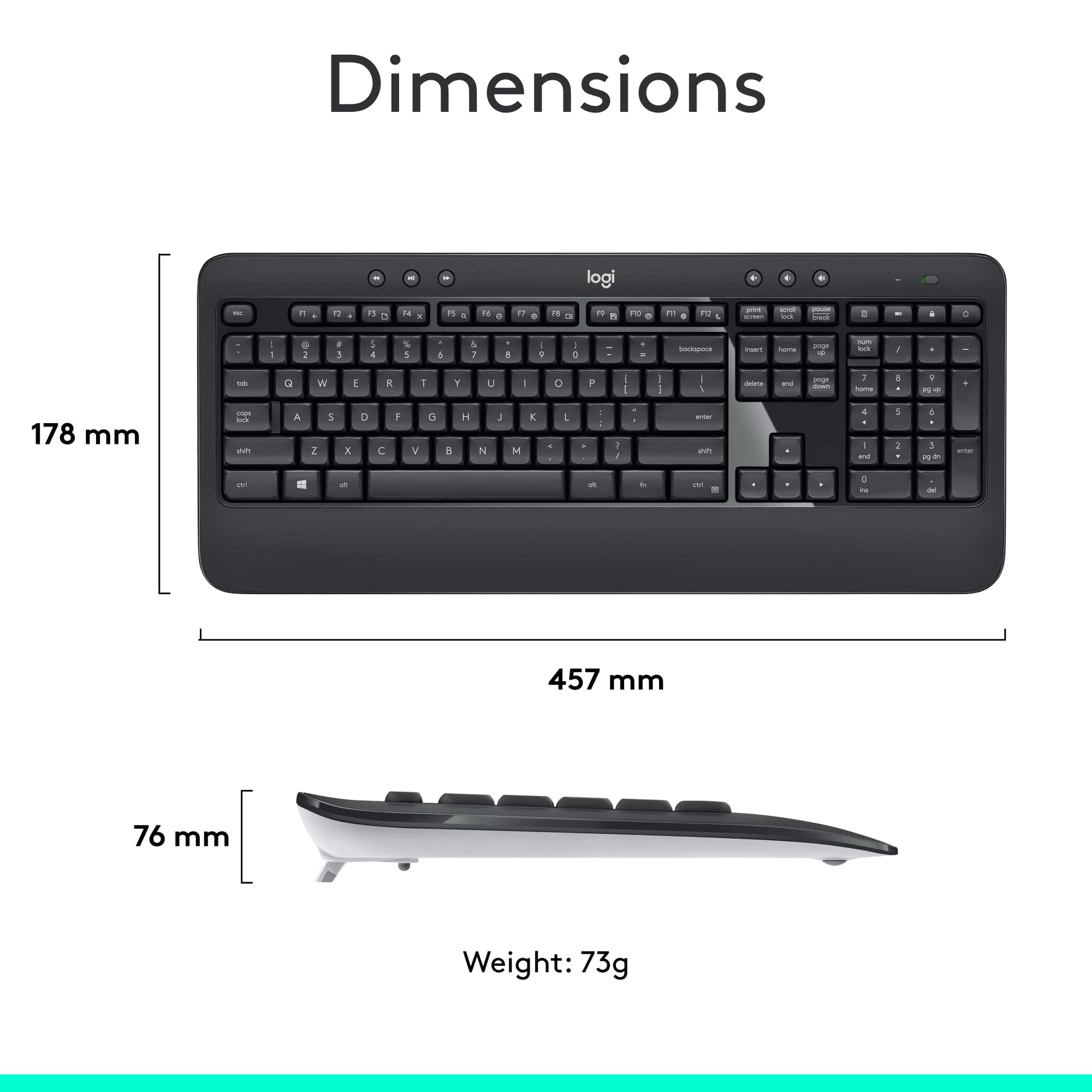
A:AnswerHello, they are similar in keyboard design and layout. The MK540 will offer additional media keys and a built in wrist rest on the bottom of the keyboard, thus making it a larger keyboard.
A:AnswerYou can technically use it for gaming, but the MK540 wasn't designed for the rigors and stresses of gaming. Plus, the performance wouldn't be optimal even for a beginner. Here's a link to Logitech's gaming website---https://www.logitechg.com/en-us---which will have a host of keyboards and mice that you can choose from that will be much better. - Richard from Logitech
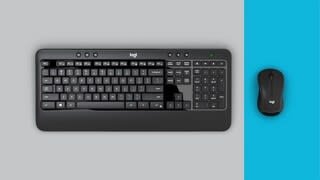
A:AnswerHello Terri! The MK540 is a combo, so it comes with both a mouse and keyboard, but is a similar keyboard to the K270 yes, a straight Media keyboard with a bit of palm rest on the MK540, comes with one Unifying receiver that will pair both the mouse and keyboard together on a single receiver.
A:AnswerWill work fine as long as you have one available USP port. The keyboard and mouse both use the same USB "nano-receiver" (the little thing you plug in the USB port). And it's totally plug and play.....plug in the nano-receiver, turn on the keyboard and mouse and about 10 seconds later your new keyboard is "live."
The keyboard and mouse both have on and off switches to conserve battery power.......but I leave them on all the time, and the batteries last at least a couple months.
A:AnswerAs long as it has a full sized USB port you will be fine. if its a newer macbook with a touch bar you may be out of luck you will need a dongle to get it plugged in. your mac pro or iMac will work fine as all models have full sized USB ports.
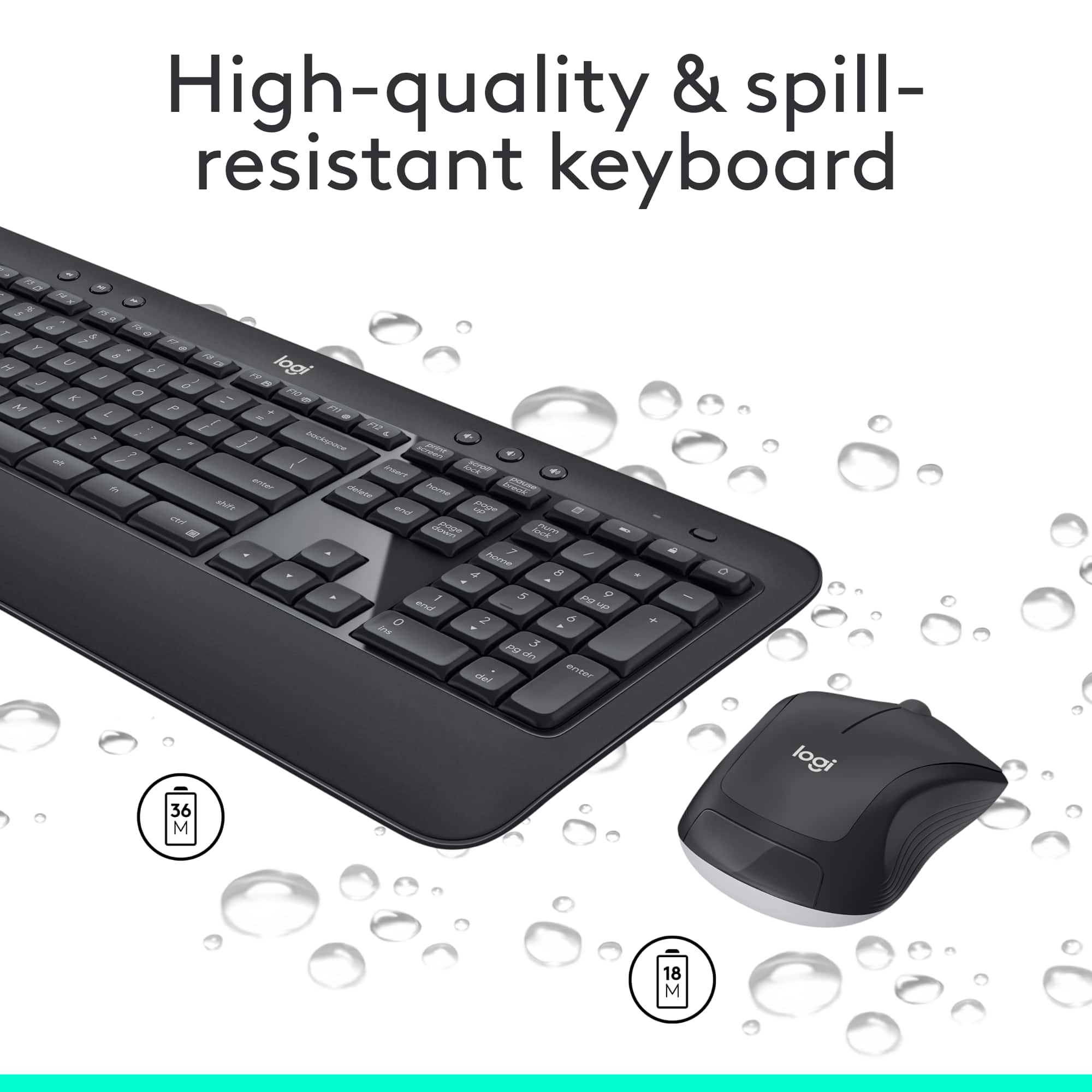
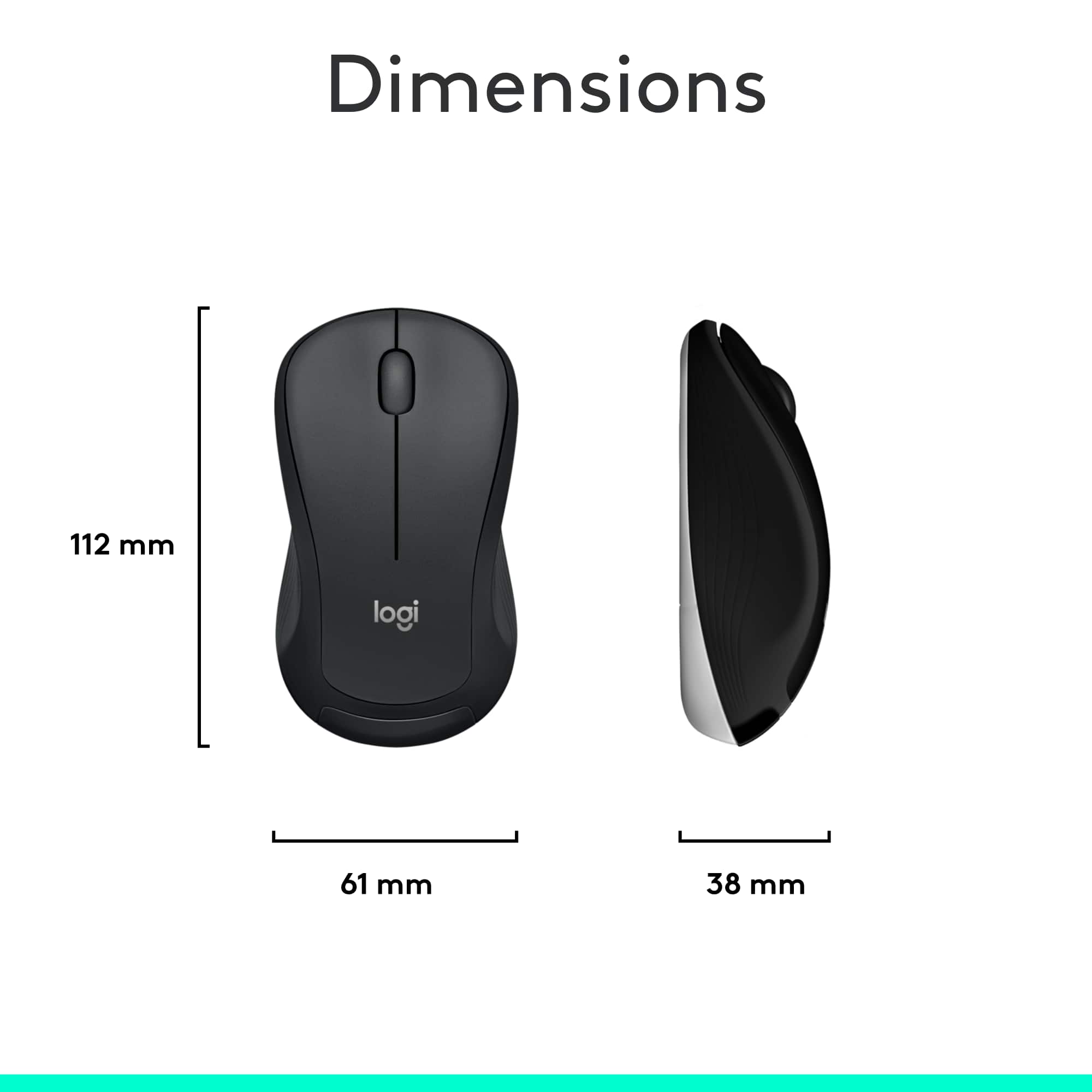
A:AnswerProbably so. But the keyboard came with 2 AA Duracell batteries and the mouse came with 1 AA Duracell battery. Keyboard batteries should last 18 months and the mouse should last 1 year.