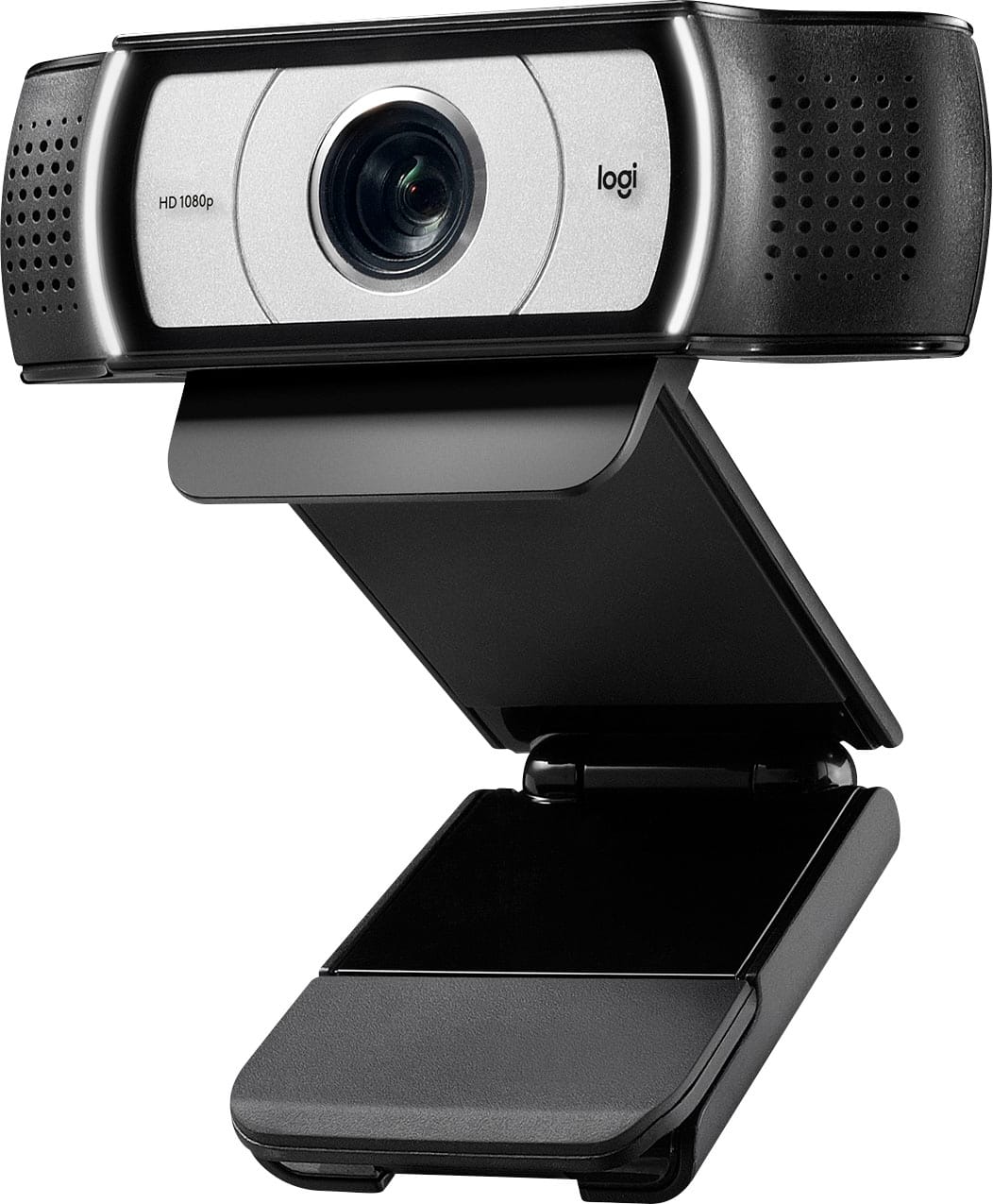
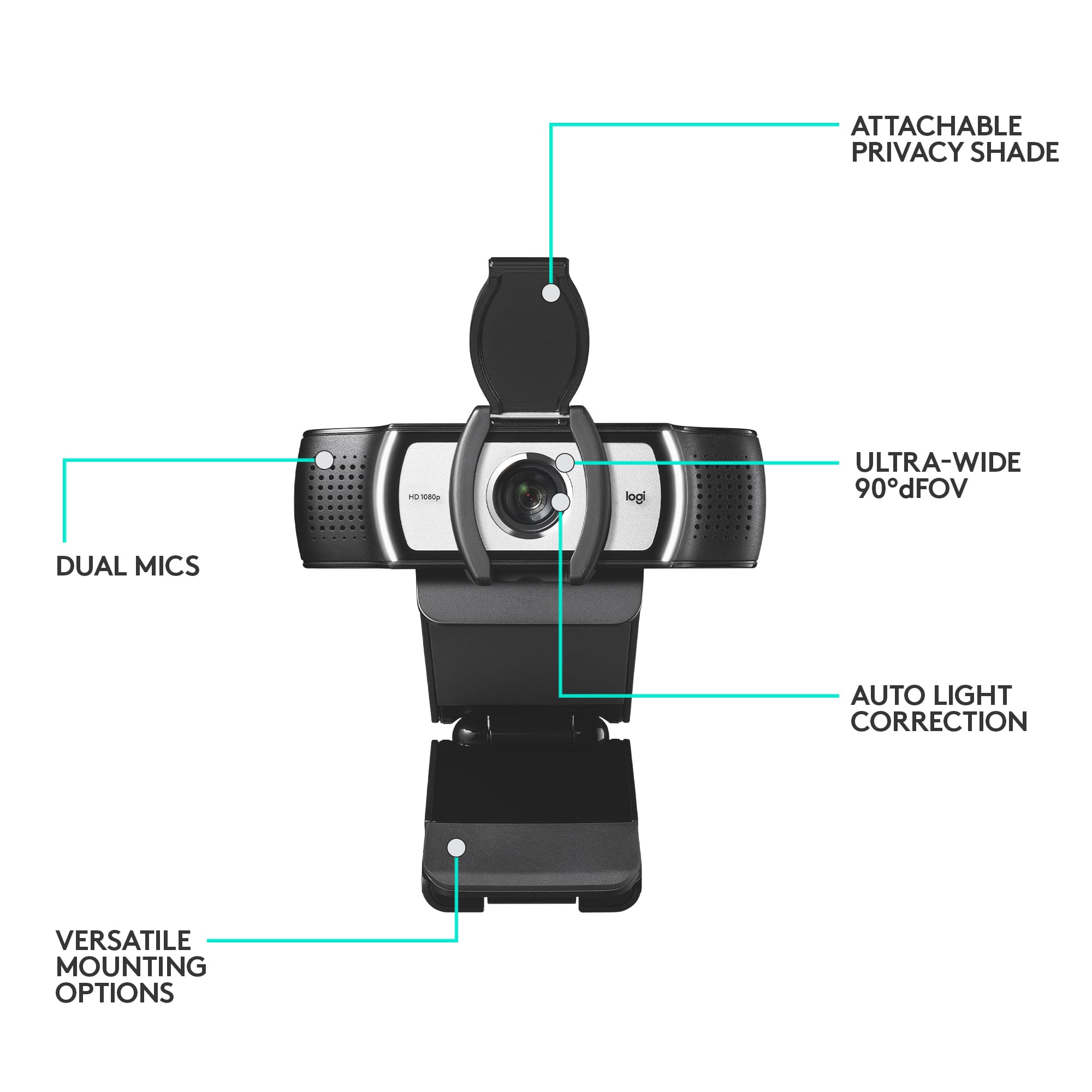
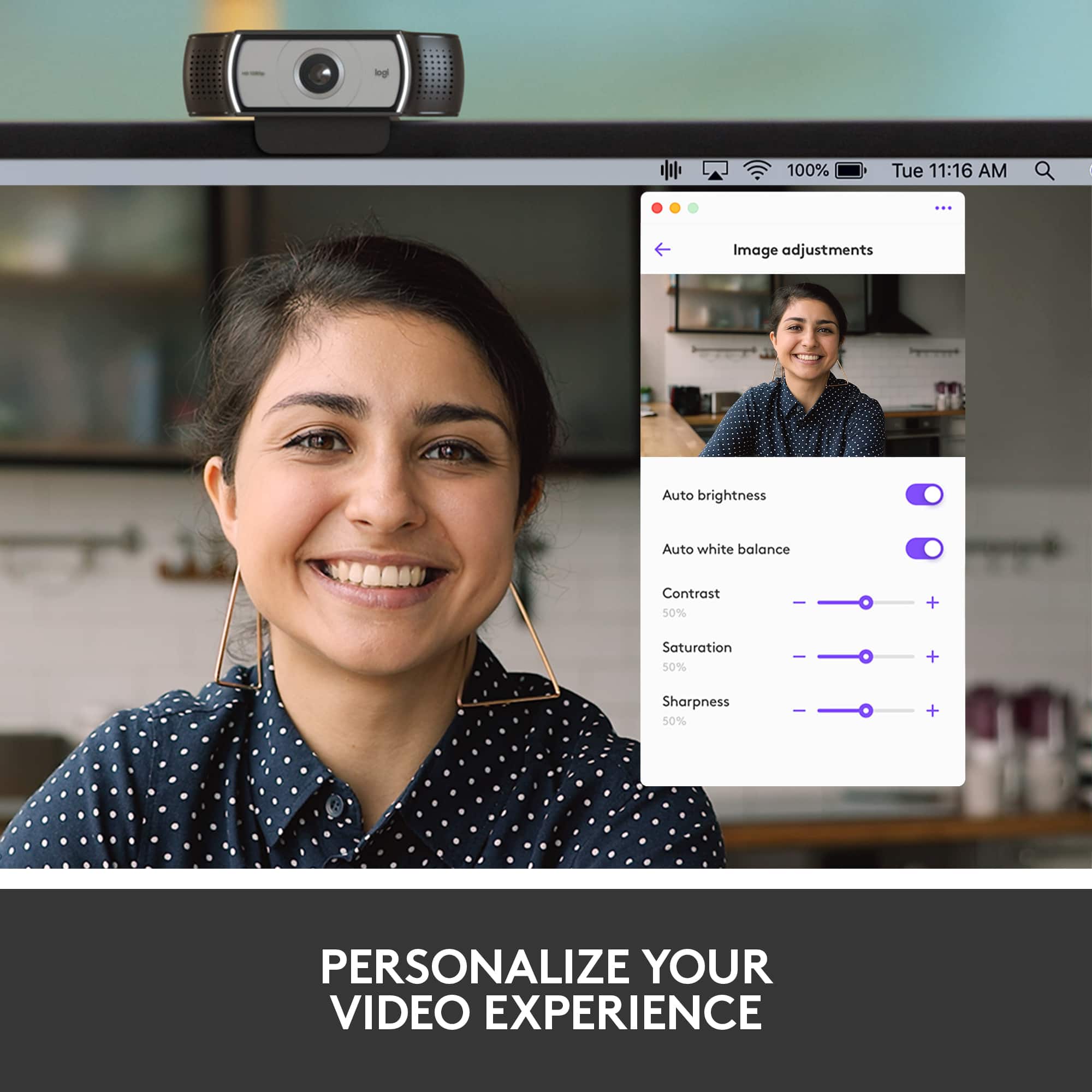
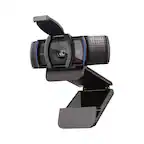
A:AnswerAs I recall it will run when hooked up. In order to use some of the advanced features such as zoom you will need to log into the Logitech website and download the software. It is a fairly easy task.
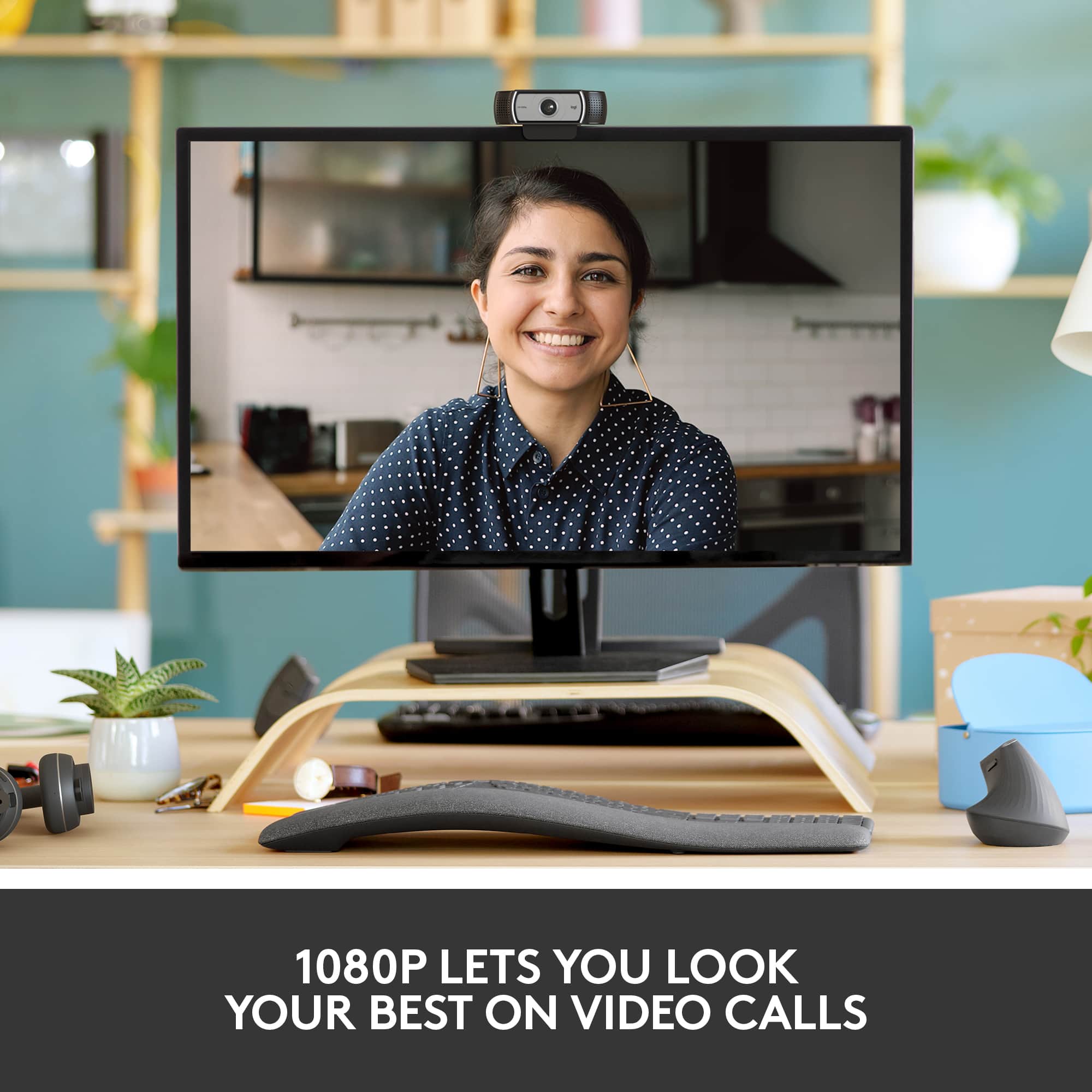
A:AnswerYes, it works with Zoom very well. I have it mounted to my monitor and plugged into my modem. I attend several workout classes and workshop meetings weekly using this webcam and the Zoom app.
A:AnswerIt really does not matter as long as your a connection to your computer is other than VGA. On my desk it is connected into my monitor but my monitor has a USB connection to my laptop.
A:AnswerI have this mounted on my monitor but I also use it on my laptop. With its wide angle you can cover a lot of area in the picture. We just did a virtual dance party and you could see all the family
A:AnswerHello! You will just need to plug the camera in to your computer and then you are good to go! Make sure you have the lastest version of Skype downloaded as well.