
Questions & Answers
Page Showing 1-9 of 9 questions
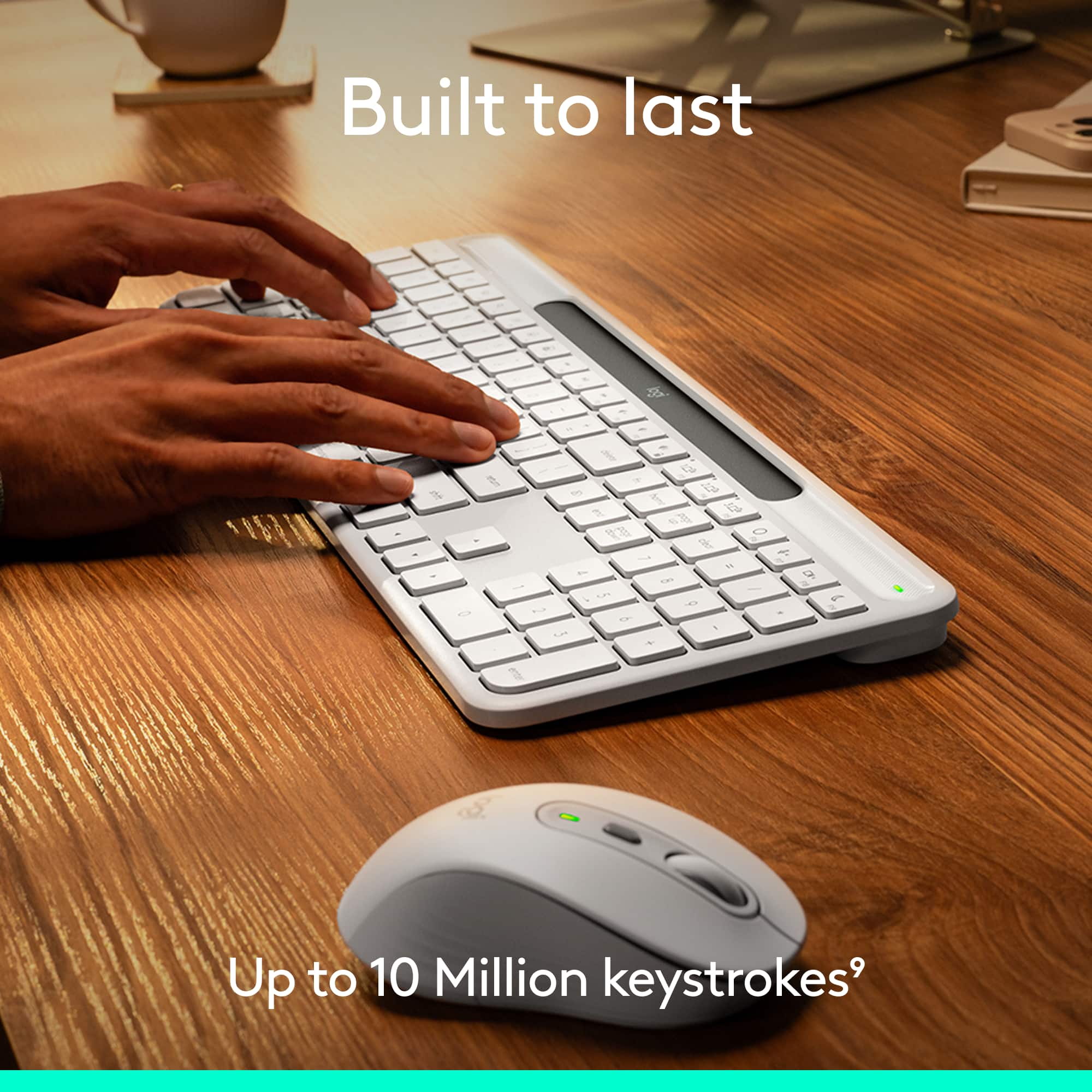
Q: QuestionWhat is the expected lifespan of the battery in this keyboard?
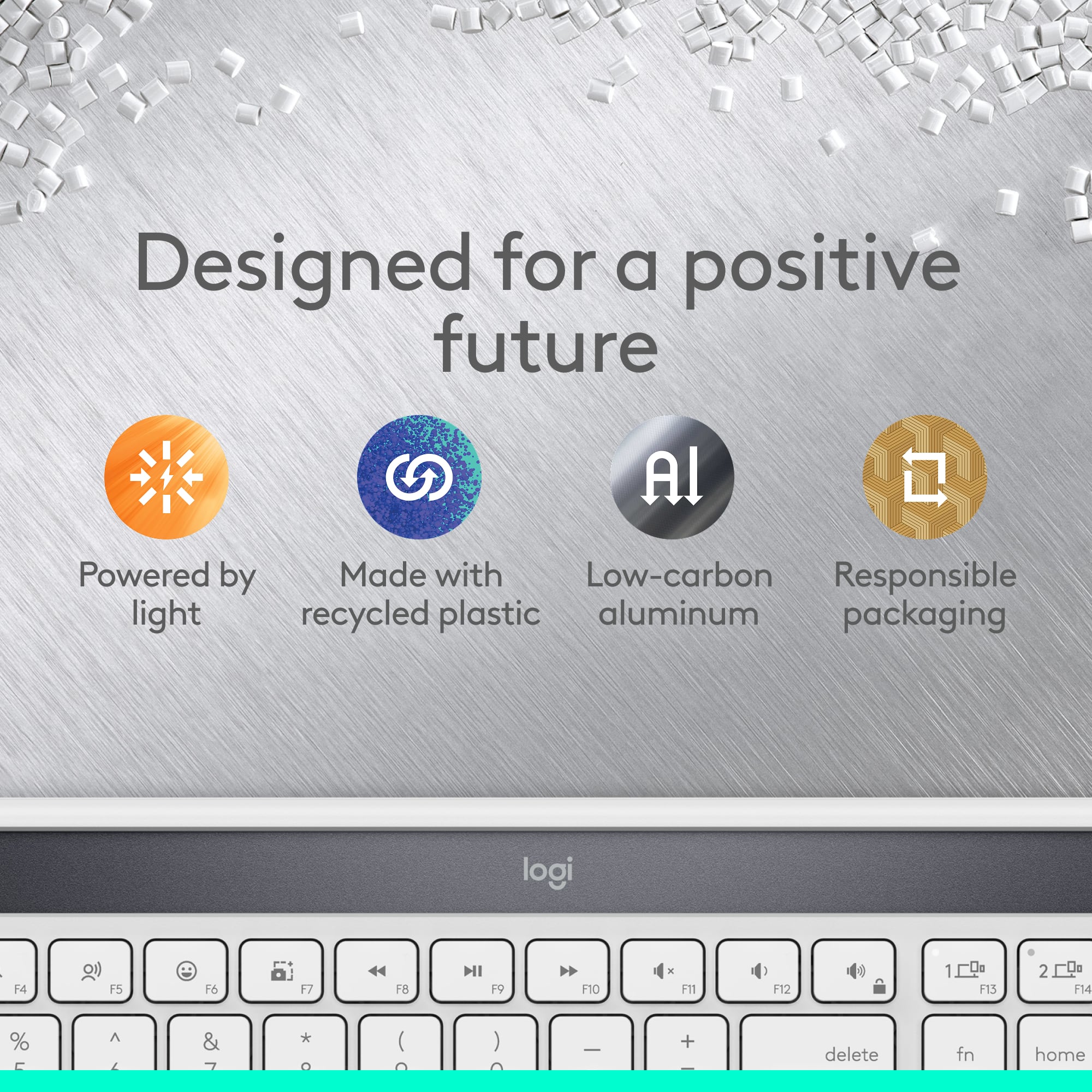
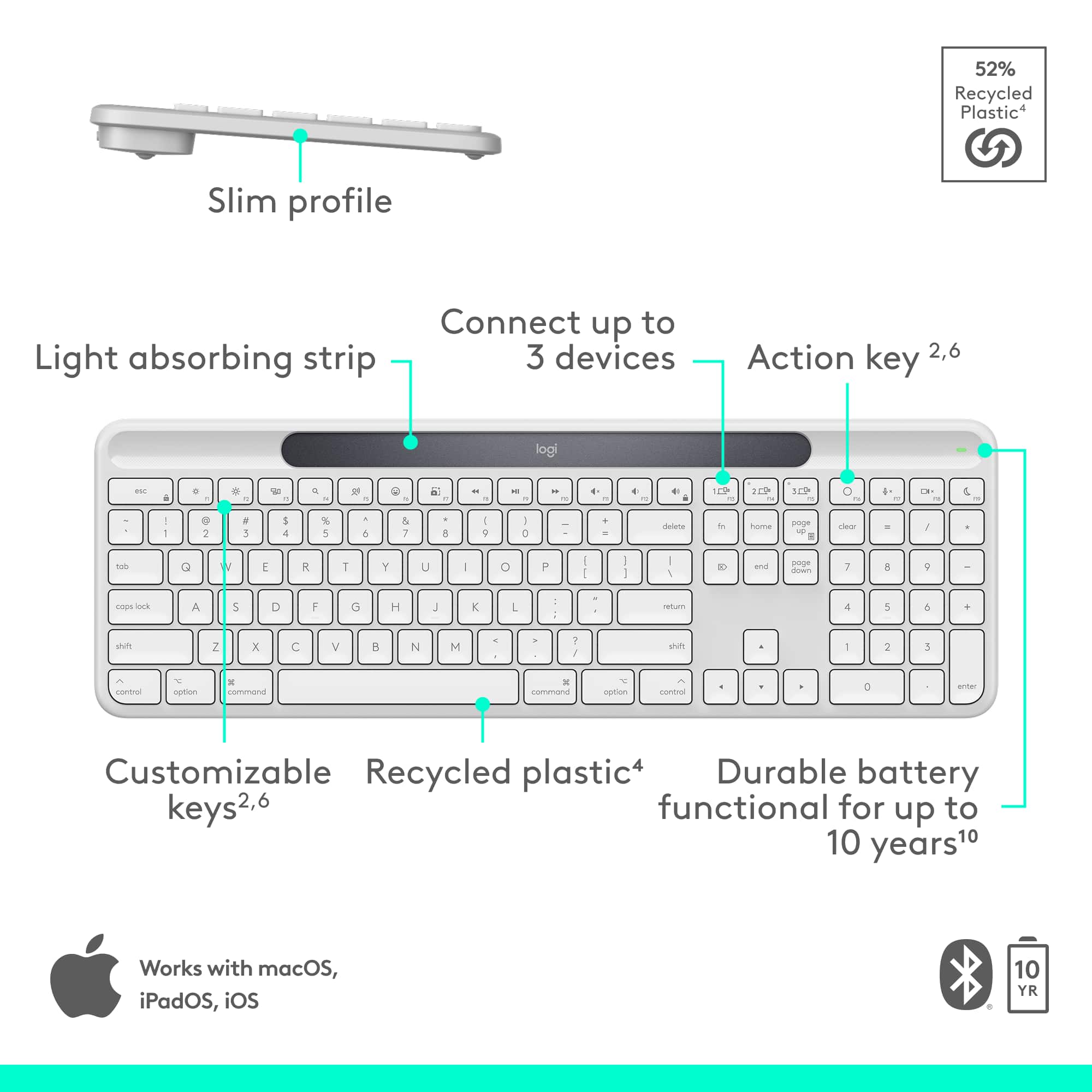
- A:Answer The battery in this keyboard is functional for up to a decade.
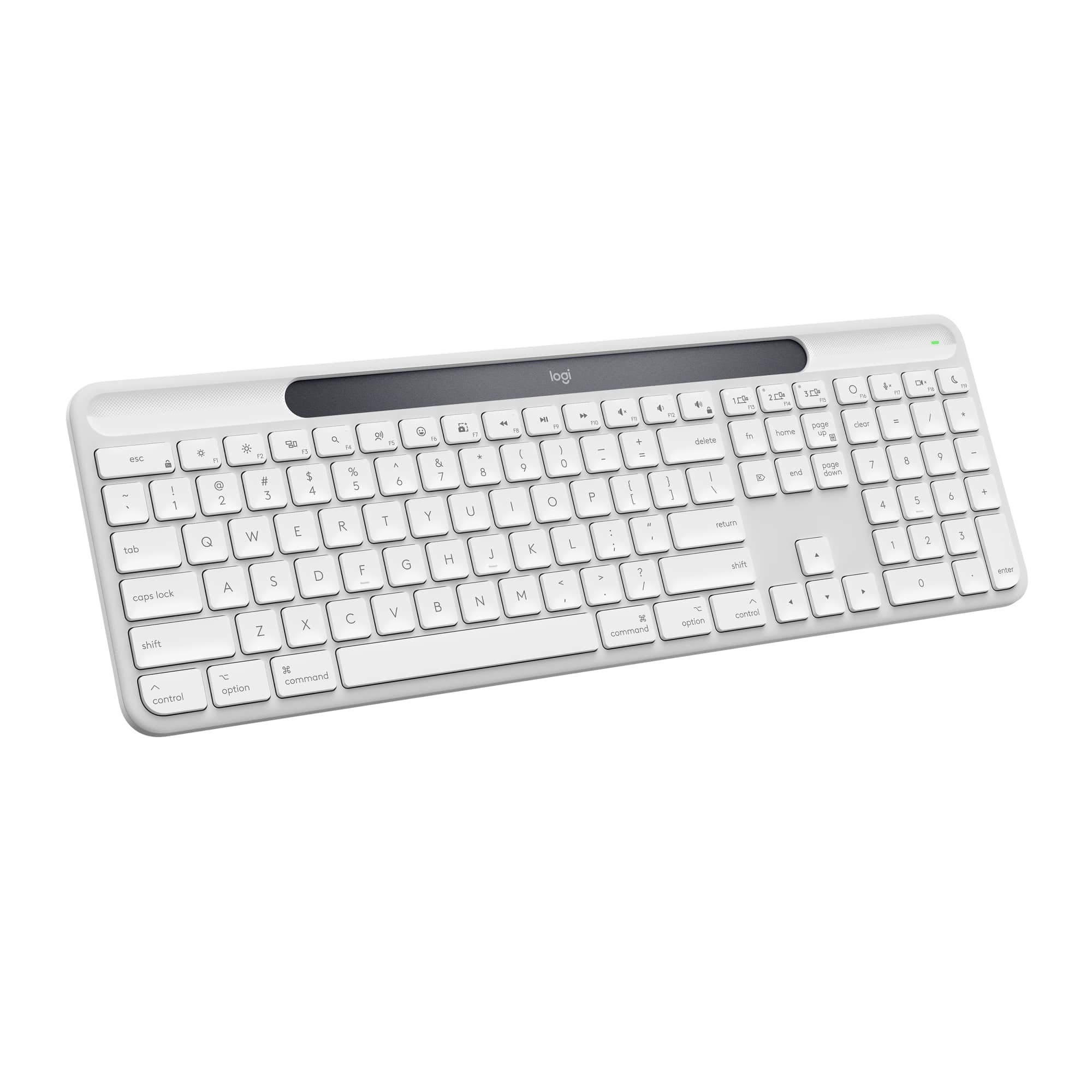
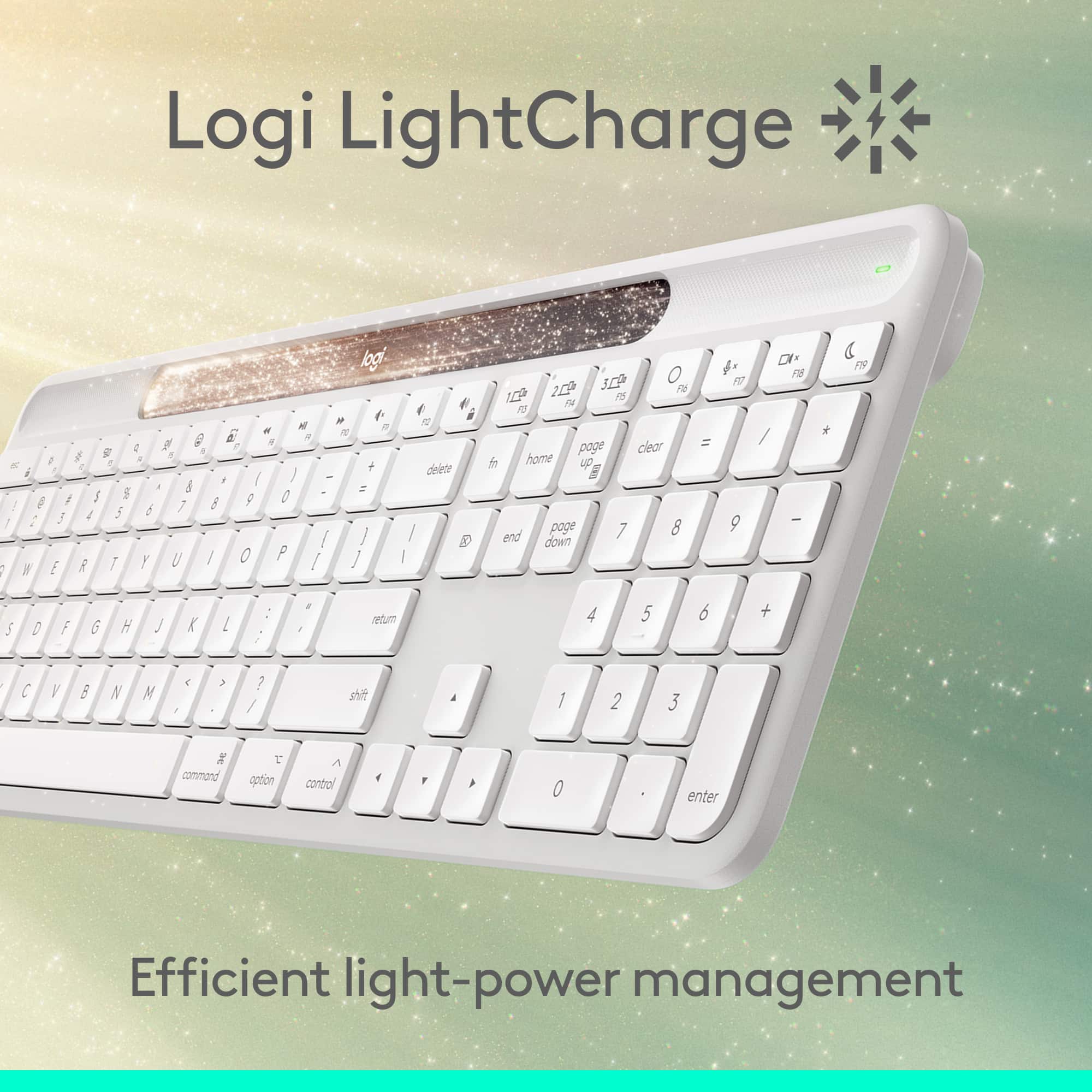
This question and answer was generated by AI based on customer and product data.Q: QuestionIs this keyboard powered by solar energy?
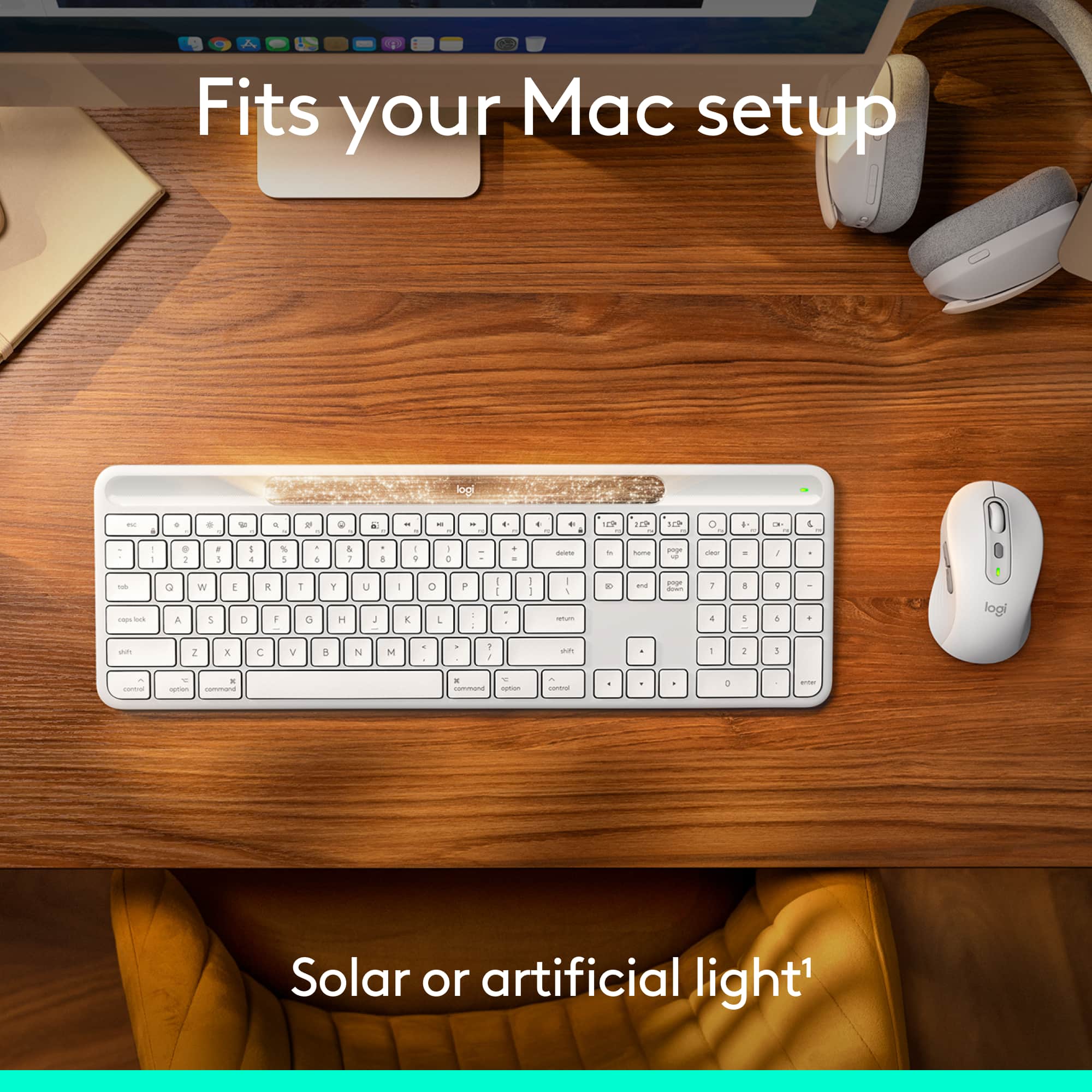
- A:Answer Yes, this keyboard is powered by solar and artificial light sources.
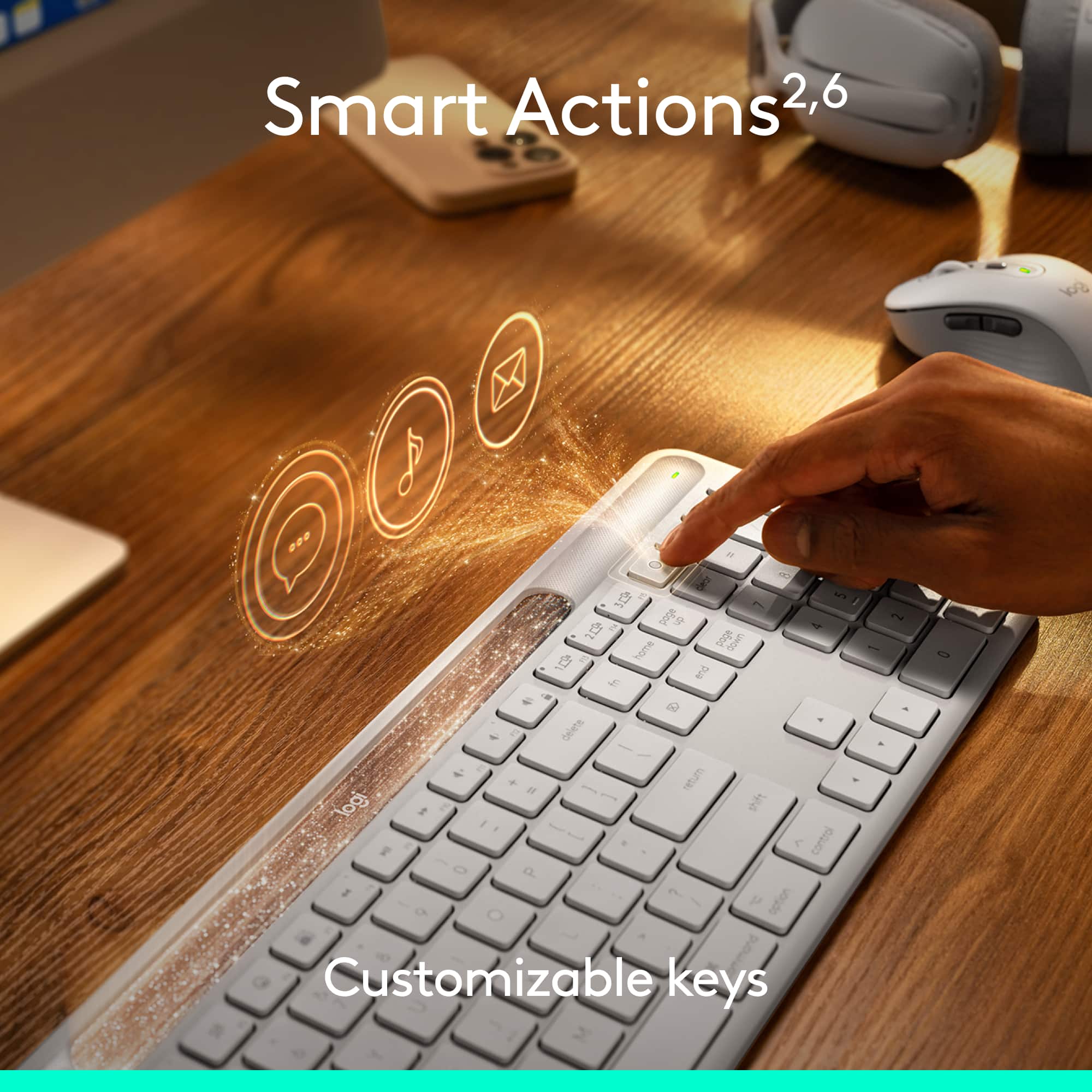
This question and answer was generated by AI based on customer and product data.Q: QuestionAre there any shortcuts available on this keyboard?
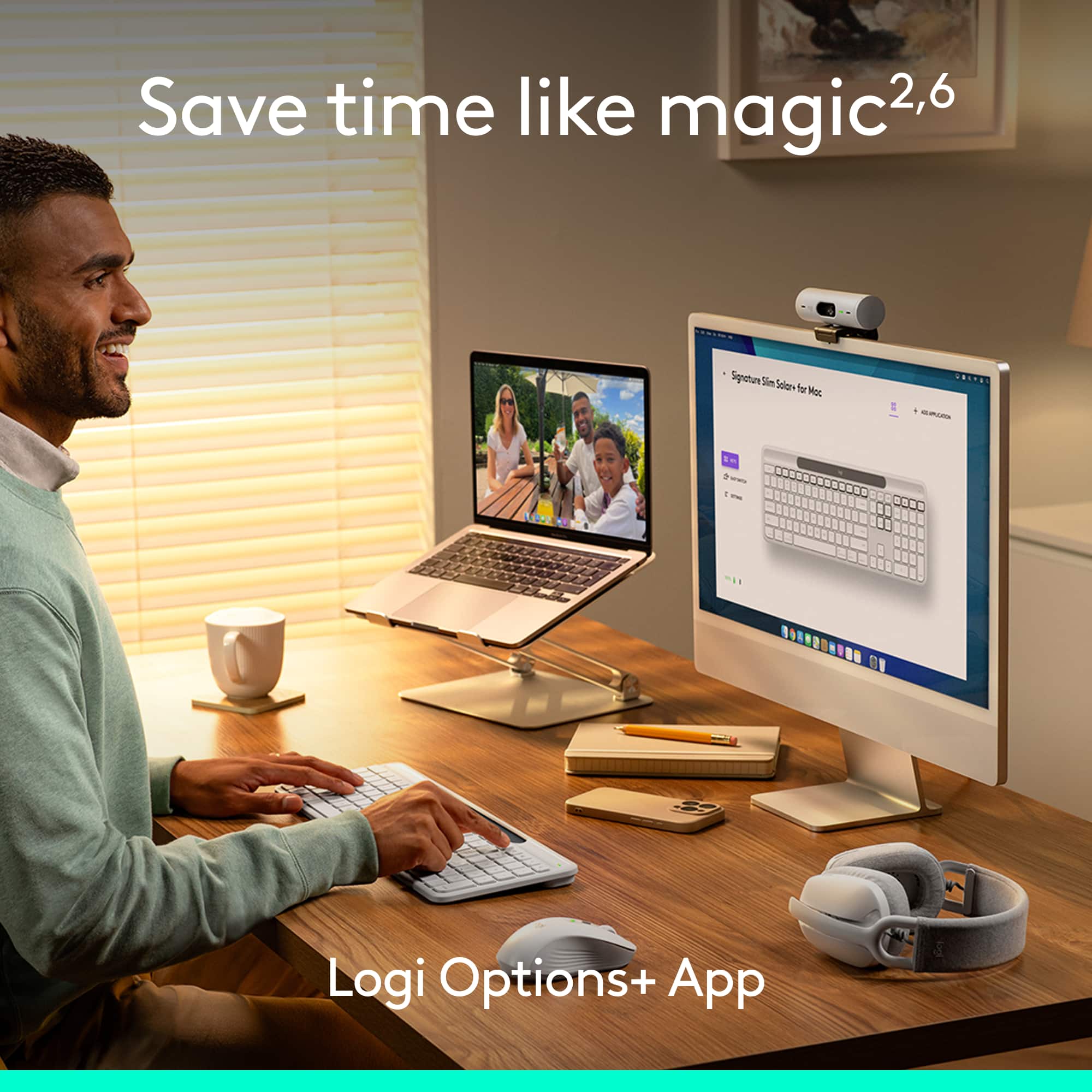
- A:Answer Yes, there are time-saving shortcuts available to automate repetitive tasks.
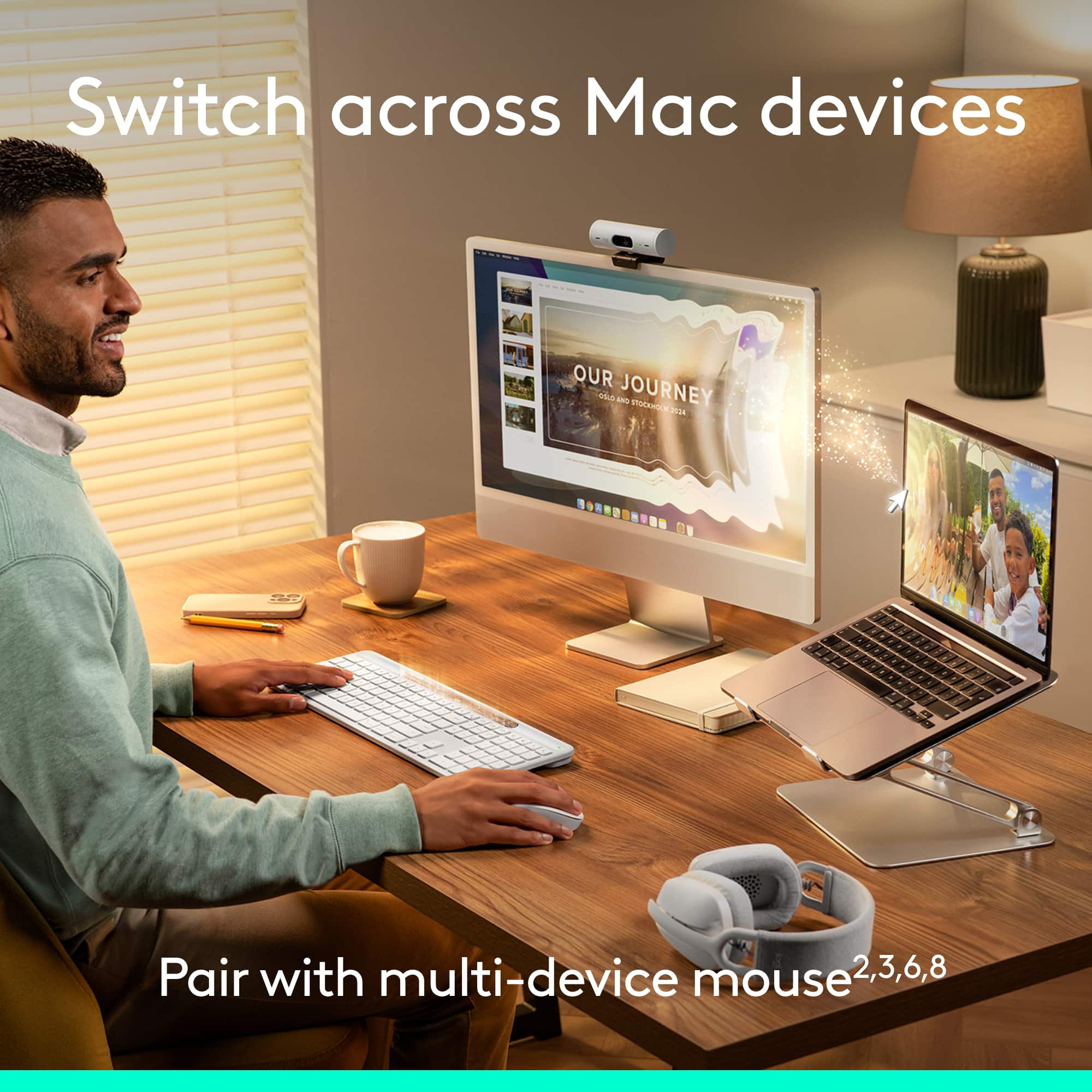
This question and answer was generated by AI based on customer and product data.Q: QuestionHow many devices can I connect to this keyboard simultaneously?
- A:Answer You can connect up to three devices simultaneously to this keyboard.
This question and answer was generated by AI based on customer and product data.Q: QuestionCan I use this keyboard with an iPad?
- A:Answer Yes, this keyboard is compatible with iPadOS 15 or later.
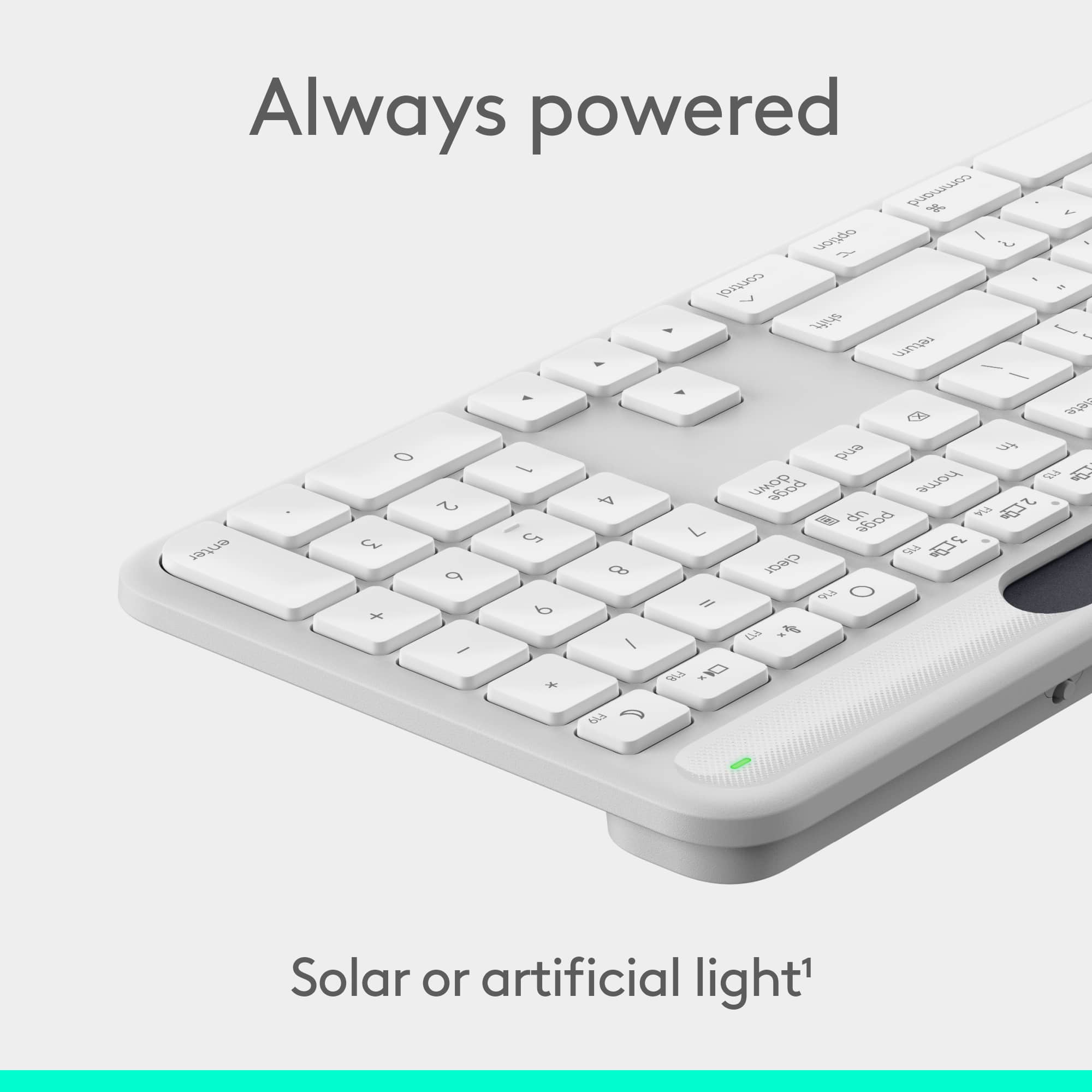
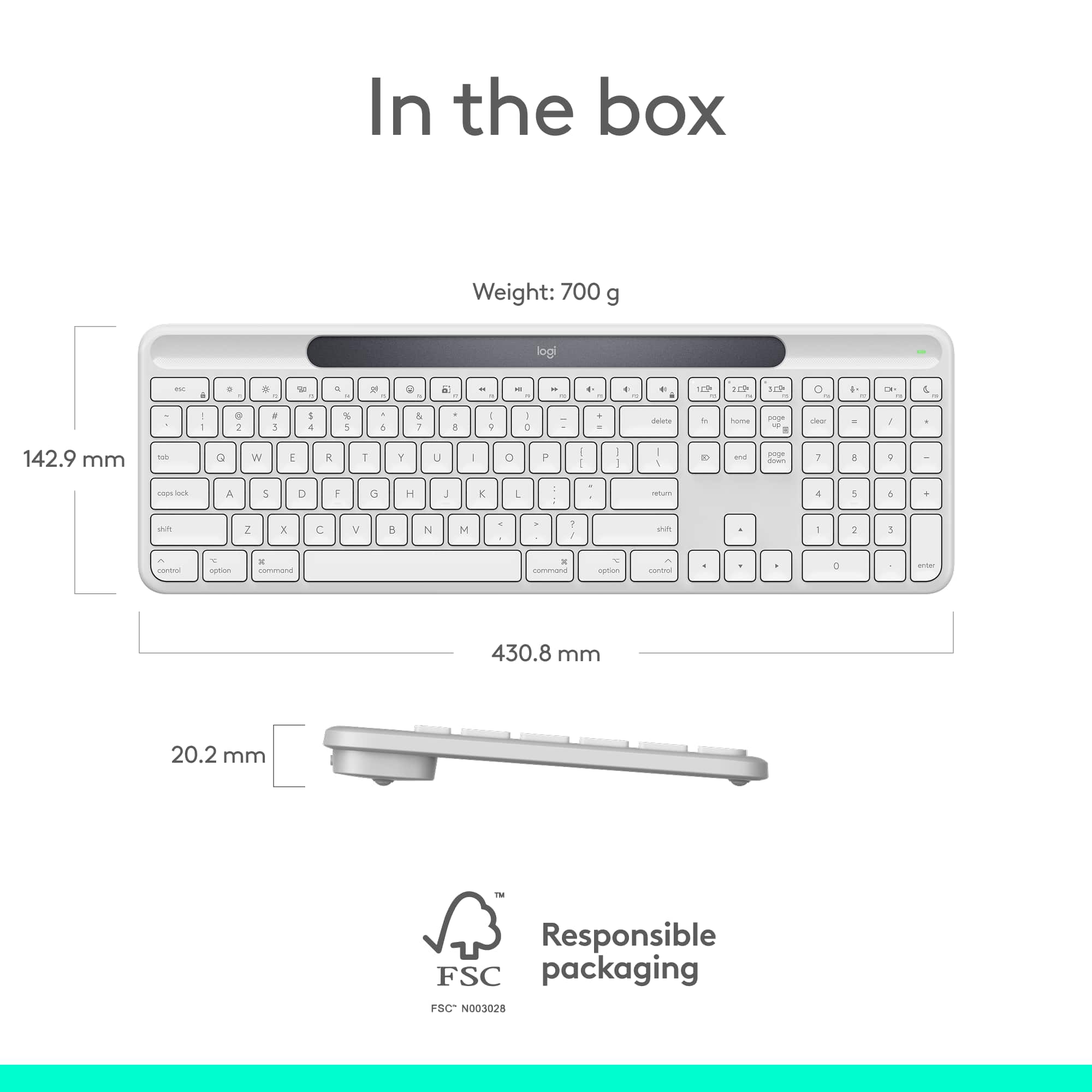
This question and answer was generated by AI based on customer and product data.Q: QuestionDoes this keyboard have a numeric keypad?
- A:Answer Yes, this keyboard includes a numeric keypad.
This question and answer was generated by AI based on customer and product data.Q: QuestionWhat is the maximum wireless range of this keyboard?
- A:Answer The maximum wireless range of this keyboard is 33 feet.
This question and answer was generated by AI based on customer and product data.Q: QuestionDOes this keyboard work with both Windows laptops and Ipads
Asked by WinMac.
- A:Answer Signature Slim Solar+ K980 works with both Windows laptops and iPads.
Answered by Logitech
Q: QuestionDoes it have a calculator button?
Asked by Martin.
This question was asked about the related product: Logitech - Signature Slim Solar+ K980 for Mac Wireless Bluetooth Solar and Artificial Light Powered Keyboard with Customizable Keys - Graphite
- A:Answer No, this keyboard does not have a dedicated calculator button. But you can assigne using the option+ software.
Answered by Logitech
Page 1, Showing 1-9 of 9 questions