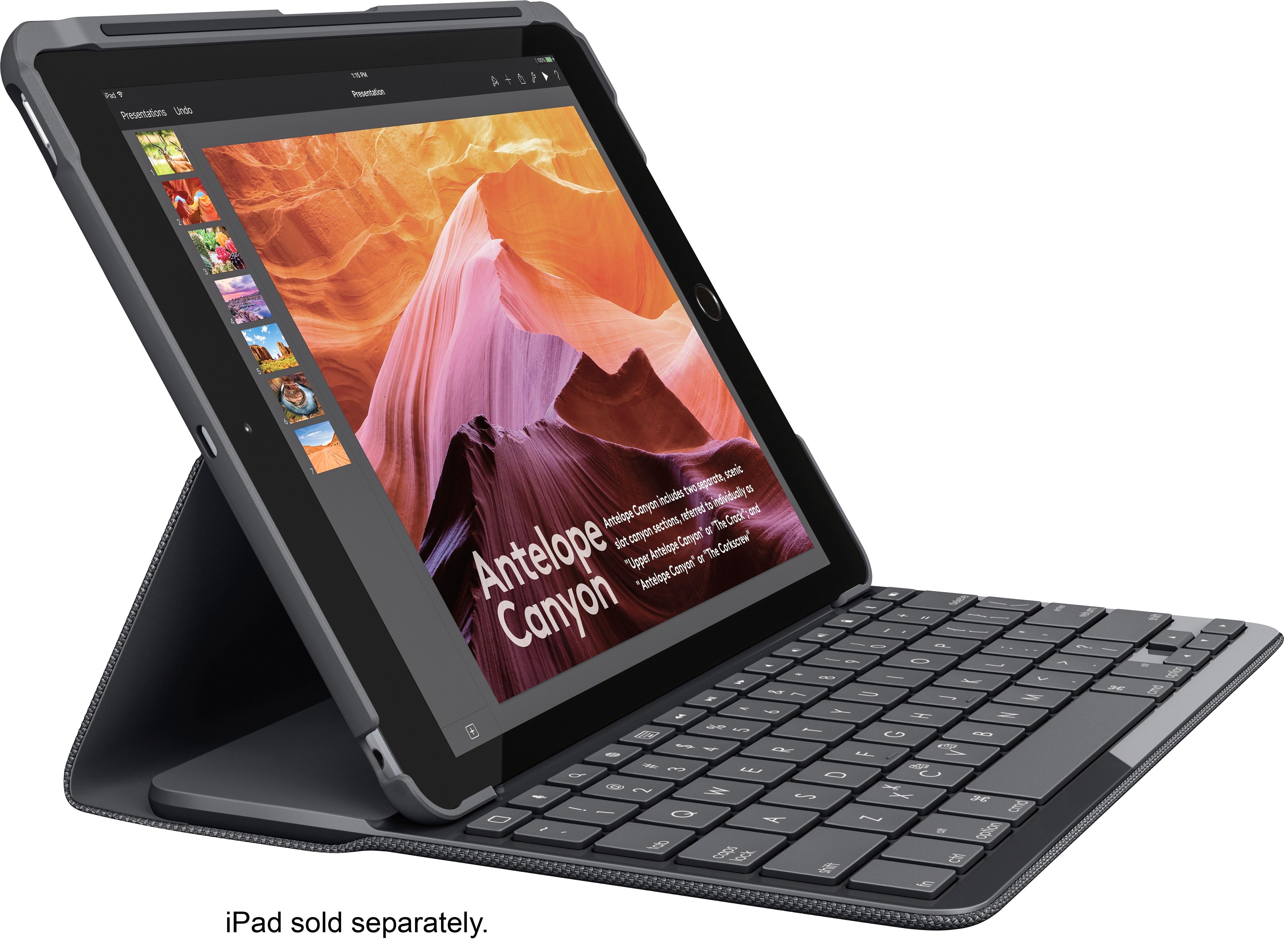
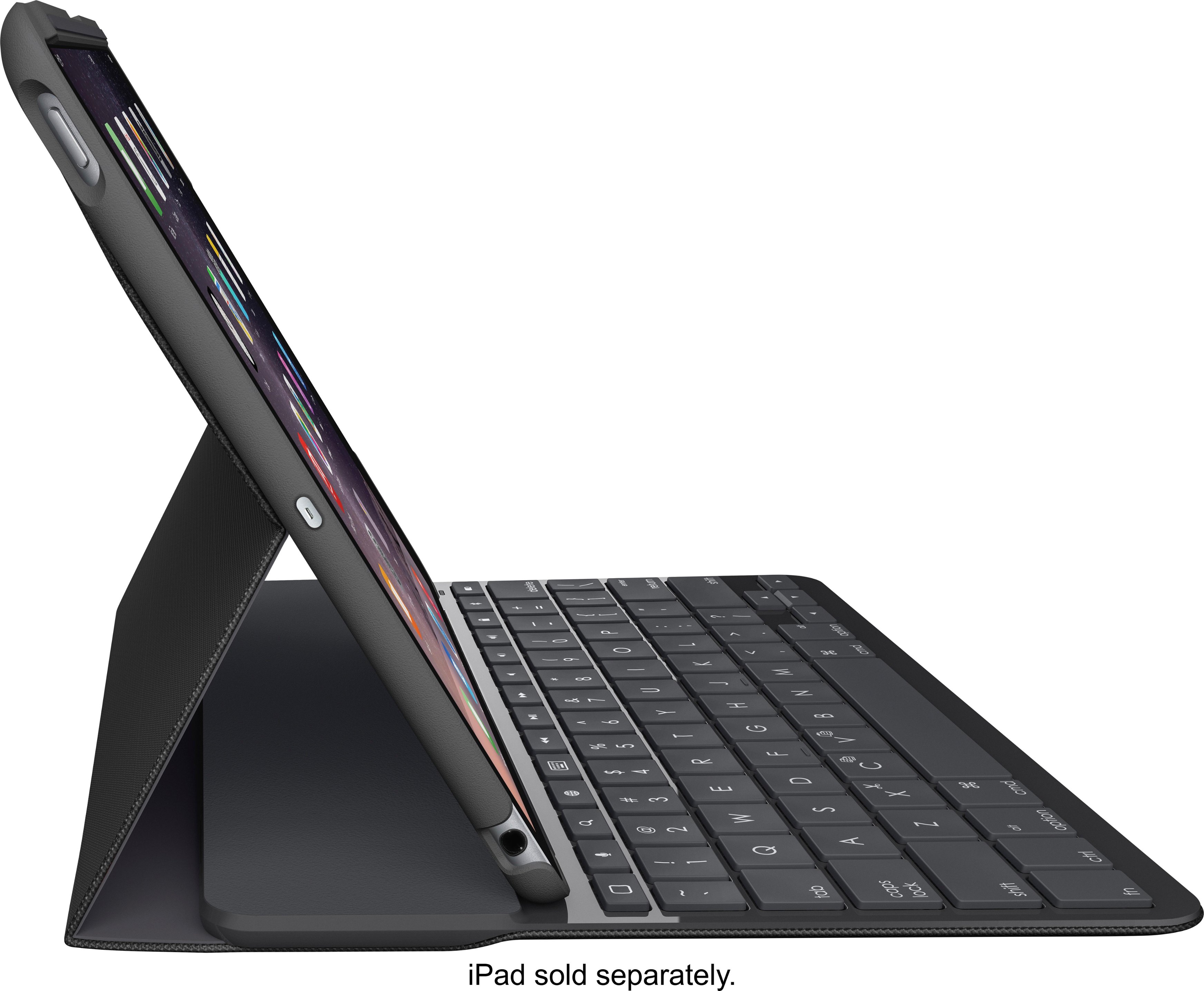
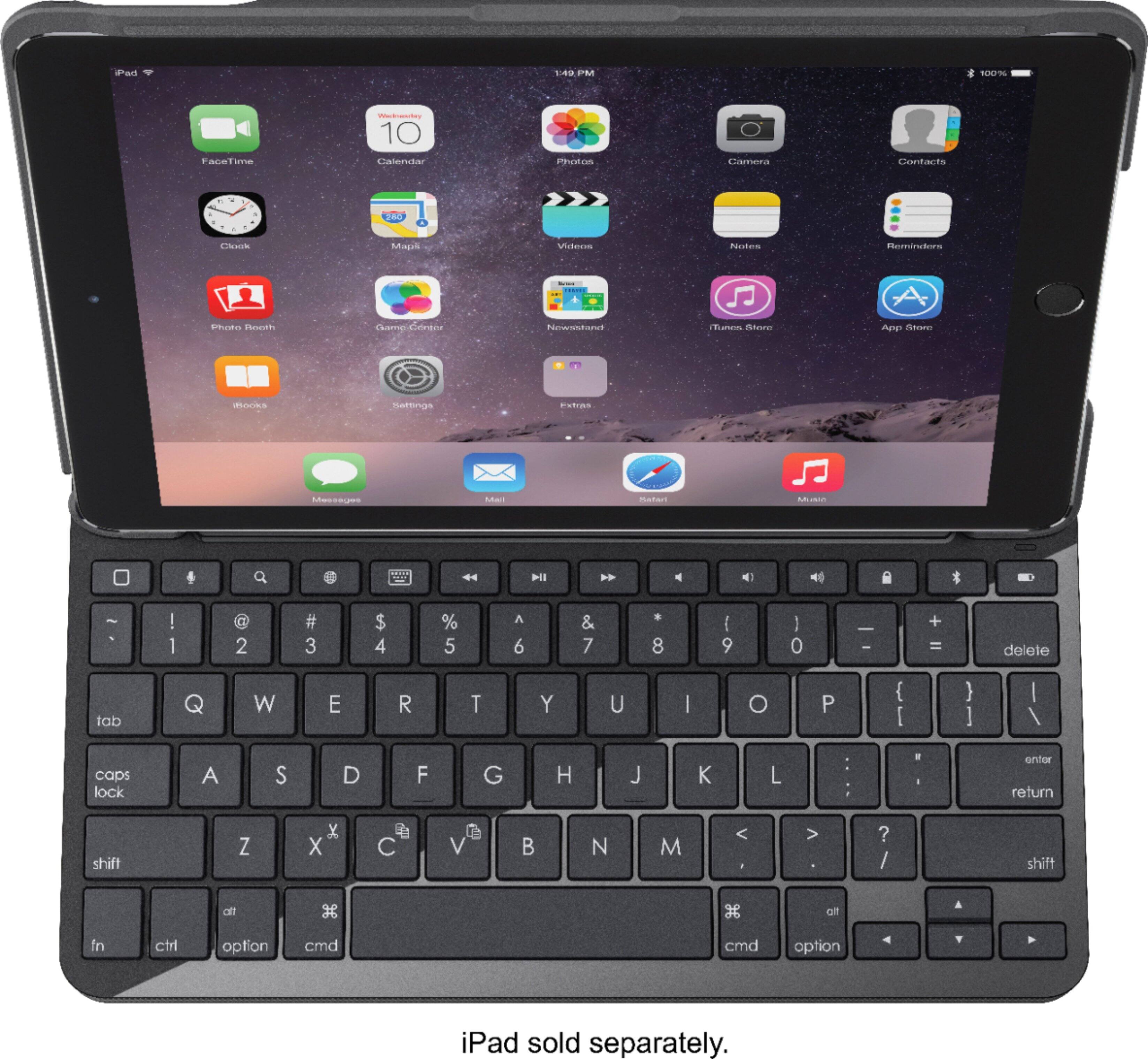
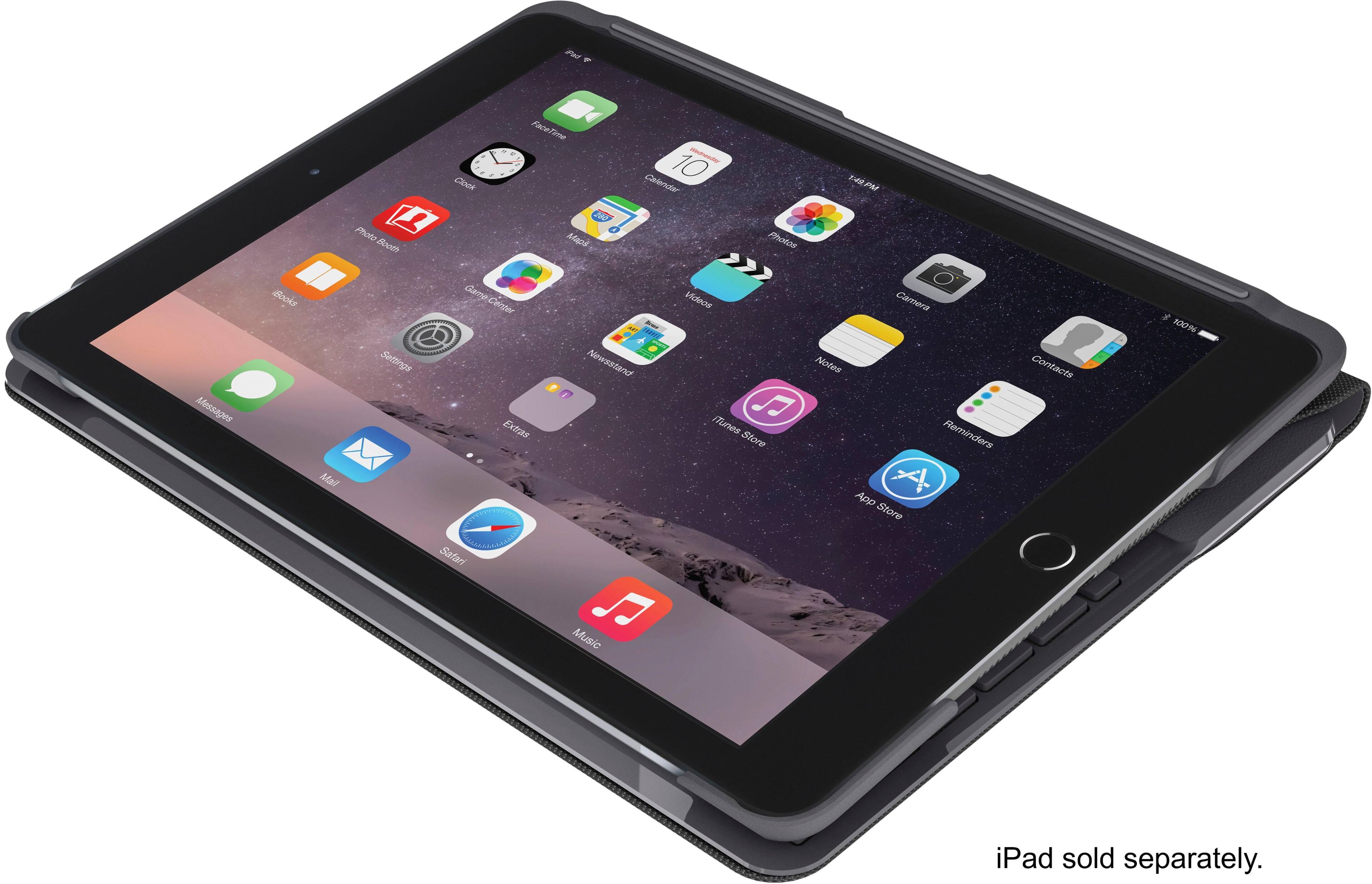
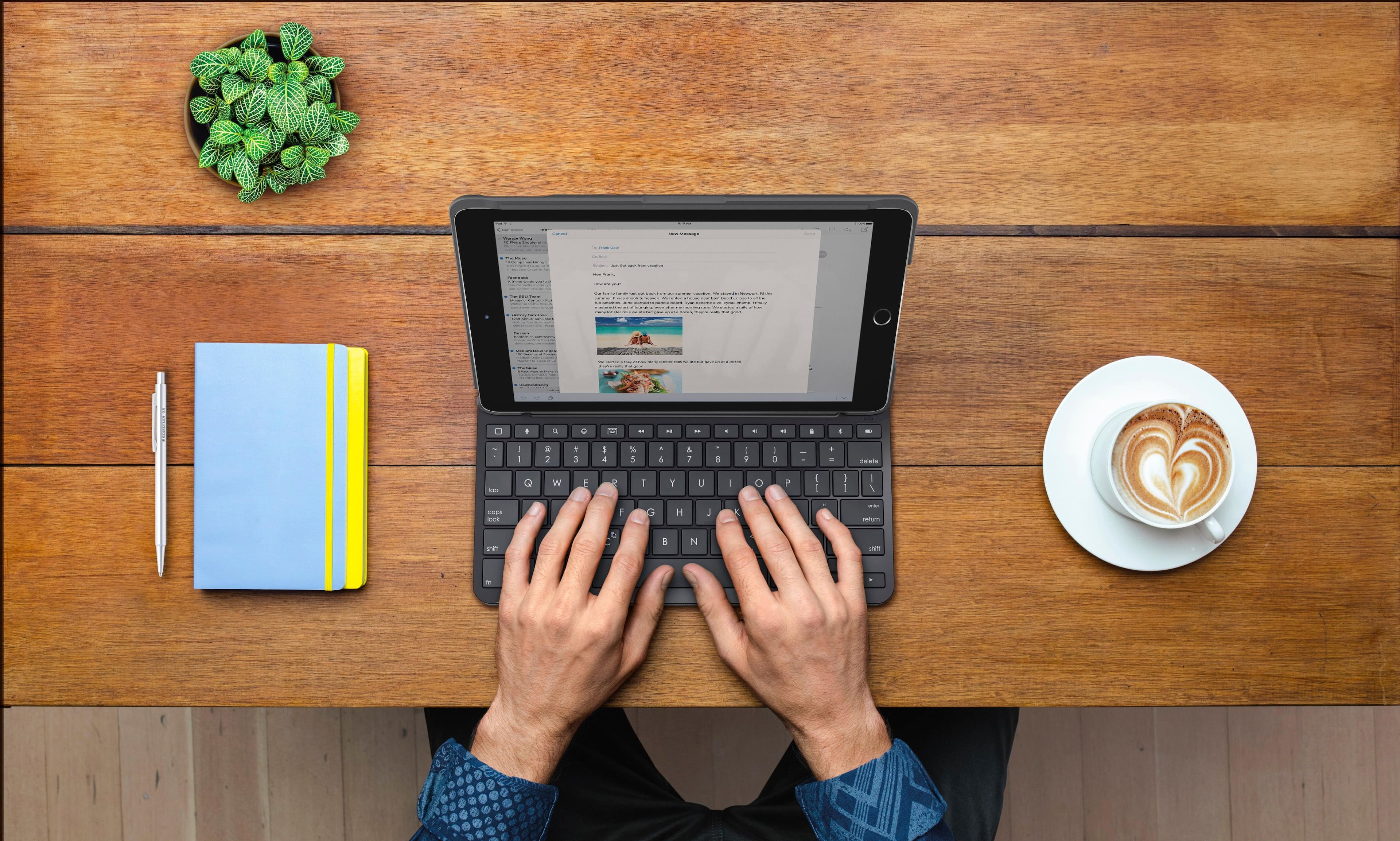
A:AnswerYou connect it through bluetooth. Put your iPad in the case and turn the keyboard on my pressing any button, and make sure you're bluetooth is on and it will pop up and you just sync to connect.
A:AnswerSync your keyboard to your iPad via bluetooth. Make sure bluetooth on your iPad is turned on, then click any button on the keyboard and it should pop up in your bluetooth tab, then just connect to it.