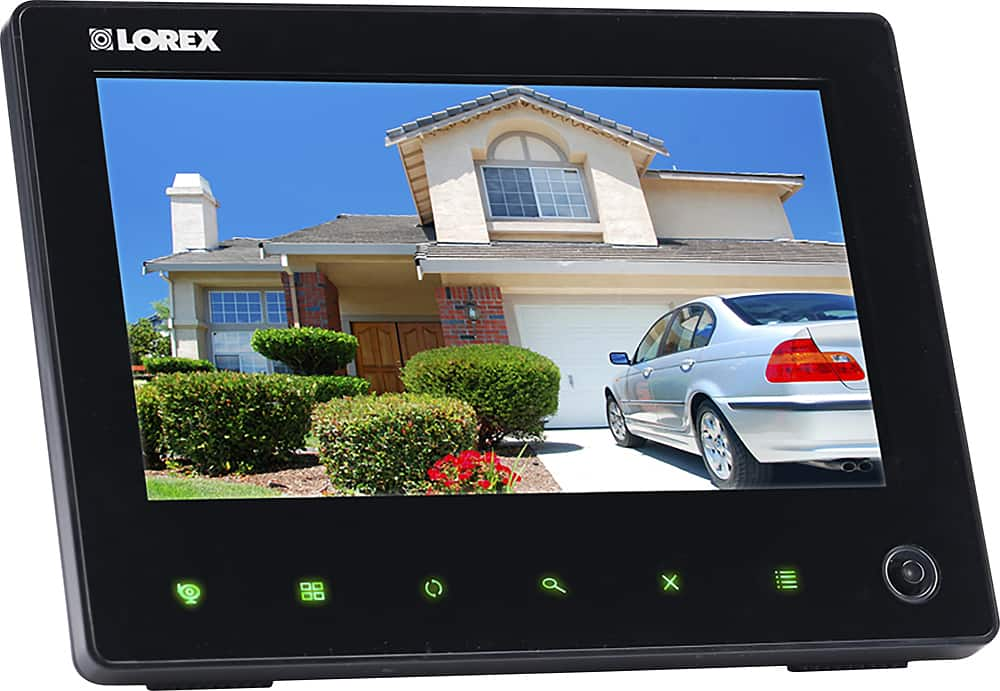
A:AnswerYes, this system can be used for manual, motion, and scheduled recording. You can record to the included 8GB SD card and the system supports SD cards up to 64GB.
A:AnswerIt probably requires a 5v battery and it DOES NOT come included with the unit.
Best Buy doesn't sell them, they've responded to my question, a visit and even opened up a different unit and the battery is NOT included.
Lorex hasn't answered the 2 emails as of yet that I've sent over the past month and they didn't have them available on their website.
The battery compartment is located under the monitors' back panel that has 2 phillips head screws holding it.
It's a really nice unit, but to not include the battery AND not have one available left us hanging...
A:AnswerYes, there is an app for both Droid and Apple. The app isn't bad in itself, but I had to turn it off, as I kept getting too many false alarms, and the barrage of alerts was driving me nuts. Motion detection is far too sensitive even on the lowest level, but if you live far off the road, it might work for you.
A:AnswerThese cameras do not use batteries. They each come with a power adapter to plug into a nearby electrical outlet for a reliable power source. This allows for more installation options and reliability as you will not need to access the cameras frequently to replace or charge batteries. We currently do not offer battery operated cameras,
A:AnswerThe cord from the camera is approximately 3ft and the adapter cord is approximately 3ft, for a total of 6ft from the camera to the electrical outlet.
A:AnswerThe cameras have to be plugged into a standard 120v residential electrical outlet. You can run them down the wall to a nearby power outlet or drill a 3/8" hole in the wall and pass the wire through your attic and plug into an outlet up there if you have one. The adapter has a terminal connecting the plug to the camera to accommodate running the wire through walls.
A:AnswerYou do not need a computer set up for this system. You can use the included monitor to view, save and delete recordings You can also view using the app on your mobile device.
A:AnswerIn an open field (with line of sight), a typical wireless camera has a range between 250 - 500 feet. 'Line-of-sight' means that there are no obstructions between the camera and receiver. Obstructions include walls, buildings, trees, and certain electronic devices. Materials containing moisture (for example, leaves) may also act as an obstruction. Cubical walls, drywall, glass, and windows generally do not degrade wireless signal strength.
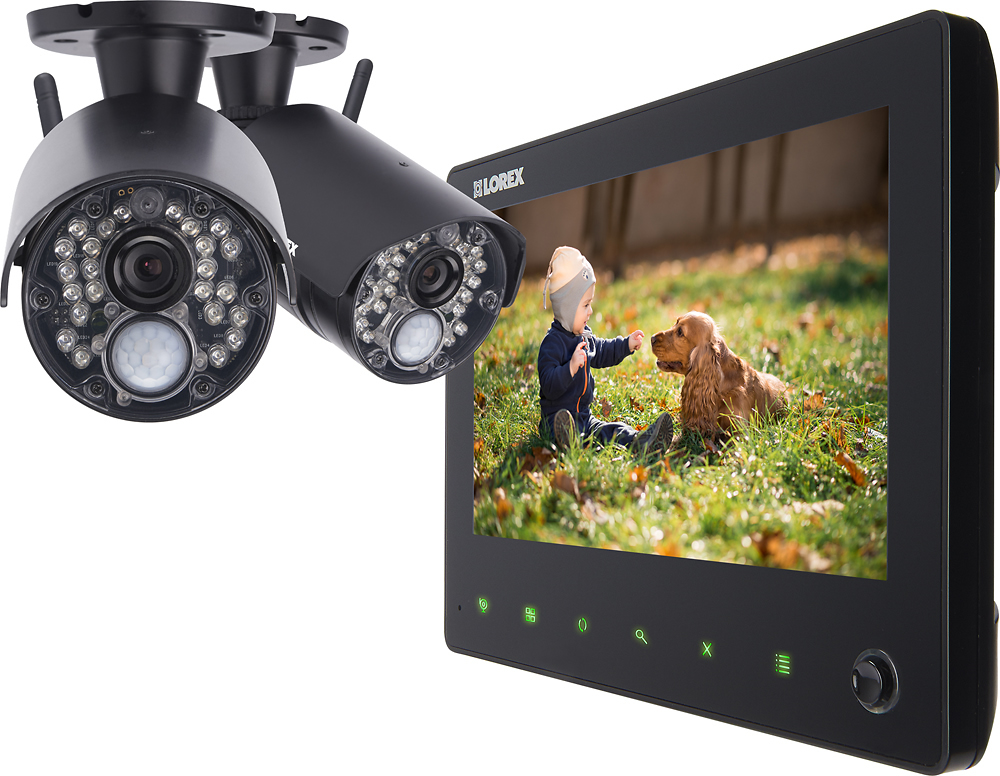
A:AnswerYour PC must have a SD card reader (hardware). Then you'll need a DVR converter (software). Then simply pull the SD card from the monitor insert it into the card reader on the PC and copy the files from the card to the PC. Then run the converter software converting the DVR files to another file format of your choice.
A:AnswerHello,
The DVR will need to be connected into a monitor or TV with HDMI to view the playback from the system itself. When viewing, you can back up the important video segments to a USB thumb drive for later viewing on a computer without the need to connect to the internet.
Thanks,
Lorex Technology