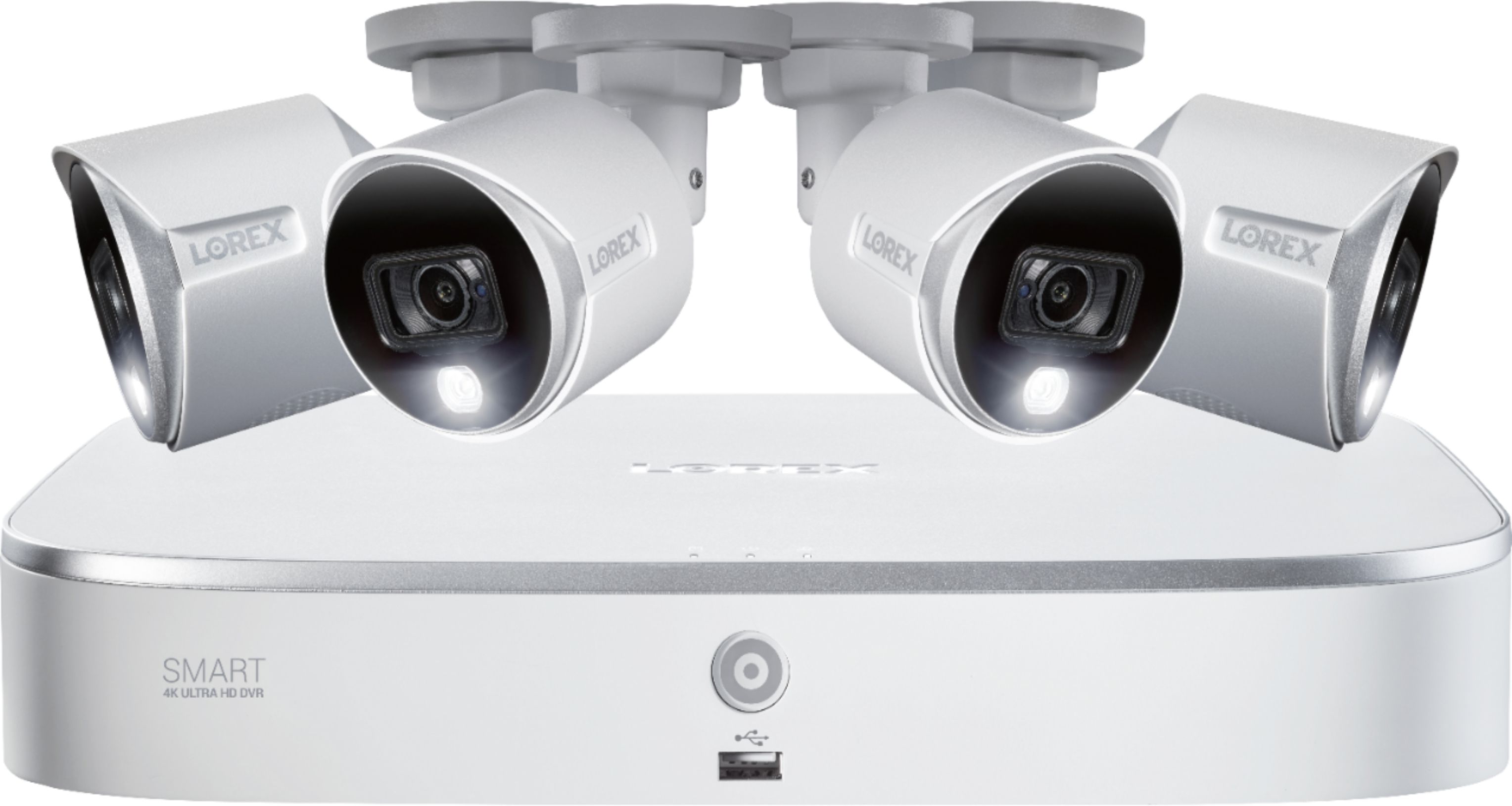
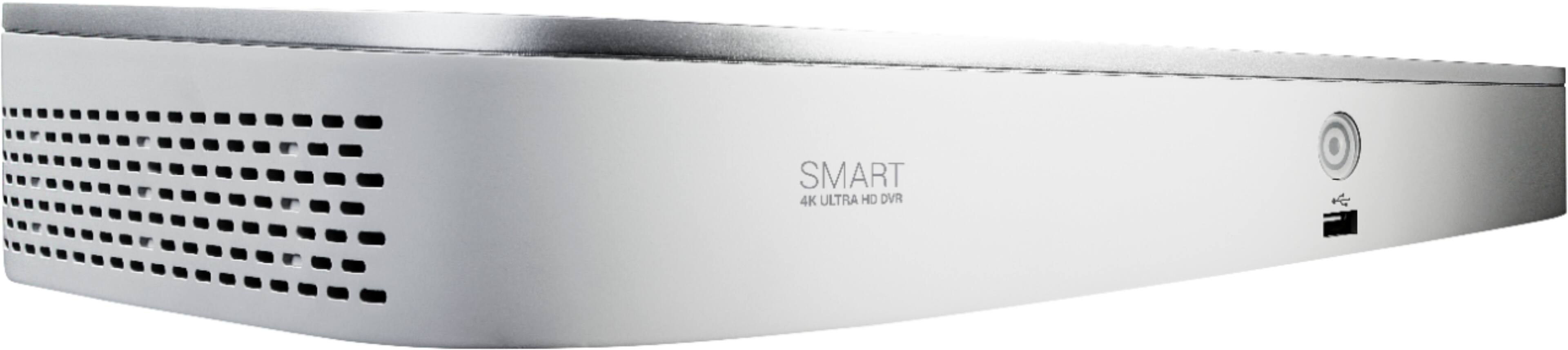
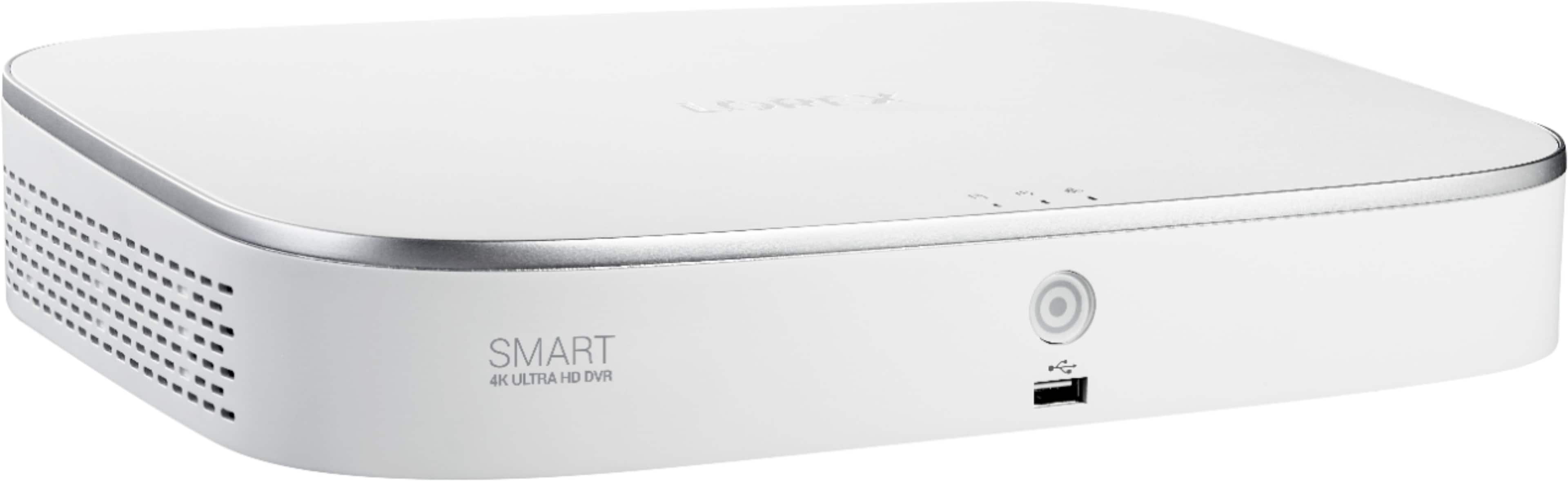
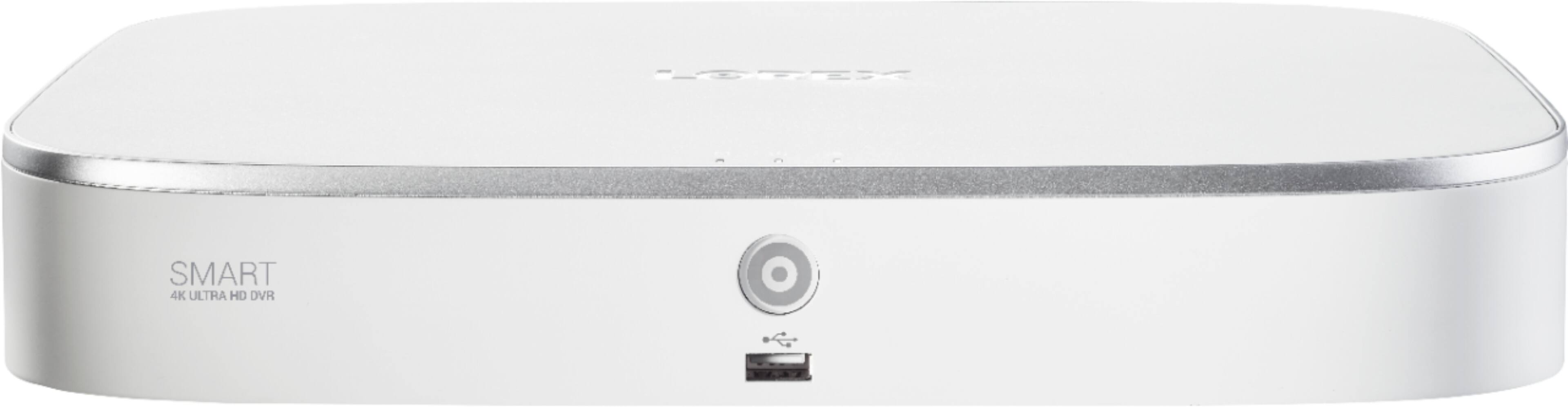
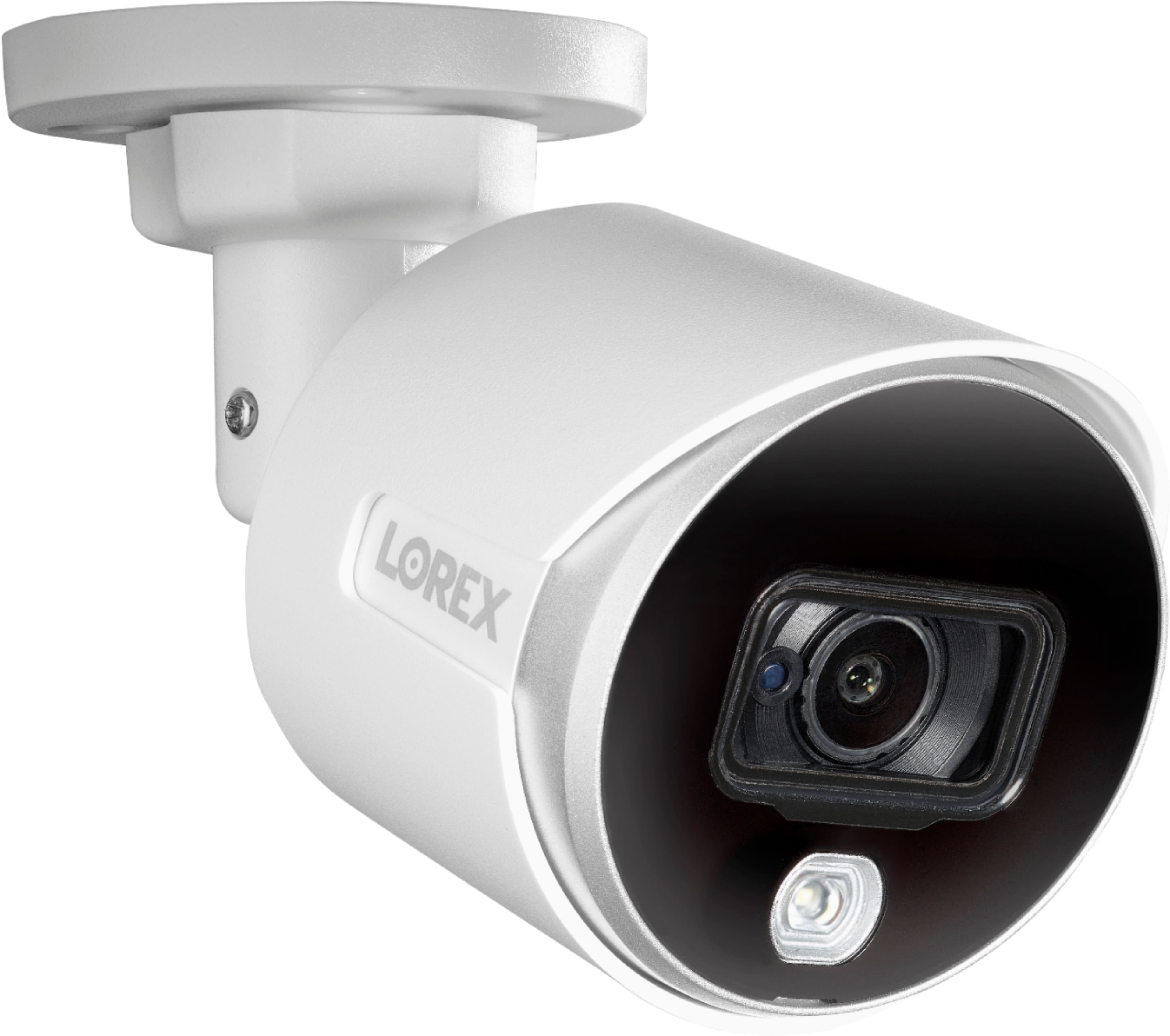
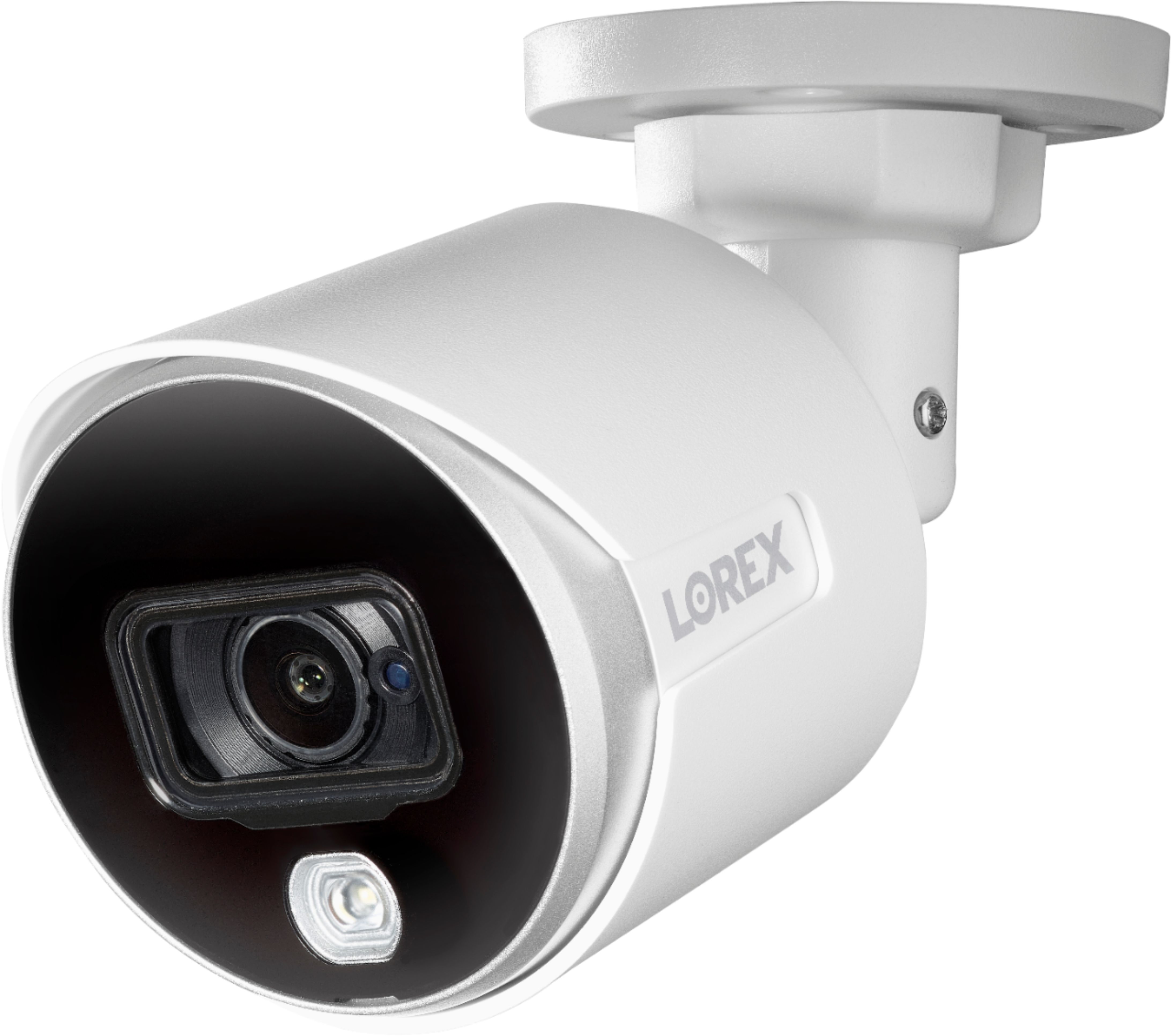
A:AnswerIf the DVR is connected to your router you would be able to view the cameras remotely through your smartphone on the Lorex Home app. As well, the DVR records the footage to the hard drive located within. You can set the DVR to record for motion or continuous recording.
A:AnswerThe DVR system uses pixel based motion detection, therefore when the pixels change the DVR picks this up and starts recording. You can also set the sensitivity of motion or select certain areas in which you would want to record when motion is detected.
A:AnswerI am not aware of anyway to pull the video files over the internet but you can copy video files from the DVR onto a local USB drive that is plugged into the DVR. Then you can move them physically over to your PC.
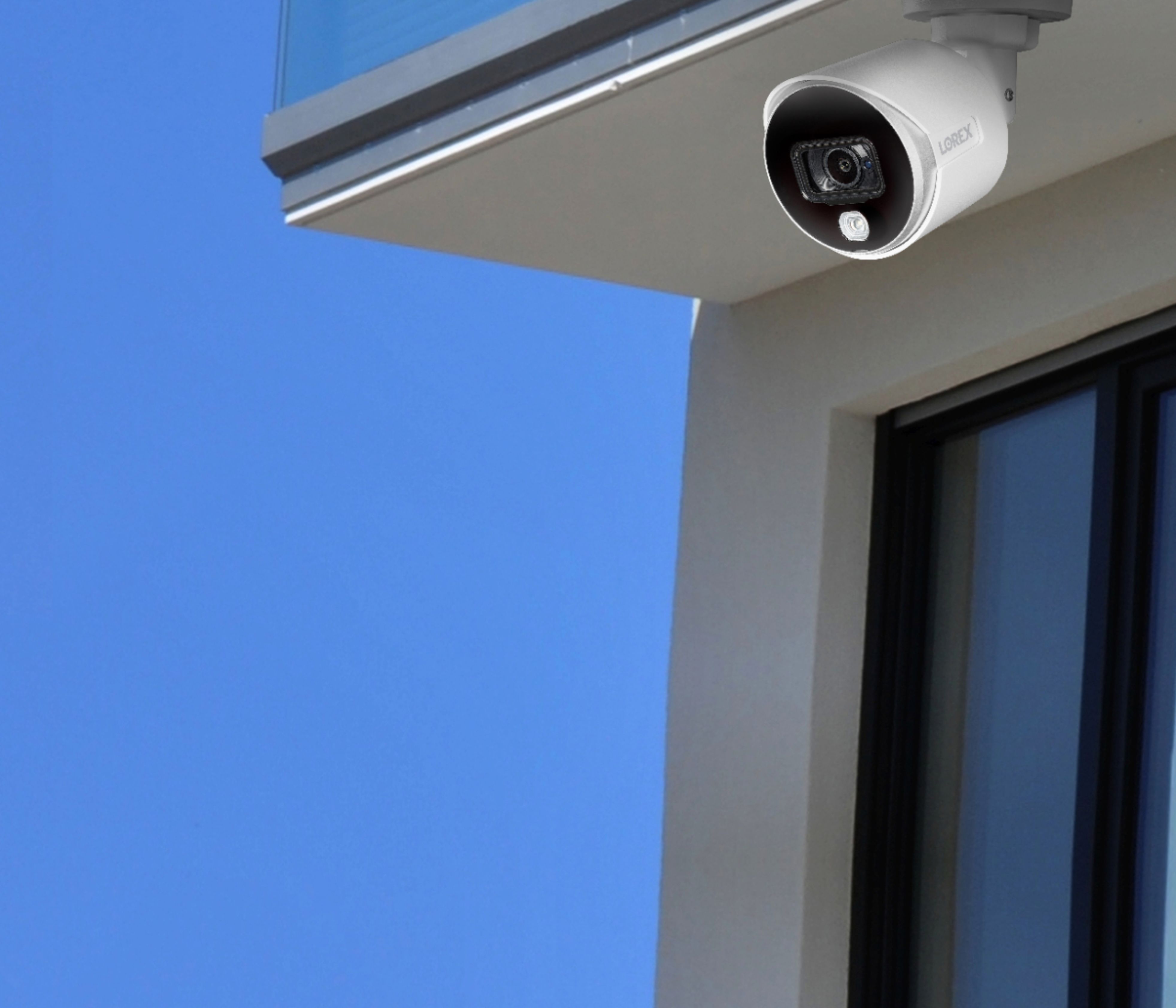
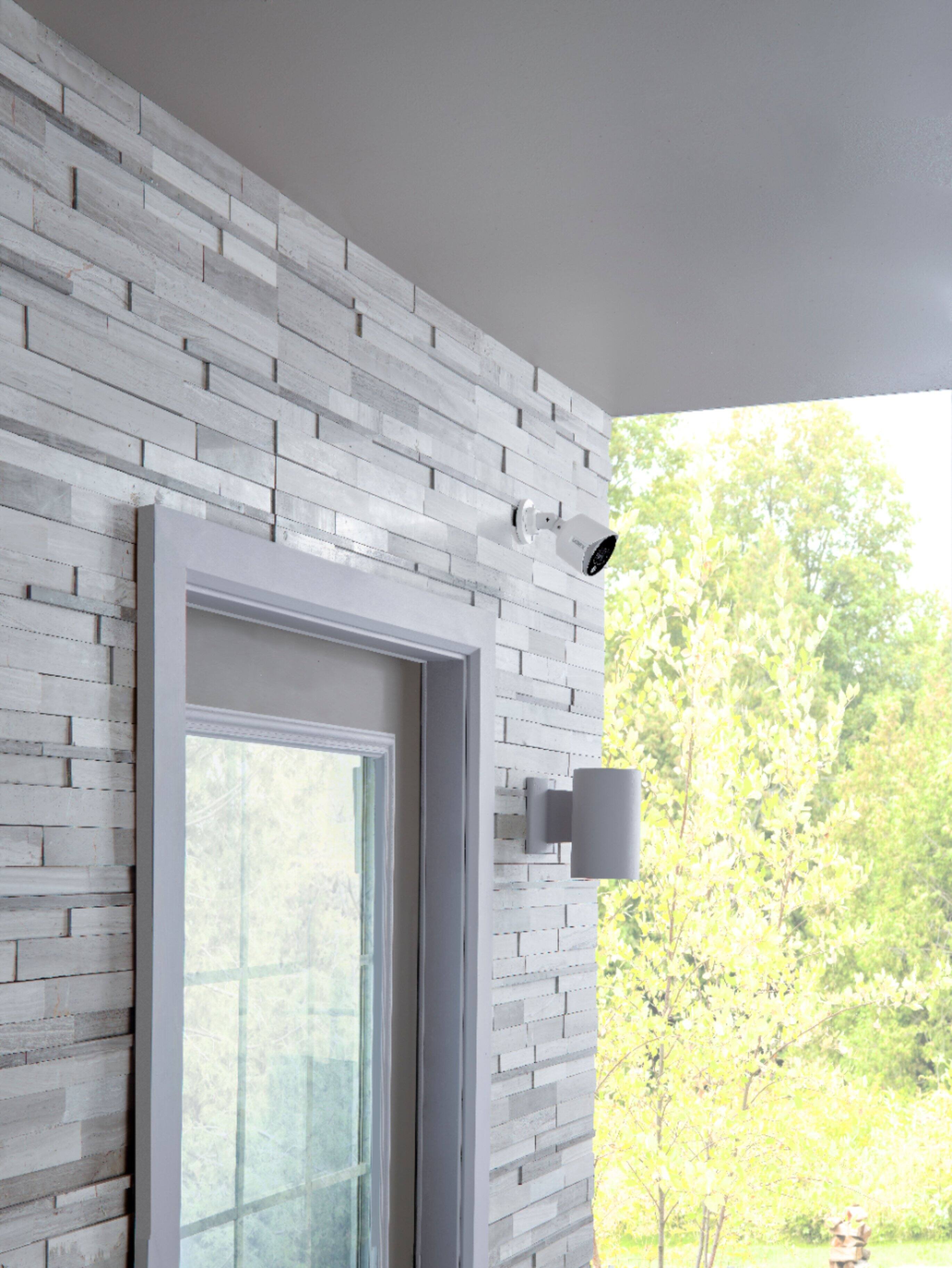
A:AnswerPretty much has to be underneath something can be put on the side of house but would have to be a straight shot can only be moved up and down in this position
A:AnswerYes the wires can withstand inclement temps. The wires do not have to be covered, but covering them behind a wall or even cable wire housing channel would extend their life.
A:AnswerThe only sound you will be able to produce is the talk through function. Due to laws being different in each state/country regarding voice recording they did not give the option. Maybe purchase compatible cameras that do record sound.