A:AnswerYes, it is true. You have to also add your wife's email address so it won't do that. You sign on with your email, and she signs on with hers. Hope this helps.
A:AnswerYes it does record audio and audio can trigger recordings. I personally turned that feature off via the phone app because the amount of notifications I was getting.
A:AnswerI installed all of my cameras outside my house. The cat cables run through the attic and out of the house right where the cameras are mounted. It will take tools and some work to install these cameras. They are not just a basic wireless plug and play type.
A:AnswerYes the system supports Listen-in Audio and Two-Way Talk. If the audio is enabled then the system will record the audio. Using the Lorex app you can backup the video to your phone and then email it to yourself.
A:AnswerThe NVRs use pixel based motion detection and not PIR motion detection. Therefore when the pixels change, the NVR will pick up the change in pixels and start recording.
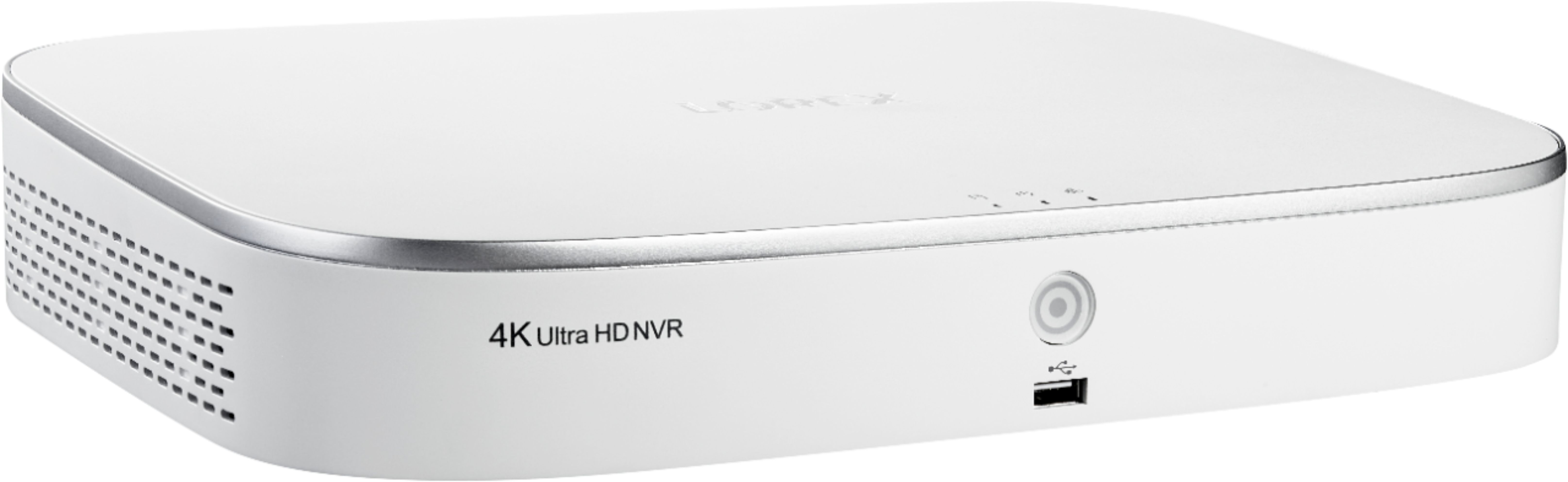
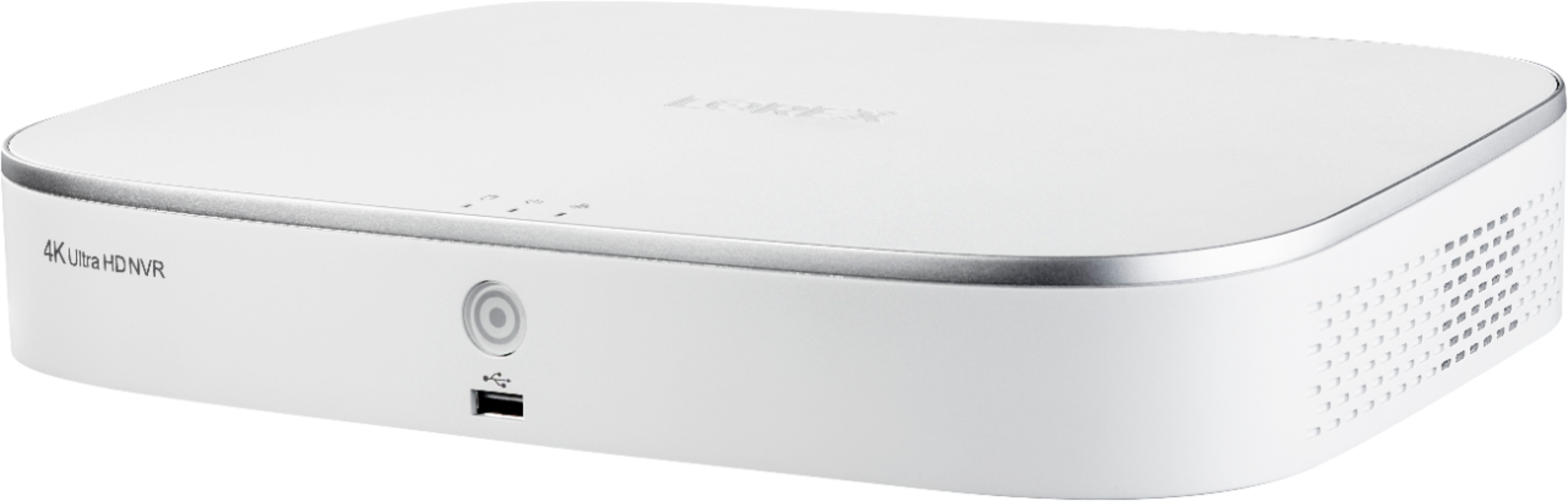
A:AnswerNo, the only fan available for this unit is the one that comes from the factory. Fan noise perception may vary depending on the place the unit is installed, we do not recommend to install in bedrooms or quiet places.
A:AnswerBNC DVR systems support HD. The main difference and benefit to having NVR is that it can work off your wifi network allowing you to connect other supported devices ie doorbell, wireless cameras. Where a DVR cannot.
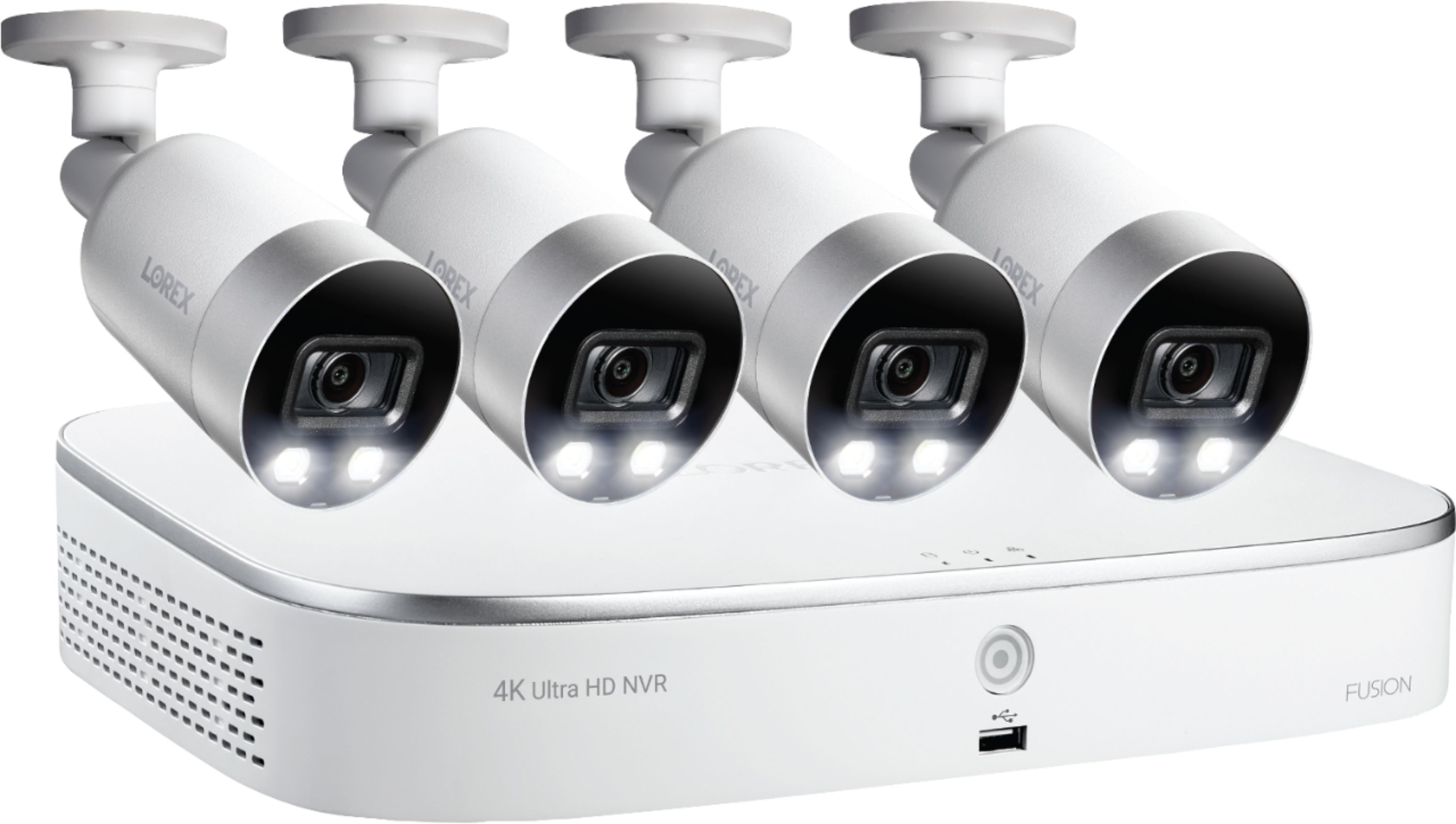
A:AnswerIt is an NVR and the cameras are PoE. Perhaps the Lorax product page will give you more/better info than the BB one. https://www.lorextechnology.com/nvr-network-video-recorder/4k-nvr-with-smart-detection/N841A82-W-1-p
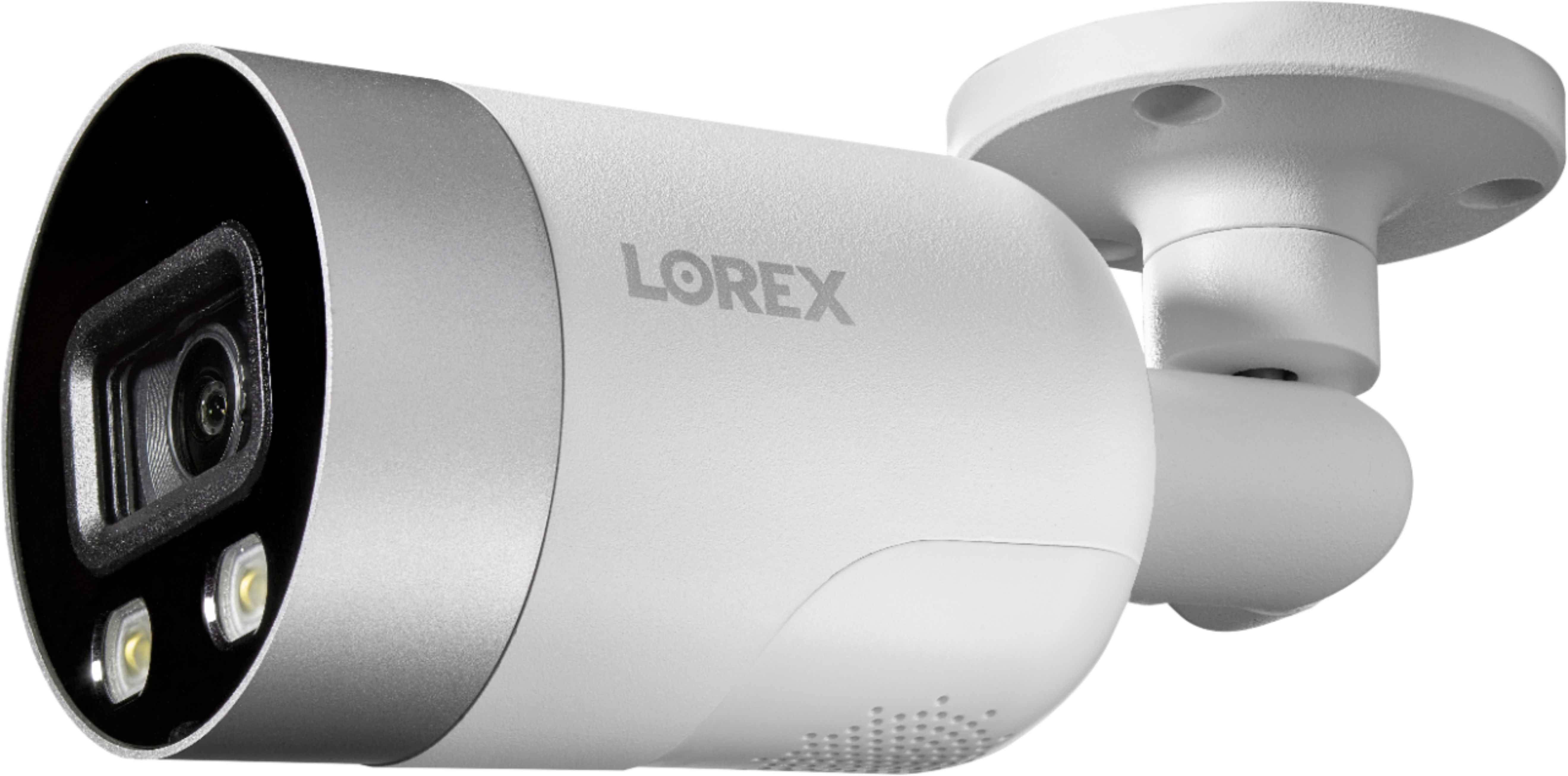
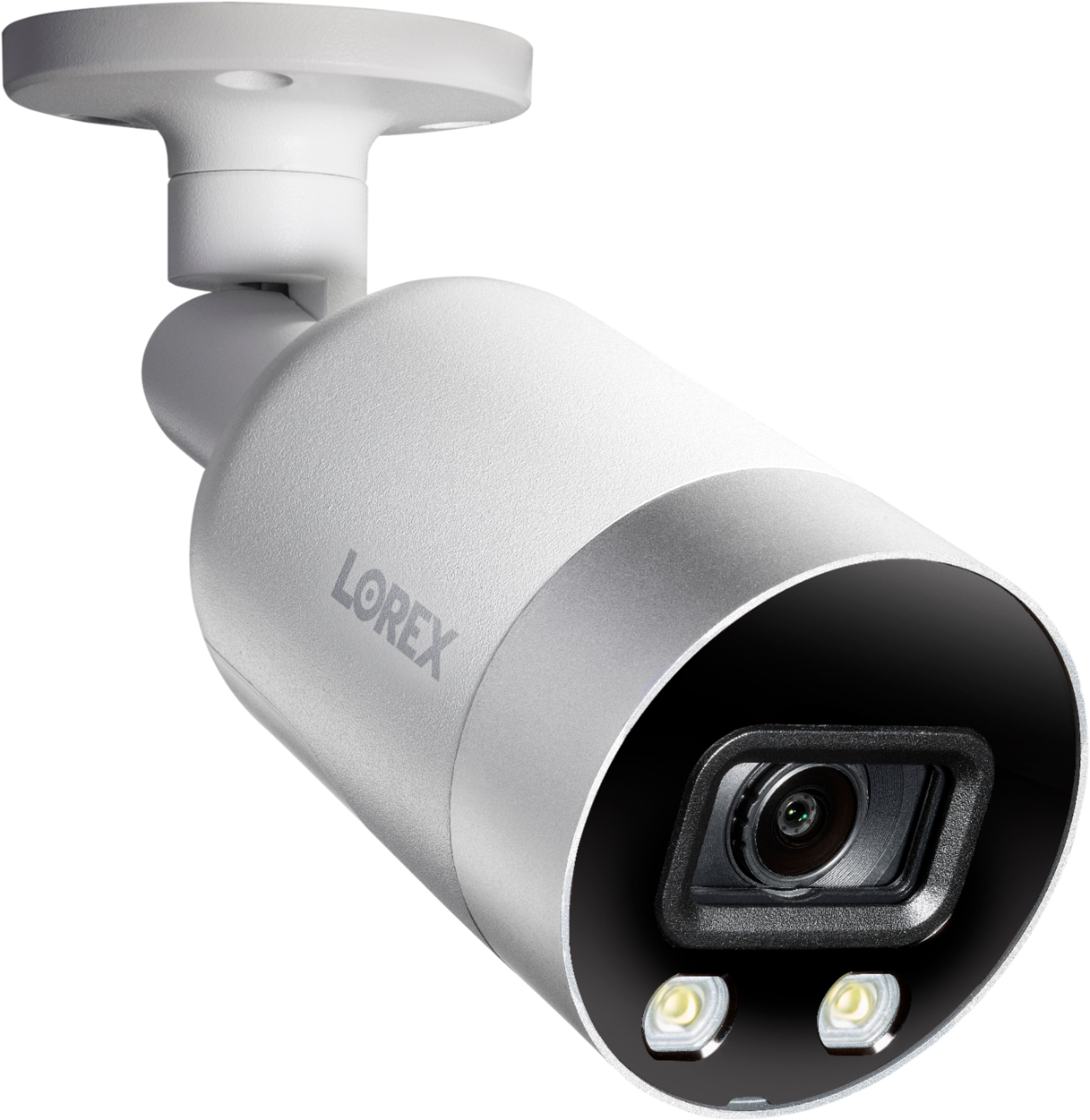
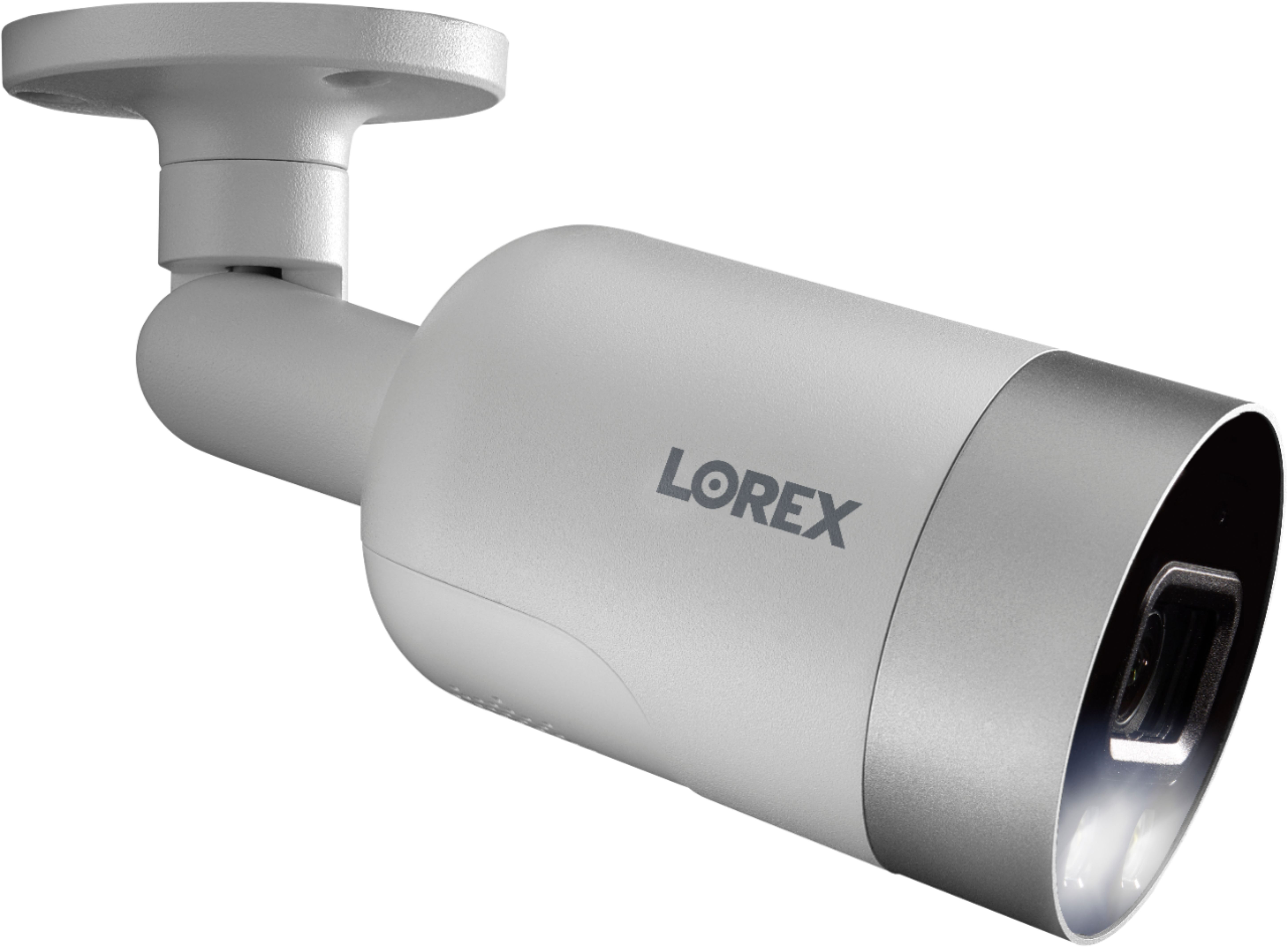
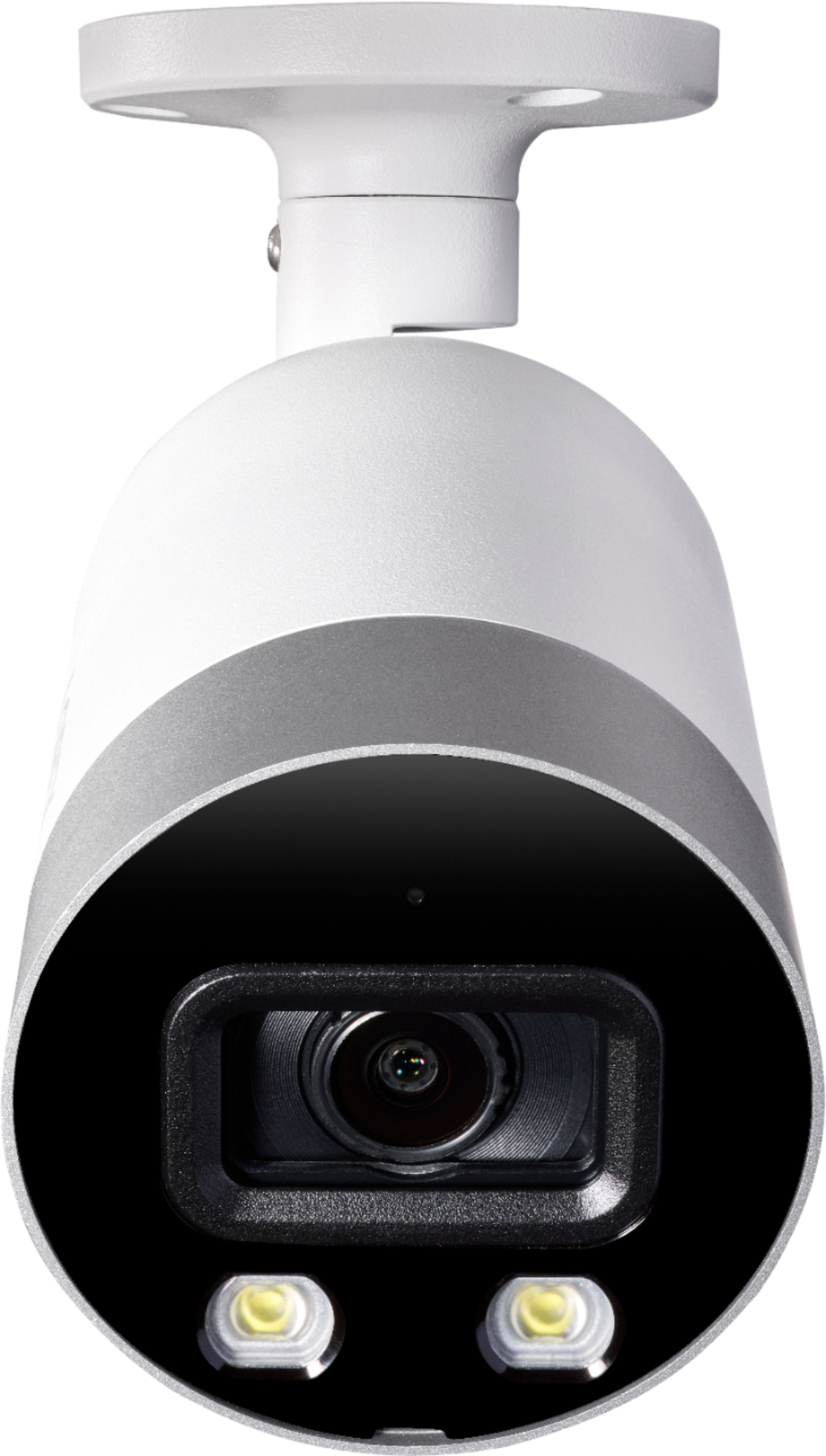
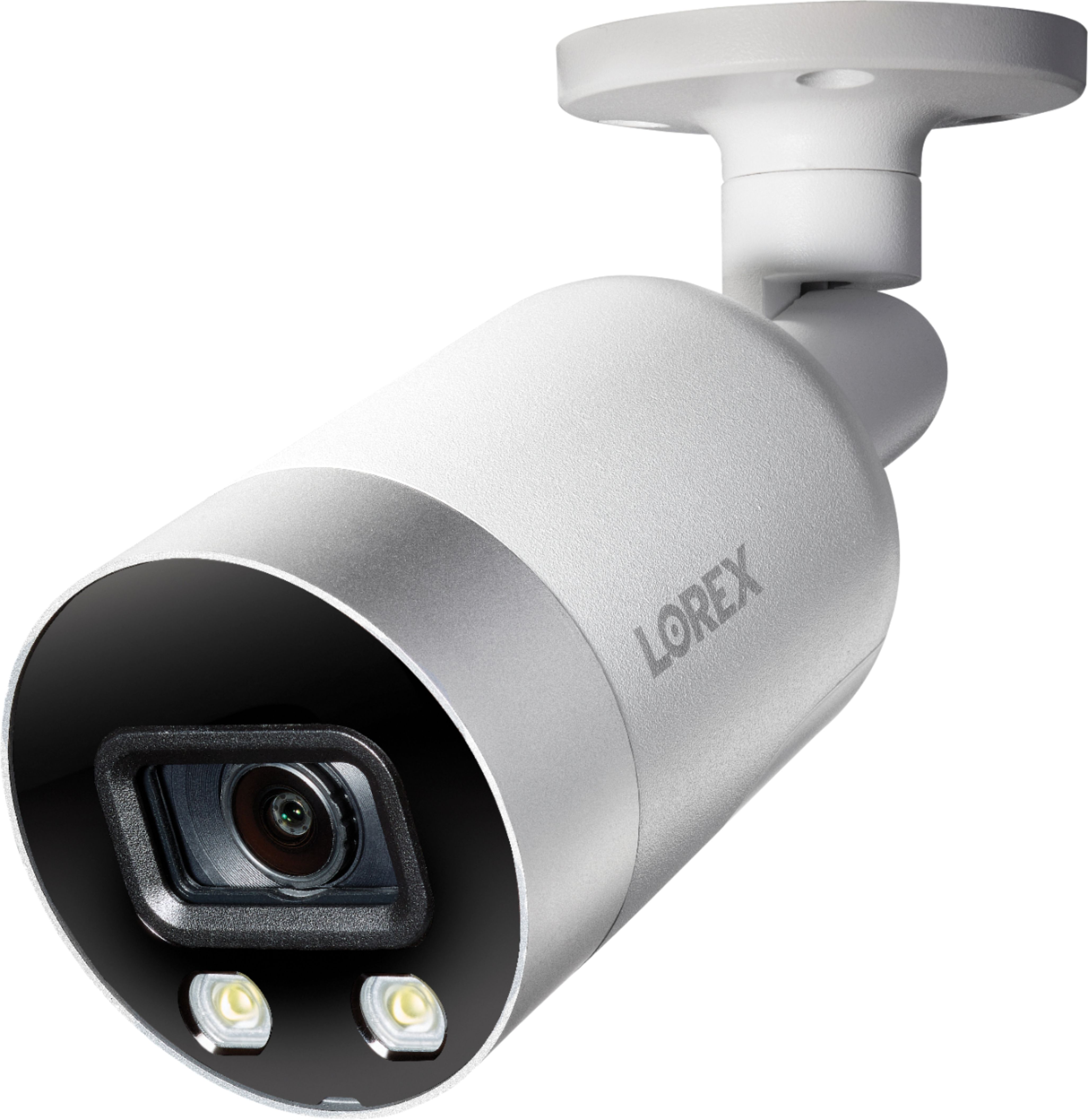
A:AnswerPlease click the link below if you'd like to purchase the camera that comes with this unit.
https://www.lorextechnology.com/4k-security-camera/8-megapixel-hd-ip-security-camera/E891AB-W-1-p