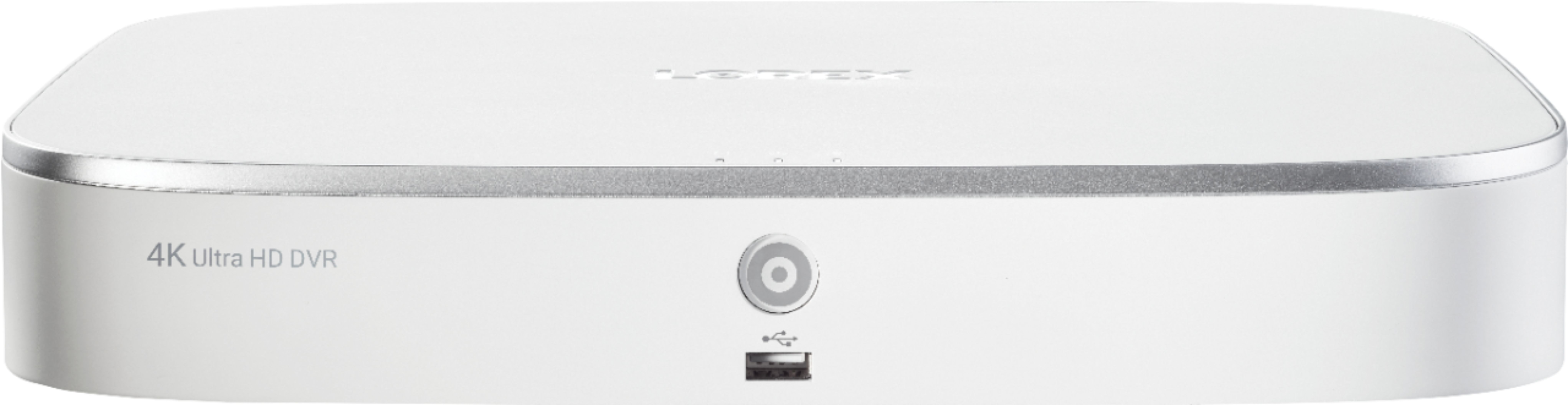
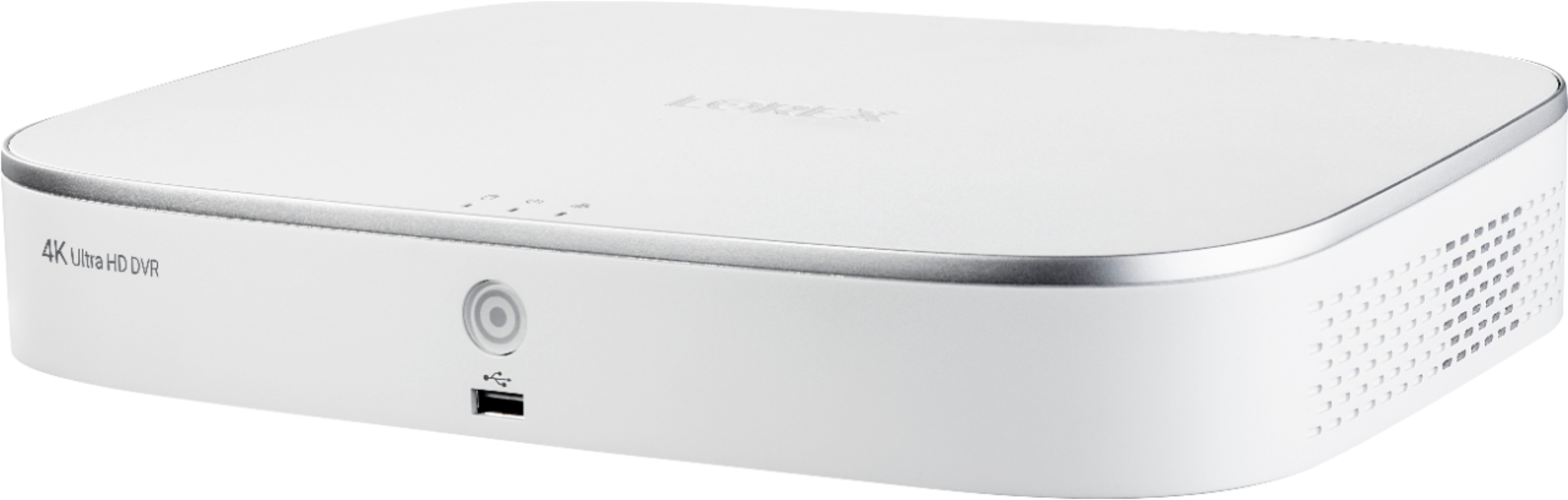
A:AnswerIt SAYS 30, but 4K cameras right now use 7 frames per second. 7 is the most you can select in the recording menu, which coincidentally can only be accessed through an Internet Explorer 11 web browser, not the Lorex mobile app.
In fact, everything related to camera settings, recording settings, hard drive, network, etc - can only be accessed through IE11 on a desktop Windows computer- and that's only after allowing some components to be installed (ActiveX) which are no longer supported by new browsers (like Edge, Chrome, etc). You basically have to figure out the DVR's address on your network, go there in IE11, and then you can see the menu.
Unfortunately- turning down the camera recording setting to 5MP, 3MP, 1080P, 720P, etc DOES NOT change the frames per second choices. If you hook up an older 1080P camera to the system, it will allow up to 30 frames per second, but these 4K cameras do not. Even after selecting lower resolutions, confirming, and refreshing the menu - 7 is the max you can select.
This means crystal clear 4K backgrounds, but blurry moving people and cars.
A:AnswerLow DC voltage will cause the battery icon to appear as well as cause poor performance at night when the IR leds are active for night vision. Check your Power connections for that camera and the power supply. You may need a higher current power adapter if the length is excessive.
A:AnswerI have the 8 camera 4K Lorex System. I have my system set up to send an email whenever motion is detected to my Samsung Galaxy S7 edge. This camera system will also send notifications through the Lorex App to your smartphone with a link to playback the review of what motion was detected. I turned it off because it got to be worrisome after a while. If you need to use this feature, I strongly suggest you enable motion detection with ONLY people and vehicle.
A:AnswerYes you can, once you are connected to the internet you will have to download an app. Once you download the app you are able to see them live, or watch previously recorded videos on your phone or tablet.
A:AnswerI had this problem, turns out the monitor I was using was 720p. Once I hooked up a 1080p monitor a small blue arrow shows up in the bottom right corner. Problem is too low resolution on TV. Would be nice if LOREX would show this on their FAQ, almost returned the system!
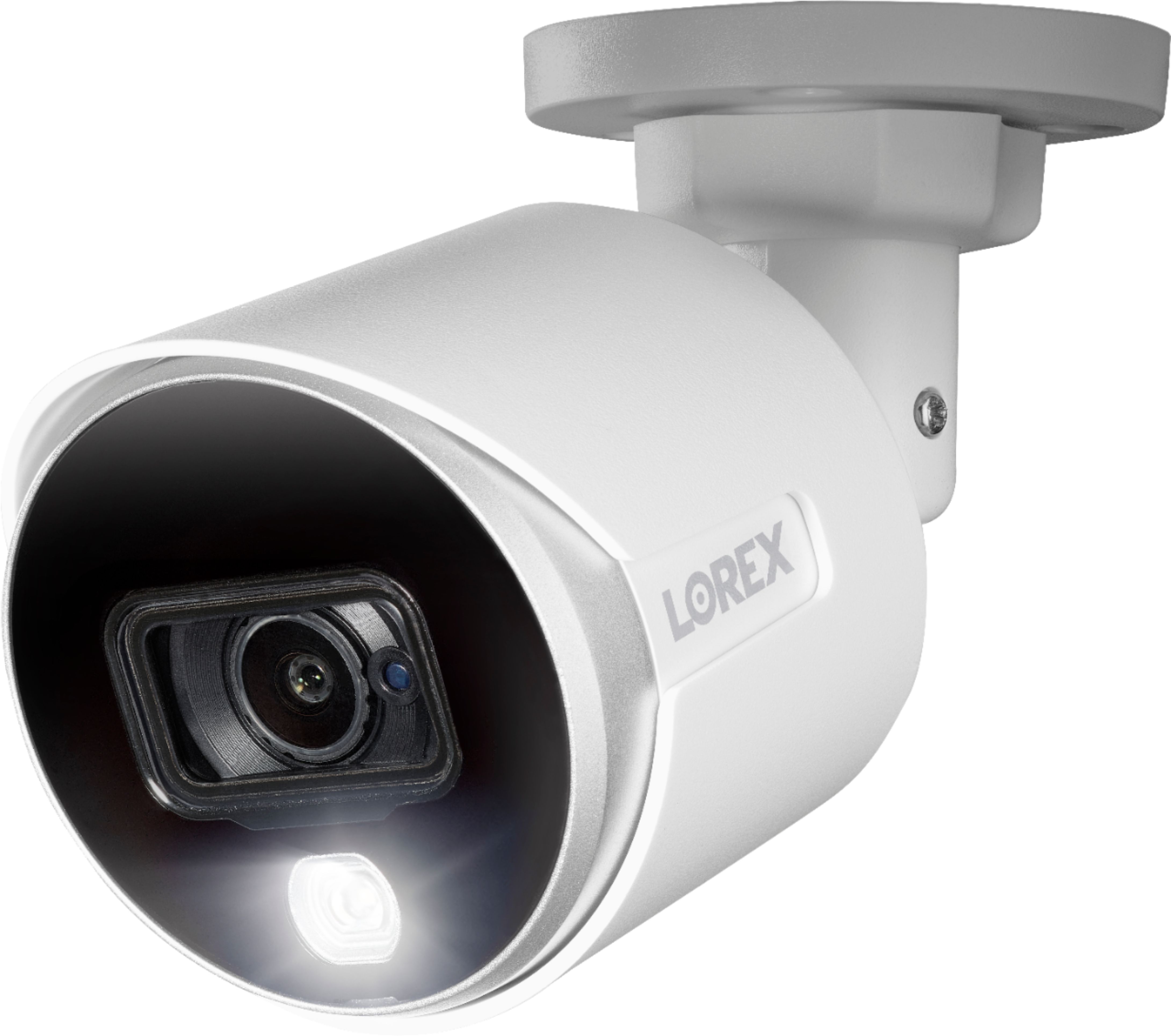
A:AnswerIf by waterproof you mean can they be installed outside where they will get wet, then yes. I installed mine last week and since we’ve had a couple days of good downpours and there have been no issues with the cameras or wires at all.
A:AnswerYou need a monitor connected to the DVR to setup the system. Once it's set up, you can use the monitor to view the cameras without internet service. But, if you wand to view the cameras on a cell phone, tablet or PC you need internet service.
A:AnswerIt does record audio the only problem is you have to buy an mic and it will take one of the channels so if you have an 8 channel camera system you will only be able to see 7 cameras with audio
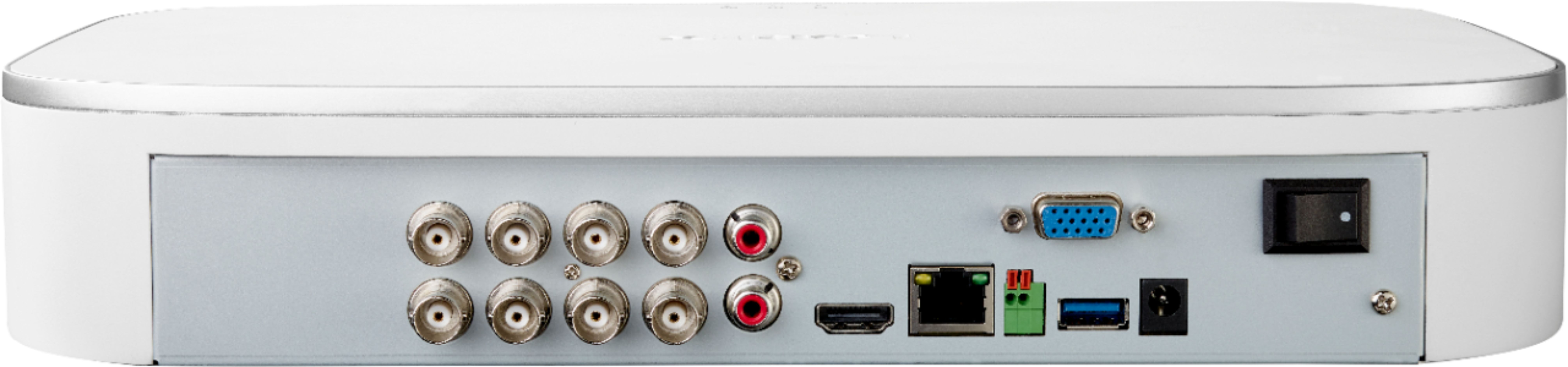
A:AnswerIf you have a DVR with only 4 ports for 4 cameras, you are out of luck. In order to add more cameras, you will need a DVR that can handle 8 or 16 cameras. If Best buy doesn't sell extra cameras, you can purchase them directly from Lorex. Their website will tell you which cameras work with your DVR.
A:AnswerYes 8 channels for 8 cameras. It comes with BNC cable 60ft for each camera. When I installed the camera, I had to buy extra cable because 60 ft was not enough for 3 other cameras I need to place. I bought it at Lorex.co. No splice kit but you can connect two 60 ft cable if you needed longer but that is it, then you need to purchase additional cable.
A:AnswerI had that problem due to my tv. It was an older 1080P tv, I hooked a newer 1080P tv and then it worked. Once it was through the initialization, I hooked it back up to the old tv, which also worked, but it cut off the edges of the overall picture. I eventually just went and got a 4K tv which provided a great pic with the system. Lorex could have done a much better job on that one, if you change the resolution after initial config, there is no "click here if you see the image correctly," it just commits.
A:AnswerI believe the correct answer is it is all around. If you know the term fish-eye lens, then you understand. I am very picky about visual things and I am impressed with the total range as well as the clarity. I absolutely love the night vision. The cameras are much better than I expected.
A:AnswerSo there’s a mic on the lorex.com website it’s $40 I think but it’s only for indoor and it has to be plugged into a wall. They have cameras with audio, but the price ranges on them, for my system it’s $135 on the dome camera or $170 for a bullet camera. I’m pretty livid they don’t actually have audio the recorder has the capability. Kind of a crap move on the companies part.
A:AnswerSome time, when change resolution in the settings, it goes black and not able to see anything. I had that issue gone black after change to a 4K Resolution on a old screen and end up remotely connecting to the IP address of the DVR, using Internet Explorer 11 to change back to LOWER Resolution to able to display on the screen next to the DVR. DON'T let no-one remote on your desktop - they can articulate the issue instead, so you can do the changes yourself. - get you a savvy person if you dont understand the techky lingo.