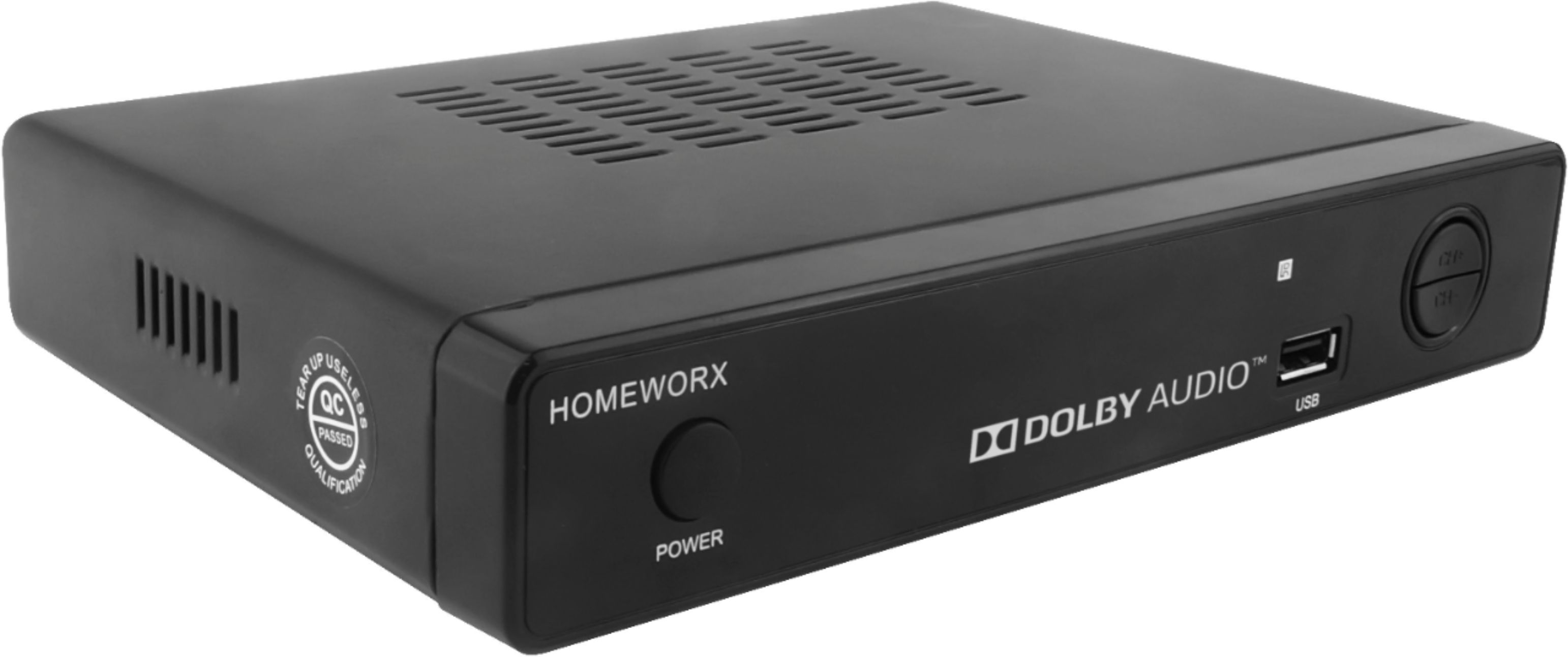
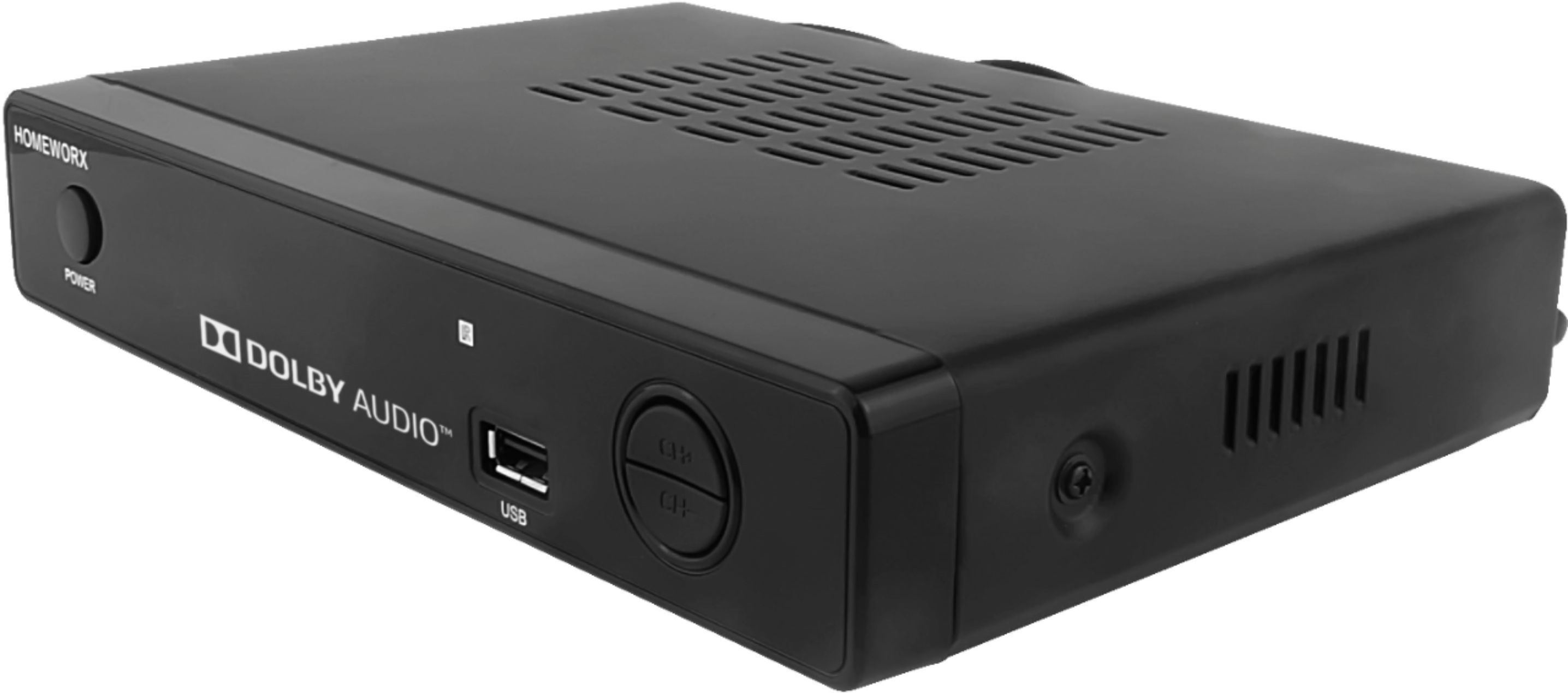
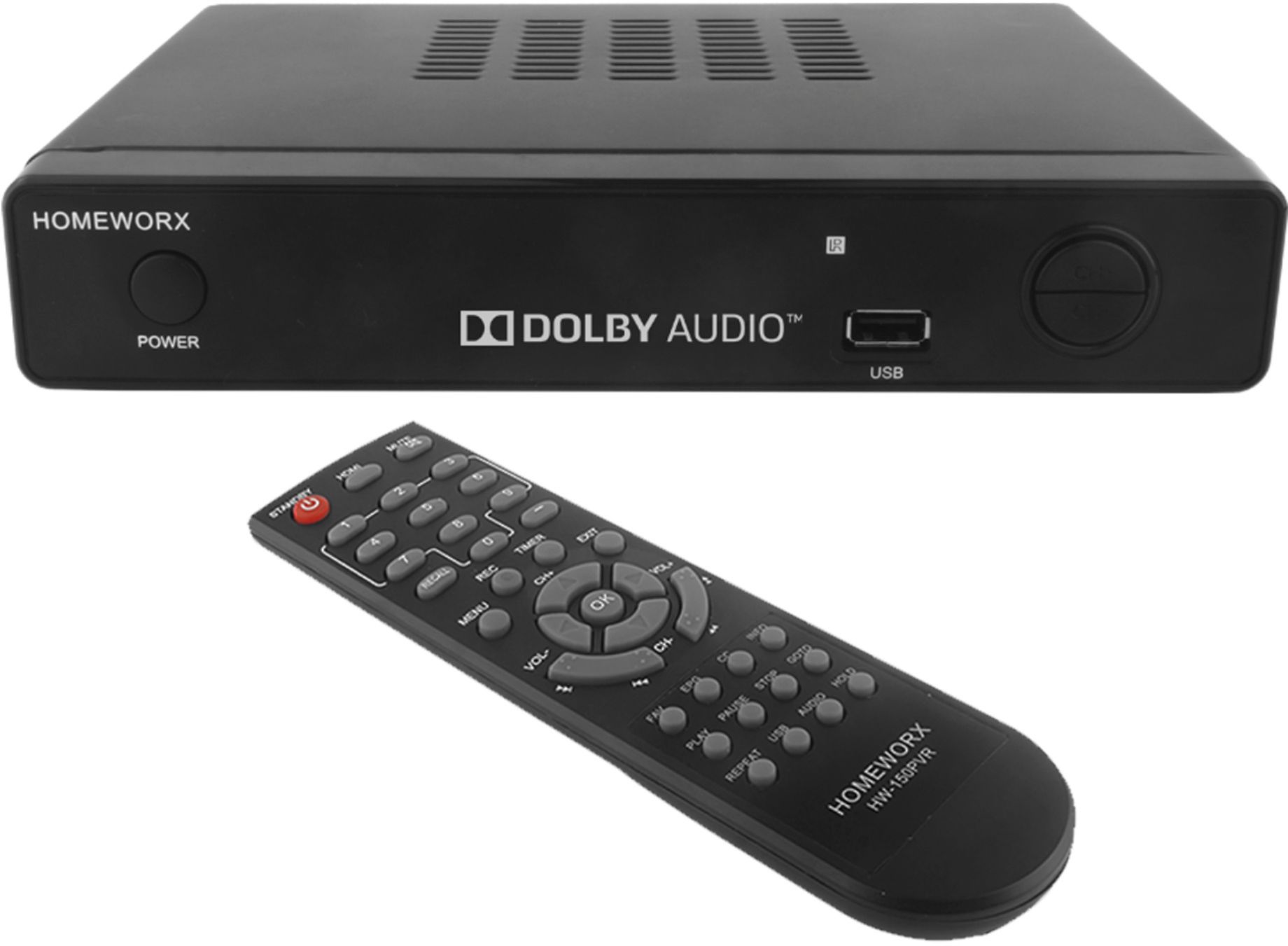
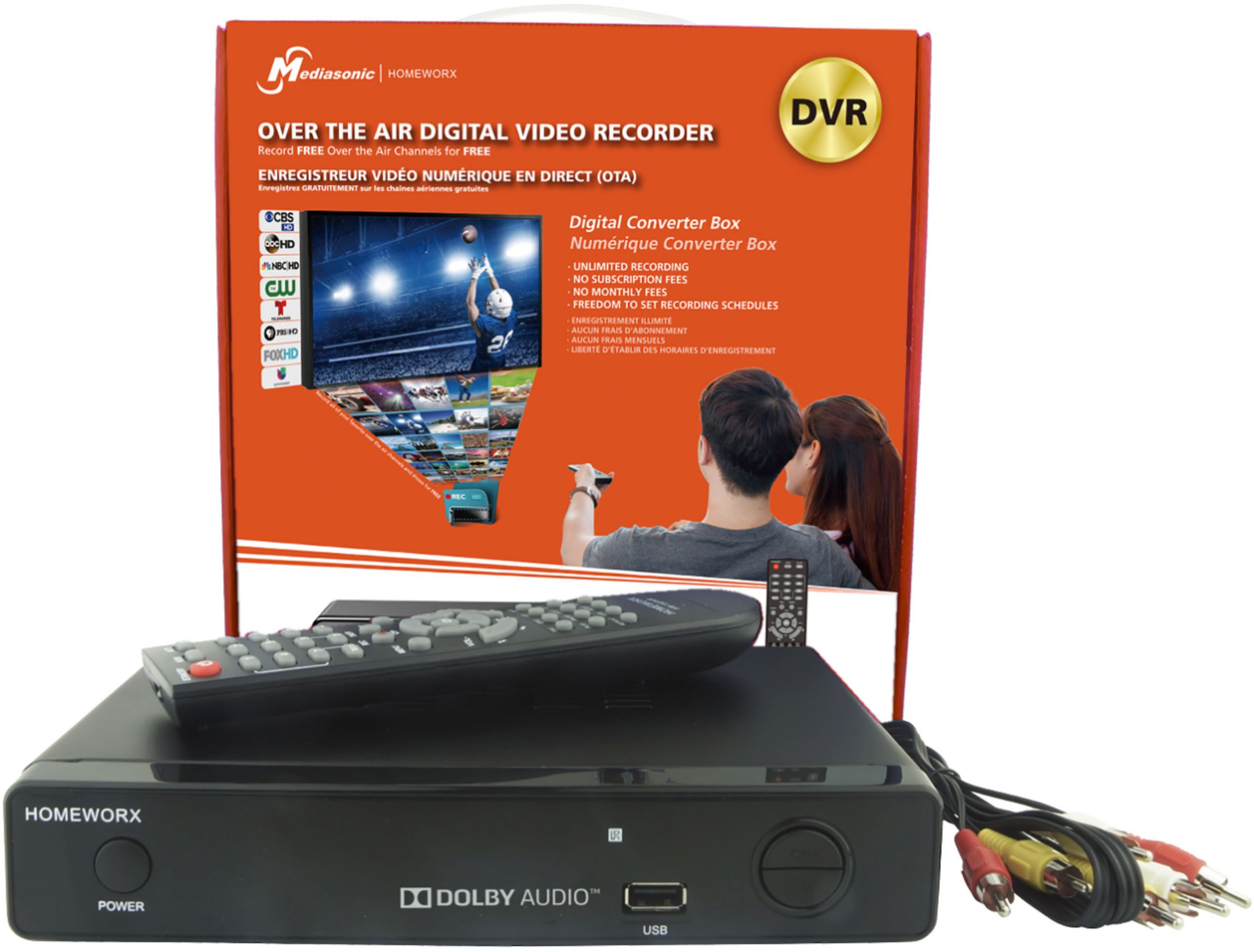
A:Answer I don't know which connectors are available on your TV and Provider box, but I can try to help based on what is most common. I will assume you are trying to set this unit up to record programs from your Provider service with the DVR function on this device, and you will not be using the tuner in the device to receive broadcast television signals. There is only one input on this DVR device; it is the coax cable input and it must be connected to the coax output on your Provider box before anything will work. The TV can then be connected to the DVR unit with either composite video cables, HDMI cables, or possibly another coax cable. Turn the power on to all devices. Use the TV remote to select the correct TV input used to receive the DVR signal. The DVR signal will not be found unless you have turned on the DVR unit (the light on the DVR unit must glow green). If you have connected the DVR unit to the TV with coax, you might need to use the TV channel search function to find the DVR unit signal. When you have located the DVR unit signal on your TV, you then need to use the functions on the DVR unit to find the signal coming from your Provider box. You might need to use the DVR unit channel search function to find the signal coming from the Provider box. When it is all correctly configured, you will use the Provider box remote to change channels, the DVR unit remote to control record and play functions, and the TV remote to control volume and picture quality. A programmable remote might be able to control all devices, but might not make things much simpler.