Appliances Presidents’ Day SaleEnds 2/25. Limited quantities. No rainchecks.Shop now

Main Content

Questions & Answers

Page Showing 21-40 of 132 questions
  • QuestionI have a Samsung model #UN50MU6070F smart TV. I want to use my JBL charge 3 bluetooth speaker so I can listen to tv with it for better theatre quality sound. Will this device work?

    Asked by Gonzo.

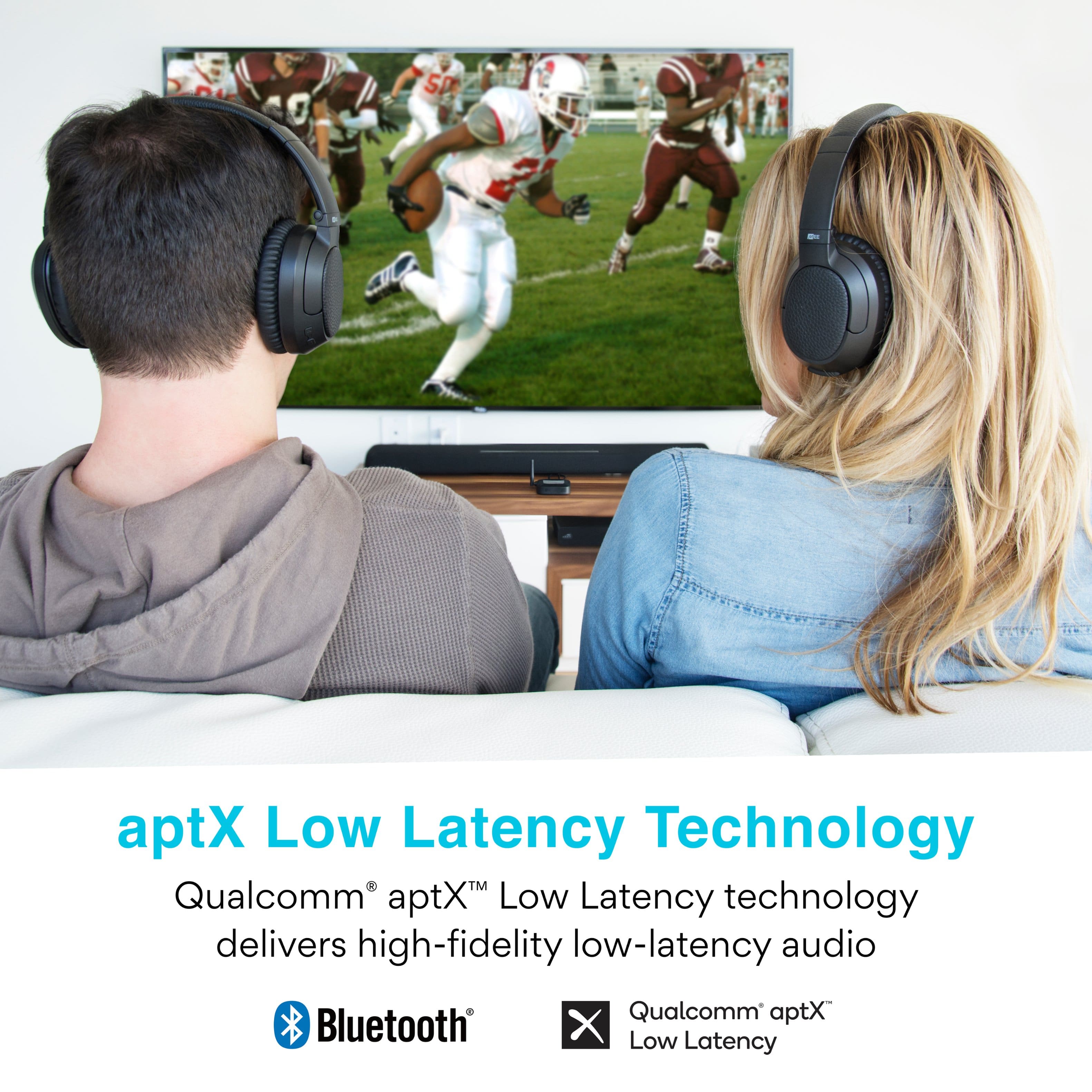
    • Answer No, the echo/lag makes it useless, the money would be better spent on a cheap soundbar

      Answered by Trey

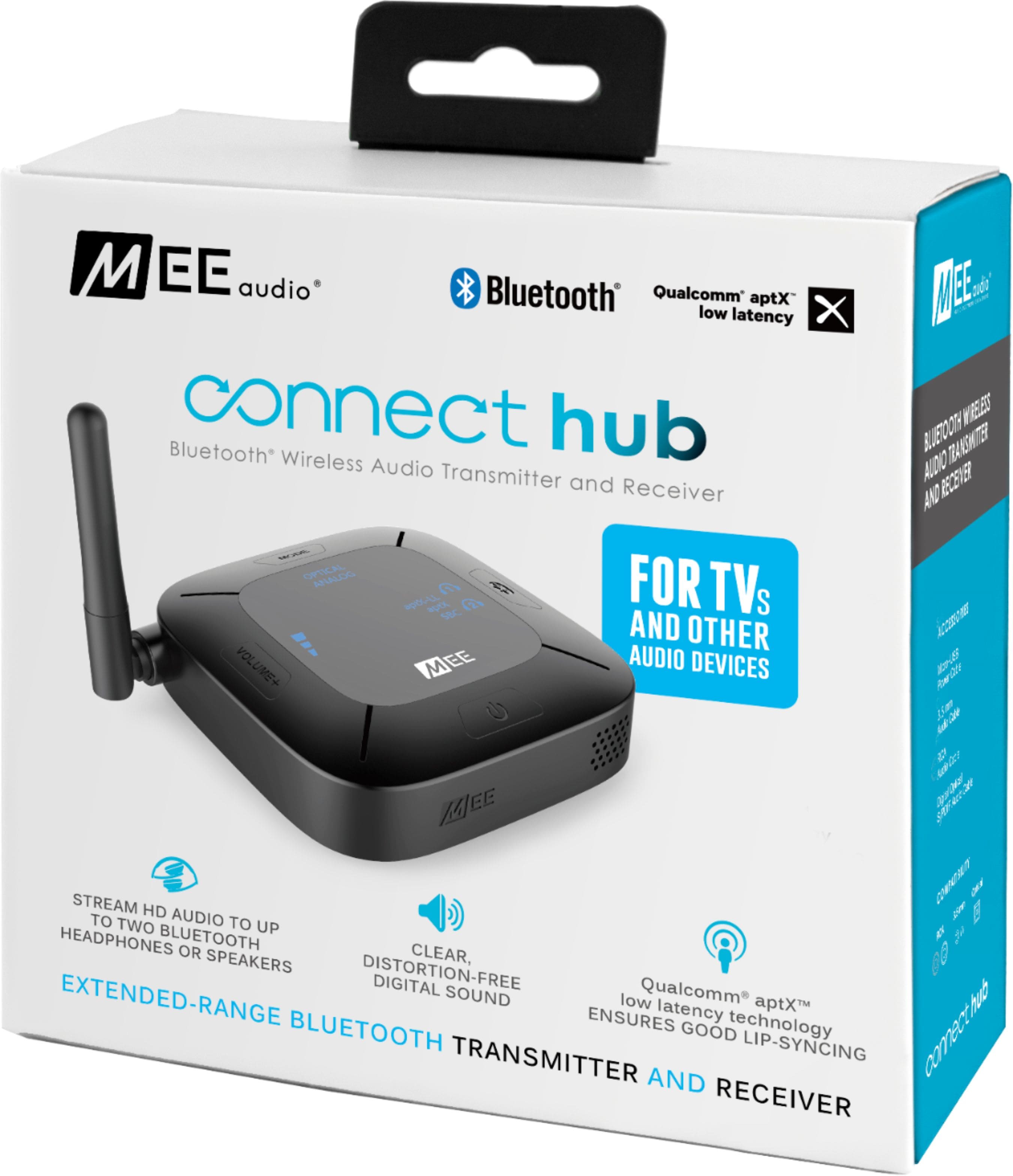
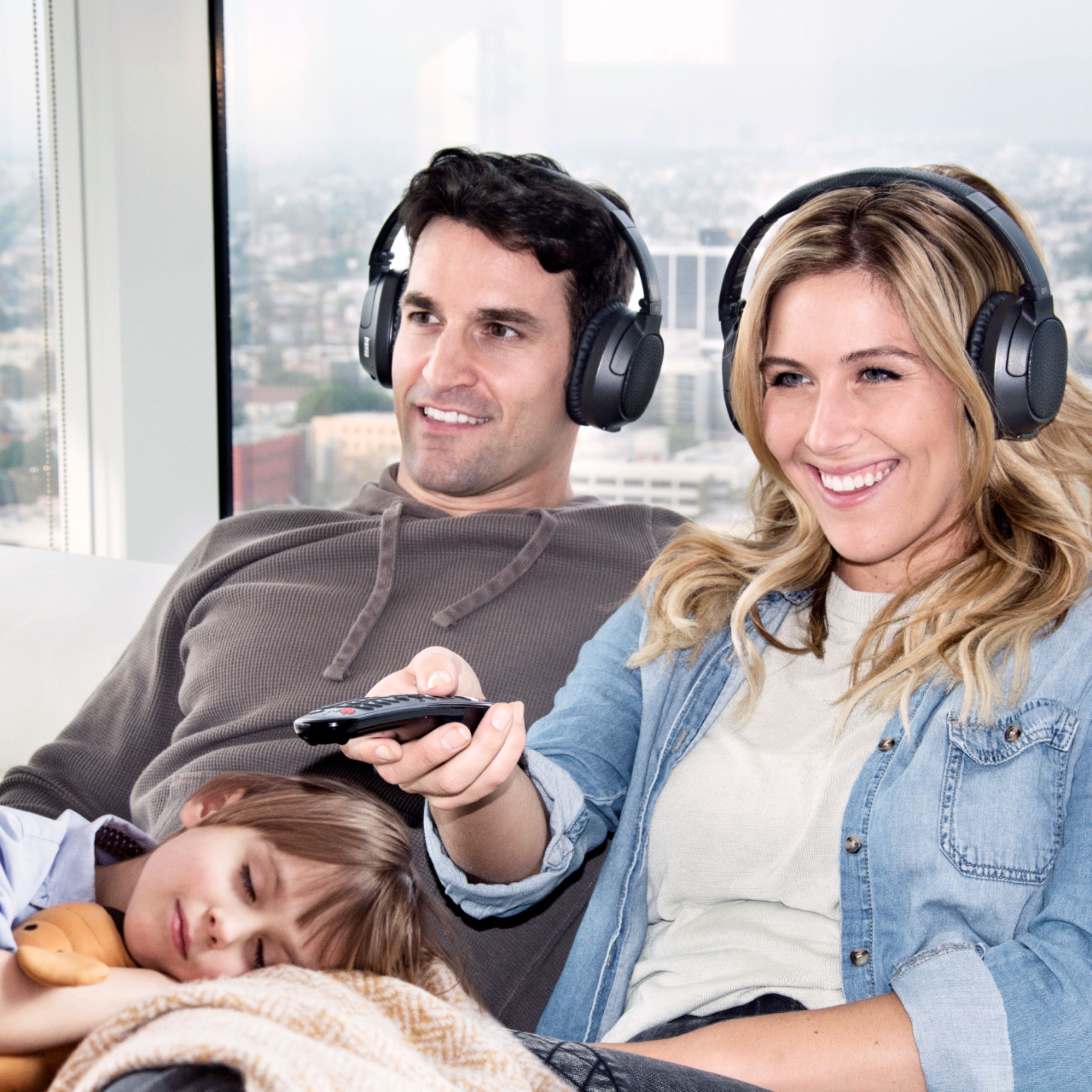
  • QuestionHow many bluetooth devices or headphones can connect to this device at a time?

    Asked by Cesar.

    • Answer 2

      Answered by Mikel0330

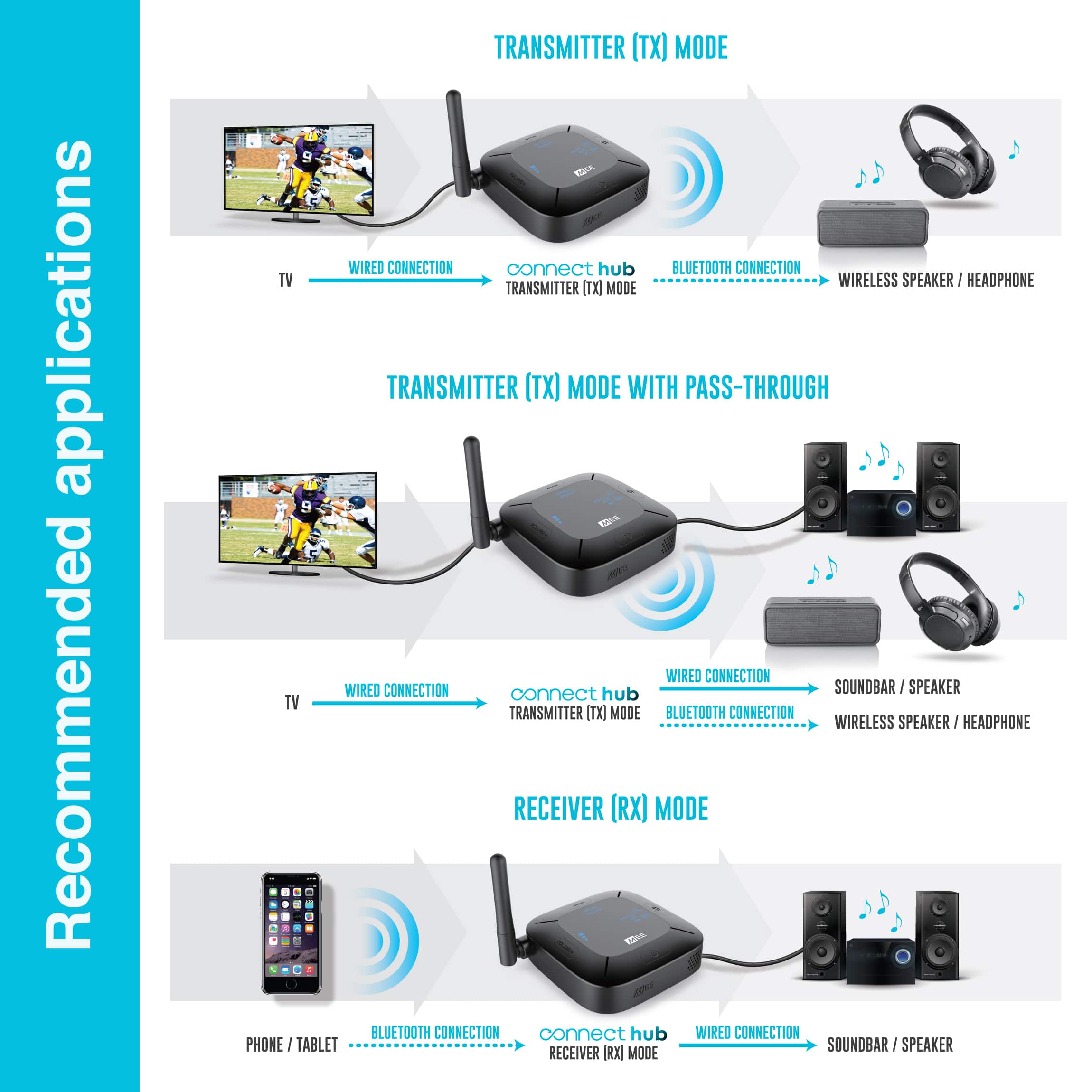
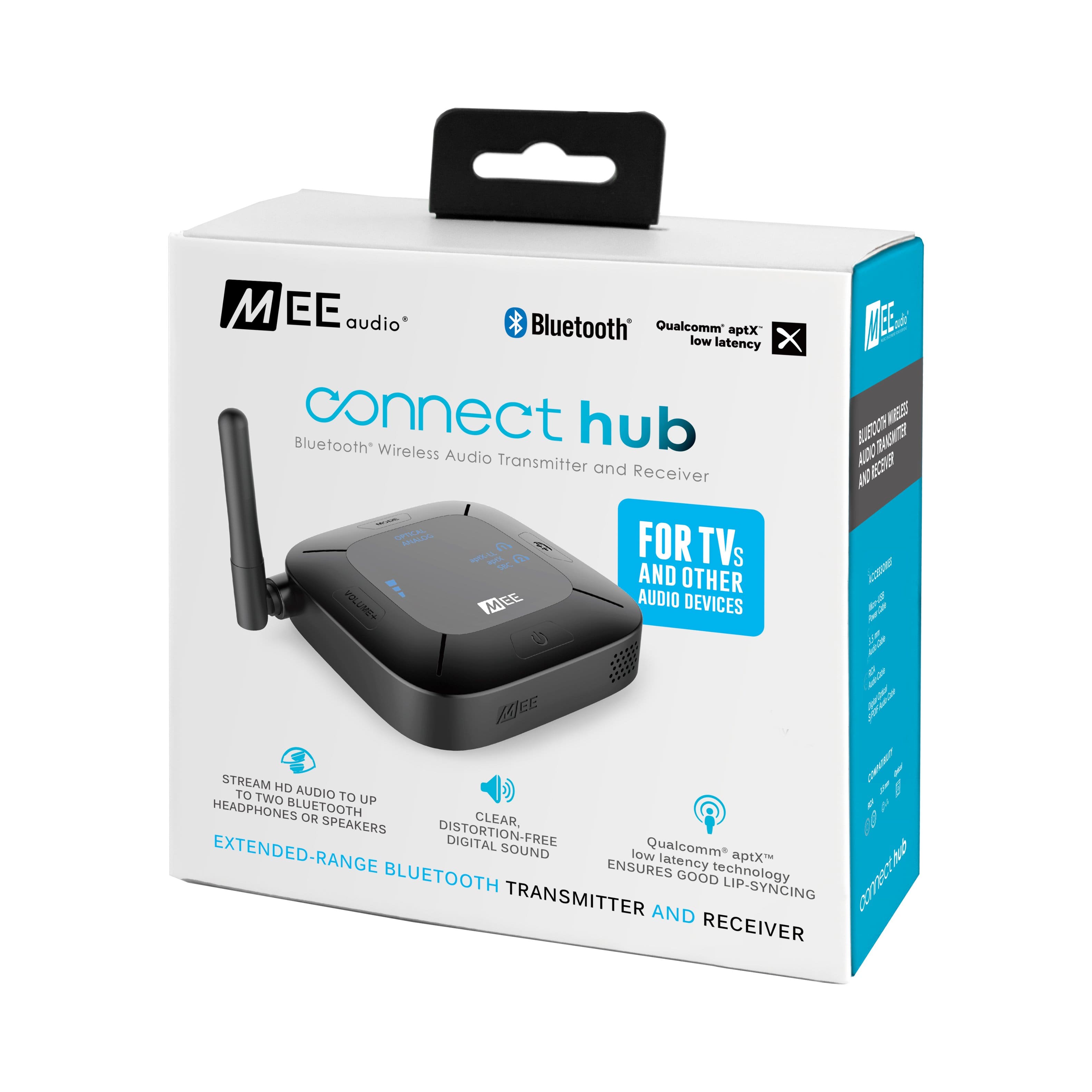
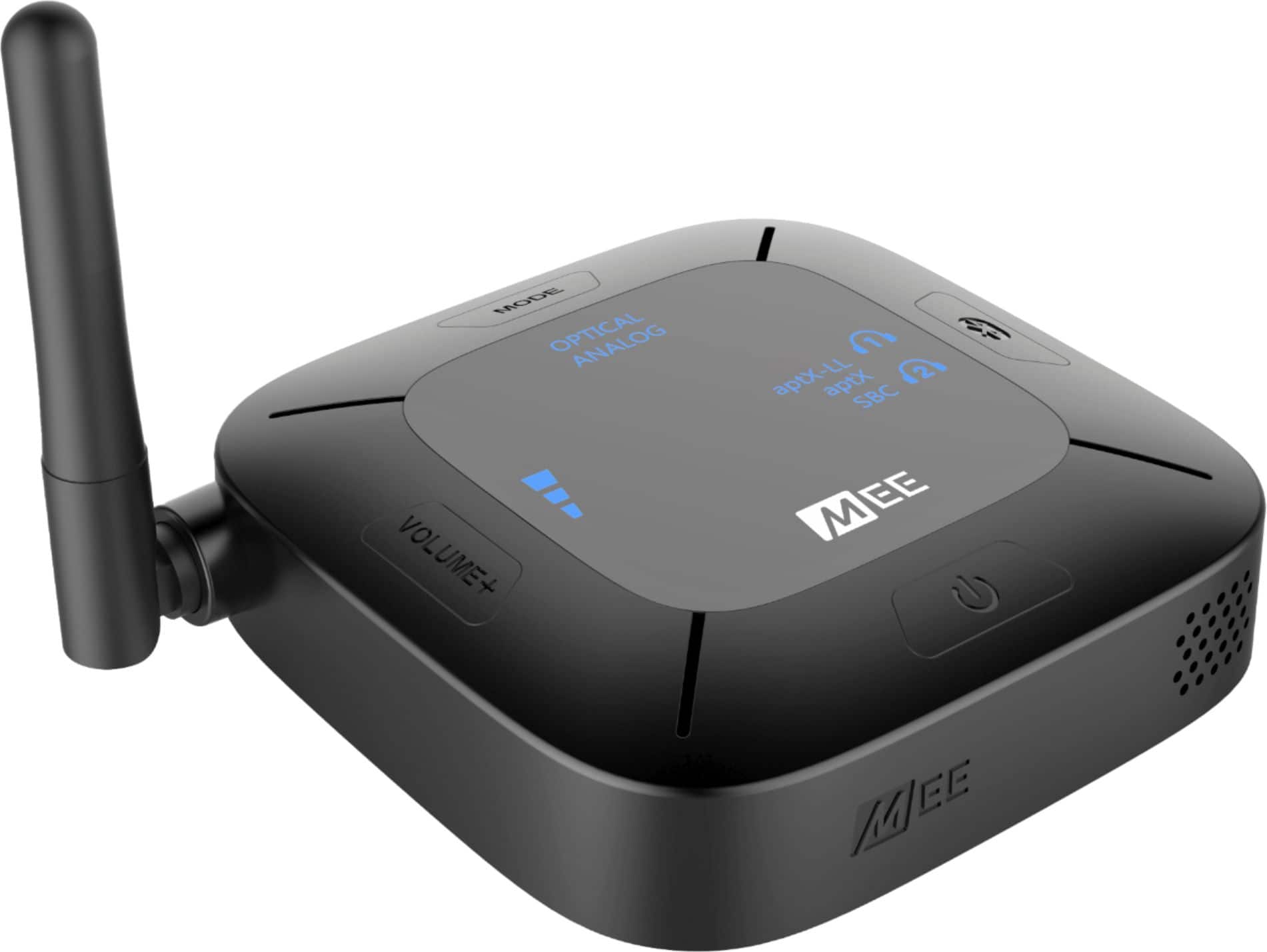
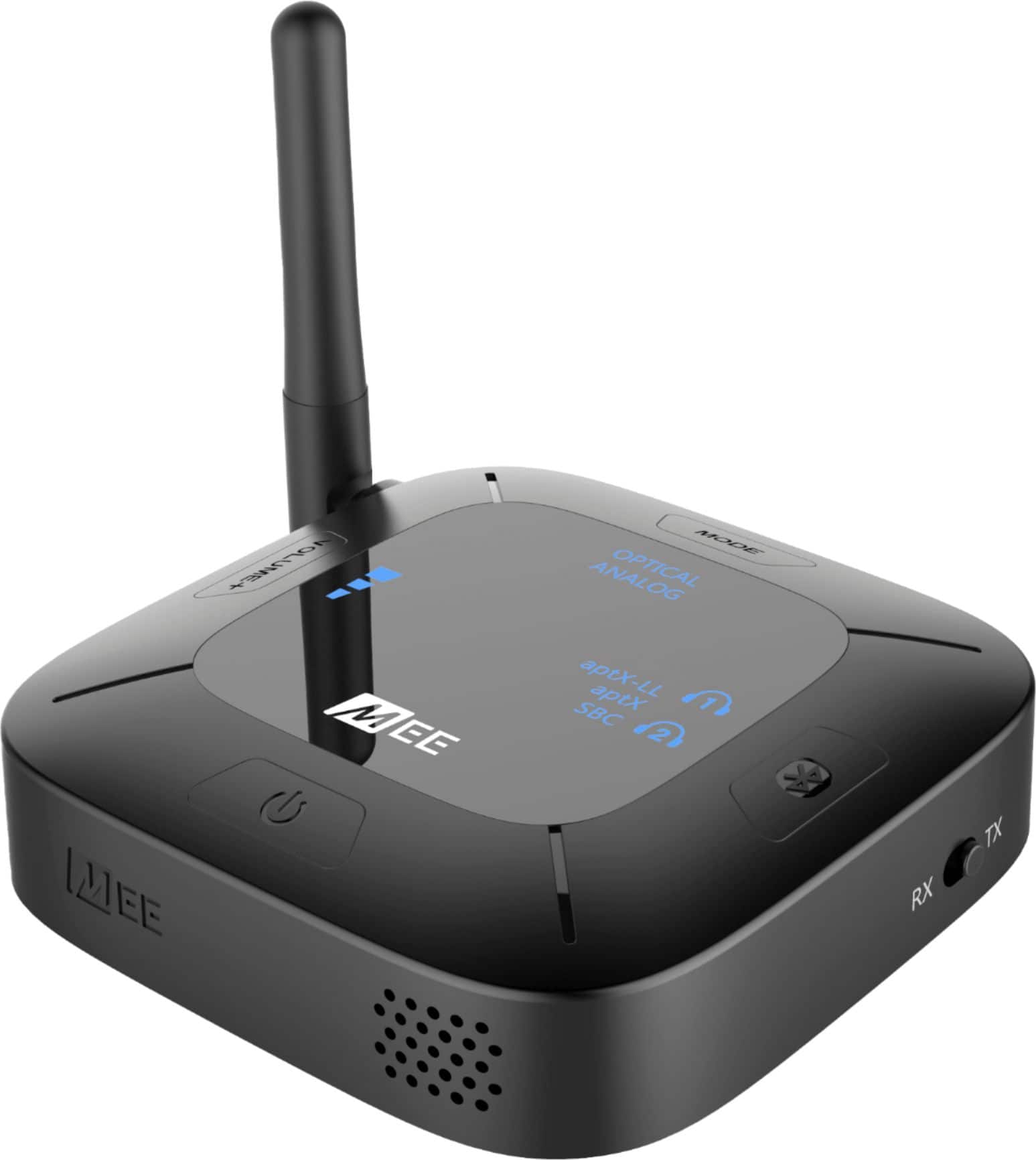
  • QuestionWill this device allow you to add a wireless/bluetooth speaker to ones existing receiver that consists of hardwired speakers? I would put tv optical output into Mee optical input. Mee optical output to stereo input. Also pair BT speaker.

    Asked by tmurray4192.

    • Answer I do not think this would work - you have to set the device to "transmit" or "receive". Even through the hard wires, I believe the alternative outputs will be inactive. Luckily Best Buy has a favorable return policy, so you could always try it and return if it doesn't work. I have it set up on a splitter with my record player - so it goes record player -> splitter -> device 1, hard wired speaker / device 2 MEE -> MEE pairs to bluetooth speaker. and that works for me. maybe a similar set up would work for you.

      Answered by Kell

  • QuestionI am trying to send audio from a projector on one end of the room to a speaker system on the other end of the room without running cable. Can I have one of these transmitters set in transmit mode pair with one in receive mode?

    Asked by Anonymous.

    • Answer Yes, you can use one of these in transmitter mode and one in receiver mode, and pair them together!

      Answered by MEE audio Support

  • QuestionWill this connect and work with miracle ear hearing aids?

    Asked by Trent.

    • Answer Because there are so many different models of hearing aids, you will need to check with the manufacturer of your hearing aid and ask them just two questions: 1) whether your hearing aids support the A2DP Bluetooth audio profile and 2) whether your hearing aids can be put into Bluetooth pairing mode manually, without the use of an app. If the answers to both of these questions is "yes", then your hearing aids will be compatible with this device. If the answer is "yes", then they will also be able to tell you how to manually put your hearing aids in Bluetooth pairing mode, which you will need in order to complete the setup.

      Answered by MEE audio Support

  • QuestionWill it work with beltone hearing aids

    Asked by Thelm.

    • Answer This depends on the hearing aids - this device will work with hearing aids and other Bluetooth devices that support the A2DP Bluetooth profile, and which can be paired to regular Bluetooth devices without the use of an app. Because every hearing aid manufacturer has so many different hearing aid models, we recommend giving a call to the company that manufactured your hearing aids and asking them two questions: 1) whether your specific hearing aids support the A2DP Bluetooth profile and 2) whether they can be paired to a regular screen-less Bluetooth device without the use of an app (and the process for doing so). If the answer is "Yes" to both of those questions, you'll be able to use your hearing aids with this device.

      Answered by MEE audio Support

  • Questionwill this device work with sony earbuds? and will my wife be able to hear the sound from the speakers?

    Asked by jm.

    • Answer Sony earbuds can be used with this device as long as they use Bluetooth, but we recommend making sure they have a volume control as it will be very difficult to adjust the volume if the earbuds do not have a built-in volume control (as is the case with AirPods, for example). As for your TV speakers, it depends on the audio output of your TV. With most TVs, having an optical output would allow you to do this as the optical output will be "active" at the same time as your TV speakers, letting you use both your TV speakers and this device at the same time. If you would like more advice for your specific TV/situation, please don't hesitate to give our technical support a call at 626-965-1008, M-F 9am-5pm PST. Please be sure to have your TV make/model handy!
      Answered by MEE audio Support

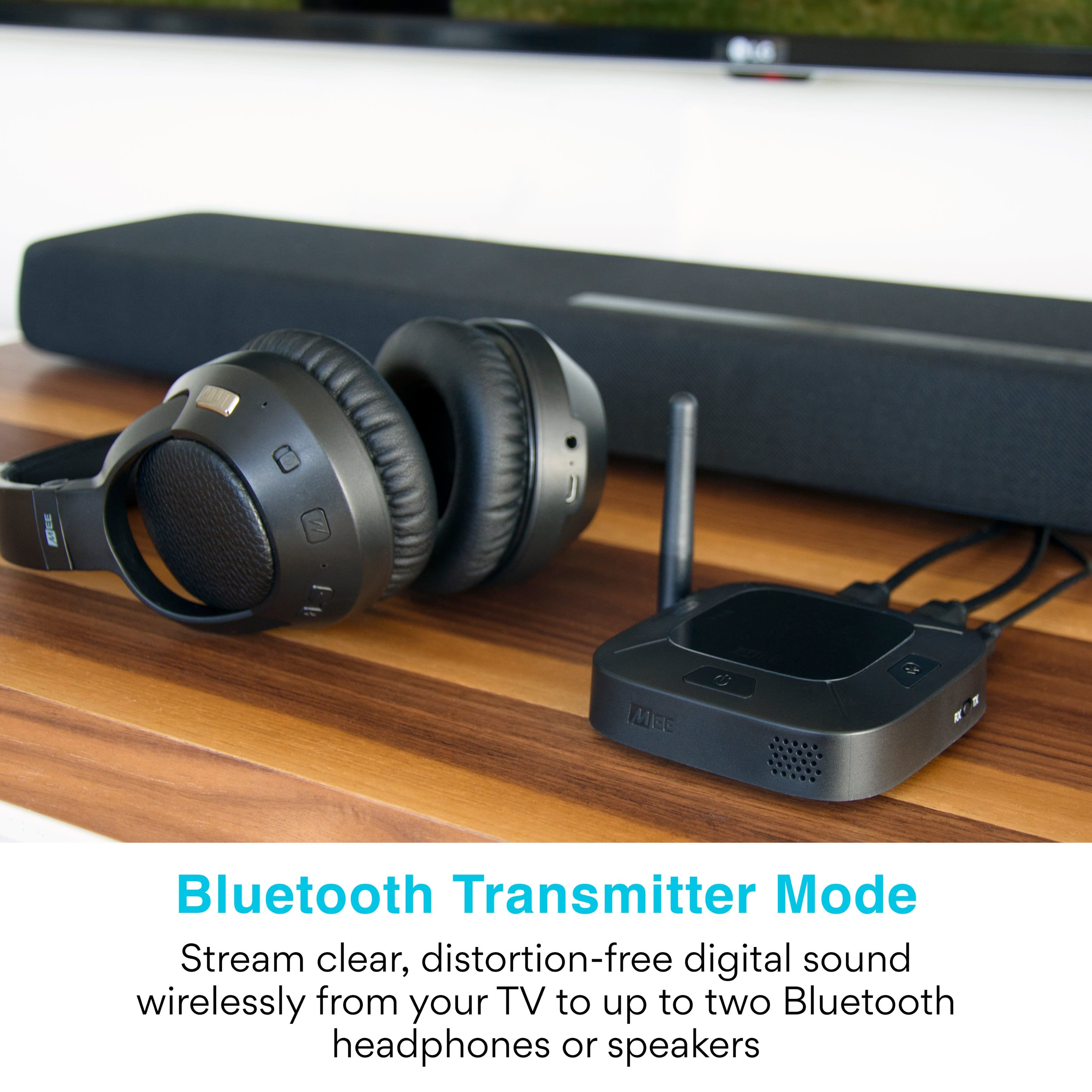
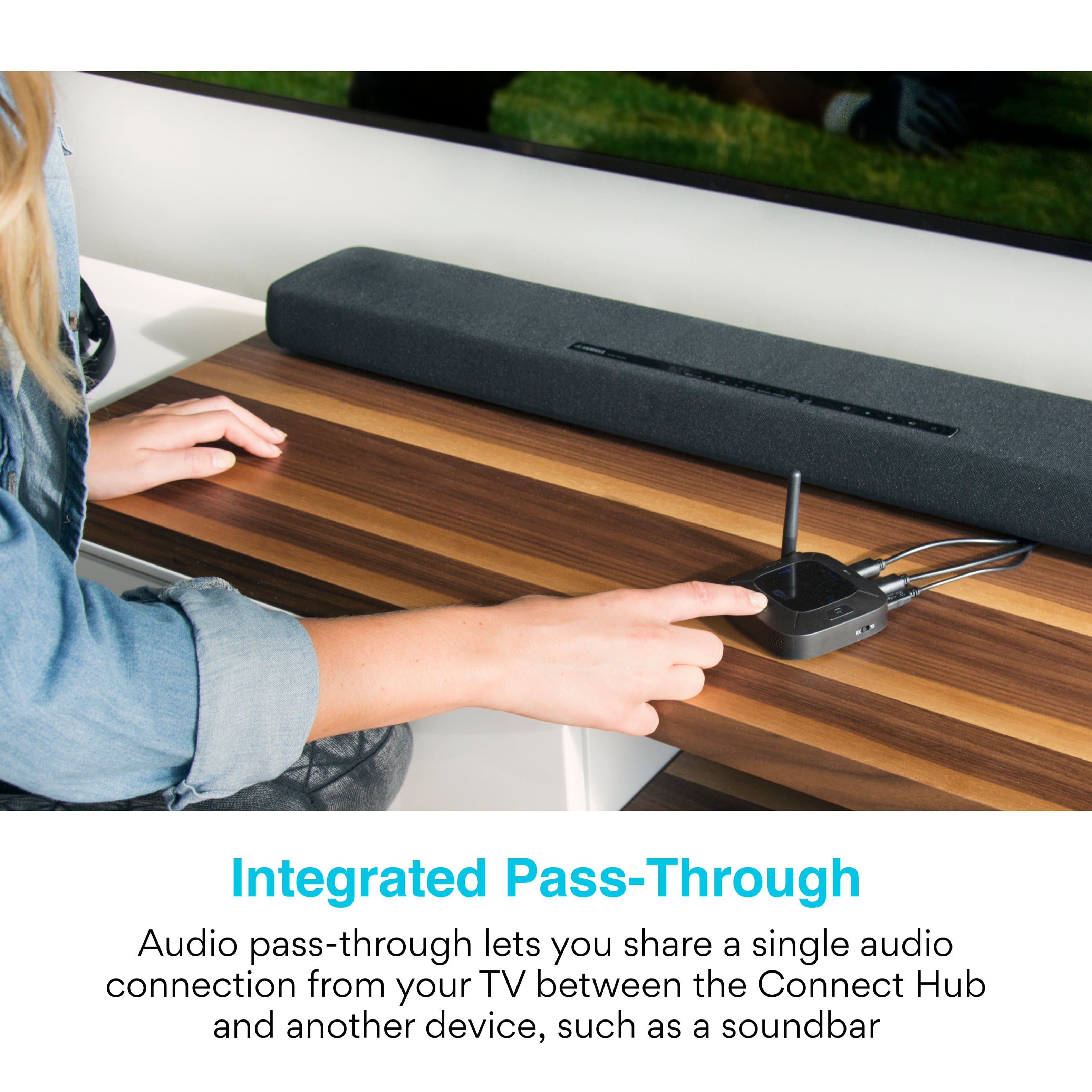
  • QuestionWill this device run a sound bar and headphones at the same time?

    Asked by Nancy.

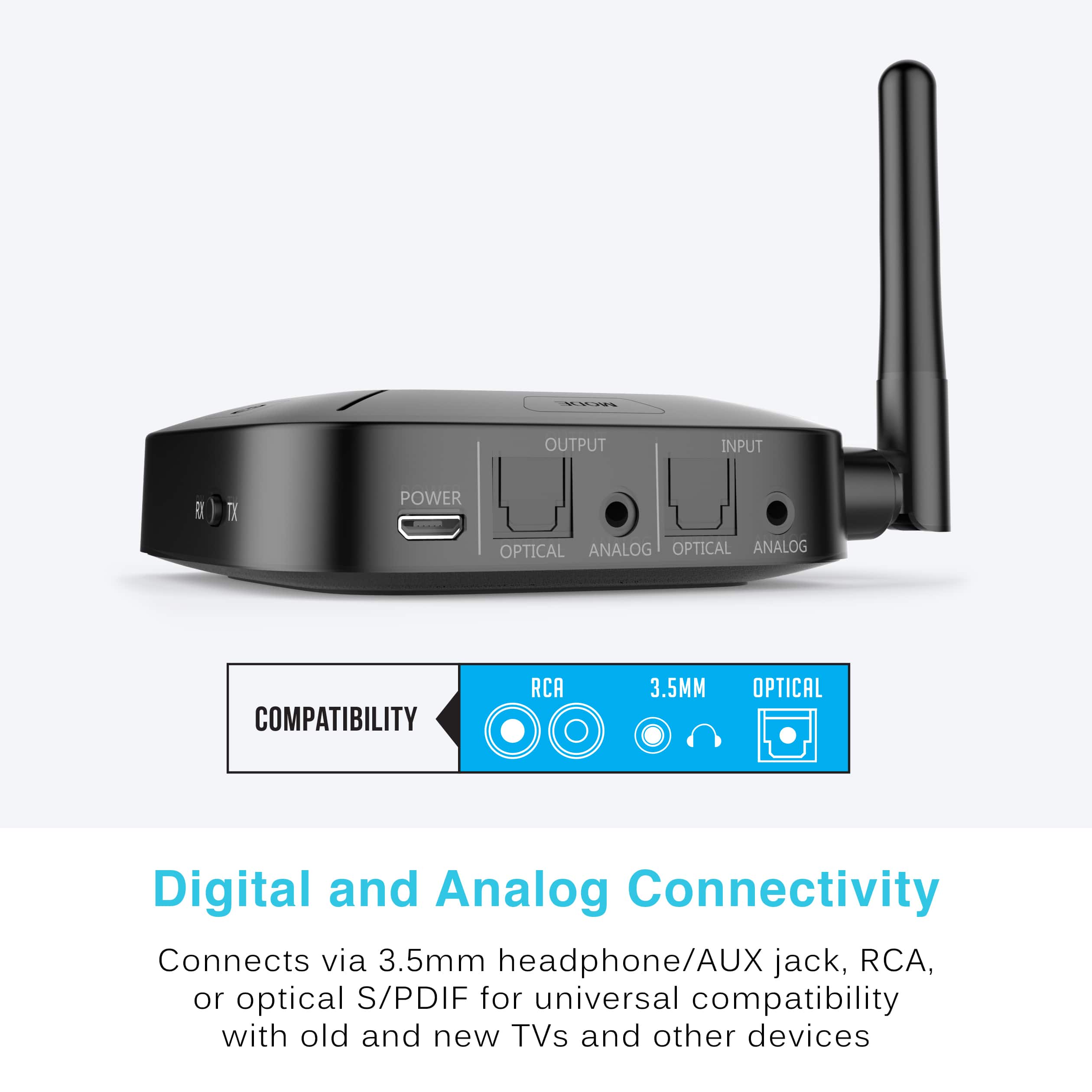
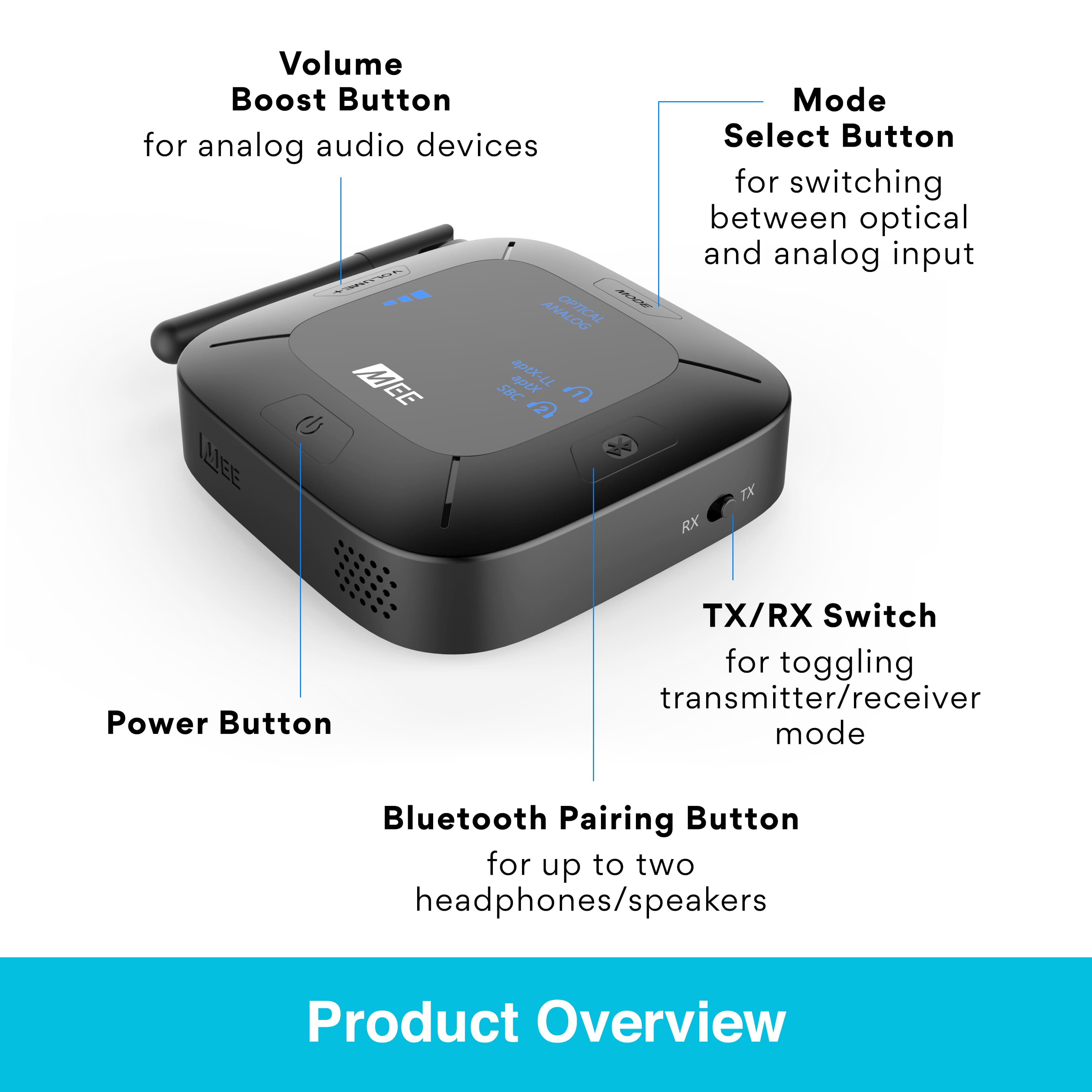
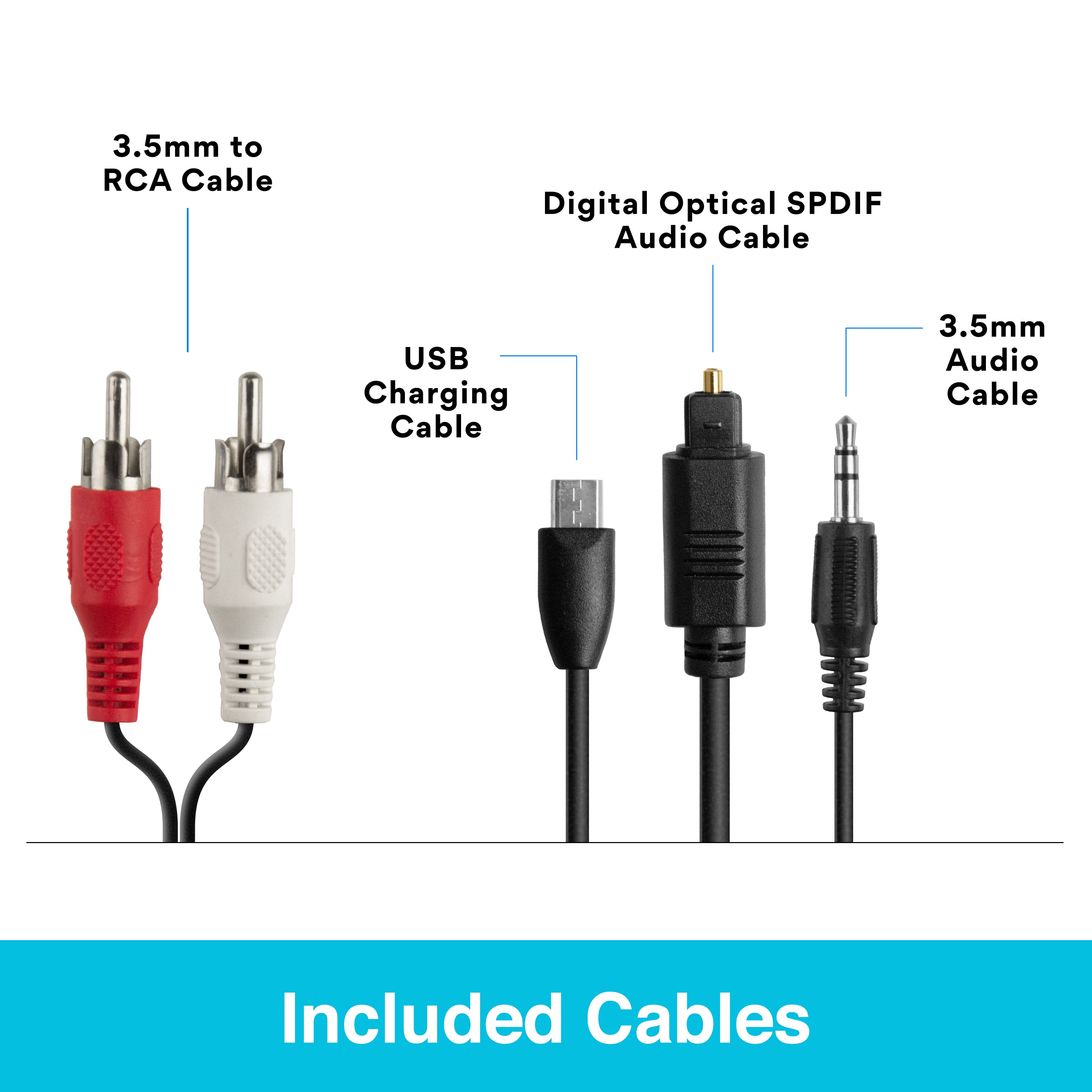
    • Answer You can use a soundbar and headphones at the same time with this product. The way to set this up would be to 1) run an optical cable from the optical output port of your TV to the "optical input" port of this device (Connect Hub). 2) run a second optical cable from the "optical output" of this device to the optical input of your soundbar. 3) Make sure this device is set to "TX" mode and "OPTICAL", then pair your Bluetooth headphones to this device. 4) Make sure your soundbar is set to Optical Input and your TV is set to Optical Output with Digital Audio Output Format set to "PCM". You will then have audio in both your Bluetooth headphones and your soundbar at the same time.

      Answered by MEE audio Support

  • QuestionCAN I SEND AUDIO TO MY IPHONE WITH MEE? GENEO

    Asked by geneo.

    • Answer This device does not send audio to your iPhone - your iPhone is itself a Bluetooth transmitter, and generally, you cannot connect a transmitter to another transmitter. Instead, this device is capable of either 1) receiving audio from your phone, or 2) sending audio to your Bluetooth headphones. If you have any additional questions about your specific use case for this device, please don't hesitate to give our support team a call at 626-965-1008 so we can provide a more detailed answer. Our phone support is available M-F 9am-5pm PST, except major holidays.

      Answered by MEE audio Support

  • QuestionCan KI connect it to my iPhone and hear my TV? Geneo

    Asked by Anonymous.

    • Answer Unfortunately that is not what this device does, but you can connect it to your Bluetooth headphones and hear your TV in your headphones instead!
      Answered by MEE audio Support

  • QuestionWhat version Bluetooth is this like? Is it 5.0 ...4.8? What version?

    Asked by GoodGuy.

    • Answer This particular transmitter uses Bluetooth 4.2. Please note that one of the features of Bluetooth is backwards compatibility, so with the exception of extreme cases like using a pre-2007 Bluetooth headset, there is no benefit to seeking out the same Bluetooth version between your transmitter and headphones.

      Answered by MEE audio Support

  • QuestionWill this connect two klipsch the nines in (stereo)?

    Asked by Jibrilwings64.

    • Answer Yes, if you are looking to run a pair of Klipsch The Nines in stereo, you can do so with this device. Please note that to do this you would pair the "primary" unit of your Klipsch speakers (which you may be able to designate as either the Left or Right unit using a switch on the speaker) to this device via Bluetooth, and then it would handle transmission to the other speaker.

      Answered by MEE audio Support

  • QuestionWill it connect and work with my LG TV?

    Asked by Vic.

    • Answer This device will work with an LG TV as long as the specific model of your LG TV has an audio output jack available - either an optical digital audio out, RCA red and white audio outs, or a headphone jack.

      Answered by MEE audio Support

  • QuestionCan I transmit from a cd player to a receiver and sound system about 25 feet apart but around a corner?

    Asked by Mike.

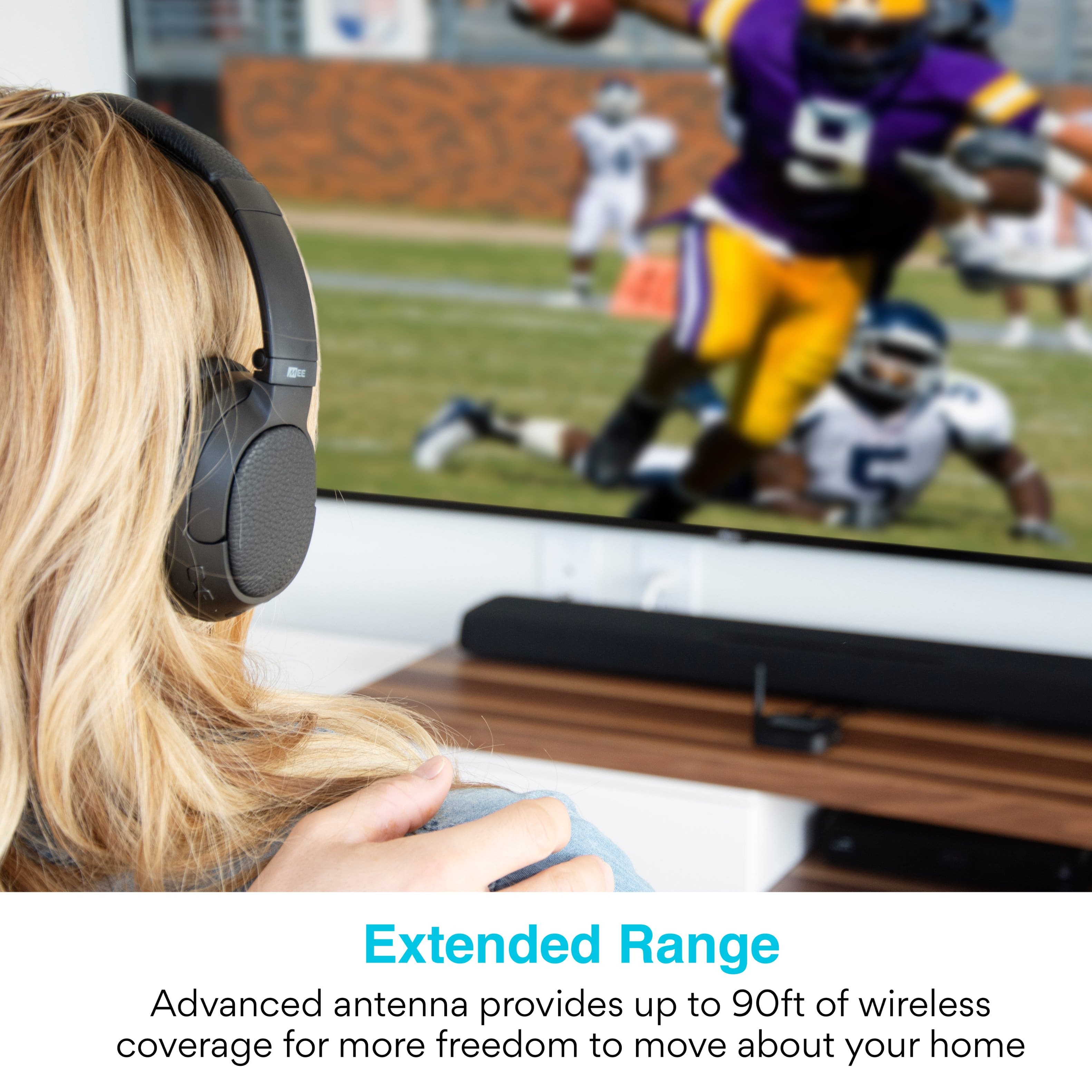
    • Answer Our device can generally support 25ft of range, but unfortunately this is still something you will have to try in your specific setup to know for sure as the effective range will depend on both the Bluetooth transmitter and the receiver you are using, as well as additional environmental factors such as how much 2.4Ghz interference is in the area (2.4Ghz interference reduces Bluetooth range).

      Answered by MEE audio Support

  • QuestionWill this transmitter send my tv sound to my cell phone so I can hear tv on my phone Bluetooth

    Asked by Anonymous.

    • Answer Unfortunately Bluetooth transmitters don't work that way - what you would do instead is plug this device into your TV and then connect your Bluetooth headphones to this device wirelessly. You would then hear the TV audio in your headphones.

      Answered by MEE audio Support

  • QuestionCan i transmit to 2 wireless jbl speakers at the same time

    Asked by Regret.

    • Answer This device can be used with two Bluetooth speakers, but we typically do not recommend it for use with JBL speakers as JBL has its own on-board audio sharing feature built into most of their speakers.

      Answered by MEE audio Support

  • Questioncan I pair 6 headphones at once? That is what I am needing. Or is IR better?

    Asked by Anonymous.

    • Answer I think it will only pair up to 2 headphones

      Answered by RushozaM

  • Questioncan i use this with an old sony amp and send the audio out to wireless speakers?

    Asked by will.

    • Answer This depends on how old your amplifier is and the type of audio outputs available. If there's an available headphone jack or other analog stereo out (3.5mm or RCA) with a line level or amplified signal, then you will be able to use this device to stream to a wireless speaker. Please note that pre outs and speaker outs will not work.

      Answered by MEE audio Support

  • QuestionWill the the tv speaker still play at the same time.

    Asked by Wink.

    • Answer You can set it up this way if you want - you would just need to make sure that your TV has a digital optical audio out connector (which is the case with most modern TVs), and to set your audio output setting to either "TV speaker" or "TV speaker+optical". This will allow the TV speaker and this device to play at the same time. If you have any further questions, please contact our support team at 626-965-1008 M-F 9am-5pm PST and we'll be happy to help you out!

      Answered by MEE audio Support