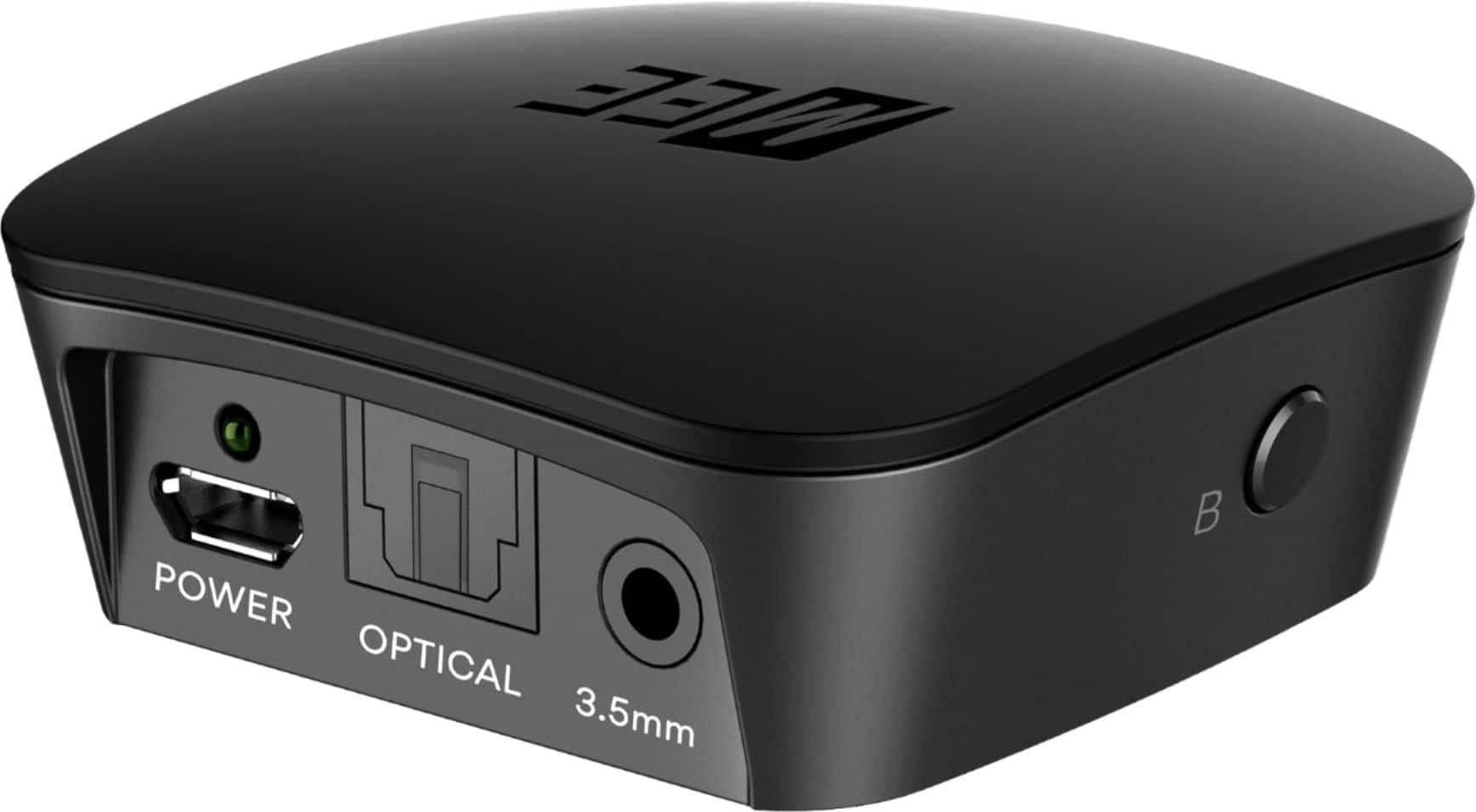
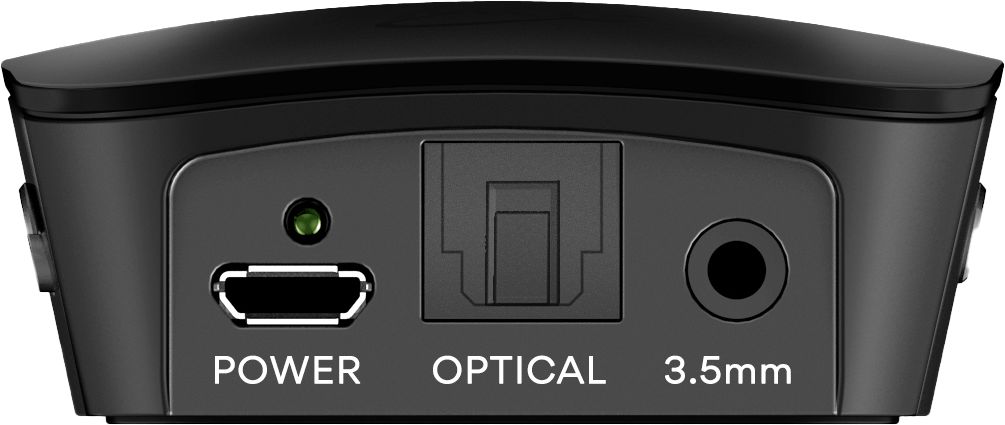
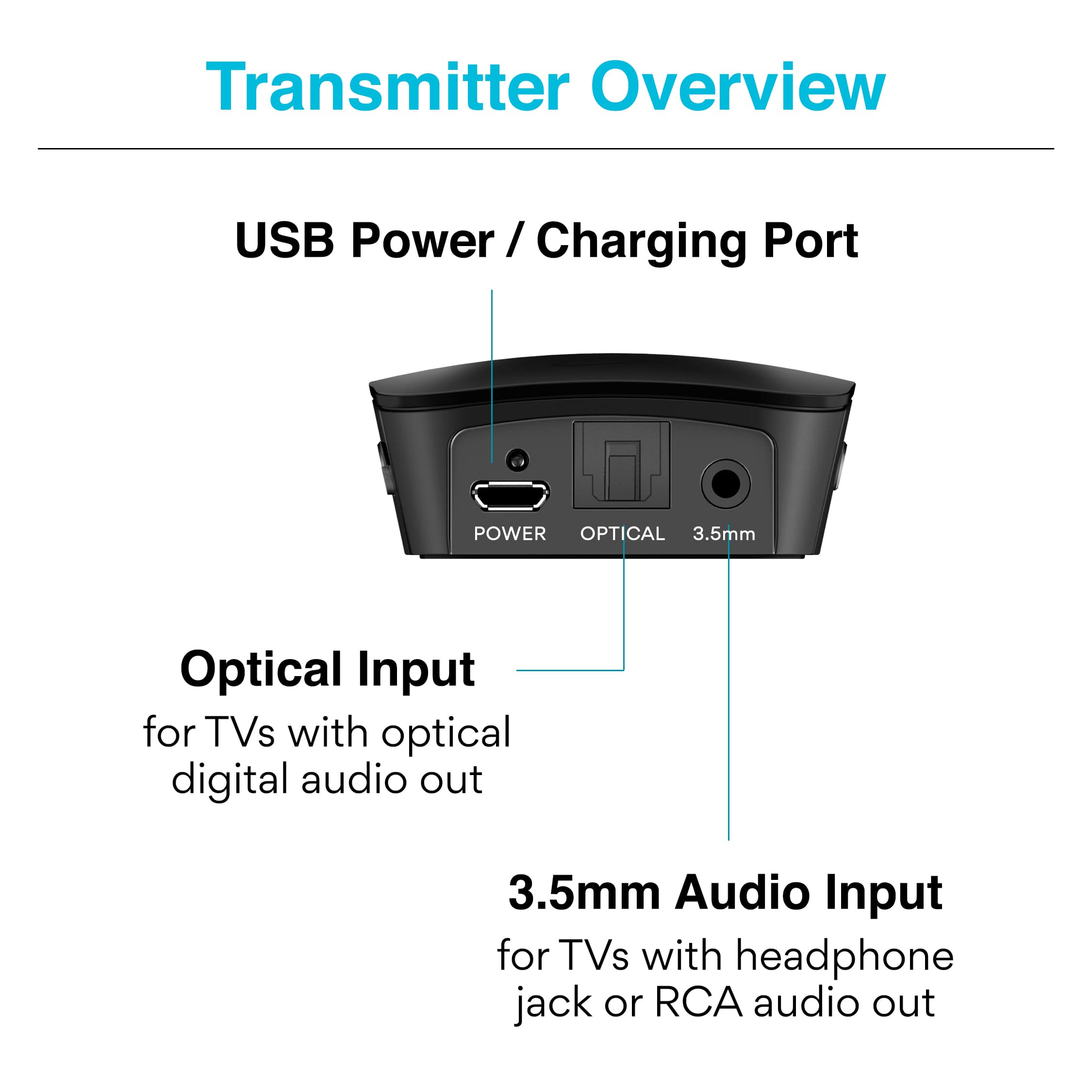
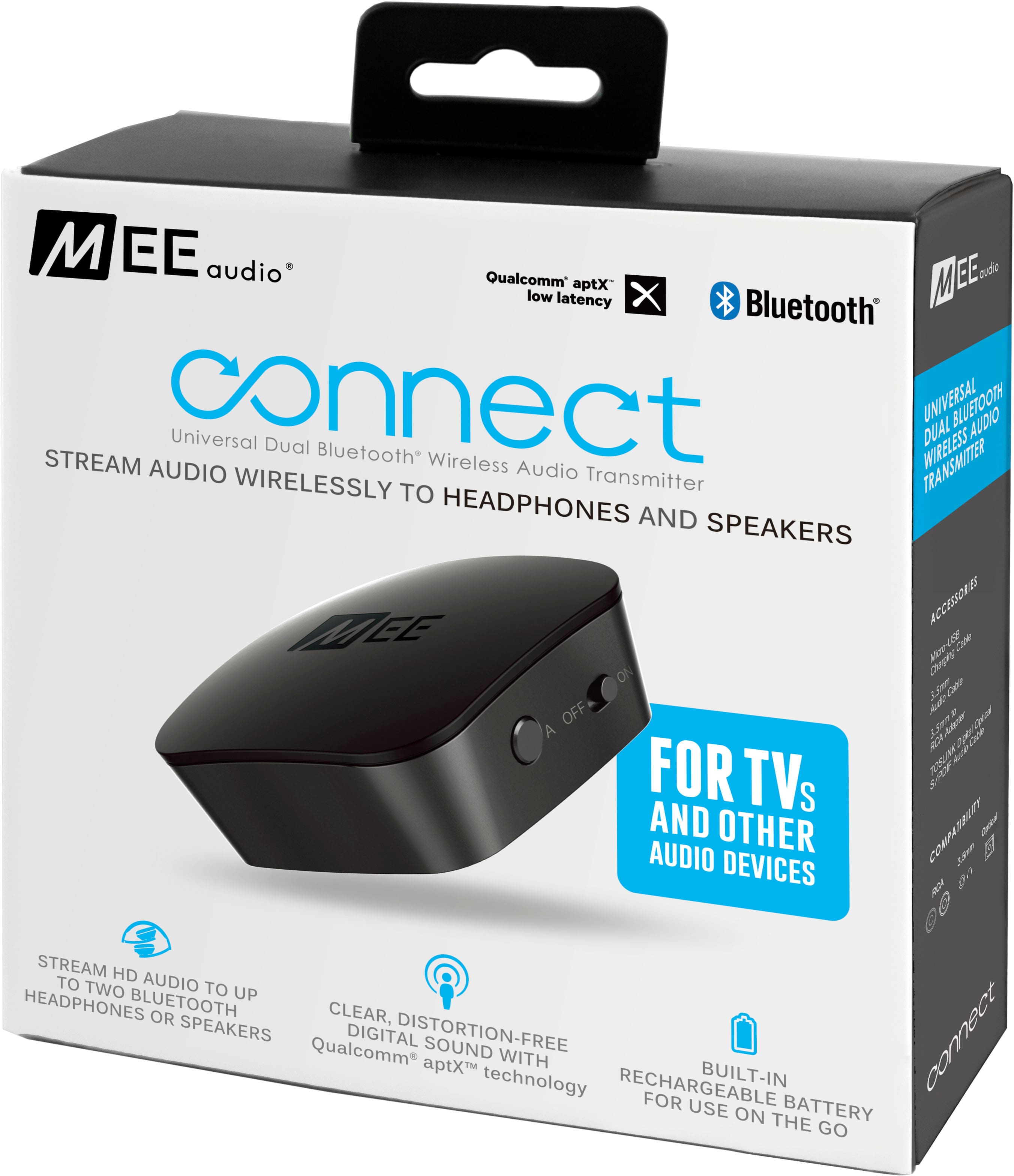
A:AnswerThis just plugs into a headphone connection on your TV. My older Sony Bravia XBR has one, so I assume that your newer model would have one, too.
A:AnswerNo, this device cannot be connected to a phone - both this device and your phone are Bluetooth transmitters, and you cannot connect a Bluetooth transmitter to another Bluetooth transmitter. For Bluetooth you always need one transmitter and one (or more) receivers.
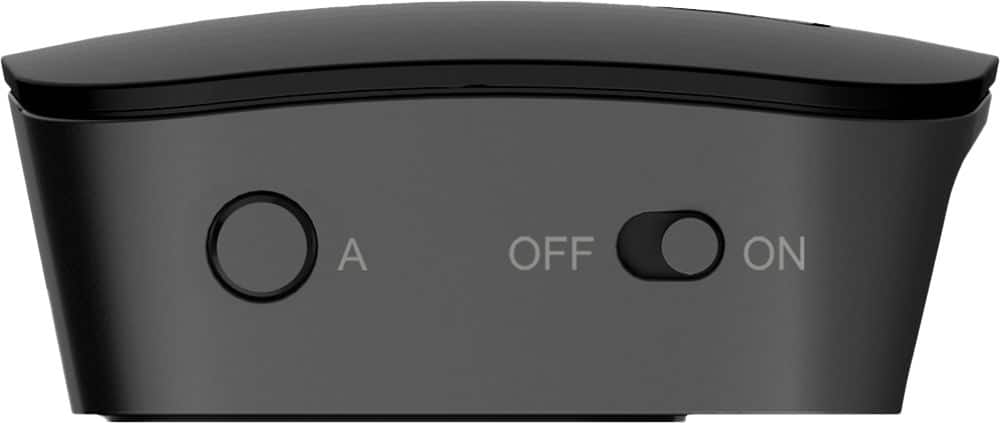
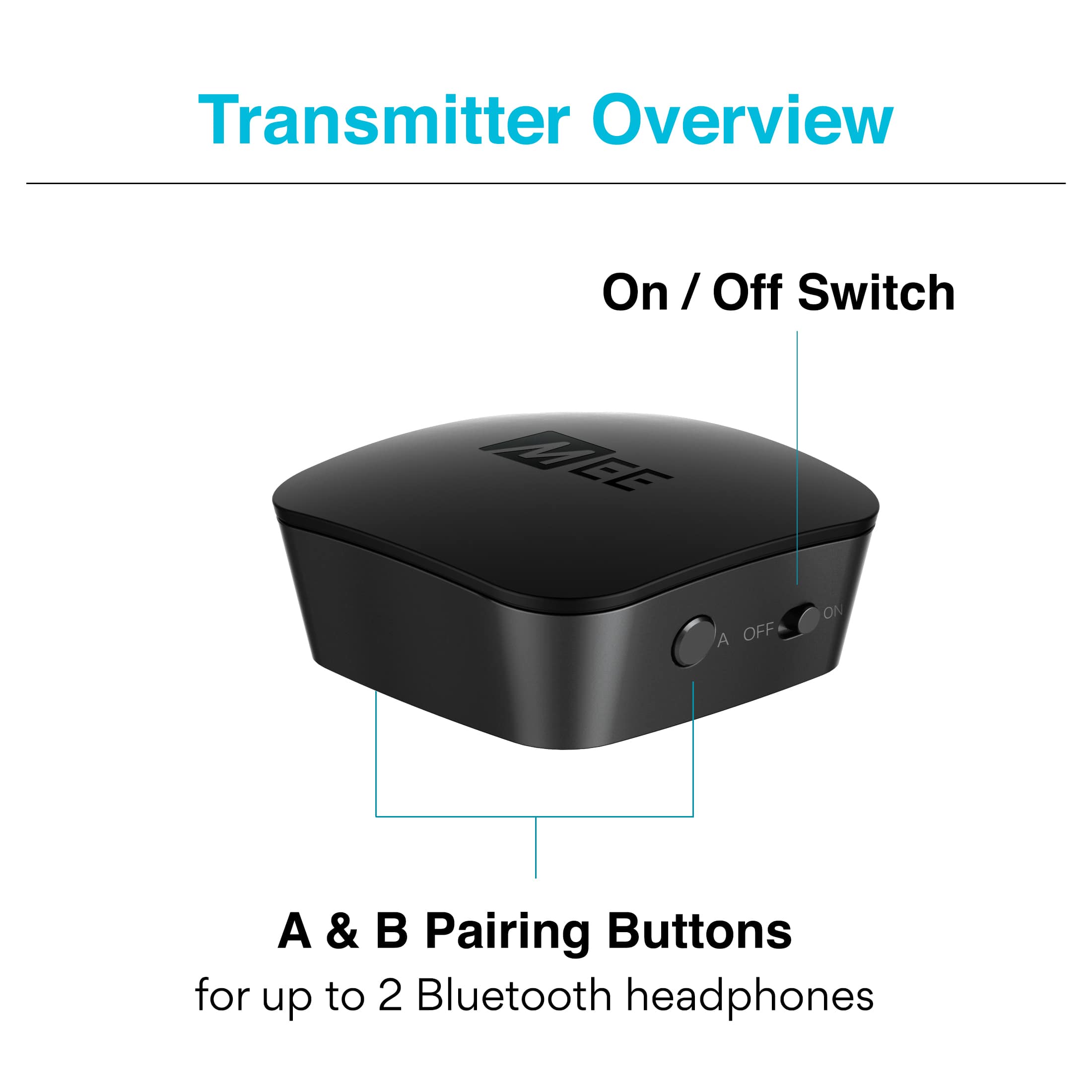
A:AnswerThis depends on whether the specific model of your hearing aids supports the A2DP Bluetooth profile for audio, and can be paired without the use of an app. Because there are so many different models of hearing aids out there, we always recommend reaching out to your hearing aid manufacturer and asking these two questions to verify compatibility with our transmitter: 1) Does this specific hearing aid model support stereo audio over Bluetooth, known as the "A2DP" Bluetooth profile, and 2) Does this specific hearing aid have the ability to enter Bluetooth pairing mode manually, without the use of an app, in order to connect to a screen-less Bluetooth device. Unfortunately there are hearing aids that do support Bluetooth but cannot be connected to anything but a phone via an app, so we would need to make sure that's not the case. If the answer to both of those questions is yes, then this device will work. Make sure to also write down the process for putting your specific hearing aids into pairing mode. To connect this device, first put your hearing aids into Bluetooth pairing mode via the aforementioned process, then power on this device and single press the "A" button to put it into pairing mode as well. Once both are in pairing mode, they will connect as long as the hearing aids support A2DP.
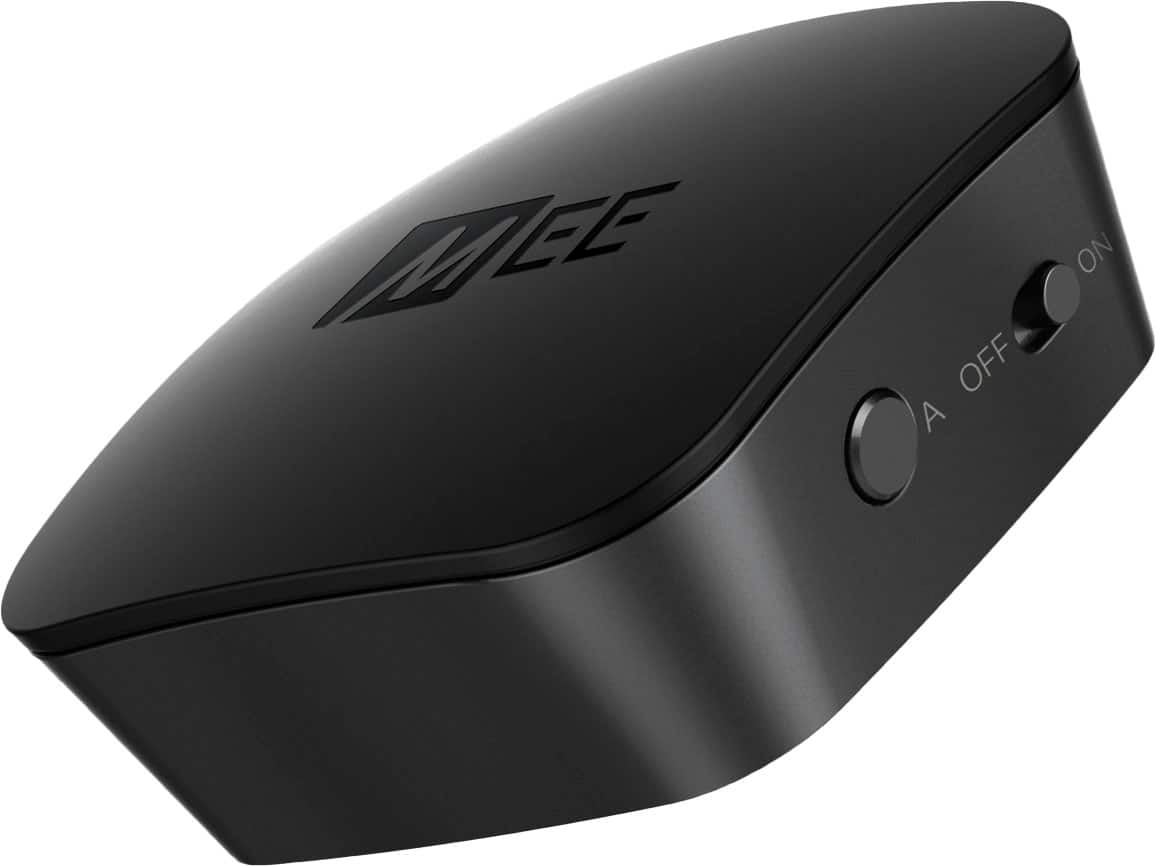
A:AnswerThis transmitter is compatible with hearing aids from Miracle Ear and other manufacturers as long as the following is true for the specific model of the hearing aids in question: 1) The hearing aids support stereo audio over Bluetooth, known as the A2DP Bluetooth profile and 2) The hearing aids can be put into pairing mode manually through some sort of button press combination, in order to be paired to a screen-less Bluetooth device. Some hearing aids support Bluetooth but can only be paired with phones and tablets through the use of an app - those will not work. Because of the vast number of different hearing aid models, we recommend reaching out to the manufacturer of the hearing aids with the above two questions. They will be able to confirm whether the specific model you have is 1) compatible with A2DP and 2) whether it can be put into Bluetooth pairing mode manually, and the process for doing so.
A:AnswerWith a digital optical audio signal, the volume is not controlled by your TV or this device, but by the Bluetooth headphone or speaker connected to it. You would use the volume control on each Bluetooth speaker (or piece of Bluetooth furniture) to control its individual volume. So in this case, you would turn up the volume on the built-in speaker to increase the volume. As for the echo, it is most likely caused by a difference in the Bluetooth hardware between the two couches. With headphones it's typically not a problem if the timing is slightly off, but with speakers it creates an echo, which is why it's always safer to have both speakers be the same brand/model. You can test this by turning on only one couch at a time - this should cause the echo to disappear. If you have any additional questions on your specific setup, we recommend giving a call to our tech support department at 626-965-1008, M-F 9am-5pm PST.
A:AnswerThis device uses Bluetooth A2DP which is a stereo-only form of Bluetooth. However, it may be able to achieve what you want using a physical adapter. We would need more details to make a specific recommendation, but if you give our support team a call at 626-965-1008 M-F 9am-5pm PST, they should be able to assist with this.
A:AnswerThis depends on the specific model of the hearing aids - it will work with hearing aids that support a standard Bluetooth stereo audio connection (known as the A2DP Bluetooth profile) and are designed to be paired with regular Bluetooth audio sources without the use of an app or an additional Bluetooth accessory. We always recommend contacting the manufacturer of your hearing aids with the exact model number of the hearing aids you are using and asking the following two questions:
Whether the specific model of hearing aids you are using supports stereo audio over Bluetooth (the A2DP Bluetooth profile)
Whether the specific model of hearing aids you are using can be put into Bluetooth pairing mode without the use of an app, and what the process is for putting it into pairing mode.
If the answer to both of those questions is "yes", then you will be able to use your hearing aids with a MEE Connect Bluetooth transmitter.
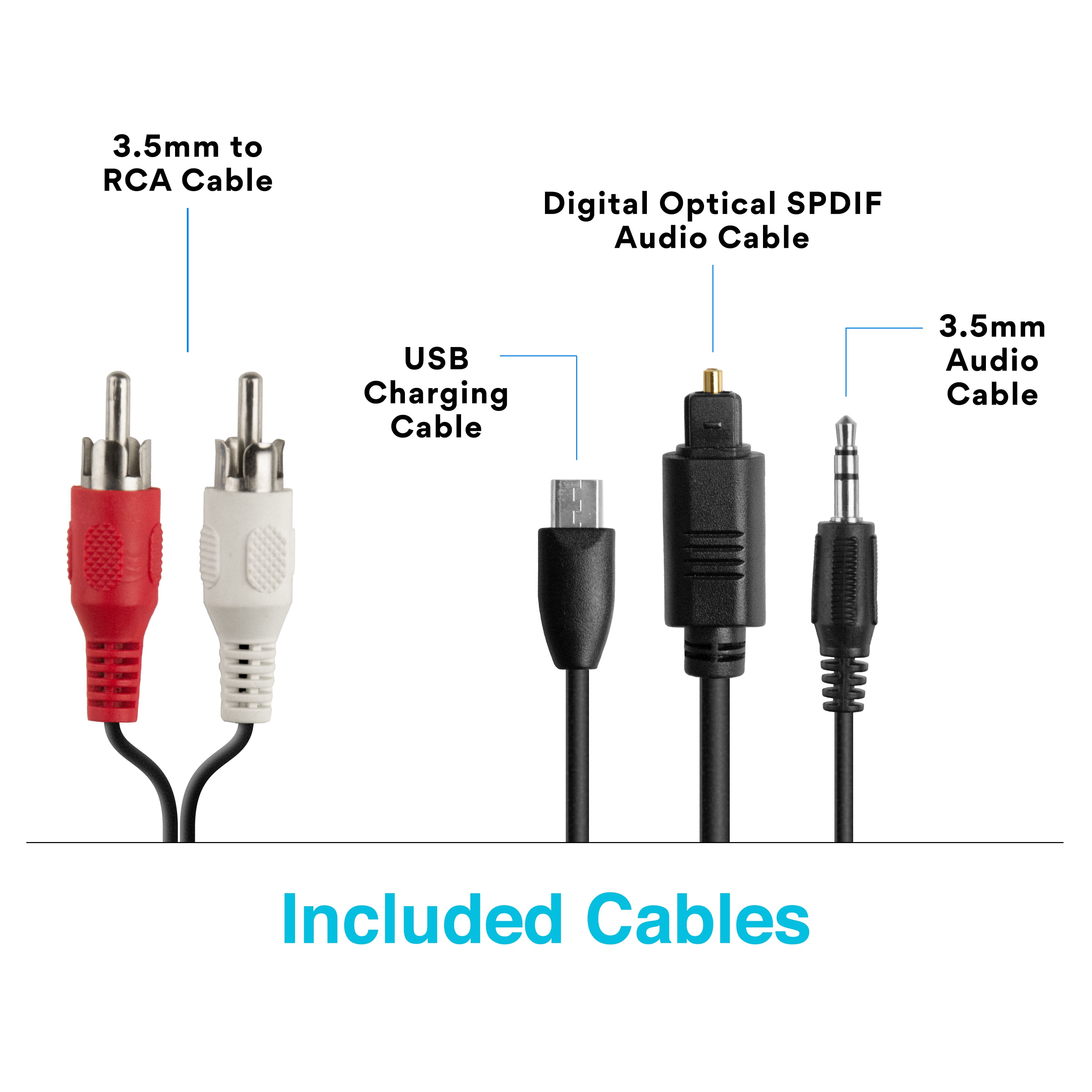
A:AnswerThis will depend on how you connected this device to your television. If you used an optical or RCA cable, the volume will be controlled using the volume up and down buttons on your Bluetooth headphones. If you used your TV's 3.5 mm headphone jack to connect this device, you will be able to use the TV remote to control the volume. If you have questions on your specific TV model or a more complicated setup, please don't hesitate to reach out to us at 626-965-1008, M-F 9:00 a.m. to 5:00 p.m PST.
A:AnswerYes, you can plug this device into a Zone 2 preamp RCA output. With a preamp out, you will not have as much volume as you would have with a more conventional audio out, and you will not be able to adjust the volume using your receiver. If you must use a preamp out, we would recommend the Connect Hub model (Best Buy Item# 6261152) instead of this unit due to its volume boost feature. Or, for even better results, you can add a small headphone amplifier to your Zone2 preamp out instead, and then then plug this device into that headphone amplifier.
A:AnswerYes, you can connect two different Bluetooth speakers to this device, plug it into your phone with a wire, and stream to both speakers simultaneously.
A:AnswerYes - as long as there is an audio output that this device can be plugged into on the media system - most likely a 3.5mm headphone jack that you can plug regular wired headphones into or the red/white RCA audio outs (they have to be outs, not ins) - you will be able to use this device to stream to 2 sets of Bluetooth headphones!
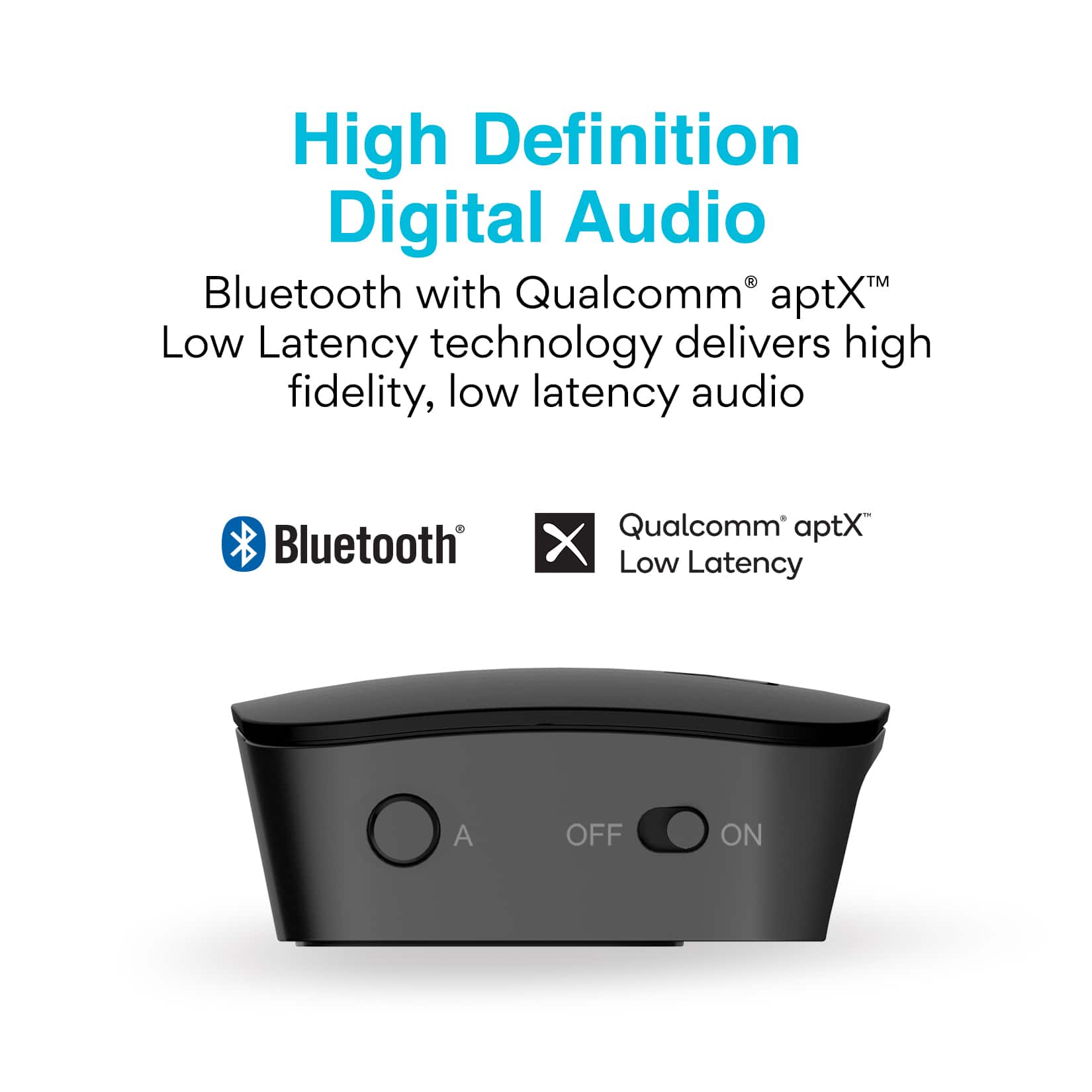
A:AnswerYes, Bluetooth encoding comes with an inherent audio delay, the exact amount of which will depend on the codec used. A codec can only be used if both the transmitter and the headphones support it. This transmitter supports the SBC codec, which is standard Bluetooth stereo audio, the Qualcomm aptX codec, and the Qualcomm aptX Low Latency codec. If your headphones support aptX Low Latency, the transmitter will use that codec. If they do not, it will try regular aptX and if that's not supported, it will default back to SBC. The approximately audio latency (delay) you can expect is 30-40 milliseconds with aptX Low Latency, 130-170ms with aptX, and over 200ms with SBC. For watching TV, the threshold is approximately 70ms - below that you won't notice a latency. However, for live drumming I suspect that it is significantly lower, so even aptX Low Latency may not be sufficient. Still, if you end up trying this device, please make sure you are using aptX Low Latency-compatible headphones for the best chance at a reasonable latency performance.