Questions & Answers
- Model:
- EP2-06820
- |
- SKU:
- 12123325
Q: QuestionHow do I prepare to transition from Microsoft 365 Office with subscription product to a Microsoft Office 2024 one-time purchase? I really only need a word processing program, not Excel, Power Point, etc. Are there other options?
Asked by Sadie.
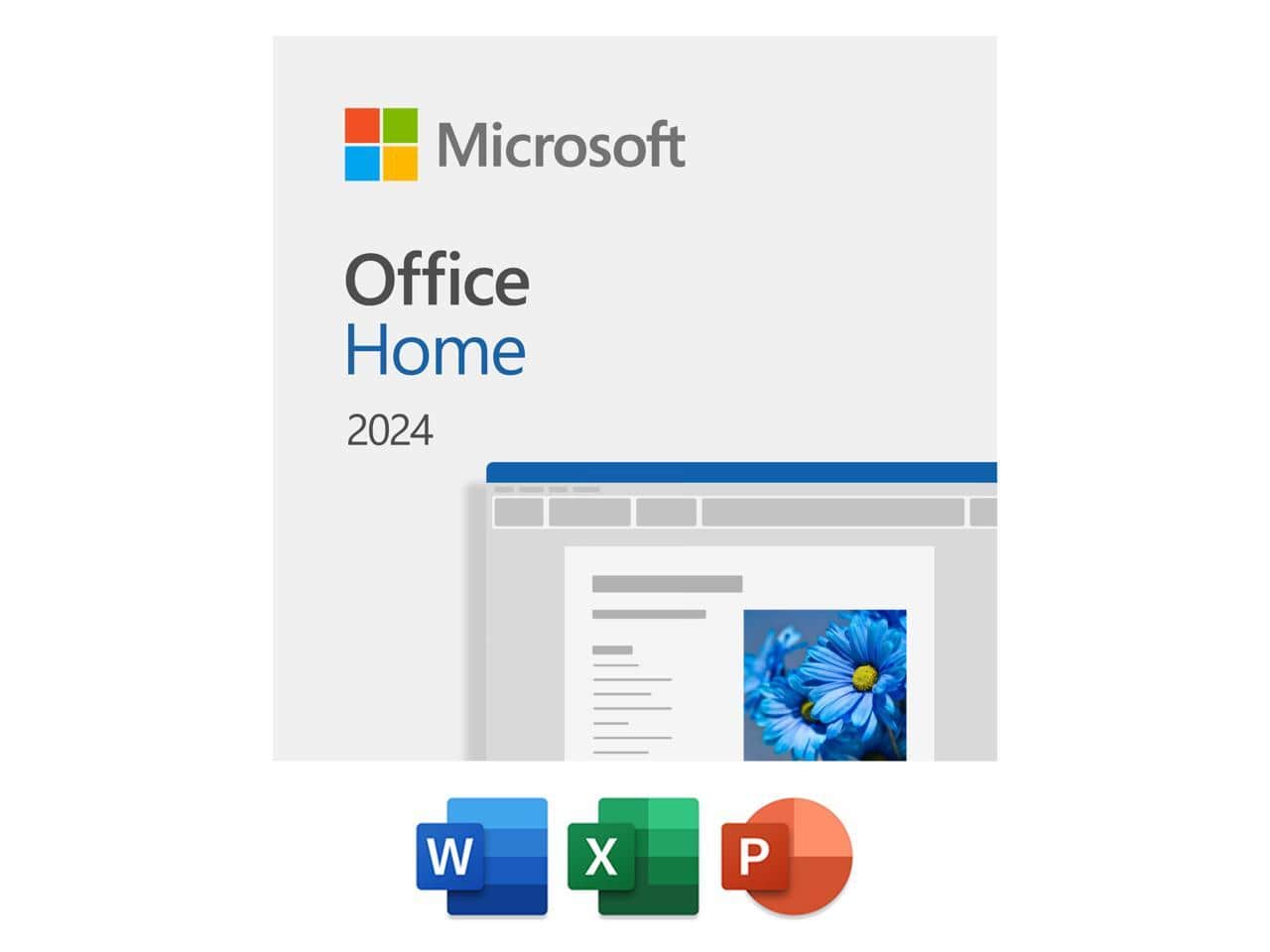
This question was asked about the related product: Microsoft - Office Home 2024 | One time purchase, 1 Device | Windows 10/11, Mac - Key Card - Windows
Q: QuestionIf I choose to get a new computer, will this program be able to transfer to my new computer? Or, do I have to buy another program?
Asked by OfficeHome.
This question was asked about the related product: Microsoft - Office Home 2024 | One time purchase, 1 Device | Windows 10/11, Mac - Key Card - Windows
- A:Answer Microsoft Home 2024 is licensed for one device at a time. If you get a new computer, you can transfer the license to the new device as long as it’s removed from the old one first. You do not need to purchase another copy, provided the license is deactivated on the previous computer. The software can be reinstalled and activated by signing in to the same Microsoft account used during the original setup.
Answered by ACSTech
Q: QuestionAre all future updates included
Asked by LarryB.
This question was asked about the related product: Microsoft - Office Home 2024 | One time purchase, 1 Device | Windows 10/11, Mac - Key Card - Windows
- A:Answer Yes, all future updates are included.
Answered by ACSTech
Q: QuestionHOW DO I ACTIVATE THE OFFICE 2024 AFTER DOWNLOAD?
Asked by SWAMPKING.
This question was asked about the related product: Microsoft - Office Home 2024 | One time purchase, 1 Device | Windows 10/11, Mac - Key Card - Windows
- A:Answer How to activate Office 2024 after download Go to https://setup.office.com Sign in with your Microsoft account (or create a new one). Click Get Started. Enter your product key. Click Redeem. Once redeemed, the product will appear under Subscriptions in your Microsoft account. Click Install and follow the on-screen instructions to complete the setup. After installation, simply open any Office app and sign in with the same Microsoft account to activate it. If you need any assistance during the process, feel free to reach out and we’ll be happy to help.
Answered by ACSTech
Q: QuestionHow long time can I use this soft?
Asked by Archi.
This question was asked about the related product: Microsoft - Office Home 2024 | One time purchase, 1 Device | Windows 10/11, Mac - Key Card - Windows
Q: QuestionShould I renew every year this product
Asked by Fred.
This question was asked about the related product: Microsoft - Office Home 2024 | One time purchase, 1 Device | Windows 10/11, Mac - Key Card - Windows
- A:Answer No, this is a one-time purchase.
Answered by ACSTech
Best-selling office software suites
- $79.95$79.95The price was $99.95
- $25.89$25.89The price was $39.99
- $19.39$19.39The price was $29.99