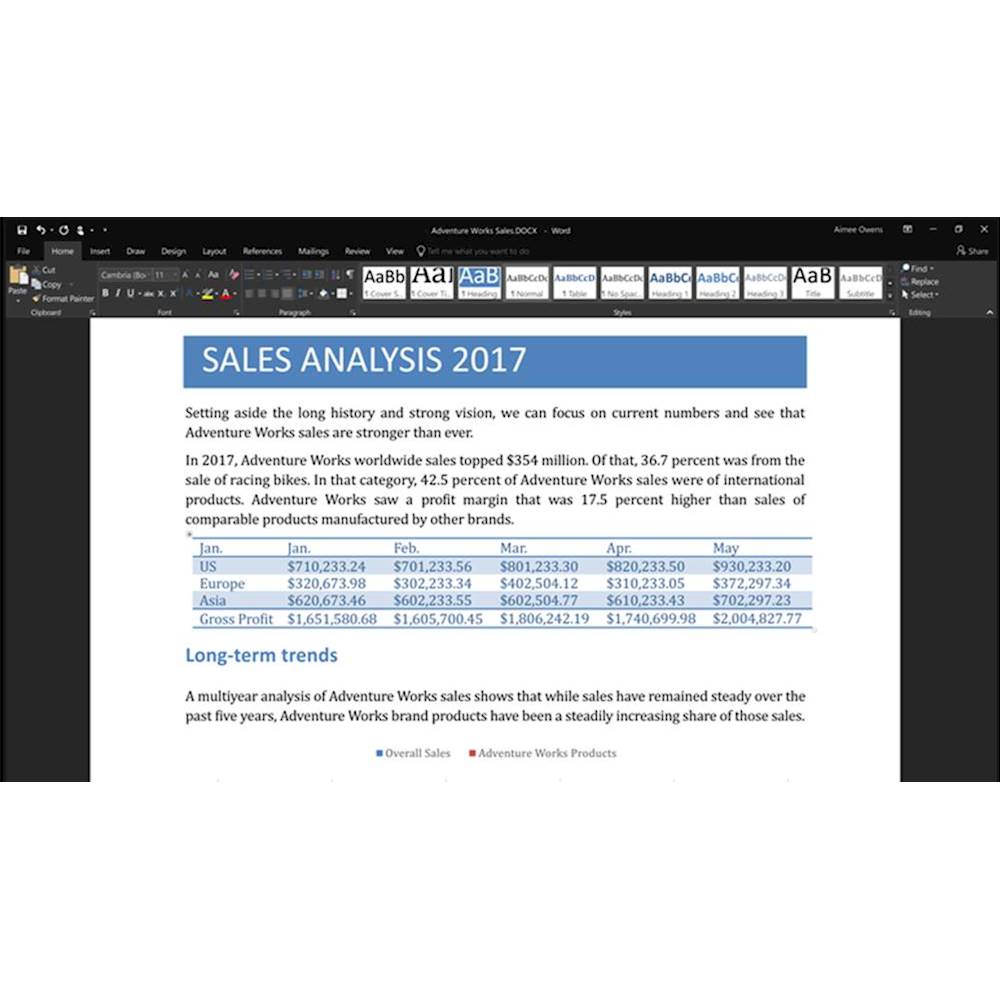
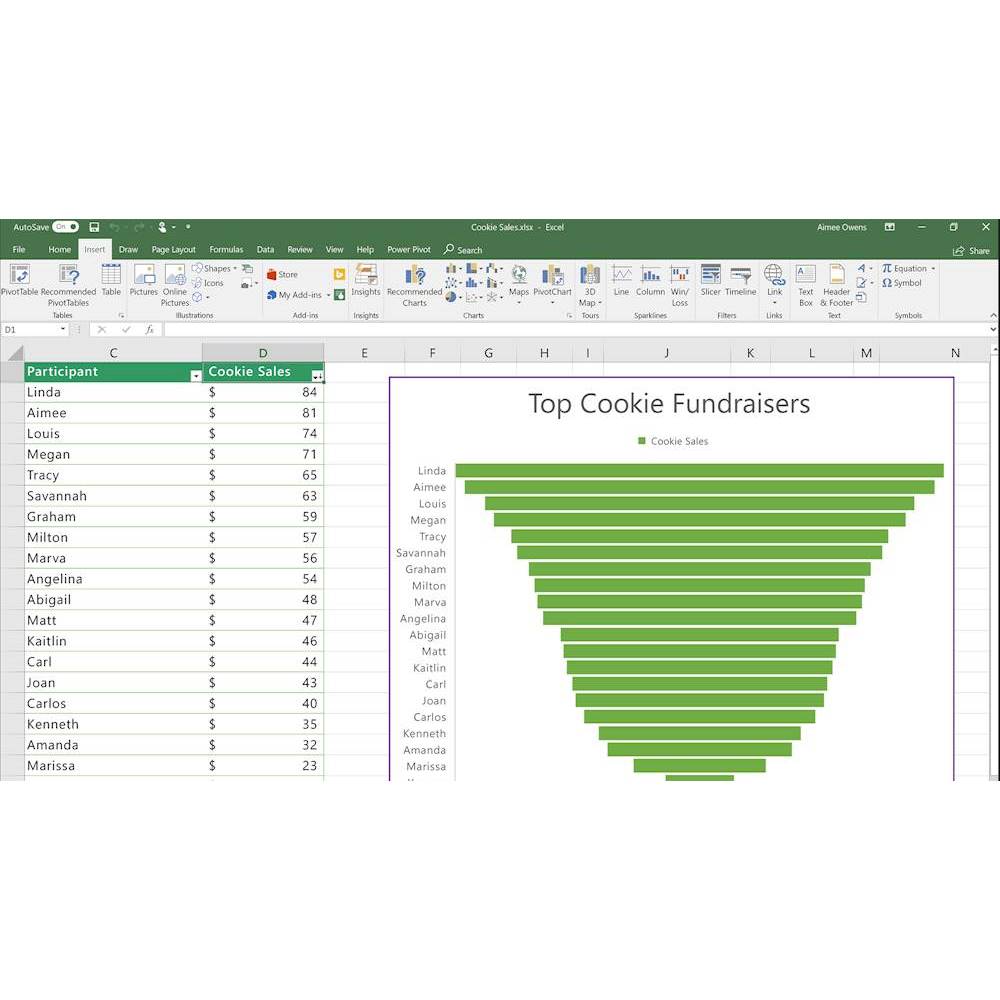
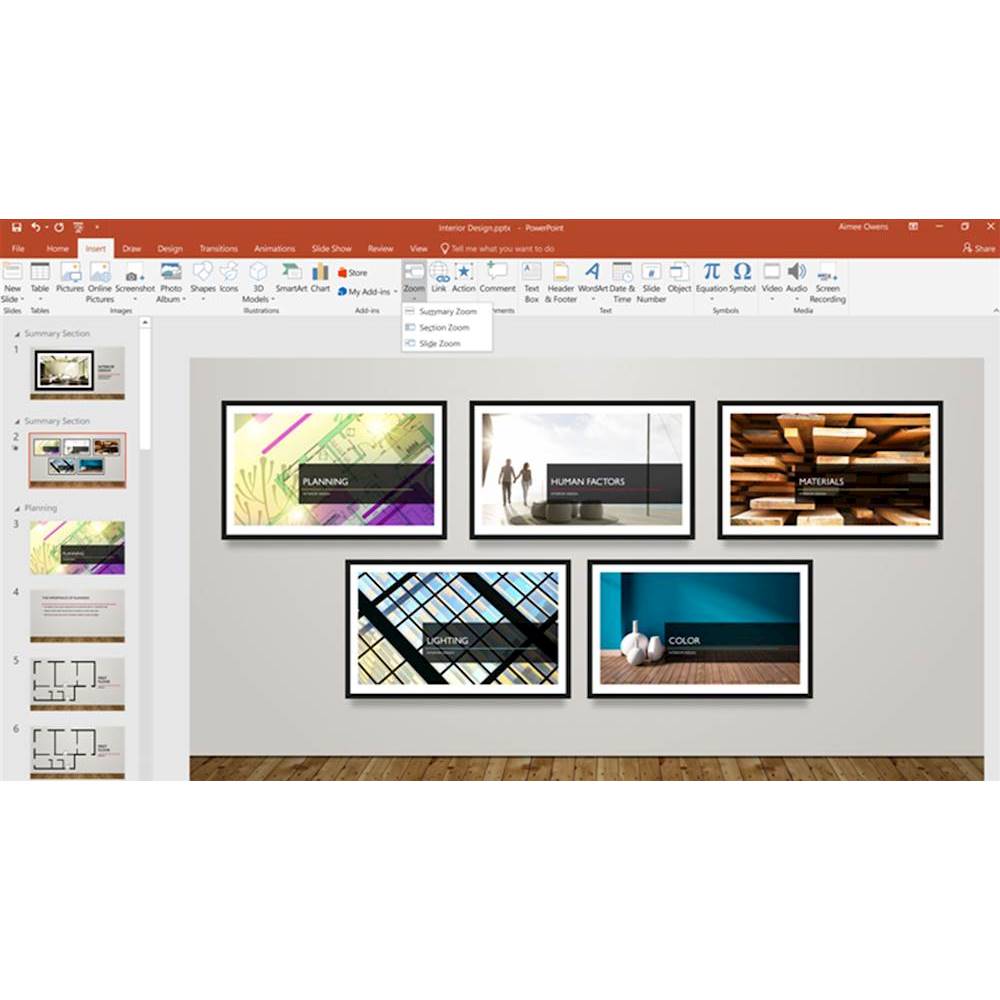
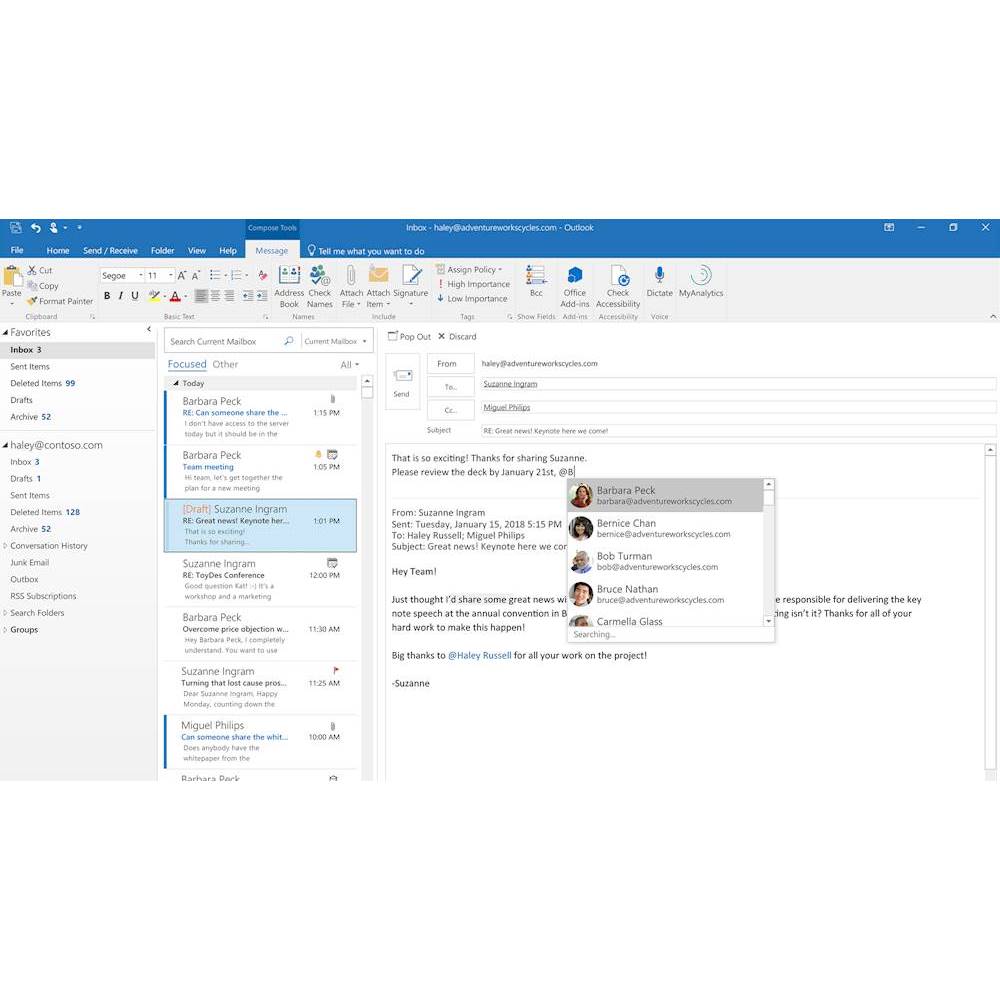
A:AnswerIt is a full version of the Microsoft Office products including Outlook. Outlook can be configured to work towards a business email server; so the package for any individual is good enough both for business (commercial) or personal use.
A:AnswerAll versions of Office Excel can make Macros. You can learn more about how to enable it here: https://support.office.com/en-us/article/quick-start-create-a-macro-741130ca-080d-49f5-9471-1e5fb3d581a8.
A:AnswerI also questioned this, as the print on the MS Office card I bought said a 32-bit system was required. I asked the salesman (pointing out I know how to use a computer, but I know nothing about their technical details). He said he was certain it would work with a 64-bit system too. He was right. It works fine for me.
A:AnswerIf you are referring to the free trial of Office 365 that comes with Windows 10, then you will need to install Office Home and Business 2019 since it is a different version of Office. If your computer already has Office Home and Business 2019 installed then you can simply activate it with the product key.
A:AnswerYou can find our macOS support specs here: https://support.office.com/en-us/article/microsoft-os-requirements-for-office-2019-for-mac-and-office-365-for-mac-16b8414f-08ec-4b24-8c91-10a918f649f8.
A:AnswerUntil recently I was using Office 2016 (one time purchase) on a Mac and never had a problem using the products purchased one time or updating the software. I believe you will be able to use it until Microsoft stops supporting it or when your OS no longer supports it (which is what generally happens with a Mac).