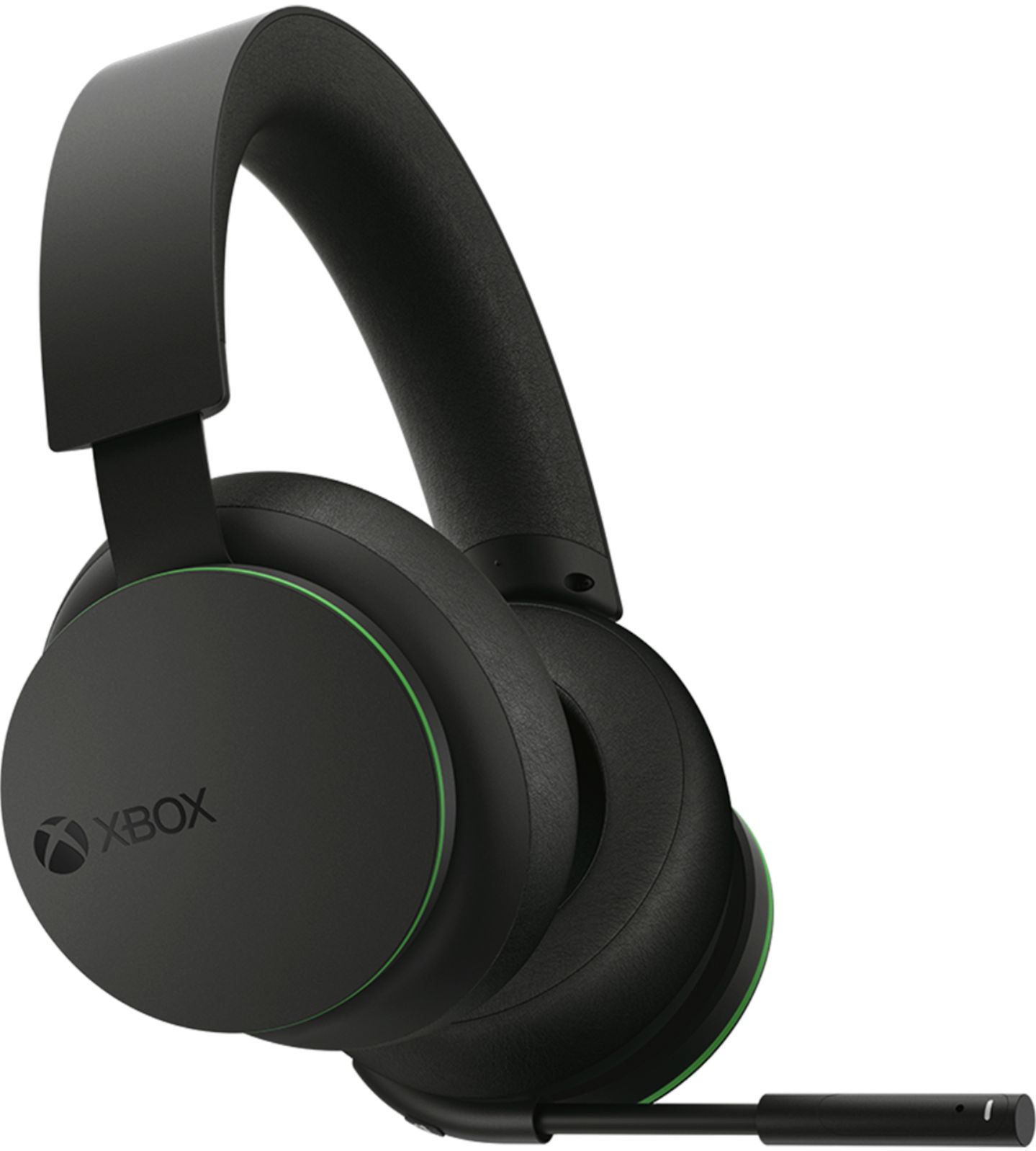
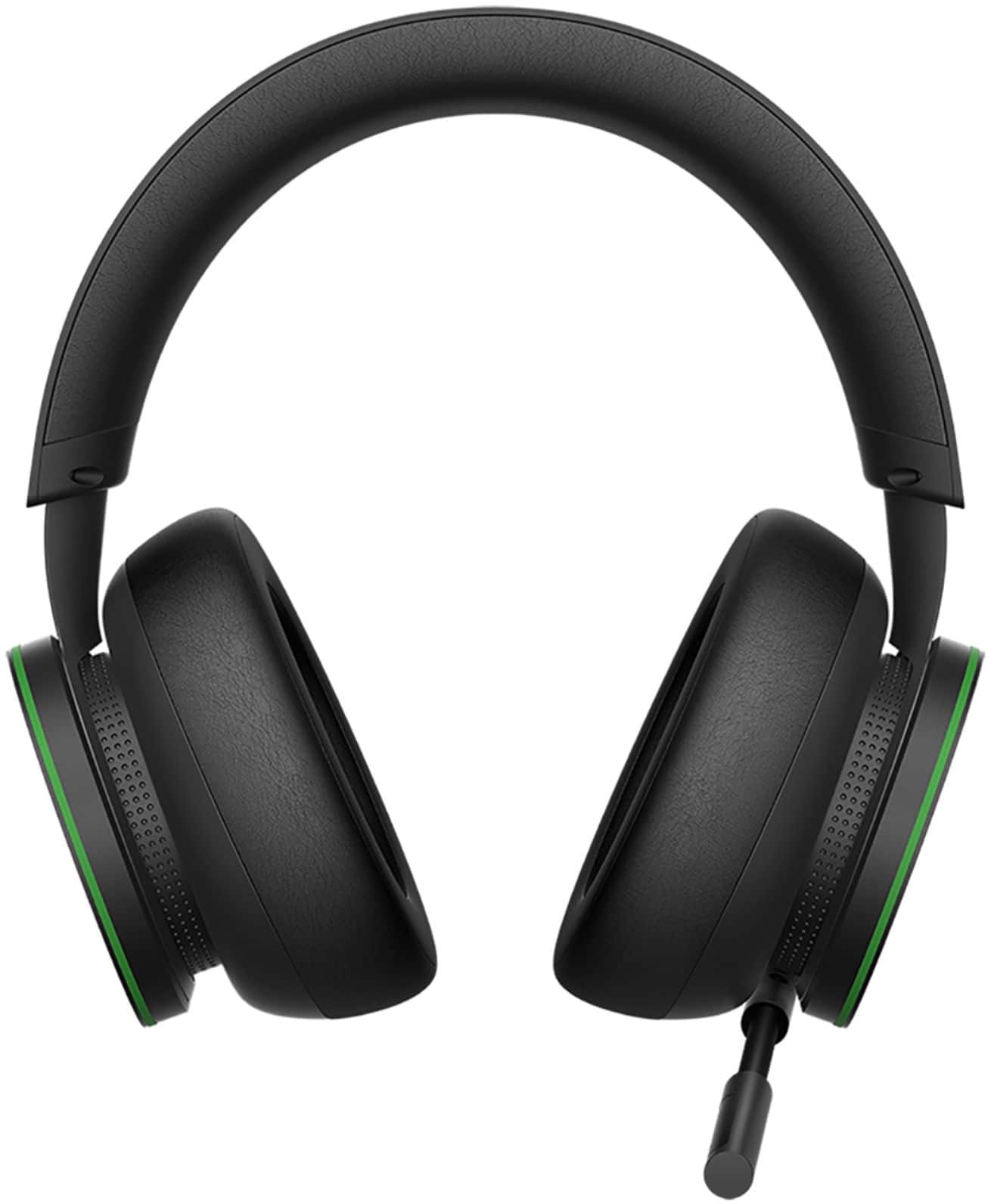
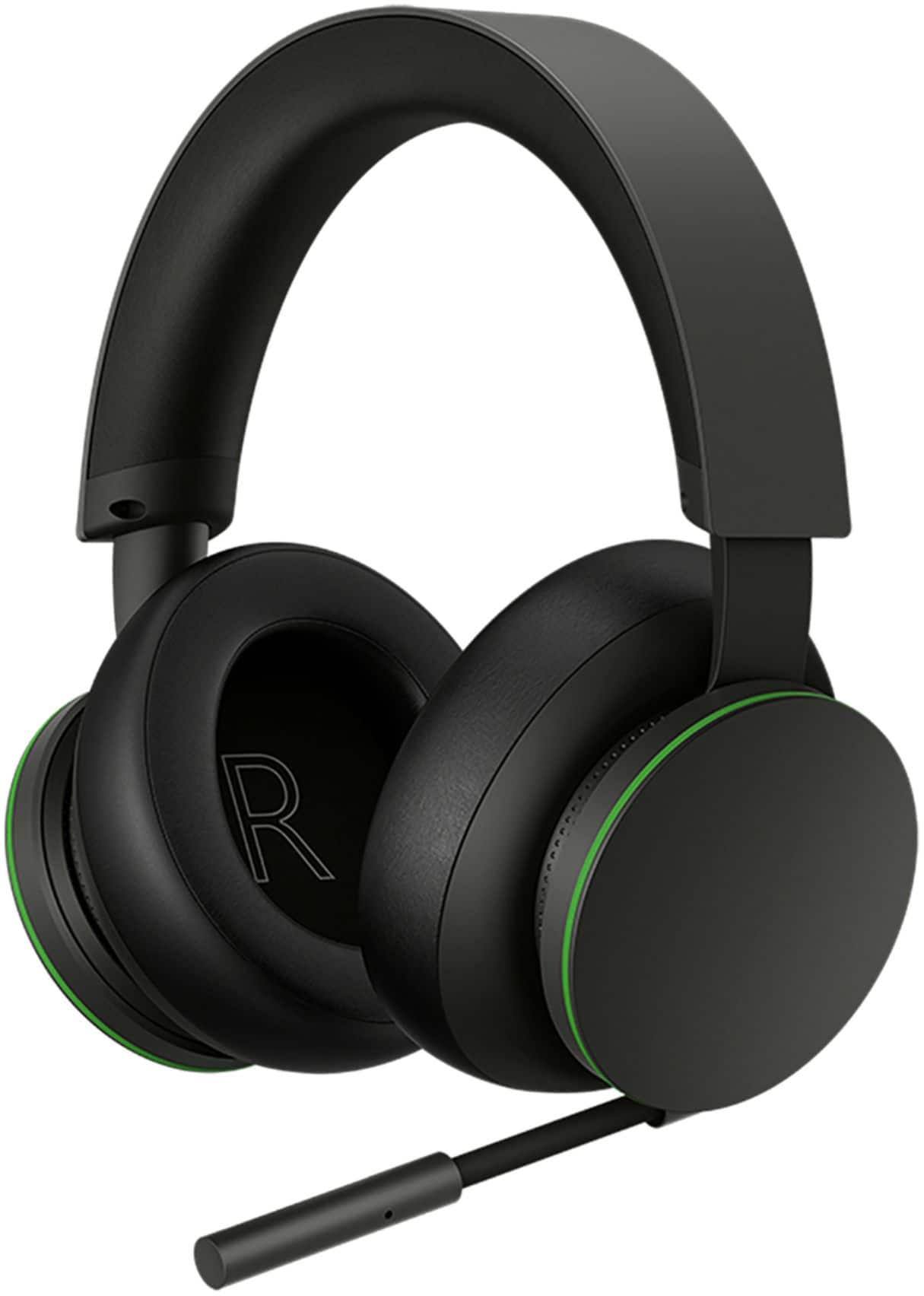
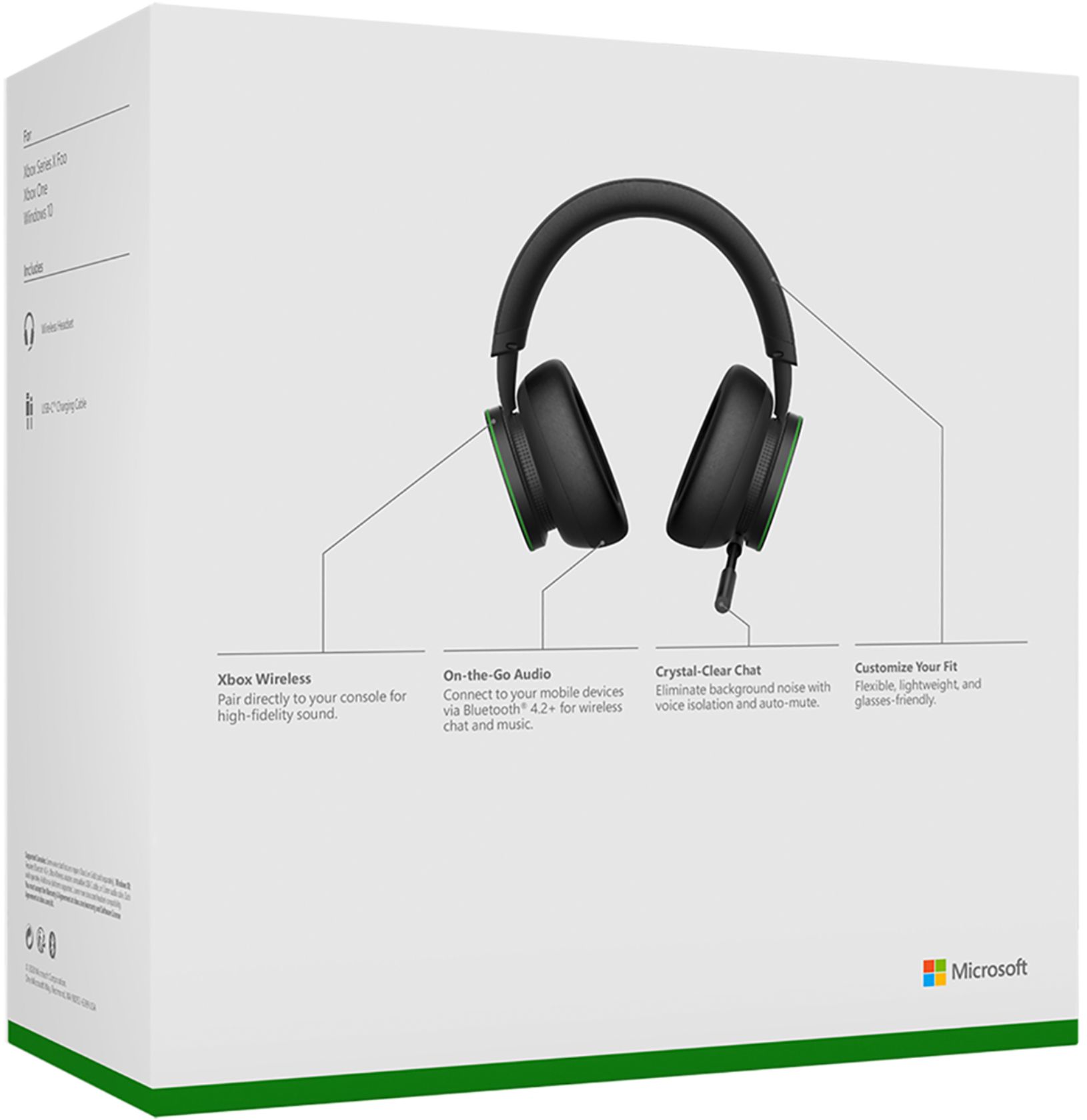
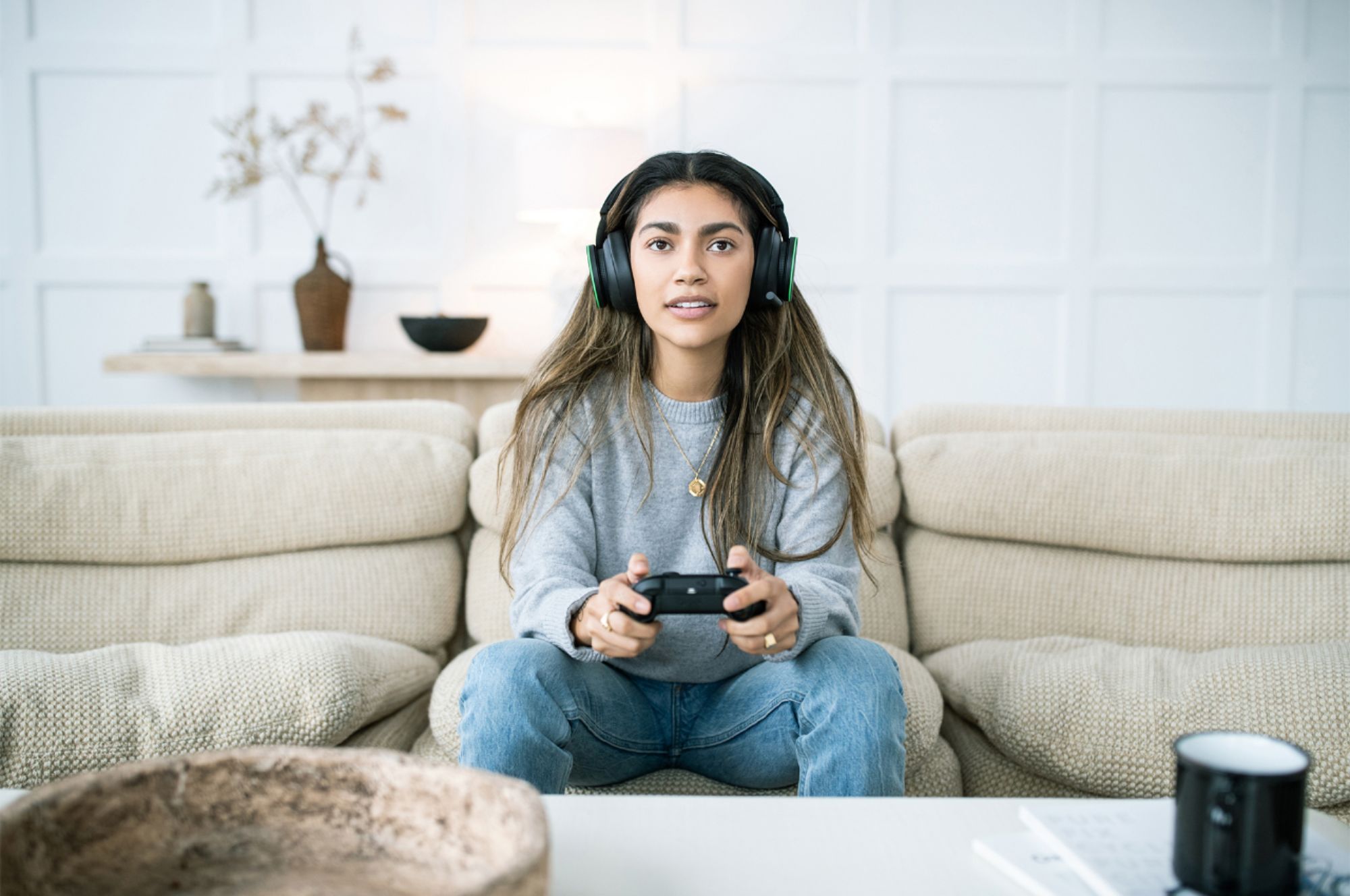
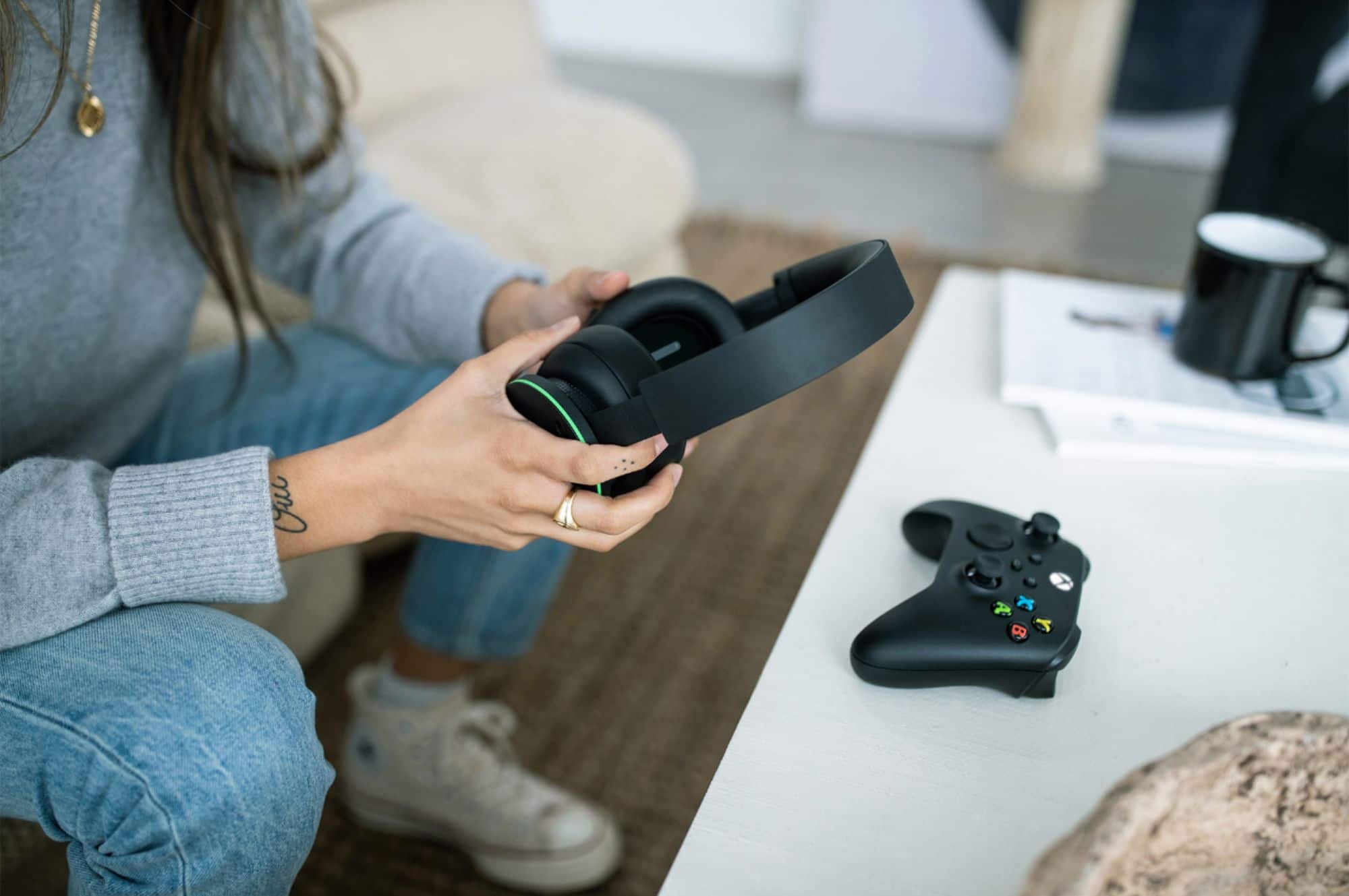
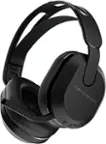
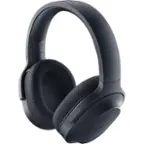
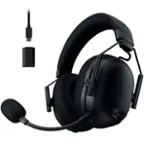
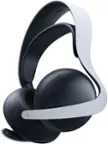
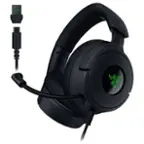
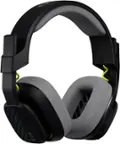
A:AnswerThese sync to the XBOX using the proprietary XBOX sync technology as they are developed by XBOX AND MICROSOFT. Its as easy as turning them on, hitting the sync button on the XBOX the very first time and then just autoconnects when powered on everytime after that. This headset also has not given any of the distortion that other brands are reported to give when their connection to the console is conflicting with the controllers connection.
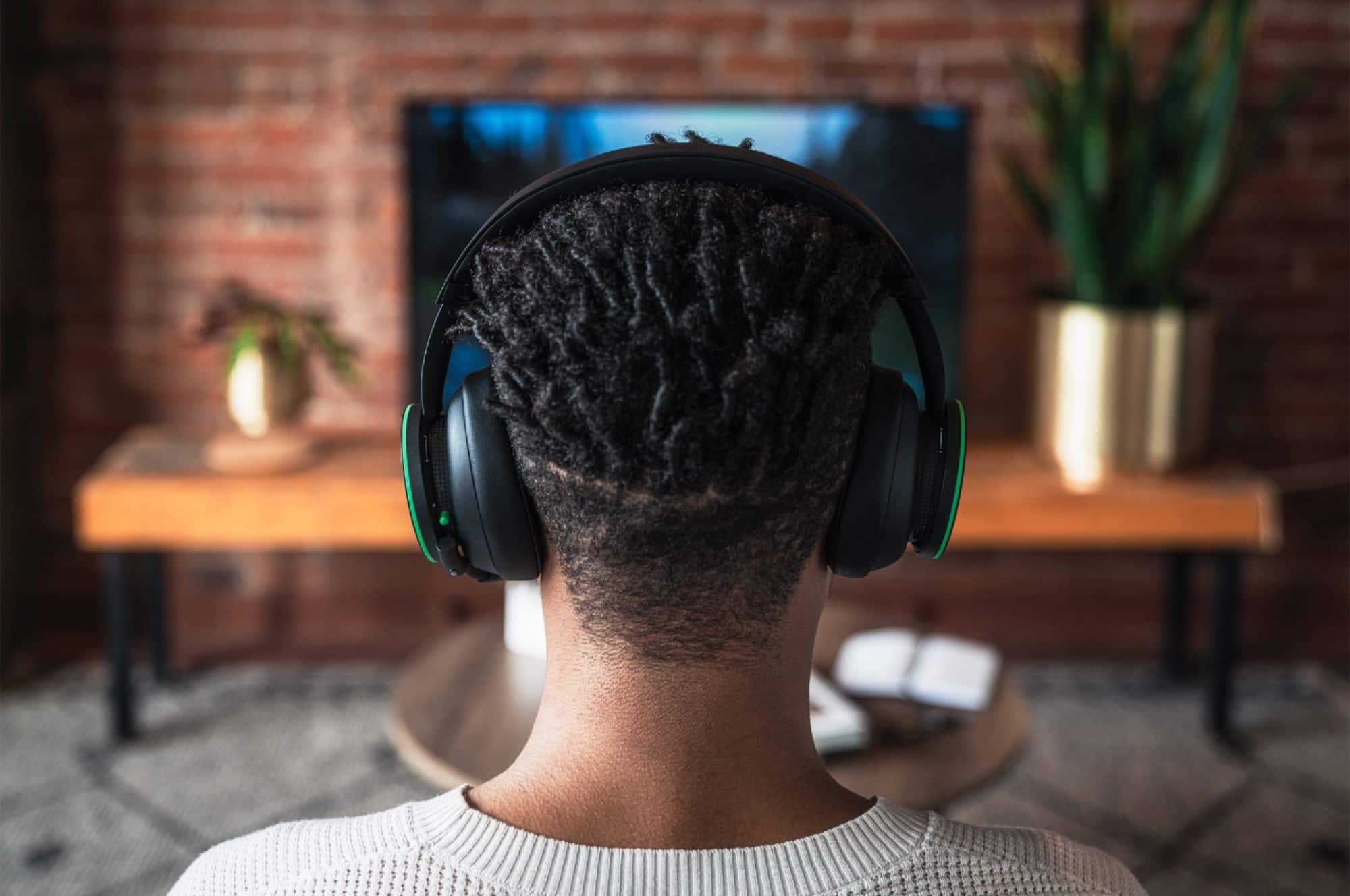
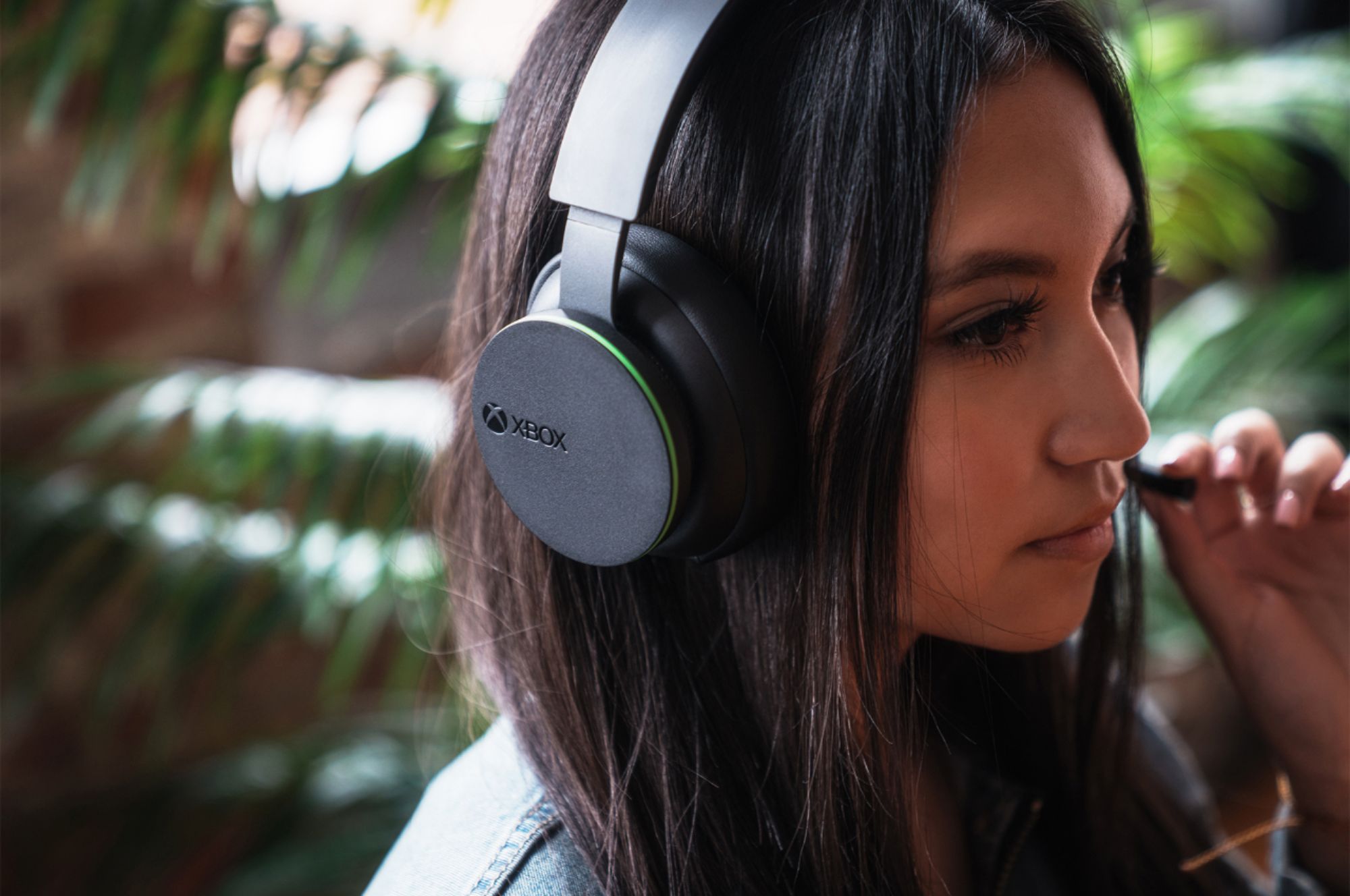
A:AnswerThey are about 8.5 inch from center to ear cup on my child but they are adjustable as well. So I would say they fit anyone from center to ear cup measuring from 5.5 inch to almost 9 inches.
A:AnswerI talk with one of the employees at the store and they order it for me online, so I just have to wait for them like a week or 2 and pick it up at the store
A:AnswerI use my headset on my PC via USB-C no problem. It's as easy as plugging in the cord to the pc, plugging it into the headset, turning on the headset, and waiting for the sound it makes to show its connected. Just make sure the microphone settings are selected to come from the headset.
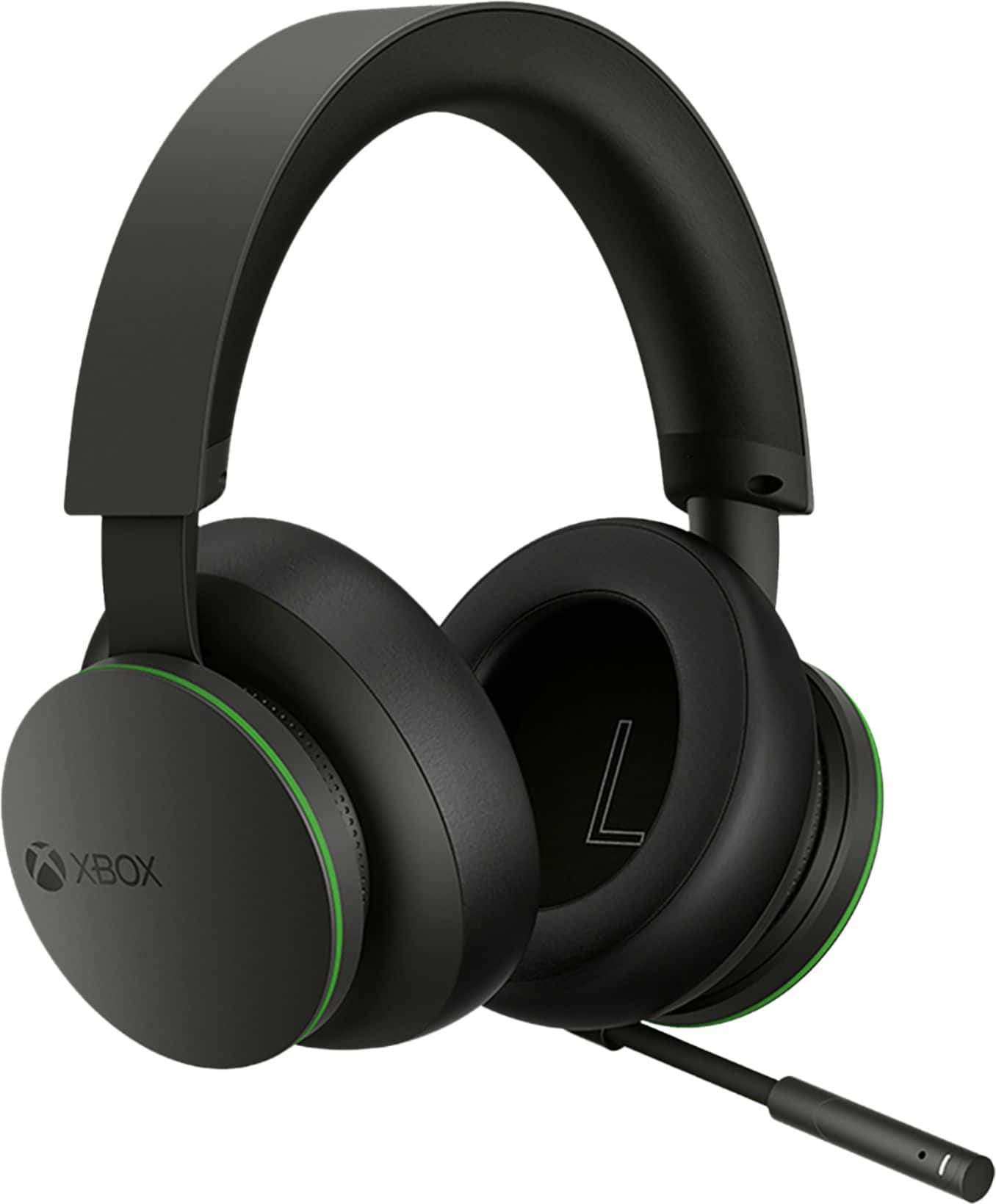
A:AnswerI believe it could work with to many process like buying a USB Bluetooth and adjusting the set-up. Is a hassle.
My suggestion get another headset that compatible to the TV or other devices.
A:AnswerSeems to be the same issue with all headsets playing backwards compatible xBox 360 - over modulation of the mic with ANY headset I've tried. It would appear to be a software issue on the console itself (S/X series)
A:AnswerSame way you connect an Xbox controller. Hit the button on Xbox that you use to pair device. Then hold the power button on to get the headphones on. Then hold it again until flashing. They pair just like the controller
A:AnswerNot sure continuous use but I’ve played for a couple hours a day for about a week until they died. Easiest thing to do is plug into USB on console every night