A:AnswerYes you can use it with the iPhone. You will have to buy a lighting to HDMI connector. This can be purchased at Best Buy also. It is a little pricey, but that connector also works for your tv at home, game systems and any other device that has a HDMI port.
A:AnswerIf you laptop has a Mini Display Port, Display Port, Thunderbolt port, USB-C video port, or VGA port , you can use an adapter to connect your laptop.
A:AnswerIt's compatible with any system that has an HDMI out. An old laptop running Windows XP likely does not. There may be an adapter available to go from VGA to HDMI. but if there is no HDMI Port you can't connect the projector to it.
A:AnswerI am not sure about the j-7, but we are having problems finding the micro USB to HDMI adapter. I believe we are going to upgrade to the wireless one so we no longer have any of the issues with all these cords
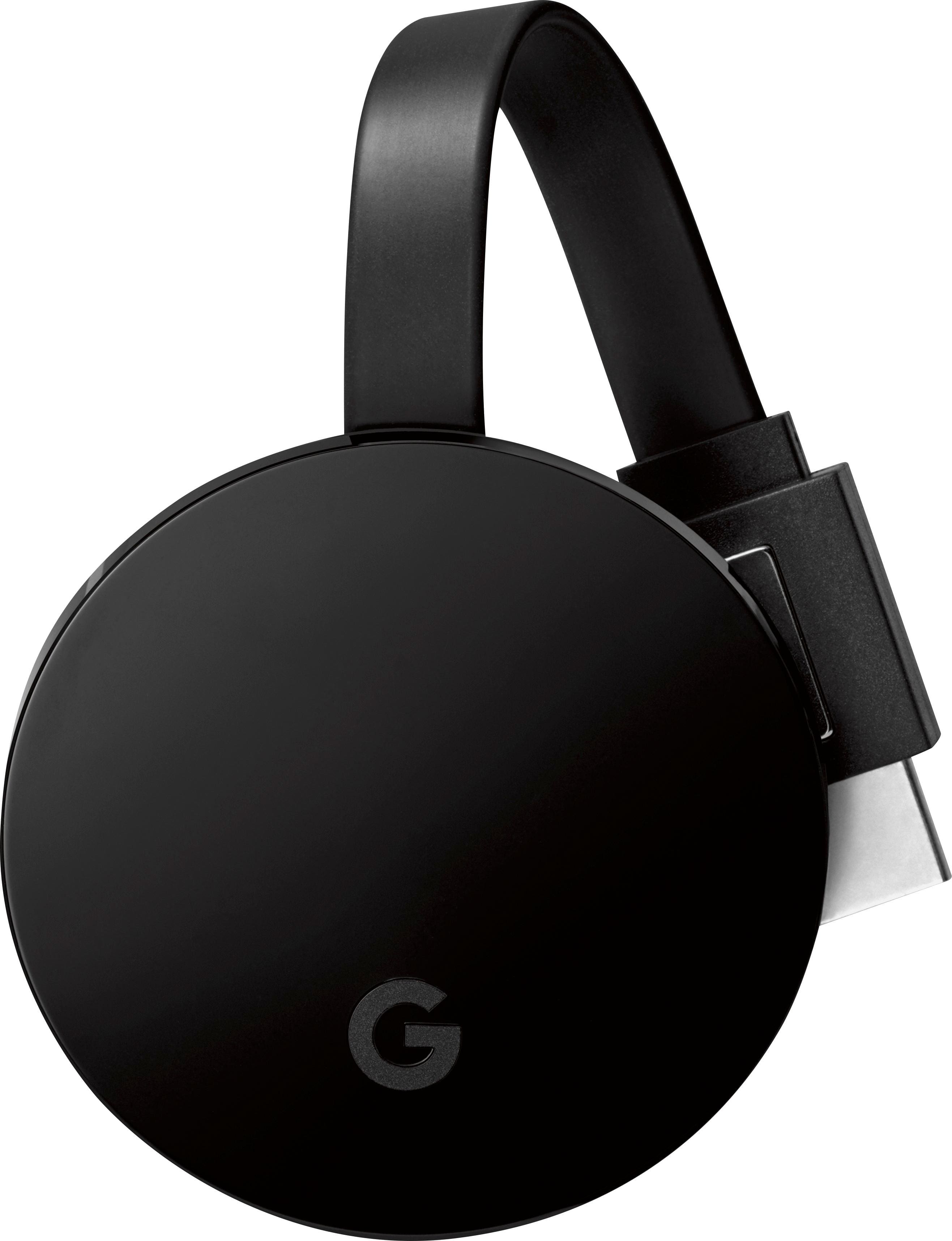
A:AnswerThe LG G5 doesn't support video out on the phone port, so it won't provide a video out signal to any projector. You would need a wireless HDMI adapter (like a Chromecast) to connect.
A:AnswerThere is no way that I know of to enhance the quality of the projection image. This is a less expensive model that doesn't allow for adjustments.